lights AUDI A8 2011 Service Manual
[x] Cancel search | Manufacturer: AUDI, Model Year: 2011, Model line: A8, Model: AUDI A8 2011Pages: 302, PDF Size: 76.07 MB
Page 122 of 302

120 Advanced Parking System
Switching on and off
Applies to vehicles: with park ing system advanced
The rear view camera switches on automati
cally together with the acoustic and visual
park assist when you put the vehicle in re
verse.
Fig. 128 Ce nter console: Park ing system swi tc h
Fig. 129 MMI disp lay: v isual distance d isplay
Switching on
,. Switch the MMI on
,. Act ivate
comfort or auto mode in Audi dr ive
select
¢page 106.
,. Shift into reverse or
,. Press the switch
P,qi in the center console
¢
fig. 128 . A short confirmation tone
sounds and the ind icator light in the sw itch
lights up.
Switching between the rear view camera
and visual display
,. Press the Graphic control button
¢
page 121, fig . 130 ® to see the visual
display .
,. Press the
Rearview control button to see the
rear view ca mer a image
¢ fig . 129 .
Switching off
,. Drive faster than 6 mph (10 km/h), or ,.
press the switch
P,#A or
,. switch off the ignition.
Segments in the visual display
The red segments in front of and behind the
vehicle ¢
fig. 129 help yo u to determine the
distance between you and an obstacle. As
your vehicle comes closer to the obstacle, the segments move closer to the vehicle . The col
li sion area has been reached when the next to
last segment is displayed . Do not continue
driv ing farther ¢
A in General Information
on page
119!
A WARNING
- The MMI display cannot show, or cannot
adequately show, ce rtain objects (such as
small posts or grating), recesses in the
g round and protruding parts on another
car .
- Only use the rear view camera to assist
you if it shows a good, clear pict ure. For
examp le, the image may be affected by
the sun shining into the lens, dirt on the
lens or if there is a defect.
- Use the rear view camera on ly with the
rea r lid comp lete ly closed . Make su re any
objects you may have mounted on the
rear lid do not block the rear view cam
era.
(D Tips
- The sensors must be kept clean and free
of snow and ice for the park assist to op
erate.
- If your vehicle is near an obstacle, an ad
ditional visual indicator appears in the
rearview camera image. This superim
posed image is there to help you to de
termined which area of the vehicle is af
fected .
- You can change the volume and pitch of
the signals as well as the display
¢page 122.
-What appears in the display is time-de
layed .
Page 126 of 302
124 Homelink®
Homelink®
Universal remote
control
General information
Applies to vehicles: with Home link® universal remote
control
The Homelink universal remote control can
be programmed with hand -held transmitters
from existing equipment.
Using the Homelink universal remote control,
you can operate equipment such as garage
doors, property gates and house lights from
ins ide your vehicle .
Using the Homelink universal remote control,
you can replace up to three separate hand
held transmitters for equipment on your
property with just one universal remote con
trol. Most of these transmitters are used to
ope rate ga rage doo rs and property gates. The
individual transmitters are programmed at
the front bumper. That is where the control
module is located.
The transmitters must be programmed first in
order to operate systems using the Homelink
universal remote control.
.&_ WARNING
-
-Never use the Homelink ® transmitter
with any garage door opener that does have not the safety stop and reverse fea
ture as required by federal safety stand
ards . This includes any garage door open
er model manufactured before April 1, 1982.
- A garage door opener which cannot de
tect an object, signa ling the door to stop
and reverse does not meet current feder
al safety standards . Using a garage door
opener witho ut these features increases
risk of serious injury or death.
- For safety reasons never release the
parking brake or start the engine while
anyone is standing in front of the vehicle .
- A garage door or an estate gate may
sometimes be set in motion when the Homelink
® remote control is being pro
grammed. If the device is repeatedly ac
tivated, this can overstrain motor and
damage its electrical components - an
overheated motor is a fire hazard!
- To avoid possible injuries or property
damage, please always make absolutely
certain that no persons or objects are lo
cated in the range of motion of any
equ ipment being operated.
(D Tips
- If you would like additional information
on the Homelink ® Universal Transceiver,
Homelink compatible products, or to
purchase other accessories such as the
Homelink ® Light ing Package, please
contact Homelink at 1-800 -355-3515 o r
on the Internet at www.homelink .com.
- For Declaration of Comp liance to United
States FCC and Industry Canada regula
tions ¢
page 286.
Page 139 of 302
Safety belts
General notes
Always wear safety belts!
Wearing safety belts correctly saves lives!
This chapter explains why safety belts are nec
essary, how they work and how to adjust and
wear them correctly.
~ Read all the information that follows and
heed all of the instructions and WARNINGS.
A WARNING
Not wearing safety belts or wearing them
improperly increases the risk of serious
personal injury and death .
- Safety belts are the single most effective
means available to reduce the risk of se
rious injury and death in automobile acci
dents . For your protection and that of
your passengers, always correctly wear
safety belts when the vehicle is moving.
- Pregnant women, injured, or physically
impaired persons must also use safety
belts. Like all vehicle occupants, they are
more likely to be seriously injured if they
do not wear safety be lts . The best way to
protect a fetus is to protect the mother -
throughout the entire pregnancy.
Number of seats
Your Audi has a total of five seating positions:
two in the front and three in the rear. In some
vehicles, there are four seat ing positions : two
in the front and two in the rear. Each seating
position has a safety belt .
A WARNING
Not wearing safety belts or wearing them
improperly increases the risk of serious
personal injury and death .
- Never strap more than one person, in
cluding small chi ldren, into any belt. It is
especially dangerous to place a safety
belt over a child sitting on your lap.
Safety belts 13 7
-Never let more people ride in the vehicle
than there are safety belts available.
- Be sure everyone riding in the vehicle is
properly restrained with a separate safe
ty belt or child restraint.
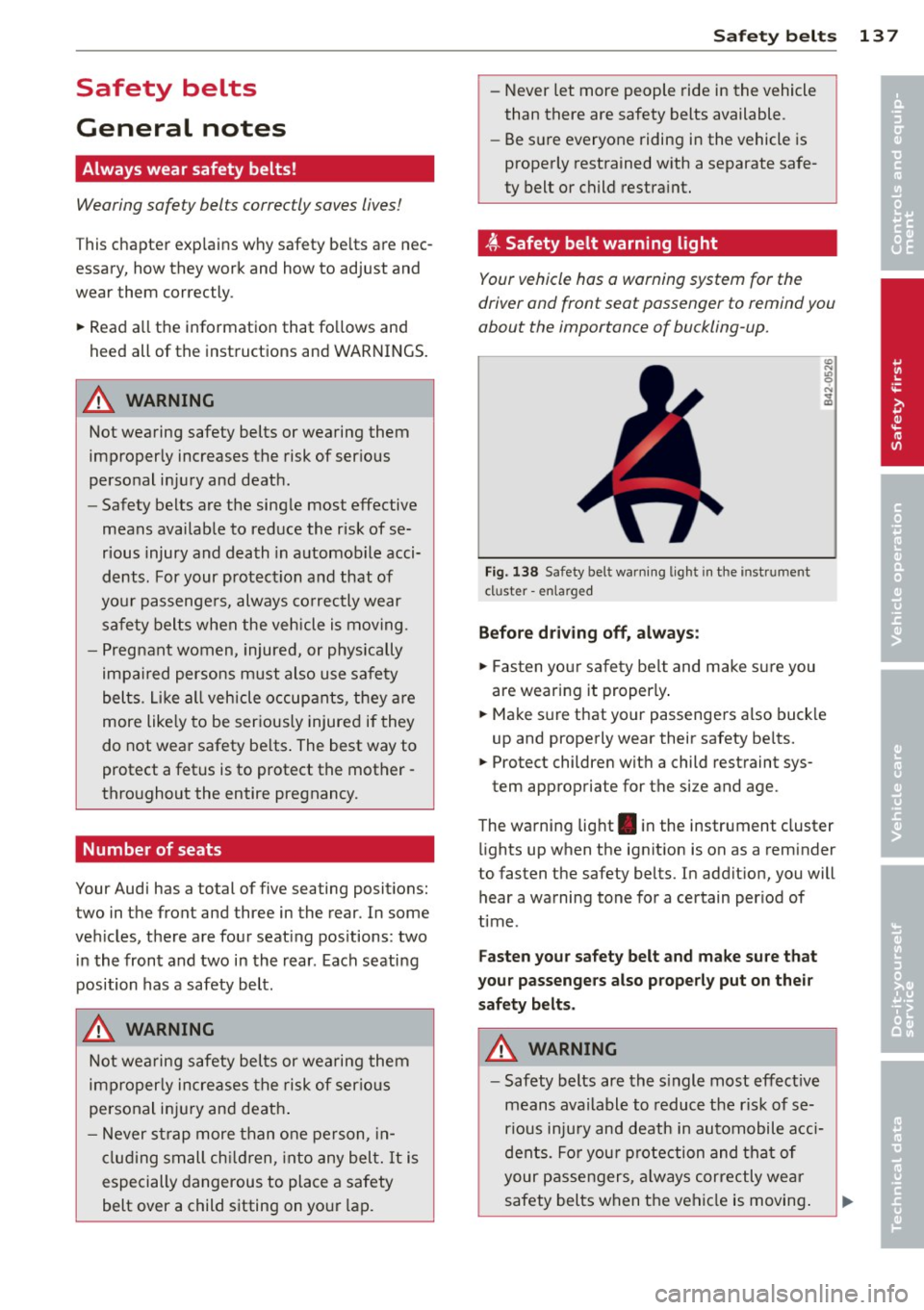
~-Safety belt warning light
Your vehicle has a warning system for the
driver and front seat passenger to remind you
about the importance of buckling-up.
Fig. 138 Safety bel t warning light in the instrument
cl uster -enla rged
Before driving off, always:
~ Fasten your safety belt and make sure you
are wearing it properly .
~ Make sure that your passengers also buck le
up and properly wear their safety belts.
~ Protect children with a child restraint sys-
tem appropriate for the size and age.
The warning light . in the instrument cluster
lights up when the ignition is on as a reminder
to fasten the safety belts. In addition, you will
hear a warning tone for a certain period of
time .
Fasten your safety belt and make sure that
your passengers also properly put on their
safety belts.
A WARNING
- Safety belts are the single most effective
means available to reduce the risk of se
rious injury and death in automobile acci
dents. For your protection and that of
your passengers, always correctly wear
safety belts when the vehicle is moving. •
•
Page 202 of 302

200 Driving and en vi ro nm ent
Avoid full throttle
Driving at moderate speeds saves fuel and
improves your mileage .
"'Try and keep well below your car 's maximum
speed.
Accelerating gently reduces fuel consump
tion, engine wear, and does not disturb the
environment. F ue l consumption, exhaust em issions and en
gine noise increase disproportionately at high
speeds. If you drive at approximately three
quarters of top speed, fue l consumption will
be reduced by one half. Never drive faster
than the posted speed limit and weather con
d itions permit .
Reducing unnecessary idling
Even when your car is just idling it burns up
fuel.
"'Shut the engine off when you are not driving
the vehicle .
"'Do not warm up the veh icle by letting the
engine run at idle .
It makes sense to shut
off the e ngine in traff ic
jams, when waiting for trains to pass at ra il
road crossings , or at traff ic lights that have
long wa its on red. Turning the engine
off fo r
just
30-40 seconds saves more fue l than is
burned s tarting the eng ine again .
It takes a long time for the engine to warm up
fully when it is running at idle . Howeve r, wear
and noxious em issions are especially high
when the engine is warming up. So you should
drive away as soon as you start the engine and
avoid running at high rpms while the engine is
still warming up .
([) Note
Do not leave engine idling unattended af
ter starting . If warning lights should come
on to indicate improper operation, they
wou ld go unheeded. Extended idling also
produces heat, which cou ld result in over- heating or other damage to the vehicle or
other property .
Regular maintenance
A badly tuned engine unnecessarily wastes a
lot of fuel.
"' Have your ve hicle serviced at reg ular inter -
vals.
By having your veh icle regu larly serviced by an
Audi dealer he lps to ensure that it runs p rop
erly and economically. The condition of your
vehicle not only affects its sa fety and ability to
hold its value, it also affects
fuel c onsump
tion .
Check your oil e ach time you fill your t ank .
The amount of oil used is related to engine
load and speed .
It is normal for the oil consumption of a new
engine to reach its lowest value after a certa in
mileage has been driven.
You must drive your veh icle about 3,000 m iles
(5,000 kilometers) before you can properly
assess oil consumpt ion.
This also app lies to fue l consumption and en
gine output.
(D Note
- Have your vehicle maintained proper ly
and in accordance with the service rec
ommendations in your Warranty
& Main
tenance booklet. Lack of proper ma inte
nance as well as improper use of the ve
hicle will impair the function of the
em iss ion contro l system and cou ld lead
to damage.
- Do not alter or remove any component of
the Emission Control Sys tem unless ap
proved by the manufacture r.
- Do not alte r or remove any device, such
as heat sh ie lds, switches, ign it ion w ires,
valves, which are designed to protec t
your vehicle's Emission Control System
and other impo rtant vehicle compo
nents .
Page 204 of 302
202 Trailer towing
Trailer towing
Driving with a trailer
General information
Your Audi was designed primarily for passen
ger transportation .
If you plan to tow a trai ler, please remember
that the additional load will affect durability,
economy and performance .
Trailer towing not on ly places more stress on
the vehicle, it also calls for more concentra
tion from the driver.
For this reason, always fo llow the operating
and driving instructions provided and use
common sense.
(D Note
If you are going to tow a trai ler, you must
activate the trailer operation mode
i::> page 202, Operating instructions .
Technical requirements
Trailer hitch
Use a weight-carrying hitch conforming to the
gross trailer weight. The hitch must be suita ble for your vehicle and trailer and must be
mounted securely on the veh icle's chassis at a
technically sound location. Use only a trailer
hitch with a removable ball mount. Always
check with the trailer hitch manufacturer to
make sure that you are using the correct
hitch.
Do not use a bumper hitch.
The hitch must be installed in such a way that
it does not interfere with the impact-absorb
ing bumper system. No modifications should
be made to the vehicle exhaust and brake sys
tems. From time to time, check that all hitch
mounting bolts remain securely fastened.
When you are not towing a trailer, remove the
trailer hitch ball mount. This prevents the
hitch from causing damage should your vehi
cle be struck from behind~ &.
Trailer brakes
If your trailer is equipped with a brak ing sys
tem, check to be sure that it conforms to all
regulations.
T he trailer hydraulic brake system must not be
direc tly connected to the vehicle's hydraulic
brake system .
Safety chains
Always use safety chains between your veh icle
and the tra iler.
Trailer lights
Trailer lights must meet all regulations. Be
sure to check with your Audi dealer for correct
wiring, switches and relays.
Mirrors
If you are unable to see the traffic behind you
using the regular outside mirrors, then you
must install extended mirrors. It is important
that you
always have clear v is io n to the rear .
A WARNING ,~ -
After removing the trailer hitch, do not
store it in your vehicle. In case of sudden
braking, the hitch could fly forward and in
jure you or your passengers.
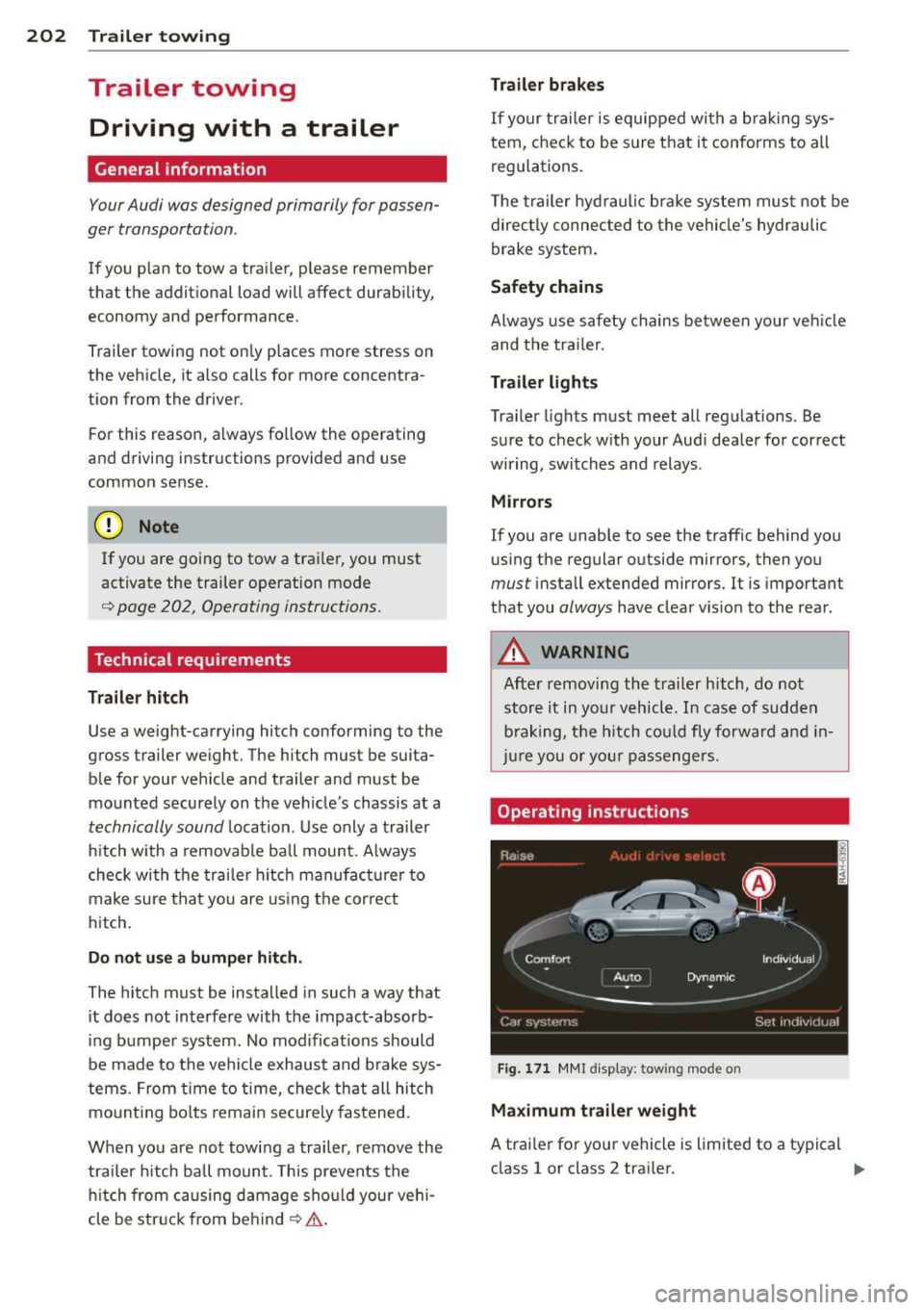
Operating instructions
Fig. 171 MMI display : tow ing mode on
Maximum trailer weight
A trailer for your vehicle is limited to a typical
class 1 or class 2 trailer. .,.
Page 205 of 302
Trailer lo ad di stri bu tion
Be s ure the load in the trai ler is held securely
in place to prevent it from shifting forward,
backward or sideways.
N eve r allow a p assenger to rid e in a tr ailer
,=:, .&. in Driving instructions on page 204.
Engine cooling s ystem
Towing a tra iler makes the eng ine work hard
er . It is important that the cooling system's
pe rformance is up to the addit ional load .
Make sure that the cooling system has enough
fluid.
Tire p res sure
When tow ing a trailer, inflate the t ires of your
vehicle to the co ld tire pressure listed under
" Full load " on the label located on the dr iver's
side B-pillar (v is ible when the door is open).
I nflate trailer tires to tra iler and t ire manufac
turers' specifications.
Lights
Check to make sure both veh icle and trailer
lights are working properly .
Safety chain s
Be sure trailer safety cha ins are properly con
nected from the trailer to the hitch on the ve
h icle . Leave enough slack in the chains to per
mit turn ing corners . When you install safety
cha ins, make sure they w ill not drag on the
r oad when yo u are driving.
The chains should cross under the trailer
tongue to prevent it from dropping in case of
sepa rat ion from the hitch .
Adjusting the air su spens ion an d damping
s y stem
Ensure the follow ing b efore coupling the trai l
e r and
b efo re adjusting the tongue weight on
the trailer:
- For the veh icle to be at the normal level, the
A uto or Comfort driv ing mode must be se
lected
,=:, page 10 7, Selecting the driving
mode. The vehicle must a lso not be raised
,=:, page 108 .
Trailer to win g 203
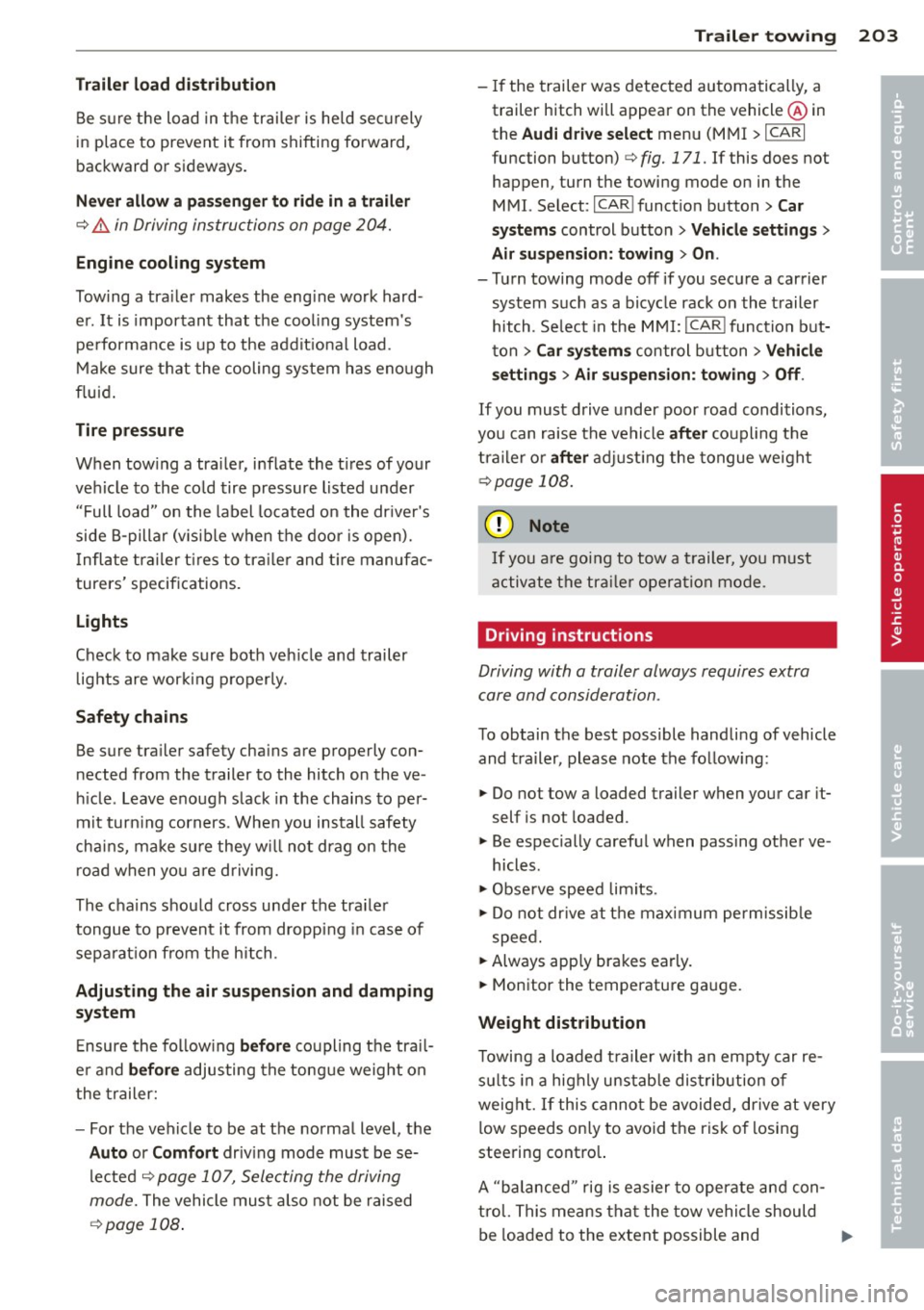
-If the trailer was detected automatically, a
trailer hitch wi ll appear on the veh icl e@ in
the
Aud i dr ive se lect menu (MMI > ICARI
function button)
,=:, fig. 171. If this does no t
happen , turn the towing mode on in the
MMI. Select: I CAR I funct ion button>
C ar
sys tem s
control button > Vehicle setting s >
Air su sp en sion: t owing > O n.
- Turn towing mode off if you secure a carrier
system such as a bicycle rack on the trailer
hitch. Se lect in the M MI: ICAR !function but
ton >
Car syste m s control button > Vehi cle
se tting s
> Air su spen sion : towin g > Off.
If you must drive under poor road conditions,
you can raise the vehicle
aft er coupling the
tra iler or
aft er adjust ing the tongue we ight
,=:, page 108.
(D Note
If you a re going to tow a t railer, you must
activate the tra iler operation mode .
Driving instructions
Driving with a trailer always requires extra
care and consideration .
To obtain the best possible handling of vehicle and trailer, please note the follow ing :
.,. Do not tow a loaded trailer when your car it
self is no t loaded.
.,. Be especially careful when passing other ve
hicles .
.,. Obse rve speed limits .
.,. Do not dr ive at the max imum permissib le
speed.
.,. Always app ly brakes early .
.,. Monitor the temperature gauge.
Weight distribution
Towing a loaded t railer with an empty car re
s ul ts in a highly unstable distribution of
weight. If this cannot be avoided, dr ive at very
low speeds on ly to avoid the risk of losing
steering contro l.
A "balanced " rig is easier to operate and con
trol. This means tha t the tow vehicle should
be loaded to the extent possible and
IJI>
•
•
Page 206 of 302
204 Trailer towing
pe rmissible, while keep ing the trailer as light
as possible under the circumstances. Whenev
er possib le, transfer some cargo to the lug
gage compartment of the tow veh icle while
observing tongue load requirements and vehi
cle load ing considerations.
Spee d
The higher the speed, the more difficult it be
comes for the dr iver to control the rig . Do not
drive at the maximum permissible speed . Re
duce your speed even more if load, weather or
wind condit ions are unfavorable -part icu larly
when going downhill.
Reduce vehicle speed
immediately if the trail
er shows the slightest sig n of swaying.
Do not
try to stop the swaying by acc eler ating .
Observe speed limits. In some areas, speeds
for vehicles towing trailers are lower than for regular vehicles.
A lways apply brakes ear ly . When driving
downhill, shift into a lower gear to use the en
g ine braking effect to slow the vehicle. Use of
the brakes alone can cause them to overheat
and fail.
Coolant t emperatu re
The coolant temperature gauge¢ page 10
must be observed carefully. The coo lant tem
perature can increase if you drive on long in
clines in a low gear at high engine speeds . Re
duce your speed immed iate ly if the LEDs in
the top pa rt of the display turn o n.
For more informat ion about indicator lights,
refer to. ¢
page 15.
A WARNING
Anyone not p roperly restrained in a mov
ing veh icle is at a much greater risk in an
accident. Never let anyone r ide in your car
who is no t prope rly wear ing the restra ints
provided by Aud i.
-
Trailer towing tips
Important to know
You r ve hicle handles d ifferently when towing
a trai le r be cause of the additional weig ht and
differen t weigh t distr ib ution. Sa fety, per fo rm
ance and economy will great ly depend on how
carefully you load your trai ler and operate
your rig.
Be fore you act ua lly tow yo ur tra iler, p ract ice
tu rning, s topping and backing up in an area
away from t raffic . Keep practicing unti l yo u
have become completely familiar wit h the way
yo ur vehicle-tra ile r combination behaves and
responds.
Backing up is diffic ult and requires practice .
Bac king up w ith a trailer gene rally req uires
stee ring action opposite to that when backing
up your vehicle without a tra iler.
Maintain a greater d istance between your ve
hicle and the one in front of you . You wi ll need
more room to stop. To compensate for the
trailer, you w ill need a larger than normal
turning rad ius .
When passing, remember that you cannot ac ce lerate as fast as you norma lly would be
cause of the added load. Make sure you have
enough room to pass. After passing, a llow
plen ty of room for your t railer before cha ng
i ng lanes again .
Avoid jerky starts, sharp turns o r rapid lane
changes .
(D Tips
- Do not tow a trailer during the break-in
period of your vehicle.
- If you tow a trailer, your Audi may re
quire more frequent maintenance due to
the extra load ¢
page 283.
Page 210 of 302
208 Cleaning and protection
-Never wash your car in bright sunlight.
Drops of water act as magnifying lenses
and may damage your paint.
- When you wash your car in the winter: if
you rinse your vehicle with a hose, be
careful not to aim the stream of water
directly at locks, or at door or hatch
openings - they can freeze shut.
- Never use sponges des igned to remove
i nsects, or any kitchen scouring sponges
or similar products . They can damage
your paint finish .
- Never use a dry cloth or sponge to clean
the headlights. Only use wet cloths or
sponges to prevent scratches .
It is best
to use soapy water.
- You should remove debris (such as in
sects) from the headlight lenses on a
regular basis, fo r example when refuel
ing your vehicle. Never clean the head
lig hts w ith a dry cloth or sponge. Use a
wet cloth or sponge . It is best to use
soapy water.
@ For the sake of the environment
I n the interest of the environment, the ve
hicle should only be washed in special
wash bays.
Washing your vehicle with a power
washer
Cleaning the exterior of your car with a high
pressure power washer is safe as long as you observe a few simple rules.
• Before using the power washer, make sure
you have read and understood the WARN
INGS
c:> A in General information on
page 206 .
• Always follow the operating instructions for
the power washer .
• Make sure that the jet on the spray hose pro
duces a "fan shaped spray".
• Do
not hold the spray nozzle too close to
soft materia ls.
When cleaning the vehicle wit h a power wash
er
always follow the operating instructions. T
his applies particu larly to the
operating
pressure
and the spraying distance. Keep a
distance from soft materials such as rubber
hoses or insulating material as well as sensors
and camera lenses.
Do not use a jet which sprays water in a
di rect
stream
or one that has a rotating jet .
Water temperature should not exceed 140 °F
(60 °().
A WARNING
Never wash tires with a jet that sprays wa
ter in a direct stream . This could cause in
v is ible damage to the t ires and weaken
them, even if the spray is from
a relatively
long distance and for a short time. Dam
aged and weakened tires can fail and cause
accidents and personal injury .
(D Note
To avoid damaging your vehicle, always
make sure that there is suffic ient d istance
between the spray head and soft materials
like rubber hoses, plast ic parts and sound
deadening materials as well as sensors
and camera lenses. Never aim the sp ray
head at the same point for a long time.
This also applies to cleaning headlights
and painted bumpers. Remember: the
closer the nozzle is to the surface of the
mater ia l, the greater the stress on the ma
terial.
Sensors and camera lenses
- Remove snow with a hand brush and remove
ice with a de-icing spray that does not con
tain solvents .
- Clean the sensors (adaptive cruise control*,
pa rking system*) w ith a cleaning so lution
that does not contain so lvents and a soft
cloth.
- The camera lens or the area in front of the
camera lens is normally cleaned by the
w indshie ld w ipers (Audi lane assist*) or
headlight wipers (night vision system*) . If
the lens or the area is exceptionally dirty,
111-
Page 228 of 302
226 Check ing and filling
temperatures stay below freezing point for
long periods.
Detergent add it ives in the o il w il l make fresh
oil look dark after the eng ine has been run
ning for a short time . This is norma l and is not
a reason to change the oi l more often than
recommended.
Dam age or ma lf u ncti ons du e to lack of
m ainten ance
It
is essential that you change your oil at the
recommended in tervals using only engine o il
that complies with Audi oi l standard
VW 502 00. You r Limited New Vehicle War
ranty does not cover damage or malfunctions
due to fail ure to fo llow recommended mainte
nance and use requ irements as set forth in
the Audi Owner's Manual and Warranty&
Maintenance book let . Your dealer will have to
deny warranty coverage unless you present to
the dea ler proof in the form of Service or Re
pa ir Orders that all scheduled maintenance
was performed in a t imely manner.
Eng ine oil consumption
The engine in your vehicle depends on an ade
quate amount of oil to lubricate and cool all
of its moving parts.
In order to provide effective lubrication and
cool ing of internal engine components, a ll in
ternal comb ustion eng ines consume a certa in
amount of oil. O il consumption varies from
engine to engine and may change significantly
over the life of the engine. Typica lly, engines
with a specif ied break-in period (see
¢
page 197) consume more oil during the
break-in period than they consume after oil
consumption has stabilized.
Under norma l conditions, the rate of oil con
sumpt ion depends on the quality and viscosity
of the oil, the RPM (revolutions per m inute) at
which the engine is operated, the ambient
temperature and road condit ions . Further fac
tors are the amount of oil d ilution from water
condensat ion or fuel residue and the ox ida
tion level of the oi l. As any engine is subject to wear as mi
leage builds up, the oil consump
tion may increase over time until replacement
of worn components may become necessary.
With a ll these variab les coming into play, no
standard rate of oil consumption can be es
tablished or specified. There is no alternative
to regu lar and frequent check ing of the o il lev
el, see
Note .
If
the yellow engine oil leve l warning symbo l
in the instrument cluster
m lights up, yo u
shou ld check the oil leve l as soon as possib le
¢
page 22 7. Top off the oil at your earliest
convenience ¢
page 22 7.
A WARNING '"---
Before you check anything in the engine
compartment, always read and heed all
WARNINGS¢
A in Working in the engine
comportment on page 222.
(D Note
Driving w ith an insufficient o il level is like
ly to cause severe damage to the engine .
(D Tips
-The oil pressu re warn ing display. is
not an indicator of the oil le vel. Do not
r el y on it . In ste ad, ch eck the oil lev el in
y our engin e at regular inter vals , pref
erably ea ch time you r efu el, and alway s
before going on a long trip .
-If you have t he impression yo ur engine
cons umes ex cessive amoun ts of o il, we
recommend that you consu lt your Aud i
dea ler to have the cause of your concern
properly diagnosed. Keep in mind that
the accurate meas urement of oi l con
sumption requ ires great care and may
take some t ime. Your Audi dea ler has in
structions about how to measure oil con
sumption accurately.
-
Page 235 of 302
@ For the sake of the environment
Because of the problem of proper disposa l
of brake fl uid as we ll as the special tools
requ ired and the necessary expert ise, we
recommend that you have t he brake fluid
changed by your author ized Audi dealer .
Battery
General information
Under normal operating conditions, the bat
tery in your Audi does not need any mainte
nance. With
high outside temperatures or
long daily dr ive s we recommend that you have
the electro lyte level checked by a service fa
cility . The electrolyte level shou ld a lso be
checked each time the battery is charged
¢ page 235.
Have the battery checked when you take your
ve hicle in for service . Yo u are well adv ised to
replace a battery that is older than 5 yea rs .
W ith certa in types of a irbag deployment, t he
b attery is d isconnected from the vehicle elec
tr ica l system for safety reasons¢.&.
in Re
pair, care and disposal of the airbags on
page 159.
Disconnecting the battery terminals
Some vehicle functions (power w indow regu
lators , for example) are lost if the battery ter
m inals a re d isconnected. These func tions have
to be re lea rned after the batte ry term inals a re
connected agai n. T o prevent this , the bat tery
should only be d isconnec ted from the vehicle
e lec tric al system when absolu tely necessa ry
for repairs .
Vehicles not driven for long periods
If you do not drive you r vehicle over a period
of severa l days or weeks, elec trical compo
nen ts are gr adually cut b ack o r swi tched off .
This redu ces energy cons umption and main
tains starting capab ility over a longer per io d
¢ page 195.
Be aw are tha t when you unlock yo ur vehicle ,
some of the conven ien ce f unct ions may no t
Checkin g and fillin g 233
opera te , such as the Conven ience key*, the re
mote control or the power seat adjustment .
T he convenience functions will be ava ilab le
again when you switch on the ign ition and
start the eng ine.
Winter operat ion
D uring the w inte r mon ths, bat tery capacity
tends to dec rease as temperatures drop . This
is beca use more power is a lso consumed wh ile
starting, and the headlights, rear window de
fogger, etc., are used more often.
Avoid unnecessary powe r consum ptio n, pa r
ticu lar ly in city traffic or when traveling only
short distances. Let your autho riz ed Audi
dealer check the capacity of the vehicle bat
te ry before w inter sets in¢
page 235 . A well
c h arged battery will not on ly prevent s tarti ng
problems w hen the weather is cold, but wi ll
also last longer.
(D Tips
If you r vehicle is left s tandi ng for seve ral
weeks at extremely low temperatures, the
vehicle ba ttery s hould be removed an d
s to red w here i t w ill not fr eeze . T his w ill
p revent it from be in g damaged and having
to be replaced.
Working on the battery
Be especially careful when working on or near
the bat tery.
T he battery is lo cated in the l uggage compa rt
ment unde r the floo r. B efo re you che ck a ny
thi ng in the luggage com partmen t,
read and
heed all WARNINGS
¢ .&, .
Alw ays heed t he safety warning s, when work
ing on the vehicle b atte ry or the vehicle e lec -
t rical system to prevent i njury. .,..
•
•