warning light BMW Z4 SDRIVE35I ROADSTER 2010 User Guide
[x] Cancel search | Manufacturer: BMW, Model Year: 2010, Model line: Z4 SDRIVE35I ROADSTER, Model: BMW Z4 SDRIVE35I ROADSTER 2010Pages: 254, PDF Size: 8.04 MB
Page 88 of 254
Technology for driving comfort and safety
86 vidual components of the system or its wiring in
any way. This includes the upholstered covers
of the steering wheel, the dashboard and the
seats. Do not attempt to remove or dismantle
the steering wheel.
Do not touch the individual components imme-
diately after the system has been triggered,
because there is a danger of burns.
In the event of malfunctions, deactivation or
triggering of the airbag restraint system, have
the testing, repair, removal and disposal of air-
bag generators executed only by a BMW center
or a workshop that works according to repair
procedures of BMW with correspondingly
trained personnel and that has the required
explosives licenses. Unprofessional attempts to
work on the system could lead to failure in an
emergency or to undesired airbag activation,
either of which could result in personal injury.<
Warning notices and information about the air-
bags can also be found on the sun visors.
Automatic deactivation of the
passenger airbags
The system determines whether the passenger
seat is occupied by measuring the resistance of
the human body. Front, knee and side airbags
on the passenger side are activated or deacti-
vated accordingly.
Make sure that the passenger keeps his
or her feet in the footwell; otherwise, the
passenger airbags may not function properly.<
The indicator lamp above the interior rearview
mirror shows the current status of the passen-
ger airbags, deactivated or activated, refer to
Status of passenger airbags below.
Before transporting a child on the front
passenger seat, read the safety precau-
tions and handling instructions under Trans-
porting children safely, see page48.
Malfunction of the automatic
deactivation system
The front, knee and side airbags can also be
deactivated by adolescents and adults sitting in
certain positions; the indicator lamp for the pas-
senger airbags comes on. In such cases, the
passenger should change his or her sitting
position so that the passenger airbags are acti-
vated and the indicator lamp goes out. If the
desired airbag status cannot be achieved by
changing the sitting position, do not transport
the passenger in the vehicle.
To make sure that occupation of the seat cush-
ion can be detected correctly:
>Do not attach seat covers, seat cushion
padding, ball mats or other items to the pas-
senger seat unless they are specifically rec-
ommended by BMW.
>Do not place any items under the seat which
could press against the seat from below.<
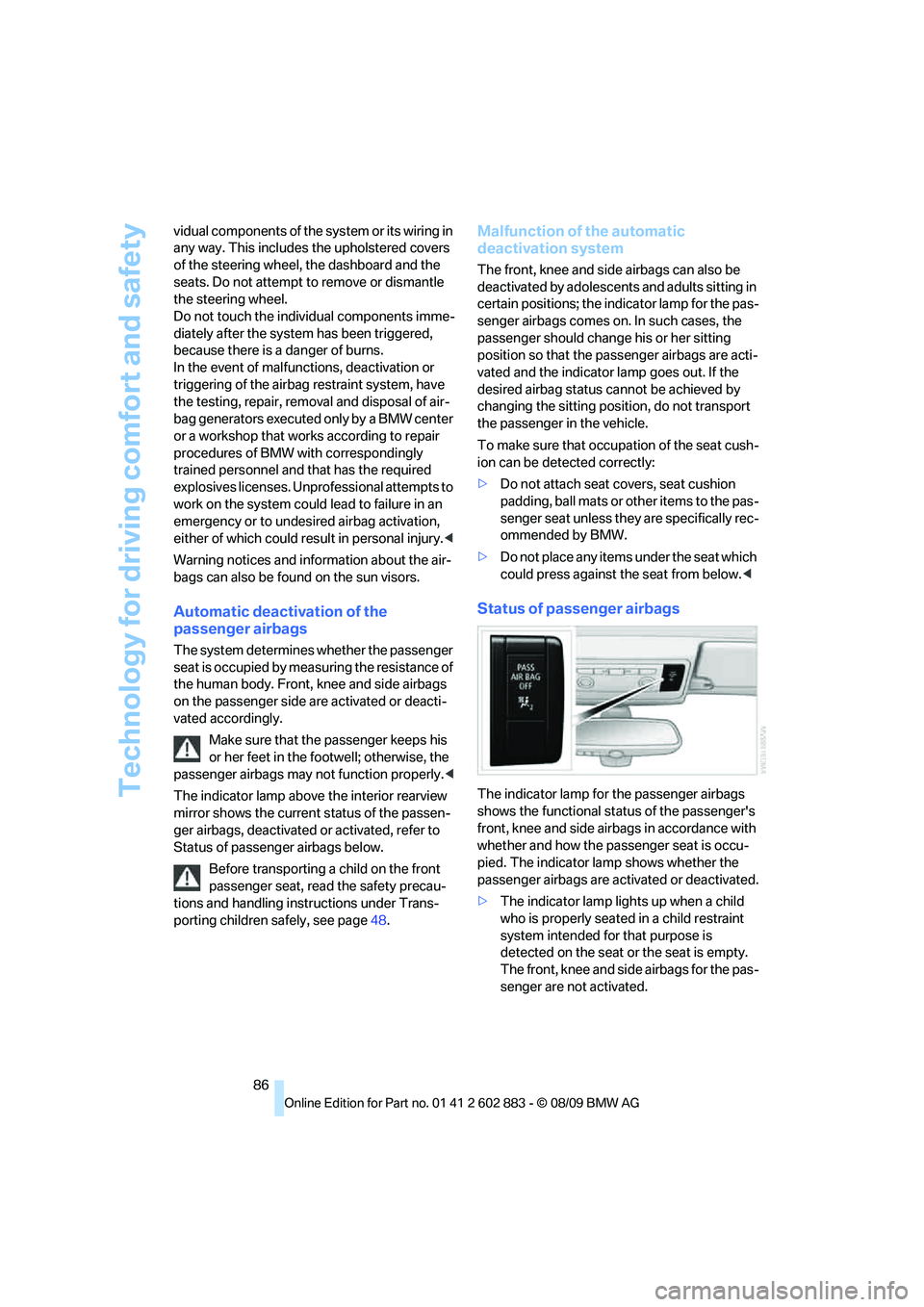
Status of passenger airbags
The indicator lamp for the passenger airbags
shows the functional status of the passenger's
front, knee and side airbags in accordance with
whether and how the passenger seat is occu-
pied. The indicator lamp shows whether the
passenger airbags are activated or deactivated.
>The indicator lamp lights up when a child
who is properly seated in a child restraint
system intended for that purpose is
detected on the seat or the seat is empty.
The front, knee and side airbags for the pas-
senger are not activated.
Page 89 of 254
Controls
87Reference
At a glance
Driving tips
Communications
Navigation
Entertainment
Mobility
Most child seats are detected by the sys-
tem, especially child seats required by the
NHTSA at the time of vehicle production.
After mounting a child seat, ensure that the
indicator lamp for the passenger airbag is lit.
It indicates that the child seat has been
detected and that the passenger airbags
are deactivated.
>The indicator lamp does not come on when,
for example, a person of sufficient size and
in a correct sitting position is detected on
the seat.
The front, knee and passenger airbags for
the passenger are activated.
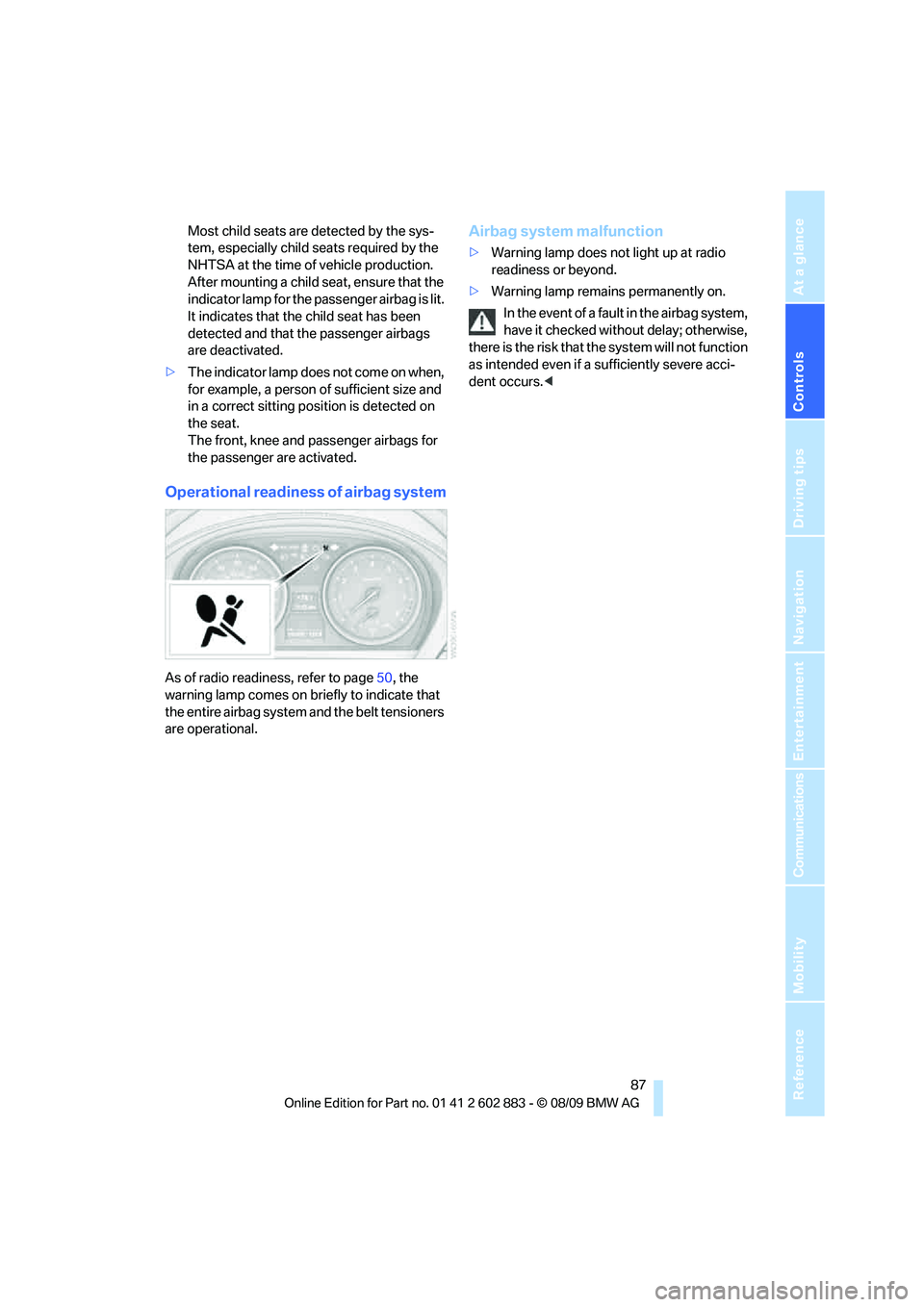
Operational readiness of airbag system
As of radio readiness, refer to page50, the
warning lamp comes on briefly to indicate that
the entire airbag system and the belt tensioners
are operational.
Airbag system malfunction
>Warning lamp does not light up at radio
readiness or beyond.
>Warning lamp remains permanently on.
In the event of a fault in the airbag system,
have it checked without delay; otherwise,
there is the risk that the system will not function
as intended even if a sufficiently severe acci-
dent occurs.<
Page 206 of 254
Under the hood
204 >"Measurement inactive. Have this
checked."
Do not add engine oil. You can continue
your journey. Note the newly calculated dis-
tance remaining to the next oil service, refer
to page69. Have the system checked as
soon as possible.
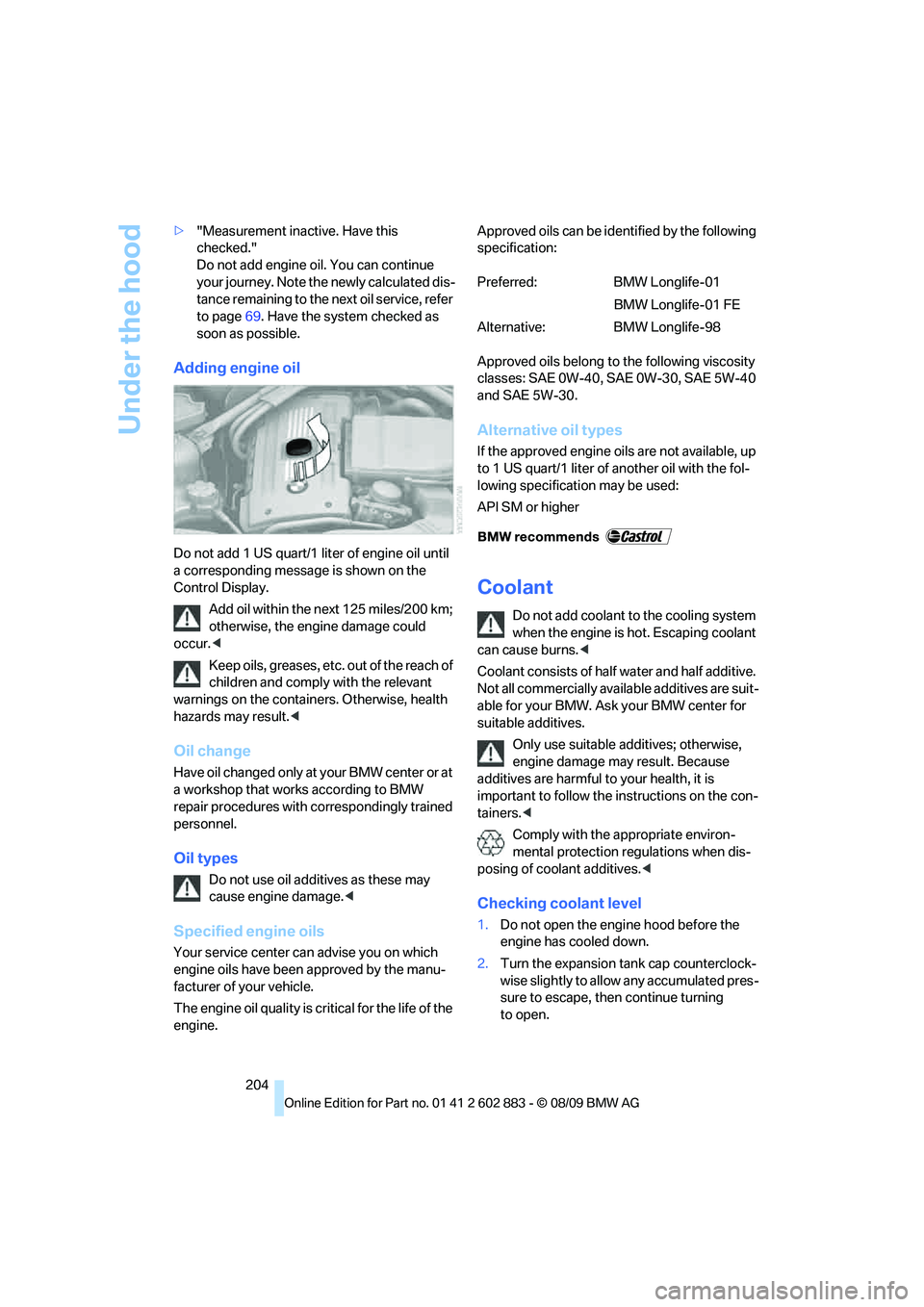
Adding engine oil
Do not add 1 US quart/1 liter of engine oil until
a corresponding message is shown on the
Control Display.
Add oil within the next 125 miles/200 km;
otherwise, the engine damage could
occur.<
Keep oils, greases, etc. out of the reach of
children and comply with the relevant
warnings on the containers. Otherwise, health
hazards may result.<
Oil change
Have oil changed only at your BMW center or at
a workshop that works according to BMW
repair procedures with correspondingly trained
personnel.
Oil types
Do not use oil additives as these may
cause engine damage.<
Specified engine oils
Your service center can advise you on which
engine oils have been approved by the manu-
facturer of your vehicle.
The engine oil quality is critical for the life of the
engine.Approved oils can be identified by the following
specification:
Approved oils belong to the following viscosity
classes: SAE 0W-40, SAE 0W-30, SAE 5W-40
and SAE 5W-30.
Alternative oil types
If the approved engine oils are not available, up
to 1 US quart/1 liter of another oil with the fol-
lowing specification may be used:
API SM or higher
Coolant
Do not add coolant to the cooling system
when the engine is hot. Escaping coolant
can cause burns.<
Coolant consists of half water and half additive.
Not all commercially available additives are suit-
able for your BMW. Ask your BMW center for
suitable additives.
Only use suitable additives; otherwise,
engine damage may result. Because
additives are harmful to your health, it is
important to follow the instructions on the con-
tainers.<
Comply with the appropriate environ-
mental protection regulations when dis-
posing of coolant additives.<
Checking coolant level
1.Do not open the engine hood before the
engine has cooled down.
2.Turn the expansion tank cap counterclock-
wise slightly to allow any accumulated pres-
sure to escape, then continue turning
to open.
Preferred: BMW Longlife-01
BMW Longlife-01 FE
Alternative: BMW Longlife-98
Page 209 of 254
Mobility
207Reference
At a glance
Controls
Driving tips
Communications
Navigation
Entertainment
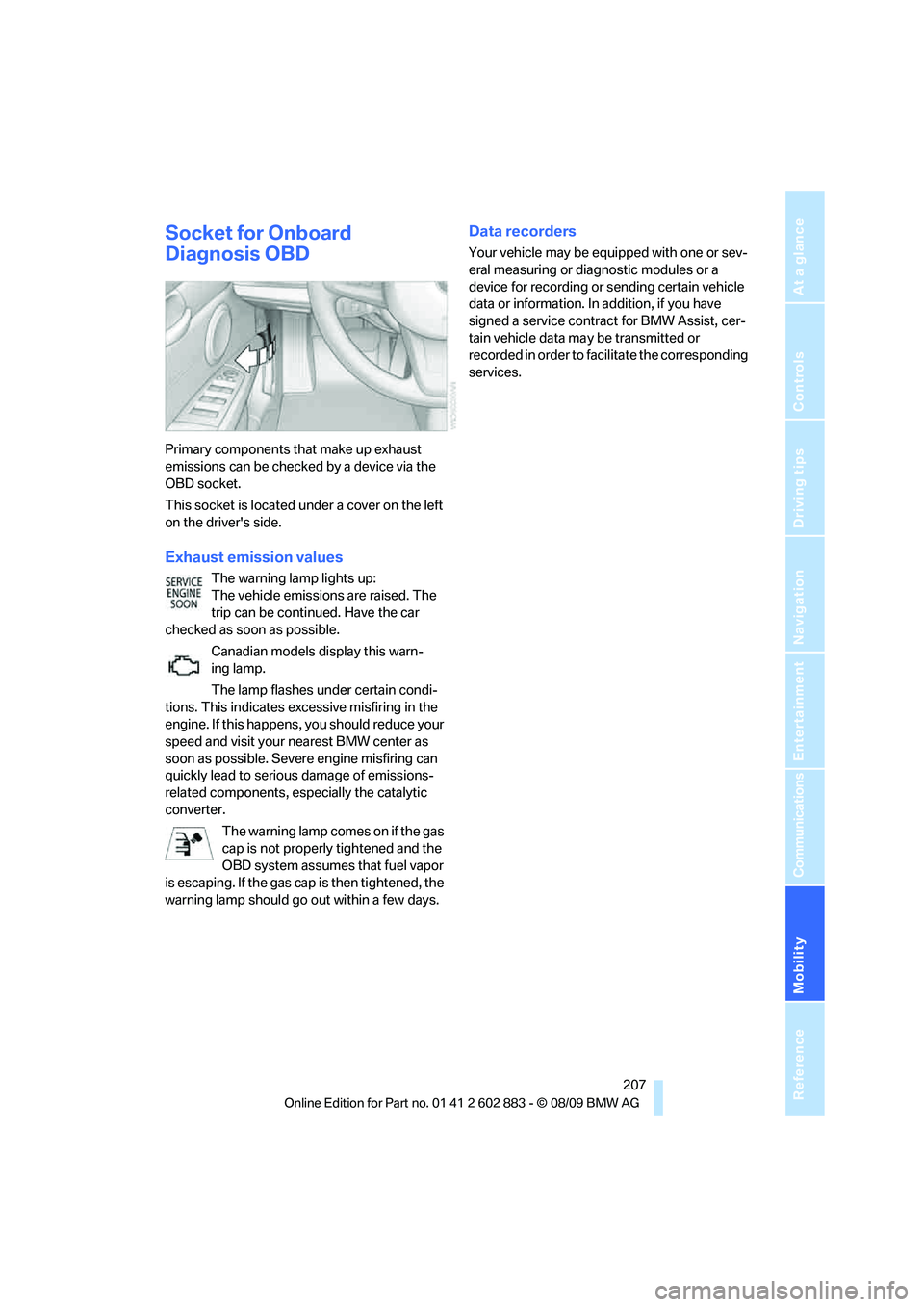
Socket for Onboard
Diagnosis OBD
Primary components that make up exhaust
emissions can be checked by a device via the
OBD socket.
This socket is located under a cover on the left
on the driver's side.
Exhaust emission values
The warning lamp lights up:
The vehicle emissions are raised. The
trip can be continued. Have the car
checked as soon as possible.
Canadian models display this warn-
ing lamp.
The lamp flashes under certain condi-
tions. This indicates excessive misfiring in the
engine. If this happens, you should reduce your
speed and visit your nearest BMW center as
soon as possible. Severe engine misfiring can
quickly lead to serious damage of emissions-
related components, especially the catalytic
converter.
The warning lamp comes on if the gas
cap is not properly tightened and the
OBD system assumes that fuel vapor
is escaping. If the gas cap is then tightened, the
warning lamp should go out within a few days.
Data recorders
Your vehicle may be equipped with one or sev-
eral measuring or diagnostic modules or a
device for recording or sending certain vehicle
data or information. In addition, if you have
signed a service contract for BMW Assist, cer-
tain vehicle data may be transmitted or
recorded in order to facilitate the corresponding
services.
Page 238 of 254
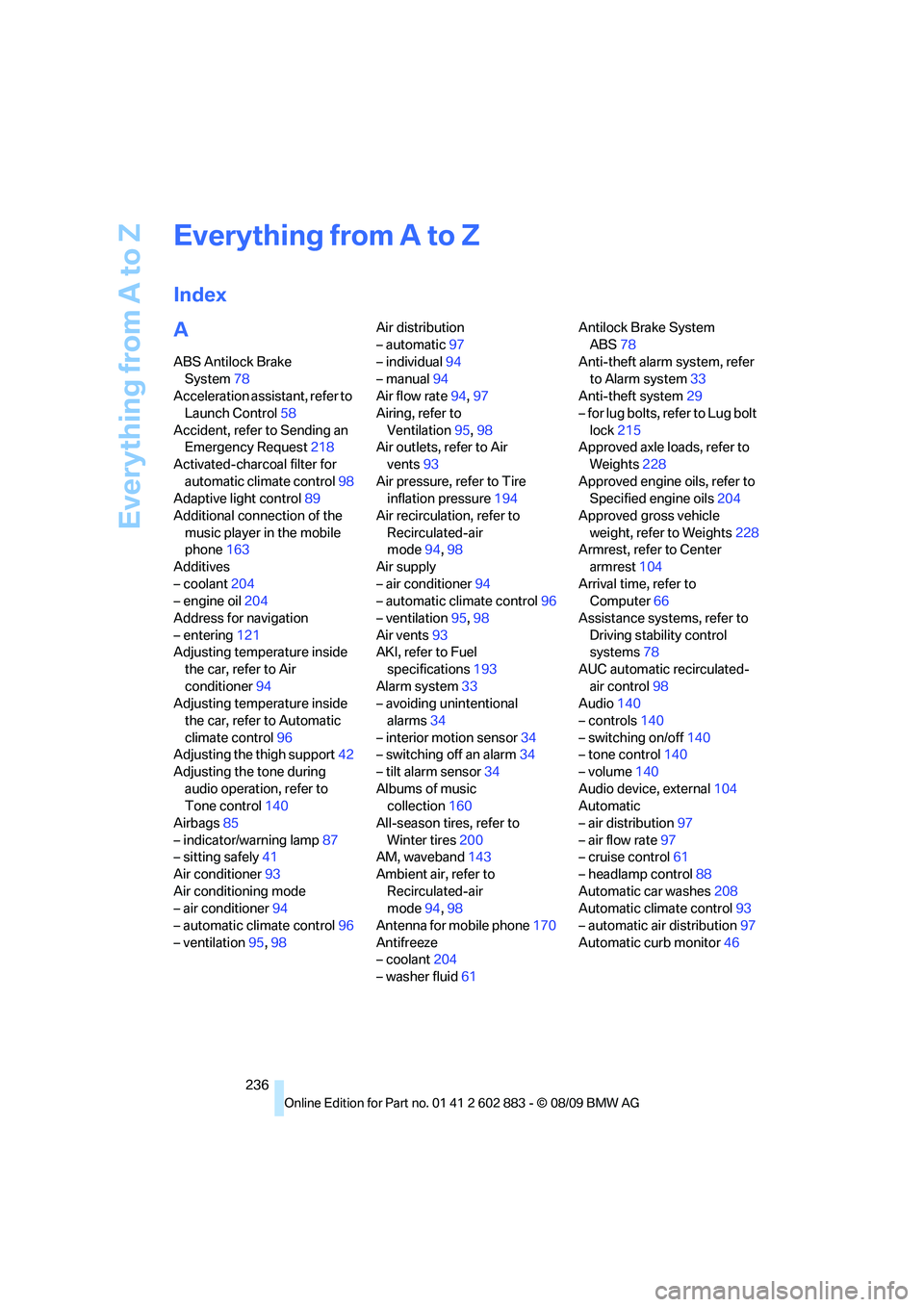
Everything from A to Z
236
Everything from A to Z
Index
A
ABS Antilock Brake
System78
Acceleration assistant, refer to
Launch Control58
Accident, refer to Sending an
Emergency Request218
Activated-charcoal filter for
automatic climate control98
Adaptive light control89
Additional connection of the
music player in the mobile
phone163
Additives
– coolant204
– engine oil204
Address for navigation
– entering121
Adjusting temperature inside
the car, refer to Air
conditioner94
Adjusting temperature inside
the car, refer to Automatic
climate control96
Adjusting the thigh support42
Adjusting the tone during
audio operation, refer to
Tone control140
Airbags85
– indicator/warning lamp87
– sitting safely41
Air conditioner93
Air conditioning mode
– air conditioner94
– automatic climate control96
– ventilation95,98Air distribution
– automatic97
– individual94
– manual94
Air flow rate94,97
Airing, refer to
Ventilation95,98
Air outlets, refer to Air
vents93
Air pressure, refer to Tire
inflation pressure194
Air recirculation, refer to
Recirculated-air
mode94,98
Air supply
– air conditioner94
– automatic climate control96
– ventilation95,98
Air vents93
AKI, refer to Fuel
specifications193
Alarm system33
– avoiding unintentional
alarms34
– interior motion sensor34
– switching off an alarm34
– tilt alarm sensor34
Albums of music
collection160
All-season tires, refer to
Winter tires200
AM, waveband143
Ambient air, refer to
Recirculated-air
mode94,98
Antenna for mobile phone170
Antifreeze
– coolant204
– washer fluid61Antilock Brake System
ABS78
Anti-theft alarm system, refer
to Alarm system33
Anti-theft system29
– for lug bolts, refer to Lug bolt
lock215
Approved axle loads, refer to
Weights228
Approved engine oils, refer to
Specified engine oils204
Approved gross vehicle
weight, refer to Weights228
Armrest, refer to Center
armrest104
Arrival time, refer to
Computer66
Assistance systems, refer to
Driving stability control
systems78
AUC automatic recirculated-
air control98
Audio140
– controls140
– switching on/off140
– tone control140
– volume140
Audio device, external104
Automatic
– air distribution97
– air flow rate97
– cruise control61
– headlamp control88
Automatic car washes208
Automatic climate control93
– automatic air distribution97
Automatic curb monitor46
Page 242 of 254
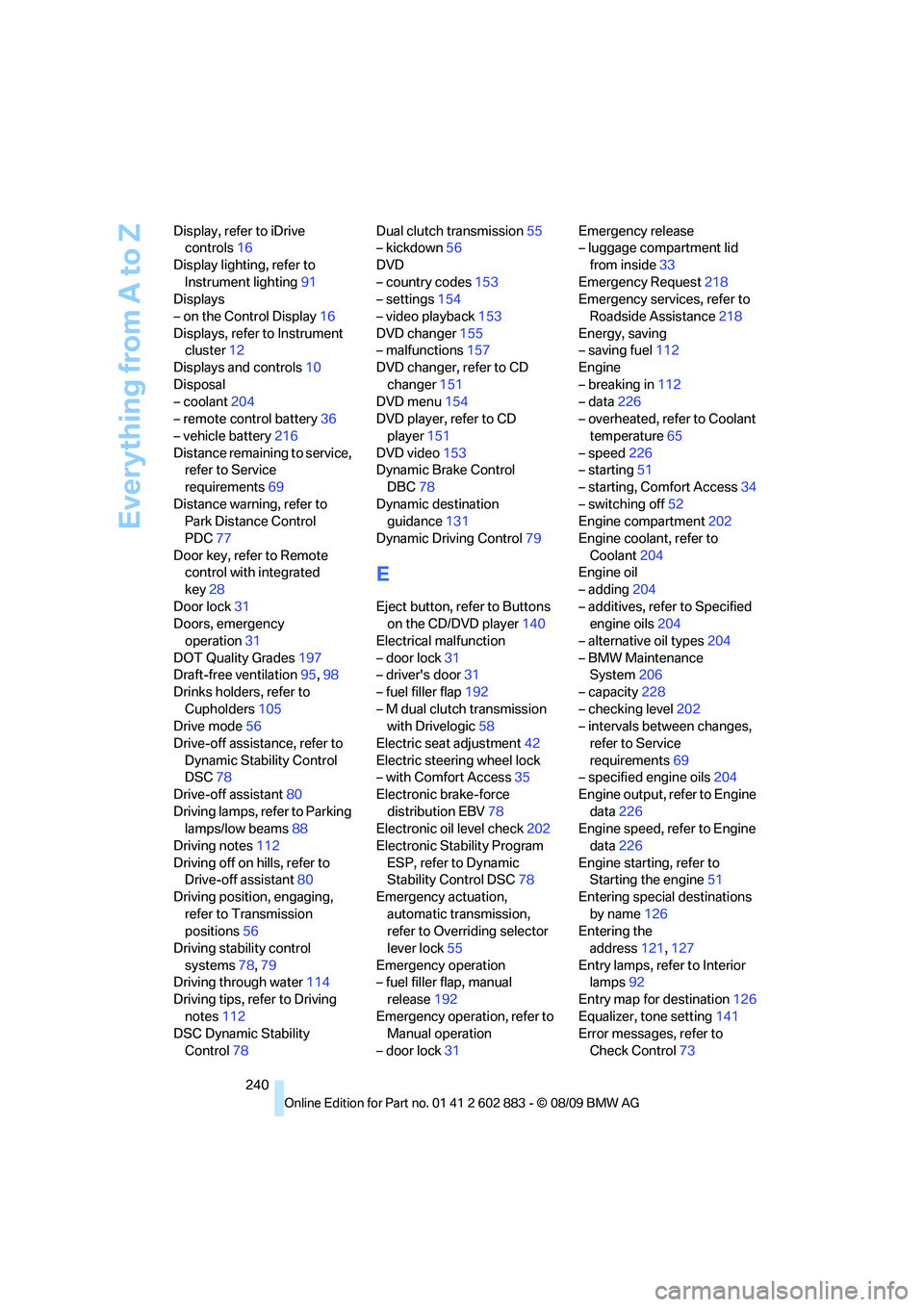
Everything from A to Z
240 Display, refer to iDrive
controls16
Display lighting, refer to
Instrument lighting91
Displays
– on the Control Display16
Displays, refer to Instrument
cluster12
Displays and controls10
Disposal
– coolant204
– remote control battery36
– vehicle battery216
Distance remaining to service,
refer to Service
requirements69
Distance warning, refer to
Park Distance Control
PDC77
Door key, refer to Remote
control with integrated
key28
Door lock31
Doors, emergency
operation31
DOT Quality Grades197
Draft-free ventilation95,98
Drinks holders, refer to
Cupholders105
Drive mode56
Drive-off assistance, refer to
Dynamic Stability Control
DSC78
Drive-off assistant80
Driving lamps, refer to Parking
lamps/low beams88
Driving notes112
Driving off on hills, refer to
Drive-off assistant80
Driving position, engaging,
refer to Transmission
positions56
Driving stability control
systems78,79
Driving through water114
Driving tips, refer to Driving
notes112
DSC Dynamic Stability
Control78Dual clutch transmission55
– kickdown56
DVD
– country codes153
– settings154
– video playback153
DVD changer155
– malfunctions157
DVD changer, refer to CD
changer151
DVD menu154
DVD player, refer to CD
player151
DVD video153
Dynamic Brake Control
DBC78
Dynamic destination
guidance131
Dynamic Driving Control79
E
Eject button, refer to Buttons
on the CD/DVD player140
Electrical malfunction
– door lock31
– driver's door31
– fuel filler flap192
– M dual clutch transmission
with Drivelogic58
Electric seat adjustment42
Electric steering wheel lock
– with Comfort Access35
Electronic brake-force
distribution EBV78
Electronic oil level check202
Electronic Stability Program
ESP, refer to Dynamic
Stability Control DSC78
Emergency actuation,
automatic transmission,
refer to Overriding selector
lever lock55
Emergency operation
– fuel filler flap, manual
release192
Emergency operation, refer to
Manual operation
– door lock31Emergency release
– luggage compartment lid
from inside33
Emergency Request218
Emergency services, refer to
Roadside Assistance218
Energy, saving
– saving fuel112
Engine
– breaking in112
– data226
– overheated, refer to Coolant
temperature65
– speed226
– starting51
– starting, Comfort Access34
– switching off52
Engine compartment202
Engine coolant, refer to
Coolant204
Engine oil
– adding204
– additives, refer to Specified
engine oils204
– alternative oil types204
– BMW Maintenance
System206
– capacity228
– checking level202
– intervals between changes,
refer to Service
requirements69
– specified engine oils204
Engine output, refer to Engine
data226
Engine speed, refer to Engine
data226
Engine starting, refer to
Starting the engine51
Entering special destinations
by name126
Entering the
address121,127
Entry lamps, refer to Interior
lamps92
Entry map for destination126
Equalizer, tone setting141
Error messages, refer to
Check Control73
Page 244 of 254
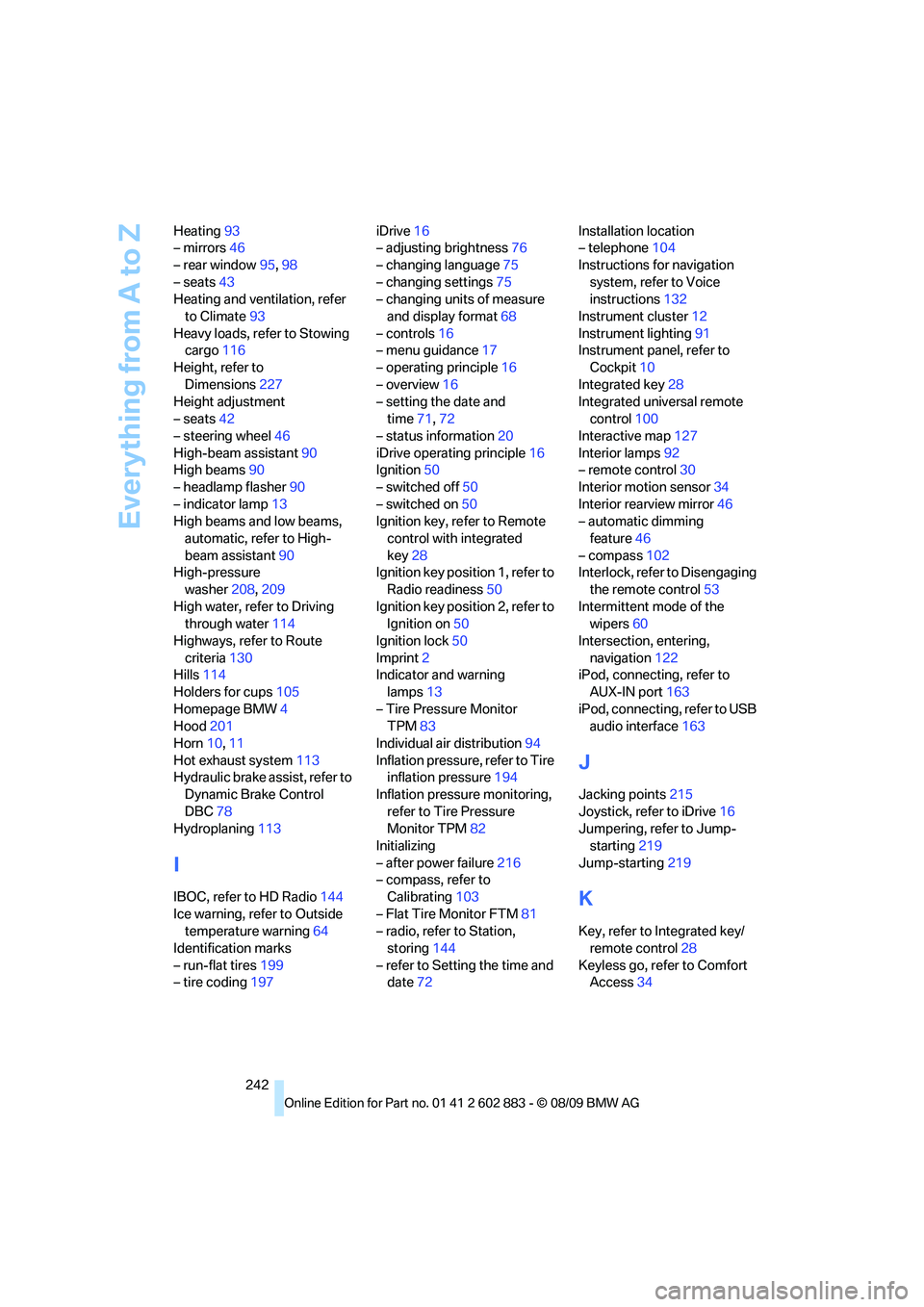
Everything from A to Z
242 Heating93
– mirrors46
– rear window95,98
– seats43
Heating and ventilation, refer
to Climate93
Heavy loads, refer to Stowing
cargo116
Height, refer to
Dimensions227
Height adjustment
– seats42
– steering wheel46
High-beam assistant90
High beams90
– headlamp flasher90
– indicator lamp13
High beams and low beams,
automatic, refer to High-
beam assistant90
High-pressure
washer208,209
High water, refer to Driving
through water114
Highways, refer to Route
criteria130
Hills114
Holders for cups105
Homepage BMW4
Hood201
Horn10,11
Hot exhaust system113
Hydraulic brake assist, refer to
Dynamic Brake Control
DBC78
Hydroplaning113
I
IBOC, refer to HD Radio144
Ice warning, refer to Outside
temperature warning64
Identification marks
– run-flat tires199
– tire coding197iDrive16
– adjusting brightness76
– changing language75
– changing settings75
– changing units of measure
and display format68
– controls16
– menu guidance17
– operating principle16
– overview16
– setting the date and
time71,72
– status information20
iDrive operating principle16
Ignition50
– switched off50
– switched on50
Ignition key, refer to Remote
control with integrated
key28
Ignition key position 1, refer to
Radio readiness50
Ignition key position 2, refer to
Ignition on50
Ignition lock50
Imprint2
Indicator and warning
lamps13
– Tire Pressure Monitor
TPM83
Individual air distribution94
Inflation pressure, refer to Tire
inflation pressure194
Inflation pressure monitoring,
refer to Tire Pressure
Monitor TPM82
Initializing
– after power failure216
– compass, refer to
Calibrating103
– Flat Tire Monitor FTM81
– radio, refer to Station,
storing144
– refer to Setting the time and
date72Installation location
– telephone104
Instructions for navigation
system, refer to Voice
instructions132
Instrument cluster12
Instrument lighting91
Instrument panel, refer to
Cockpit10
Integrated key28
Integrated universal remote
control100
Interactive map127
Interior lamps92
– remote control30
Interior motion sensor34
Interior rearview mirror46
– automatic dimming
feature46
– compass102
Interlock, refer to Disengaging
the remote control53
Intermittent mode of the
wipers60
Intersection, entering,
navigation122
iPod, connecting, refer to
AUX-IN port163
iPod, connecting, refer to USB
audio interface163
J
Jacking points215
Joystick, refer to iDrive16
Jumpering, refer to Jump-
starting219
Jump-starting219
K
Key, refer to Integrated key/
remote control28
Keyless go, refer to Comfort
Access34
Page 245 of 254
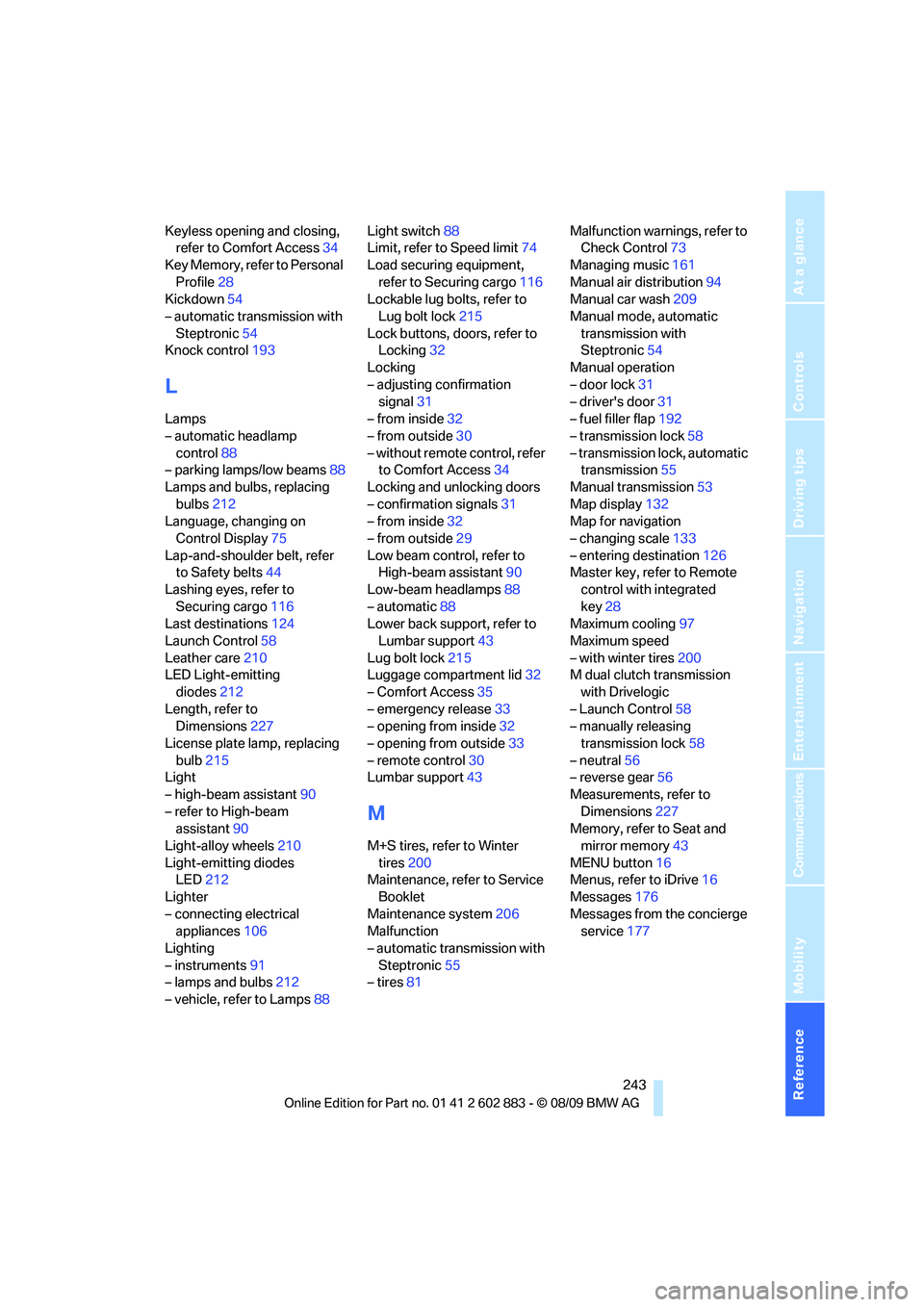
Reference 243
At a glance
Controls
Driving tips
Communications
Navigation
Entertainment
Mobility
Keyless opening and closing,
refer to Comfort Access34
Key Memory, refer to Personal
Profile28
Kickdown54
– automatic transmission with
Steptronic54
Knock control193
L
Lamps
– automatic headlamp
control88
– parking lamps/low beams88
Lamps and bulbs, replacing
bulbs212
Language, changing on
Control Display75
Lap-and-shoulder belt, refer
to Safety belts44
Lashing eyes, refer to
Securing cargo116
Last destinations124
Launch Control58
Leather care210
LED Light-emitting
diodes212
Length, refer to
Dimensions227
License plate lamp, replacing
bulb215
Light
– high-beam assistant90
– refer to High-beam
assistant90
Light-alloy wheels210
Light-emitting diodes
LED212
Lighter
– connecting electrical
appliances106
Lighting
– instruments91
– lamps and bulbs212
– vehicle, refer to Lamps88Light switch88
Limit, refer to Speed limit74
Load securing equipment,
refer to Securing cargo116
Lockable lug bolts, refer to
Lug bolt lock215
Lock buttons, doors, refer to
Locking32
Locking
– adjusting confirmation
signal31
– from inside32
– from outside30
– without remote control, refer
to Comfort Access34
Locking and unlocking doors
– confirmation signals31
– from inside32
– from outside29
Low beam control, refer to
High-beam assistant90
Low-beam headlamps88
– automatic88
Lower back support, refer to
Lumbar support43
Lug bolt lock215
Luggage compartment lid32
– Comfort Access
35
– emergency release33
– opening from inside32
– opening from outside33
– remote control30
Lumbar support43
M
M+S tires, refer to Winter
tires200
Maintenance, refer to Service
Booklet
Maintenance system206
Malfunction
– automatic transmission with
Steptronic55
– tires81Malfunction warnings, refer to
Check Control73
Managing music161
Manual air distribution94
Manual car wash209
Manual mode, automatic
transmission with
Steptronic54
Manual operation
– door lock31
– driver's door31
– fuel filler flap192
– transmission lock58
– transmission lock, automatic
transmission55
Manual transmission53
Map display132
Map for navigation
– changing scale133
– entering destination126
Master key, refer to Remote
control with integrated
key28
Maximum cooling97
Maximum speed
– with winter tires200
M dual clutch transmission
with Drivelogic
– Launch Control58
– manually releasing
transmission lock58
– neutral56
– reverse gear56
Measurements, refer to
Dimensions227
Memory, refer to Seat and
mirror memory43
MENU button16
Menus, refer to iDrive16
Messages176
Messages from the concierge
service177
Page 247 of 254
Reference 245
At a glance
Controls
Driving tips
Communications
Navigation
Entertainment
Mobility
O
OBD socket, refer to Socket
for Onboard Diagnosis207
Octane ratings, refer to Fuel
specifications193
Odometer64
Oil, refer to Engine oil202
Oil consumption202
Oil level202
Old batteries, refer to
Disposal216
Onboard vehicle tool kit212
Opening and closing
– Comfort Access34
– from inside32
– from outside29
– using the door lock31
– via the remote control29
Options, selecting for
navigation130
Outlets
– refer to Ventilation95,98
Outlets, refer to Air vents93
Output, refer to Engine
data226
Outside-air mode
– automatic climate control98
Outside temperature
display64
– changing units of
measure68
– in computer68
Outside temperature
warning64
Overheated engine, refer to
Coolant temperature65
Overriding selector lever
lock55
Overview
– radio control140
P
Paintwork care209Park assistant, refer to Park
Distance Control77
Park Distance Control PDC77
Parking
– vehicle52
Parking aid, refer to Park
Distance Control PDC77
Parking brake52
Parking lamps88
Parking lamps/low beams88
Passenger-side mirror tilt
function46
Pathway lighting89
Personal Profile28
Phone book173
Phone numbers
– dialing174
Pinch protection system
– windows37
Placing a call, refer to
telephone owner's manual
Polish211
Pollen
– refer to Microfilter/activated-
charcoal filter for automatic
climate control98
– refer to Microfilter for air
conditioner95
Postal code, entering for
navigation122
Power failure216
Power windows37
Power windows, refer to
Windows36
Pressure, tires194
Pressure monitoring, tires81
– Flat Tire Monitor81
Pressure monitoring of tires,
refer to Tire Pressure
Monitor TPM82
Programmable buttons on the
steering wheel11
Protection function, refer to
Pinch protection system
– windows37Providing medical assistance,
refer to First add pouch219
Puncture
– Flat Tire Monitor81
R
Radio
– controls140
– HD Radio144
– satellite radio146
– selecting a waveband143
– storing stations144
– switching on/off140
– tone control140
– volume140
Radio position, refer to Radio
readiness50
Radio readiness50
– switched off50
– switched on50
Radio-remote key, refer to
Remote control with
integrated key28
Rain sensor60
Random sequence
– CD changer152
– CD player152
– external devices165
– music collection161
Reading lamps92
Rear fog lamps
– indicator lamp13
Rear lamp, refer to Tail lamps
– replacing bulb214
Rear lamps, refer to Tail
lamps214
Rear turn signals
– replacing bulb214
Rearview mirror, refer to
Mirrors45
Rear window defroster95,98
Receiving level of mobile
phone, refer to Status
information20