audio CHEVROLET CAMARO 1993 Owners Manual
[x] Cancel search | Manufacturer: CHEVROLET, Model Year: 1993, Model line: CAMARO, Model: CHEVROLET CAMARO 1993Pages: 358, PDF Size: 15.6 MB
Page 3 of 358
1993 Owner’s Manual
Carnaro Table of Contents
Introduction HOW to Use This Manual. - 61
Part I Seats & Safety Belts m 11 I
Part 2 Features & Controls m 47 I
Part 3 Comfort Controls & Audio Systems A09
Part 4 Your Driving and the Road 131
Part 5 Problems on the Road 183
Part 6 Service & Appearance Care 217
Part 7 Maintenance Schedule. . m 285
Part 8 Customer Assistance Information 313
including “Reporting Safety Defects” on page 318.
Part9 Indexm= mm....................... 329
Service Station Information Last Page
Part No. 101 93571 B Second Printing
Printed in U.S.A.
ProCarManuals.com
Page 8 of 358
How to Use This Manual
How to Use This
Manual
Many people read their owner’s manual
from beginning to end when they first
receive their new vehicle. This will help
you learn about the features and controls
for your vehicle. In this manual, you’ll
find that pictures and words work
together to explain things quickly.
Index: A good place to look for what
you need is
the Index in back of the
manual. It’s an alphabetical list of all
that’s
in the manual, and the page
number where you’ll find it.
Parts 1-8: Each part of this manual
begins with a brief list of its contents,
so
you can often find at a glance if a part
contains the information you want.
How to Use This Manual
This part tells you how to use your
manual and includes safety and vehicle
damage warnings and symbols.
Part 1: Seats & Safety Belts
This part tells you how to use your seats
and safety belts properly.
Part 2: Features & Controls
This part explains how to start and
operate your Chevrolet.
Part 3: Comfort Controls & Audio
Systems
This part tells you how to adjust the
ventilation and comfort controls and
how to operate your sound system.
Part 4: Your Driving and the Road
Here you’ll find helpful information and
tips about the road and how to drive
under different conditions.
Part 5: Problems on the Road
This part tells you what to do if you
have a problem while driving, such as a
flat tire or engine overheating.
Part 6: Service & Appearance Care
Here the manual tells you how to keep
your Chevrolet running properly and
looking
good.
Part 7: Maintenance Schedule
This part tells when to perform vehicle
maintenance and what fluids and
lubricants to use.
ProCarManuals.com
Page 61 of 358
I
rn
1
I
I
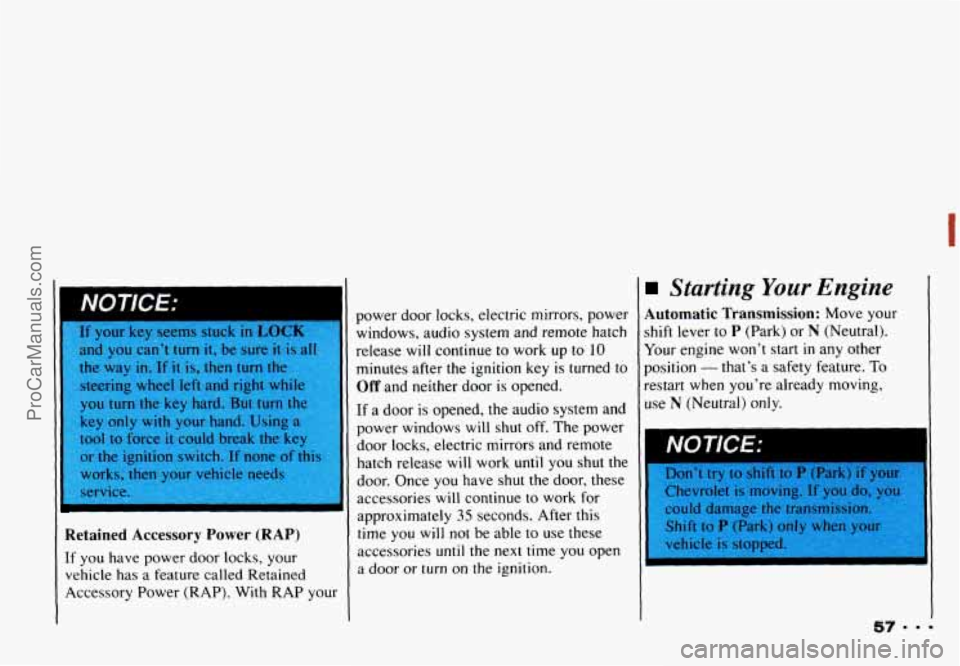
NOTICE:
I. If your key seems stuck in LOCK 1
and you can’t turn it, be sure it is all 5
the way in. If it is, then turn the
steering wheel left and right whil
you turn the key hard. But turn
tt
key only with your hand. Usir
tool
to force it could break the key
or
the ignition switch. If none of thi:
works,
then your vehicle nvAr
service.
T
i
ietained Accessory Power (RAP)
f you have power door locks, your
lehicle
has a feature called Retained
kcessory Power (RAP). With RAP your power
door locks, electric mirrors, power
windows, audio system and remote hatch
release will continue
to work up to 10
minutes after the ignition key is turned to
Off and neither door is opened.
If a door is opened, the audio system and
power windows will shut off. The power
door locks, electric mirrors and remote
hatch release will work
until you shut the
door. Once you have shut the
door, these
accessories
will continue to work for
approximately
35 seconds. After this
time you
will not be able to use these
accessories
until the next time you open
a
door or turn on the ignilion.
Starting Your Engine
Automatic Transmission: Move your
shift lever to P (Park) or N (Neutral).
Your engine won’t start
in any other
position
- that’s a safety feature. To
restart when you’re already moving,
use
N (Neutral) only.
NOTICE: I
Don‘t try to shilt to P (Park) if your
Chevrolet is moving.
If you do, vou
could damage the transmission,
Shift
to P (Park) o
V
ProCarManuals.com
Page 101 of 358
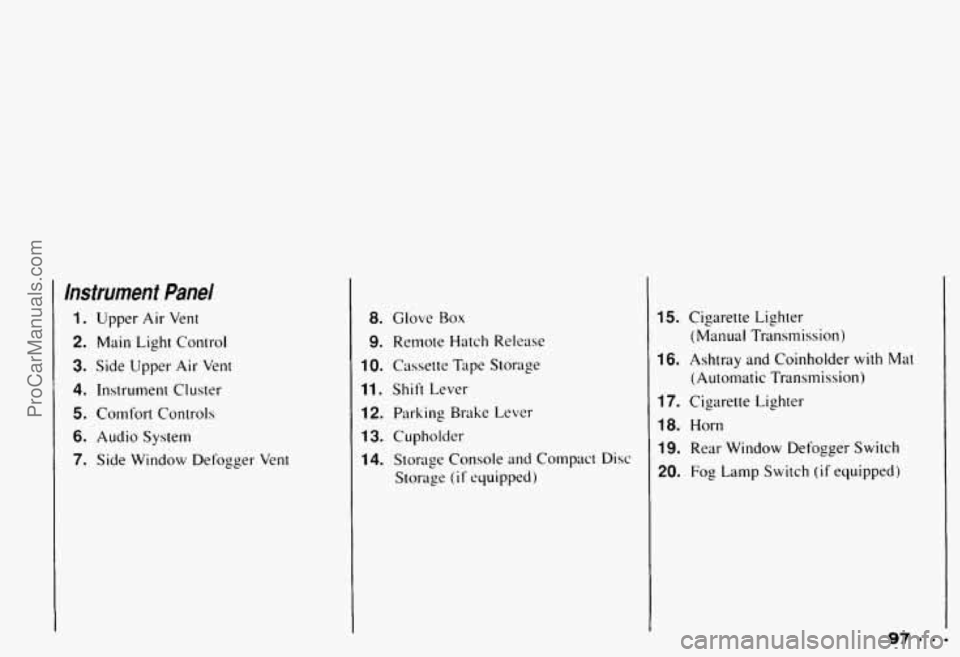
Instrument Panel
1. Upper Air Vent
2. Main Light Control
3. Side Upper Air Vent
4. Instrument Cluster
5. Comfort Controls
6. Audio System
7. Side Window Defogger Vent
8. Glove Box
9. Remote Hatch Release
10. Cassette Tape Storage
11. Shift Lever
12. Parking Brake Lever
13. Cupholder
14. Storage Console and Compact Disc
Storage
(if equipped)
15. Cigarette Lighter
16. Ashtray and Coinholder with Mat
17. Cigarette Lighter
18. Horn
19. Rear Window Defogger Switch
20. Fog Lamp Switch (if equipped)
(Manual Transmission)
(Automatic Transmission)
97.9- ProCarManuals.com
Page 107 of 358
Voltmeter
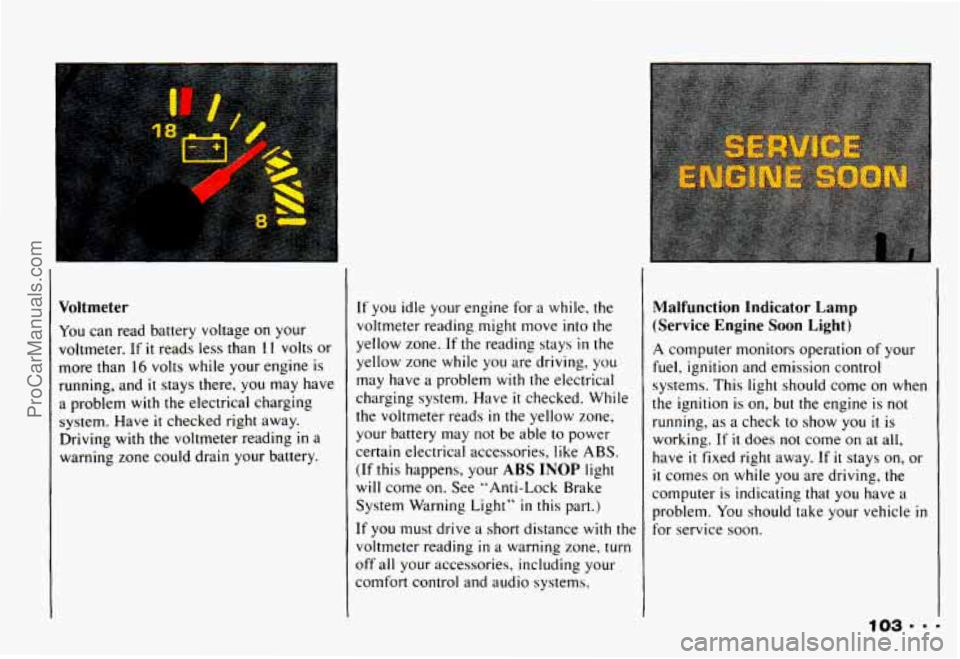
You can read battery voltage on your
voltmeter. If
it reads less than 1 I volts or
more than
16 volts while your engine is
running, and
it stays there, you may have
a problem with the electrical charging
system. Have
it checked right away.
Driving with the voltmeter reading
in a
warning zone could drain your battery.
If you idle your engine for a while, the
voltmeter reading might move into the
yellow zone.
If the reading stays in the
yellow zone while you are driving, you
may have a problem with
the electrical
charging system. Have
it checked. While
the voltmeter reads
in the yellow zone,
your battery may
not be able to power
certain electrical accessories, like ABS.
(If this happens, your ABS INOP light
will come
on, See "Anti-Lock Brake
System Warning Light"
in this part.)
It' you must drive a short distance with the
voltmeter reading
in a warning zone. turn
off all your accessories, including your
comfort control and audio systems.
Malfunction Ind-kator Lamp
(Service Engine Soon Light)
A computer monitors operation of your
fuel, ignition and emission control
systems. This light should come on when
the ignition is
on, but the engine is not
running, as a check
to show you il is
working.
If it does not come on at all,
have
it fixed right away. If it stays on, or
it comes on while you are driving, the
computer is indicating that you have
a
problem. You should take your vehicle in
for service soon.
ProCarManuals.com
Page 113 of 358
.* ....
L
In this part you'll find out how to
operate the comfort control
systems and audio systems
offered with your Chevrolet
. Be
sure to read about the particular
system supplied with your vehicle
.
Part 3
Comfort Controls & Audio Systems
Comfort Controls ...................................................
Heater Controls ..................................................
Heating .........................................................
Bi-LevelHeating .................................................
Ventilation ......................................................
Air Conditioner Controls ...........................................
Cooling .........................................................
Rear Window Defogger ............................................
Flow-Through Ventilation System ....................................
Audiosystems .....................................................
Settingtheclock .................................................
AM/FM Stereo with Cassette Tape Player ..............................
Delco/Bose AM/FM Stereo with Compact Disc Player ....................
Care of Your Cassette Tape Player ....................................
FixedMastAntenna ...............................................
Defogging and Defrosting Windows ..................................
Understanding Radio Reception .....................................
Care of Your Compact Discs ........................................
110
110
111
111
112
112
112
113
114
114
115 116
117
121
127
128
129
129
ProCarManuals.com
Page 114 of 358
Comfort Controls & Audio Systems
Comfort Controls
1
1
7
4
.110
With this system, you can control the
heating and ventilation in your Chevrolet.
[f you have the air conditioning option,
you can also control cooling.
Your vehicle also has the flow-through
ventilation system described later in this
aection.
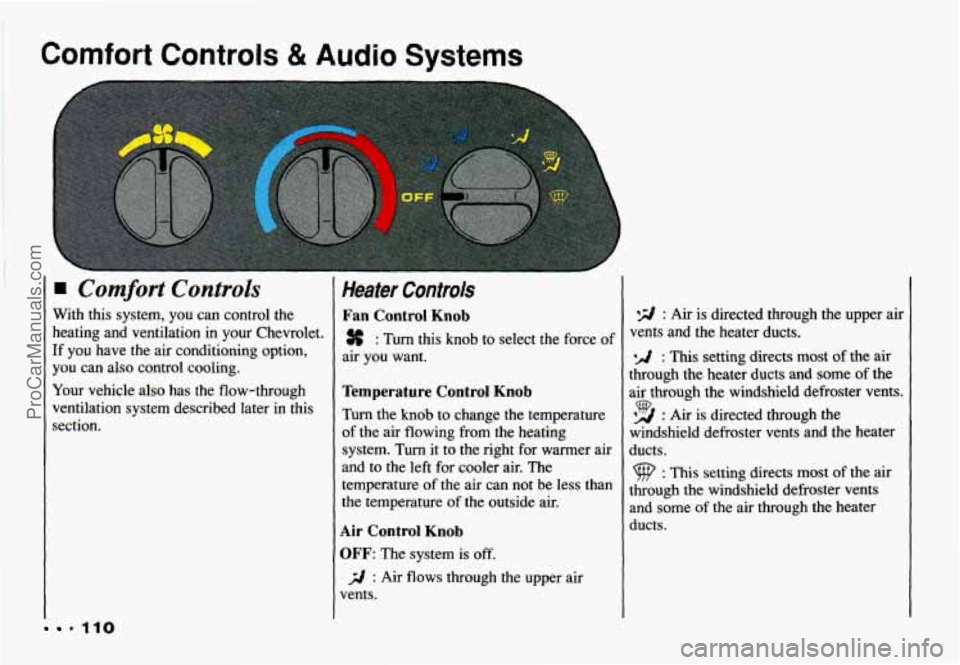
Heater Controls
Fan Control Knob
% : Turn this knob to select the force of
air you want.
Temperature Control Knob
Turn the knob to change the temperature
of the air flowing from the heating
system. Turn it to the right for warmer air
and to the left for cooler air. The temperature
of the air can not be less than
the temperature of the outside air.
Air Control Knob
OFF: The system is off.
vents.
j;l : Air flows through the upper air
*E/ : Air is directed through the upper air
vents and the heater ducts.
: This setting directs most of the air
through the heater ducts and some of the
air through the windshield defroster vents.
*A : Air is directed through the 9
windshield defroster vents and the heater
ducts.
: This setting directs most of the air
through the windshield defroster vents
and some of the air through the heater
ducts.
ProCarManuals.com
Page 116 of 358
Comfort Controls & Audio Systems
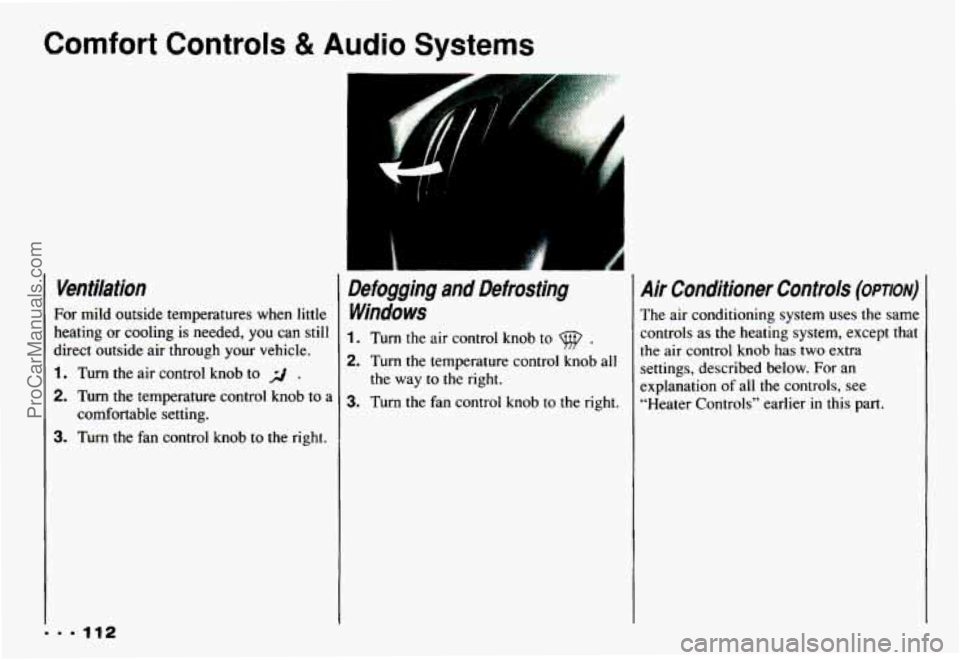
Ventilation
For mild outside temperatures when little
heating
or cooling is needed, you can still
direct outside air through your vehicle.
1. Turn the air control knob to r/ ,
2. Turn the temperature control knob to a
3. Turn the fan control knob to the right.
comfortable setting.
Defogging and Defrosting
Windows
1. Turn the air control knob to 9 .
2. Turn the temperature control knob all
3. Turn the fan control knob to the right.
the way
to the right.
Air Conditioner Controls (OPTION)
The
air conditioning system uses the same
controls as the heating system, except that
the air control
knob has two extra
settings, described below. For an
explanation of all
the controls, see
“Heater Controls” earlier in this part.
ProCarManuals.com
Page 118 of 358
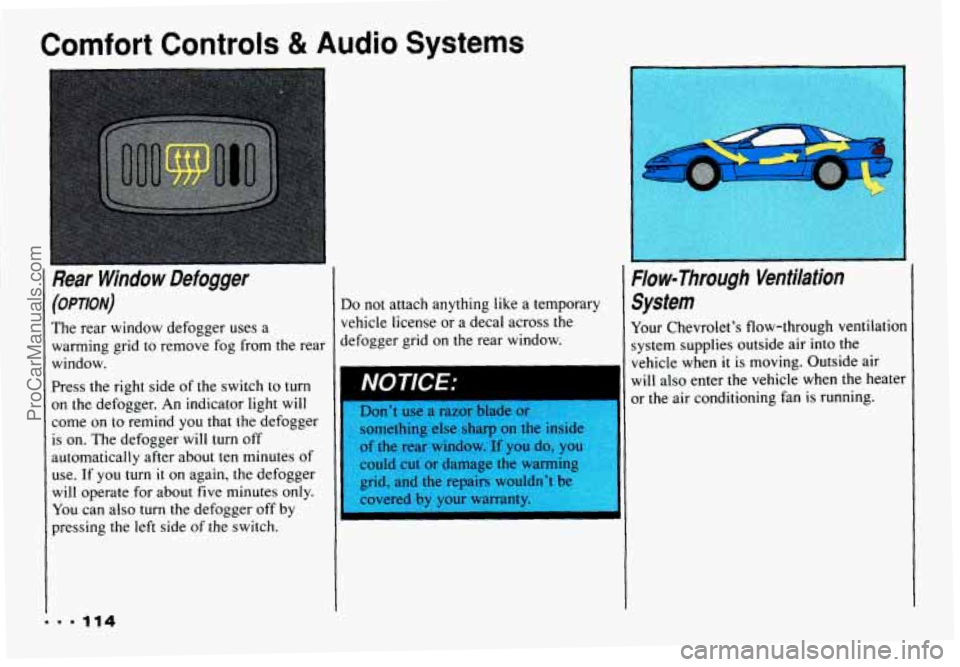
Comfort Controls & Audio Systems
(OPTION)
The rear window defogger uses a
warming grid to remove fog from the rear
window.
Press the right side of the switch to turn
on the defogger. An indicator light will
come on to remind you that the defogger
is on. The defogger
will turn off
automatically after about ten minutes of
use. If you
turn it on again, the defogger
will operate for about five minutes only.
You can also turn the defogger off by
pressing the left side
of the switch.
Do not attach anything like a temporary
vehicle license or a decal across the
defogger grid on the rear window.
lsomething else sharp on the inside
of the rear window. ^If you do, you
could cut or damage the warming
grid, and the repairs wouldn't be
I
System
Your Chevrolet's flow-through ventilation
system supplies outside air into the
vehicle when
it is moving. Outside air
will also enter the vehicle when the heater
or the air conditioning fan is running.
ProCarManuals.com
Page 119 of 358
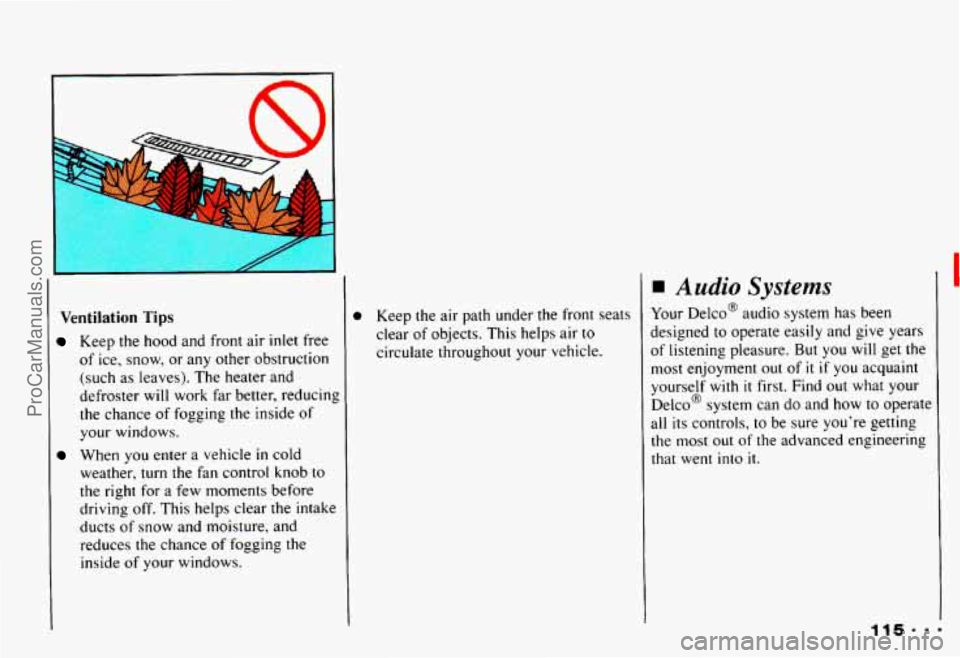
Ventilation Tips
Keep the hood and front air inlet free
of ice, snow, or any other obstruction
(such as leaves). The heater and
defroster will work far better, reducing
the chance of fogging the inside of
your windows.
When you enter a vehicle
in cold
weather, turn the fan control knob to
the right for
a few moments before
driving off. This helps clear the intake
ducts of snow and moisture, and
reduces the chance of fogging the
inside
of your windows.
D Keep the air path under the front seats
clear of objects. This helps air to
circulate throughout your vehicle.
Audio Systems
Your Delco@ audio system has been
designed to operate easily and give years
of listening pleasure. But you will get the
most enjoyment out of
it if you acquaint
yourself
with it first. Find out what your
Delco@ system can do and how to operate
all its controls, to be sure you’re getting
the most out of the advanced engineering
that went into
it.
ProCarManuals.com