lights FIAT 500C 2018 Owner's Manual
[x] Cancel search | Manufacturer: FIAT, Model Year: 2018, Model line: 500C, Model: FIAT 500C 2018Pages: 338, PDF Size: 4 MB
Page 138 of 338
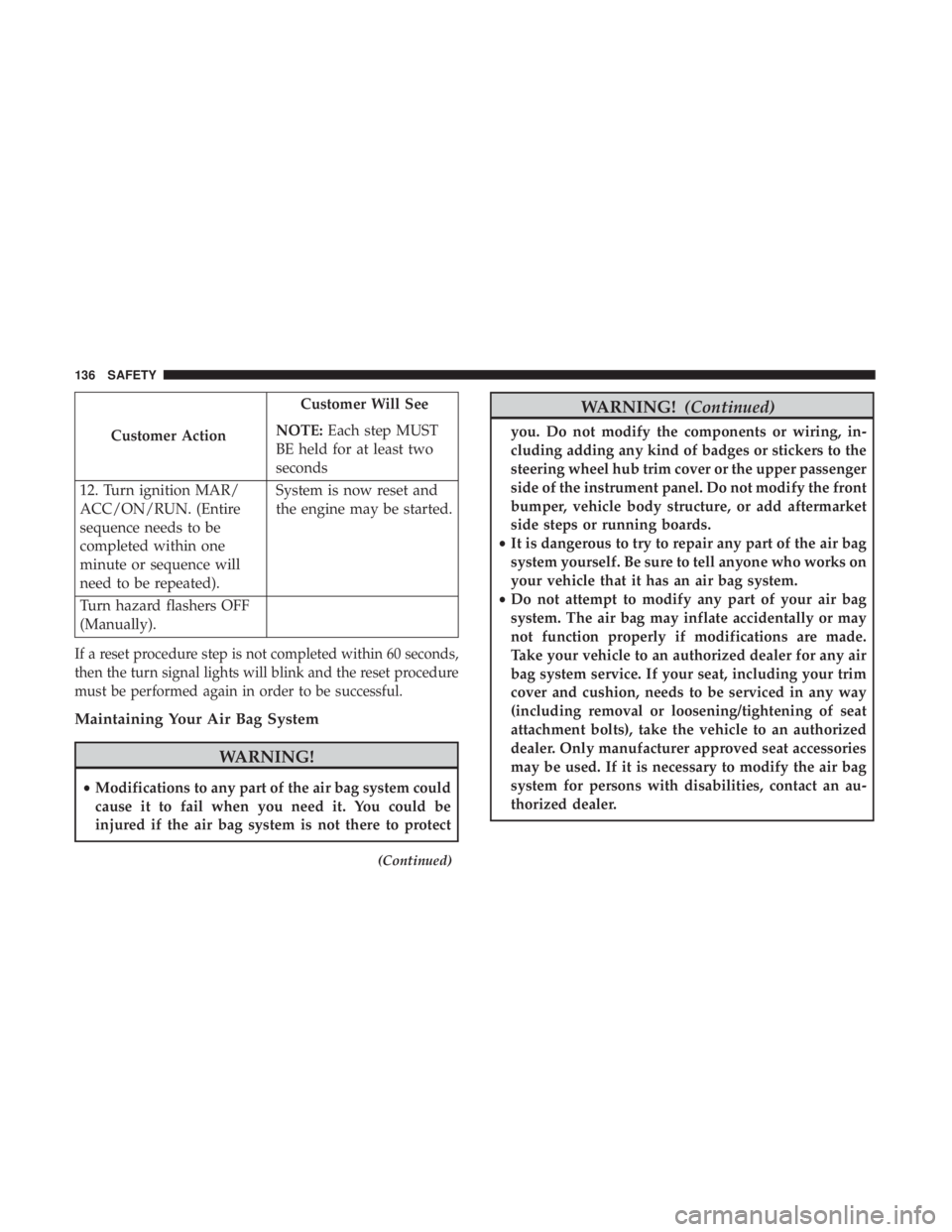
Customer Action Customer Will See
NOTE: Each step MUST
BE held for at least two
seconds
12. Turn ignition MAR/
ACC/ON/RUN. (Entire
sequence needs to be
completed within one
minute or sequence will
need to be repeated). System is now reset and
the engine may be started.
Turn hazard flashers OFF
(Manually).
If a reset procedure step is not completed within 60 seconds,
then the turn signal lights will blink and the reset procedure
must be performed again in order to be successful.
Maintaining Your Air Bag System
WARNING!• Modifications to any part of the air bag system could
cause it to fail when you need it. You could be
injured if the air bag system is not there to protect (Continued) WARNING! (Continued)you. Do not modify the components or wiring, in-
cluding adding any kind of badges or stickers to the
steering wheel hub trim cover or the upper passenger
side of the instrument panel. Do not modify the front
bumper, vehicle body structure, or add aftermarket
side steps or running boards.
• It is dangerous to try to repair any part of the air bag
system yourself. Be sure to tell anyone who works on
your vehicle that it has an air bag system.
• Do not attempt to modify any part of your air bag
system. The air bag may inflate accidentally or may
not function properly if modifications are made.
Take your vehicle to an authorized dealer for any air
bag system service. If your seat, including your trim
cover and cushion, needs to be serviced in any way
(including removal or loosening/tightening of seat
attachment bolts), take the vehicle to an authorized
dealer. Only manufacturer approved seat accessories
may be used. If it is necessary to modify the air bag
system for persons with disabilities, contact an au-
thorized dealer.136 SAFETY
Page 159 of 338
WARNING! (Continued)• ALWAYS make sure objects cannot fall or slide into
the driver ’s side floor area when the vehicle is
moving. Objects can become trapped under accelera-
tor, brake, or clutch pedals and could cause a loss of
vehicle control.
• NEVER place any objects under the floor mat (e.g.,
towels, keys, etc.). These objects could change the
position of the floor mat and may cause interference
with the accelerator, brake, or clutch pedals.
• If the vehicle carpet has been removed and re-
installed, always properly attach carpet to the floor
and check the floor mat fasteners are secure to the
vehicle carpet. Fully depress each pedal to check for
interference with the accelerator, brake, or clutch
pedals then re-install the floor mats.
• It is recommended to only use mild soap and water
to clean your floor mats. After cleaning, always check
your floor mat has been properly installed and is
secured to your vehicle using the floor mat fasteners
by lightly pulling mat. Periodic Safety Checks You Should Make Outside
The Vehicle
Tires
Examine tires for excessive tread wear and uneven wear
patterns. Check for stones, nails, glass, or other objects
lodged in the tread or sidewall. Inspect the tread for cuts
and cracks. Inspect sidewalls for cuts, cracks, and bulges.
Check the wheel nuts for tightness. Check the tires (includ-
ing spare) for proper cold inflation pressure.
Lights
Have someone observe the operation of brake lights and
exterior lights while you work the controls. Check turn
signal and high beam indicator lights on the instrument
panel.
Door Latches
Check for proper closing, latching, and locking.
Fluid Leaks
Check area under the vehicle after overnight parking for fuel,
coolant, oil, or other fluid leaks. Also, if gasoline fumes are
detected or if fuel, or brake fluid leaks are suspected. The
cause should be located and corrected immediately. 5 SAFETY 157
Page 201 of 338
6. Install the bulb into socket, and rotate bulb/socket
clockwise into lamp locking it in place.
7. Reinstall the plastic cap.
Front Fog Lamps
To replace the front fog lights, see an authorized dealer.
Front/Rear Side Marker Lamps
1. Remove portion of the wheel liner to allow hand access
to side marker lamp.
2. Rotate the bulb socket counterclockwise, and remove
the bulb and socket assembly from the housing.
3. Pull the bulb from the socket and insert the replacement
bulb.
4. Install the bulb and socket assembly into the housing,
and rotate the socket clockwise to lock it in place.
5. Reinstall the wheel liner.
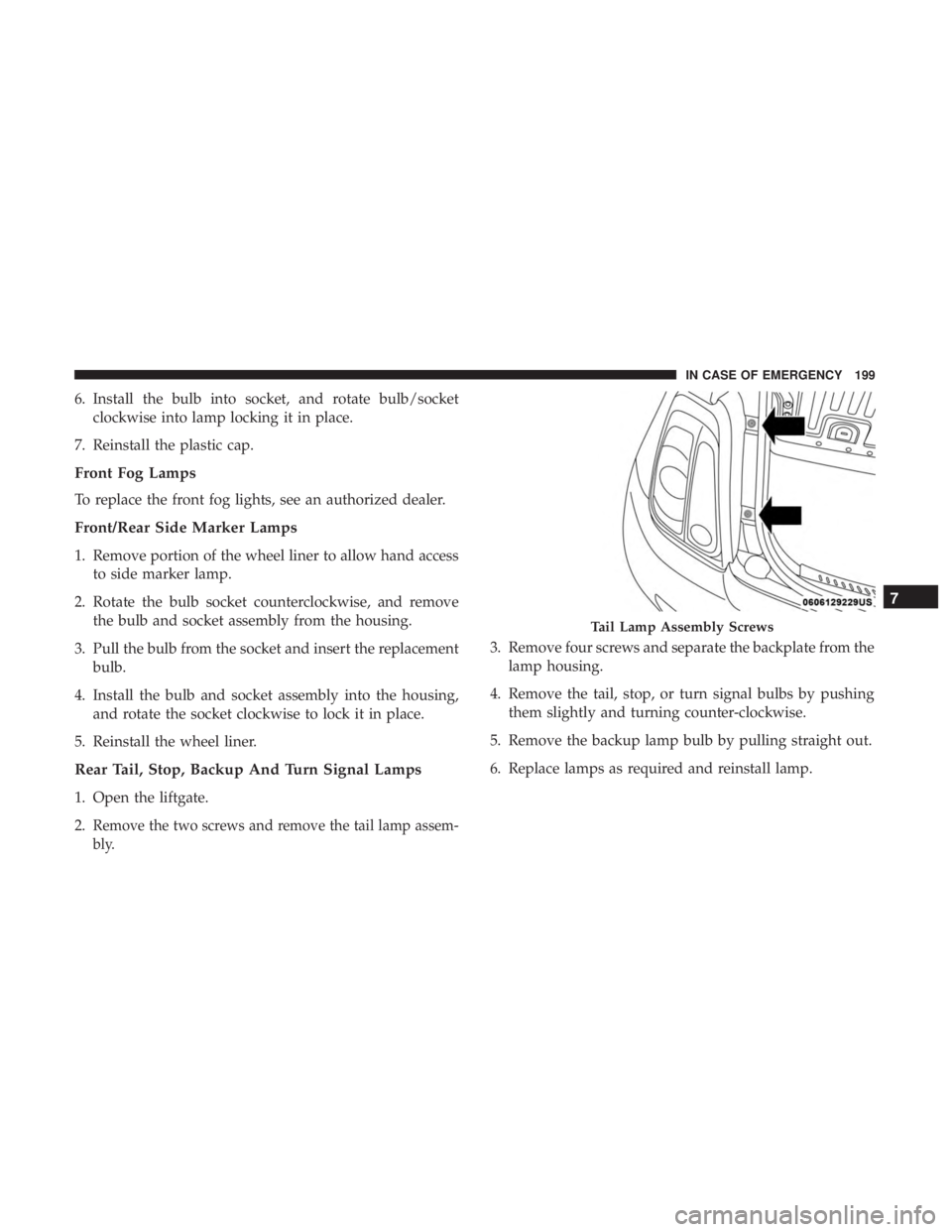
Rear Tail, Stop, Backup And Turn Signal Lamps
1. Open the liftgate.
2. Remove the two screws and remove the tail lamp assem-
bly. 3. Remove four screws and separate the backplate from the
lamp housing.
4. Remove the tail, stop, or turn signal bulbs by pushing
them slightly and turning counter-clockwise.
5. Remove the backup lamp bulb by pulling straight out.
6. Replace lamps as required and reinstall lamp. Tail Lamp Assembly Screws
7IN CASE OF EMERGENCY 199
Page 203 of 338
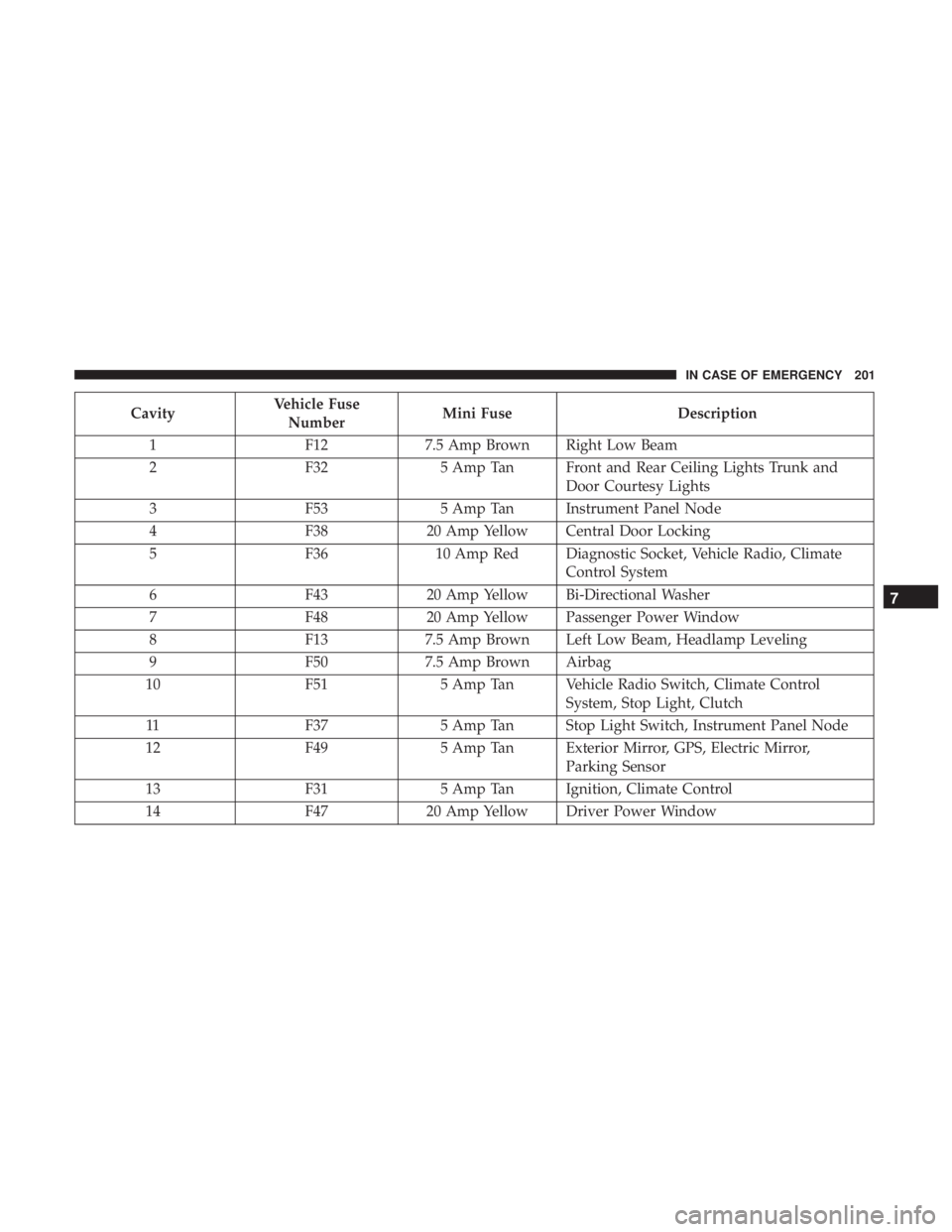
Cavity Vehicle Fuse
Number Mini Fuse Description
1 F12 7.5 Amp Brown Right Low Beam
2 F32 5 Amp Tan Front and Rear Ceiling Lights Trunk and
Door Courtesy Lights
3 F53 5 Amp Tan Instrument Panel Node
4 F38 20 Amp Yellow Central Door Locking
5 F36 10 Amp Red Diagnostic Socket, Vehicle Radio, Climate
Control System
6 F43 20 Amp Yellow Bi-Directional Washer
7 F48 20 Amp Yellow Passenger Power Window
8 F13 7.5 Amp Brown Left Low Beam, Headlamp Leveling
9 F50 7.5 Amp Brown Airbag
10 F51 5 Amp Tan Vehicle Radio Switch, Climate Control
System, Stop Light, Clutch
11 F37 5 Amp Tan Stop Light Switch, Instrument Panel Node
12 F49 5 Amp Tan Exterior Mirror, GPS, Electric Mirror,
Parking Sensor
13 F31 5 Amp Tan Ignition, Climate Control
14 F47 20 Amp Yellow Driver Power Window 7IN CASE OF EMERGENCY 201
Page 233 of 338
SCHEDULED SERVICING
Your vehicle is equipped with an automatic oil change
indicator system. The oil change indicator system will
remind you that it is time to take your vehicle in for
scheduled maintenance.
Based on engine operation conditions, the oil change
indicator message will illuminate. This means that service
is required for your vehicle. Operating conditions such as
frequent short-trips, trailer tow, extremely hot or cold
ambient temperatures, and E85 fuel usage will influence
when the “Change Oil” or “Oil Change Required” message
is displayed. Severe Operating Conditions can cause the
change oil message to illuminate as early as 3,500 miles
(5,600 km) since last reset. Have your vehicle serviced as
soon as possible, within the next 500 miles (805 km).
Your authorized dealer will reset the oil change indicator
message after completing the scheduled oil change. If a
scheduled oil change is performed by someone other than
your authorized dealer, the message can be reset by
referring to the steps described under “Instrument Cluster
Display” in “Getting To Know Your Instrument Panel” for
further information. NOTE: Under no circumstances should oil change inter-
vals exceed 10,000 miles (16,000 km), twelve months or
350 hours of engine run time, whichever comes first. The
350 hours of engine run or idle time is generally only a
concern for fleet customers.
Severe Duty All Models
Change Engine Oil at 4,000 miles (6,500 km) if the vehicle
is operated in a dusty and off road environment or is
operated predominantly at idle or only very low engine
RPM’s. This type of vehicle use is considered Severe Duty.
Once A Month Or Before A Long Trip:
Check engine oil level.
Check windshield washer fluid level.
Check the tire inflation pressures and look for unusual
wear or damage.
Check the fluid levels of the coolant reservoir and brake
master cylinder, and fill as needed.
Check function of all interior and exterior lights. 8SERVICING AND MAINTENANCE 231
Page 280 of 338
The most common causes are:
• Road salt, dirt and moisture accumulation.
• Stone and gravel impact.
• Insects, tree sap and tar.
• Salt in the air near seacoast localities.
• Atmospheric fallout/industrial pollutants.
Body And Underbody Maintenance
Cleaning Headlights
Your vehicle is equipped with plastic headlights and fog
lights that are lighter and less susceptible to stone breakage
than glass headlights.
Plastic is not as scratch resistant as glass and therefore
different lens cleaning procedures must be followed.
To minimize the possibility of scratching the lenses and
reducing light output, avoid wiping with a dry cloth. To
remove road dirt, wash with a mild soap solution followed
by rinsing.
Do not use abrasive cleaning components, solvents, steel
wool or other aggressive material to clean the lenses. Preserving The Bodywork
Washing
• Wash your vehicle regularly. Always wash your vehicle
in the shade using Mopar Car Wash, or a mild car wash
soap, and rinse the panels completely with clear water.
• If insects, tar, or other similar deposits have accumulated
on your vehicle, use Mopar Super Kleen Bug and Tar
Remover to remove.
• Use a high quality cleaner wax, such as Mopar Cleaner
Wax to remove road film, stains and to protect your
paint finish. Take care never to scratch the paint.
• Avoid using abrasive compounds and power buffing
that may diminish the gloss or thin out the paint finish.
CAUTION!• Do not use abrasive or strong cleaning materials such
as steel wool or scouring powder that will scratch
metal and painted surfaces.
• Use of power washers exceeding 1,200 psi (8,274 kPa)
can result in damage or removal of paint and decals.278 SERVICING AND MAINTENANCE
Page 300 of 338
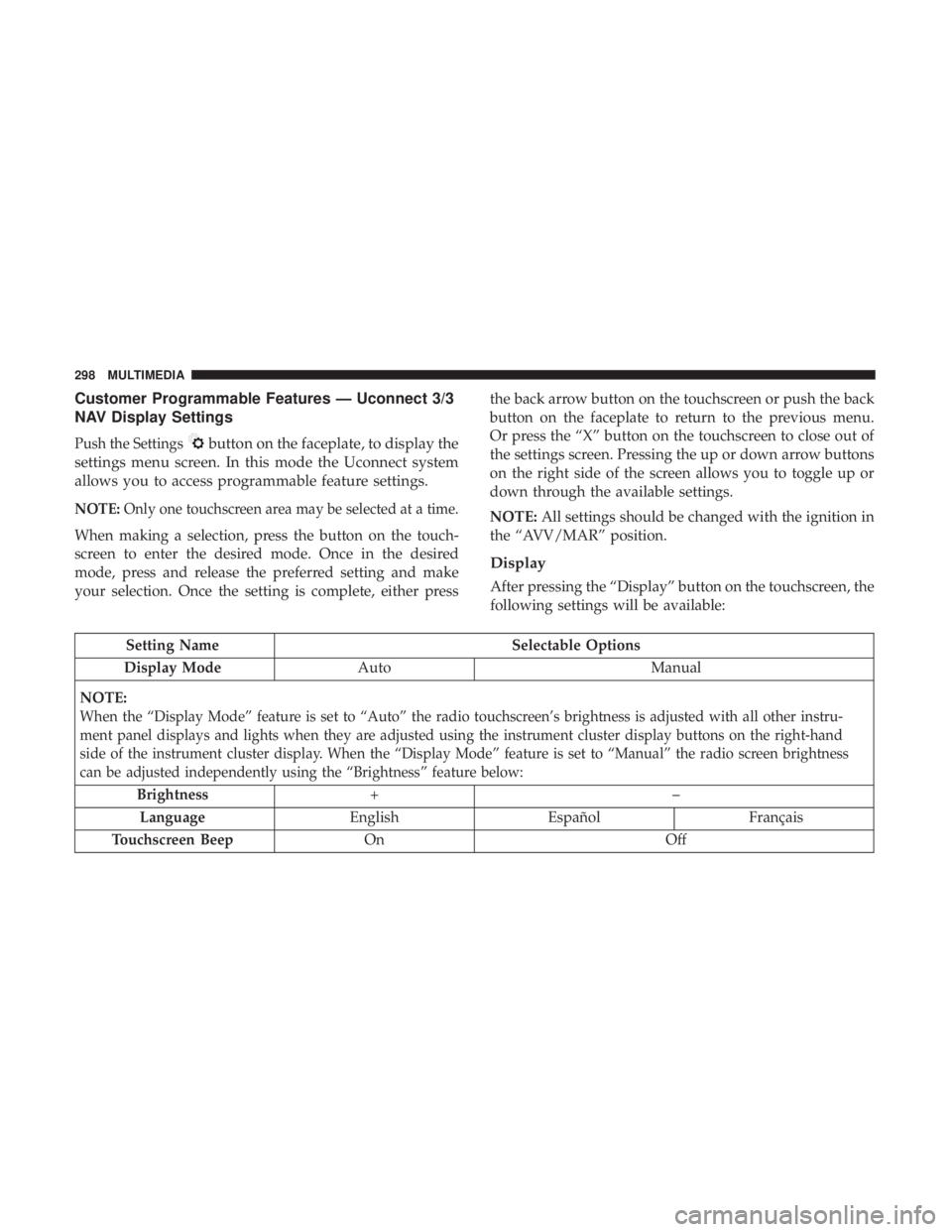
Customer Programmable Features — Uconnect 3/3
NAV Display Settings
Push the Settings button on the faceplate, to display the
settings menu screen. In this mode the Uconnect system
allows you to access programmable feature settings.
NOTE: Only one touchscreen area may be selected at a time.
When making a selection, press the button on the touch-
screen to enter the desired mode. Once in the desired
mode, press and release the preferred setting and make
your selection. Once the setting is complete, either press the back arrow button on the touchscreen or push the back
button on the faceplate to return to the previous menu.
Or press the “X” button on the touchscreen to close out of
the settings screen. Pressing the up or down arrow buttons
on the right side of the screen allows you to toggle up or
down through the available settings.
NOTE: All settings should be changed with the ignition in
the “AVV/MAR” position.
Display
After pressing the “Display” button on the touchscreen, the
following settings will be available:
Setting Name Selectable Options
Display Mode Auto Manual
NOTE:
When the “Display Mode” feature is set to “Auto” the radio touchscreen’s brightness is adjusted with all other instru-
ment panel displays and lights when they are adjusted using the instrument cluster display buttons on the right-hand
side of the instrument cluster display. When the “Display Mode” feature is set to “Manual” the radio screen brightness
can be adjusted independently using the “Brightness” feature below:
Brightness +–
Language English Español Français
Touchscreen Beep On Off298 MULTIMEDIA
Page 304 of 338
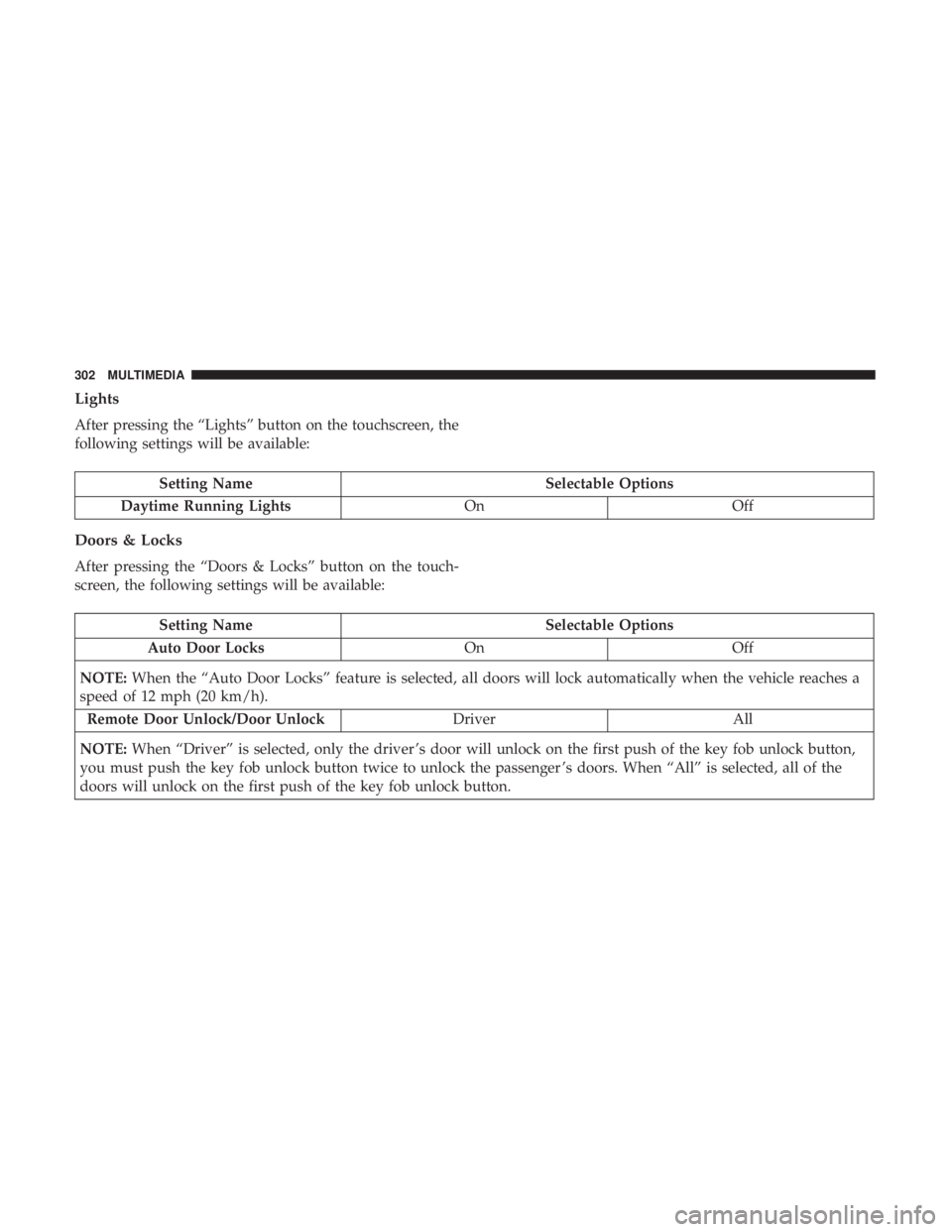
Lights
After pressing the “Lights” button on the touchscreen, the
following settings will be available:
Setting Name Selectable Options
Daytime Running Lights On Off
Doors & Locks
After pressing the “Doors & Locks” button on the touch-
screen, the following settings will be available:
Setting Name Selectable Options
Auto Door Locks On Off
NOTE: When the “Auto Door Locks” feature is selected, all doors will lock automatically when the vehicle reaches a
speed of 12 mph (20 km/h).
Remote Door Unlock/Door Unlock Driver All
NOTE: When “Driver” is selected, only the driver ’s door will unlock on the first push of the key fob unlock button,
you must push the key fob unlock button twice to unlock the passenger ’s doors. When “All” is selected, all of the
doors will unlock on the first push of the key fob unlock button. 302 MULTIMEDIA
Page 326 of 338
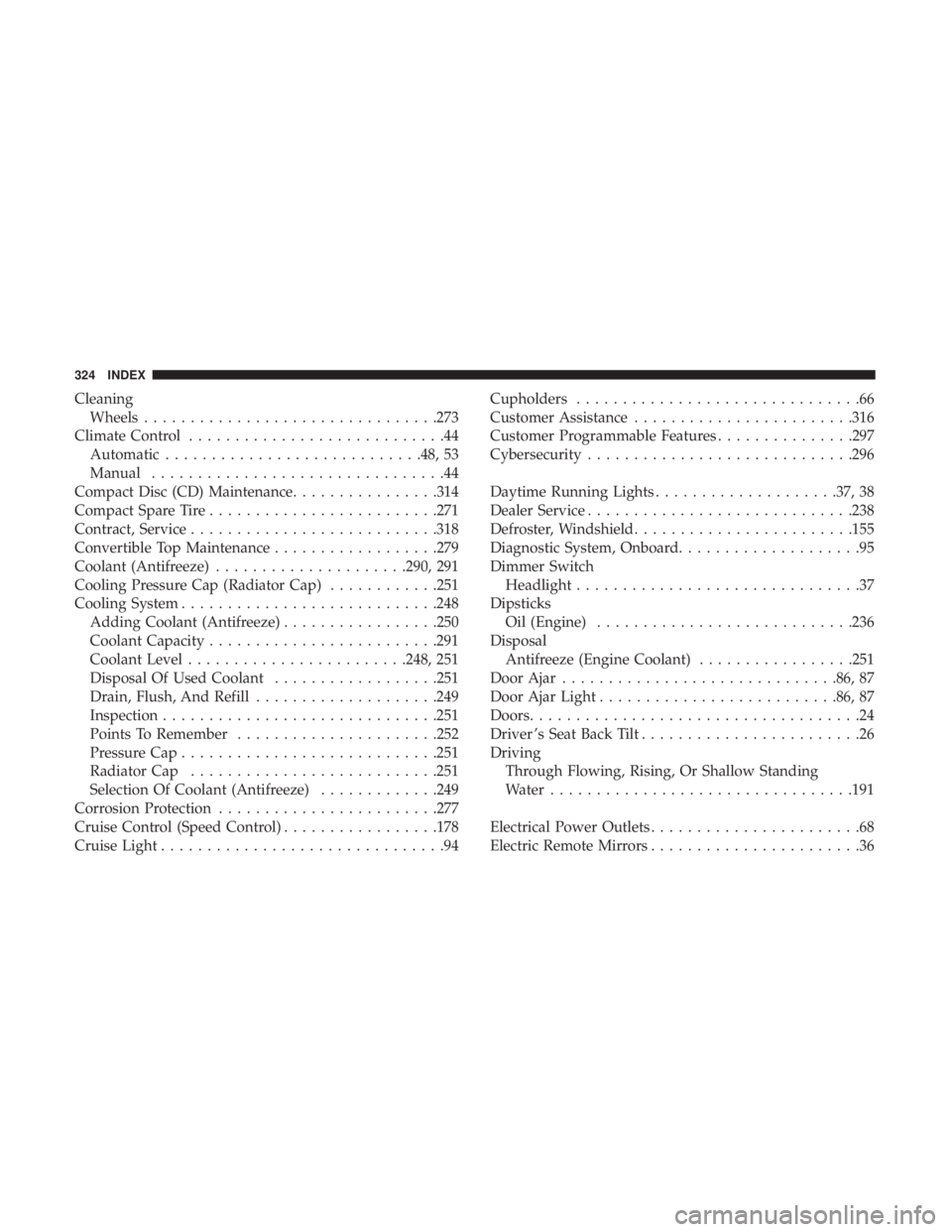
Cleaning
Wheels ............................... .273
Climate Control ............................44
Automatic ........................... .48, 53
Manual ................................44
Compact Disc (CD) Maintenance ............... .314
Compact Spare Tire ........................ .271
Contract, Service .......................... .318
Convertible Top Maintenance ................. .279
Coolant (Antifreeze) .................... .290, 291
Cooling Pressure Cap (Radiator Cap) ........... .251
Cooling System ........................... .248
Adding Coolant (Antifreeze) ................ .250
Coolant Capacity ........................ .291
Coolant Level ....................... .248, 251
Disposal Of Used Coolant ................. .251
Drain, Flush, And Refill ................... .249
Inspection ............................. .251
Points To Remember ..................... .252
Pressure Cap ........................... .251
Radiator Cap .......................... .251
Selection Of Coolant (Antifreeze) ............ .249
Corrosion Protection ....................... .277
Cruise Control (Speed Control) ................ .178
Cruise Light ...............................94 Cupholders ...............................66
Customer Assistance ....................... .316
Customer Programmable Features .............. .297
Cybersecurity ............................ .296
Daytime Running Lights ................... .37, 38
Dealer Service ............................ .238
Defroster, Windshield ....................... .155
Diagnostic System, Onboard ....................95
Dimmer Switch
Headlight ...............................37
Dipsticks
Oil (Engine) ........................... .236
Disposal
Antifreeze (Engine Coolant) ................ .251
Door Ajar ............................. .86, 87
Door Ajar Light ......................... .86, 87
Doors ....................................24
Driver ’s Seat Back Tilt ........................26
Driving
Through Flowing, Rising, Or Shallow Standing
Water ................................ .191
Electrical Power Outlets .......................68
Electric Remote Mirrors .......................36324 INDEX
Page 327 of 338
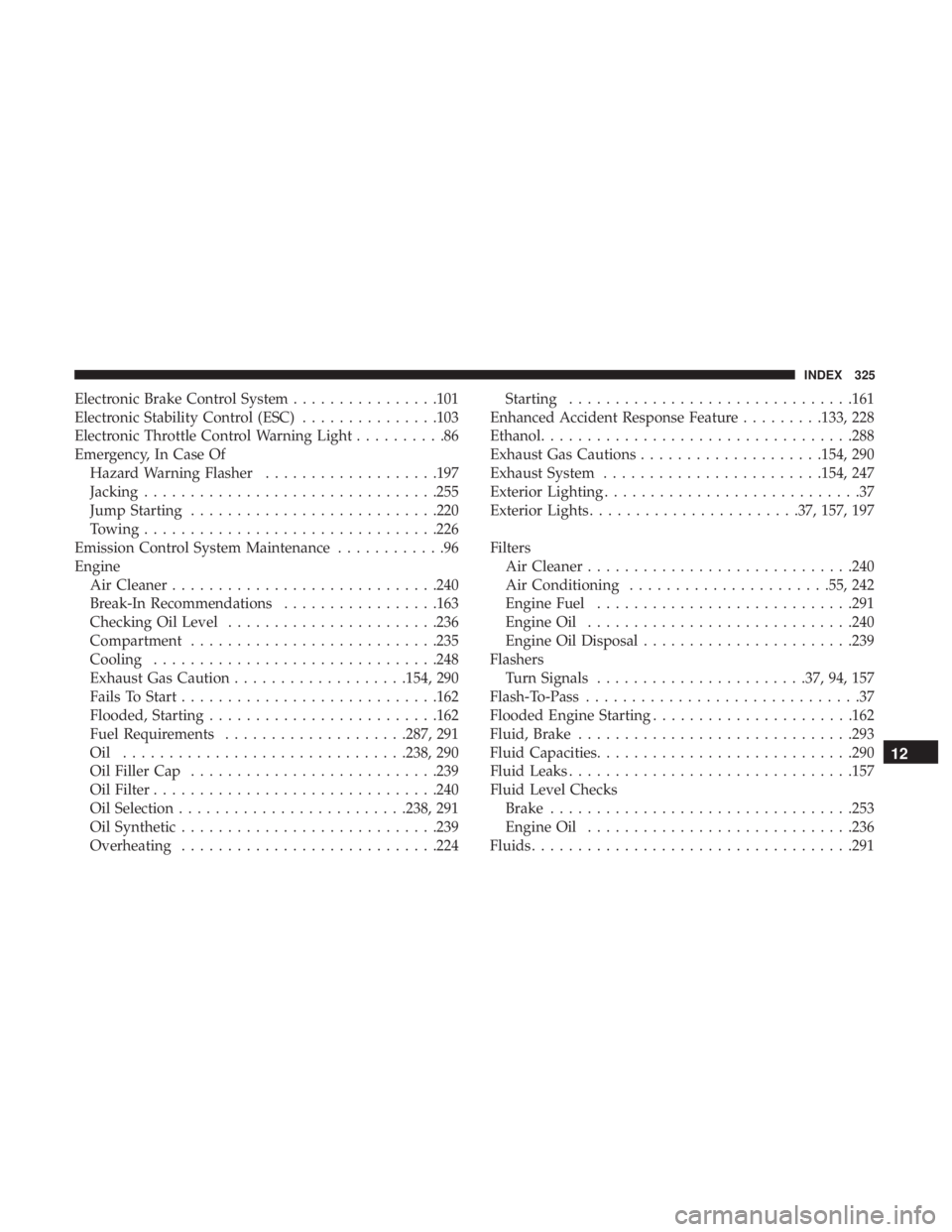
Electronic Brake Control System ............... .101
Electronic Stability Control (ESC) .............. .103
Electronic Throttle Control Warning Light ..........86
Emergency, In Case Of
Hazard Warning Flasher .................. .197
Jacking ............................... .255
Jump Starting .......................... .220
Towing ............................... .226
Emission Control System Maintenance ............96
Engine
Air Cleaner ............................ .240
Break-In Recommendations ................ .163
Checking Oil Level ...................... .236
Compartment .......................... .235
Cooling .............................. .248
Exhaust Gas Caution .................. .154, 290
Fails To Start ........................... .162
Flooded, Starting ........................ .162
Fuel Requirements ................... .287, 291
Oil .............................. .238, 290
Oil Filler Cap .......................... .239
Oil Filter .............................. .240
Oil Selection ........................ .238, 291
Oil Synthetic ........................... .239
Overheating ........................... .224 Starting .............................. .161
Enhanced Accident Response Feature ........ .133, 228
Ethanol ................................. .288
Exhaust Gas Cautions ................... .154, 290
Exhaust System ....................... .154, 247
Exterior Lighting ............................37
Exterior Lights ...................... .37, 157, 197
Filters
Air Cleaner ............................ .240
Air Conditioning ..................... .55, 242
Engine Fuel ........................... .291
Engine Oil ............................ .240
Engine Oil Disposal ...................... .239
Flashers
Turn Signals ...................... .37, 94, 157
Flash-To-Pass ..............................37
Flooded Engine Starting ..................... .162
Fluid, Brake ............................. .293
Fluid Capacities ........................... .290
Fluid Leaks .............................. .157
Fluid Level Checks
Brake ................................ .253
Engine Oil ............................ .236
Fluids .................................. .29112 INDEX 325