instrument panel FORD FIESTA 2019 Owner's Manual
[x] Cancel search | Manufacturer: FORD, Model Year: 2019, Model line: FIESTA, Model: FORD FIESTA 2019Pages: 443, PDF Size: 31.51 MB
Page 275 of 443
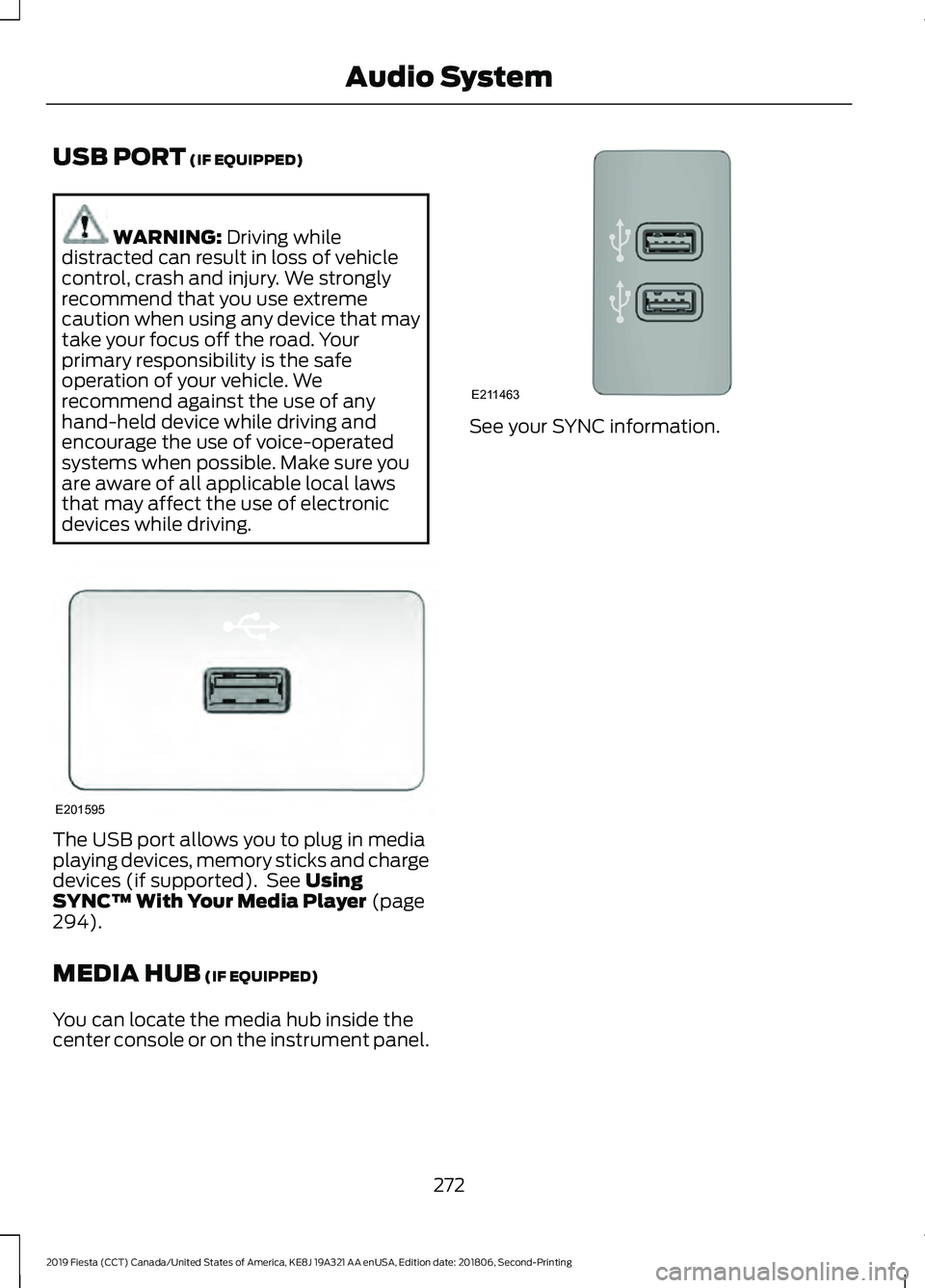
USB PORT (IF EQUIPPED)
WARNING:
Driving while
distracted can result in loss of vehicle
control, crash and injury. We strongly
recommend that you use extreme
caution when using any device that may
take your focus off the road. Your
primary responsibility is the safe
operation of your vehicle. We
recommend against the use of any
hand-held device while driving and
encourage the use of voice-operated
systems when possible. Make sure you
are aware of all applicable local laws
that may affect the use of electronic
devices while driving. The USB port allows you to plug in media
playing devices, memory sticks and charge
devices (if supported). See
Using
SYNC™ With Your Media Player (page
294).
MEDIA HUB
(IF EQUIPPED)
You can locate the media hub inside the
center console or on the instrument panel. See your SYNC information.
272
2019 Fiesta (CCT) Canada/United States of America, KE8J 19A321 AA enUSA, Edition date: 201806, Second-Printing Audio SystemE201595 E211463
Page 303 of 443
Description and Action
Display
2. Scroll to browse indexed media files on the device, and
then press the OK button.
Resets the USB index. After the new indexing is complete,
you can choose what to play from the USB song library.
Reset USB
* You can use the buttons at the bottom of the audio display to jump to a certain
alphabetical category quickly. You can also use the letters on the audio system's numeric
keypad to jump in the list.
Using Voice Commands
You can access and view your USB songs
using voice commands.
Plug the device into your vehicle's USB
port.
Press the voice button and when
prompted, say any of the following
commands: Accessing and Viewing USB Media
(browse | search | show) all (album |
albums)
(browse | search | show) all (artist |
artists)
(browse | search | show) all (genre |
genres)
(browse | search | show) all (playlist |
playlists)
(browse | search | show) all (song | songs
| title | titles | file | files | track | tracks)
(browse | search | show) album ___
(browse | search | show) artist ___
(browse | search | show) genre ___
(browse | search | show) playlist ___ USB 2
(If Equipped)
Your vehicle may come equipped with an
additional USB port. If so, USB 1 is located
at the front of the vehicle at the bottom of
the instrument panel. USB 2 is located
inside the storage compartment of the
vehicle's center console.
You can plug in an additional USB device
into the second USB port.
You can access both USB devices by using
voice commands.
To access a USB device press the voice
button and when prompted say: Voice command
USB 1
USB 2
Note: SYNC only supports one connected
iOS (Apple) devices at a time (whichever
one you plug in first). When you connect a
second iOS device, the systems charges it,
but does not support playback from it.
Bluetooth Devices and System
Settings
You can access these menus using the
audio display. See
Using SYNC™ With
Your Phone (page 277).
300
2019 Fiesta (CCT) Canada/United States of America, KE8J 19A321 AA enUSA, Edition date: 201806, Second-Printing SYNC™
(If Equipped)
Page 317 of 443
Note:
On some models, SEEK NEXT may
be combined with PHONE REJECT and
SEEK PREVIOUS may be combined with
PHONE ACCEPT.
M:
Touch the control repeatedly to switch
between media sources (modes).
See
Steering Wheel (page 68).
Using Your Bezel Controls
Depending on your vehicle and option
package, you may also have these controls
on your instrument panel:
• Power:
Switch the audio system on
and off.
• VOL:
Control the volume of playing
audio.
• Seek
and Tune: se as you normally
would in audio modes.
• Eject:
Eject a CD from the audio
system.
• SOURCE
or MEDIA: Press repeatedly
to advance through available media
modes.
• SOUND:
Press to access the Sound
menu where you can adjust sound and
other audio settings.
• 1-6:
Press and hold to store or press to
select an AM, FM or SIRIUS memory
preset. See Audio System (page 254).
• DISP:
Switch the display on or off. You
can also touch the screen to switch the
display back on.
• Temperature, fan and climate
control buttons:
Control the
temperature, fan speed or settings of
the climate control system. See
Climate Control
(page 96). 911 Assist WARNING:
Unless the 911 Assist
setting is set on before a crash, the
system will not dial for help which could
delay response time, potentially
increasing the risk of serious injury or
death after a crash. WARNING:
Do not wait for 911
Assist to make an emergency call if you
can do it yourself. Dial emergency
services immediately to avoid delayed
response time which could increase the
risk of serious injury or death after a
crash. If you do not hear 911 Assist within
five seconds of the crash, the system or
phone may be damaged or
non-functional. WARNING:
Always place your
phone in a secure location in your vehicle
so it does not become a projectile or get
damaged in a crash. Failure to do so may
cause serious injury to someone or
damage the phone which could prevent
911 Assist from working properly.
Note: The SYNC 911 Assist feature must be
set on before the incident.
Note: The SYNC 911 Assist feature only
operates in the U.S., Canada or in a territory
in which 911 is the emergency number.
Note: Before setting this feature on, make
sure that you read the 911 Assist Privacy
Notice later in this section for important
information.
Note: If any user sets 911 Assist to on or off,
that setting applies for all paired phones. If
911 Assist is switched off and the phone is
connected to SYNC, an icon displays on the
status bar.
314
2019 Fiesta (CCT) Canada/United States of America, KE8J 19A321 AA enUSA, Edition date: 201806, Second-Printing SYNC™ 3
Page 339 of 443
Function
Button
Composers
This button allows you to choose a specific
letter to view within the category you are
browsing.
A-Z Jump
If available, this allows you to browse the
folders and files on your USB device.
Explore Device
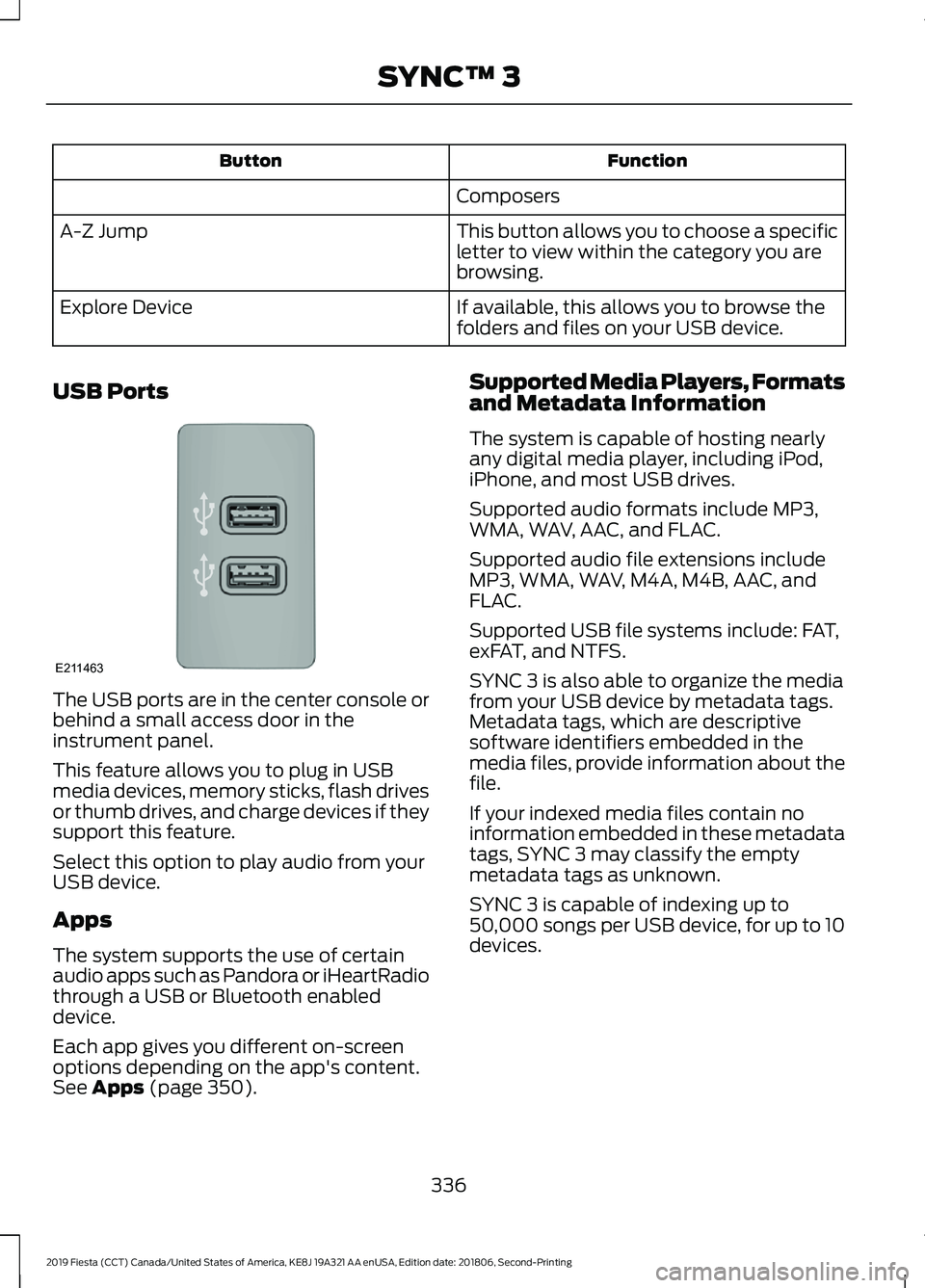
USB Ports The USB ports are in the center console or
behind a small access door in the
instrument panel.
This feature allows you to plug in USB
media devices, memory sticks, flash drives
or thumb drives, and charge devices if they
support this feature.
Select this option to play audio from your
USB device.
Apps
The system supports the use of certain
audio apps such as Pandora or iHeartRadio
through a USB or Bluetooth enabled
device.
Each app gives you different on-screen
options depending on the app's content.
See Apps (page 350). Supported Media Players, Formats
and Metadata Information
The system is capable of hosting nearly
any digital media player, including iPod,
iPhone, and most USB drives.
Supported audio formats include MP3,
WMA, WAV, AAC, and FLAC.
Supported audio file extensions include
MP3, WMA, WAV, M4A, M4B, AAC, and
FLAC.
Supported USB file systems include: FAT,
exFAT, and NTFS.
SYNC 3 is also able to organize the media
from your USB device by metadata tags.
Metadata tags, which are descriptive
software identifiers embedded in the
media files, provide information about the
file.
If your indexed media files contain no
information embedded in these metadata
tags, SYNC 3 may classify the empty
metadata tags as unknown.
SYNC 3 is capable of indexing up to
50,000 songs per USB device, for up to 10
devices.
336
2019 Fiesta (CCT) Canada/United States of America, KE8J 19A321 AA enUSA, Edition date: 201806, Second-Printing SYNC™ 3E211463
Page 435 of 443
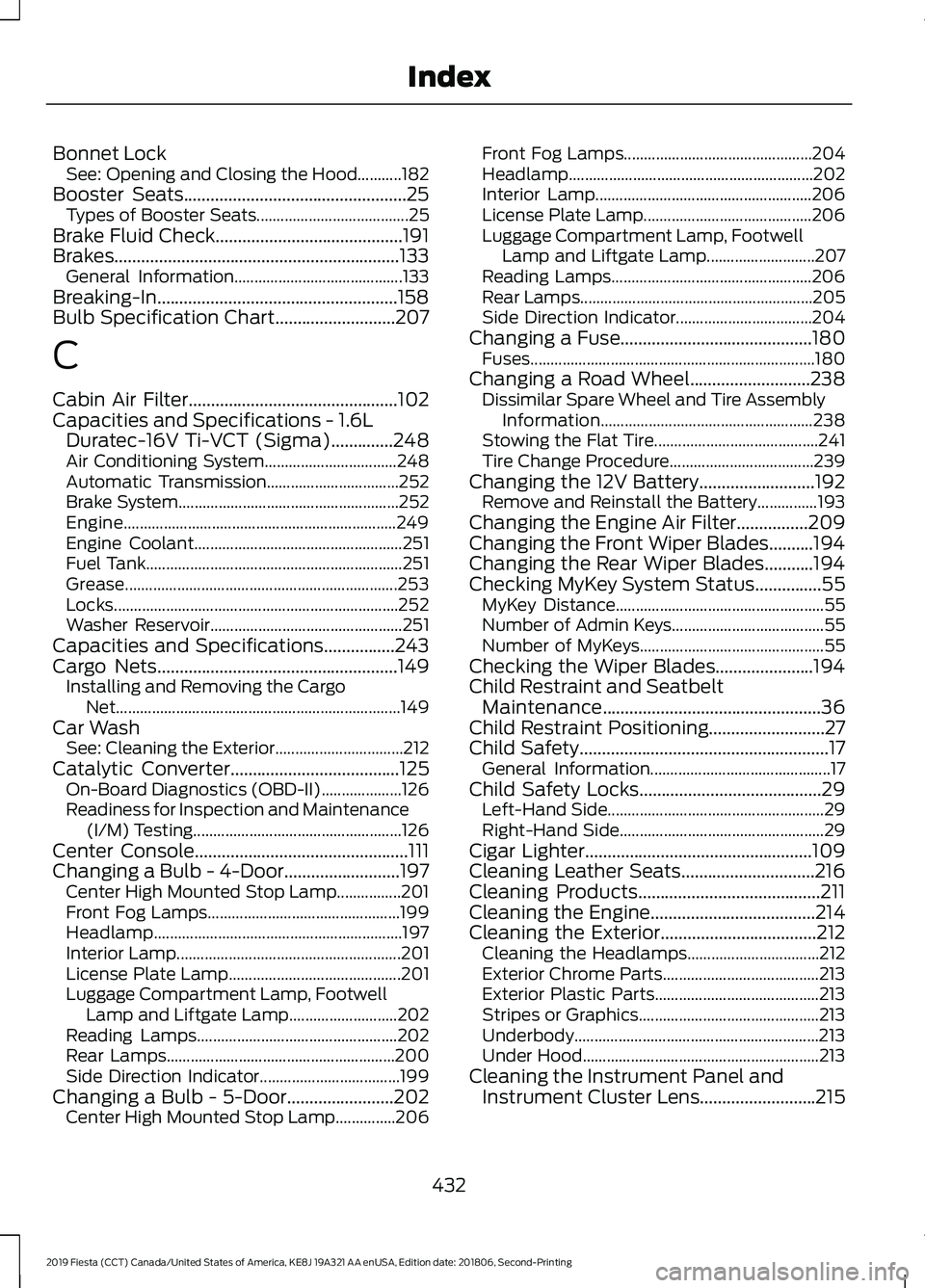
Bonnet Lock
See: Opening and Closing the Hood...........182
Booster Seats..................................................25 Types of Booster Seats...................................... 25
Brake Fluid Check..........................................191
Brakes................................................................133 General Information.......................................... 133
Breaking-In......................................................158
Bulb Specification Chart...........................207
C
Cabin Air Filter...............................................102
Capacities and Specifications - 1.6L Duratec-16V Ti-VCT (Sigma)
..............248
Air Conditioning System................................. 248
Automatic Transmission................................. 252
Brake System....................................................... 252
Engine.................................................................... 249
Engine Coolant.................................................... 251
Fuel Tank................................................................ 251
Grease.................................................................... 253
Locks....................................................................... 252
Washer Reservoir................................................ 251
Capacities and Specifications................243
Cargo Nets......................................................149 Installing and Removing the Cargo
Net....................................................................... 149
Car Wash See: Cleaning the Exterior................................ 212
Catalytic Converter
......................................125
On-Board Diagnostics (OBD-II).................... 126
Readiness for Inspection and Maintenance (I/M) Testing.................................................... 126
Center Console................................................111
Changing a Bulb - 4-Door..........................197 Center High Mounted Stop Lamp................201
Front Fog Lamps................................................ 199
Headlamp.............................................................. 197
Interior Lamp........................................................ 201
License Plate Lamp........................................... 201
Luggage Compartment Lamp, Footwell Lamp and Liftgate Lamp........................... 202
Reading Lamps.................................................. 202
Rear Lamps......................................................... 200
Side Direction Indicator................................... 199
Changing a Bulb - 5-Door........................202 Center High Mounted Stop Lamp...............206 Front Fog Lamps...............................................
204
Headlamp............................................................. 202
Interior Lamp...................................................... 206
License Plate Lamp.......................................... 206
Luggage Compartment Lamp, Footwell Lamp and Liftgate Lamp........................... 207
Reading Lamps.................................................. 206
Rear Lamps.......................................................... 205
Side Direction Indicator.................................. 204
Changing a Fuse
...........................................180
Fuses....................................................................... 180
Changing a Road Wheel
...........................238
Dissimilar Spare Wheel and Tire Assembly
Information..................................................... 238
Stowing the Flat Tire......................................... 241
Tire Change Procedure.................................... 239
Changing the 12V Battery..........................192 Remove and Reinstall the Battery...............193
Changing the Engine Air Filter................209
Changing the Front Wiper Blades..........194
Changing the Rear Wiper Blades...........194
Checking MyKey System Status...............55 MyKey Distance.................................................... 55
Number of Admin Keys...................................... 55
Number of MyKeys.............................................. 55
Checking the Wiper Blades......................194
Child Restraint and Seatbelt Maintenance
.................................................36
Child Restraint Positioning..........................27
Child Safety........................................................17
General Information............................................. 17
Child Safety Locks
.........................................29
Left-Hand Side...................................................... 29
Right-Hand Side................................................... 29
Cigar Lighter
...................................................109
Cleaning Leather Seats..............................216
Cleaning Products
.........................................211
Cleaning the Engine.....................................214
Cleaning the Exterior...................................212 Cleaning the Headlamps................................. 212
Exterior Chrome Parts....................................... 213
Exterior Plastic Parts......................................... 213
Stripes or Graphics............................................. 213
Underbody............................................................. 213
Under Hood........................................................... 213
Cleaning the Instrument Panel and Instrument Cluster Lens..........................215
432
2019 Fiesta (CCT) Canada/United States of America, KE8J 19A321 AA enUSA, Edition date: 201806, Second-Printing Index
Page 438 of 443
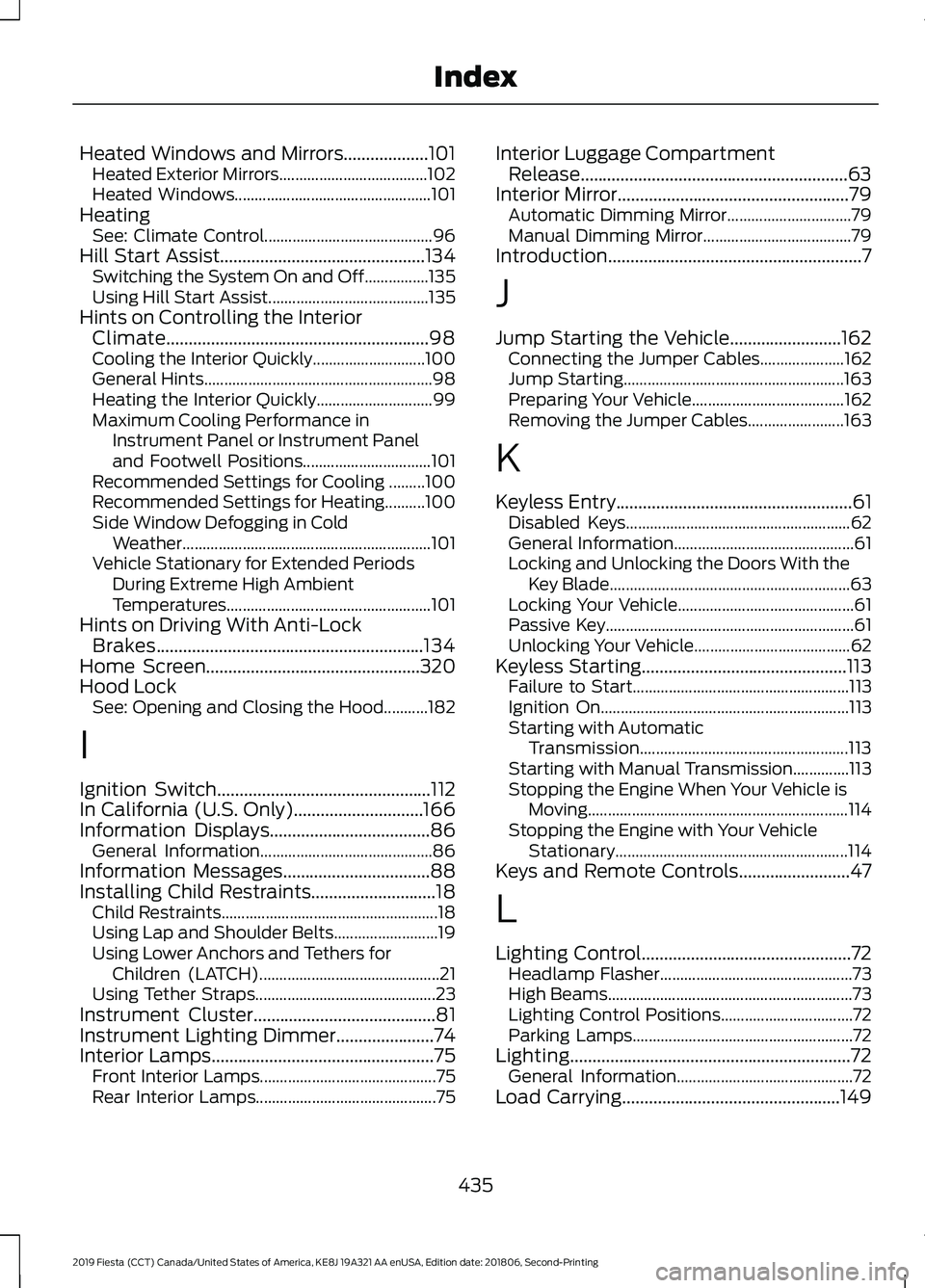
Heated Windows and Mirrors...................101
Heated Exterior Mirrors..................................... 102
Heated Windows................................................. 101
Heating See: Climate Control.......................................... 96
Hill Start Assist..............................................134 Switching the System On and Off................135
Using Hill Start Assist........................................ 135
Hints on Controlling the Interior Climate...........................................................98
Cooling the Interior Quickly............................ 100
General Hints......................................................... 98
Heating the Interior Quickly............................. 99
Maximum Cooling Performance in Instrument Panel or Instrument Panel
and Footwell Positions................................ 101
Recommended Settings for Cooling .........100
Recommended Settings for Heating..........100
Side Window Defogging in Cold Weather.............................................................. 101
Vehicle Stationary for Extended Periods During Extreme High Ambient
Temperatures................................................... 101
Hints on Driving With Anti-Lock Brakes............................................................134
Home Screen
................................................320
Hood Lock See: Opening and Closing the Hood...........182
I
Ignition Switch
................................................112
In California (U.S. Only).............................166
Information Displays
....................................86
General Information........................................... 86
Information Messages.................................88
Installing Child Restraints
............................18
Child Restraints...................................................... 18
Using Lap and Shoulder Belts.......................... 19
Using Lower Anchors and Tethers for Children (LATCH)............................................. 21
Using Tether Straps............................................. 23
Instrument Cluster
.........................................81
Instrument Lighting Dimmer......................74
Interior Lamps..................................................75
Front Interior Lamps............................................ 75
Rear Interior Lamps............................................. 75Interior Luggage Compartment
Release............................................................63
Interior Mirror
....................................................79
Automatic Dimming Mirror............................... 79
Manual Dimming Mirror..................................... 79
Introduction.........................................................7
J
Jump Starting the Vehicle.........................162 Connecting the Jumper Cables..................... 162
Jump Starting....................................................... 163
Preparing Your Vehicle...................................... 162
Removing the Jumper Cables........................ 163
K
Keyless Entry
.....................................................61
Disabled Keys........................................................ 62
General Information............................................. 61
Locking and Unlocking the Doors With the Key Blade............................................................ 63
Locking Your Vehicle............................................ 61
Passive Key.............................................................. 61
Unlocking Your Vehicle....................................... 62
Keyless Starting
..............................................113
Failure to Start...................................................... 113
Ignition On.............................................................. 113
Starting with Automatic Transmission.................................................... 113
Starting with Manual Transmission..............113
Stopping the Engine When Your Vehicle is Moving................................................................. 114
Stopping the Engine with Your Vehicle Stationary.......................................................... 114
Keys and Remote Controls.........................47
L
Lighting Control
...............................................72
Headlamp Flasher................................................ 73
High Beams............................................................. 73
Lighting Control Positions................................. 72
Parking Lamps....................................................... 72
Lighting...............................................................72 General Information............................................ 72
Load Carrying.................................................149
435
2019 Fiesta (CCT) Canada/United States of America, KE8J 19A321 AA enUSA, Edition date: 201806, Second-Printing Index