reset JEEP GRAND CHEROKEE 2015 WK2 / 4.G User Guide
[x] Cancel search | Manufacturer: JEEP, Model Year: 2015, Model line: GRAND CHEROKEE, Model: JEEP GRAND CHEROKEE 2015 WK2 / 4.GPages: 717, PDF Size: 18.54 MB
Page 196 of 717
WARNING!(Continued)
You should switch off the ACC system:
When driving in fog, heavy rain, heavy snow, sleet,
heavy traffic, and complex driving situations (i.e., in
highway construction zones).
When entering a turn lane or highway off ramp;
when driving on roads that are winding, icy, snow-
covered, slippery, or have steep uphill or downhill
slopes.
When towing a trailer up or down steep slopes.
When circumstances do not allow safe driving at a
constant speed.
The Cruise Control system has two control modes:
•Adaptive Cruise Control mode for maintaining an
appropriate distance between vehicles.
•Normal (fixed speed) electronic speed control mode
for cruising at a constant preset speed. For additional
information, refer to “Normal (Fixed Speed) Cruise
Control Mode” in this section.
NOTE:Normal (fixed speed) electronic speed control
will not react to preceding vehicles. Always be aware of
the mode selected.
You can change the mode by using the Cruise Control
buttons. The two control modes function differently.
Always confirm which mode is selected.
194 UNDERSTANDING THE FEATURES OF YOUR VEHICLE
Page 272 of 717
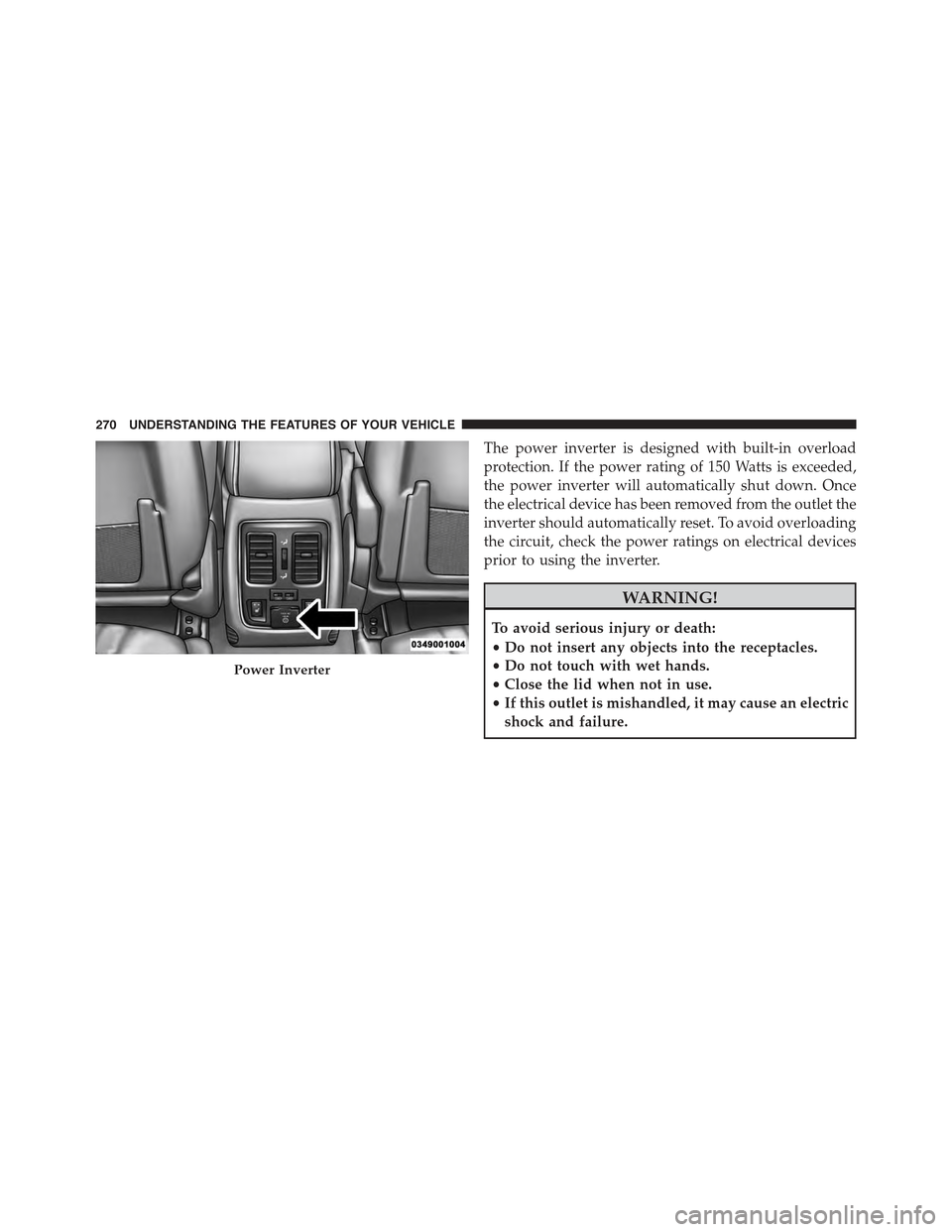
The power inverter is designed with built-in overload
protection. If the power rating of 150 Watts is exceeded,
the power inverter will automatically shut down. Once
the electrical device has been removed from the outlet the
inverter should automatically reset. To avoid overloading
the circuit, check the power ratings on electrical devices
prior to using the inverter.
WARNING!
To avoid serious injury or death:
•Do not insert any objects into the receptacles.
•Do not touch with wet hands.
•Close the lid when not in use.
•If this outlet is mishandled, it may cause an electric
shock and failure.
Power Inverter
270 UNDERSTANDING THE FEATURES OF YOUR VEHICLE
Page 289 of 717
UNDERSTANDING YOUR INSTRUMENT PANEL
CONTENTS
!INSTRUMENT PANEL FEATURES..........290
!INSTRUMENT CLUSTER.................291
!INSTRUMENT CLUSTER DESCRIPTIONS.....292
!DRIVER INFORMATION DISPLAY (DID)......301
▫DID Displays........................303
▫Engine Oil Life Reset..................305
▫DID Messages.......................306
▫DID White Telltales....................309
▫DID Amber Telltales...................310
▫DID Red Telltales......................311
▫DID Green Telltales....................314
▫DID Selectable Menu Items..............314
▫Screen Setup Driver Selectable Items........319
!Uconnect® SETTINGS....................320
▫Buttons On The Faceplate................321
▫Buttons On The Touchscreen..............322
▫Customer Programmable Features —
Uconnect® 5.0 Personal Settings...........322
▫Customer Programmable Features —
Uconnect® 8.4 Personal Settings...........339
4
Page 301 of 717
odometer needs to be repaired or serviced, the repair
technician should leave the odometer reading the same
as it was before the repair or service. If she/he cannot do
so, then the odometer must be set at zero, and a sticker
must be placed in the door jamb stating what the mileage
was before the repair or service. It is a good idea for you
to make a record of the odometer reading before the
repair/service, so that you can be sure that it is properly
reset, or that the door jamb sticker is accurate if the
odometer must be reset at zero.
When the appropriate conditions exist, this Driver Infor-
mation Display (DID) messages. Refer to “Driver Infor-
mation Display” of your owners manual for more
information.
16. Selectable DID Menu
This area of the cluster will display the DID selectable
menu. For further information, refer to “Driver Informa-
tion Display (DID)” in this section.
17. Air Bag Warning Light
This light will turn on for four to eight seconds
as a bulb check when the ignition switch is first
turned to the ON/RUN position. If the light is
either not on during starting, stays on, or turns
on while driving, have the system inspected at an autho-
rized dealer as soon as possible. Refer to “Occupant
Restraints” in “Things To Know Before Starting Your
Vehicle” of your owners manual for further information.
18. Vehicle Security Light
This light will flash rapidly for approximately
15 seconds when the vehicle theft alarm is
arming. The light will flash at a slower speed
continuously after the alarm is set. The security
light will also come on for about three seconds when the
ignition is first turned on.
4
UNDERSTANDING YOUR INSTRUMENT PANEL 299
Page 305 of 717
•UP Arrow Button
Push and release the UP arrow button to scroll
upward through the main menu and
submenus.
•DOWN Arrow Button
Push and release the DOWN arrow button to
scroll downward through the main menu and
submenus.
•RIGHT Arrow Button
Push and release the RIGHT arrow button to
access the information screens or submenu
screens of a main menu item.
•BACK/LEFT Arrow Button
Push and release the LEFT arrow button to
access the information screens or submenu
screens of a main menu item.
•OK Button
The OK button may be used for the following:
Selection
Reset (hold)
Clearing (hold)
DID Displays
The DID displays are located in the center portion of the
cluster and consist of multiple sections:
1. Main Screen — The inner ring of the display will
illuminate in grey under normal conditions, yellow for
non critical warnings, red for critical warnings and
white for on demand information.
2. Audio Information and Sub-menu Information —
Whenever there are submenus available, the position
within the submenus is shown here.
4
UNDERSTANDING YOUR INSTRUMENT PANEL 303
Page 307 of 717
is in the RUN state. Examples of this message type are
“Remote Start Aborted - Door Ajar” and “Press Brake
Pedal and Push Button to Start”.
•Five Second Unstored Messages
When the appropriate conditions occur, this type of
message takes control of the main display area for five
seconds and then returns to the previous screen. An
example of this message type is “Automatic High Beams
On”.
Engine Oil Life Reset
Oil Change Required
Your vehicle is equipped with an engine oil change
indicator system. The “Oil Change Required” message
will display in the DID for five seconds after a single
chime has sounded, to indicate the next scheduled oil
change interval. The engine oil change indicator system
is duty cycle based, which means the engine oil change
interval may fluctuate, dependent upon your personal
driving style.
Unless reset, this message will continue to display each
time you turn the ignition switch to the ON/RUN
position or cycle the ignition to the ON/RUN position if
equipped with Keyless Enter-N-Go™. To turn off the
message temporarily, push and release the OK button. To
reset the oil change indicator system (after performing
the scheduled maintenance) refer to the following proce-
dure.
Vehicles Equipped With Keyless Enter-N-Go™
1. Without pushing the brake pedal, push and release the
ENGINE START/STOP button and place the ignition
to the ON/RUN position (do not start the engine.)
2. Fully push the accelerator pedal, slowly, three times
within 10 seconds.
4
UNDERSTANDING YOUR INSTRUMENT PANEL 305
Page 308 of 717
3. Without pushing the brake pedal, push and release the
ENGINE START/STOP button once to return the
ignition to the OFF/LOCK position.
NOTE:If the indicator message illuminates when you
start the vehicle, the oil change indicator system did not
reset. If necessary, repeat this procedure.
DID Messages
•Front Seatbelts Unbuckled
•Driver Seatbelt Unbuckled
•Passenger Seatbelt Unbuckled
•Service Airbag System
•Traction Control Off
•Washer Fluid Low
•Oil Pressure Low
•Oil Change Due
•Fuel Low
•Service Antilock Brake System
•Service Electronic Throttle Control
•Service Power Steering
•Cruise Off
•Cruise Ready
•ACC Override
•Cruise Set To XXX MPH
•Tire Pressure Screen With Low Tire(s) “Inflate Tire to
XX”
•Service Tire Pressure System
•Speed Warning Set
306 UNDERSTANDING YOUR INSTRUMENT PANEL
Page 309 of 717
•Speed Warning Exceeded
•Parking Brake Engaged
•Brake Fluid Low
•Service Electronic Braking System
•Engine Temperature Hot
•Battery Voltage Low
•Service Electronic Throttle Control
•Lights On
•Right Turn Signal Light Out
•Left Turn Signal Light Out
•Turn Signal On
•Vehicle Not in Park
•Key in Ignition
•Key in Ignition Lights On
•Remote Start Active Key to Run
•Remote Start Active Push Start Button
•Remote Start Aborted Fuel Low
•Remote Start Aborted Too Cold
•Remote Start Aborted Door Open
•Remote Start Aborted Hood Open
•Remote Start Aborted Tailgate Open
•Remote Start Aborted Time Expired
•Remote Start Disabled Start to Reset
•Service Airbag System
•Service Airbag Warning Light
•Door Open
4
UNDERSTANDING YOUR INSTRUMENT PANEL 307
Page 317 of 717
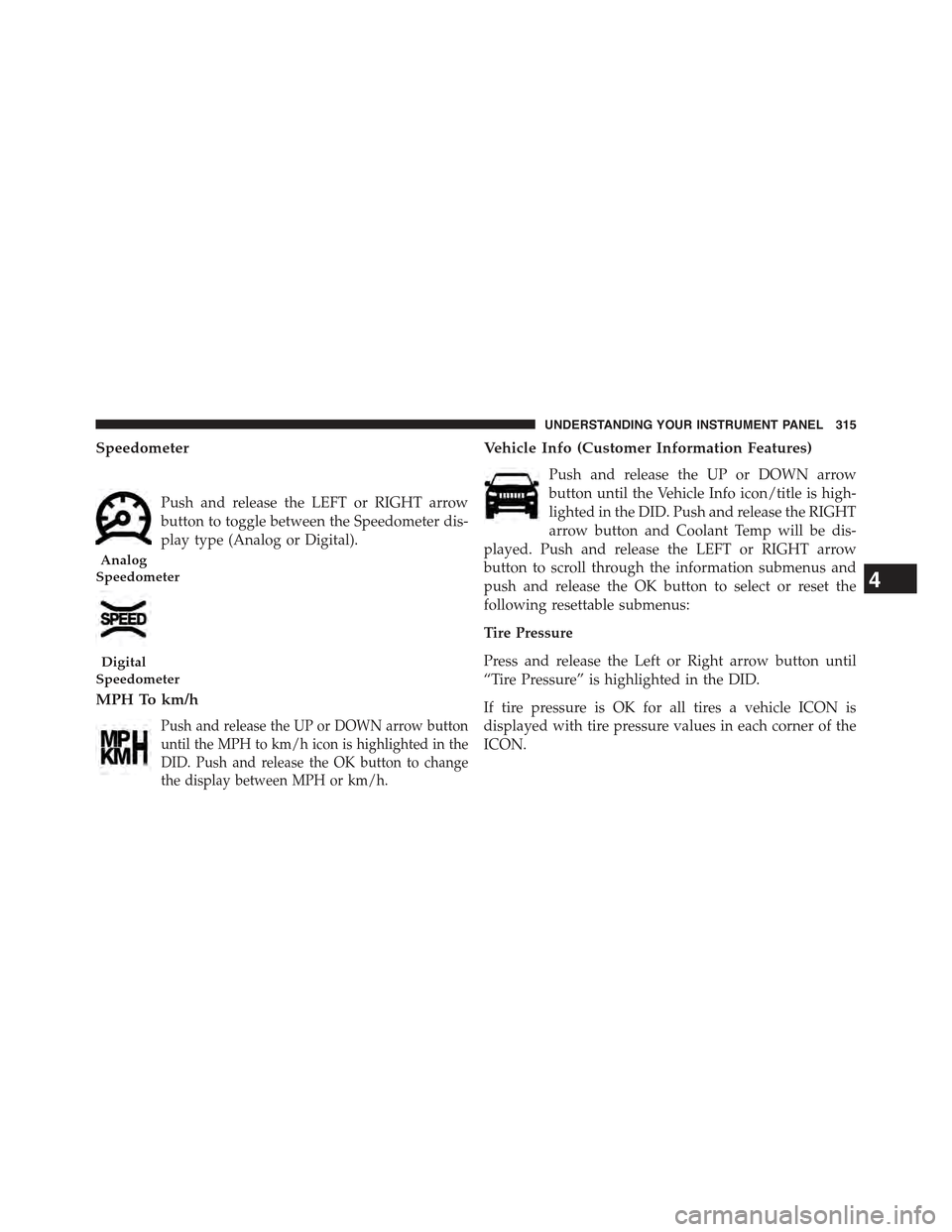
Speedometer
Push and release the LEFT or RIGHT arrow
button to toggle between the Speedometer dis-
play type (Analog or Digital).
MPH To km/h
Push and release the UP or DOWN arrow button
until the MPH to km/h icon is highlighted in the
DID. Push and release the OK button to change
the display between MPH or km/h.
Vehicle Info (Customer Information Features)
Push and release the UP or DOWN arrow
button until the Vehicle Info icon/title is high-
lighted in the DID. Push and release the RIGHT
arrow button and Coolant Temp will be dis-
played. Push and release the LEFT or RIGHT arrow
button to scroll through the information submenus and
push and release the OK button to select or reset the
following resettable submenus:
Tire Pressure
Press and release the Left or Right arrow button until
“Tire Pressure” is highlighted in the DID.
If tire pressure is OK for all tires a vehicle ICON is
displayed with tire pressure values in each corner of the
ICON.
Analog
Speedometer
Digital
Speedometer
4
UNDERSTANDING YOUR INSTRUMENT PANEL 315
Page 318 of 717
If one or more tires have low pressure, “Inflate Tire To
XX” is displayed with the vehicle ICON and the tire
pressure values in each corner of the ICON with the
pressure value of the low tire displayed in a different
color than the other tire pressure values.
If the Tire Pressure system requires service, “Service Tire
Pressure System” is displayed.
Tire Pressure is an information only function and cannot
be reset.
Refer to “Tire Pressure Monitoring System (TPMS)”
under “Starting and Operating” for further information.
Transmission Temperature
•Displays the actual transmission temperature.
Oil Temperature
•Displays the actual oil temperature
Oil Pressure
•Displays the actual oil pressure.
Oil Life
Battery Voltage
Engine Hours
•Displays the number of hours of engine operation.
Terrain — If Equipped
Push and release the UP or DOWN
arrow button until the Terrain display
icon/title is highlighted in the DID.
Push and release the RIGHT arrow
button to display the Selec-Terrain, Air
Suspension, Drivetrain, and Wheel
Articulation.
316 UNDERSTANDING YOUR INSTRUMENT PANEL