lock KIA BORREGO 2015 Repair Manual
[x] Cancel search | Manufacturer: KIA, Model Year: 2015, Model line: BORREGO, Model: KIA BORREGO 2015Pages: 420, PDF Size: 41.56 MB
Page 192 of 420

Features of your vehicle
118
4
For improving the effectiveness of the
cool box, do as follows;
1. Set the temperature to the hot
(extreme right) position for warm air or
to the cold (extreme left) position for
cool air.
Turn on the air conditioning system forcooler air.
2. Set the fan speed to the highest (extreme right) position.
3. Set the mode to the face ( ) posi- tion.
✽✽ NOTICE
If some items in the cool box block the
vent, the warming or cooling effective-
ness of the cool box is reduceD270200BEN
Glove box
The glove box can be locked and
unlocked with a master key.
To open the glove box, pull the handle
and the glove box will automatically
open. Close the glove box after use. D270300CHM Sunglass holder
To open the sunglass holder, press the
cover and the holder will slowly open.
Place your sunglasses with the lenses
facing out. To close the sunglass holder,
push it up.
OHM048127OHM048126
WARNING
To reduce the risk of injury in an
accident or sudden stop, always
keep the glove box door closedwhile driving.
WARNING
Do not put the perishable food in
the cool box because it may not be
able to maintain the necessary con-sistent temperature to keep the
food fresh.
CAUTION
Do not keep food in the glove box for a long time.
Page 193 of 420

4119
Features of your vehicle
D270400AHM
Multi box (if equipped)
To open the cover, press the button and
the cover will slowly open.D270500AHM
Luggage box
You can place a first aid kit, a reflector tri-
angle, tools, etc. in the box for easy
access.
Grasp the handle on the edge of the
cover and lift it.
OHM048129
OHM048130
WARNING
Do not keep objects except sun- glasses inside the sunglass hold-
er. Such objects can be thrown
from the holder in the event of a
sudden stop or an accident, pos-
sibly injuring the passengers in
the vehicle.
Do not open the sunglass holder while the vehicle is moving. The
rear view mirror of the vehicle
can be blocked by an opened
sunglass holder.
Do not put the glasses forcibly
into a sunglass holder to prevent
breakage or deformation of glass-
es. It may cause personal injury if
you try to open it forcibly when
the glasses are jammed in holder.
OHM048211
Page 197 of 420

4123
Features of your vehicle
The power outlet is designed to provide
power for mobile telephones or other
devices designed to operate with vehicle
electrical systems. The devices should
draw less than 10 amps with the engine
running.D280600AEN
Digital clock
Whenever the battery terminals or relat-
ed fuses are disconnected, you must
reset the time.
When the ignition switch is in the ACC or
ON position, the clock buttons operate as
follows:D280601BHM
Hour (1)
Press the H button to advance the time
displayed by one hour.
Hold the H button to advance the hour
reading more rapildy.
WARNING
Do not adjust the clock while driv-
ing. You may lose your steering
control and cause an accident that
results in severe personal injury ordeath.
CAUTION
Use the power outlet only when the engine is running and removethe accessory plug after use.Using the accessory plug for pro-
longed periods of time with the engine off could cause the bat-tery to discharge.
Only use 12V electric accessories which are less than 10A in elec-
tric capacity.
Adjust the air-conditioner or heater to the lowest operatinglevel when using the power outlet.
Close the cover when not in use. Some electronic devices can cause electronic interferencewhen plugged into a vehicle’spower outlet. These devices may cause excessive audio static and
malfunctions in other electronicsystems or devices used in yourvehicle.
WARNING
Do not put a finger or a foreign ele-
ment (pin, etc.) into a power outlet
and do not touch with a wet hand.
You may get an electric shock.
OHM048137
OHM048136
■ Type A
■ Type B
Page 198 of 420

Features of your vehicle
124
4
Minute (2)
Press the M button to advance the time
displayed by one minute.
Hold the M button to advance the hour
reading more rapildy.
Reset (3)
To clear away minutes, press the R but-
ton. Then the clock will be set precisely
on the hour.
For example, if the R button is pressed
while the time is between 9:01 and 9:29,
the display will reset to 9:00.
9:01 ~ 9:29 display changed to 9:00
9:30 ~ 9:59 display changed to 10:00 D280604AHM
Display conversion
To change the 12 hour format to the 24
hour format, press the R button until the
display blinks.
For example, if the R button is pressed
while the time is 10:15 p.m., the displaywill change to 22:15. D281200AHM-EE Outside thermometer
The current outside temperature is dis-
played in 1°C (1°F) increments. The tem-
perature range is between -40°C ~ 60°C(-40°F~140°F). The outside temperature on the display
may not change immediately like a
general thermometer to prevent the
driver from being inattentive.
For details, refer to the "Climate control system" in section 4.
Temperature
Seconds
1. Turn the ignition switch to the ON posi- tion.
2. Press the H button at least 3 times within 3 seconds while pressing the R
button.
3. The temperature mode will change to the time mode. The time displays in
seconds.
4. If the M button is pressed, the clock’s minute will change and the counting
will start again from the beginning(00).
5. To return to the temperature mode, press the H button at least 3 timeswithin 3 seconds while pressing the R
button.
If the ignition switch turns OFF and ON
again, the temperature mode will be dis-
played.
OHM048138
OHM048139
■ Type A
■ Type B
Page 204 of 420

Features of your vehicle
130
4
✽✽
NOTICE
If you install an after market HID head lamp, your vehicle’s audio and
electronic device may malfunction.
Prevent chemicals such as perfume,
cosmetic oil, sun cream, hand cleaner
and air freshener from contacting the
interior parts because they may cause
damage or discoloration.
Antenna D300102BHM
Roof antenna
Your vehicle uses a roof antenna to receive
both AM and FM broadcast signals. This
antenna is removable. To remove the
antenna, turn it counterclockwise. To install
the antenna, turn it clockwise.
AUDIO SYSTEM
CAUTION
• Before entering a place with a low
height clearance or a car wash,
remove the antenna by rotating it counterclockwise. If not, theantenna may be damaged.
When reinstalling your antenna, it is important that it is fully tight-ened and adjusted to the uprightposition to ensure proper recep- tion. But it could be removed
when parking the vehicle or when loading cargo on the roof rack.
When cargo is loaded on the roof rack, do not place the cargo nearthe antenna pole to ensure proper
reception.
OHM048154L
Page 207 of 420

4133
Features of your vehicle
FM broadcasts are transmitted at high
frequencies and do not bend to follow the
earth's surface. Because of this, FM
broadcasts generally begin to fade at
short distances from the station. Also,
FM signals are easily affected by build-
ings, mountains, or other obstructions.
These can result in certain listening con-
ditions which might lead you to believe a
problem exists with your radio. The fol-
lowing conditions are normal and do not
indicate radio trouble: Fading - As your vehicle moves away
from the radio station, the signal will
weaken and sound will begin to fade.
When this occurs, we suggest that youselect another stronger station.
Flutter/Static - Weak FM signals or large obstructions between the trans-
mitter and your radio can disturb the
signal causing static or fluttering nois-
es to occur. Reducing the treble level
may lessen this effect until the distur-
bance clears. Station Swapping - As a FM signal
weakens, another more powerful sig-
nal near the same frequency may
begin to play. This is because your
radio is designed to lock onto the clear-
est signal. If this occurs, select anoth-er station with a stronger signal.
Multi-Path Cancellation - Radio signals being received from several directions
can cause distortion or fluttering. This
can be caused by a direct and reflect-
ed signal from the same station, or by
signals from two stations with close
frequencies. If this occurs, selectanother station until the condition haspassed.
JBM005JBM004JBM003
FM radio station
Page 211 of 420
4137
Features of your vehicle
How to Activate RADIO,
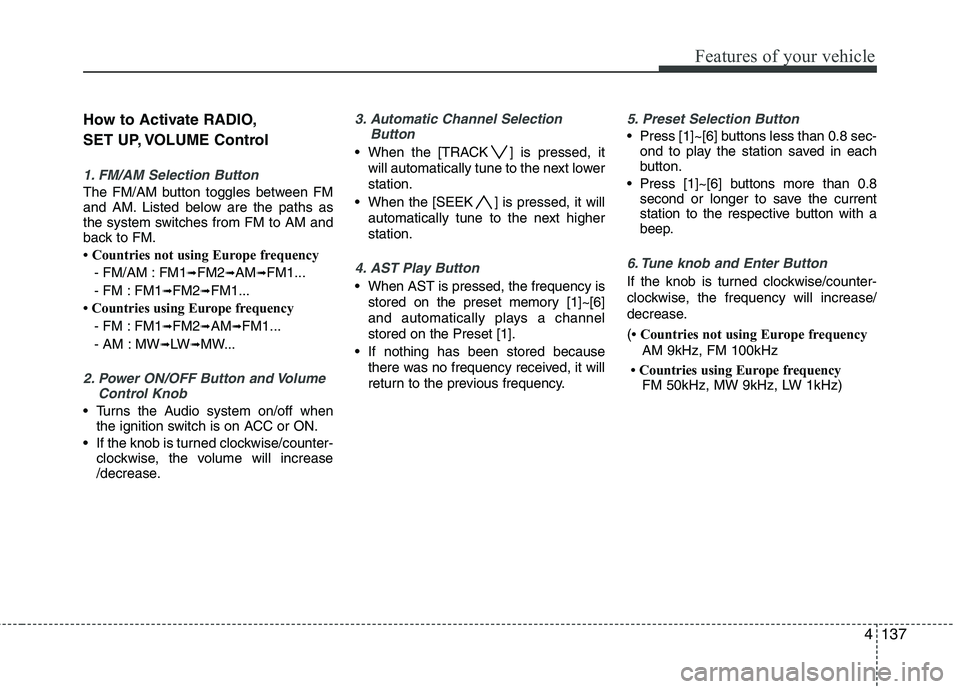
SET UP, VOLUME Control
1. FM/AM Selection Button
The FM/AM button toggles between FM
and AM. Listed below are the paths as
the system switches from FM to AM and
back to FM.
Countries not using Europe frequency- FM/AM : FM1 ➟
FM2 ➟AM ➟FM1...
- FM : FM1 ➟FM2 ➟FM1...
Countries using Europe frequency
- FM : FM1 ➟FM2 ➟AM ➟FM1...
- AM : MW ➟LW ➟MW...
2. Power ON/OFF Button and Volume
Control Knob
Turns the Audio system on/off whenthe ignition switch is on ACC or ON.
If the knob is turned clockwise/counter- clockwise, the volume will increase
/decrease.
3. Automatic Channel Selection
Button
When the [TRACK ] is pressed, it
will automatically tune to the next lower station.
When the [SEEK ] is pressed, it will automatically tune to the next higherstation.
4. AST Play Button
When AST is pressed, the frequency isstored on the preset memory [1]~[6]
and automatically plays a channelstored on the Preset [1].
If nothing has been stored because there was no frequency received, it will
return to the previous frequency.
5. Preset Selection Button
Press [1]~[6] buttons less than 0.8 sec-ond to play the station saved in each
button.
Press [1]~[6] b uttons more than 0.8
second or longer to save the current
station to the respective button with a
beep.
6. Tune knob and Enter Button
If the knob is turned clockwise/counter-
clockwise, the frequency will increase/
decrease. ( Countries not using Europe frequency
AM 9kHz, FM 100kHz
Countries using Europe frequency FM 50kHz, MW 9kHz, LW 1kHz)
Page 216 of 420
Features of your vehicle
142
4
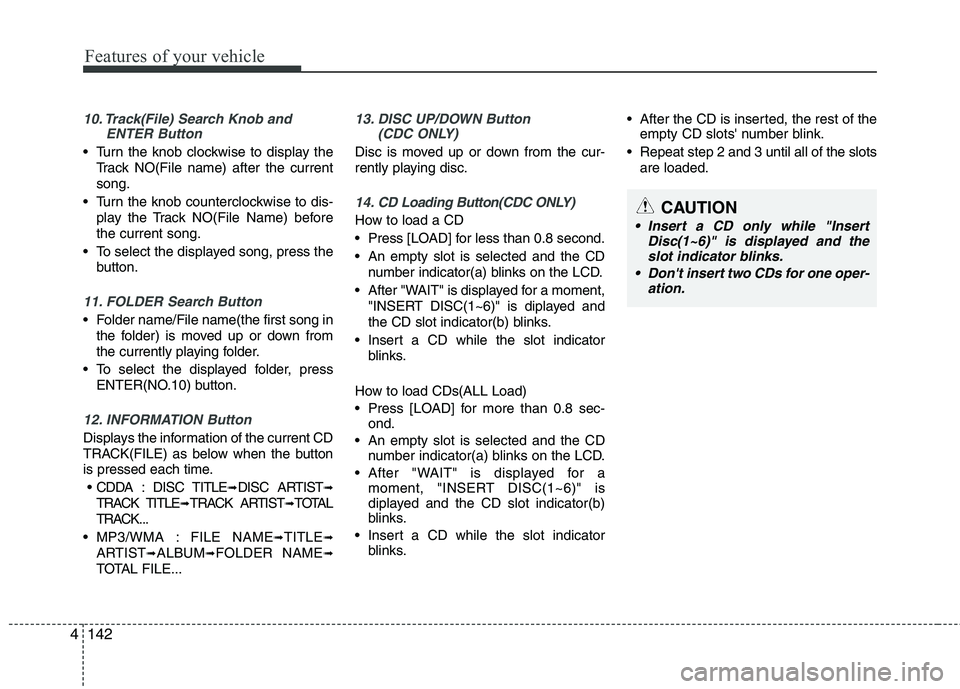
10. Track(File) Search Knob and
ENTER Button
Turn the knob clockwise to display the
Track NO(File name) after the current song.
Turn the knob counterclockwise to dis- play the Track NO(File Name) beforethe current song.
To select the displayed song, press the button.
11. FOLDER Search Button
Folder name/File name(the first song inthe folder) is moved up or down from
the currently playing folder.
To select the displayed folder, press ENTER(NO.10) button.
12. INFORMATION Button
Displays the information of the current CD
TRACK(FILE) as below when the button
is pressed each time.
CDDA : DISC TITLE ➟DISC ARTIST ➟
TRACK TITLE ➟TRACK ARTIST ➟TOTAL
TRACK...
MP3/WMA : FILE NAME ➟TITLE ➟
ARTIST ➟ALBUM ➟FOLDER NAME ➟
TOTAL FILE...
13. DISC UP/DOWN Button (CDC ONLY)
Disc is moved up or down from the cur-
rently playing disc.
14. CD Loading Button(CDC ONLY)
How to load a CD
Press [LOAD] for less than 0.8 second.
An empty slot is selected and the CD
number indicator(a) blinks on the LCD.
After "WAIT" is displayed for a moment, "INSERT DISC(1~6)" is diplayed and
the CD slot indicator(b) blinks.
Insert a CD while the slot indicator blinks.
How to load CDs(ALL Load)
Press [LOAD] for more than 0.8 sec- ond.
An empty slot is selected and the CD number indicator(a) blinks on the LCD.
After "WAIT" is displayed for a moment, "INSERT DISC(1~6)" is
diplayed and the CD slot indicator(b)
blinks.
Insert a CD while the slot indicator blinks. After the CD is inserted, the rest of the
empty CD slots' number blink.
Repeat step 2 and 3 until all of the slots are loaded.CAUTION
Insert a CD only while "Insert Disc(1~6)" is displayed and theslot indicator blinks.
Don't insert two CDs for one oper- ation.
Page 221 of 420
4147
Features of your vehicle
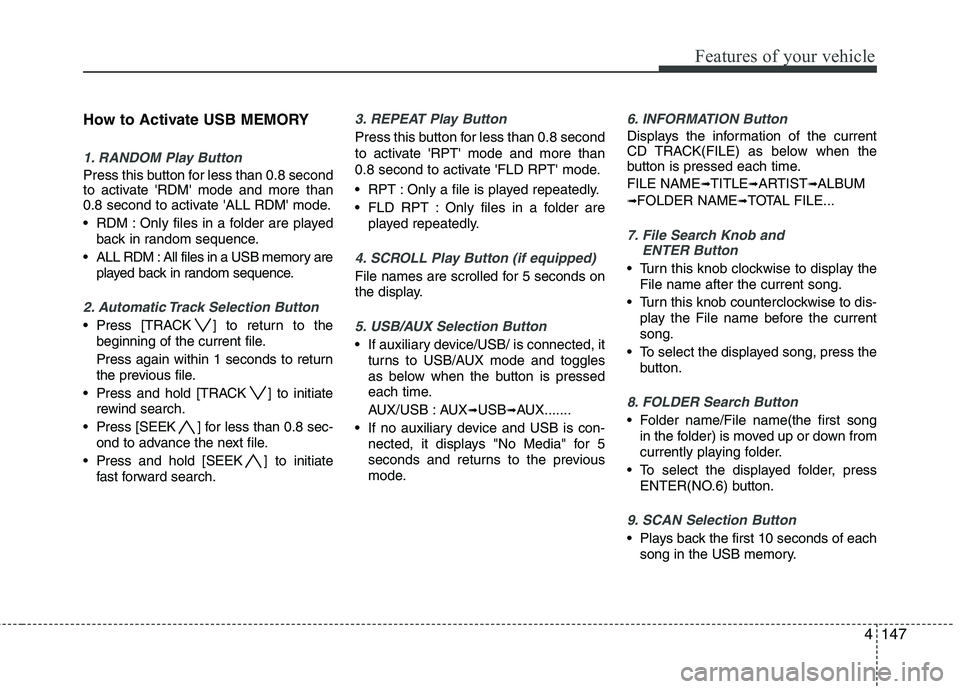
How to Activate USB MEMORY
1. RANDOM Play Button
Press this button for less than 0.8 second
to activate 'RDM' mode and more than
0.8 second to activate 'ALL RDM' mode.
RDM : Only files in a folder are playedback in random sequence.
ALL RDM : All files in a USB memory are played back in random sequence.
2. Automatic Track Selection Button
Press [TRACK ] to return to thebeginning of the current file.
Press again within 1 seconds to return
the previous file.
Press and hold [TRACK ] to initiate rewind search.
Press [SEEK ] for less than 0.8 sec- ond to advance the next file.
Press and hold [SEEK ] to initiate fast forward search.
3. REPEAT Play Button
Press this button for less than 0.8 second
to activate 'RPT' mode and more than
0.8 second to activate 'FLD RPT' mode.
RPT : Only a file is played repeatedly.
FLD RPT : Only files in a folder areplayed repeatedly.
4. SCROLL Play Button (if equipped)
File names are scrolled for 5 seconds on
the display.
5. USB/AUX Selection Button
If auxiliary device/USB/ is connected, itturns to USB/AUX mode and toggles
as below when the button is pressed
each time.
AUX/USB : AUX ➟USB ➟AUX.......
If no auxiliary device and USB is con- nected, it displays "No Media" for 5
seconds and returns to the previous
mode.
6. INFORMATION Button
Displays the information of the current
CD TRACK(FILE) as below when the
button is pressed each time. FILE NAME ➟
TITLE ➟ARTIST ➟ALBUM
➟ FOLDER NAME ➟TOTAL FILE...
7. File Search Knob and
ENTER Button
Turn this knob clockwise to display the
File name after the current song.
Turn this knob counterclockwise to dis- play the File name before the current song.
To select the displayed song, press the button.
8. FOLDER Search Button
Folder name/File name(the first songin the folder) is moved up or down from
currently playing folder.
To select the displayed folder, press ENTER(NO.6) button.
9. SCAN Selection Button
Plays back the first 10 seconds of eachsong in the USB memory.
Page 226 of 420
Features of your vehicle
152
4
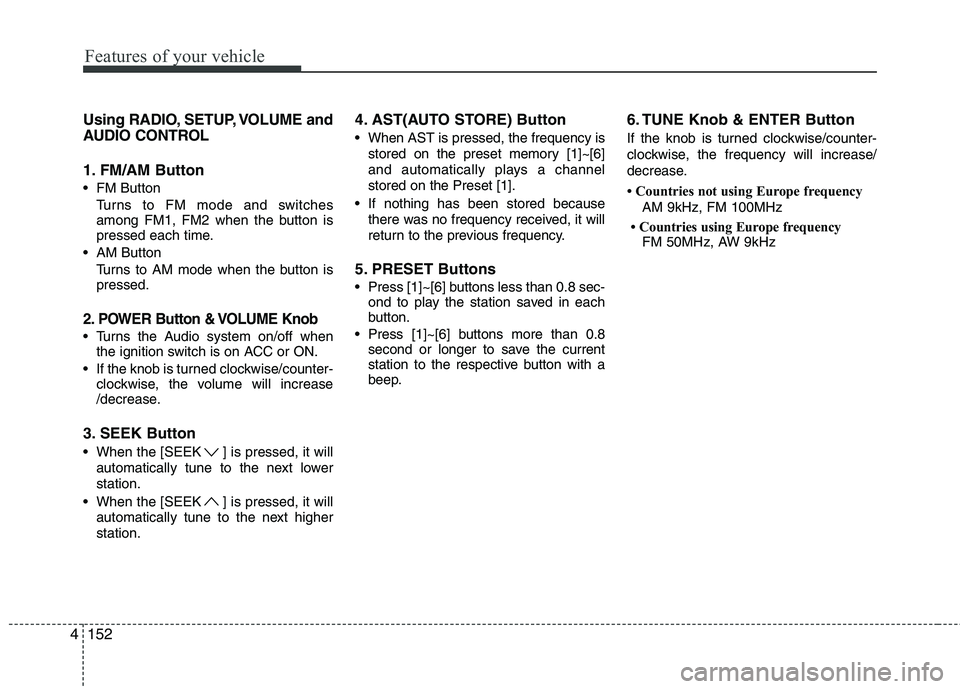
Using RADIO, SETUP, VOLUME and
AUDIO CONTROL
1. FM/AM Button
FM Button
Turns to FM mode and switches
among FM1, FM2 when the button is
pressed each time.
AM Button Turns to AM mode when the button ispressed.
2. POWER Button & VOLUME Knob
Turns the Audio system on/off whenthe ignition switch is on ACC or ON.
If the knob is turned clockwise/counter- clockwise, the volume will increase
/decrease.
3. SEEK Button
When the [SEEK ] is pressed, it will automatically tune to the next lower station.
When the [SEEK ] is pressed, it will automatically tune to the next higherstation. 4. AST(AUTO STORE) Button
When AST is pressed, the frequency is
stored on the preset memory [1]~[6]
and automatically plays a channelstored on the Preset [1].
If nothing has been stored because there was no frequency received, it will
return to the previous frequency.
5. PRESET Buttons
Press [1]~[6] buttons less than 0.8 sec- ond to play the station saved in each
button.
Press [1]~[6] b uttons more than 0.8
second or longer to save the current
station to the respective button with a
beep. 6. TUNE Knob & ENTER Button
If the knob is turned clockwise/counter-
clockwise, the frequency will increase/
decrease.
Countries not using Europe frequency
AM 9kHz, FM 100MHz
Countries using Europe frequency FM 50MHz, AW 9kHz