engine KIA RIO 2018 Repair Manual
[x] Cancel search | Manufacturer: KIA, Model Year: 2018, Model line: RIO, Model: KIA RIO 2018Pages: 490, PDF Size: 11.28 MB
Page 205 of 490
4133
Features of your vehicle
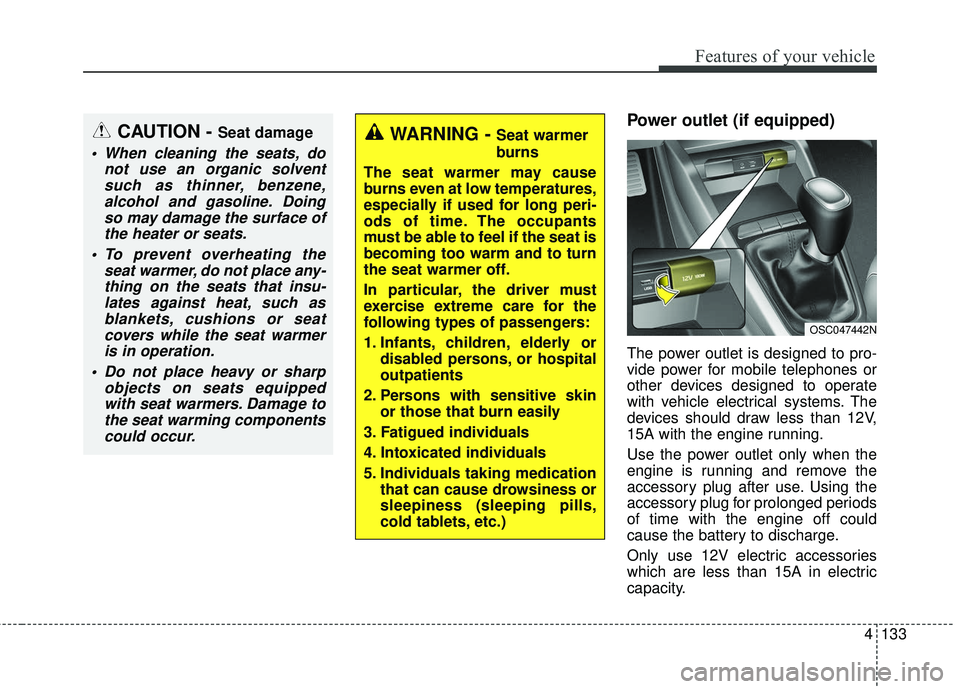
Power outlet (if equipped)
The power outlet is designed to pro-
vide power for mobile telephones or
other devices designed to operate
with vehicle electrical systems. The
devices should draw less than 12V,
15A with the engine running.
Use the power outlet only when the
engine is running and remove the
accessory plug after use. Using the
accessory plug for prolonged periods
of time with the engine off could
cause the battery to discharge.
Only use 12V electric accessories
which are less than 15A in electric
capacity.
CAUTION - Seat damage
When cleaning the seats, donot use an organic solventsuch as thinner, benzene,alcohol and gasoline. Doingso may damage the surface ofthe heater or seats.
To prevent overheating the seat warmer, do not place any-thing on the seats that insu-lates against heat, such asblankets, cushions or seatcovers while the seat warmeris in operation.
Do not place heavy or sharp objects on seats equippedwith seat warmers. Damage tothe seat warming componentscould occur.
WARNING - Seat warmer
burns
The seat warmer may cause
burns even at low temperatures,
especially if used for long peri-
ods of time. The occupants
must be able to feel if the seat is
becoming too warm and to turn
the seat warmer off.
In particular, the driver must
exercise extreme care for the
following types of passengers:
1. Infants, children, elderly or disabled persons, or hospital
outpatients
2. Persons with sensitive skin or those that burn easily
3. Fatigued individuals
4. Intoxicated individuals
5. Individuals taking medication that can cause drowsiness or
sleepiness (sleeping pills,
cold tablets, etc.)
OSC047442N
Page 206 of 490
Features of your vehicle
134
4
Adjust the air-conditioner or heater to
the lowest operating level when
using the power outlet.
Close the cover when not in use.
Some electronic devices can cause
electronic interference when plugged
into a vehicle’s power outlet. These
devices may cause excessive audio
static and malfunctions in other elec-
tronic systems or devices used in
your vehicle.
Using electrical products which
exceed the limited capacity might
cause heating to the power outlet
and wiring that could lead to an elec-
trical breakdown. Always make sure
the electrical part is firmly plugged
into the power outlet. Incomplete
plugging may cause electrical break-
down.
Electrical products with a built-in bat-
tery might cause current flow, which
could lead to malfunction of the elec-
tric/electronic device in your vehicle.
Only use electrical products which
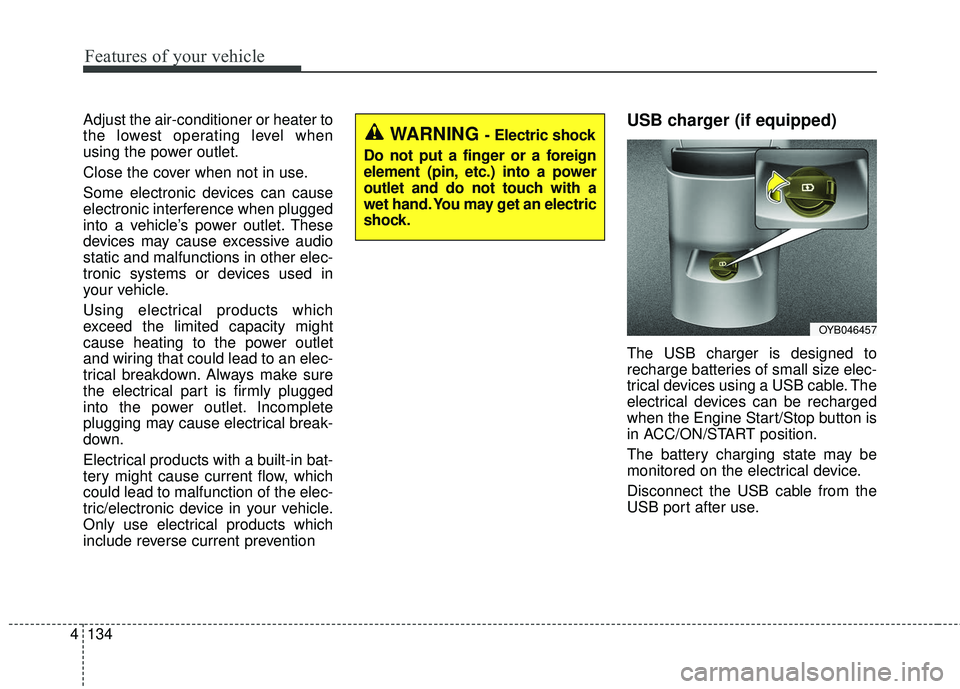
include reverse current preventionUSB charger (if equipped)
The USB charger is designed to
recharge batteries of small size elec-
trical devices using a USB cable. The
electrical devices can be recharged
when the Engine Start/Stop button is
in ACC/ON/START position.
The battery charging state may be
monitored on the electrical device.
Disconnect the USB cable from the
USB port after use.
WARNING - Electric shock
Do not put a finger or a foreign
element (pin, etc.) into a power
outlet and do not touch with a
wet hand. You may get an electric
shock.
OYB046457
Page 207 of 490
4135
Features of your vehicle
Some devices are not supportedfor fast charging but will be
charged with normal speed.
Use the USB charger when the engine is running to prevent bat-
tery discharge.
Only devices that fits the USB port can be used.
The USB charger can be used only for battery charging purposes.
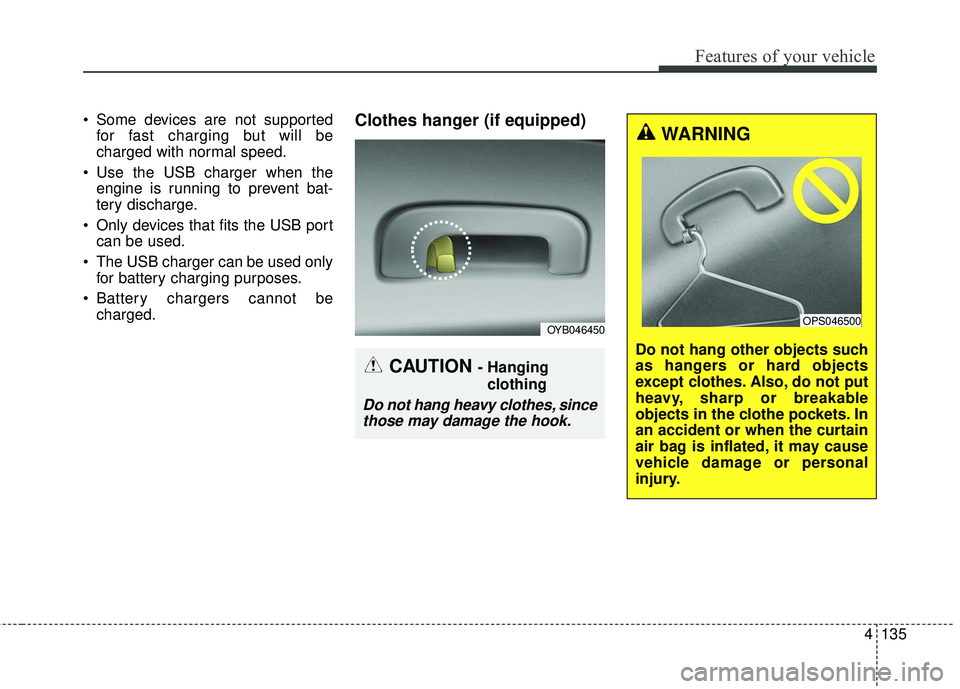
Battery chargers cannot be charged.Clothes hanger (if equipped)
OYB046450
CAUTION - Hanging
clothing
Do not hang heavy clothes, sincethose may damage the hook.
WARNING
Do not hang other objects such
as hangers or hard objects
except clothes. Also, do not put
heavy, sharp or breakable
objects in the clothe pockets. In
an accident or when the curtain
air bag is inflated, it may cause
vehicle damage or personal
injury.
OPS046500
Page 212 of 490
Audio system
35
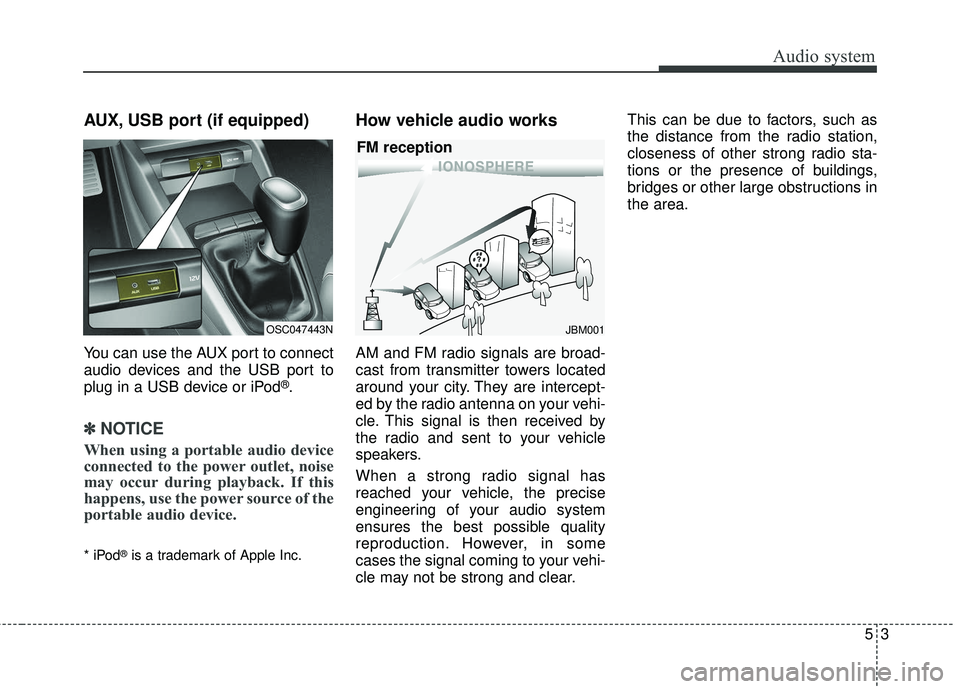
AUX, USB port (if equipped)
You can use the AUX port to connect
audio devices and the USB port to
plug in a USB device or iPod
®.
✽ ✽NOTICE
When using a portable audio device
connected to the power outlet, noise
may occur during playback. If this
happens, use the power source of the
portable audio device.
* iPod®is a trademark of Apple Inc.
How vehicle audio works
AM and FM radio signals are broad-
cast from transmitter towers located
around your city. They are intercept-
ed by the radio antenna on your vehi-
cle. This signal is then received by
the radio and sent to your vehicle
speakers.
When a strong radio signal has
reached your vehicle, the precise
engineering of your audio system
ensures the best possible quality
reproduction. However, in some
cases the signal coming to your vehi-
cle may not be strong and clear. This can be due to factors, such as
the distance from the radio station,
closeness of other strong radio sta-
tions or the presence of buildings,
bridges or other large obstructions in
the area.
OSC047443NJBM001
FM reception
Page 228 of 490
Audio system
19
5
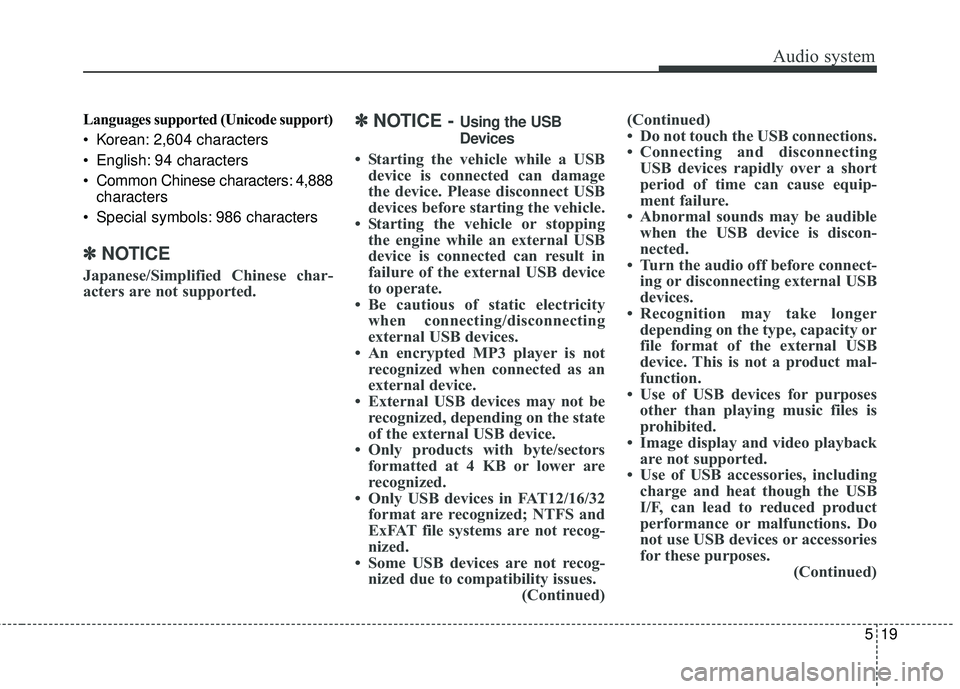
Languages supported (Unicode support)
Korean: 2,604 characters
English: 94 characters
Common Chinese characters: 4,888
characters
Special symbols: 986 characters
✽ ✽ NOTICE
Japanese/Simplified Chinese char-
acters are not supported.
✽ ✽NOTICE - Using the USB
Devices
• Starting the vehicle while a USB
device is connected can damage
the device. Please disconnect USB
devices before starting the vehicle.
• Starting the vehicle or stopping the engine while an external USB
device is connected can result in
failure of the external USB device
to operate.
• Be cautious of static electricity when connecting/disconnecting
external USB devices.
• An encrypted MP3 player is not recognized when connected as an
external device.
• External USB devices may not be recognized, depending on the state
of the external USB device.
• Only products with byte/sectors formatted at 4 KB or lower are
recognized.
• Only USB devices in FAT12/16/32 format are recognized; NTFS and
ExFAT file systems are not recog-
nized.
• Some USB devices are not recog- nized due to compatibility issues. (Continued)(Continued)
• Do not touch the USB connections.
• Connecting and disconnecting
USB devices rapidly over a short
period of time can cause equip-
ment failure.
• Abnormal sounds may be audible when the USB device is discon-
nected.
• Turn the audio off before connect- ing or disconnecting external USB
devices.
• Recognition may take longer depending on the type, capacity or
file format of the external USB
device. This is not a product mal-
function.
• Use of USB devices for purposes other than playing music files is
prohibited.
• Image display and video playback are not supported.
• Use of USB accessories, including charge and heat though the USB
I/F, can lead to reduced product
performance or malfunctions. Do
not use USB devices or accessories
for these purposes. (Continued)
Page 249 of 490
Driving your vehicle
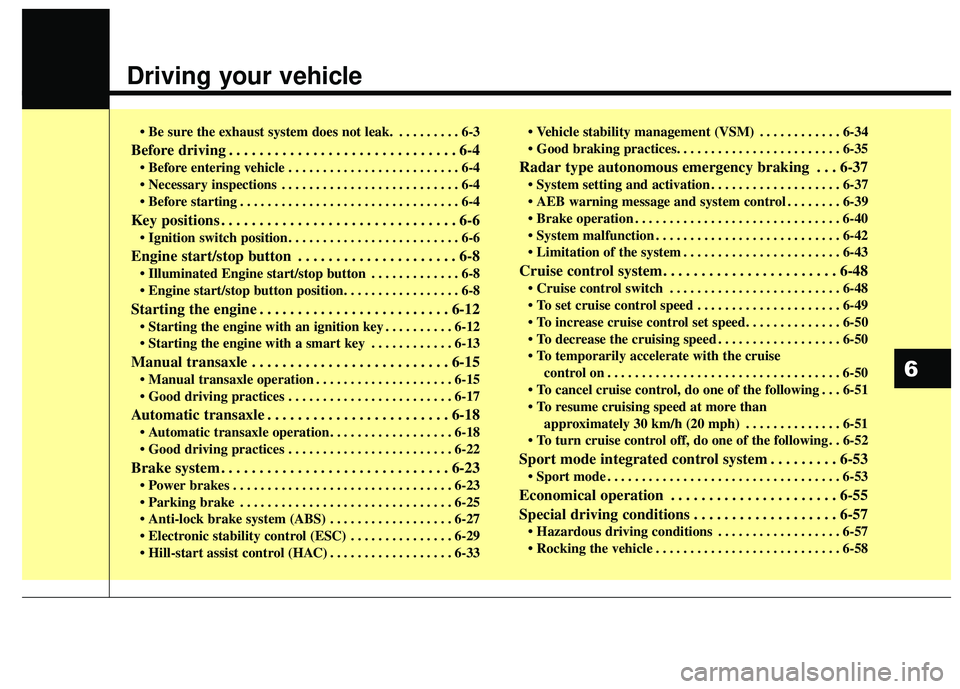
• Be sure the exhaust system does not leak. . . . . . . . . . 6-3
Before driving . . . . . . . . . . . . . . . . . . . . . . . . . . . . . . 6-4
. . . . . . . . . . . . . . . . . . . . . . . . . 6-4
. . . . . . . . . . . . . . . . . . . . . . . . . . 6-4
. . . . . . . . . . . . . . . . . . . . . . . . . . . . . . . . 6-4
Key positions . . . . . . . . . . . . . . . . . . . . . . . . . . . . . . . 6-6
. . . . . . . . . . . . . . . . . . . . . . . . . 6-6
Engine start/stop button . . . . . . . . . . . . . . . . . . . . . 6-8
. . . . . . . . . . . . . 6-8
button position. . . . . . . . . . . . . . . . . 6-8
Starting the engine . . . . . . . . . . . . . . . . . . . . . . . . . 6-12
. . . . . . . . . . 6-12
. . . . . . . . . . . . 6-13
Manual transaxle . . . . . . . . . . . . . . . . . . . . . . . . . . 6-15
. . . . . . . . . . . . . . . . . . . . 6-15
. . . . . . . . . . . . . . . . . . . . . . . . 6-17
Automatic transaxle . . . . . . . . . . . . . . . . . . . . . . . . 6-18
. . . . . . . . . . . . . . . . . . 6-18
. . . . . . . . . . . . . . . . . . . . . . . . 6-22
Brake system . . . . . . . . . . . . . . . . . . . . . . . . . . . . . . 6-23
. . . . . . . . . . . . . . . . . . . . . . . . . . . . . . . . 6-23
. . . . . . . . . . . . . . . . . . . . . . . . . . . . . . . 6-25
. . . . . . . . . . . . . . . . . . 6-27
. . . . . . . . . . . . . . . 6-29
. . . . . . . . . . . . . . . . . . 6-33 . . . . . . . . . . . . 6-34
Radar type autonomous emergency braking . . . 6-37
. . . . . . . . . . . . . . . . . . . 6-37
. . . . . . . . 6-39
. . . . . . . . . . . . . . . . . . . . . . . . . . . . . . 6-40
. . . . . . . . . . . . . . . . . . . . . . . . . . . 6-42
. . . . . . . . . . . . . . . . . . . . . . . 6-43
Cruise control system. . . . . . . . . . . . . . . . . . . . . . . 6-48
. . . . . . . . . . . . . . . . . . . . . . . . . 6-48
. . . . . . . . . . . . . . . . . . . . . 6-49
. . . . . . . . . . . . . . . . . . 6-50
control on . . . . . . . . . . . . . . . . . . . . . . . . . . . . . . . . . . 6-50\
do one of the following . . . 6-51
approximately 30 km/h (20 mph) . . . . . . . . . . . . . . 6-51
do one of the following . . 6-52
Sport mode integrated control system . . . . . . . . . 6-53
. . . . . . . . . . . . . . . . . . . . . . . . . . . . . . . . . . 6-53\
Economical operation . . . . . . . . . . . . . . . . . . . . . . 6-55
Special driving conditions . . . . . . . . . . . . . . . . . . . 6-57
. . . . . . . . . . . . . . . . . . 6-57
. . . . . . . . . . . . . . . . . . . . . . . . . . . 6-58
6
Page 251 of 490
63
Driving your vehicle
Be sure the exhaust system
does not leak.
The exhaust system should be
checked whenever the vehicle is
raised to change the oil or for any
other purpose. If you
hear a change in the sound of the
exhaust or if you drive over some-
thing that strikes the underneath side
of the vehicle, have the exhaust sys-
tem checked as soon as possible by
an authorized Kia dealer.
WARNING- Engineexhaust
Do not inhale exhaust fumes or
leave your engine running in an
enclosed area for a prolonged
time.
Exhaust fumes contain carbon
monoxide, a colorless, odorless
gas that can cause uncon-
sciousness and death by
asphyxiation.WARNING- Open trunk/tailgate
Do not drive with the trunk/tail-
gate open.
Poisonous exhaust gases can
enter the passenger compart-
ment. If you must drive with the
trunk/tailgate open proceed as
follows:
1.Close all windows.
2.Open side vents.
3.Set the air intake control at “Fresh”, the air flow control at
“Floor” or “Face” and the fan
at the highest speed.
Page 252 of 490
Driving your vehicle
46
Before entering vehicle
• Be sure that all windows, outsidemirror(s), and outside lights are
clean.
Check the condition of the tires.
Check under the vehicle for any sign of leaks.
Be sure there are no obstacles behind you if you intend to back up.
Necessary inspections
Fluid levels, such as engine oil,
engine coolant, brake fluid, and
washer fluid should be checked on a
regular basis, with the exact interval
depending on the fluid. Further
details are provided in Chapter 8,
“Maintenance”.
Before starting
Close and lock all doors.
Position the seat so that all con-trols are easily reached.
Buckle your seat belt.
Adjust the inside and outside rearview mirrors.
Be sure that all lights work.
Check all gauges.
Check the operation of warning lights when the ignition switch is
turned to the ON position.
Release the parking brake and make sure the brake warning light
goes off.
For safe operation, be sure you are
familiar with your vehicle and its
equipment.
BEFORE DRIVING
WARNING- Distracted driving
Focus on the road while driving.
The driver's primary responsi-
bility is in the safe and legal
operation of the vehicle. Use of
any hand held devices, other
equipment or vehicle systems
that distract the driver should
not be used during vehicle
operation.
Page 253 of 490
65
Driving your vehicle
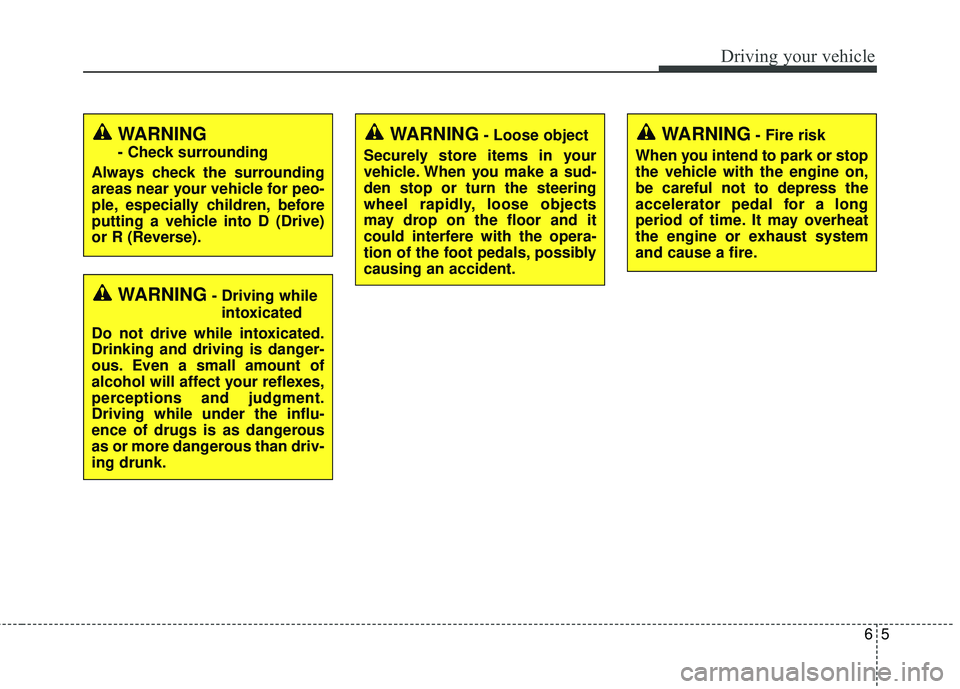
WARNING- Fire risk
When you intend to park or stop
the vehicle with the engine on,
be careful not to depress the
accelerator pedal for a long
period of time. It may overheat
the engine or exhaust system
and cause a fire.
WARNING- Driving while intoxicated
Do not drive while intoxicated.
Drinking and driving is danger-
ous. Even a small amount of
alcohol will affect your reflexes,
perceptions and judgment.
Driving while under the influ-
ence of drugs is as dangerous
as or more dangerous than driv-
ing drunk.
WARNING- Loose object
Securely store items in your
vehicle. When you make a sud-
den stop or turn the steering
wheel rapidly, loose objects
may drop on the floor and it
could interfere with the opera-
tion of the foot pedals, possibly
causing an accident.WARNING
- Check surrounding
Always check the surrounding
areas near your vehicle for peo-
ple, especially children, before
putting a vehicle into D (Drive)
or R (Reverse).
Page 254 of 490
Driving your vehicle
66
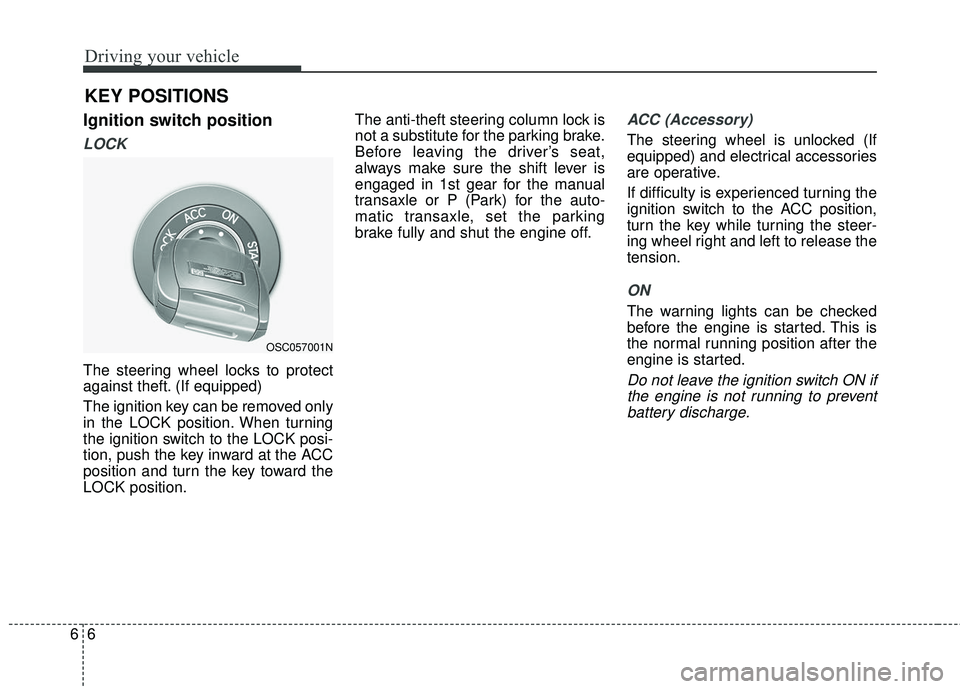
Ignition switch position
LOCK
The steering wheel locks to protect
against theft. (If equipped)
The ignition key can be removed only
in the LOCK position. When turning
the ignition switch to the LOCK posi-
tion, push the key inward at the ACC
position and turn the key toward the
LOCK position.The anti-theft steering column lock is
not a substitute for the parking brake.
Before leaving the driver’s seat,
always make sure the shift lever is
engaged in 1st gear for the manual
transaxle or P (Park) for the auto-
matic transaxle, set the parking
brake fully and shut the engine off.
ACC (Accessory)
The steering wheel is unlocked (If
equipped) and electrical accessories
are operative.
If difficulty is experienced turning the
ignition switch to the ACC position,
turn the key while turning the steer-
ing wheel right and left to release the
tension.
ON
The warning lights can be checked
before the engine is started. This is
the normal running position after the
engine is started.
Do not leave the ignition switch ON if
the engine is not running to preventbattery discharge.
KEY POSITIONS
OSC057001N