audio Lexus CT200h 2016 (in English) Repair Manual
[x] Cancel search | Manufacturer: LEXUS, Model Year: 2016, Model line: CT200h, Model: Lexus CT200h 2016Pages: 632, PDF Size: 8.5 MB
Page 294 of 632

294
CT200h_OM_OM76197U_(U)5-7. Setup menu
Setting up a Bluetooth® enabled portable player
Pattern A
To enter the menu for each function, follow the steps below using a voice com-
mand or the “TUNE•SEL” knob:
●Registering a portable player
1. “Setup” 2. “Bluetooth Audio Setup (BTA Setup)”
3. “Pair Audio Player (Pair Audio)”
●Selecting a portable player to be used
1. “Setup” 2. “Bluetooth Audio Setup (BTA Setup)”
3. “Connect Audio Player (Connect)”
●Changing the registered name of a portable player
1. “Setup” 2. “Bluetooth Audio Setup (BTA Setup)”
3. “Change Name”
●Listing the registered portable players
1. “Setup” 2. “Bluetooth Audio Setup (BTA Setup)”
3. “List Audio Players (List Audios)”
●Changing the passkey
1. “Setup” 2. “Bluetooth Audio Setup (BTA Setup)”
3. “Set Passkey”
●Deleting a registered portable player
1. “Setup” 2. “Bluetooth Audio Setup (BTA Setup)”
3. “Delete Audio Player (Delete Audio)”
Registering a portable player in the Bluetooth® audio system allows the sys-
tem to function. The following function s can be used for registered portable
players:
Functions and operation procedures
Page 295 of 632

CT200h_OM_OM76197U_(U)
2955-7. Setup menu
5
Audio system
Pattern B
Press the “CD•AUX” button and select “BTA MENU” using the “TUNE•SEL”
knob.
Press the talk switch or select “BTA Setup” using the knob.
Select one of the following functions using a voice command or the knob.
●Registering a portable player
“Pair Audio Player (Pair Audio)”
●Selecting a portable player to be used
“Connect Audio Player (Connect)”
●Changing the registered name
“Change Name”
●Listing the registered portable players
“List Audio Players (List Audios)”
●Changing the passkey
“Set Passkey”
●Deleting a registered portable player
“Delete Audio Player (Delete Audio)”
Select “Pair Audio Player (Pair Audio)” using a voice command or the
“TUNE•SEL” knob, and perform the procedure for registering a portable player.
( P. 2 9 2 )
Select “Connect Audio Player (Conne ct)” using a voice command or the
“TUNE•SEL” knob.
Pattern A
Select the portable player to be used by either of the following methods, and
select “Confirm” by using a voice command or the knob:
a. Press the talk switch and say the name of the desired portable player.
b. Press the talk switch and say “List Audio Players”. When the name of the desired portable player is read aloud, press the talk switch.
Pattern B
Select the portable player to be used using the knob.
Registering a portable player
Selecting a portable player to be used
1
2
3
1
2
2
Page 296 of 632

2965-7. Setup menu
CT200h_OM_OM76197U_(U)
Pattern A
Press the talk switch and say “From Car” or “From Audio player”, and select
“Confirm” by using a voice command or the knob.
Pattern B
Select “From Car” or “From Audio”, using the knob.
If “From Car” is selected, the portable pl ayer will be automatically connected when-
ever the power switch is in either ACCESSORY or ON mode.
Select “Change Name” using a voice command or the “TUNE•SEL” knob.
Pattern A
Select the name of the portable player to be changed by either of the follow-
ing methods, and select “Confirm” using a voice command or the knob:
a. Press the talk switch and say the name of desired portable player.
b. Press the talk switch and say “List Audio Players”. When the name of the desired portable player is read aloud, press the talk switch.
Pattern B
Select the desired portable player name to be changed using the knob.
Press the talk switch or select “Record Name” using the knob, and say the new
name.
Select “Confirm” using a voice command or the knob.
Select “List Audio Players (List Audios)” using a voice command or the
“TUNE•SEL” knob. The list of registered portable players will be read aloud.
When listing is complete, the system returns to “BTA Setup”.
Pressing the talk switch while the name of a portable player is being read aloud
selects the portable player, and the following functions will become available:
●Selecting a portable player: “Connect Audio Player (Connect)”
●Changing a registered name: “Change Name”
●Deleting a portable player: “Delete Audio Player (Delete Audio)”
Changing the registered name of a portable player
Listing the registered portable players
3
3
1
2
2
3
4
Page 297 of 632

CT200h_OM_OM76197U_(U)
2975-7. Setup menu
5
Audio system
Select “Set Passkey” using a voice command or the “TUNE•SEL” knob.
Pattern A
Press the talk switch, say a 4 to 8-digit number, and select “Confirm” using a
voice command or the knob.
The number should be input 1 digit at a time.
Pattern B
Select a 4 to 8-digit number using the knob.
The number should be input 1 digit at a time.
When the entire number to be registered as a passkey has been input, press
the knob again.
If the number to be registered has 8 digits, pressing of the knob is not necessary.
Select “Delete Audio Player (Delete Audio)” using a voice command or the
“TUNE•SEL” knob.
Pattern A
Select the portable player to be deleted by either of the following methods
and select “Confirm” using a voice command or the knob:
a. Press the talk switch and say the name of the desired portable player.
b. Press the talk switch and say “List Audio Players”. When the name of the desired portable player is read aloud, press the talk switch.
Pattern B
Select the desired portable player to be deleted using the knob.
If the portable player to be deleted is paired as a Bluetooth
® phone, the registra-
tion of the cellular phone can be dele ted at the same time. A voice guidance
instruction to delete a cellular phone is heard.
Select “Yes” or “No” using a voice command or the knob.
(Bluetooth
® phone P. 3 1 7 )
■The number of portable players that can be registered
Up to 2 portable players can be registered in the system.
Changing the passkey
Deleting a registered portable player
1
2
2
3
1
2
2
3
Page 298 of 632

298
CT200h_OM_OM76197U_(U)5-7. Setup menu
Bluetooth® audio system setup
To enter the menu for each function, follow the steps below using a voice com-
mand or the “TUNE•SEL” knob:
(
P. 3 0 2 )
●Setting voice guidance volume
“Guidance Vol” (
P. 303)
●Displaying the Bluetooth® device address and name
“Device Name” (
P. 303)
●Initializing the system
“Initialize” (
P. 303)
System setup items and operation procedures
Page 299 of 632

299
CT200h_OM_OM76197U_(U)5-7. Setup menu
5
Audio system
Setting a cellular phone
To enter the menu for each function, follow the steps below using a voice com-
mand or the “TUNE•SEL” knob:
●Registering a cellular phone
1. “Setup”
2. “Phone Setup” 3. “Pair Phone”
●Selecting a cellular phone to be used
1. “Setup” 2. “Phone Setup” 3. “Connect Phone (Connect)”
●Changing the registered name of a cellular phone
1. “Setup” 2. “Phone Setup” 3. “Change Name”
●Listing the registered cellular phones
1. “Setup” 2. “Phone Setup” 3. “List Phones”
●Changing the passkey
1. “Setup” 2. “Phone Setup” 3. “Set Passkey”
●Deleting a registered cellular phone
1. “Setup” 2. “Phone Setup” 3. “Delete Phone”
Select “Pair Phone” using a voice command or the “TUNE•SEL” knob, and per-
form the procedure for registering a cellular phone. ( P. 2 9 3 )
Registering a cellular phone in the hands-free phone system allows the system
to function. The following functions can be used for registered cellular
phones:
Functions and operation procedures
Registering a cellular phone
Page 301 of 632

CT200h_OM_OM76197U_(U)
3015-7. Setup menu
5
Audio system
Select “Set Passkey” using a voice command or the “TUNE•SEL” knob.
Pattern A
Press the talk switch, say a 4 to 8-digit number, and select “Confirm” using a
voice command or the knob.
Pattern B
Select a 4 to 8-digit number using the knob.
The number should be input 1 digit at a time.
When the entire number to be registered as a passkey has been input, press
the knob again.
If the number to be registered has 8 digits, pressing of the knob is not necessary.
Select “Delete Phone” using a voice command or the “TUNE•SEL” knob.
Pattern A
Select the cellular phone to be deleted by either of the following methods and
select “Confirm” using a voice command or the knob:
a. Press the talk switch and say the name of the desired cellular phone.
b. Press the talk switch and say “List Phones”. When the name of the desired cellular phone is read aloud, press the talk switch.
Pattern B
Select the desired cellular phone to be deleted using the knob.
If the cellular phone to be deleted is paired as a Bluetooth
® audio player, the
registration of the audio player can be deleted at the same time. A voice guid-
ance instruction to delete a Bluetooth
® audio player is heard.
Select “Yes” or “No” using a voice command or the knob.
(Bluetooth
® audio player P. 3 1 7 )
■The number of cellular phones that can be registered
Up to 6 cellular phones can be registered in the system.
Changing the passkey
Deleting a registered cellular phone
1
2
2
3
1
2
2
3
Page 303 of 632
CT200h_OM_OM76197U_(U)
3035-7. Setup menu
5
Audio system
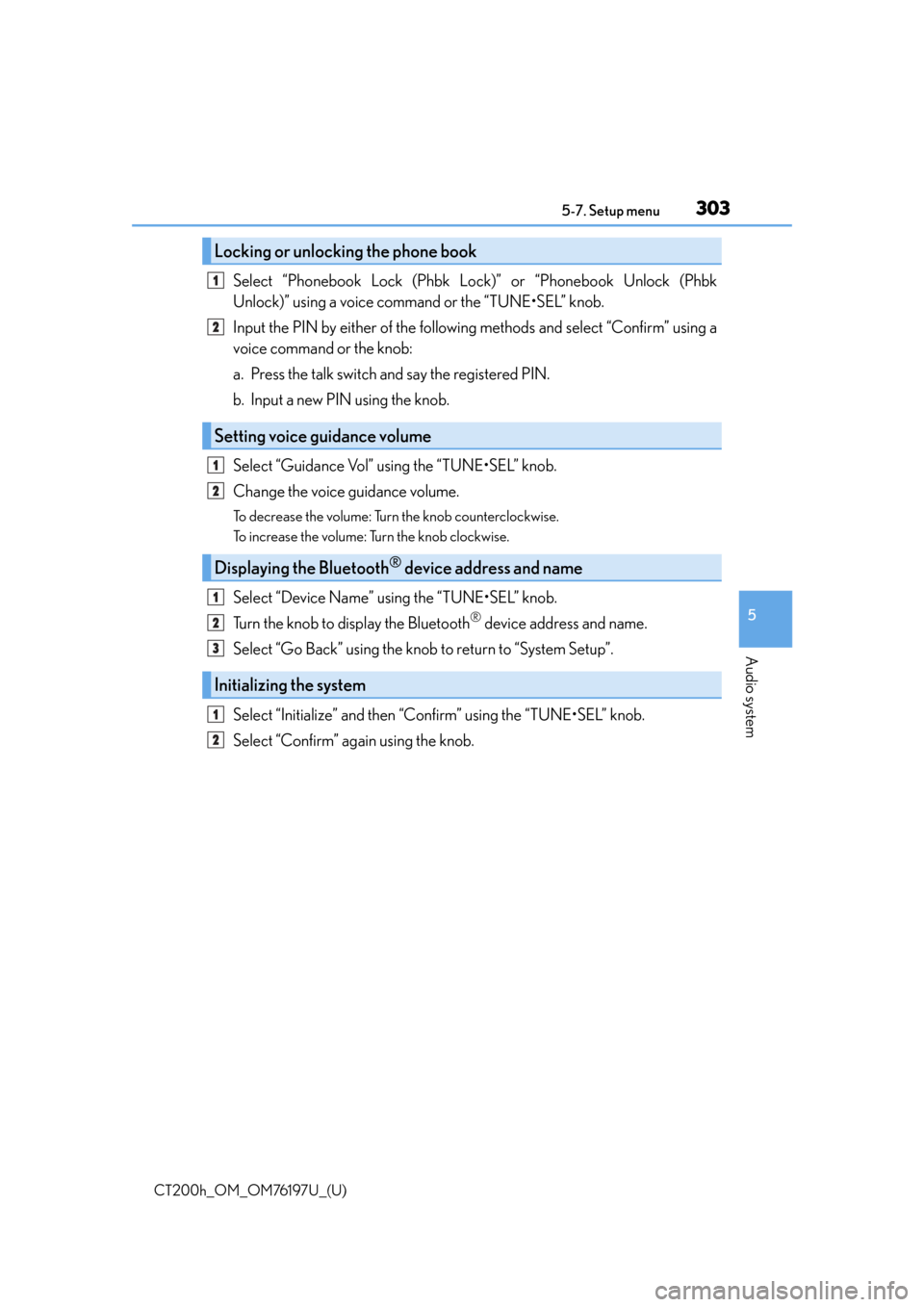
Select “Phonebook Lock (Phbk Lock)” or “Phonebook Unlock (Phbk
Unlock)” using a voice command or the “TUNE•SEL” knob.
Input the PIN by either of the following methods and select “Confirm” using a
voice command or the knob:
a. Press the talk switch and say the registered PIN.
b. Input a new PIN using the knob.
Select “Guidance Vol” using the “TUNE•SEL” knob.
Change the voice guidance volume.
To decrease the volume: Turn the knob counterclockwise.
To increase the volume: Turn the knob clockwise.
Select “Device Name” using the “TUNE•SEL” knob.
Turn the knob to display the Bluetooth
® device address and name.
Select “Go Back” using the knob to return to “System Setup”.
Select “Initialize” and then “Confirm” using the “TUNE•SEL” knob.
Select “Confirm” again using the knob.
Locking or unlocking the phone book
Setting voice guidance volume
Displaying the Bluetooth® device address and name
Initializing the system
1
2
1
2
1
2
3
1
2
Page 304 of 632

3045-7. Setup menu
CT200h_OM_OM76197U_(U)
■Initialization
●The following data in the system can be initialized:
• Phone book
• Outgoing and incoming call history
• Speed dials
• Registered cellular phone data
•Security code
• Registered Bluetooth
® enabled portable player data
• Passkey for the cellular phones
• Passkey for the Bluetooth
® audio players
•Guidance volume
• Receiver volume
• Ring tone volume
●Once the initialization has been completed, the data cannot be restored to its original
state.
■When the phone book is locked
The following functions cannot be used:
●Dialing by inputting a name
●Speed dialing
●Dialing a number stored in the call history memory
●Using the phone book
Page 305 of 632

305
CT200h_OM_OM76197U_(U)5-7. Setup menu
5
Audio system
Using the phone book
To enter the menu for each function, follow the steps below using a voice com-
mand or the “TUNE•SEL” knob:
●Adding a new phone number
1. “Phonebook”
2. “Add Entry”
●Changing the registered name in the phone book
1. “Phonebook” 2. “Change Name”
●Listing the registered data
1. “Phonebook” 2. “List Names”
●Setting speed dials
1. “Phonebook” 2. “Set Speed Dial (Speed Dial)”
●Deleting the registered data
1. “Phonebook” 2. “Delete Entry”
●Deleting speed dials
1. “Phonebook” 2. “Delete Speed Dial (Del Spd Dial)”
The following methods can be used to add a new phone number:
●Inputting a phone number using a voice command
●Transferring data from the cellular phone
●Inputting a phone number using the “TUNE•SEL” knob
●Selecting a phone number from ou tgoing or incoming call history
Adding a new phone number