change time Lexus IS F 2012 Specifications / LEXUS 2012 IS F (OM53A41U) User Guide
[x] Cancel search | Manufacturer: LEXUS, Model Year: 2012, Model line: IS F, Model: Lexus IS F 2012Pages: 576, PDF Size: 5.9 MB
Page 228 of 576

228
3-1. Using the air conditioning system and defogger
Rear window and outside rear view mirror defoggers
■The defogger can be operated when
The “ENGINE START STOP” switch is in IGNITION ON mode.
CAUTION
■When the outside rear view mirror defoggers are on
Do not touch the outside surface of the rear view mirror, as it can become very hot
and burn you.
These features are used to defog the rear window, and to remove rain-
drops, dew and frost from the outside rear view mirrors.
With navigation system
Owners of models equipped with a navigation system should refer to the
“Navigation System Owner's Manual”.
Without navigation system
On/off
The defoggers will automatically
turn off after 15 to 60 minutes.
The operation time changes
according to the ambient tem-
perature and vehicle speed.
Page 235 of 576

235
3-2. Using the audio system
3
Interior features
RDS (Radio Data System) (type A) This feature allows your radio to receive station identification information
and program information (classical, ja zz, etc.) from radio stations which
broadcast this information.
■ Receiving RDS broadcasts
Press “ ” or “ ” on during FM reception.
The type of program changes each time is pressed.
●“ROCK”
● “EASYLIS” (Easy listening)
● “CLS/JAZZ” (Classical music and Jazz)
● “R & B” (Rhythm and Blues)
● “INFORM” (Information)
● “RELIGION”
● “MISC” (Miscellaneous)
● “ALERT” (Emergency messages)
If the system receives no RDS stations, “NO PTY” appears on the dis-
play.
Press , or “ ” or “” on .
The radio seeks or scans the stations by the relevant program type.
STEP1
STEP2
Page 236 of 576

236
3-2. Using the audio system
■Displaying radio station names
Press .
■ Displaying radio text messages
Press twice.
If “MSG” shows in the display, a text message will be displayed.
If the text continues past the end of the display, is displayed. Press and
hold until you hear a beep.
XM® Satellite Radio (type A)
■ Receiving XM
® Satellite Radio
Press .
The display changes as follows each time is pressed.
“SAT1” “SAT2” “SAT3”
Turn to select the desired ch annel in all categories or press
“ ” or “ ” on to select the desired channel in the current
category.
■ Setting XM
® Satellite Radio channel presets
Select the desired channel. Press the button the channel is to be set to
(from to ) until you hear a beep.
■ Changing the channel category
Press “ ” or “ ” on .
STEP1
STEP2
Page 237 of 576

237
3-2. Using the audio system
3
Interior features
■Scanning XM® Satellite Radio channels
● Scanning channels in the current category
Press .
When the desired channel is reached, press again.
● Scanning preset channels
Press and hold until you hear a beep.
When the desired channel is reached, press again.
■ Displaying text information
Press .
The display will show up to 10 characters.
The display changes as follows each time is pressed.
● CH NAME
● TITLE (SONG/PROGRAM TITLE)
● NAME (ARTIST NAME/FEATURE)
● CH NUMBER
STEP1
STEP2
STEP1
STEP2
Page 239 of 576

239
3-2. Using the audio system
3
Interior features
■If the satellite radio does not operate normally
If a problem occurs with the XM
® tuner, a message will appear on the display. Refer
to the table below to identify the problem, and take the suggested corrective action.
“ANTENNA”
The XM® antenna is not connected. Check whether
the XM® antenna cable is attached securely.
There is a short-circuit in the antenna or the surround-
ing antenna cable. See a Lexus certified dealer.
“UNAUTH”
You have not subscribed to the XM® Satellite Radio.
The radio is being updated with the latest encryption
code. Contact the XM
® Satellite Radio for subscrip-
tion information. When a co ntract is canceled, you can
choose the “CH000” and all free-to-air channels.
The premium channel you selected is not authorized.
Wait for about 2 seconds until the radio returns to the
previous channel or “CH001”. If it does not change
automatically, select another channel. If you want to lis-
ten to the premium channel, contact XM
® Satellite
Radio.
“NO SIGNAL”
The XM® signal is too weak at the current location.
Wait until your vehicle reaches a location with a stron-
ger signal.
“LOADING”The unit is acquiring audio or program information.
Wait until the unit has received the information.
“OFF AIR”The channel you selected is not broadcasting any pro-
gramming. Select another channel.
“-----”
There is no song/program title or artist name/feature
associated with the channel at that time. No action
needed.
Page 244 of 576

244
3-2. Using the audio system
Selecting a CD■ To select a CD to play
To select the desired CD, press “ ” or “ ” on or .
■ To scan loaded CDs (type A)
Press and hold until you hear a beep.
The first ten seconds of the first track on each CD will be played.
Press again when the desired CD is reached.
Random playback
■ Current CD
Press (RAND).
■ All CDs
Press and hold (RAND) until you hear a beep.
Repeat play
■ To repeat a track
Press (RPT).
■ To repeat all of the tracks on a CD
Press and hold (RPT) until you hear a beep.
Playing and pausing tracks
To play or pause a track, press ( ).
Switching the displayPress .
Each time is pressed, the display changes in the order of Track no./
Elapsed time CD title Track title.
STEP1
STEP2
Page 251 of 576

251
3-2. Using the audio system
3
Interior features
Switching the displayPress .
Each time is pressed, the display changes in the order of Folder no./
File no./Elapsed time Folder name File name Album title (MP3
only) Track title Artist name.
■Display
Up to 12 characters can be displayed at a time.
If there are 13 characters or more, pressing and holding until you hear a
beep will display the remaining characters.
A maximum of 24 characters can be displayed.
If is pressed until you hear a beep again or has not been pressed for 6 sec-
onds or more, the display will return to the first 12 characters.
Depending on the contents recorded, the characters may not be displayed prop-
erly or may not be displayed at all.
■Canceling random, repeat and scan playback
Press (RAND), (RPT), (type A) again.
■When “LOAD”, “ERROR”, “WAIT” or “NO MUSIC” is shown on the display
“LOAD”: This indicates that the CD pl ayer has completed loading the CD.
“ERROR”: This indicates a trouble either in the CD or inside the player. The CD may be dirty, damaged, or inserted up-side down.
“WAIT”: Operation is stopped due to a hi gh temperature inside the player. Wait
for a while and then press or . Contact your Lexus dealer if
the CD still cannot be played back.
“NO MUSIC”: This indicates that the MP3/WMA file is not included in the CD.
Page 260 of 576
260
3-2. Using the audio system
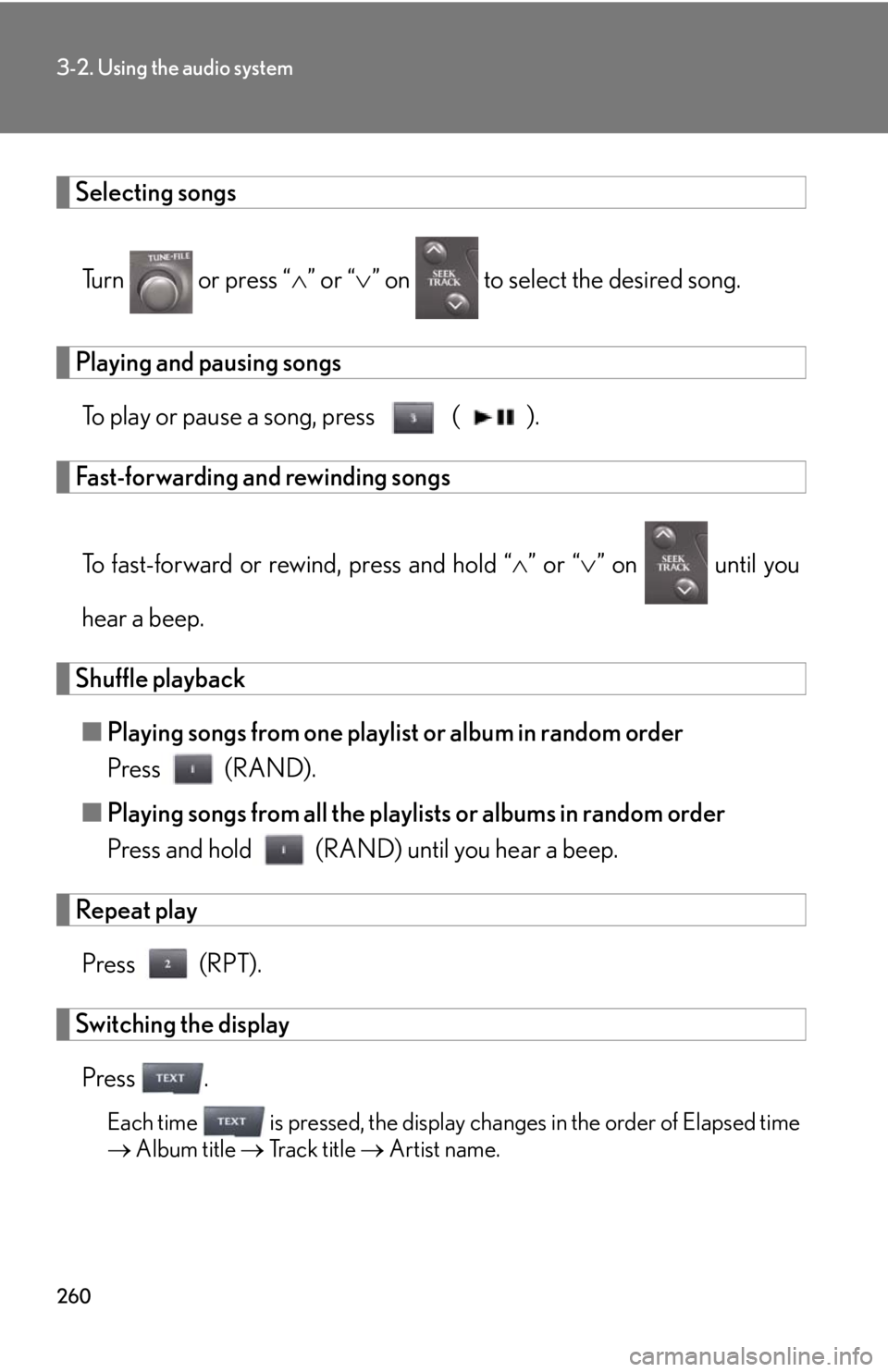
Selecting songsTurn or press “ ” or “ ” on to select the desired song.
Playing and pausing songs
To play or pause a song, press ( ).
Fast-forwarding and rewinding songs
To fast-forward or rewind, press and hold “ ” or “ ” on until you
hear a beep.
Shuffle playback ■ Playing songs from one playlist or album in random order
Press (RAND).
■ Playing songs from all the playlists or albums in random order
Press and hold (RAND) until you hear a beep.
Repeat play
Press (RPT).
Switching the displayPress .
Each time is pressed, the display changes in the order of Elapsed time
Album title Track title Artist name.
Page 261 of 576
261
3-2. Using the audio system
3
Interior features
Adjusting sound quality and volume balancePress to enter iPod menu mode.
Pressing changes sound modes. ( P. 2 74 )
■About iPod
●Apple is not responsible for the operation of this device or its compliance with
safety and regulatory standards.
●iPod is a trademark of Apple Inc., registered in the U.S. and other countries.
■iPod functions
●When an iPod is connected and the audio source is changed to iPod mode, the
iPod will resume play from the same point in which it was last used.
●Depending on the iPod that is connecte d to the system, certain functions may
not be available. If a function is unavailable due to a malfunction (as opposed to
a system specification), disconnecting the device and reconnecting it once
again may resolve the problem.
●While connected to the system, the iPod cannot be operated with its own con-
trols. It is necessary to use the controls of the vehicle's audio system instead.
■iPod problems
To resolve most problems encountered when using your iPod, disconnect your iPod
from the vehicle iPod connection and reset it.
For instructions on how to reset your iP od, refer to your iPod Owner's Manual.
■Display
Up to 12 characters can be displayed at a time.
If there are 13 characters or more, pressing and holding until you hear a
beep will display the remaining characters.
A maximum of 24 characters can be displayed.
If is pressed until you hear a beep again or has not been pressed for 6 sec-
onds or more, the display will return to the first 12 characters.
Depending on the contents recorded, the characters may not be displayed prop-
erly or may not be displayed at all.
STEP1
STEP2
Page 268 of 576
268
3-2. Using the audio system
Repeat play■ Repeating a file
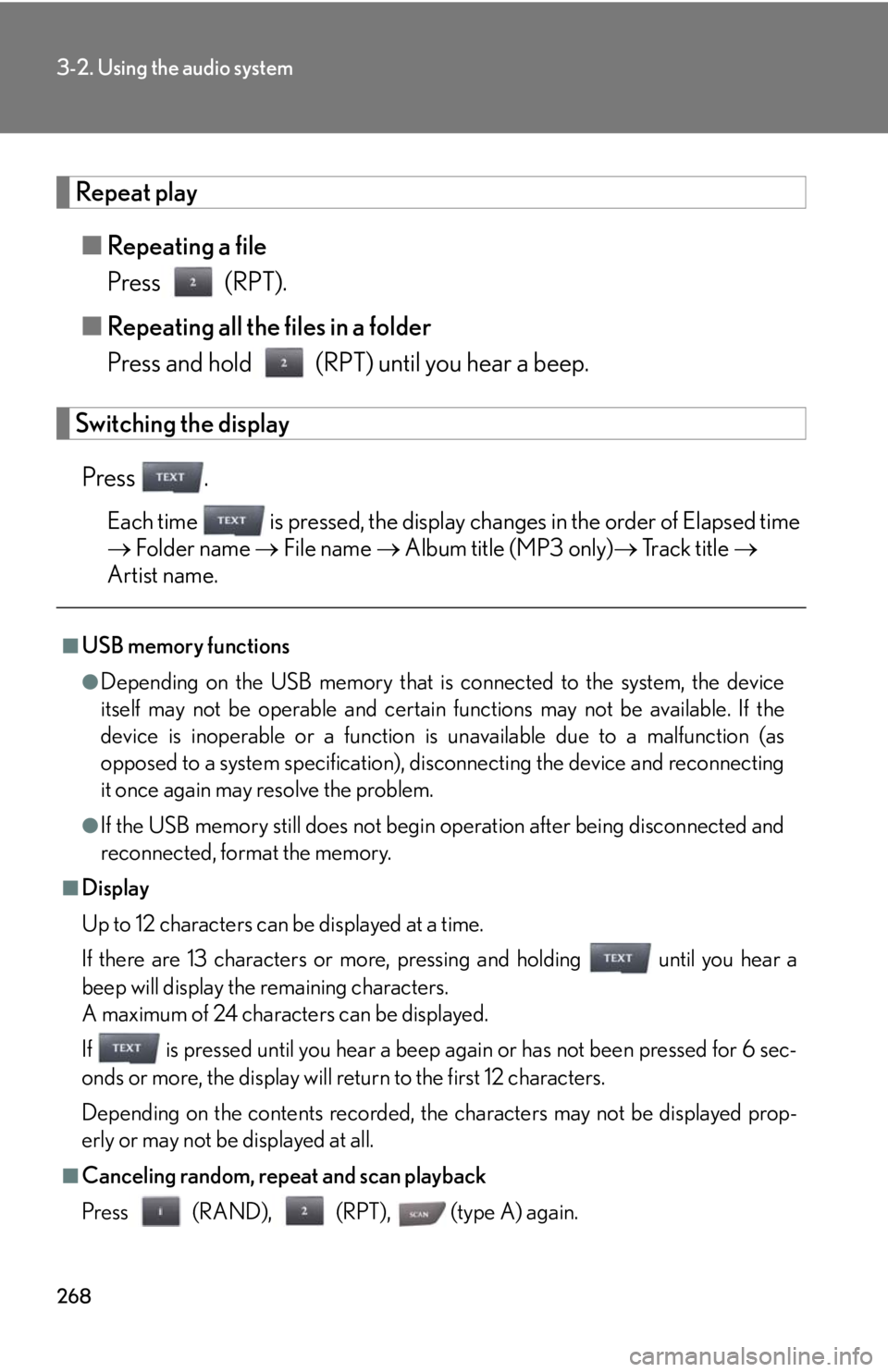
Press (RPT).
■ Repeating all the files in a folder
Press and hold (RPT) until you hear a beep.
Switching the display
Press .
Each time is pressed, the display changes in the order of Elapsed time
Folder name File name Album title (MP3 only) Track title
Artist name.
■USB memory functions
●Depending on the USB memory that is connected to the system, the device
itself may not be operable and certain functions may not be available. If the
device is inoperable or a function is unavailable due to a malfunction (as
opposed to a system specification), di sconnecting the device and reconnecting
it once again may resolve the problem.
●If the USB memory still does not begin operation after being disconnected and
reconnected, format the memory.
■Display
Up to 12 characters can be displayed at a time.
If there are 13 characters or more, pressing and holding until you hear a
beep will display the remaining characters.
A maximum of 24 characters can be displayed.
If is pressed until you hear a beep again or has not been pressed for 6 sec-
onds or more, the display will return to the first 12 characters.
Depending on the contents recorded, the characters may not be displayed prop-
erly or may not be displayed at all.
■Canceling random, repeat and scan playback
Press (RAND), (RPT), (type A) again.