air condition MERCEDES-BENZ C-Class COUPE 2017 CL205 Service Manual
[x] Cancel search | Manufacturer: MERCEDES-BENZ, Model Year: 2017, Model line: C-Class COUPE, Model: MERCEDES-BENZ C-Class COUPE 2017 CL205Pages: 354, PDF Size: 8.66 MB
Page 244 of 354
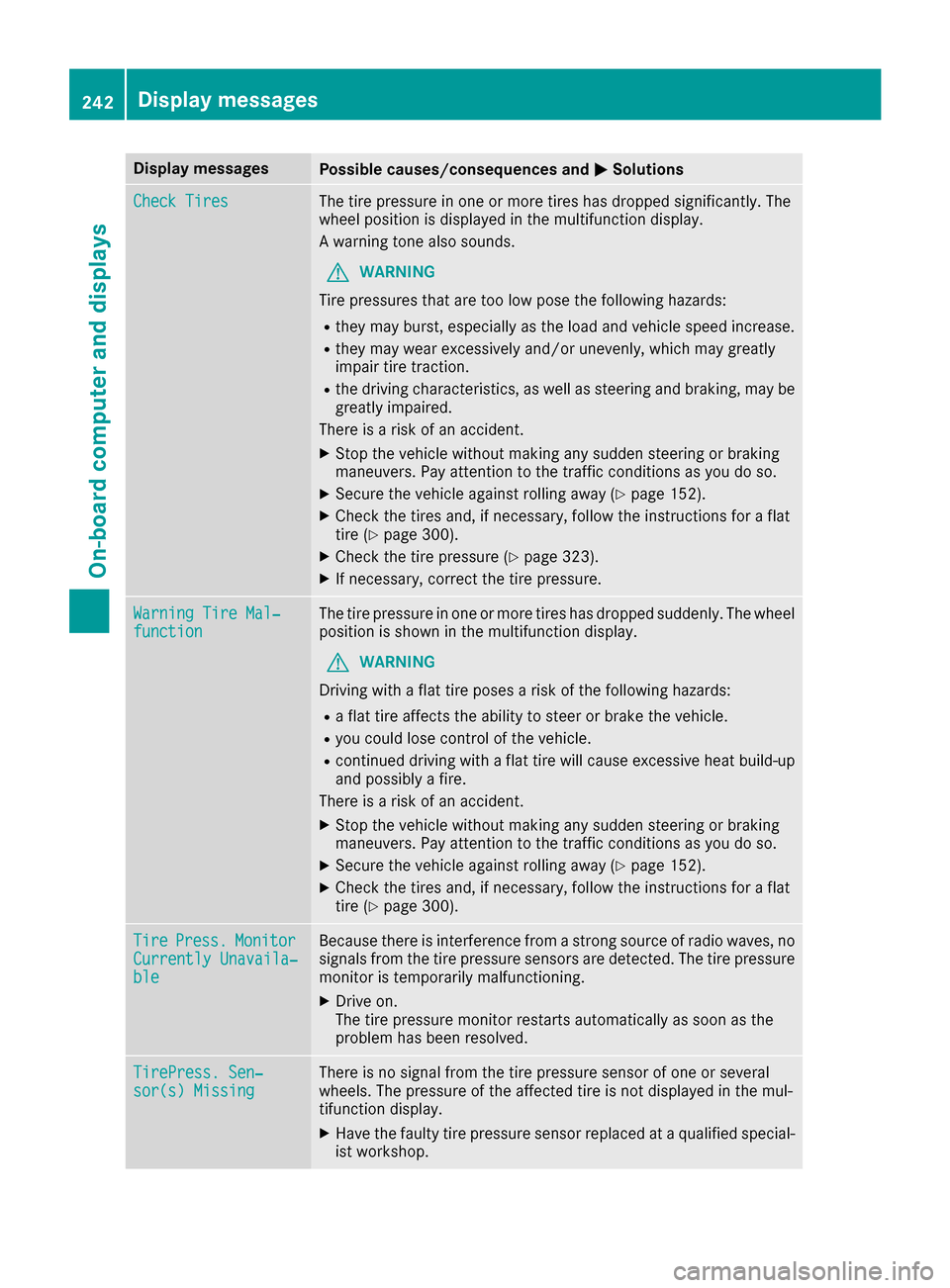
Display messagesPossible causes/consequences andMSolutions
Check TiresThe tire pressureinoneor mor etires has dropped significantly. The
whee lposition is displayed in th emultifunction display.
Aw arning tone also sounds.
GWARNIN G
Tir ep ressures that are to olow pos ethe followin ghazards :
Rthey may burst, especially as th eload and vehicl espeed increase.
Rthey may wear excessivel yand/o runevenly, whic hmay greatl y
impair tire traction .
Rthed rivin gcharacteristics ,aswell as steering and braking ,may be
greatl yimpaired.
There is ariskofana ccident.
XStop thevehicl ewithout making any sudden steering or braking
maneuvers .Pay attention to th etraffic condition sasyou do so.
XSecur ethe vehicl eagainst rollin gaway (Ypage 152).
XChec kthe tires and ,ifneces sary, follow th einstruction sfor aflat
tire (Ypage 300).
XChec kthe tire pressur e(Ypage 323).
XIf necessary, correc tthe tire pressure.
Warnin gTireM al‐functionThe tire pressur einoneor mor etires has dropped suddenly. The whee l
position is shown in th emultifunction display.
GWARNIN G
Drivin gwithaf lat tire poses ariskoft hefollowin ghazards :
Raflat tire affects th eabilit ytos teer or brak ethe vehicle.
Ryou could lose control of th evehicle.
Rcontinued drivin gwithaf lat tire will caus eexces sive heat build-up
and possibl yafire.
There is ariskofana ccident.
XStop thevehicl ewithout making any sudden steering or braking
maneuvers .Pay attention to th etraffic condition sasyou do so.
XSecur ethe vehicl eagainst rollin gaway (Ypage 152).
XChec kthe tires and ,ifneces sary, follow th einstruction sfor aflat
tire (Ypage 300).
TirePress.Monito rCurrently Unavaila‐ble
Becausethere is interferenc efromas tron gs ource of radi owaves, no
signals from th etirep ressur esensor sare detected. The tire pressur e
monitor is temporarily malfunctioning .
XDrive on.
The tire pressur emonitor restarts automatically as soo nasthe
problem has been resolved.
TirePress .Sen‐sor(s) Missin gThere is no signal from th etirep ressur esensor of on eorseveral
wheels. The pressur eoftheaffecte dtireisn otdisplayed in th emul-
tifunction display.
XHav ethe fault ytirep ressur esensor replace dataqualified special -
ist workshop .
242Display messages
On-boardcomputer andd isplays
Page 250 of 354
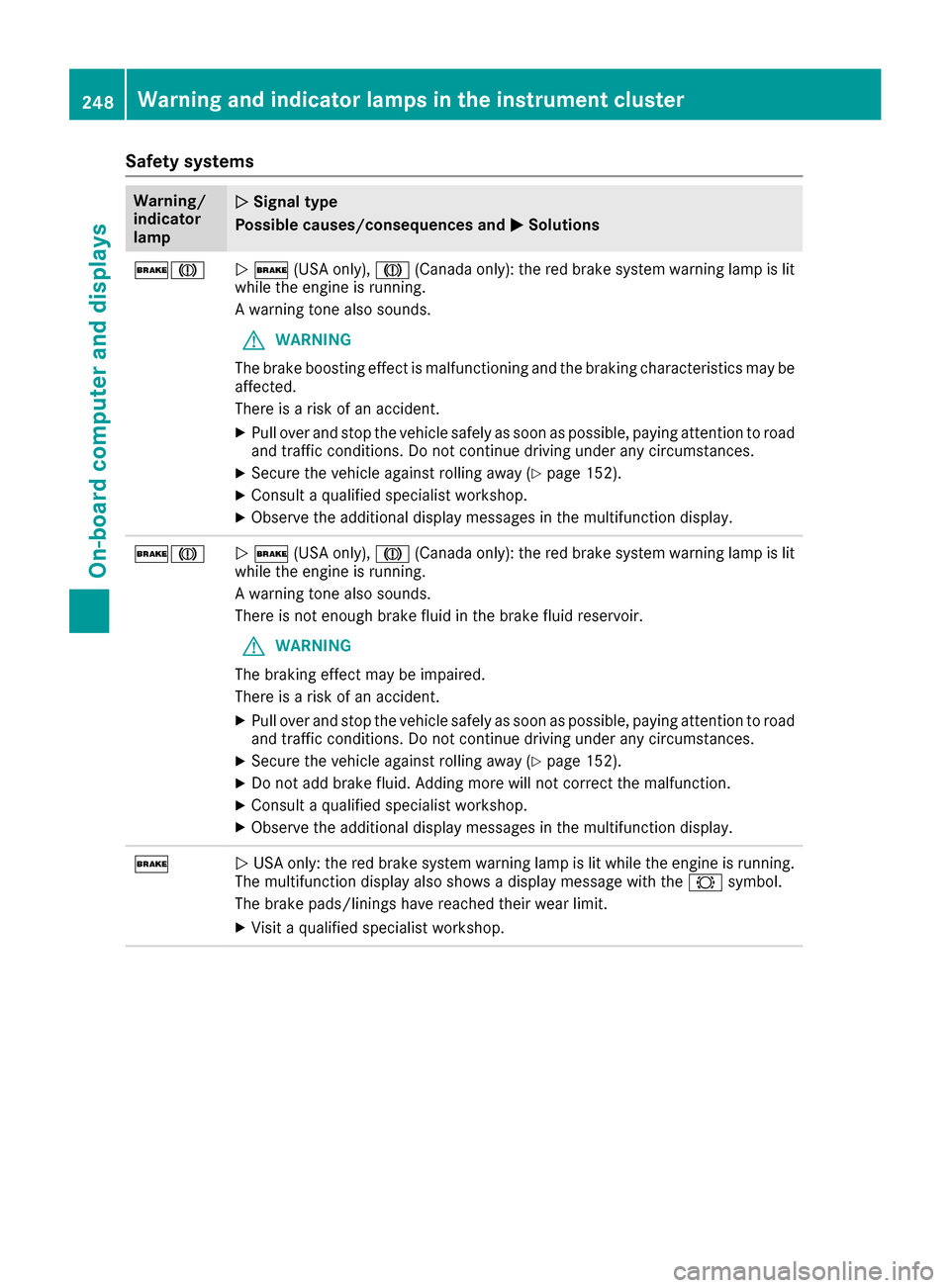
Safety systems
Warning/
indicator
lampNSignal type
Possible causes/consequences and M
Solutions
$JN$ (USA only), J(Canada only): the red brake system warning lamp is lit
while the engine is running.
Aw arning tone also sounds.
GWARNING
The brake boosting effect is malfunctioning and the braking characteristics may be
affected.
There is arisk of an accident.
XPull over and stop the vehicle safely as soon as possible, paying attention to road
and traffic conditions. Do not continue driving under any circumstances.
XSecure the vehicle against rolling away (Ypage 152).
XConsult aqualified specialist workshop.
XObserve the additional display messages in the multifunction display.
$JN$ (USA only), J(Canada only): the red brake system warning lamp is lit
while the engine is running.
Aw arning tone also sounds.
There is not enough brake fluid in the brake fluid reservoir.
GWARNING
The braking effect may be impaired.
There is arisk of an accident.
XPull over and stop the vehicle safely as soon as possible, paying attention to road
and traffic conditions. Do not continue driving under any circumstances.
XSecure the vehicle against rolling away (Ypage 152).
XDo not add brake fluid. Adding more will not correct the malfunction.
XConsult aqualified specialist workshop.
XObserve the additional display messages in the multifunction display.
$NUSA only: the red brake system warning lamp is lit while the engine is running.
The multifunction display also shows adisplay message with the #symbol.
The brake pads/linings have reached their wear limit.
XVisit aqualified specialist workshop.
248Warning and indicator lamp sinthe instrument cluster
On-board computer and displays
Page 256 of 354
Warning/
indicator
lampNSignal type
Possiblec auses/consequences and M
Solutions
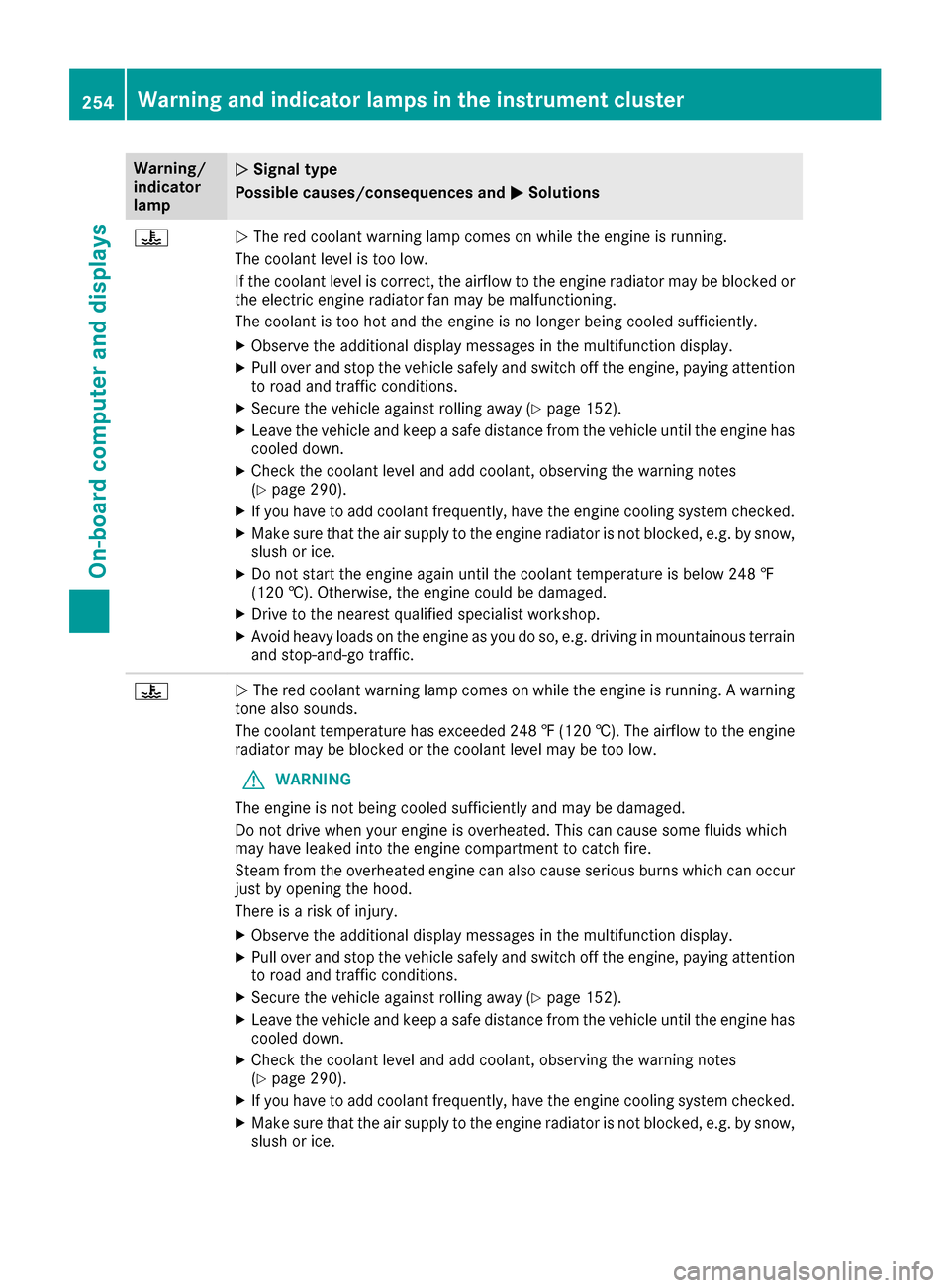
?NThe red coolant warning lamp comes on while the engine is running.
The coolant leve listoo low.
If the coolant leve liscorrect, the airflow to the engine radiator may be blocked or
the electric engine radiator fan may be malfunctioning.
The coolant is too hot and the engine is no longer being cooleds ufficiently.
XObserve the additionaldisplay messages in the multifunction display.
XPul lover and stop the vehicles afelyand switch off the engine, paying attention
to road and traffic conditions.
XSecure the vehiclea gainst rolling away(Ypage152).
XLeave the vehiclea nd keepasafe distance from the vehicleu ntil the engine has
cooledd own.
XCheck the coolant leve land add coolant, observing the warning notes
(Ypag e290).
XIf you have to add coolant frequently, have the engine cooling system checked.
XMake sure that the air supply to the engine radiator is not blocked ,e.g. by snow,
slush or ice.
XDo not start the engine again until the coolant temperature is below 248 ‡
(120 †). Otherwise, the engine coul dbedamaged.
XDrive to the neares tqualified specialist workshop.
XAvoid heavy loads on the engine as you do so, e.g. driving in mountainous terrain
and stop-and-go traffic.
?NThe red coolant warning lamp comes on while the engine is running. Awarning
tone als osounds.
The coolant temperature has exceeded2 48‡(120 †). The airflow to the engine
radiator may be blocked or the coolant leve lmay be too low.
GWARNING
The engine is not being cooleds ufficiently and may be damaged.
Do not drive whe nyoure ngine is overheated. This can cause some fluids which
may have leaked into the engine compartment to catch fire.
Steam from the overheated engine can also cause serious burns which can occur
just by opening the hood.
There is arisk of injury.
XObserve the additiona ldisplaym essages in the multifunction display.
XPullover and stop the vehicle safely and switch off the engine, paying attention
to road and traffic conditions.
XSecure the vehicle against rolling away (Ypag e152).
XLeav ethe vehicle and keep asafe distance from the vehicle until the engine has
coole ddown.
XCheck the coolant leve land add coolant, observing the warning notes
(Ypag e290).
XIf you have to add coolant frequently, have the engine cooling system checked.
XMake sure that the ai rsupply to the engine radiator is not blocked, e.g. by snow,
slush or ice.
254Warning and indicator lamps in the instrument cluster
On-board computer and displays
Page 265 of 354
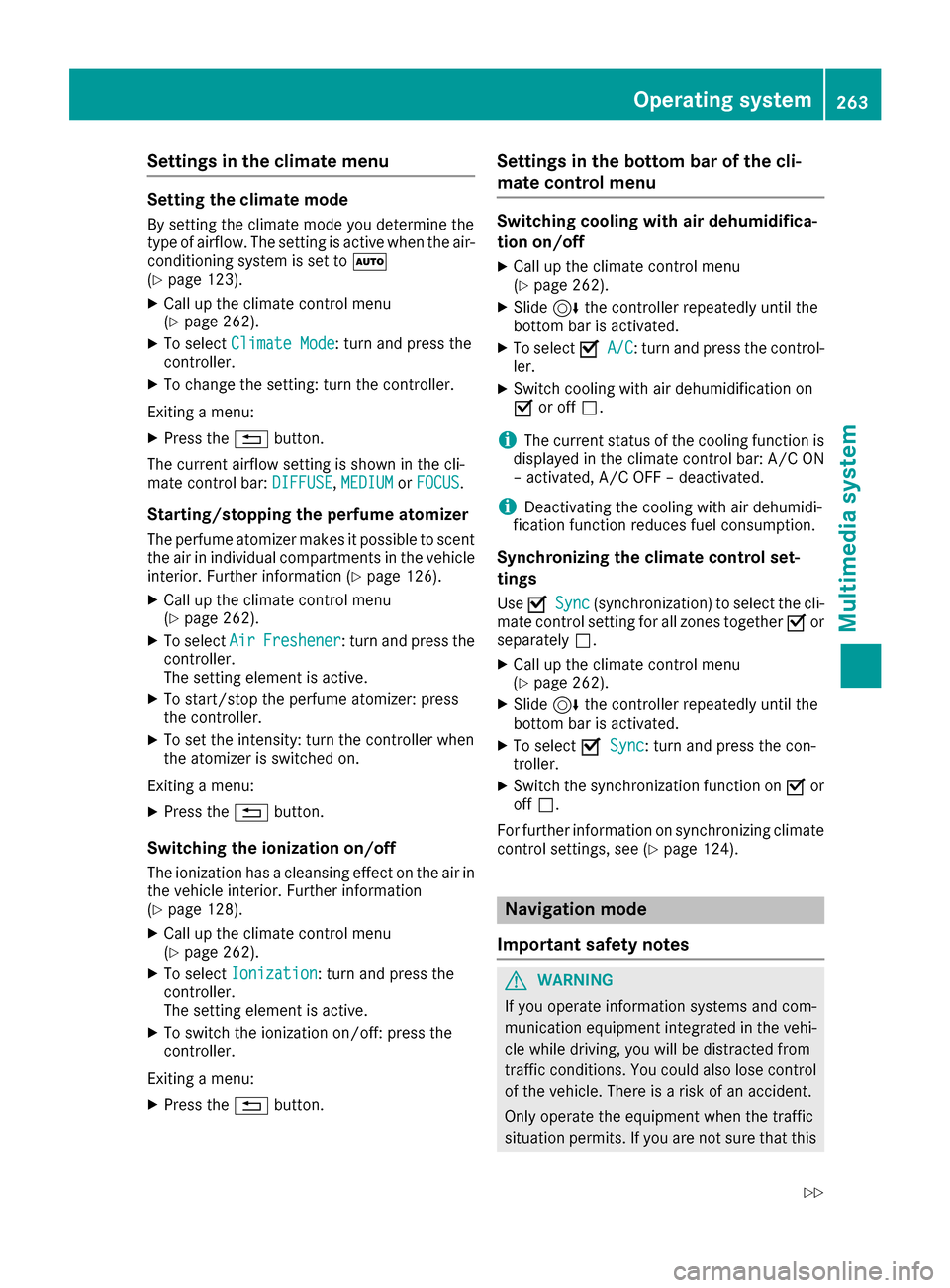
Settings in the climate menu
Setting the climate mode
By settingthe climate mode you determine the
type of airflow. The settingisa ctive when the air-
conditioning system is set to Ã
(
Ypage 123).
XCall up the climate control menu
(Ypage 262).
XTo select Climate Mode:turn and press the
controller.
XTo change the setting: turn the controller.
Exiting amenu:
XPress the %button.
The current airflow settingiss hown in the cli-
mate control bar: DIFFUSE
,MEDIUMor FOCUS.
Starting/stopping the perfume atomizer
The perfume atomizer makes it possible to scent
the air in individual compartments in the vehicle
interior. Further information (
Ypage 126).
XCall up the climate control menu
(Ypage 262).
XTo select AirFreshener:turn and press the
controller.
The settinge lement is active.
XTo start/stop the perfume atomizer: press
the controller.
XTo set the intensity: turn the controller when
the atomizer is switched on.
Exiting amenu:
XPress the %button.
Switching the ionization on/off
The ionization has acleansing effect on the air in
the vehicle interior. Further information
(
Ypage 128).
XCall up the climate control menu
(Ypage 262).
XTo select Ionization:turn and press the
controller.
The settinge lement is active.
XTo switch the ionization on/off:p ress the
controller.
Exiting amenu:
XPress the %button.
Settings in the bottom bar of the cli-
matec ontrol menu
Switching cooling with air dehumidifica-
tion on/off
XCall up the climate control menu
(Ypage 262).
XSlide6the controller repeatedly until the
bottom bar is activated.
XTo select OA/C:turn and press the control-
ler.
XSwitch cooling with air dehumidification on
O or off ª.
iThe current status of the cooling function is
displayed in the climate control bar: A/C ON
–a ctivated, A/C OFF –deactivated.
iDeactivating the cooling with air dehumidi-
fication function reduces fuel consumption.
Synchronizing the climate control set-
tings
Use OSync(synchronization) to select the cli-
mate control settingf or all zones togetherOor
separately ª.
XCall up the climate control menu
(Ypage 262).
XSlide6the controller repeatedly until the
bottom bar is activated.
XTo select OSync:turn and press the con-
troller.
XSwitch the synchronization function on Oor
off ª.
For further information on synchronizing climate
control settings, see (
Ypage 124).
Navigation mode
Important safety notes
GWARNING
If you operate information systems and com-
munication equipment integrated in the vehi-
cle while driving, you will be distracted from
traffic conditions. You could also lose control
of the vehicle. There is arisk of an accident.
Only operate the equipment when the traffic
situation permits. If you are not sure that this
Operating system263
Multimedia system
Z
Page 266 of 354

is possible,park the vehicle paying attention
to traffic condition sand operatet he equip-
mentw hen the vehicle is stationary.
You must observe the legal requirements for the
countr yinwhich you are currently drivingw hen
operating the navigation system.
General notes
Among other things, correctf unctioning of the
navigation system depends on GPS reception. In
certain situations ,GPS receptio nmay be
impaired,t here may be interference or there
may be no receptio natall, e.g. in tunnels or
parking garages.
Audio 20 is equipped with MARGIN
®MAP PILOT
(see the manufacturer'so perating instructions).
The Garmin
®MAP PILOTo perating instructions
are stored on the SD memory card as aPDF file.
The SD card box contain saquick guide.
The followingd escriptions apply to navigation
with COMAND.F urther information can be
foundint he Digital Operator's Manual.
Selecting aroute typ eand route options
Multimedia system:
XSelect NaviQNavigation.
The map shows the vehicle's current position.
XSlide 6the controller.
XSelect OptionsQRouteS ettings.
Notes for routet ypes:
REco Route
RDynamic Traffic Route
Traffic reports on the routef or the routeguid-
anc eare taken int oaccount.
RCalculateA lternative Routes
Different routes are being calculated. Instead
ofStartselectt heContinuemenui tem.
Notes for routeo ptions:
RUse Toll Roads
The routecalculation includes roads which
require you to pay ausage fee (toll).
RUse Carpool Lanes(only available in the
USA)
Prerequisite: your vehicle meetst he access
condition sfor carpool lanes.
Carpool lanes will be included if the carpool
lanes optio nisactivated.
Entering an address
Multimedia system:
XSelect NaviQNavigation.
The map shows the vehicle's current position.
XSlide 6the controller.
XSelect DestinationQAddress Entry.
Enter an address,e .g. as follows:
RcityorZ IP code, street, house number
Rcountry, cit yorZIP code
RcityorZ IP code, center
Rstreet, cit yorZIP code, intersection
XSelect City.
The cit yinwhich the vehicle is currently loca-
ted (current vehicle position) is at the top.
Below this ,you will see locations for which
routeg uidancehas already been carried out.
XEnter the city.
The Gsymbol: the location is contained on
the digital map multiple times.
XTo switch to th elist: slide the 5control-
ler.
XSelec tthe location.
If available, the ZIP code is shown.Ift here are
differentZ IP codes available for the location,
the correspondin gdigits are displayed with an
X
.
XEnter the street and house number.
The address is in the menu.
Further options for destination entry:
Rsearchf orak eyword
The keywor dsearchf inds destinations using
fragment sofwords.
Rselectt he last destination
Rselectac ontact
RselectaP OI
You can searchf oraP OI by location, name or
telephonen umber.
Rselectdestination on the map
Renter intermediate destination
You can map the routetot he destination
yourself with up to four intermediate destina-
tions.
Rselectd estinations fromM ercedes-Benz
Apps
Rselectg eo-coordinates
264Operating system
Multimedia system
Page 293 of 354
Information on the type of service and service
intervals (see the separate Maintenance Book-
let).
You can obtain further information from an
authorized Mercedes-Benz Center or at
http://www.mbusa.com (USA only).
iThe ASSYST PLUS service interval display
does not show any information on the engine
oil level.O bserve the notes on the engine oil
level (
Ypage 288).
The multifunction display shows aservice mes-
sage for several seconds, e.g.:
RService AinXXD ays
RServiceADue
RService AOverdue by XX Days
Depending on the operating conditions of the
vehicle,t he remaining time or distance until the
next service due date is displayed.
The letter A
orB,possibly in connection with a
number or another letter, indicates the type of
service. A
stands for aminor service and Bfor a
major service.
You can obtain further information from an
authorized Mercedes-Benz Center.
The ASSYST PLUS service interval display does
not take into account any periodsoft ime during
which the battery is disconnected.
Maintaining the time-dependent service sched-
ule:
XNote down the service due date displaye din
the multifunction display before disconnect-
ing the battery.
or
XAfter reconnecting the battery, subtract the
battery disconnection periodsf rom the ser-
vice date shown on the display.
Hiding aservicem essage
XPress the aor% button on the steering
wheel.
Displaying servic emessages
XSwitch on the ignition.
XUse ò on the steering wheel to call up the
list of menus.
XPress 9or: on the steering wheel to
select the Servicemenu and confirm with
a.
XPress 9or: on the steering wheel to
select the ASSYST PLUSsubmenu and con-
firm with a.
The service due date appears in the multi-
function display.
Information about Service
Resetting the ASSYST PLUS service
interval display
!If the ASSYST PLUS service interval display
has been inadvertently reset, this setting can
be corrected at aqualifieds pecialist work-
shop.
Have service work carried out as describedi n
the Maintenance Booklet. This may otherwise
leadtoi ncreased weara nd damage to the
major assemblies or the vehicle.
Aq ualifieds pecialist workshop, e.g. an author-
ized Mercedes-Benz Center, wil lreset the
ASSYST PLUS service interval display after the
service work has been carried out. You can also
obtain further information on maintenance
work, for example.
Special servic erequirements
The specifiedm aintenance interval takes only
the normal operation of the vehicle into
account. Under arduous operating conditions or
increased load on the vehicle,m aintenance
work must be carried out more frequently, for
example:
Rregular city driving with frequent intermediate
stops
Rif the vehicle is primarily used to travel short
distances
Ruse in mountainou sterrain or on poor road
surfaces
Rif the engine is often left idling for long periods
Under these or similar conditions, have, for
example ,the air filter, engine oil and oil filter
replaced or changed more frequently. Under
arduous operating conditions, the tires must be
checked more often. Further information can be obtained at aqualifieds pecialist workshop, e.g.
an authorized Mercedes-Benz Center.
ASSYST PLUS291
Maintenancea nd care
Z
Page 296 of 354
Rlights
Rseals
Rtrim
Rventilation slots
Damaged seals or electrical component scan
lead to leaks or failures.
!If the SmartKey is within the rear detection
rang eofK EYLESS-GO, the followings itua-
tions, for example, could lead to the uninten-
tional opening of the trunk:
Rusing acar wash
Rusing apower washer
Make sure that the SmartKey is at least 10 ft
(3 m) away fromt he vehicle.
!Edition1special model: partsofy our vehi-
cle are covered with adecorative foil. Main-
tain adistanc eofatl east 70 cm betwee nthe
foil-wrapped partsoft he vehicle and the noz-
zle of the high pressure cleaner.
Information about the correctd istanceis
available fromt he equipmentm anufacturer.
Move the power washer nozzle around when
cleaning your vehicle.
Cleaning th epaintwork
!Do not affix:
Rstickers
Rfilms
Rmagnetic plates or similar items
to painted surfaces. You could otherwise
damage the paintwork.
Scratches, corrosived eposits, areas affected by
corrosiona nd damage caused by inadequate
care cannot always be completely repaired. In
such cases ,visit aqualified specialist workshop.
XRemove dirt immediately, where possible,
while avoidingr ubbingtoo hard.
XSoak insect remainsw ith insect remover and
rinse off the treated areas afterwards.
XSoak bird droppings with water and rinse off
the treated areas afterwards.
XRemove coolant, brakef luid, tree resin,oils,
fuels and greases by rubbingg ently with a
clot hsoaked in petroleum ether or lighter
fluid.
XUse tar remover to remove tar stains.
XUse silicone remover to remove wax. If water no longer forms "beads" on the paint
surface, use the paint care products recommen-
ded and approved by Mercedes-Benz. This is the
case approximately everyt
hree to five months,
depending on the climat econdition sand the
care productu sed.
If dirt has penetrate dthe paint surfaceorift he
paint has becom edull, the paint cleaner recom-
mended and approved by Mercedes-Benz
should be used.
Do not use these care products in the sun or on
the hood while the hood is hot.
XUse asuitable touch-up stick, e.g. MB Touch-
Up Stick ,torepair slight damage to the paint-
work quickly and provisionally.
Matte finish care
!Never polish the vehicle or the light alloy
wheels. Polishingc auses the finish to shine.
!The followingmay cause the paint to
becom eshinya nd thus reducet he matte
effect:
Rstrong rubbingoft he paintwork with
unsuitable materials
Rfrequent use of automatic car washes
Rwashing the vehicle in directs unlight
!Never use paint cleaner, buffingorp olishing
products, or gloss preserver,e .g. wax. These
products are only suitable for high-gloss sur-
faces. Their use on vehicles with matt efinish
leads to considerable surfaced amage (shiny,
mottled areas).
Always have paintwork repairs carried out at a
qualified specialist workshop.
!Do not use wash programs with ahot wax
treatment under any circumstances.
Observe these notes if your vehicle has aclear
matt efinish. This will help you to avoid damage
to the paintwork due to incorrect treatment.
These notes also apply to light alloy wheels with ac lear matt efinish.
The vehicle should preferably be washed by
hand using asoft sponge, car shampooa nd
plent yofw ater.
Use only insect remover and car shampoof rom
the rang eofapproved Mercedes-Ben zcare
products.
294Care
Maintenance and care
Page 321 of 354
Snow chains
GWARNING
If snow chains are installed to the front
wheels, they may drag against the vehicle
body or chassis components. This could
cause damage to the vehicle or the tires.
There is arisk of an accident.
To avoid hazardous situations:
Rnever install snow chains to the front
wheels
Ralways install snow chains in pairs to the
rear wheels.
For safety reasons, Mercedes-Benz recom-
mends that you only use snow chains that have
been specially approved for your vehicle by
Mercedes-Benz, or are of acorresponding
standard of quality. For more information,
please contact aqualified specialist workshop.
If you inten dtomount snow chains, please bear
the following points in mind:
RSnow chains may not be mounted on all
wheel/tire combinations .Permissible wheel-
tire combination s(
Ypage 340).
ROnly use snow chains when driving on roads
completely covered by snow. Remove the
snow chains as soon as possible when you
come toaroad that is not snow-covered.
RLocal regulations may restrict the use of snow
chains. Observe the appropriate regulations if
you wish to mount snow chains.
RDo not exceed the maximum permissible
speed of 31 mph (50 km/h).
ROn vehicles with AIRMATIC, you must drive at
raised vehicle level if snow chains have been
installed (
Ypage 172).
RWhen snow chains are installed, never use
Active Parking Assist (Ypage 177).
You may wish to deactivate ESP®when pulling
away with snow chains installed:
RAll vehicles (except Mercedes ‑AMG vehicles)
(Ypage 67)
RMercedes‑AM Gvehicles (Ypage 68)
You can thereby allow the wheels to spin in a
controlled manner, achieving an increased driv- ing force (cuttin gaction).
Tire pressure
Tire pressures pecifications
Important safety notes
GWARNING
Underinflated or overinflated tires pose the
following risks:
Rthe tires may burst, especially as the load
and vehicle speed increase.
Rthe tires may wear excessively and/or
unevenly, which may greatly impair tire
traction.
Rthe driving characteristics, as well as steer-
ing and braking, may be greatly impaired.
There is arisk of an accident.
Follow recommended tire inflation pressures
and check the pressure of all the tires includ-
ing the spare wheel:
Rmonthly, at least
Rif the load changes
Rbefore beginning along journey
Runder different operating conditions, e.g.
off-road driving
If necessary, correct the tire pressure.
The data on the Tire and Loading Information
placard and tire pressure table shown here are
examples. Tire pressure specifications are vehi-
cle-specific and may deviate from the data
shown here. The tire pressure specifications
that are valid for your vehicle can be found on
the Tire and Loading Information placard and
tire pressure table on the vehicle.
General notes
The recommended tire pressures for the tires
mounted at the factory can be found on the
labels described here.
Further information on tire pressures can be
obtained at aqualified specialist workshop.
Tire pressure319
Wheels and tires
Z
Page 323 of 354
Important notes on tire pressure
GWARNING
If th etirep ressur edrops repeatedly, th e
wheel, valv eortirem ay be damaged. Tir e
pressur ethatist oolow may result in atire
blow-out .Ther eisar iskofana ccident.
RCheckthe tire for foreign objects .
RCheckwhether th ewhee lislosing air or th e
valv eisl eaking .
If you are unable to rectify th edamage, con-
tac taq ualified specialist workshop.
GWARNIN G
If you fit unsuitable accessories onto tire
valves, th etirev alves may be overloaded and
malfunction ,whic hc an caus etirep ressur e
loss .Due to their design ,retrofitte dtirep res-
sur em onitors keep th etirev alveo pen .This
can also result in tire pressur eloss .Ther eisa
ris kofana ccident.
Only screw th estandard valv ecap or other
valv ecapsa pprove dbyMercedes-Ben zfor
your vehicl eontot he tire valve.
Use asuitable pressur egauge to chec kthe tire
pressure. The outer appearanc eofatired oes
no tp ermit any reliable conclusio nabout th etire
pressure. On vehicles equipped wit hthe elec -
tronic tire pressur emonitor, th etirep ressur e
can be checke dintheon-board computer.
The tire temperature and pressur eincreas e
when th evehicl eisinm otion.This is dependen t
on th edriving spee dand th eload.
Therefore, you should only correc ttirep res-
sures when th etires are cold.
The tires are cold:
Rif th evehicl ehas been parked wit hthe tires
out of direct sunligh tfor at least three hour s
and
Rif th evehicl ehas no tbeen driven further than
1m ile (1. 6km)
The tire temperature changes depending on th e
outside temperature, th evehicl espee dand th e
tire load. If th etiret
em p
erature changes by
18 ‡(10 †), th etirep ressur echanges by
approximately 10 kP a(0.1b ar/1.5 psi) .Take
this int oaccoun twhen checkin gthe pressur eof
warm tires .Onlyc orrect thet irep ressur eifitisto
ol ow for th ecurren toperating conditions. If
you chec kthe tire pressur ewhen th etires are
warm ,the resulting value will be higher than if
th et ires were cold. This is normal. Do no t
reduce th etirep ressur etothevalue specifie d
for cold tires .The tire pressur ewould otherwise
be to olow.
Observ ethe recommended tire pressures for
cold tires :
Ron theTirea nd Loading Information placard
on th eB-pillar on th edriver' sside
Rin th etirep ressur etable on th efuel filler flap
(Ypage 150)
Underinflated or overinflated tires
Underinflated tires
GWARNIN G
Tires wit hpressur ethatist oolow can over-
heat and burs tasaconsequence .Inaddition ,
they also suffer from excessiv eand/o rirreg-
ular wear, whic hcan severely impair th ebrak -
ing properties and th edriving characteristics .
Ther eisar iskofana ccident.
Avoid tire pressures that are to olow in all th e
tires ,includin gthe spar ewheel.
Underinflated tires may:
Roverheat, leadin gtotired efects
Radversely affec thandlin g
Rwear excessively and/o runevenly
Rhav eana dverse effec tonfuel consumption
Overinflated tires
GWARNIN G
Tires wit hexces sively high pressur ecan burs t
because they are damaged mor eeasil yby
road debris, pothole setc.Ina ddition ,the y
also suffer from irregular wear ,whic hc an
severely impair th ebraking properties and th e
driving characteristics .Ther eisar iskofa n
accident.
Avoid tire pressures that are to ohigh in all th e
tires ,includin gthe spar ewheel.
Tire pressure321
Wheels and tires
Z
Page 328 of 354
for monitoring. In most cases,the tire pressure
monitor wil lautomatically detect the new refer-
ence values after you have changed the tire
pressure. However, you can als odefine refer-
ence values manually as described here. The tire
pressure monitor then monitors the new tire
pressure values.
XSet the tire pressure to the valu erecommen-
ded for the corresponding driving situation on
the Tire and Loading Informatio nplacard on
the driver's side B-pillar (
Ypag e319).
You can find more tire pressure values for
various operating conditions in the tire pres-
sure tabl einsidet he fuel filler flap
(
Ypag e319).
XMake sure that the tire pressure is correct on
all four wheels.
XMake sure that the SmartKey is in position 2
in the ignition lock (Ypag e131).
XPress òon the steering whee ltocall up
the menu list.
XPress 9or: on the steering whee lto
select the Servicemenu.
XConfirm by pressing aon the steering
wheel.
XPress 9or: to select Tire Pres‐sure.
XPressato confirm.
The multifunction display showst he current
tire pressure of each whee lortheTire
pressurew ill be displayed afterdrivingafew minutesmessage.
XPress the :button.
The UseCurrentPressuresasNewRef‐erence Valuesmessage is shownint he
multifunction display.
If you wis htoconfirm the restart:
XPress the abutton.
The TirePress.MonitorRestartedmes-
sage is shownint he multifunction display.
After driving for afew minutes ,the system
checks whethe rthe current tire pressures are
withi nthe specified range. The new tire pres-
sure sare then accepted as reference values
and monitored.
If you wis htocancel the restart:
XPress the %button.
The tire pressure values stored at the last
restart wil lcontinue to be monitored.
Loading the vehicle
Instruction labels for tires and loads
GWARNING
Overloade dtires can overheat, causing a
blowout. Overloade dtires can als oimpair the
steering and driving characteristics and lead
to brake failure. There is arisk of accident.
Observet he loadrating of the tires. The load
rating must be at least hal fofthe GAWR of
you rvehicle. Never overload the tires by
exceeding the maximu mload.
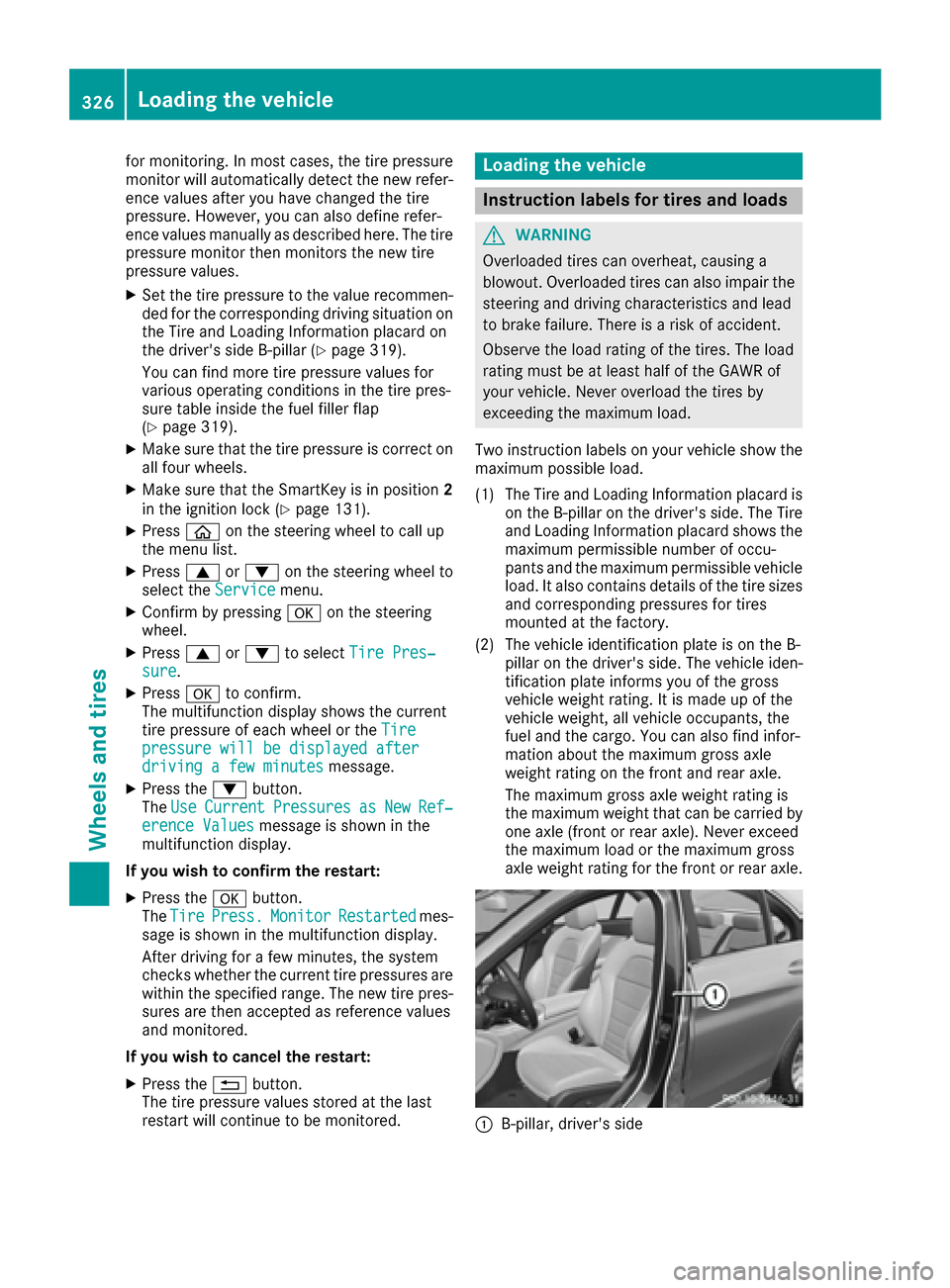
Two instruction labels on you rvehicles how the
maximu mpossible load.
(1) The Tire and Loading Informatio nplacard is
on the B-pillar on the driver's side .The Tire
and Loading Informatio nplacard showst he
maximu mpermissible numbe rofoccu-
pants and the maximu mpermissible vehicle
load. It als ocontains details of the tire sizes
and corresponding pressures for tires
mounted at the factory.
(2) The vehicl eidentificatio nplate is on the B-
pillar on the driver's side .The vehicl eiden-
tification plate informs you of the gross
vehicl eweight rating. It is made up of the
vehicl eweight, all vehicl eoccupants, the
fuel and the cargo. You can als ofind infor-
mation about the maximu mgross axle
weight rating on the front and rear axle.
The maximu mgross axle weight rating is
the maximu mweight that can be carrie dby
one axle (front or rear axle). Never exceed
the maximu mloadort he maximu mgross
axle weight rating for the front or rear axle.
:B-pillar, driver's side
326Loading the vehicle
Wheels and tires