mirror MERCEDES-BENZ CLS-Class 2014 W218 Service Manual
[x] Cancel search | Manufacturer: MERCEDES-BENZ, Model Year: 2014, Model line: CLS-Class, Model: MERCEDES-BENZ CLS-Class 2014 W218Pages: 382, PDF Size: 5.36 MB
Page 302 of 382
X
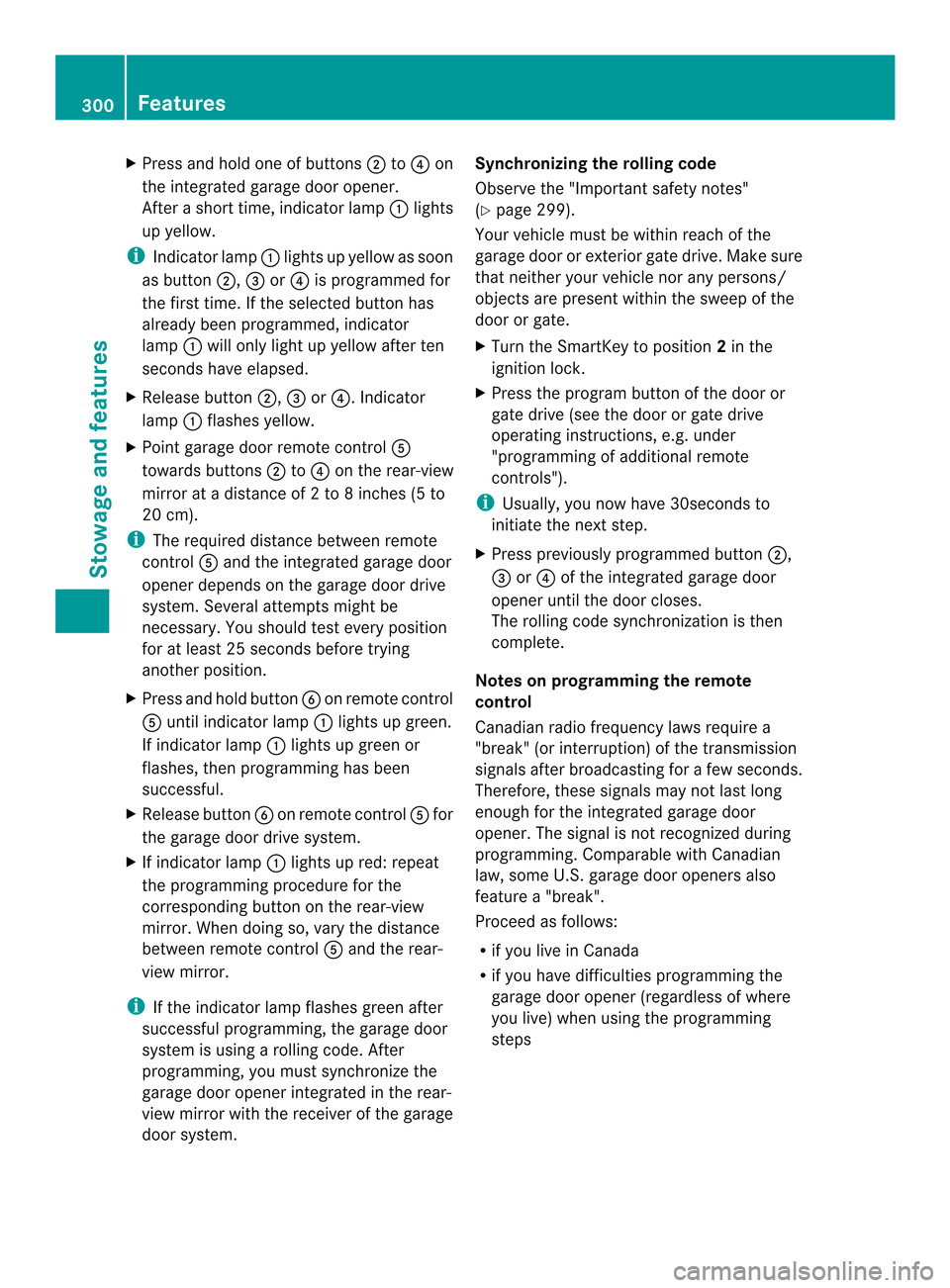
Press and hold one of buttons 0010to0021 on
the integrated garage door opener.
After ashort time, indicator lamp 001Alights
up yellow.
i Indicator lamp 001Alights up yellow as soon
as button 0010,0024or0021 is programmed for
the first time. If the selected button has
already been programmed, indicator
lamp 001Awill only light up yellow after ten
seconds have elapsed.
X Release button 0010,0024or0021.I ndicator
lamp 001Aflashes yellow.
X Point garage door remot econtrol 001E
towards buttons 0010to0021 on the rear-view
mirror at adistanc eof2to8i nches (5 to
20 cm).
i The required distanc ebetween remote
control 001Eand the integrated garage door
opener depends on the garage door drive
system. Several attempts might be
necessary. You should test every position
for at least 25 seconds before trying
another position.
X Press and hold button 0025on remot econtrol
001E until indicator lamp 001Alights up green.
If indicator lamp 001Alights up green or
flashes, then programming has been
successful.
X Release button 0025on remote control 001Efor
the garage door drive system.
X If indicator lamp 001Alights up red: repeat
the programming procedure for the
corresponding button on the rear-view
mirror. When doing so, vary the distance
between remote control 001Eand the rear-
view mirror.
i If the indicator lamp flashes green after
successful programming, the garage door
system is using arolling code. After
programming, you must synchronize the
garage door opener integrated in the rear-
view mirror with the receiver of the garage
door system. Synchronizing the rolling code
Observe the "Important safety notes"
(Y
page 299).
Your vehicle must be within reach of the
garage door or exterior gate drive. Make sure
that neither your vehicle nor any persons/
object sare present within the sweep of the
door or gate.
X Turn the SmartKey to position 2in the
ignition lock.
X Press the program button of the door or
gate drive (see the door or gate drive
operating instructions, e.g. under
"programming of additional remote
controls").
i Usually ,you now have 30seconds to
initiate the next step.
X Press previously programmed button 0010,
0024 or0021 of the integrated garage door
opener until the door closes.
The rolling code synchronization is then
complete.
Notes on programming the remote
control
Canadia nradio frequency laws require a
"break "(or interruption )ofthetransmission
signals after broadcastin gfor afew seconds.
Therefore, these signals may no tlast long
enough for th eintegrate dgarag edoor
opener. The signal is no trecognized during
programming. Comparable with Canadian
law, some U.S.g arage door openers also
feature a"break".
Procee dasfollows:
R if you live in Canada
R if you have difficulties programmin gthe
garag edoor opener (regardless of where
you live )when usin gthe programming
steps 300
FeaturesStowage and features
Page 303 of 382
X
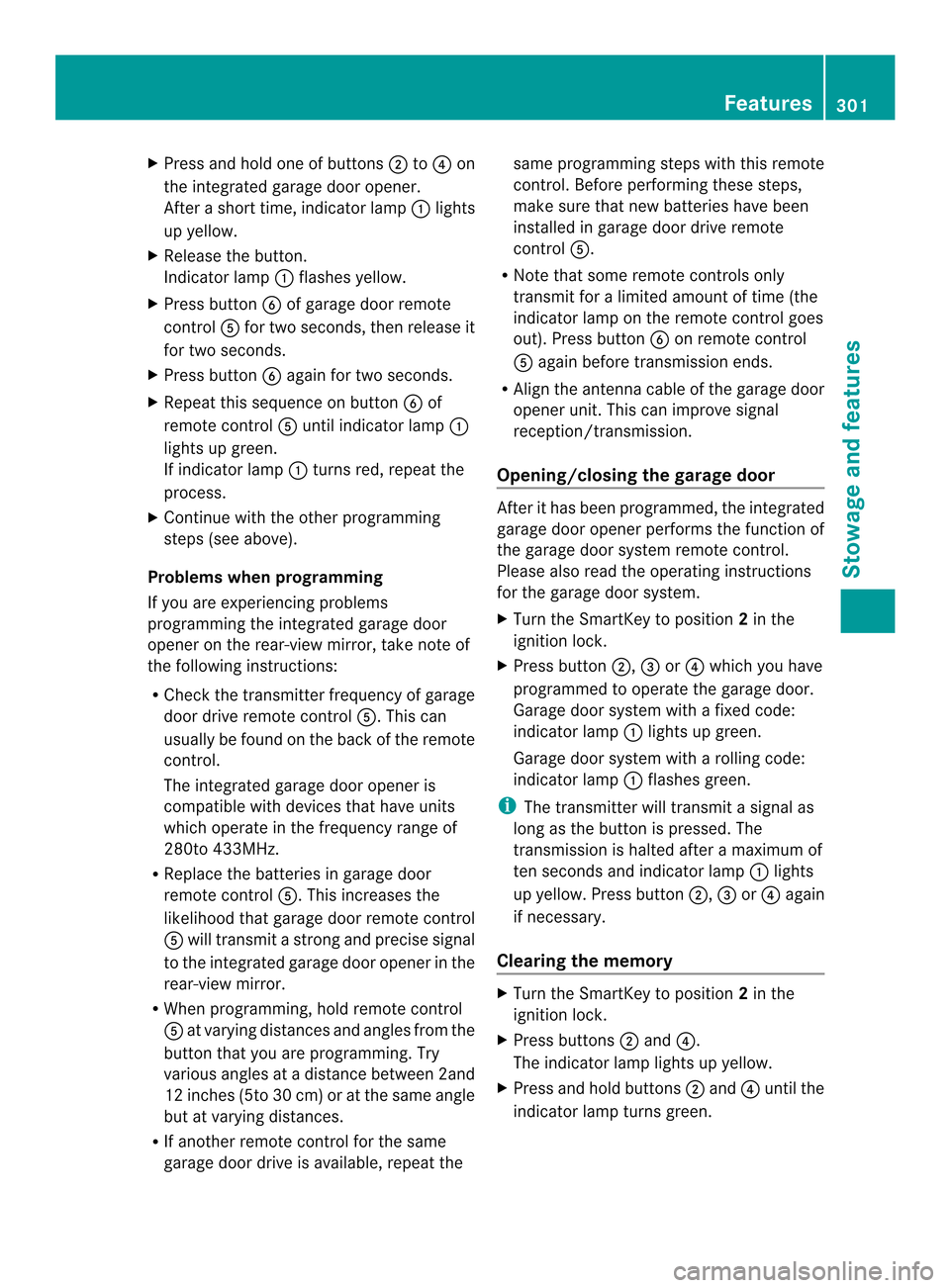
Press and hold one of buttons 0010to0021 on
the integrated garage door opener.
After ashort time, indicator lamp 001Alights
up yellow.
X Release the button.
Indicator lamp 001Aflashes yellow.
X Press button 0025of garage door remote
control 001Efor two seconds, then release it
for two seconds.
X Press button 0025again for two seconds.
X Repeat this sequence on button 0025of
remot econtrol 001Euntil indicator lamp 001A
lights up green.
If indicator lamp 001Aturnsr ed, repeat the
process.
X Continue with the other programming
steps (see above).
Problems when programming
If you are experiencing problems
programmin gthe integrated garage door
opener on the rear-view mirror, take noteof
the following instructions:
R Check the transmitter frequenc yofgarage
door drive remot econtrol 001E.This can
usually be found on the back of the remote
control.
The integrated garage door opener is
compatible with devices that have units
which operate in the frequency range of
280to4 33MHz.
R Replace the batteries in garage door
remote control 001E.This increases the
likelihood that garage door remote control
001E will transmit astronga nd precis esignal
to the integrated garage door opene rinthe
rear-view mirror.
R When programming, hold remote control
001E at varying distances and angles from the
button that you are programming. Try
various angles at adistance between 2and
12 inches (5to 30 cm) or at the same angle
but at varying distances.
R If another remote control for the same
garage door drive is available, repeat the same programming steps with this remote
control. Before performing these steps,
make sure that new batteries have been
installed in garage door drive remote
control
001E.
R Note that some remote controls only
transmit for alimited amount of time (the
indicator lamp on the remote control goes
out). Press button 0025on remote control
001E again before transmission ends.
R Align the antennac able of the garage door
opener unit. This can improve signal
reception/transmission.
Opening/closing the garage door After it has been programmed, the integrated
garage door opener performs the function of
the garage door system remote control.
Please also read the operating instructions
for the garage door system.
X Turn the SmartKey to position 2in the
ignition lock.
X Press button 0010,0024or0021 which you have
programmed to operate the garage door.
Garage door system with afixed code:
indicator lamp 001Alights up green.
Garage door system with arolling code:
indicator lamp 001Aflashes green.
i The transmitter will transmit asignal as
long as the button is pressed. The
transmission is halted after amaximum of
ten seconds and indicator lamp 001Alights
up yellow. Press button 0010,0024or0021 again
if necessary.
Clearing the memory X
Turn the SmartKey to position 2in the
ignition lock.
X Press buttons 0010and 0021.
The indicator lamp lights up yellow.
X Press and hold buttons 0010and 0021until the
indicator lamp turns green. Features
301Stowage and features Z
Page 304 of 382
i
Make sure that you clear the memory of
the integrated garage door opener before
selling the vehicle. Compass
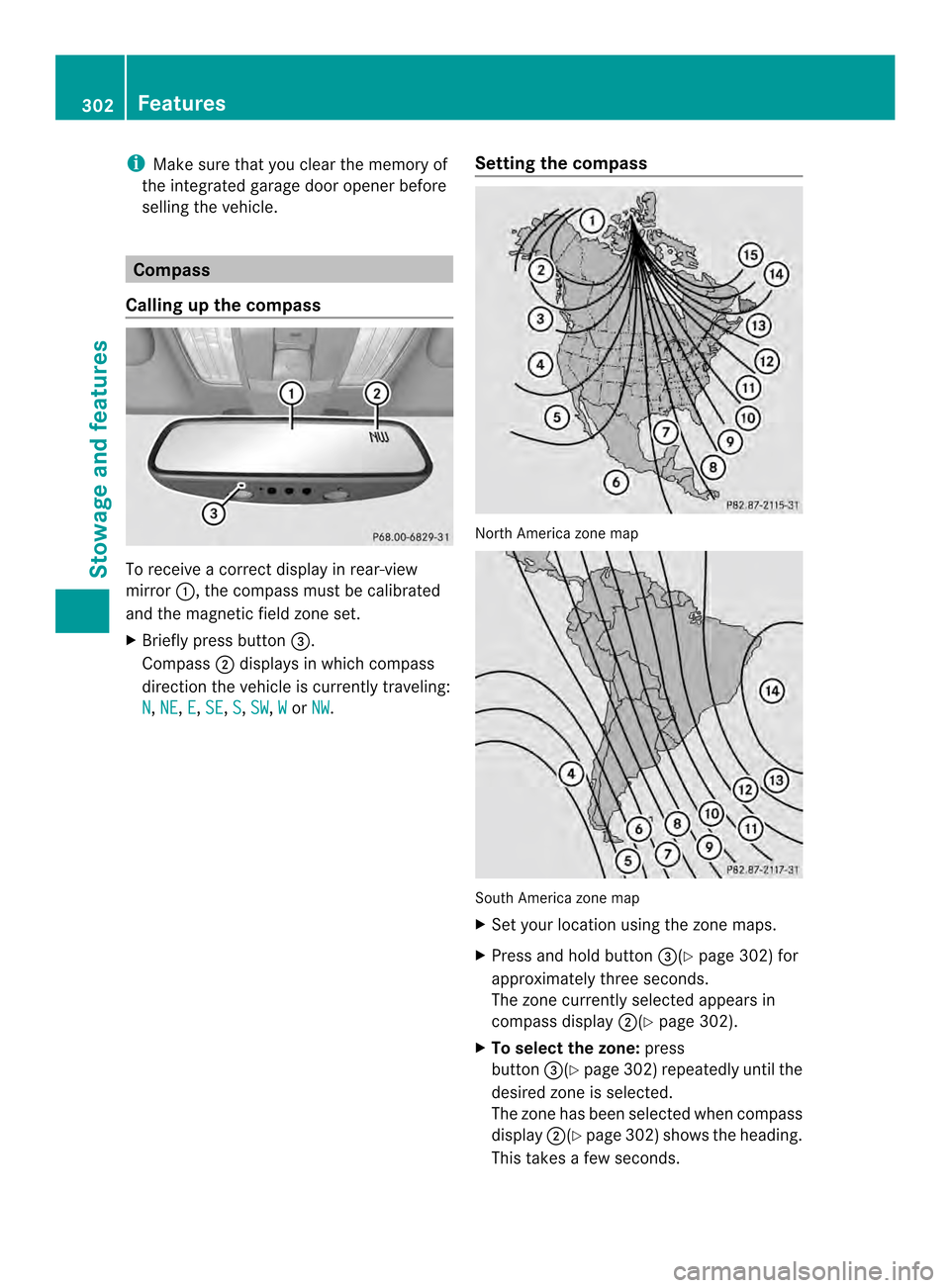
Calling up the compass To receive
acorrect displayinr ear-view
mirror 001A,the compass must be calibrated
and the magnetic field zone set.
X Briefly press button 0024.
Compass 0010displays in which compass
direction the vehicle is currently traveling:
N ,
NE ,
E ,
SE ,
S ,
SW ,
W or
NW .
Setting the compass North America zone map
South America zone map
X
Set your location using the zone maps.
X Press and hold button 0024(Ypage 302) for
approximately three seconds.
The zone currently selected appears in
compass display 0010(Ypage 302).
X To selectt he zone:press
button 0024(Ypage302) repeatedl yuntil the
desired zone is selected.
The zone has been selected whe ncompass
display 0010(Ypage 302) shows the heading.
This takes afew seconds. 302
FeaturesStowage and features
Page 316 of 382
Cleaning th
evehicle parts
Cleaning th ewheels !
Do no tuse acidic wheel cleaning products
to remove brake dust. This could damage
wheel bolts and brake components.
! Do not park the vehicle for an extended
period straight after cleaning it, particularly
after having cleaned the wheels with wheel
cleaner. Wheel cleaners could cause
increased corrosion of the brake discs and
brake pads/linings. For this reason, you
should drive for afew minutes after
cleaning. Braking heats the brake discs and
the brake pads/linings, thus drying them.
The vehicle can then be parked.
Cleaning the windows G
WARNING
You could become trapped by the windshield
wipers if they start moving while cleaning the
windshieldorw iper blades. There is arisk of
injury.
Always switch off the windshieldw ipers and
the ignition before cleaning the windshieldor
wiper blades.
! Do not use dry cloths, abrasive products,
solvents or cleaning agents containing
solvents to clean the inside of the windows.
Do not touch the insides of the windows
with hard objects, e.g. an ice scraper or
ring. There is otherwise arisk of damaging
the windows.
! Cleant he water drainage channels of the
windshield and the rear window at regular
intervals. Deposits such as leaves, petals
and pollen may under certain
circumstances prevent water from draining
away.T his can lead to corrosion damage
and damage to electronic components.
X Cleant he inside and outside of the
windows with adamp cloth and acleaning
product that is recommended and
approved by Mercedes-Benz. Cleaningw
iper blades G
WARNING
You could become trapped by the windshield
wipers if they start moving while cleaning the
windshield or wiper blades. There is arisk of
injury.
Always switch off the windshield wipers and
the ignition before cleaning the windshield or
wiper blades.
! Do not pull the wiper blade. Otherwise,
the wiper blade could be damaged.
! Do not clean wiper blades too often and
do not rub them too hard. Otherwise, the
graphite coating could be damaged. This
could cause wiper noise.
! Hold the wiper arm securely when folding
back. The windshield could be damaged if
the wiper arm smacks against it suddenly.
X Fold the windshield wiper arms away from
the windshield.
X Carefully clean the wiper blades with a
damp cloth.
X Fold the windshield wiper arms back again
before switching on the ignition.
Cleaningt he exterior lighting !
Only use cleaning agents or cleaning
cloths which are suitable for plastic light
lenses. Unsuitable cleaning agents or
cleaning cloths could scratchord amage
the plastic light lenses.
X Cleant he plastic lenses of the exterior
lighting using awet sponge and amild
cleaning agent, e.g. Mercedes-Ben zcar
shampoo or cleanin gcloths.
Mirror turn signals !
Only use cleanin gagents or cleaning
cloth sthata re suitable for plastic lenses.
Unsuitable cleanin gagents or cleaning
cloth scould scratch or damag ethe plastic
lenses of th emirror tur nsignals. 314
CareMaintenance and care
Page 317 of 382

X
Clean th eplastic lenses of th emirror turn
signals in th eexterior mirror housin gusing
aw et sponge and mild cleaning agent, e.g.
Mercedes-Benz car shampoo or cleaning
cloths.
Cleaning the sensors !
If you clean the sensors with apower
washer, make sure that you keep a
distance of at least 11.8in( 30 cm) between
the vehicle and the power washer nozzle.
Information about the correct distance is
available from the equipment
manufacturer. X
Clean sensors 001Aof the driving systems
with water, car shampoo and asoft cloth.
Cleaning the rear vie wcamera !
Do not clea nthe camera lens and the area
around the rear view camera with apower
washer. X
Use clear water and asoft cloth to clean
camera lens 001A.
Cleaningt he exhaust pipes !
Do not clean the exhaust pipe with acid-
based cleaning agents such as sanitary
cleansers or wheel cleaners.
Impurities combined with the effectsofr oad
grit and corrosive environmental factors may
cause flash rust to form on the surface. You
can restore the original shine of the exhaust
pipe by cleaning it regularly,e speciallyin
winter and after washing.
X Cleant he exhaust pipe with acare product
tested and approved by Mercedes-Benz. Interior care
Cleaningt he display !
For cleaning, do not use any of the
following:
R alcohol-based thinner or gasoline
R abrasive cleaning agents
R commercially-available household
cleaning agents
These may damage the displays urface. Do
not put pressure on the displays urface
when cleaning. This could lead to
irreparable damage to the display. Care
315Maintenance and care Z
Page 326 of 382
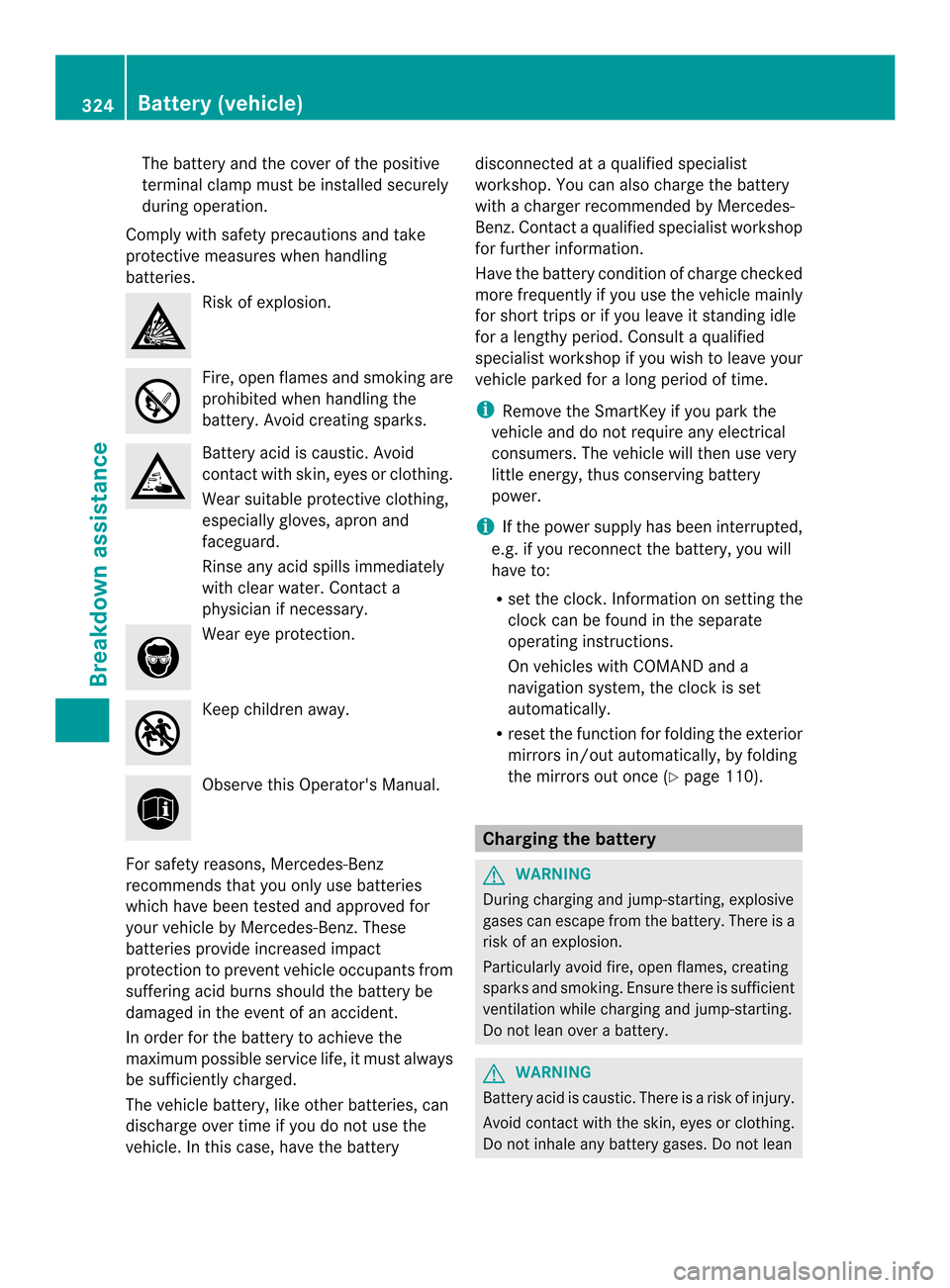
The battery and the cover of the positive
terminal clamp must be installed securely
during operation.
Comply with safety precautions and take
protective measures when handling
batteries. Risk of explosion.
Fire, open flames and smokin
gare
prohibited when handling the
battery. Avoid creatin gsparks. Battery acid is caustic. Avoid
contact with skin, eyes or clothing.
Wear suitable protective clothing,
especially gloves, apron and
faceguard.
Rinse any acid spills immediately
with clear water. Contact a
physician if necessary.
Wear eye protection.
Keep children away.
Observe this Operator's Manual.
For safety reasons, Mercedes-Benz
recommends that you only use batteries
which have been tested and approved for
your vehicle by Mercedes-Benz.T hese
batteries provide increased impact
protection to prevent vehicle occupants from
suffering acid burns should the battery be
damaged in the event of an accident.
In order for the battery to achieve the
maximum possible service life, it must always
be sufficiently charged.
The vehicle battery, like other batteries, can
discharge over time if you do not use the
vehicle. In this case, have the battery disconnected at
aqualified specialist
workshop. You can also charge the battery
with acharger recommended by Mercedes-
Benz.C ontactaqualified specialist workshop
for further information.
Have the battery condition of charge checked
more frequently if you use the vehicle mainly
for short trips or if you leave it standin gidle
for alengthy period. Consult aqualified
specialist workshop if you wish to leave your
vehicle parked for along period of time.
i Remove the SmartKey if you park the
vehicle and do not require any electrical
consumers. The vehicle will then use very
little energy, thus conserving battery
power.
i If the power supply has been interrupted,
e.g. if you reconnect the battery, you will
have to:
R set the clock.I nformation on setting the
clock can be found in the separate
operating instructions.
On vehicles with COMAND and a
navigation system, the clock is set
automatically.
R reset the function for folding the exterior
mirrors in/out automatically, by folding
the mirrors out once (Y page 110). Charging the battery
G
WARNING
During charging and jump-starting, explosive
gases can escape from the battery. There is a
risk of an explosion.
Particularly avoid fire, open flames, creating
sparks and smoking. Ensure there is sufficient
ventilation while charging and jump-starting.
Do not lean over abattery. G
WARNING
Battery acid is caustic. There is arisk of injury.
Avoid contact with the skin, eyes or clothing.
Do not inhale any battery gases. Do not lean 324
Battery (vehicle)Breakdown assistance
Page 382 of 382
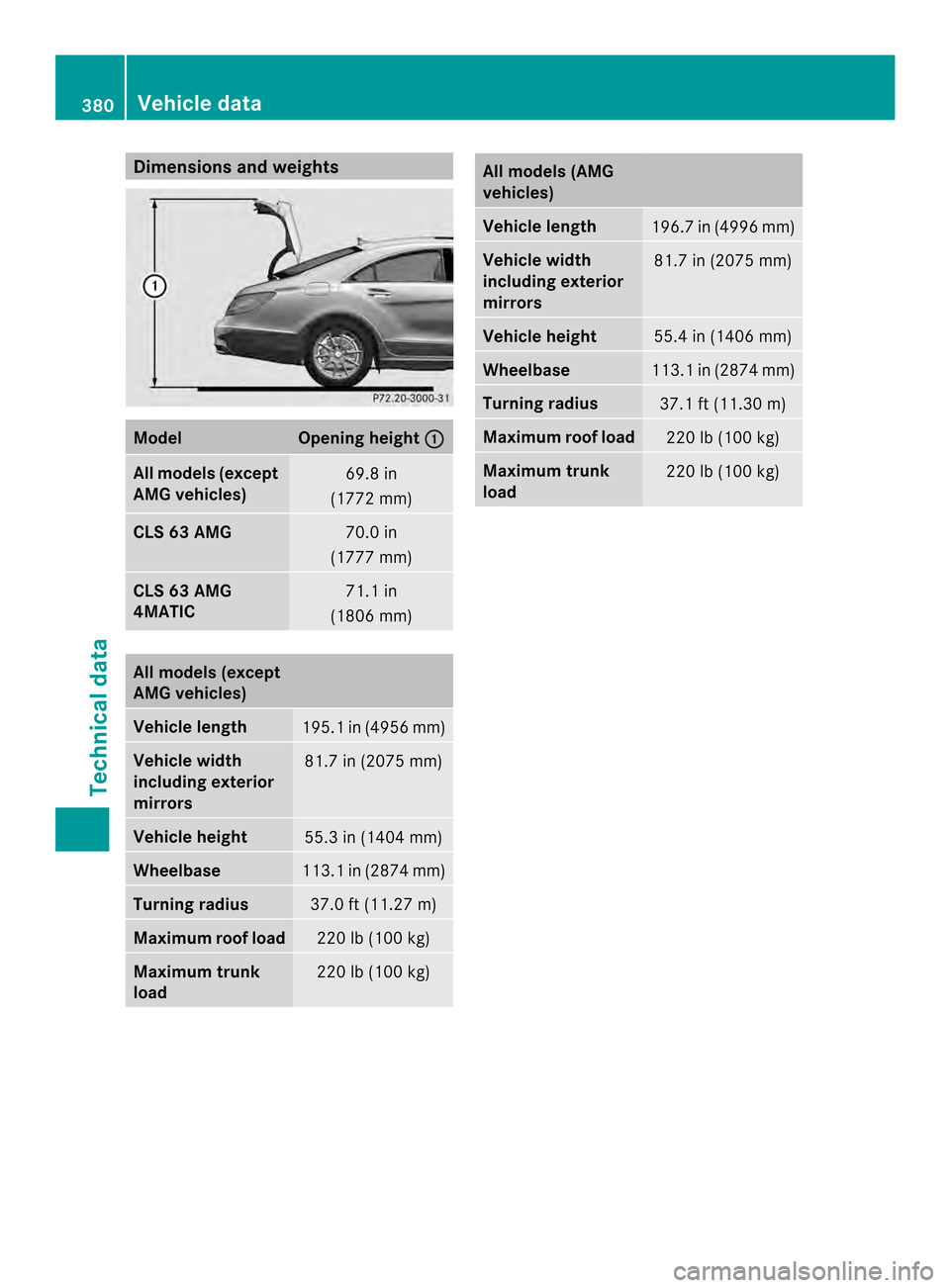
Dimensions an
dweights Model Opening height
001A All models (except
AMG vehicles)
69.8 in
(1772 mm) CLS 63 AMG
70.0 in
(1777 mm) CLS 63 AMG
4MATIC
71.1 in
(1806 mm) All models (except
AMG vehicles)
Vehicle length
195.
1in( 4956 mm) Vehicle width
including exterior
mirrors
81.7 in (2075 mm)
Vehicle height
55.3 in (1404 mm)
Wheelbase
113.
1in( 2874 mm) Turning radius
37.0 ft (11.2
7m) Maximum roof load
22
0lb( 100k g) Maximum trunk
load
22
0lb( 100k g) All models (AMG
vehicles)
Vehicle length
196.
7in( 4996 mm) Vehicle width
including exterior
mirrors 81.7 in (2075 mm)
Vehicle height
55.4 in (1406 mm)
Wheelbase
113.
1in( 2874 mm) Turning radius
37.1 ft (11.3
0m) Maximum roof load
22
0lb( 100k g) Maximum trunk
load
22
0lb( 100k g) 380
Vehicle dataTechnical data