code MERCEDES-BENZ SLK-Class 2015 R172 Comand Manual
[x] Cancel search | Manufacturer: MERCEDES-BENZ, Model Year: 2015, Model line: SLK-Class, Model: MERCEDES-BENZ SLK-Class 2015 R172Pages: 270, PDF Size: 5.82 MB
Page 215 of 270
X
Confirm Bluetooth Audio Device List
Bluetooth Audio Device List
by pressing 0098the COMAND controller.
X To search: confirmSearch for BT
Search for BT
Audio Devices
Audio Devices by pressing the COMAND
controller 0098.
COMAND searches for Bluetooth ®
audio
devices within range and adds them to the
Bluetooth ®
device list. If Bluetooth ®
audio
devices support the Bluetooth ®
audio pro-
files (A2DP, AVRCP), the devices are detec-
ted.
The duration of the search depends on the
number of Bluetooth ®
audio devices within
range and their characteristics.
X To authorize: select a Bluetooth ®
audio
device that has not yet been authorized
from the list (0043 in the example) by turning
00790052007A the COMAND controller.
X Select the symbol to the right of the Blue-
tooth ®
audio device by sliding 00520096the
COMAND controller and press 0098to con-
firm.
X Select Authorize
Authorize and press0098to confirm.
Depending on the Bluetooth ®
audio device
used, you now have two options for con-
tinuing with authorization.
X Option 1: enter the passkey (Y page 128).
After successful authorization, the Blue-
tooth ®
audio device is connected and
starts playing.
X Option 2 (Secure Simple Pairing): if the
digit codes displayed in COMAND and on
the Bluetooth ®
audio device are the same,
confirm Yes
Yes by pressing 0098.
If you select Yes Yes, authorization continues
and the Bluetooth ®
audio device is connec-
ted. Playback starts.
If you select No No, authorization will be can-
celed.
i The Bluetooth ®
audio device must sup-
port Bluetooth ®
version 2.1 for connection
via Secure Simple Pairing. COMAND cre-
ates a six-digit code, which is displayed on both devices that are to be connected External authorization
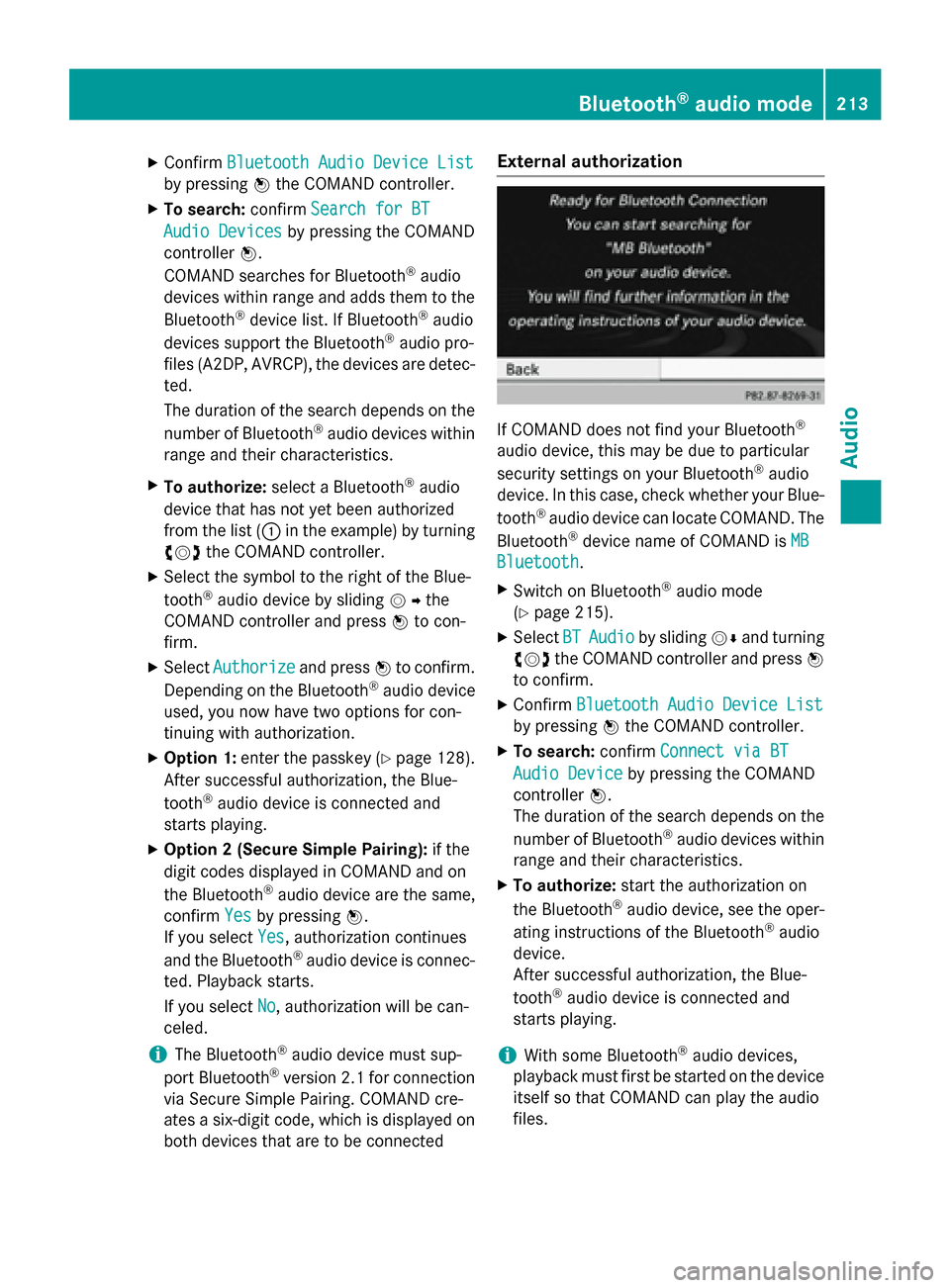
If COMAND does not find your Bluetooth
®
audio device, this may be due to particular
security settings on your Bluetooth ®
audio
device. In this case, check whether your Blue-
tooth ®
audio device can locate COMAND. The
Bluetooth ®
device name of COMAND is MB MB
Bluetooth
Bluetooth .
X Switch on Bluetooth ®
audio mode
(Y page 215).
X Select BT
BTAudio
Audio by sliding 00520064and turning
00790052007A the COMAND controller and press 0098
to confirm.
X Confirm Bluetooth Audio Device List
Bluetooth Audio Device List
by pressing 0098the COMAND controller.
X To search: confirmConnect via BT
Connect via BT
Audio Device
Audio Device by pressing the COMAND
controller 0098.
The duration of the search depends on the
number of Bluetooth ®
audio devices within
range and their characteristics.
X To authorize: start the authorization on
the Bluetooth ®
audio device, see the oper-
ating instructions of the Bluetooth ®
audio
device.
After successful authorization, the Blue-
tooth ®
audio device is connected and
starts playing.
i With some Bluetooth ®
audio devices,
playback must first be started on the device itself so that COMAND can play the audio
files. Bluetooth
®
audio mode 213Audio Z
Page 229 of 270

Notes on discs
! Do not affix stickers or labels to the discs.
They could peel off and damage COMAND.
Stickers can cause the disc to bend, which can result in read errors and disc recogni-
tion problems.
! COMAND is designed to play discs that
comply with the EN 60908 standard. There-
fore, you can only use discs with a maxi-
mum thickness of 1.3 mm.
If you insert thicker discs, e.g. those that
contain data on both sides (DVD on one
side and audio data on the other), they can- not be ejected and can damage the device.
Only use round discs with a diameter of
12 cm. Do not use discs with a diameter of 8 cm, even with an adapter.
Playback problems may occur when playing
copied discs. There are a large variety of
discs, DVD authoring software, writing soft-
ware and writers available. This variety means that there is no guarantee that the system will
be able to play discs that you have copied
yourself. DVD playback conditions
If video DVDs do not conform to the NTSC or PAL TV standards, they may create picture,
sound or other problems during playback.
COMAND is capable of playing back video
DVDs produced according to the following
standards:
R Region code 1 or region code 0 (no region
code)
R PAL or NTSC standard
You will generally find the relevant details
either on the DVD itself or on the DVD case.
i If you insert a video DVD with a different
region code, you will see a message to this
effect.
i COMAND is set to region code 1 at the
factory. This setting can be changed at an authorized Mercedes-Benz Center. This will
allow you to play video DVDs with a differ-
ent region code, provided that they are pro- duced in accordance with the PAL or NTSC
standard. The region code can be changed up to five times. Function restrictions
Depending on the DVD, it is possible that cer- tain functions or actions will be temporarily
blocked or may not function at all. As soon as
you try to activate these functions or actions, you will see the 0047symbol in the display. Inserting and removing DVDs
X Proceed as described in the "Inserting and
ejecting CDs and DVDs" section
(Y page 196). Switching to video DVD mode
Switching on automatically X
Insert a video DVD.
COMAND loads the medium inserted and
starts to play it.
Switching on using the DISC button X
Press the 003Abutton.
COMAND switches to the previous disc
operating mode.
By pressing the 003Abutton repeatedly, you
can switch modes in the following order:
R video DVD/CD/MP3 in the single DVD
drive (disc mode)
R memory card mode
R MUSIC REGISTER
R USB storage device
R Media Interface or audio AUX mode
R Bluetooth ®
audio mode Video
DVDmode
227Video Z
Page 238 of 270
Your COMAND equipment
These operating instructions describe all the
standard and optional equipment for your
COMAND system, as available at the time of
going to print. Country-specific differences
are possible. Please note that your
COMAND system may not be equipped with
all the features described. Overview
Important safety notes
G
WARNING
The CD/DVD drive is a class 1 laser product. If you open the housing of the CD/DVD drive,
there is a risk of exposure to invisible laser
radiation. This laser radiation could damage
your retina. There is a risk of injury.
Never open the housing. Always have main-
tenance and repair work carried out at a quali- fied specialist workshop. G
WARNING
If objects such as headphones/headsets or
external audio/video sources are not secured in the passenger compartment, they can be
flung around and hit vehicle occupants. There
is a risk of injury, for example in the event of
sudden braking or a sudden change in direc-
tion.
Always stow these items or similar objects
carefully so that they cannot be flung around, for example in a lockable vehicle stowage
compartment. equipment
Observe that a range of Rear Seat Entertain-
ment Systems are available for Mercedes-
Benz vehicles. In this Operator's Manual, the
Rear Seat Entertainment System Code 864 is
used for illustration purposes. If you have a
different Rear Seat Entertainment System in your vehicle, please refer to the separate prin-
ted operating instructions . Components
The Rear Seat Entertainment System
includes:
R two screens for the rear behind the front-
seat head restraints
R two remote controls
R a CD/DVD drive
R AUX jacks on both screens (AUX display)
and on the CD/DVD drive (AUX drive)
R two sets of cordless headphones 236
OverviewRea
r Seat Entertainment System