navigation system NISSAN PATHFINDER HYBRID 2014 R52 / 4.G Workshop Manual
[x] Cancel search | Manufacturer: NISSAN, Model Year: 2014, Model line: PATHFINDER HYBRID, Model: NISSAN PATHFINDER HYBRID 2014 R52 / 4.GPages: 571, PDF Size: 5.38 MB
Page 430 of 571
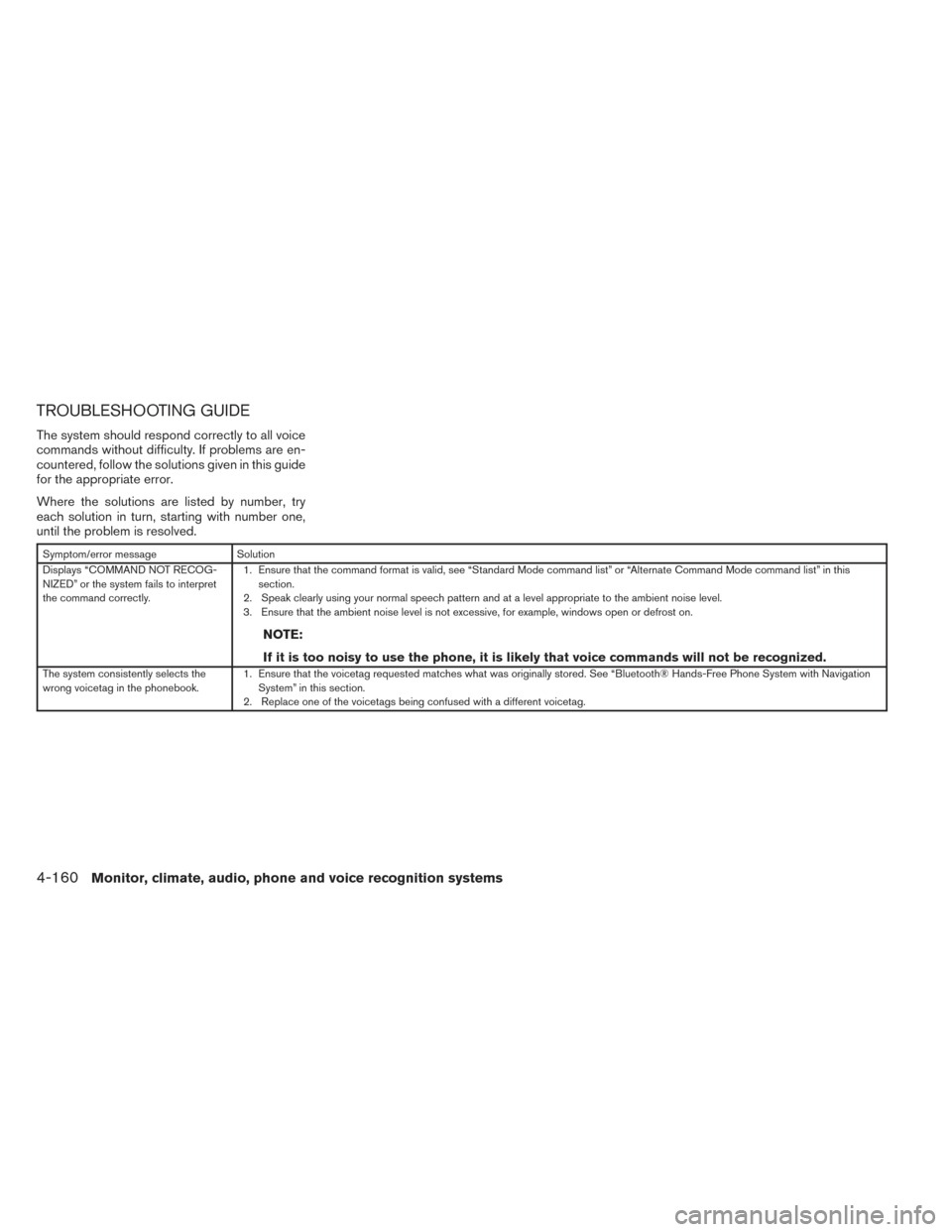
TROUBLESHOOTING GUIDE
The system should respond correctly to all voice
commands without difficulty. If problems are en-
countered, follow the solutions given in this guide
for the appropriate error.
Where the solutions are listed by number, try
each solution in turn, starting with number one,
until the problem is resolved.
Symptom/error messageSolution
Displays “COMMAND NOT RECOG-
NIZED” or the system fails to interpret
the command correctly. 1. Ensure that the command format is valid, see “Standard Mode command list” or “Alternate Command Mode command list” in this
section.
2. Speak clearly using your normal speech pattern and at a level appropriate to the ambient noise level.
3. Ensure that the ambient noise level is not excessive, for example, windows open or defrost on.
NOTE:
If it is too noisy to use the phone, it is likely that voice commands will not be recognized.
The system consistently selects the
wrong voicetag in the phonebook. 1. Ensure that the voicetag requested matches what was originally stored. See “Bluetooth® Hands-Free Phone System with Navigation
System” in this section.
2. Replace one of the voicetags being confused with a different voicetag.
4-160Monitor, climate, audio, phone and voice recognition systems
Page 454 of 571
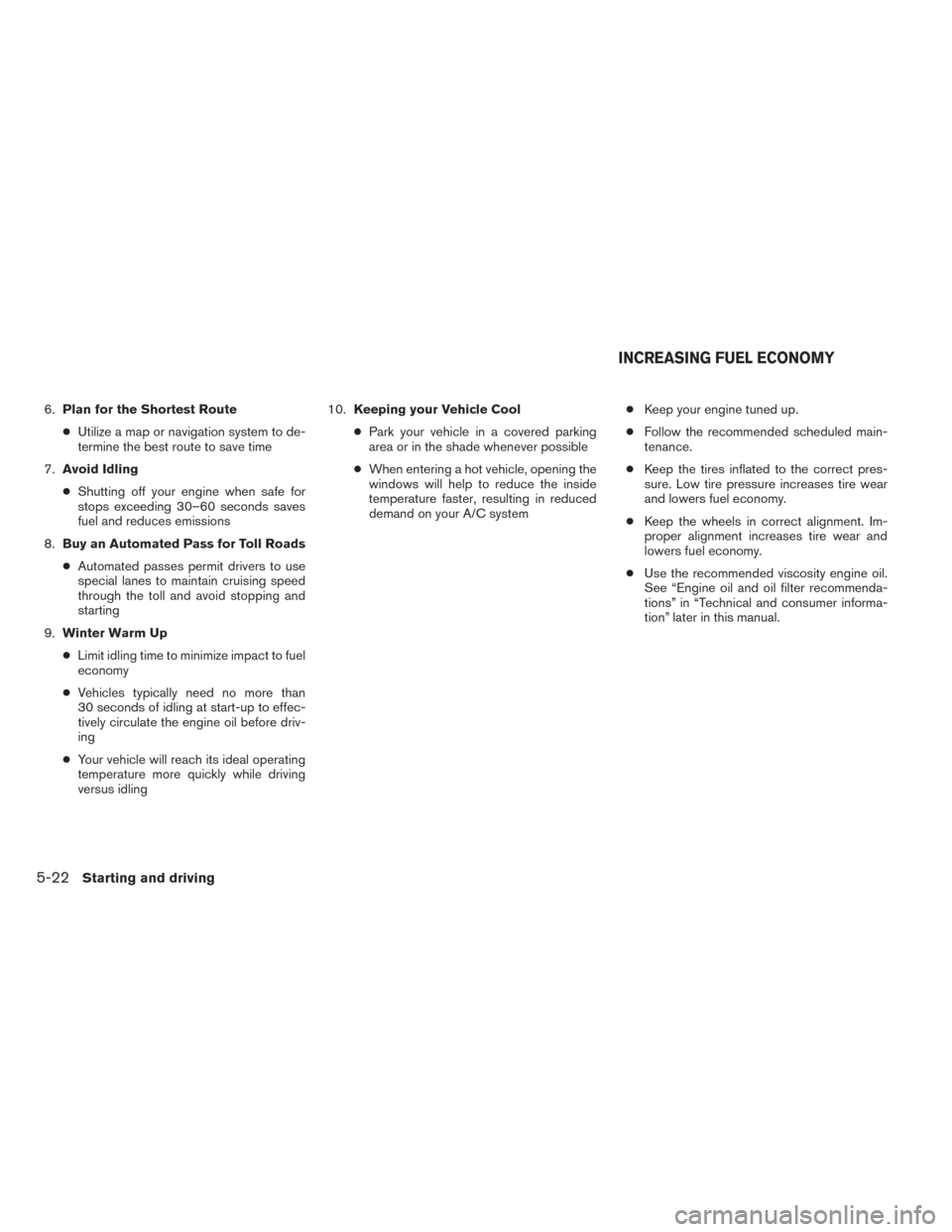
6.Plan for the Shortest Route
● Utilize a map or navigation system to de-
termine the best route to save time
7. Avoid Idling
● Shutting off your engine when safe for
stops exceeding 30–60 seconds saves
fuel and reduces emissions
8. Buy an Automated Pass for Toll Roads
● Automated passes permit drivers to use
special lanes to maintain cruising speed
through the toll and avoid stopping and
starting
9. Winter Warm Up
● Limit idling time to minimize impact to fuel
economy
● Vehicles typically need no more than
30 seconds of idling at start-up to effec-
tively circulate the engine oil before driv-
ing
● Your vehicle will reach its ideal operating
temperature more quickly while driving
versus idling 10.
Keeping your Vehicle Cool
● Park your vehicle in a covered parking
area or in the shade whenever possible
● When entering a hot vehicle, opening the
windows will help to reduce the inside
temperature faster, resulting in reduced
demand on your A/C system ●
Keep your engine tuned up.
● Follow the recommended scheduled main-
tenance.
● Keep the tires inflated to the correct pres-
sure. Low tire pressure increases tire wear
and lowers fuel economy.
● Keep the wheels in correct alignment. Im-
proper alignment increases tire wear and
lowers fuel economy.
● Use the recommended viscosity engine oil.
See “Engine oil and oil filter recommenda-
tions” in “Technical and consumer informa-
tion” later in this manual.
INCREASING FUEL ECONOMY
5-22Starting and driving
Page 539 of 571
When planning to drive your NISSAN ve-
hicle in another country,you should first find
out if the fuel available is suitable for your vehi-
cle’s engine.
Using fuel with an octane rating that is too low
may cause engine damage. All gasoline vehicles
must be operated with unleaded gasoline. There-
fore, avoid taking your vehicle to areas where
appropriate fuel is not available.
When transferring the registration of your
vehicle to another country, state, province
or district, it may be necessary to modify the
vehicle to meet local laws and regulations.
The laws and regulations for motor vehicle emis-
sion control and safety standards vary according
to the country, state, province or district; there-
fore, vehicle specifications may differ.
When any vehicle is to be taken into an-
other country, state, province or district
and registered, its modifications, transpor-
tation, and registration are the responsibil-
ity of the user. NISSAN is not responsible
for any inconvenience that may result.
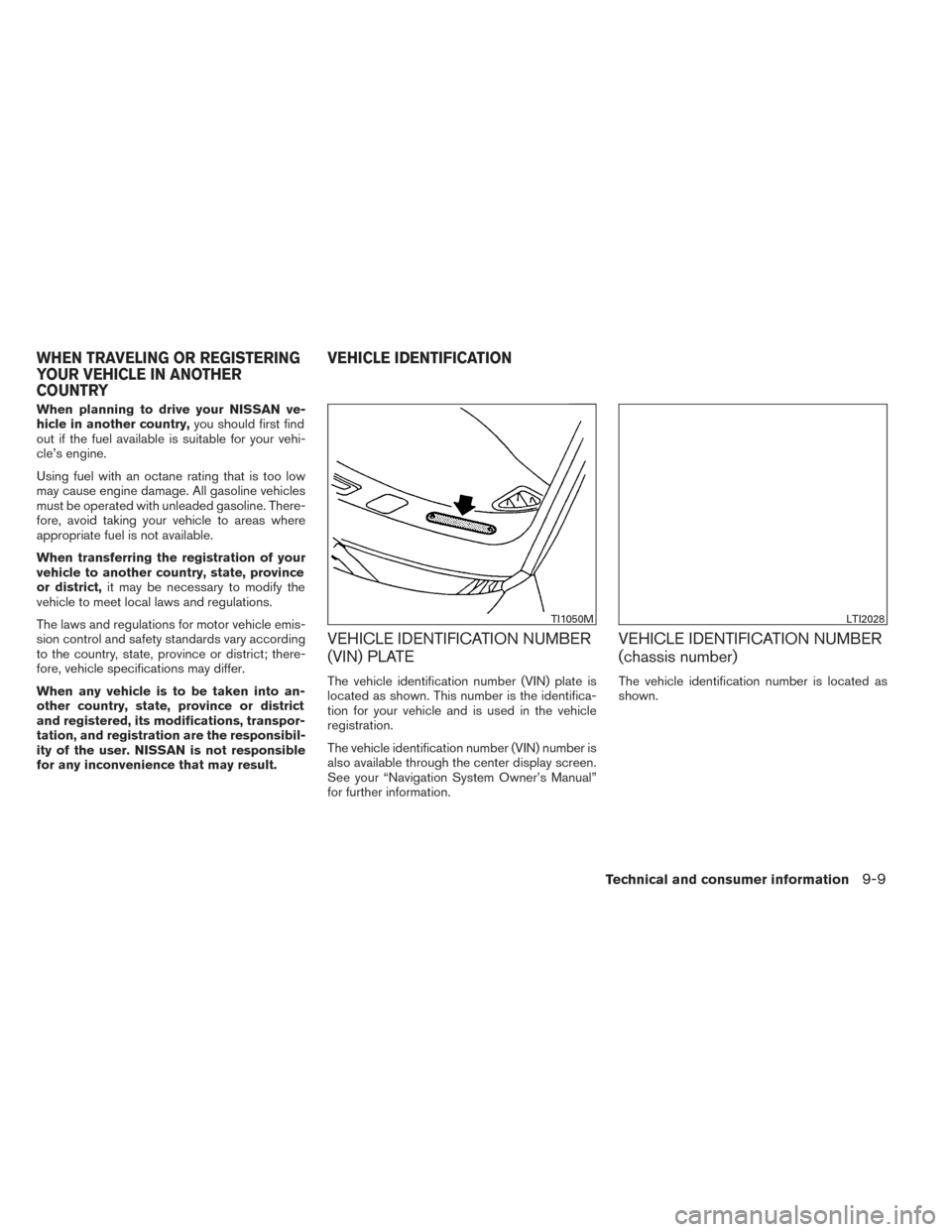
VEHICLE IDENTIFICATION NUMBER
(VIN) PLATE
The vehicle identification number (VIN) plate is
located as shown. This number is the identifica-
tion for your vehicle and is used in the vehicle
registration.
The vehicle identification number (VIN) number is
also available through the center display screen.
See your “Navigation System Owner’s Manual”
for further information.
VEHICLE IDENTIFICATION NUMBER
(chassis number)
The vehicle identification number is located as
shown.
TI1050MLTI2028
WHEN TRAVELING OR REGISTERING
YOUR VEHICLE IN ANOTHER
COUNTRY VEHICLE IDENTIFICATION
Technical and consumer information9-9
Page 564 of 571
Cleaning exterior and interior...........7-2
C.M.V.S.S. certification label ..........9-10
Cold weather driving ..............5-33
Compact disc (CD) player ........4-74,4-81
Consolebox...................2-47
Continuously Variable Transmission (CVT). . .5-15 Continuously Variable Transmission
(CVT) fluid ..................8-11
Driving with Continuously Variable
Transmission (CVT) .............5-15
Control panel buttons ..............4-11
Brightness/contrast button ......4-11,4-20
Enterbutton...............4-4,4-11
Without navigation system ..........4-4
Controls Audiocontrols(steeringwheel)......4-103
Heater and air conditioner
controls ................4-41,4-45
Rear seat air conditioner ..........4-43
Coolant Capacities and recommended
fuel/lubricants .................9-2
Changing engine coolant ...........8-8
Checking engine coolant level ........8-8
Engine coolant temperature gauge .....2-5
Corrosionprotection ...............7-6
Cruisecontrol..................5-19
Cupholders...................2-45
D
Daytime running light system (Canada only) . .2-34
Defroster switch Rear window and outside mirror defroster
switch.....................2-30 Digital Versatile Disc (DVD) player
.......4-85
Dimensionsandweights.............9-8
Dimmer switch for instrument panel ......2-34
Display controls
(seecontrolpanelbuttons) ........4-4,4-11
Door locks .....................3-5
Drive belt .....................8-16
Drive positioner, Automatic ...........3-35
Driving Cold weather driving ............5-33
Driving with Continuously Variable
Transmission (CVT) .............5-15
Precautions when starting and driving ....5-2
E
Economy - fuel ..................5-22
Emission control information label .......9-10
Emission control system warranty .......9-29
Engine Before starting the engine ..........5-13
Block heater .................5-34
Capacities and recommended
fuel/lubricants .................9-2
Changingenginecoolant...........8-8
Changingengineoil.............8-10
Changing engine oil filter ..........8-11
Checking engine coolant level ........8-8
Checking engine oil level ...........8-9
Engine compartment check locations ....8-6
Engine coolant temperature gauge .....2-5
Engine cooling system ............8-7
Engineoil ...................8-9
Engine oil and oil filter recommendation . . .9-5
Engine oil viscosity ..............9-5 Engine serial number
............9-10
Engine specifications .............9-7
Starting the engine .............5-14
Enterbutton.................4-4,4-11
Eventdatarecorders ..............9-31
Exhaustgas(Carbonmonoxide).........5-2
Extended storage switch ............8-23
Eyeglass case ..................2-44
F
Flashers (See hazard warning flasher switch) . .6-2
Flat tire .......................6-3
Floor mat positioning aid .............7-5
Fluid Brake fluid ..................
8-12
Capacities and recommended
fuel/lubricants .................9-2
Continuously Variable Transmission
(CVT) fluid ..................8-11
Engine coolant .................8-7
Engine oil ...................8-9
Power steering fluid .............8-12
Windshield-washer fluid ...........8-13
F.M.V.S.S. certification label ...........9-10
Foglightswitch .................2-35
Front air bag system
(See supplemental restraint system) ......1-60
Front seats .....................1-2
Fuel Capacities and recommended
fuel/lubricants .................9-2
Fuel economy ................5-22
Fuel-filler door and cap ...........3-27
Fuelgauge...................2-5
10-2