wheel SUZUKI RENO 2008 1.G Owner's Manual
[x] Cancel search | Manufacturer: SUZUKI, Model Year: 2008, Model line: RENO, Model: SUZUKI RENO 2008 1.GPages: 226, PDF Size: 4.98 MB
Page 118 of 226
3-44
INSTRUMENT PANEL
85Z14-03E
the portable player. You may need to make
additional volume adjustments from the
portable device if the volume does not go
loud or soft enough.
STEERING WHEEL REMOTE OPER-
ATION (if equipped in the vehicle)Power Button
Press this button to turn the system on and
off. Press this button for a short time to
MUTE the sound. To cancel MUTE, press
this button again.
Volume Up Button
Press this button to increase the volume
level.
Volume Down Button
Press this button to decrease the volume
level.
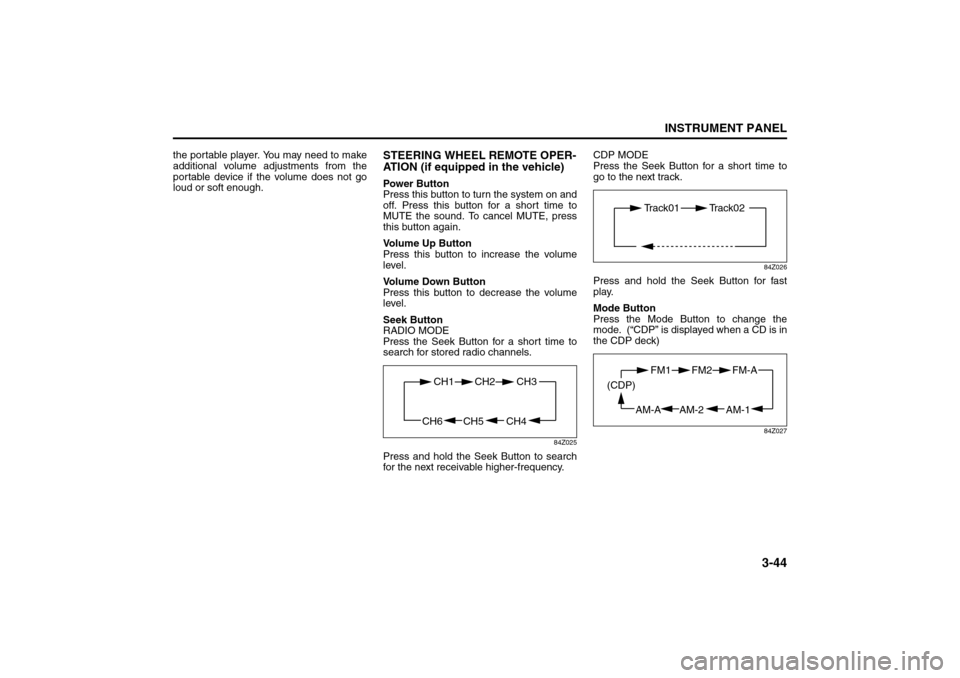
Seek Button
RADIO MODE
Press the Seek Button for a short time to
search for stored radio channels.
84Z025
Press and hold the Seek Button to search
for the next receivable higher-frequency.CDP MODE
Press the Seek Button for a short time to
go to the next track.
84Z026
Press and hold the Seek Button for fast
play.
Mode Button
Press the Mode Button to change the
mode. (“CDP” is displayed when a CD is in
the CDP deck)
84Z027
CH4 CH5
CH1 CH2
CH6
CH3
Track01 Track02
AM-1 AM-2
FM1 FM2
AM-A (CDP)
FM-A
Page 128 of 226
4-4
DRIVING YOUR VEHICLE
85Z14-03E
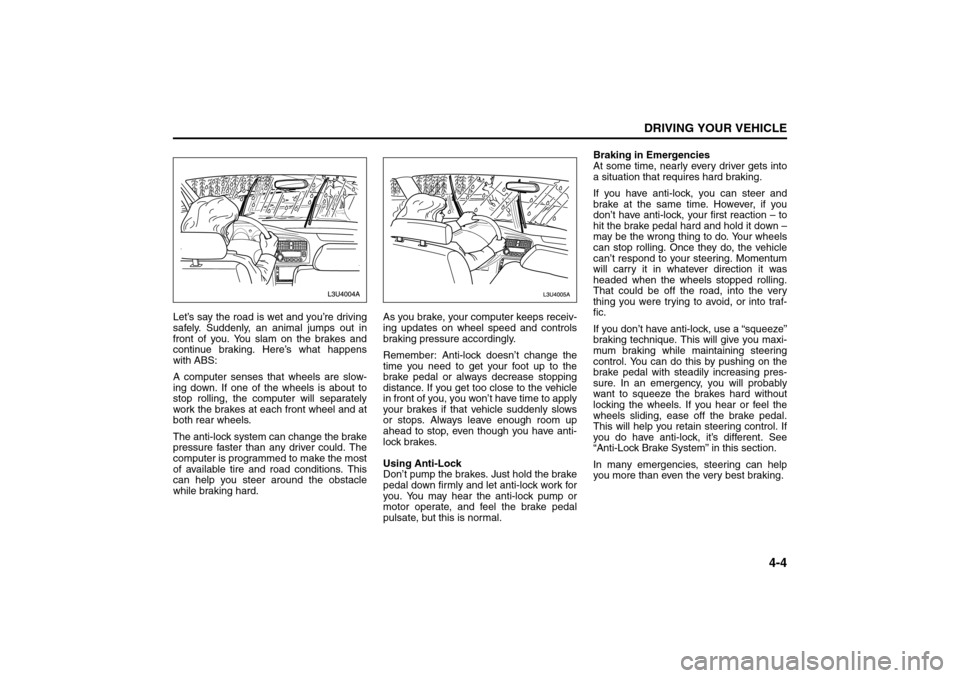
Let’s say the road is wet and you’re driving
safely. Suddenly, an animal jumps out in
front of you. You slam on the brakes and
continue braking. Here’s what happens
with ABS:
A computer senses that wheels are slow-
ing down. If one of the wheels is about to
stop rolling, the computer will separately
work the brakes at each front wheel and at
both rear wheels.
The anti-lock system can change the brake
pressure faster than any driver could. The
computer is programmed to make the most
of available tire and road conditions. This
can help you steer around the obstacle
while braking hard.As you brake, your computer keeps receiv-
ing updates on wheel speed and controls
braking pressure accordingly.
Remember: Anti-lock doesn’t change the
time you need to get your foot up to the
brake pedal or always decrease stopping
distance. If you get too close to the vehicle
in front of you, you won’t have time to apply
your brakes if that vehicle suddenly slows
or stops. Always leave enough room up
ahead to stop, even though you have anti-
lock brakes.
Using Anti-Lock
Don’t pump the brakes. Just hold the brake
pedal down firmly and let anti-lock work for
you. You may hear the anti-lock pump or
motor operate, and feel the brake pedal
pulsate, but this is normal.Braking in Emergencies
At some time, nearly every driver gets into
a situation that requires hard braking.
If you have anti-lock, you can steer and
brake at the same time. However, if you
don’t have anti-lock, your first reaction – to
hit the brake pedal hard and hold it down –
may be the wrong thing to do. Your wheels
can stop rolling. Once they do, the vehicle
can’t respond to your steering. Momentum
will carry it in whatever direction it was
headed when the wheels stopped rolling.
That could be off the road, into the very
thing you were trying to avoid, or into traf-
fic.
If you don’t have anti-lock, use a “squeeze”
braking technique. This will give you maxi-
mum braking while maintaining steering
control. You can do this by pushing on the
brake pedal with steadily increasing pres-
sure. In an emergency, you will probably
want to squeeze the brakes hard without
locking the wheels. If you hear or feel the
wheels sliding, ease off the brake pedal.
This will help you retain steering control. If
you do have anti-lock, it’s different. See
“Anti-Lock Brake System” in this section.
In many emergencies, steering can help
you more than even the very best braking.
Your Driving, the Road, and Your Vehicle:
Page 129 of 226
4-5DRIVING YOUR VEHICLE
85Z14-03E
SteeringPower Steering
If you lose power steering assist because
the engine stops or the system is not func-
tioning, you can steer but it will take much
more effort.
Speed Sensitive Power Steering
System
This system continuously adjusts the effort
you feel when steering at all vehicle
speeds. It provides ease when parking, yet
a firm, solid feel at highway speeds.
If your vehicle has this system, it varies the
amount of effort required to steer the vehi-
cle in relation to the speed of the vehicle.
The amount of steering effort required is
less at slower speeds to make the vehicle
more maneuverable and easier to park. At
faster speeds, the steering effort increases
to provide a sport-like feel to the steering.
This provides maximum control and stabil-
ity.
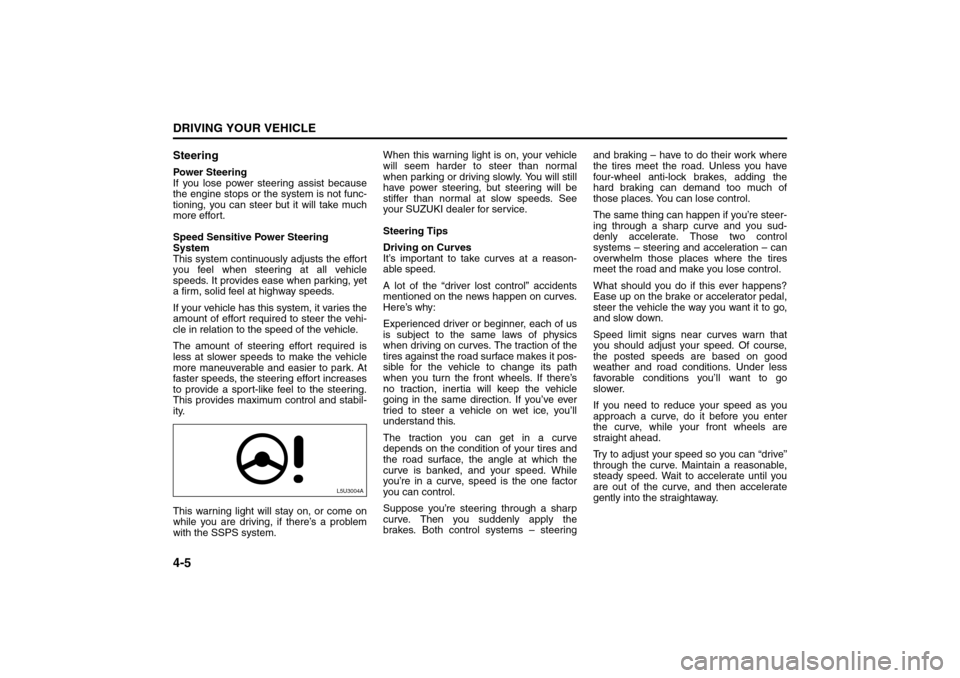
This warning light will stay on, or come on
while you are driving, if there’s a problem
with the SSPS system.When this warning light is on, your vehicle
will seem harder to steer than normal
when parking or driving slowly. You will still
have power steering, but steering will be
stiffer than normal at slow speeds. See
your SUZUKI dealer for service.
Steering Tips
Driving on Curves
It’s important to take curves at a reason-
able speed.
A lot of the “driver lost control” accidents
mentioned on the news happen on curves.
Here’s why:
Experienced driver or beginner, each of us
is subject to the same laws of physics
when driving on curves. The traction of the
tires against the road surface makes it pos-
sible for the vehicle to change its path
when you turn the front wheels. If there’s
no traction, inertia will keep the vehicle
going in the same direction. If you’ve ever
tried to steer a vehicle on wet ice, you’ll
understand this.
The traction you can get in a curve
depends on the condition of your tires and
the road surface, the angle at which the
curve is banked, and your speed. While
you’re in a curve, speed is the one factor
you can control.
Suppose you’re steering through a sharp
curve. Then you suddenly apply the
brakes. Both control systems – steeringand braking – have to do their work where
the tires meet the road. Unless you have
four-wheel anti-lock brakes, adding the
hard braking can demand too much of
those places. You can lose control.
The same thing can happen if you’re steer-
ing through a sharp curve and you sud-
denly accelerate. Those two control
systems – steering and acceleration – can
overwhelm those places where the tires
meet the road and make you lose control.
What should you do if this ever happens?
Ease up on the brake or accelerator pedal,
steer the vehicle the way you want it to go,
and slow down.
Speed limit signs near curves warn that
you should adjust your speed. Of course,
the posted speeds are based on good
weather and road conditions. Under less
favorable conditions you’ll want to go
slower.
If you need to reduce your speed as you
approach a curve, do it before you enter
the curve, while your front wheels are
straight ahead.
Try to adjust your speed so you can “drive”
through the curve. Maintain a reasonable,
steady speed. Wait to accelerate until you
are out of the curve, and then accelerate
gently into the straightaway.
L5U3004A
Your Driving, the Road, and Your Vehicle:
Page 130 of 226
4-6
DRIVING YOUR VEHICLE
85Z14-03E
Steering in Emergencies
There are times when steering can be
more effective than braking. For example,
you come over a hill and find a truck
stopped in your lane, or a car suddenly
pulls out from nowhere, or a child darts out
from between parked cars and stops right
in front of you. You can avoid these prob-
lems by braking – if you can stop in time.
But sometimes you can’t; there isn’t room.
That’s the time for evasive action – steer-
ing around the problem.
Your vehicle can perform very well in emer-
gencies like these. First apply your brakes
but, unless you have anti-lock, not enough
to lock your wheels.
See “Braking” in this section. It is better to
remove as much speed as you can from a
possible collision. Then steer around the
problem, to the left or right depending on
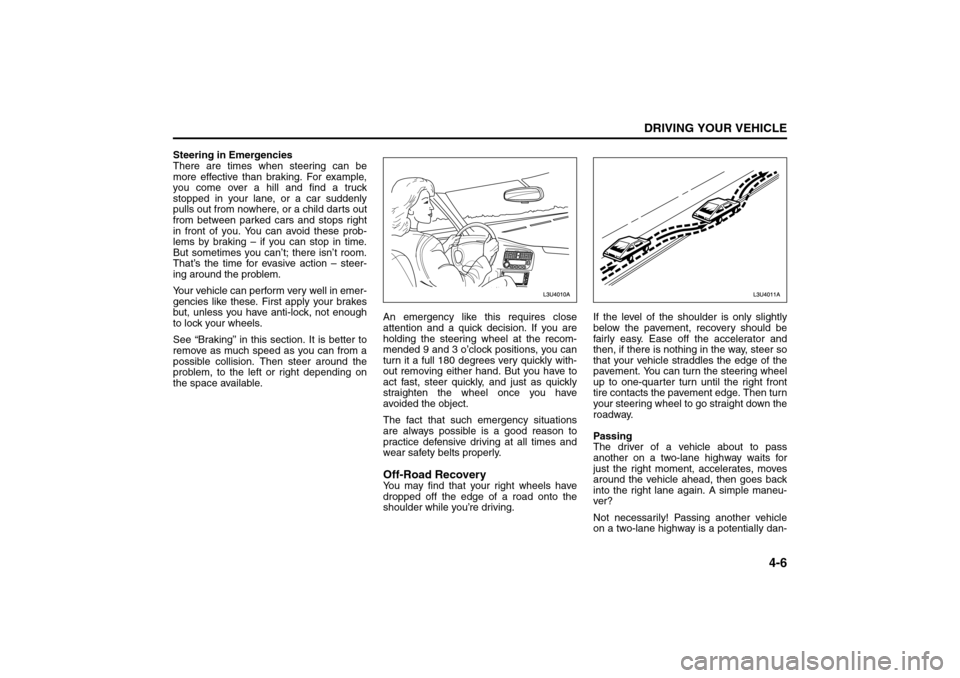
the space available.An emergency like this requires close
attention and a quick decision. If you are
holding the steering wheel at the recom-
mended 9 and 3 o’clock positions, you can
turn it a full 180 degrees very quickly with-
out removing either hand. But you have to
act fast, steer quickly, and just as quickly
straighten the wheel once you have
avoided the object.
The fact that such emergency situations
are always possible is a good reason to
practice defensive driving at all times and
wear safety belts properly.
Off-Road RecoveryYou may find that your right wheels have
dropped off the edge of a road onto the
shoulder while you’re driving.If the level of the shoulder is only slightly
below the pavement, recovery should be
fairly easy. Ease off the accelerator and
then, if there is nothing in the way, steer so
that your vehicle straddles the edge of the
pavement. You can turn the steering wheel
up to one-quarter turn until the right front
tire contacts the pavement edge. Then turn
your steering wheel to go straight down the
roadway.
Passing
The driver of a vehicle about to pass
another on a two-lane highway waits for
just the right moment, accelerates, moves
around the vehicle ahead, then goes back
into the right lane again. A simple maneu-
ver?
Not necessarily! Passing another vehicle
on a two-lane highway is a potentially dan-
Your Driving, the Road, and Your Vehicle:
Page 131 of 226
4-7DRIVING YOUR VEHICLE
85Z14-03E
gerous move, since the passing vehicle
occupies the same lane as oncoming traf-
fic for several seconds. A miscalculation,
an error in judgment, or a brief surrender to
frustration or anger can suddenly put the
passing driver face to face with the worst of
all traffic accidents – the head-on collision.
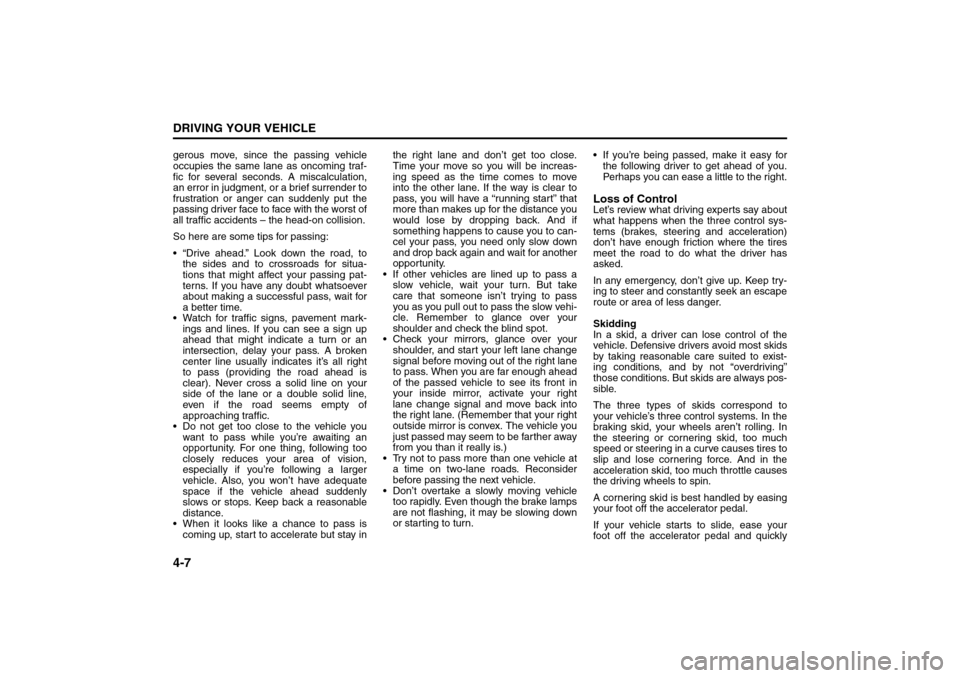
So here are some tips for passing:
“Drive ahead.” Look down the road, to
the sides and to crossroads for situa-
tions that might affect your passing pat-
terns. If you have any doubt whatsoever
about making a successful pass, wait for
a better time.
Watch for traffic signs, pavement mark-
ings and lines. If you can see a sign up
ahead that might indicate a turn or an
intersection, delay your pass. A broken
center line usually indicates it’s all right
to pass (providing the road ahead is
clear). Never cross a solid line on your
side of the lane or a double solid line,
even if the road seems empty of
approaching traffic.
Do not get too close to the vehicle you
want to pass while you’re awaiting an
opportunity. For one thing, following too
closely reduces your area of vision,
especially if you’re following a larger
vehicle. Also, you won’t have adequate
space if the vehicle ahead suddenly
slows or stops. Keep back a reasonable
distance.
When it looks like a chance to pass is
coming up, start to accelerate but stay inthe right lane and don’t get too close.
Time your move so you will be increas-
ing speed as the time comes to move
into the other lane. If the way is clear to
pass, you will have a “running start” that
more than makes up for the distance you
would lose by dropping back. And if
something happens to cause you to can-
cel your pass, you need only slow down
and drop back again and wait for another
opportunity.
If other vehicles are lined up to pass a
slow vehicle, wait your turn. But take
care that someone isn’t trying to pass
you as you pull out to pass the slow vehi-
cle. Remember to glance over your
shoulder and check the blind spot.
Check your mirrors, glance over your
shoulder, and start your left lane change
signal before moving out of the right lane
to pass. When you are far enough ahead
of the passed vehicle to see its front in
your inside mirror, activate your right
lane change signal and move back into
the right lane. (Remember that your right
outside mirror is convex. The vehicle you
just passed may seem to be farther away
from you than it really is.)
Try not to pass more than one vehicle at
a time on two-lane roads. Reconsider
before passing the next vehicle.
Don’t overtake a slowly moving vehicle
too rapidly. Even though the brake lamps
are not flashing, it may be slowing down
or starting to turn. If you’re being passed, make it easy for
the following driver to get ahead of you.
Perhaps you can ease a little to the right.
Loss of ControlLet’s review what driving experts say about
what happens when the three control sys-
tems (brakes, steering and acceleration)
don’t have enough friction where the tires
meet the road to do what the driver has
asked.
In any emergency, don’t give up. Keep try-
ing to steer and constantly seek an escape
route or area of less danger.
Skidding
In a skid, a driver can lose control of the
vehicle. Defensive drivers avoid most skids
by taking reasonable care suited to exist-
ing conditions, and by not “overdriving”
those conditions. But skids are always pos-
sible.
The three types of skids correspond to
your vehicle’s three control systems. In the
braking skid, your wheels aren’t rolling. In
the steering or cornering skid, too much
speed or steering in a curve causes tires to
slip and lose cornering force. And in the
acceleration skid, too much throttle causes
the driving wheels to spin.
A cornering skid is best handled by easing
your foot off the accelerator pedal.
If your vehicle starts to slide, ease your
foot off the accelerator pedal and quickly
Your Driving, the Road, and Your Vehicle:
Page 132 of 226
4-8
DRIVING YOUR VEHICLE
85Z14-03E
steer the way you want the vehicle to go. If
you start steering quickly enough, your
vehicle may straighten out. Always be
ready for a second skid if it occurs.
Of course, traction is reduced when water,
snow, ice, gravel or other material is on the
road. For safety, you’ll want to slow down
and adjust your driving to these conditions.
It is important to slow down on slippery
surfaces because stopping distance will be
longer and vehicle control more limited.
While driving on a surface with reduced
traction, try your best to avoid sudden
steering, acceleration or braking (including
engine braking by shifting to a lower gear).
Any sudden changes could cause the tires
to slide. You may not realize the surface is
slippery until your vehicle is skidding.
Learn to recognize warning clues – such
as enough water, ice or packed snow on
the road to make a “mirrored surface” –
and slow down when you have any doubt.
If you have the anti-lock braking system,
remember: It helps avoid only the braking
skid. If you do not have anti-lock, then in a
braking skid (where the wheels are no
longer rolling), release enough pressure
on the brakes to get the wheels rolling
again. This restores steering control. Push
the brake pedal down steadily when you
have to stop suddenly. As long as the
wheels are rolling, you will have steering
control.
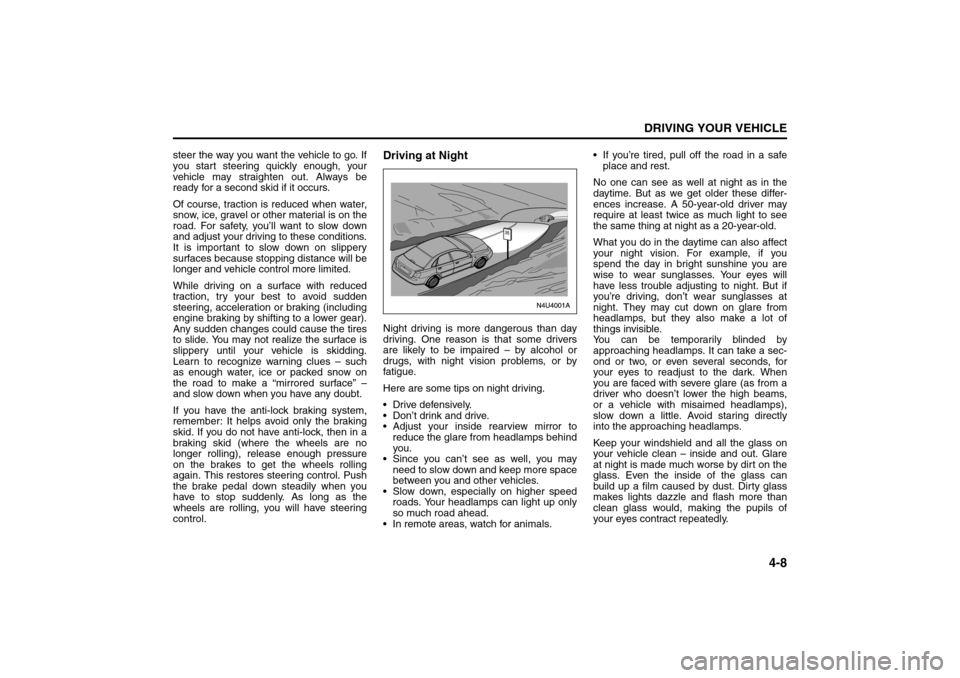
Driving at NightNight driving is more dangerous than day
driving. One reason is that some drivers
are likely to be impaired – by alcohol or
drugs, with night vision problems, or by
fatigue.
Here are some tips on night driving.
Drive defensively.
Don’t drink and drive.
Adjust your inside rearview mirror to
reduce the glare from headlamps behind
you.
Since you can’t see as well, you may
need to slow down and keep more space
between you and other vehicles.
Slow down, especially on higher speed
roads. Your headlamps can light up only
so much road ahead.
In remote areas, watch for animals. If you’re tired, pull off the road in a safe
place and rest.
No one can see as well at night as in the
daytime. But as we get older these differ-
ences increase. A 50-year-old driver may
require at least twice as much light to see
the same thing at night as a 20-year-old.
What you do in the daytime can also affect
your night vision. For example, if you
spend the day in bright sunshine you are
wise to wear sunglasses. Your eyes will
have less trouble adjusting to night. But if
you’re driving, don’t wear sunglasses at
night. They may cut down on glare from
headlamps, but they also make a lot of
things invisible.
You can be temporarily blinded by
approaching headlamps. It can take a sec-
ond or two, or even several seconds, for
your eyes to readjust to the dark. When
you are faced with severe glare (as from a
driver who doesn’t lower the high beams,
or a vehicle with misaimed headlamps),
slow down a little. Avoid staring directly
into the approaching headlamps.
Keep your windshield and all the glass on
your vehicle clean – inside and out. Glare
at night is made much worse by dirt on the
glass. Even the inside of the glass can
build up a film caused by dust. Dirty glass
makes lights dazzle and flash more than
clean glass would, making the pupils of
your eyes contract repeatedly.
Your Driving, the Road, and Your Vehicle:
Page 136 of 226
4-12
DRIVING YOUR VEHICLE
85Z14-03E
Tires: They are vitally important to a
safe, trouble-free trip. Is the tread good
enough for long-distance driving? Are
the tires all inflated to the recommended
pressure?
Weather Forecasts: What’s the weather
outlook along your route? Should you
delay your trip a short time to avoid a
major storm system?
Maps: Do you have up-to-date maps?Highway HypnosisIs there actually such a condition as “high-
way hypnosis”? Or is it just plain falling
asleep at the wheel? Call it highway hyp-
nosis, lack of awareness, or whatever.
There is something about an easy stretch
of road with the same scenery, along with
the hum of the tires on the road, the drone
of the engine, and the rush of the wind
against the vehicle that can make you
sleepy. Don’t let it happen to you! If it does,
your vehicle can leave the road in less than
a second, and you could crash and be
injured.
What can you do about highway hypnosis?
First, be aware that it can happen.
Then here are some tips:
Make sure your vehicle is well ventilated,
with a comfortably cool interior.
Keep your eyes moving. Scan the road
ahead and to the sides. Check your rear-
view mirrors and your instruments fre-
quently. If you get sleepy, pull off the road into a
rest, service or parking area and take a
nap, get some exercise, or both. For
safety, treat drowsiness on the highway
as an emergency.
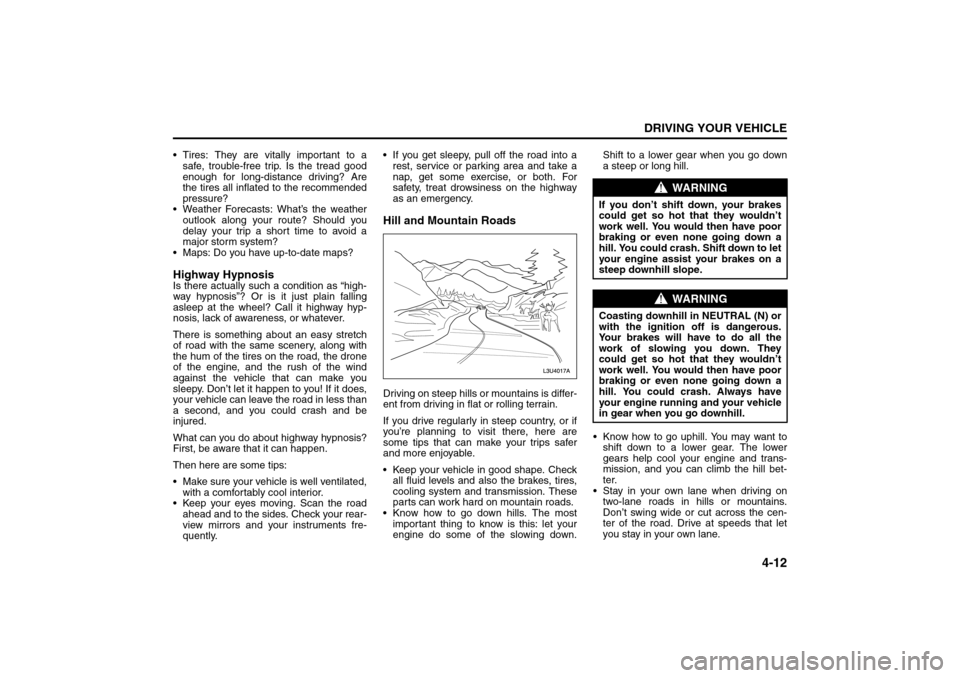
Hill and Mountain RoadsDriving on steep hills or mountains is differ-
ent from driving in flat or rolling terrain.
If you drive regularly in steep country, or if
you’re planning to visit there, here are
some tips that can make your trips safer
and more enjoyable.
Keep your vehicle in good shape. Check
all fluid levels and also the brakes, tires,
cooling system and transmission. These
parts can work hard on mountain roads.
Know how to go down hills. The most
important thing to know is this: let your
engine do some of the slowing down.Shift to a lower gear when you go down
a steep or long hill.
Know how to go uphill. You may want to
shift down to a lower gear. The lower
gears help cool your engine and trans-
mission, and you can climb the hill bet-
ter.
Stay in your own lane when driving on
two-lane roads in hills or mountains.
Don’t swing wide or cut across the cen-
ter of the road. Drive at speeds that let
you stay in your own lane.
WARNING
If you don’t shift down, your brakes
could get so hot that they wouldn’t
work well. You would then have poor
braking or even none going down a
hill. You could crash. Shift down to let
your engine assist your brakes on a
steep downhill slope.
WARNING
Coasting downhill in NEUTRAL (N) or
with the ignition off is dangerous.
Your brakes will have to do all the
work of slowing you down. They
could get so hot that they wouldn’t
work well. You would then have poor
braking or even none going down a
hill. You could crash. Always have
your engine running and your vehicle
in gear when you go downhill.
Your Driving, the Road, and Your Vehicle:
Page 137 of 226
4-13DRIVING YOUR VEHICLE
85Z14-03E
As you go over the top of a hill, be alert.
There could be something in your lane,
like a stalled car or an accident.
You may see highway signs on moun-
tains that warn of special problems.
Examples are long grades, passing or
no-passing zones, a falling rocks area or
winding roads. Be alert to these and take
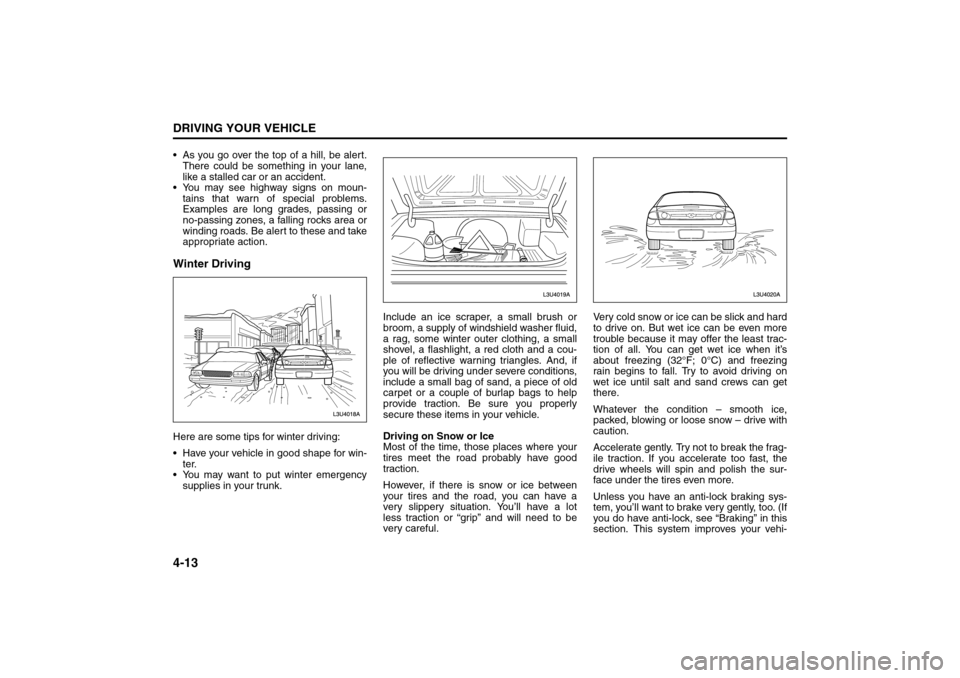
appropriate action.Winter DrivingHere are some tips for winter driving:
Have your vehicle in good shape for win-
ter.
You may want to put winter emergency
supplies in your trunk.Include an ice scraper, a small brush or
broom, a supply of windshield washer fluid,
a rag, some winter outer clothing, a small
shovel, a flashlight, a red cloth and a cou-
ple of reflective warning triangles. And, if
you will be driving under severe conditions,
include a small bag of sand, a piece of old
carpet or a couple of burlap bags to help
provide traction. Be sure you properly
secure these items in your vehicle.
Driving on Snow or Ice
Most of the time, those places where your
tires meet the road probably have good
traction.
However, if there is snow or ice between
your tires and the road, you can have a
very slippery situation. You’ll have a lot
less traction or “grip” and will need to be
very careful.Very cold snow or ice can be slick and hard
to drive on. But wet ice can be even more
trouble because it may offer the least trac-
tion of all. You can get wet ice when it’s
about freezing (32°F; 0°C) and freezing
rain begins to fall. Try to avoid driving on
wet ice until salt and sand crews can get
there.
Whatever the condition – smooth ice,
packed, blowing or loose snow – drive with
caution.
Accelerate gently. Try not to break the frag-
ile traction. If you accelerate too fast, the
drive wheels will spin and polish the sur-
face under the tires even more.
Unless you have an anti-lock braking sys-
tem, you’ll want to brake very gently, too. (If
you do have anti-lock, see “Braking” in this
section. This system improves your vehi-
Your Driving, the Road, and Your Vehicle:
Page 138 of 226
4-14
DRIVING YOUR VEHICLE
85Z14-03E
cle’s stability when you make a hard stop
on a slippery road.) Whether you have an
anti-lock braking system or not, you’ll want
to begin stopping sooner than you would
on dry pavement. Without anti-lock brakes,
if you feel your vehicle begin to slide, let up
on the brakes a little. Push the brake pedal
down steadily to get the most traction you
can.
Remember, unless you have anti-lock, if
you brake so hard that your wheels stop
rolling, you’ll just slide. Brake so your
wheels always keep rolling and you can
still steer.
Whatever your braking system, allow
greater following distance on any slip-
pery road.
Watch for slippery spots. The road might
be fine until you hit a spot that’s covered
with ice. On an otherwise clear road, ice
patches may appear in shaded areas
where the sun can’t reach: around
clumps of trees, behind buildings or
under bridges. Sometimes the surface of
a curve or an overpass may remain icy
when the surrounding roads are clear. If
you see a patch of ice ahead of you,
brake before you are on it. Try not to
brake while you’re actually on the ice,
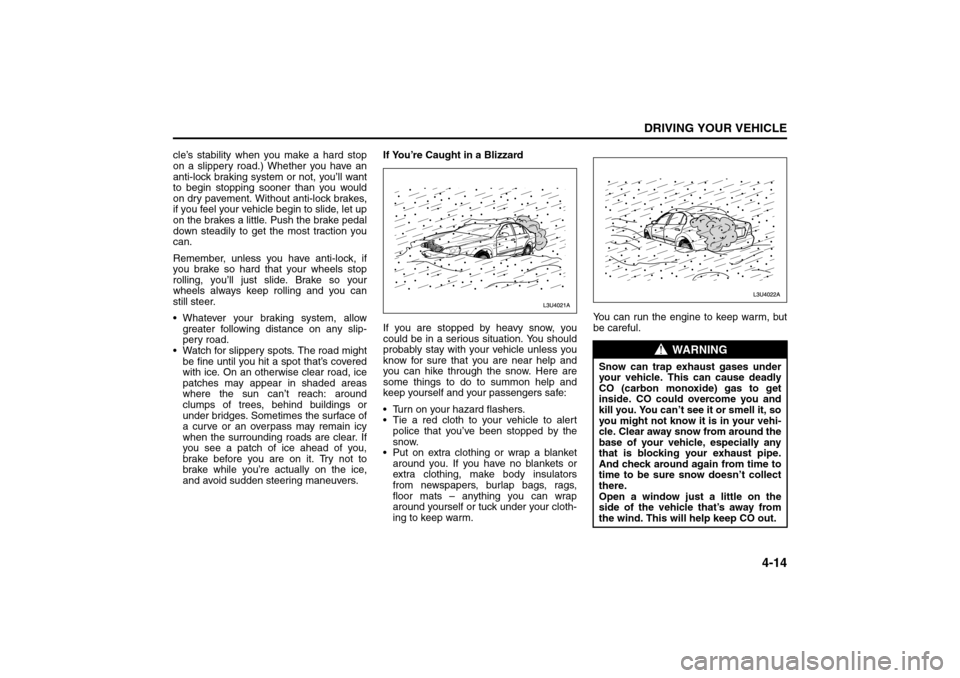
and avoid sudden steering maneuvers.If You’re Caught in a Blizzard
If you are stopped by heavy snow, you
could be in a serious situation. You should
probably stay with your vehicle unless you
know for sure that you are near help and
you can hike through the snow. Here are
some things to do to summon help and
keep yourself and your passengers safe:
Turn on your hazard flashers.
Tie a red cloth to your vehicle to alert
police that you’ve been stopped by the
snow.
Put on extra clothing or wrap a blanket
around you. If you have no blankets or
extra clothing, make body insulators
from newspapers, burlap bags, rags,
floor mats – anything you can wrap
around yourself or tuck under your cloth-
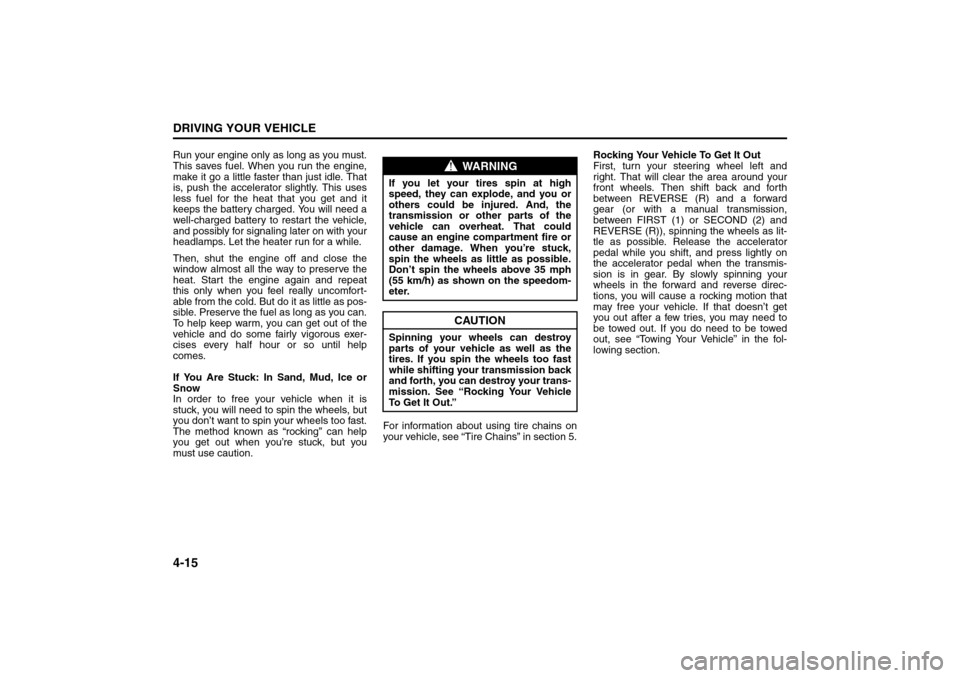
ing to keep warm.You can run the engine to keep warm, but
be careful.
WARNING
Snow can trap exhaust gases under
your vehicle. This can cause deadly
CO (carbon monoxide) gas to get
inside. CO could overcome you and
kill you. You can’t see it or smell it, so
you might not know it is in your vehi-
cle. Clear away snow from around the
base of your vehicle, especially any
that is blocking your exhaust pipe.
And check around again from time to
time to be sure snow doesn’t collect
there.
Open a window just a little on the
side of the vehicle that’s away from
the wind. This will help keep CO out.
Your Driving, the Road, and Your Vehicle:
Page 139 of 226
4-15DRIVING YOUR VEHICLE
85Z14-03E
Run your engine only as long as you must.
This saves fuel. When you run the engine,
make it go a little faster than just idle. That
is, push the accelerator slightly. This uses
less fuel for the heat that you get and it
keeps the battery charged. You will need a
well-charged battery to restart the vehicle,
and possibly for signaling later on with your
headlamps. Let the heater run for a while.
Then, shut the engine off and close the
window almost all the way to preserve the
heat. Start the engine again and repeat
this only when you feel really uncomfort-
able from the cold. But do it as little as pos-
sible. Preserve the fuel as long as you can.
To help keep warm, you can get out of the
vehicle and do some fairly vigorous exer-
cises every half hour or so until help
comes.
If You Are Stuck: In Sand, Mud, Ice or
Snow
In order to free your vehicle when it is
stuck, you will need to spin the wheels, but
you don’t want to spin your wheels too fast.
The method known as “rocking” can help
you get out when you’re stuck, but you
must use caution.For information about using tire chains on
your vehicle, see “Tire Chains” in section 5.Rocking Your Vehicle To Get It Out
First, turn your steering wheel left and
right. That will clear the area around your
front wheels. Then shift back and forth
between REVERSE (R) and a forward
gear (or with a manual transmission,
between FIRST (1) or SECOND (2) and
REVERSE (R)), spinning the wheels as lit-
tle as possible. Release the accelerator
pedal while you shift, and press lightly on
the accelerator pedal when the transmis-
sion is in gear. By slowly spinning your
wheels in the forward and reverse direc-
tions, you will cause a rocking motion that
may free your vehicle. If that doesn’t get
you out after a few tries, you may need to
be towed out. If you do need to be towed
out, see “Towing Your Vehicle” in the fol-
lowing section.
WARNING
If you let your tires spin at high
speed, they can explode, and you or
others could be injured. And, the
transmission or other parts of the
vehicle can overheat. That could
cause an engine compartment fire or
other damage. When you’re stuck,
spin the wheels as little as possible.
Don’t spin the wheels above 35 mph
(55 km/h) as shown on the speedom-
eter.
CAUTION
Spinning your wheels can destroy
parts of your vehicle as well as the
tires. If you spin the wheels too fast
while shifting your transmission back
and forth, you can destroy your trans-
mission. See “Rocking Your Vehicle
To Get It Out.”
Your Driving, the Road, and Your Vehicle: