fog light TOYOTA COROLLA 2020 Owners Manual (in English)
[x] Cancel search | Manufacturer: TOYOTA, Model Year: 2020, Model line: COROLLA, Model: TOYOTA COROLLA 2020Pages: 588, PDF Size: 13.49 MB
Page 4 of 588
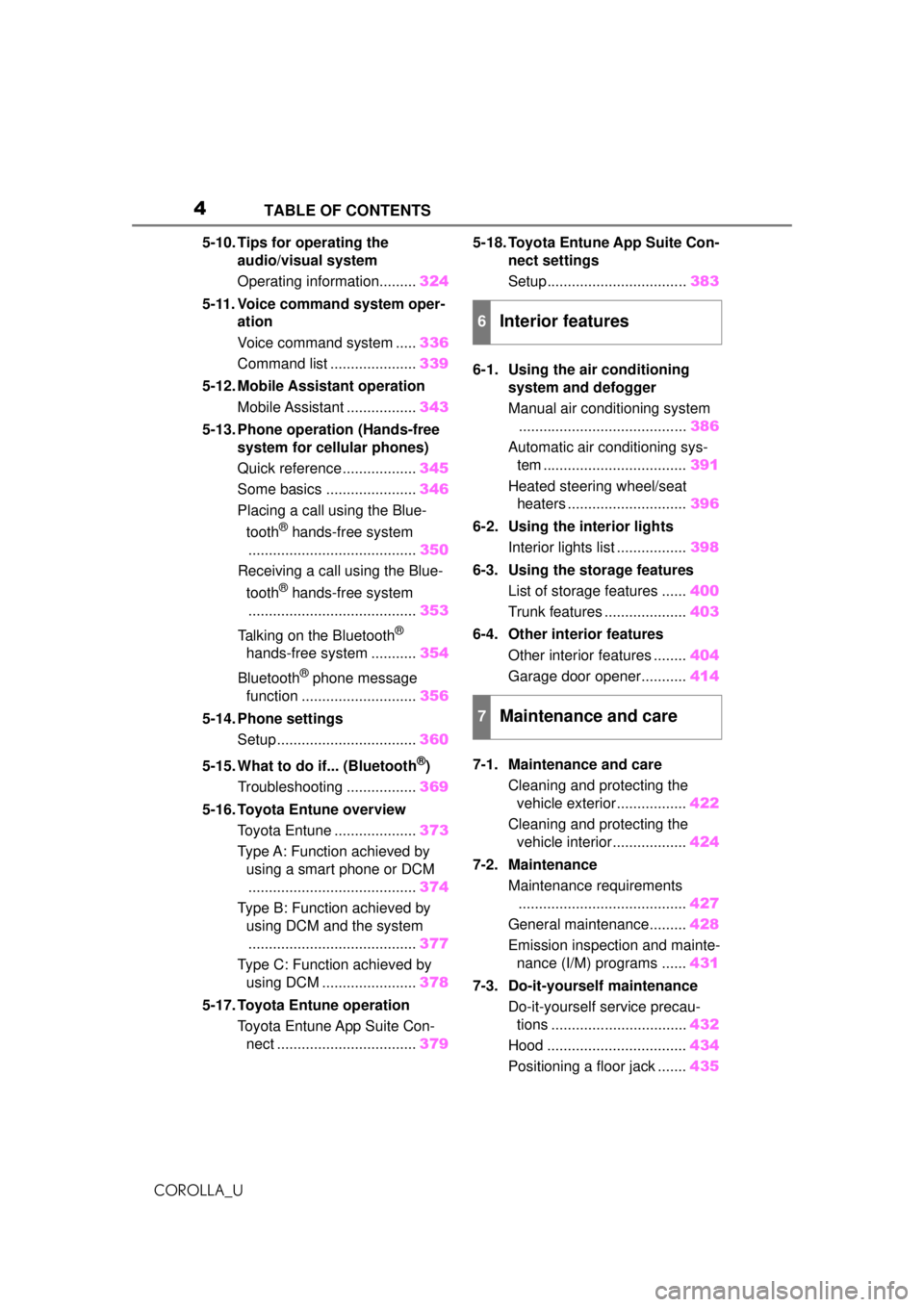
4TABLE OF CONTENTS
COROLLA_U
5-10. Tips for operating the audio/visual system
Operating information......... 324
5-11. Voice command system oper- ation
Voice command system ..... 336
Command list ..................... 339
5-12. Mobile Assistant operation Mobile Assistant ................. 343
5-13. Phone operation (Hands-free system for cellular phones)
Quick reference .................. 345
Some basics ...................... 346
Placing a call using the Blue-
tooth
® hands-free system
......................................... 350
Receiving a call using the Blue-
tooth
® hands-free system
......................................... 353
Talking on the Bluetooth
®
hands-free system ........... 354
Bluetooth
® phone message
function ............................ 356
5-14. Phone settings Setup .................................. 360
5-15. What to do if... (Bluetooth
®)
Troubleshooting ................. 369
5-16. Toyota Entune overview Toyota Entune .................... 373
Type A: Function achieved by using a smart phone or DCM
......................................... 374
Type B: Function achieved by using DCM and the system......................................... 377
Type C: Function achieved by using DCM ....................... 378
5-17. Toyota Entune operation Toyota Entune App Suite Con-nect .................................. 3795-18. Toyota Entune App Suite Con-
nect settings
Setup.................................. 383
6-1. Using the air conditioning system and defogger
Manual air conditioning system......................................... 386
Automatic air conditioning sys- tem ................................... 391
Heated steering wheel/seat heaters ............................. 396
6-2. Using the interior lights Interior lights list ................. 398
6-3. Using the storage features List of storage features ...... 400
Trunk features .................... 403
6-4. Other interior features Other interior features ........ 404
Garage door opener........... 414
7-1. Maintenance and care Cleaning and protecting the vehicle exterior................. 422
Cleaning and protecting the vehicle interior.................. 424
7-2. Maintenance Maintenance requirements......................................... 427
General maintenance......... 428
Emission inspection and mainte- nance (I/M) programs ...... 431
7-3. Do-it-yourself maintenance Do-it-yourself service precau-tions ................................. 432
Hood .................................. 434
Positioning a floor jack ....... 435
6Interior features
7Maintenance and care
Page 15 of 588
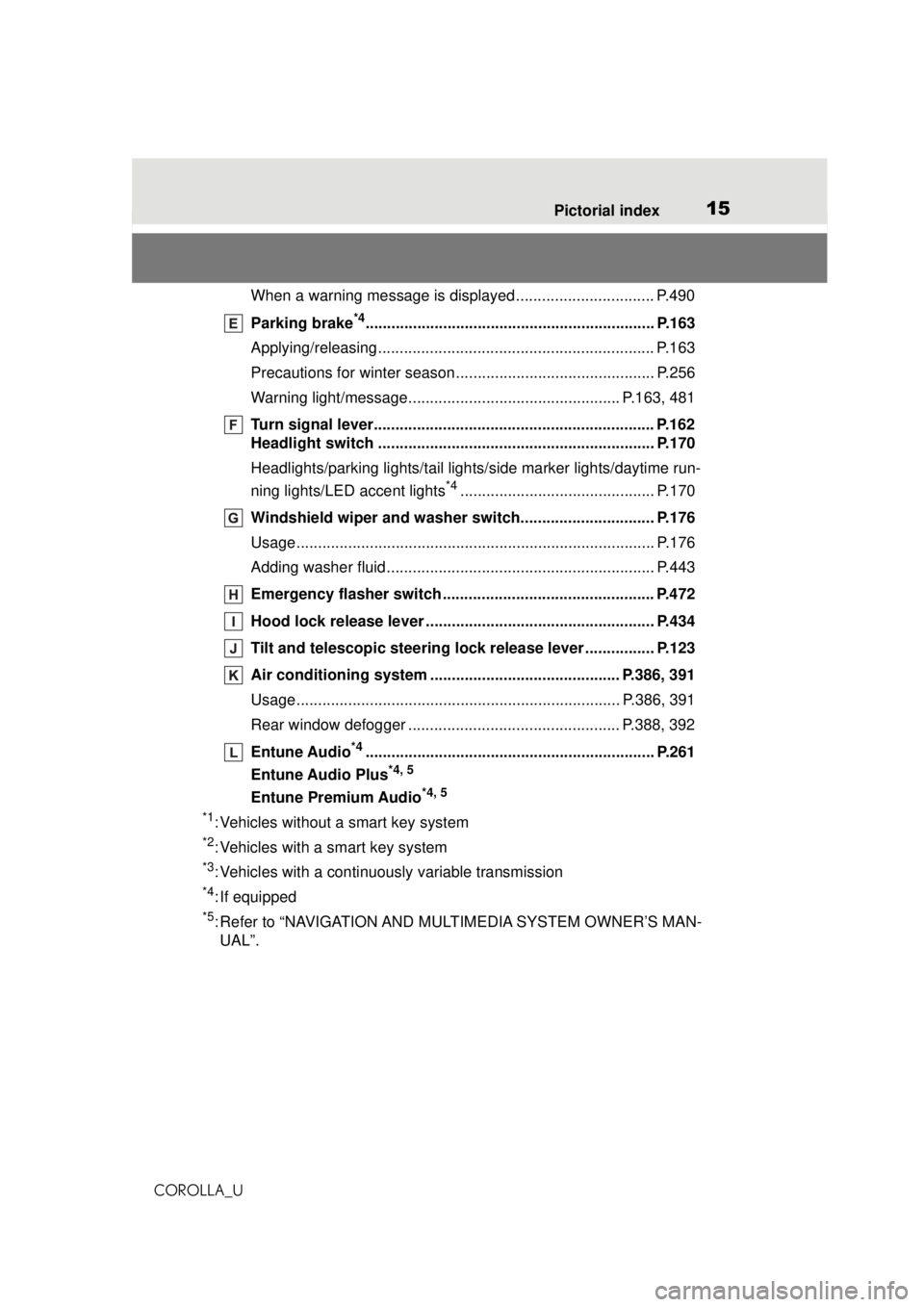
15Pictorial index
COROLLA_U
When a warning message is displayed ................................ P.490
Parking brake
*4................................................................... P.163
Applying/releasing................................................................ P.163
Precautions for winter season.... .......................................... P.256
Warning light/message.................. ............................... P.163, 481
Turn signal lever................................................................. P.162
Headlight switch ................................................................ P.170
Headlights/parking lights/tail lights/ side marker lights/daytime run-
ning lights/LED accent lights
*4............................................. P.170
Windshield wiper and washer switch............................... P.176
Usage................................................................................... P.176
Adding washer fluid .............................................................. P.443
Emergency flasher switch ................................................. P.472
Hood lock releas e lever .............................................. ....... P.434
Tilt and telescopic steering lo ck release lever ................ P.123
Air conditioning system ................................. ........... P.386, 391
Usage........................................................................... P.386, 391
Rear window defogger ................................................. P.388, 392
Entune Audio
*4................................................................... P.261
Entune Audio Plus
*4, 5
Entune Premium Audio*4, 5
*1
: Vehicles without a smart key system
*2: Vehicles with a smart key system
*3: Vehicles with a continuously variable transmission
*4: If equipped
*5: Refer to “NAVIGATION AND MU LTIMEDIA SYSTEM OWNER’S MAN-
UAL”.
Page 135 of 588
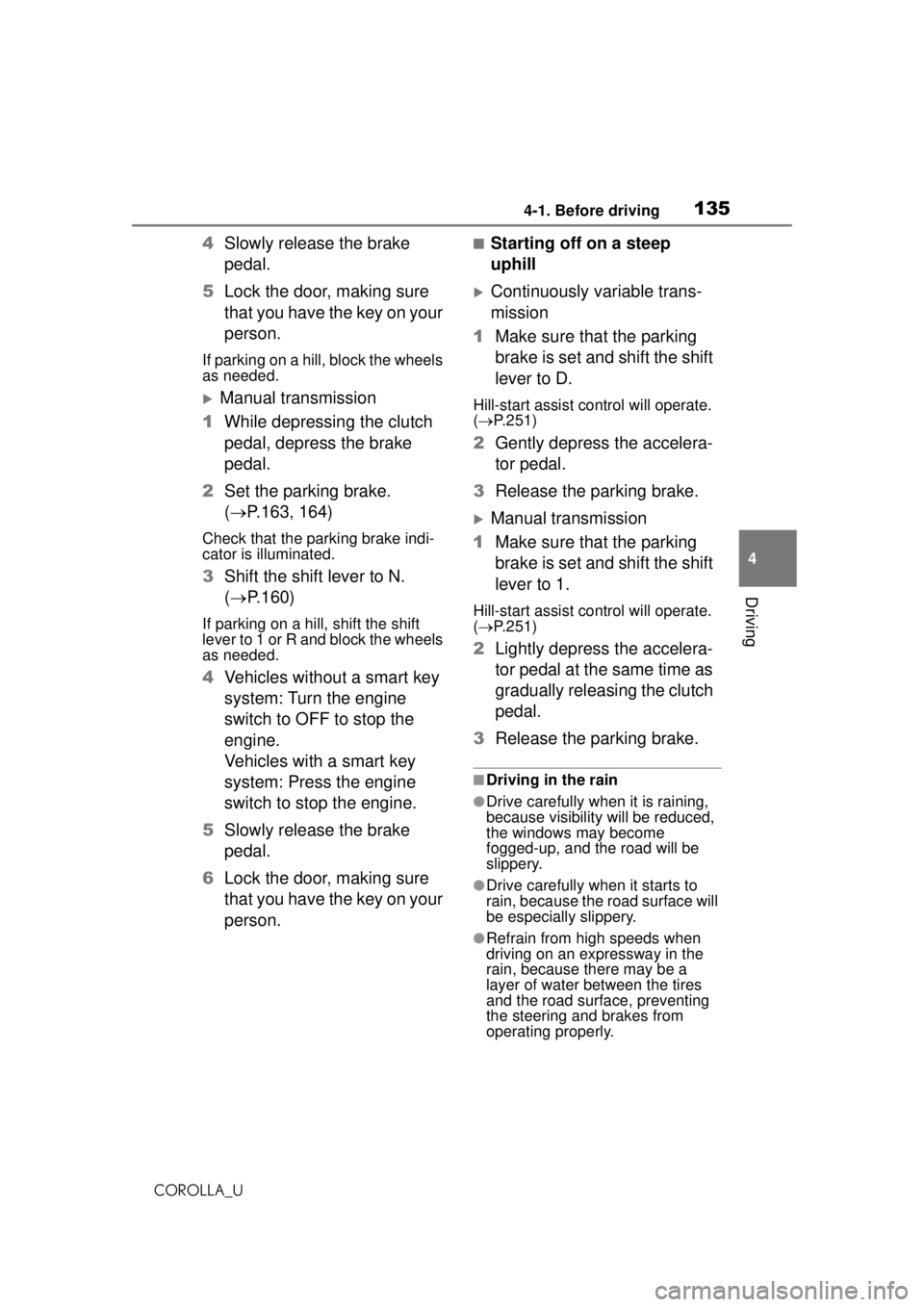
1354-1. Before driving
COROLLA_U
4
Driving
4 Slowly release the brake
pedal.
5 Lock the door, making sure
that you have the key on your
person.
If parking on a hill, block the wheels
as needed.
Manual transmission
1 While depressing the clutch
pedal, depress the brake
pedal.
2 Set the parking brake.
( P.163, 164)
Check that the parking brake indi-
cator is illuminated.
3Shift the shift lever to N.
( P.160)
If parking on a hill, shift the shift
lever to 1 or R and block the wheels
as needed.
4Vehicles without a smart key
system: Turn the engine
switch to OFF to stop the
engine.
Vehicles with a smart key
system: Press the engine
switch to stop the engine.
5 Slowly release the brake
pedal.
6 Lock the door, making sure
that you have the key on your
person.
■Starting off on a steep
uphill
Continuously variable trans-
mission
1 Make sure that the parking
brake is set and shift the shift
lever to D.
Hill-start assist control will operate.
( P.251)
2 Gently depress the accelera-
tor pedal.
3 Release the parking brake.
Manual transmission
1 Make sure that the parking
brake is set and shift the shift
lever to 1.
Hill-start assist control will operate.
( P.251)
2 Lightly depress the accelera-
tor pedal at the same time as
gradually releasing the clutch
pedal.
3 Release the parking brake.
■Driving in the rain
●Drive carefully when it is raining,
because visibility will be reduced,
the windows may become
fogged-up, and the road will be
slippery.
●Drive carefully when it starts to
rain, because the road surface will
be especially slippery.
●Refrain from high speeds when
driving on an expressway in the
rain, because there may be a
layer of water between the tires
and the road surface, preventing
the steering and brakes from
operating properly.
Page 174 of 588

1744-3. Operating the lights and wipers
COROLLA_Ufrom around a curve
• When the vehicle is cut in front of by another vehicle
• When vehicles ahead cannot be detected due to repeated curves,
road dividers or roadside trees
• When vehicles ahead appear in a faraway lane on a wide road
• When the lights of vehicles ahead
are not on
●The high beams may be turned off
if a vehicle ahead that is using fog
lights without its headlights turned
on is detected.
●House lights, streetlights, traffic
signals, and illumi nated billboards
or signs and other reflective
objects may cause the high
beams to change to the low
beams, or the low beams to
remain on.
●The following factors may affect
the amount of time taken for the
high beams to turn on or off:
• The brightness of the headlights, fog lights, and tail lights of vehi-
cles ahead
• The movement and direction of vehicles ahead
• When a vehicle ahead only has
operational lights on one side
• When a vehicle ahead is a two-wheeled vehicle
• The condition of the road (gradi- ent, curve, condition of the road
surface, etc.)
• The number of passengers and amount of luggage in the vehicle
●The high beams may turn on or off
unexpectedly.
●Bicycles or similar vehicles may
not be detected.
●In the following situations the sys-
tem may not be able to correctly
detect the surrounding brightness
level. This may cause the low
beams to remain on or the high
beams to flash or dazzle pedestri-
ans or vehicles ahead. In such a
case, it is necess ary to manually
switch between the high and low
beams. • When driving in inclement weather
(heavy rain, snow, fog, sand-
storms, etc.)
• When the windshield is obscured by fog, mist, ice, dirt, etc.
• When the windshield is cracked or
damaged
• When the camera sensor is deformed or dirty
• When the temperature of the cam- era sensor is extremely high
• When the surrounding brightness
level is equal to that of headlights,
tail lights or fog lights
• When headlights or tail lights of
vehicles ahead are turned off,
dirty, changing color, or not aimed
properly
• When the vehicle is hit by water, snow, dust, etc. from a preceding
vehicle
• When driving through an area of intermittently changing brightness
and darkness
• When frequently and repeatedly driving ascending/descending
roads, or roads with rough, bumpy
or uneven surfaces (such as
stone-paved roads, gravel roads,
etc.)
• When frequently and repeatedly taking curves or driving on a wind-
ing road
• When there is a highly reflective object ahead of the vehicle, such
as a sign or mirror
• When the back of a preceding vehicle is highly reflective, such as
a container on a truck
• When the vehicle’s headlights are damaged or dirty, or are not aimed
properly
• When the vehicle is listing or titling due to a flat tire, a trailer being
towed, etc.
• When the headlights are changed between the high beams and low
beams repeatedly in an abnormal
manner
• When the driver believes that the high beams may be flashing or
dazzling pedestrians or other driv-
ers
Page 186 of 588
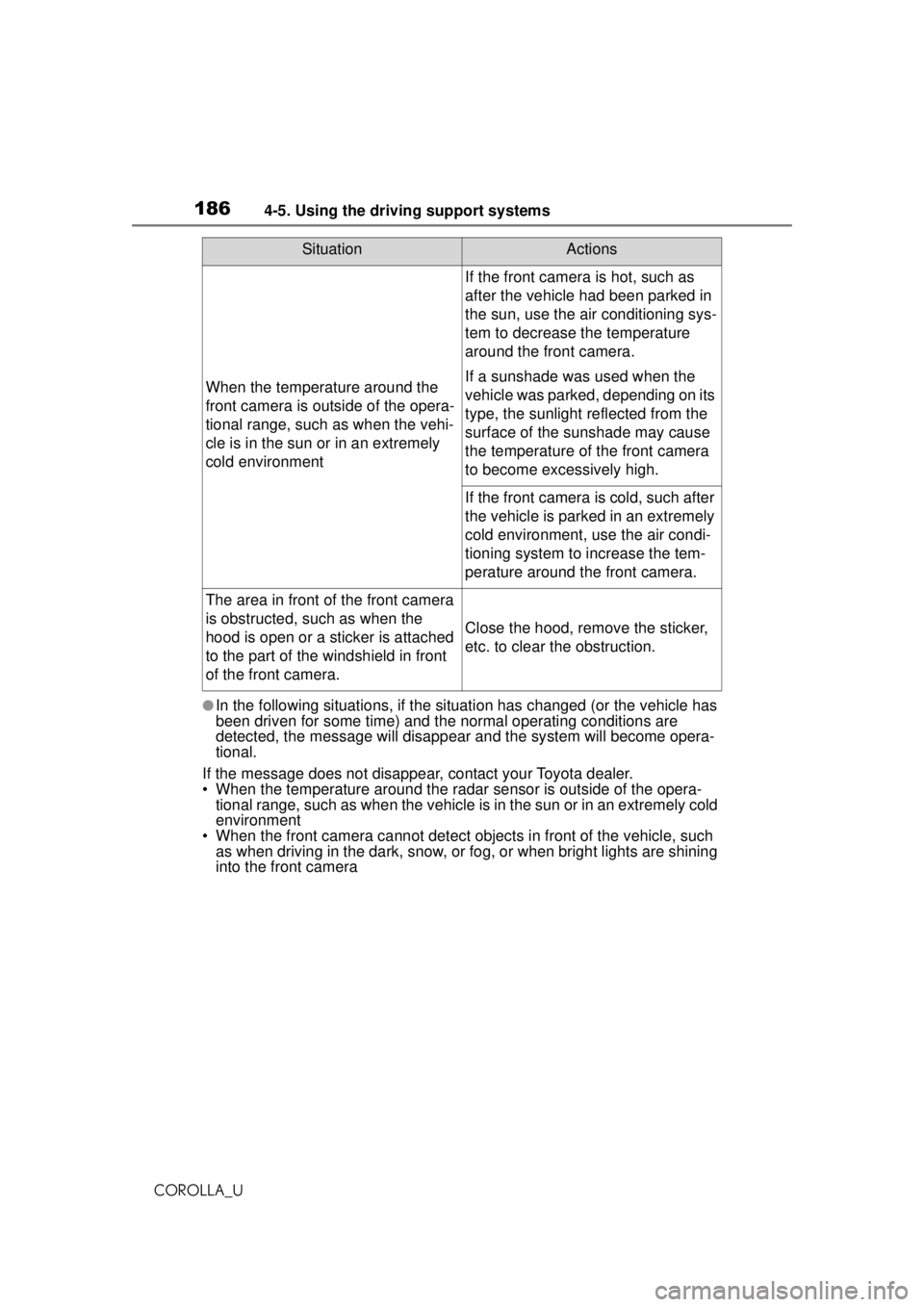
1864-5. Using the driving support systems
COROLLA_U
●In the following situations, if the situation has changed (or the vehicle has
been driven for some time) and the normal operating conditions are
detected, the message will disappear and the system will become opera-
tional.
If the message does not disappear, contact your Toyota dealer.
• When the temperature around the radar sensor is outside of the opera- tional range, such as when the vehicle is in the sun or in an extremely cold
environment
• When the front camera cannot detect objects in front of the vehicle, such as when driving in the dark, snow, or fog, or when bright lights are shining
into the front camera
When the temperature around the
front camera is outside of the opera-
tional range, such as when the vehi-
cle is in the sun or in an extremely
cold environment
If the front camera is hot, such as
after the vehicle had been parked in
the sun, use the air conditioning sys-
tem to decrease the temperature
around the front camera.
If a sunshade was used when the
vehicle was parked, depending on its
type, the sunlight reflected from the
surface of the sunshade may cause
the temperature of the front camera
to become excessively high.
If the front camera is cold, such after
the vehicle is parked in an extremely
cold environment, use the air condi-
tioning system to increase the tem-
perature around the front camera.
The area in front of the front camera
is obstructed, such as when the
hood is open or a sticker is attached
to the part of the windshield in front
of the front camera.
Close the hood, remove the sticker,
etc. to clear the obstruction.
SituationActions
Page 193 of 588
1934-5. Using the driving support systems
COROLLA_U
4
Driving
swerving, acceleration or deceler-
ation)
• When your vehicle approaches a
detectable object rapidly
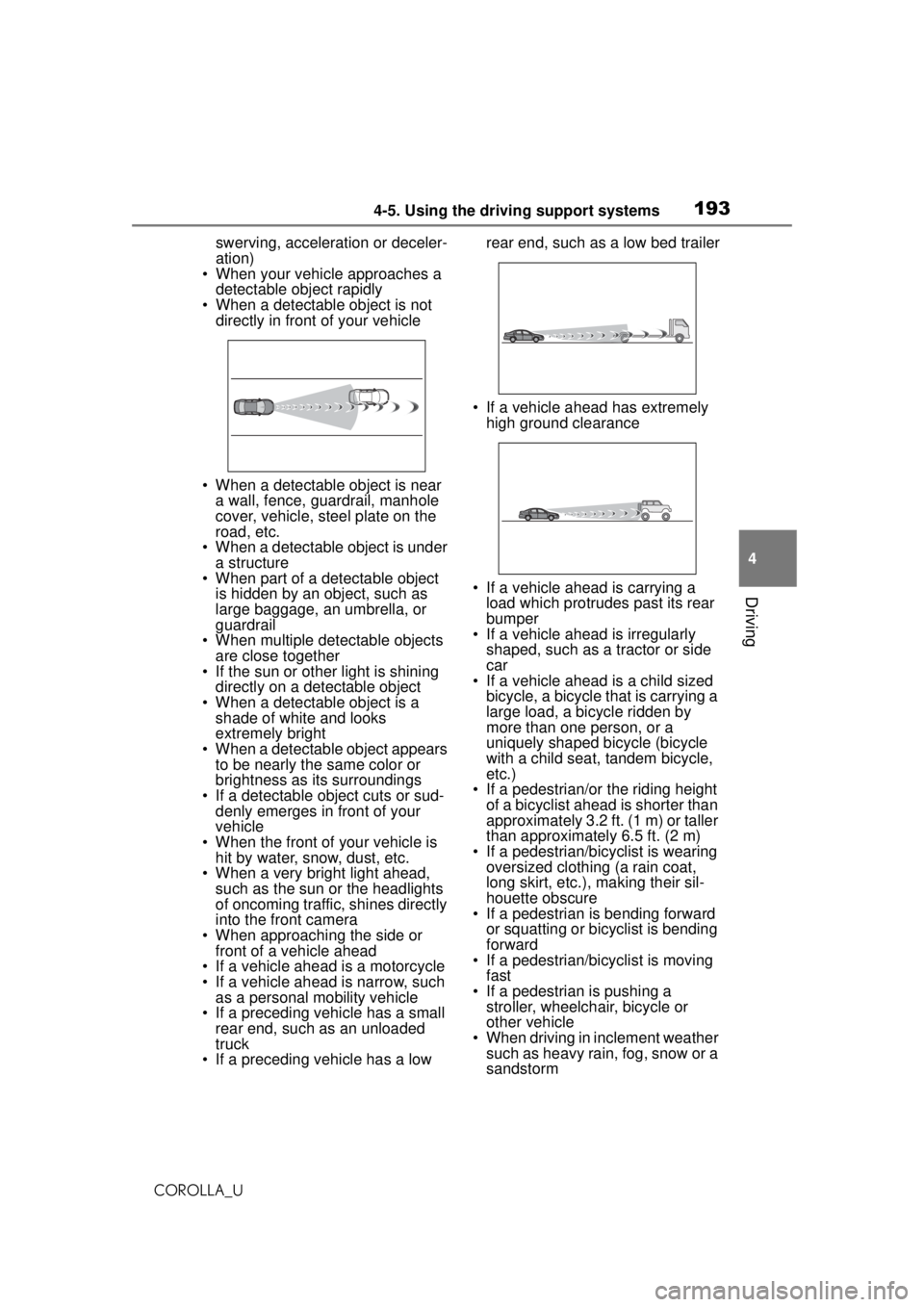
• When a detectable object is not directly in front of your vehicle
• When a detectable object is near a wall, fence, guardrail, manhole
cover, vehicle, steel plate on the
road, etc.
• When a detectable object is under
a structure
• When part of a detectable object is hidden by an object, such as
large baggage, an umbrella, or
guardrail
• When multiple de tectable objects
are close together
• If the sun or other light is shining directly on a detectable object
• When a detectable object is a shade of white and looks
extremely bright
• When a detectable object appears to be nearly the same color or
brightness as its surroundings
• If a detectable object cuts or sud- denly emerges in front of your
vehicle
• When the front of your vehicle is hit by water, snow, dust, etc.
• When a very bright light ahead,
such as the sun or the headlights
of oncoming traffic, shines directly
into the front camera
• When approaching the side or front of a vehicle ahead
• If a vehicle ahead is a motorcycle
• If a vehicle ahead is narrow, such as a personal mobility vehicle
• If a preceding vehicle has a small rear end, such as an unloaded
truck
• If a preceding vehicle has a low rear end, such as a low bed trailer
• If a vehicle ahead has extremely high ground clearance
• If a vehicle ahead is carrying a load which protrudes past its rear
bumper
• If a vehicle ahead is irregularly
shaped, such as a tractor or side
car
• If a vehicle ahead is a child sized
bicycle, a bicycle that is carrying a
large load, a bicycle ridden by
more than one person, or a
uniquely shaped bicycle (bicycle
with a child seat, tandem bicycle,
etc.)
• If a pedestrian/or the riding height of a bicyclist ahead is shorter than
approximately 3.2 ft. (1 m) or taller
than approximately 6.5 ft. (2 m)
• If a pedestrian/bicyclist is wearing oversized clothing (a rain coat,
long skirt, etc.), making their sil-
houette obscure
• If a pedestrian is bending forward
or squatting or bicyclist is bending
forward
• If a pedestrian/bicyclist is moving
fast
• If a pedestrian is pushing a stroller, wheelchair, bicycle or
other vehicle
• When driving in inclement weather such as heavy rain, fog, snow or a
sandstorm
Page 196 of 588
1964-5. Using the driving support systems
COROLLA_U
WARNING
●Vehicle is driven on a road sur-
face which is slippery due to
rainy weather, fallen snow,
freezing, etc.
●Vehicle is driven on a snow-cov-
ered road.
●White (yellow) lines are difficult
to see due to rain, snow, fog,
dust, etc.
●Vehicle is driven in a temporary
lane or restricted lane due to
construction work.
●Vehicle is driven in a construc-
tion zone.
●A spare tire, tire chains, etc. are
equipped.
●When the tires have been
excessively worn, or when the
tire inflation pressure is low.
●When tires of a size other than
specified are installed.
●Vehicle is driven in traffic lanes
other than that highways and
freeways.
●During emergency towing.
■Preventing LTA system mal-
functions and operations per-
formed by mistake
●Do not modify the headlights or
place stickers, etc. on the sur-
face of the lights.
●Do not modify the suspension
etc. If the suspension etc. needs
to be replaced, contact your
Toyota dealer.
●Do not install or place anything
on the hood or grille. Also, do
not install a grille guard (bull
bars, kangaroo bar, etc.).
●If your windshield needs
repairs, contact your Toyota
dealer.
■Conditions in which functions
may not operate properly
In the following situations, the
functions may not operate prop-
erly and the vehicle may depart
from its lane. Drive safely by
always paying careful attention to
your surroundings and operate
the steering wheel to correct the
path of the vehicle without relying
solely on the functions.
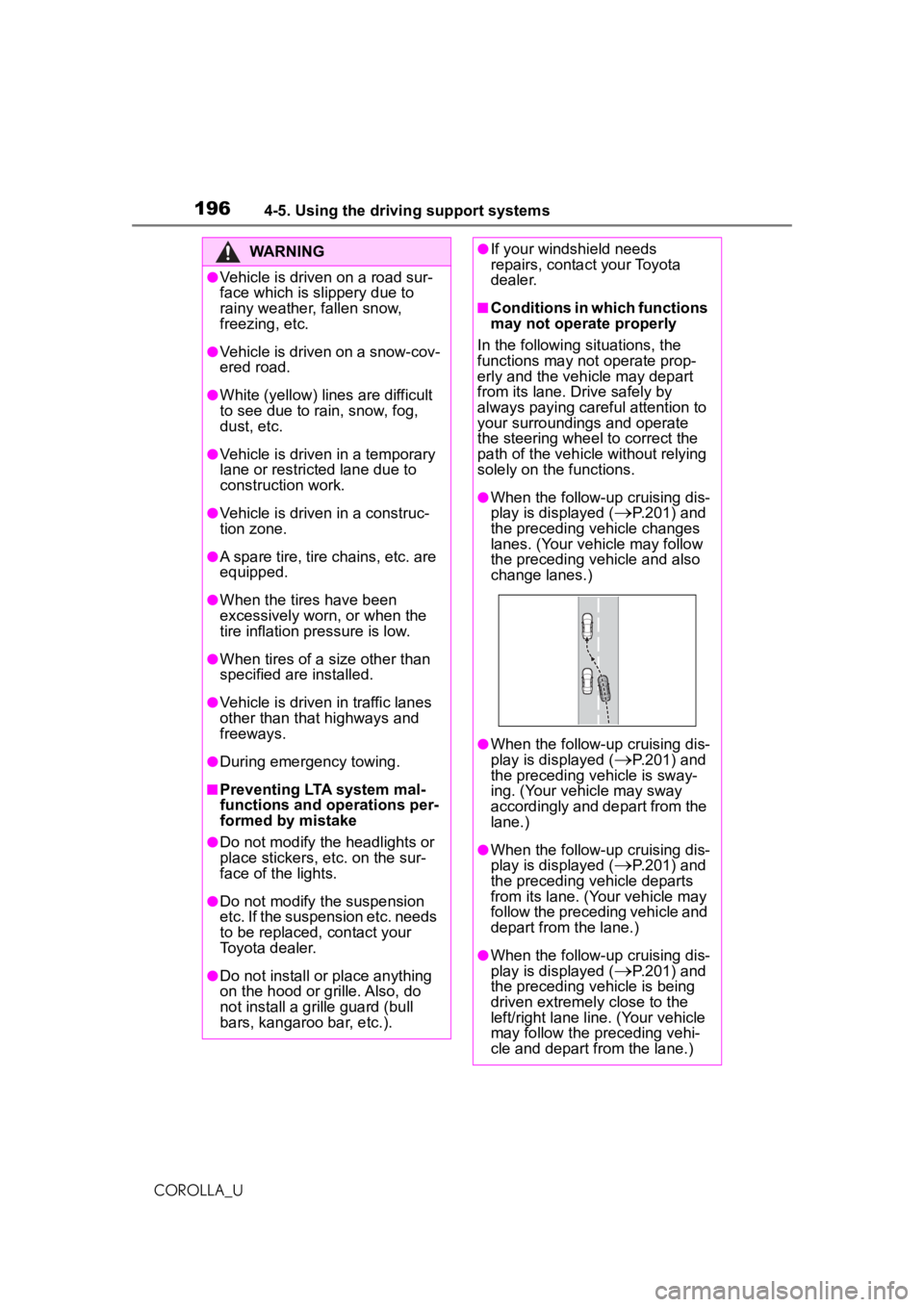
●When the follow-up cruising dis-
play is displayed (
P.201) and
the preceding vehicle changes
lanes. (Your vehicle may follow
the preceding vehicle and also
change lanes.)
●When the follow-up cruising dis-
play is displayed (
P.201) and
the preceding vehicle is sway-
ing. (Your vehicle may sway
accordingly and depart from the
lane.)
●When the follow-up cruising dis-
play is displayed (
P.201) and
the preceding vehicle departs
from its lane. (Your vehicle may
follow the preceding vehicle and
depart from the lane.)
●When the follow-up cruising dis-
play is displayed (
P.201) and
the preceding vehicle is being
driven extremely close to the
left/right lane line. (Your vehicle
may follow the preceding vehi-
cle and depart from the lane.)
Page 206 of 588
2064-5. Using the driving support systems
COROLLA_U
WARNING
■Before using LDA system
●Do not rely solely upon the LDA
system. The LDA system does
not automatically drive the vehi-
cle or reduce the amount of
attention that must be paid to
the area in front of the vehicle.
The driver must always assume
full responsibility for driving
safely by paying careful atten-
tion to the surrounding condi-
tions and operating the steering
wheel to correct the path of the
vehicle. Also, the driver must
take adequate breaks when
fatigued, such as from driving
for a long period of time.
●Failure to perform appropriate
driving operations and pay care-
ful attention may lead to an
accident, resulting in death or
serious injury.
●When not using the LDA sys-
tem, use the LDA switch to turn
the system off.
■Situations unsuitable for LDA
system
In the following situations, use the
LDA switch to turn the system off.
Failure to do so may lead to an
accident, resulting in death or
serious injury.
●Vehicle is driven on a road sur-
face which is slippery due to
rainy weather, fallen snow,
freezing, etc.
●Vehicle is driven on a snow-cov-
ered road.
●White (yellow) lines are difficult
to see due to rain, snow, fog,
dust, etc.
●A spare tire, tire chains, etc. are
equipped.
●When the tires have been
excessively worn , or when the
tire inflation pressure is low.
●When tires of a size other than
specified are installed.
●Vehicle is driven in traffic lanes
other than that highways and
freeways.
●During emergency towing.
■Preventing LDA system mal-
functions and operations per-
formed by mistake
●Do not modify the headlights or
place stickers, etc. on the sur-
face of the lights.
●Do not modify the suspension
etc. If the suspension etc. needs
to be replaced, contact your
Toyota dealer.
●Do not install or place anything
on the hood or grille. Also, do
not install a grille guard (bull
bars, kangaroo bar, etc.).
●If your windshield needs
repairs, contact your Toyota
dealer.
■Conditions in which functions
may not operate properly
In the following situations, the
functions may not operate prop-
erly and the vehicle may depart
from its lane. Drive safely by
always paying careful attention to
your surroundings and operate
the steering wheel to correct the
path of the vehicle without relying
solely on the functions.
●Vehicle is being driven around a
sharp curve.
Page 235 of 588
2354-5. Using the driving support systems
COROLLA_U
4
Driving
●In inclement weather such as
heavy rain, fog, snow or sand
storms.
●Light from an oncoming vehicle,
the sun, etc. enters the front cam-
era.
●The sign is dirty, faded, tilted or
bent, and if an electronic sign, the
contrast is poor.
●All or part of the sign is hidden by
the leaves of a tree, a pole, etc.
●The sign is only visible to the front
camera for a short amount of time.
●The driving scene (turning, lane
change, etc.) is judged incorrectly.
●Even if it is a sign not appropriate
for the currently traveled lane,
such a sign exists directly after a
freeway branches, or in an adja-
cent lane just before merging.
●Stickers are attached to the rear of
the preceding vehicle.
●A sign resembling a system com-
patible sign is recognized.
●Side road speed signs may be
detected and displayed (if posi-
tioned in sight of the front camera)
while the vehicle is traveling on
the main road.
●Roundabout exit road speed signs
may be detected and displayed (if
positioned in sight of the front
camera) while traveling on a
roundabout.
●The front of the vehicle is raised or
lowered due to the carried load.
●The surrounding brightness is not
sufficient or changes suddenly.
●When a sign intended for trucks,
etc. is recognized.
●The speed information displayed
on the meter and that displayed
on the navigation system may be
different due to the navigation sys-
tem using map data.
■Speed limit sign display
If the engine switch was last turned off while a speed limit sign was dis-
played on the multi-information dis-
play, the same sign displays again
when the engine switch is turned to
ON.
■If “RSA Malfunction Visit Your
Dealer” is shown
The system may be malfunctioning.
Have the vehicle inspected by your
Toyota dealer.
■Customization
Some functions can be customized.
( P.548)
Page 385 of 588
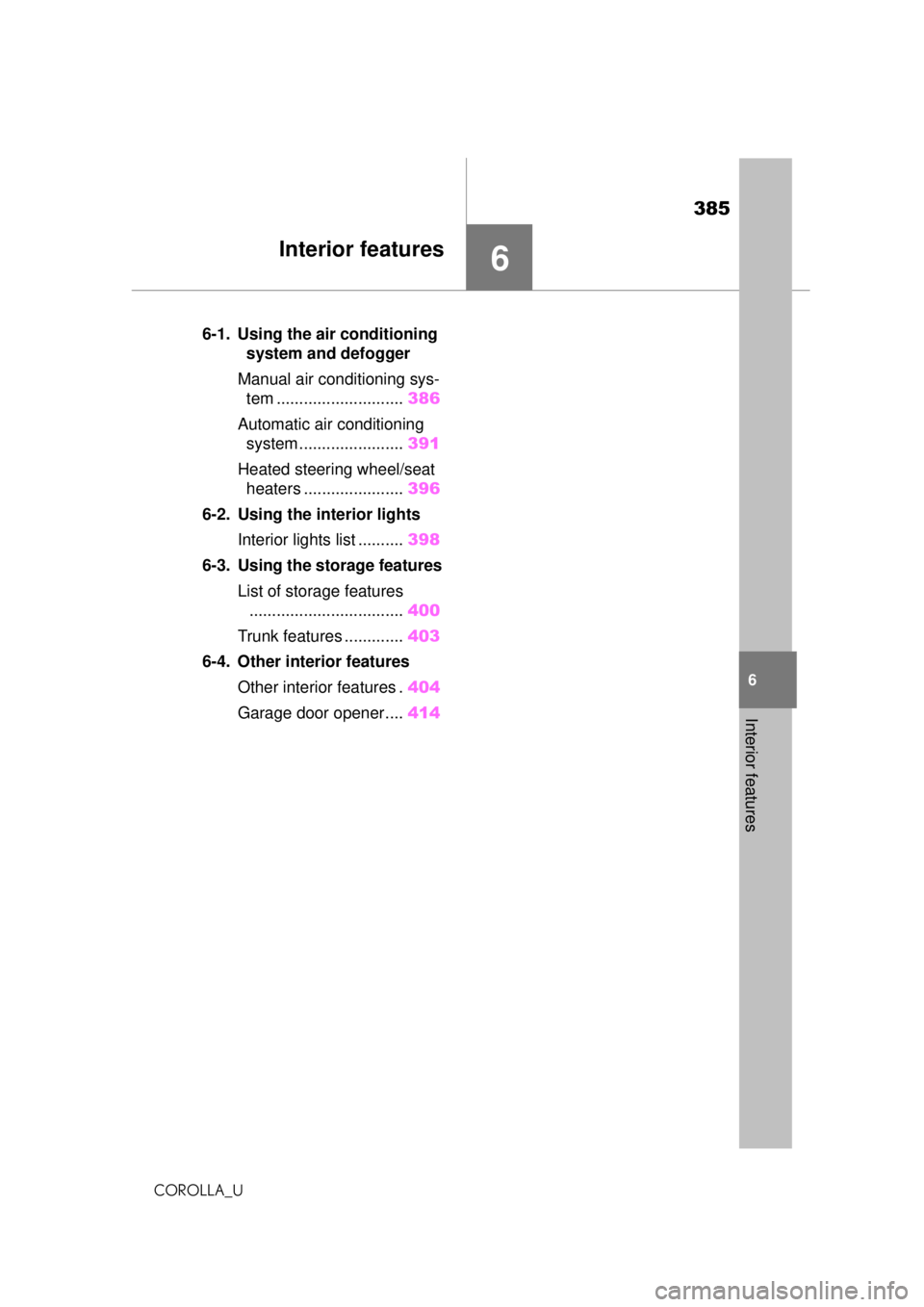
385
COROLLA_U
6
6
Interior features
Interior features
.6-1. Using the air conditioning system and defogger
Manual air conditioning sys- tem ............................ 386
Automatic air conditioning system ....................... 391
Heated steering wheel/seat heaters ...................... 396
6-2. Using the interior lights Interior lights list .......... 398
6-3. Using the storage features List of storage features.................................. 400
Trunk features ............. 403
6-4. Other interior features
Other interior features . 404
Garage door opener.... 414