bluetooth TOYOTA FJ CRUISER 2012 1.G Owner's Manual
[x] Cancel search | Manufacturer: TOYOTA, Model Year: 2012, Model line: FJ CRUISER, Model: TOYOTA FJ CRUISER 2012 1.GPages: 540, PDF Size: 10.32 MB
Page 292 of 540
292
3-3. Using the Bluetooth® audio system
Bluetooth® audio system setup
■System setup items and operation procedures
P. 317
Page 293 of 540
293
3
Interior features
3-4. Using the hands-free phone system (for cellular phone)
Hands-free phone system (for cellular phone)
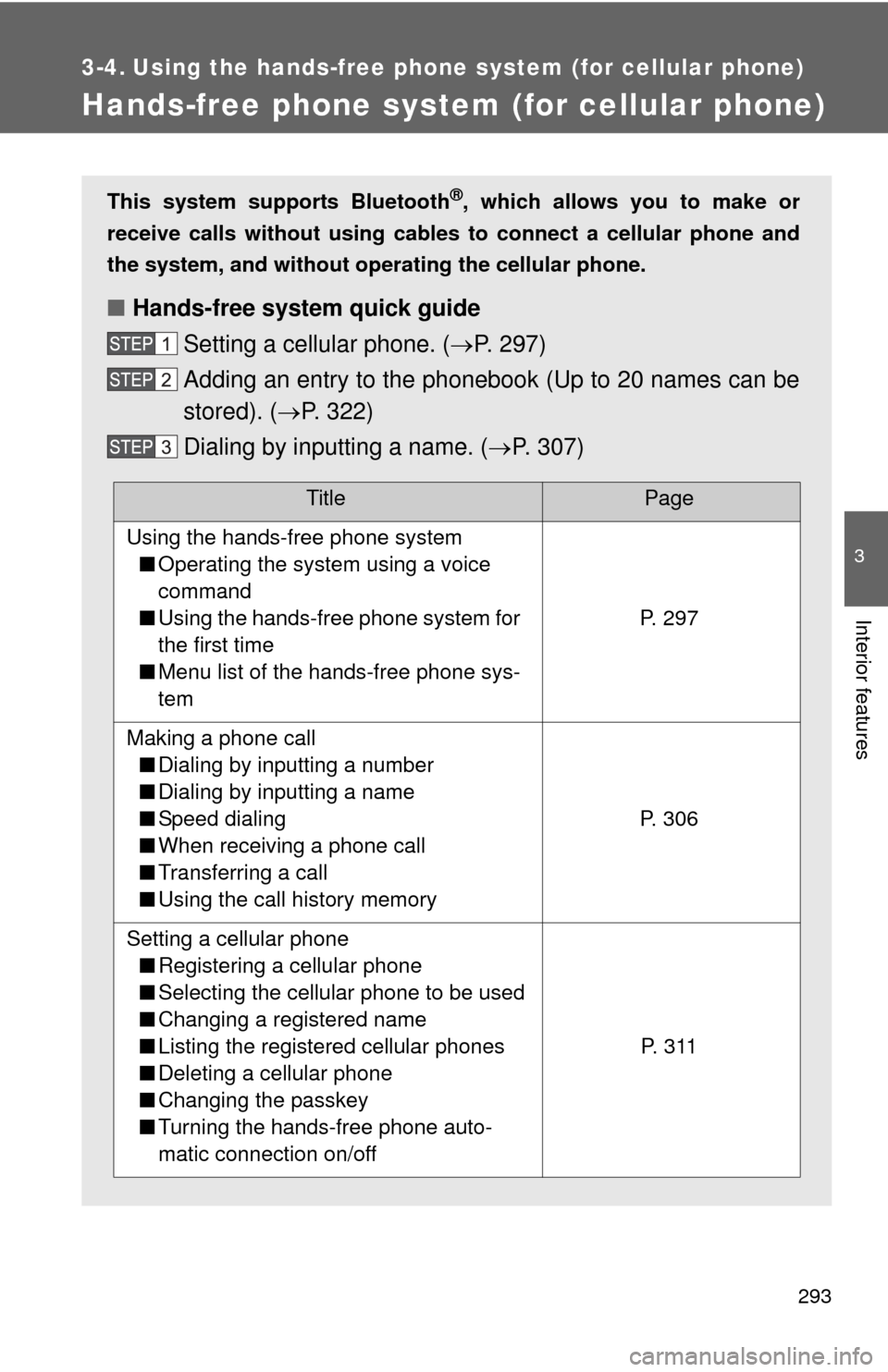
This system supports Bluetooth®, which allows you to make or
receive calls without using cables to connect a cellular phone and
the system, and without oper ating the cellular phone.
■Hands-free system quick guide
Setting a cellular phone. ( P. 297)
Adding an entry to the phonebook (Up to 20 names can be
stored). ( P. 322)
Dialing by inputting a name. ( P. 307)
TitlePage
Using the hands-free phone system
■ Operating the system using a voice
command
■ Using the hands-free phone system for
the first time
■ Menu list of the hands-free phone sys-
tem
P. 297
Making a phone call
■ Dialing by inputting a number
■ Dialing by inputting a name
■ Speed dialing
■ When receiving a phone call
■ Transferring a call
■ Using the call history memory
P. 306
Setting a cellular phone
■ Registering a cellular phone
■ Selecting the cellular phone to be used
■ Changing a registered name
■ Listing the registered cellular phones
■ Deleting a cellular phone
■ Changing the passkey
■ Turning the hands-free phone auto-
matic connection on/off
P. 3 1 1
Page 294 of 540
294 3-4. Using the hands-free phone system (for cellular phone)
■Conditions under which th e system will not operate
● If using a cellular phone that does not support Bluetooth
®
●If the cellular phone is switched off
● If you are outside service range
● If the cellular phone is not connected
● If the cellular phone’s battery is low
● If the cellular phone is behind the seat or in the glove box or console box
● If metal is covering or touching the cellular phone
■ When transferring ownership of the vehicle
Be sure to initialize the system to prevent personal data from being improp-
erly accessed.
■ Required profiles for the cellular phone
●HFP (Hands Free Profile) Ver. 1.0
● OPP (Object Push Profile) Ver. 1.1
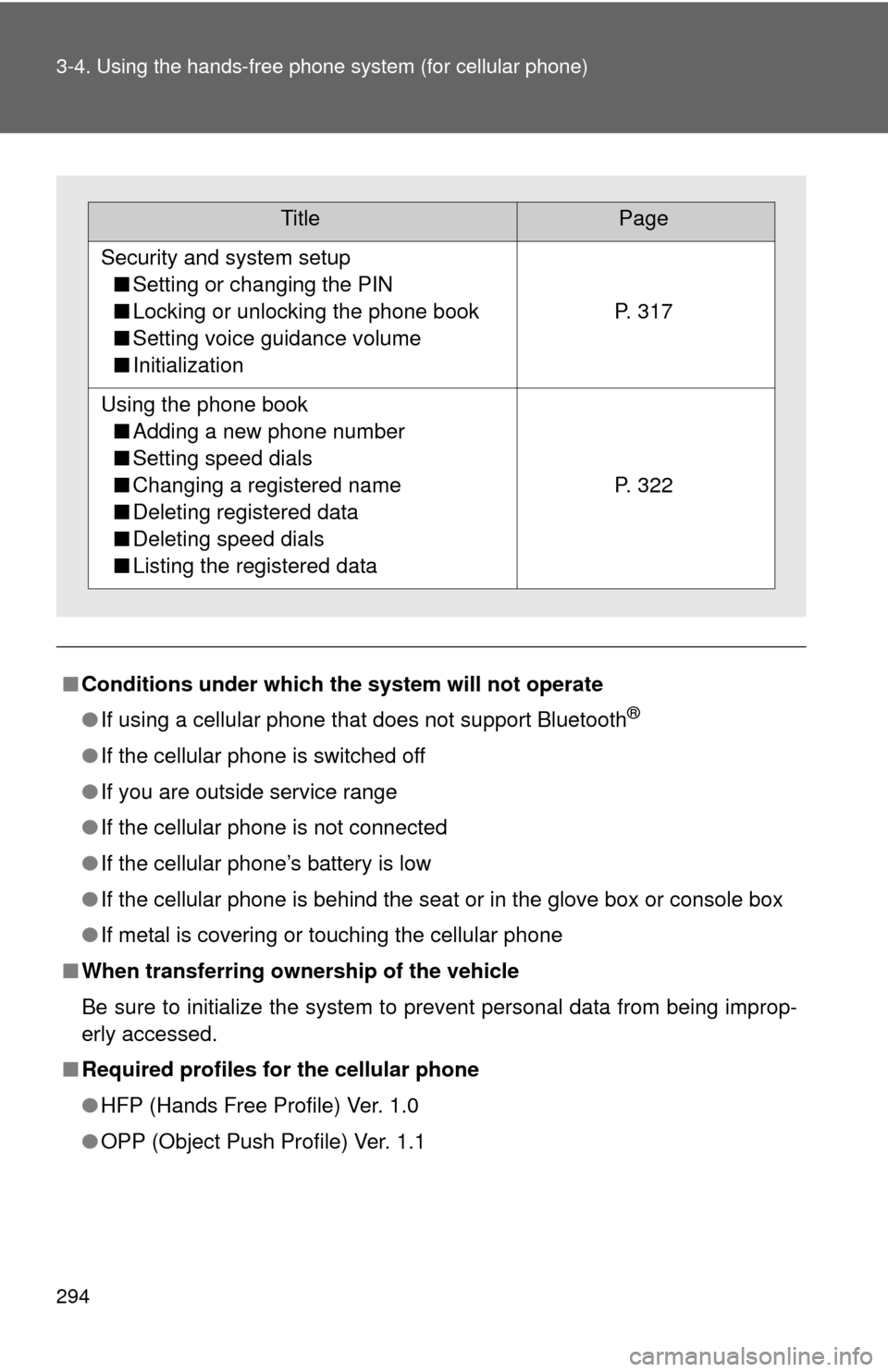
TitlePage
Security and system setup
■ Setting or changing the PIN
■ Locking or unlocking the phone book
■ Setting voice guidance volume
■ Initialization
P. 317
Using the phone book
■ Adding a new phone number
■ Setting speed dials
■ Changing a registered name
■ Deleting registered data
■ Deleting speed dials
■ Listing the registered data
P. 322
Page 295 of 540
295
3-4. Using the hand
s-free phone system (for cellular phone)
3
Interior features
■About Bluetooth®
■Certification for the hands-free phone system
For vehicles sold in U.S.A.
• Vehicles with CD changer FCC ID: BABFT0001A
MADE IN JAPAN
• Vehicles without CD changer FCC ID: AJDK025
MADE IN JAPAN
This device complies with part 15 of the FCC Rules. Operation is subject to
the following two conditions: (1) This device may not cause harmful interfer-
ence, and (2) this device must accept any interference received, including
interference that may cause undesired operation. For vehicles sold in Canada
• Vehicles with CD changer IC ID: 2024B-FT0001A
MADE IN JAPAN
• Vehicles without CD changer IC ID: 775E-K025
MADE IN JAPAN
Operation is subject to the following two conditions: (1) this device may not
cause interference, and (2) this device must accept any interference, includ-
ing interference that may cause undesired operation of the device.
Bluetooth is a registered trademark of
Bluetooth SIG. Inc.
Page 296 of 540
296 3-4. Using the hands-free phone system (for cellular phone)
CAUTION
■FCC WARNING
Changes or modifications not expressly approved by the party responsible
for compliance could void the user’s authority to operate the equipment.
Radio Frequency Radiation Exposure. This equipment complies with FCC/
IC radiation exposure limits set forth for uncontrolled equipment and meets
the FCC radio frequency (RF) Exposure Guidelines in Supplement C to
OET65 and RSS-102 of the IC radio frequency (RF) Exposure rules. This
equipment has very low levels of RF energy that it deemed to comply with-
out maximum permissive exposure evaluation (MPE). But it is desirable that
it should be installed and operated with at least 7.9 in. (20 cm) and more
between the radiator and person’s body (excluding extremities: hands,
wrists, feet and ankles).
This transmitter must not be co-located or operated in conjunction with any
other antenna or transmitter.
■ Caution while driving
Do not use a cellular phone, or connect the Bluetooth
® phone.
NOTICE
■To prevent damage to a cellular phone
Do not leave a cellular phone in the vehicle. The temperature inside may
become high resulting in damage to the phone.
Page 297 of 540
297
3-4. Using the hands-free phone system (for cellular phone)
3
Interior features
Using the hands-free phone system (for cellular phone)
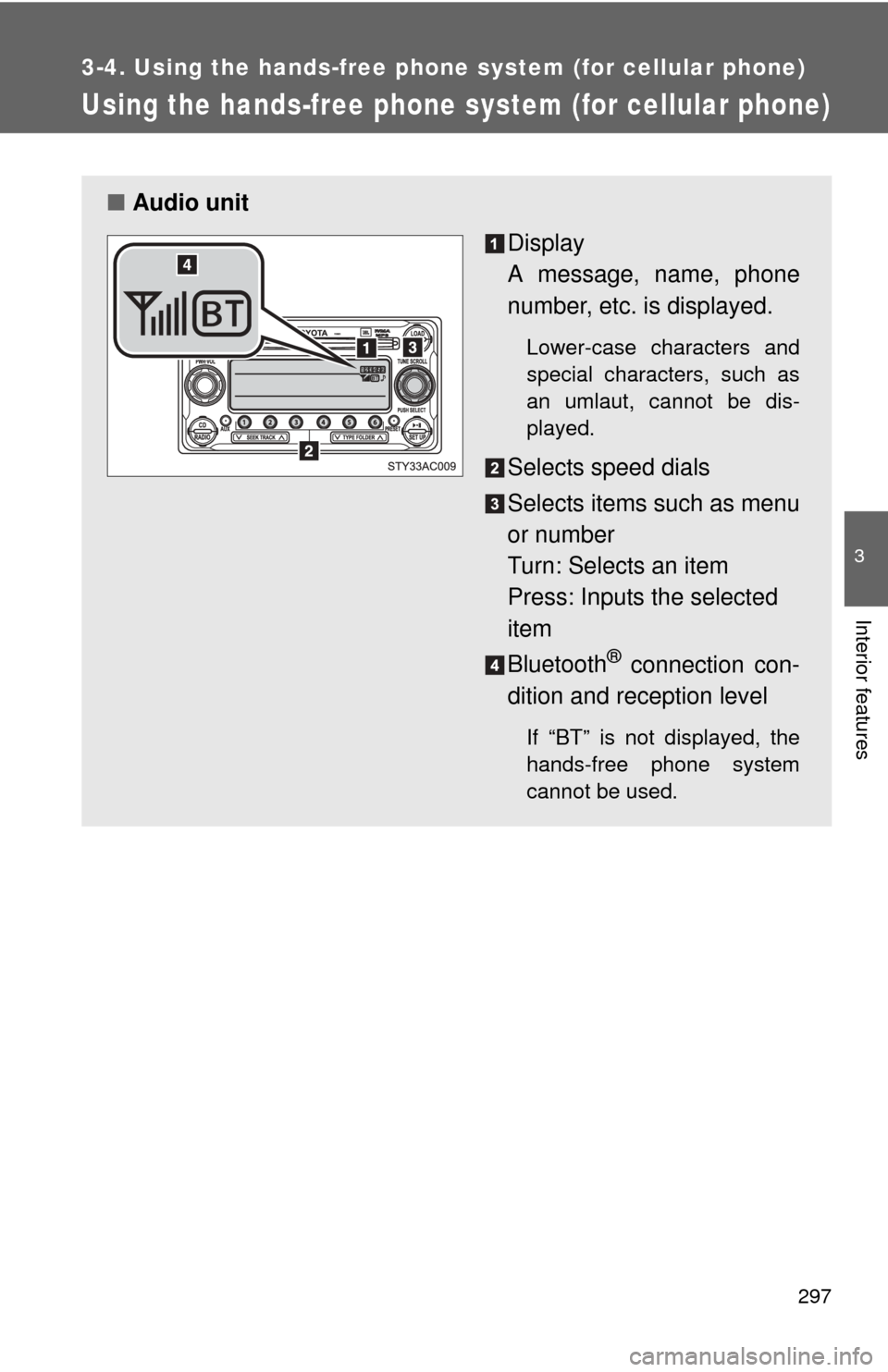
■Audio unit
Display
A message, name, phone
number, etc. is displayed.
Lower-case characters and
special characters, such as
an umlaut, cannot be dis-
played.
Selects speed dials
Selects items such as menu
or number
Turn: Selects an item
Press: Inputs the selected
item
Bluetooth
® connection con-
dition and reception level
If “BT” is not displayed, the
hands-free phone system
cannot be used.
Page 301 of 540
301
3-4. Using the hand
s-free phone system (for cellular phone)
3
Interior features
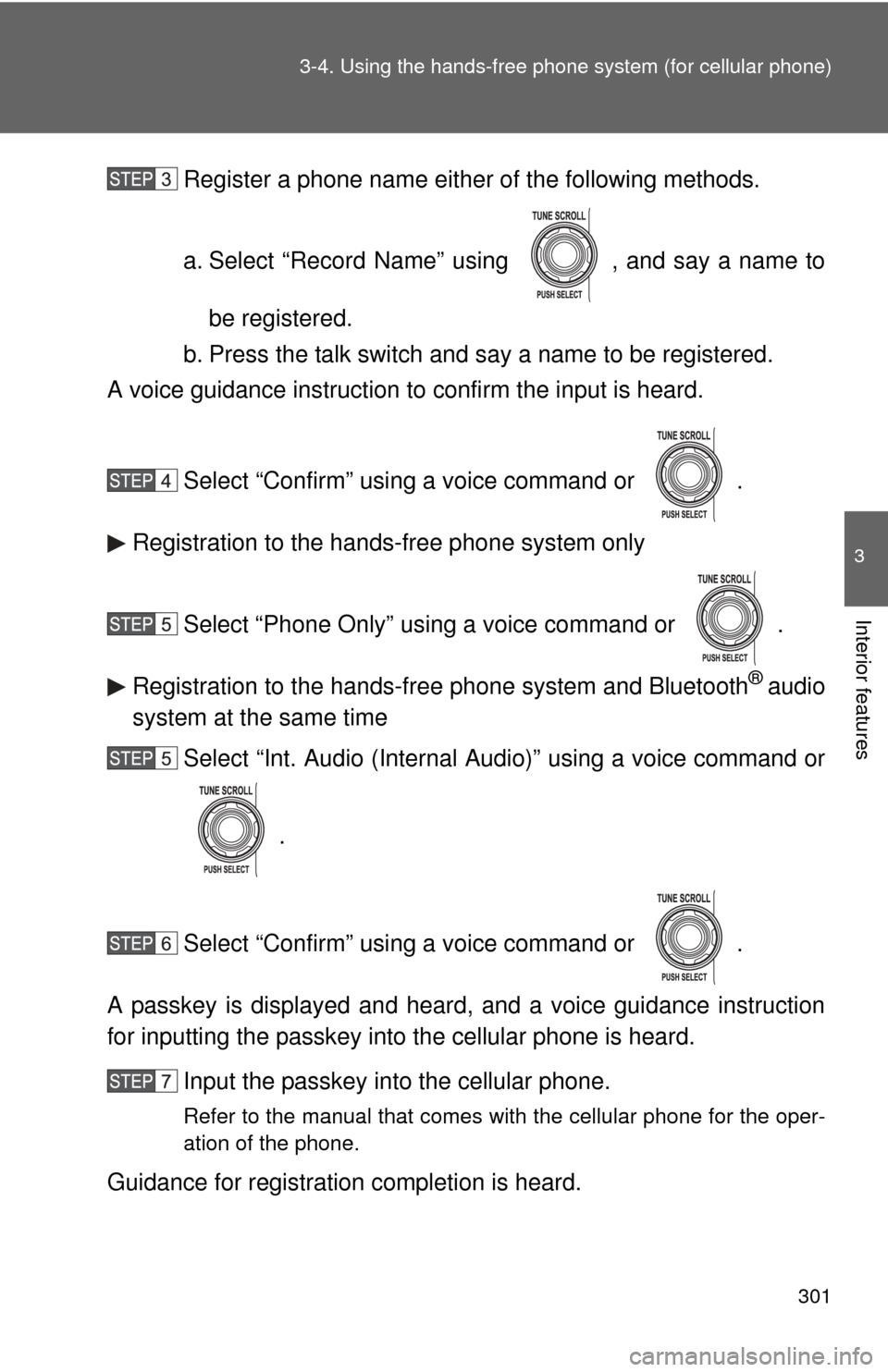
Register a phone name either of the following methods.
a. Select “Record Name” using , and say a name to
be registered.
b. Press the talk switch and say a name to be registered.
A voice guidance instruction to confirm the input is heard.
Select “Confirm” using a voice command or .
Registration to the hands-free phone system only
Select “Phone Only” using a voice command or .
Registration to the hands-free phone system and Bluetooth
® audio
system at the same time
Select “Int. Audio (Internal Audio)” using a voice command or
.
Select “Confirm” using a voice command or .
A passkey is displayed and heard, and a voice guidance instruction
for inputting the passkey into the cellular phone is heard. Input the passkey into the cellular phone.
Refer to the manual that comes with the cellular phone for the oper-
ation of the phone.
Guidance for registration completion is heard.
Page 317 of 540
317
3-4. Using the hands-free phone system (for cellular phone)
3
Interior features
Security and system setup
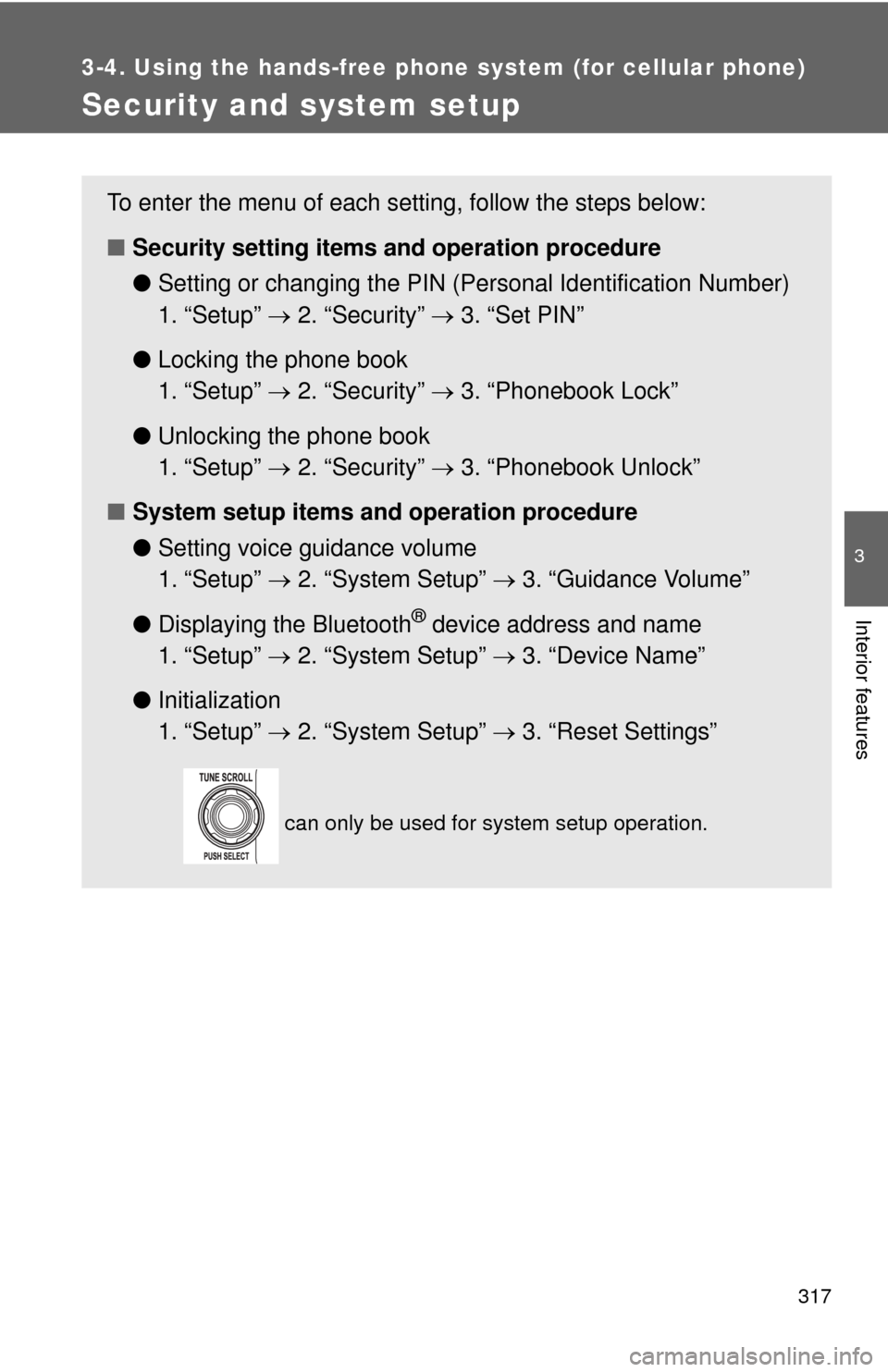
To enter the menu of each setting, follow the steps below:
■Security setting items and operation procedure
● Setting or changing t he PIN (Personal Identification Number)
1. “Setup” 2. “Security” 3. “Set PIN”
● Locking the phone book
1. “Setup” 2. “Security” 3. “Phonebook Lock”
● Unlocking the phone book
1. “Setup” 2. “Security” 3. “Phonebook Unlock”
■ System setup items and operation procedure
●Setting voice guidance volume
1. “Setup” 2. “System Setup” 3. “Guidance Volume”
● Displaying the Bluetooth
® device address and name
1. “Setup” 2. “System Setup” 3. “Device Name”
● Initialization
1. “Setup” 2. “System Setup” 3. “Reset Settings”
can only be used for system setup operation.
Page 320 of 540
320 3-4. Using the hands-free phone system (for cellular phone)
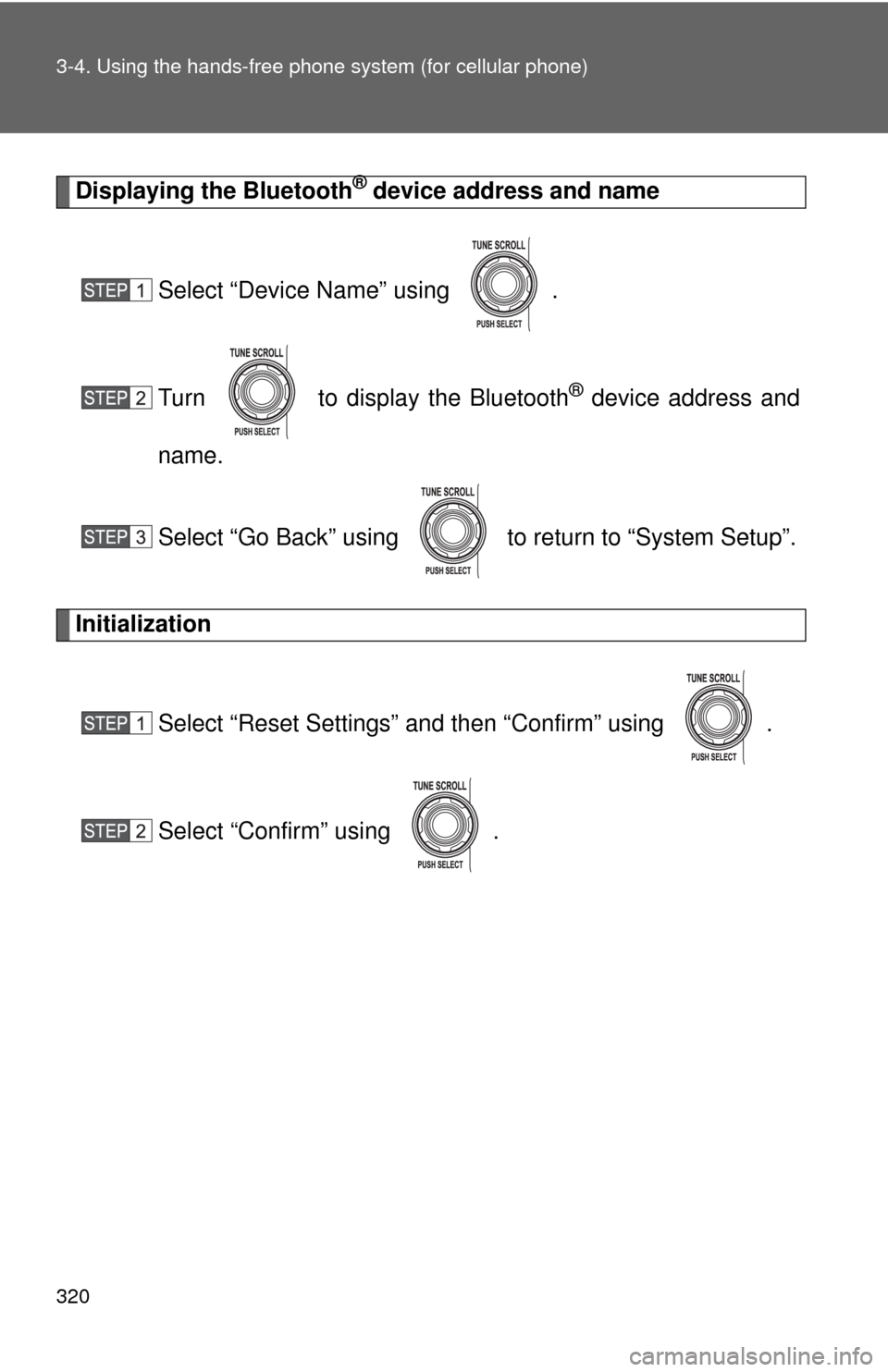
Displaying the Bluetooth® device address and name
Select “Device Name” using .
Turn to display the Bluetooth
® device address and
name.
Select “Go Back” using to return to “System Setup”.
Initialization
Select “Reset Settings” and then “Confirm” using .
Select “Confirm” using .
Page 528 of 540

528
Alphabetical index
Alphabetical index
A/C ............................................. 218
ABS ........................................... 178
Access doors .............................36
Accessory meter ...................... 144
Active traction control system .................................... 170
Air conditioning filter............... 410
Air conditioning system
Air conditioning filter .............. 410
Manual air conditioning system ................................ 218
Airbags Airbag operating conditions.....84
Airbag precautions for your
child ......................................88
Airbag warning light............... 445
Curtain shield airbag operating
conditions..............................84
Curtain shield airbag
precautions ...........................88
Front passenger occupant classification system .............94
General airbag precautions .....88
Locations of airbags ................81
Modification and disposal of airbags ..................................92
Proper driving posture .......79, 88
Side airbag operating conditions..............................84
Side airbag precautions ..........88
SRS airbags ............................81
Antenna..................... 234, 274, 364
Anti-lock brake system ABS warning light .................. 445
Anti-lock brake system .......... 178
Armrest ..................................... 351
Audio input ............................... 270
Audio remote controls............. 271 Audio system
Antenna................. 234, 274, 364
Audio input ............................ 270
AUX port ............................... 270
CD player .............................. 237
MP3/WMA disc ..................... 245
Optimal use ........................... 267
Portable music player ........... 270
Radio..................................... 230
Steering wheel audio switch.................................. 271
Type ...................................... 226
AUTO LSD system ................... 172
Automatic light off system...... 147
Automatic limited slip differential .............................. 172
Automatic transmission Automatic transmission ......... 130
If the shift lever cannot be shifted from P ..................... 468
AUX port ................................... 270
Auxiliary box .................... 333, 339
Back door ................................... 38
Back door lock ........................... 38
Back-up lights Replacing light bulbs ............. 426
Wattage................................. 492
Back window .............................. 43
Battery Charging system warning light ..................................... 445
Checking ............................... 390
If the vehicle battery is discharged .......................... 470
Preparing and checking before winter ....................... 193
Bluetooth audio
®..................... 277
Bluetooth phone®.................... 293
Bottle holders................... 333, 338
Brake assist.............................. 178
A
B