ad blue TOYOTA LAND CRUISER 2010 J200 Owner's Manual
[x] Cancel search | Manufacturer: TOYOTA, Model Year: 2010, Model line: LAND CRUISER, Model: TOYOTA LAND CRUISER 2010 J200Pages: 592, PDF Size: 7.98 MB
Page 325 of 592
325
3-3. Using the Bluetooth
® audio system
3
Interior features
L/C200_U
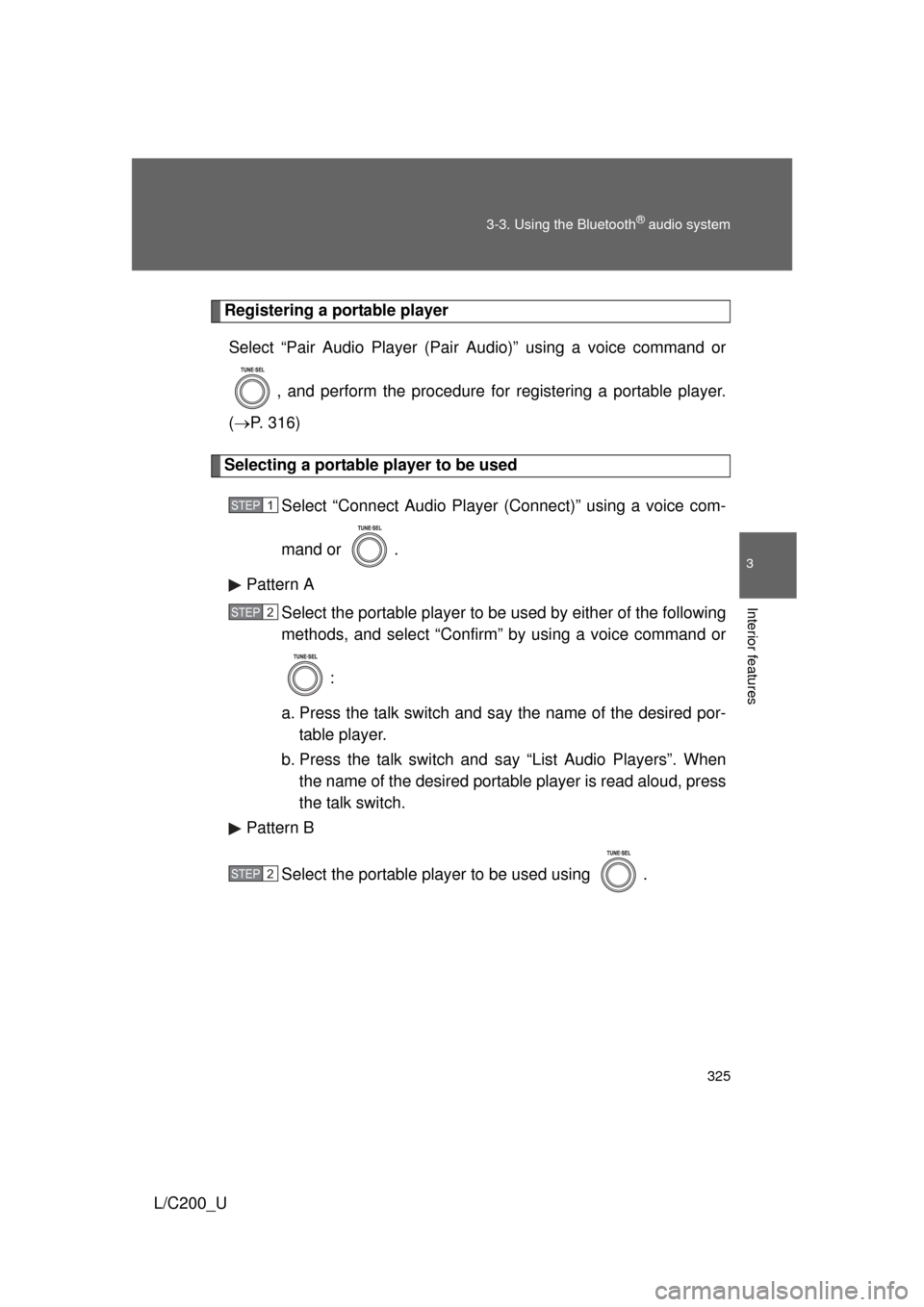
Registering a portable player
Select “Pair Audio Player (Pair Audio)” using a voice command or
, and perform the procedure for registering a portable player.
( P. 316)
Selecting a portable player to be used
Select “Connect Audio Player (Connect)” using a voice com-
mand or .
Pattern A Select the portable player to be used by either of the following
methods, and select “Confirm” by using a voice command or
:
a. Press the talk switch and say the name of the desired por- table player.
b. Press the talk switch and say “List Audio Players”. When
the name of the desired portable player is read aloud, press
the talk switch.
Pattern B
Select the portable player to be used using .
STEP1
STEP2
STEP2
Page 326 of 592
326 3-3. Using the Bluetooth
® audio system
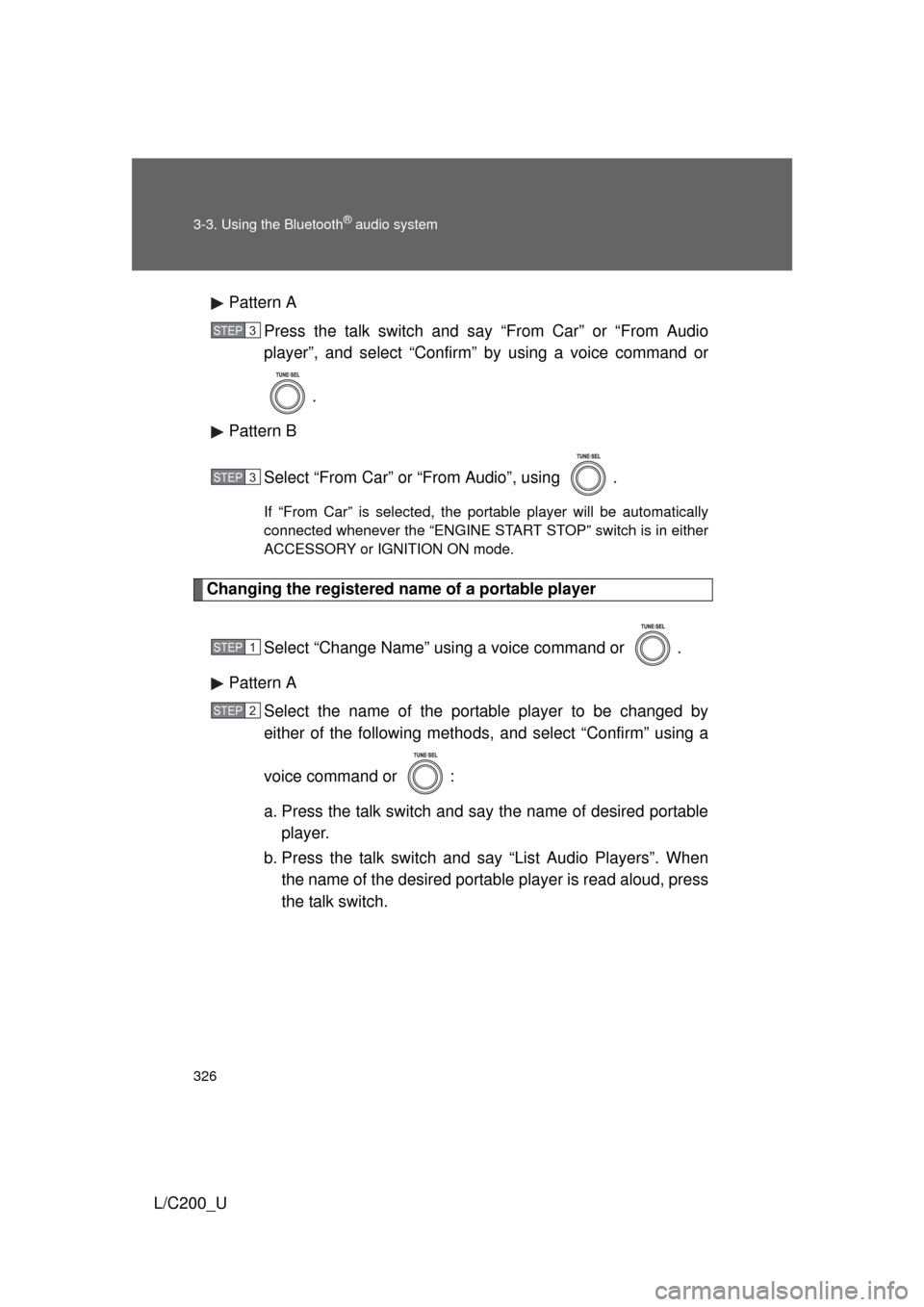
L/C200_UPattern A
Press the talk switch and say “From Car” or “From Audio
player”, and select “Confirm” by using a voice command or
.
Pattern B
Select “From Car” or “From Audio”, using .
If “From Car” is selected, the portable player will be automatically
connected whenever the “ENGINE START STOP” switch is in either
ACCESSORY or IGNITION ON mode.
Changing the registered name of a portable player
Select “Change Name” using a voice command or .
Pattern A Select the name of the portable player to be changed by
either of the following methods, and select “Confirm” using a
voice command or :
a. Press the talk switch and say the name of desired portableplayer.
b. Press the talk switch and say “List Audio Players”. When
the name of the desired portable player is read aloud, press
the talk switch.
STEP3
STEP3
STEP1
STEP2
Page 327 of 592
327
3-3. Using the Bluetooth
® audio system
3
Interior features
L/C200_U
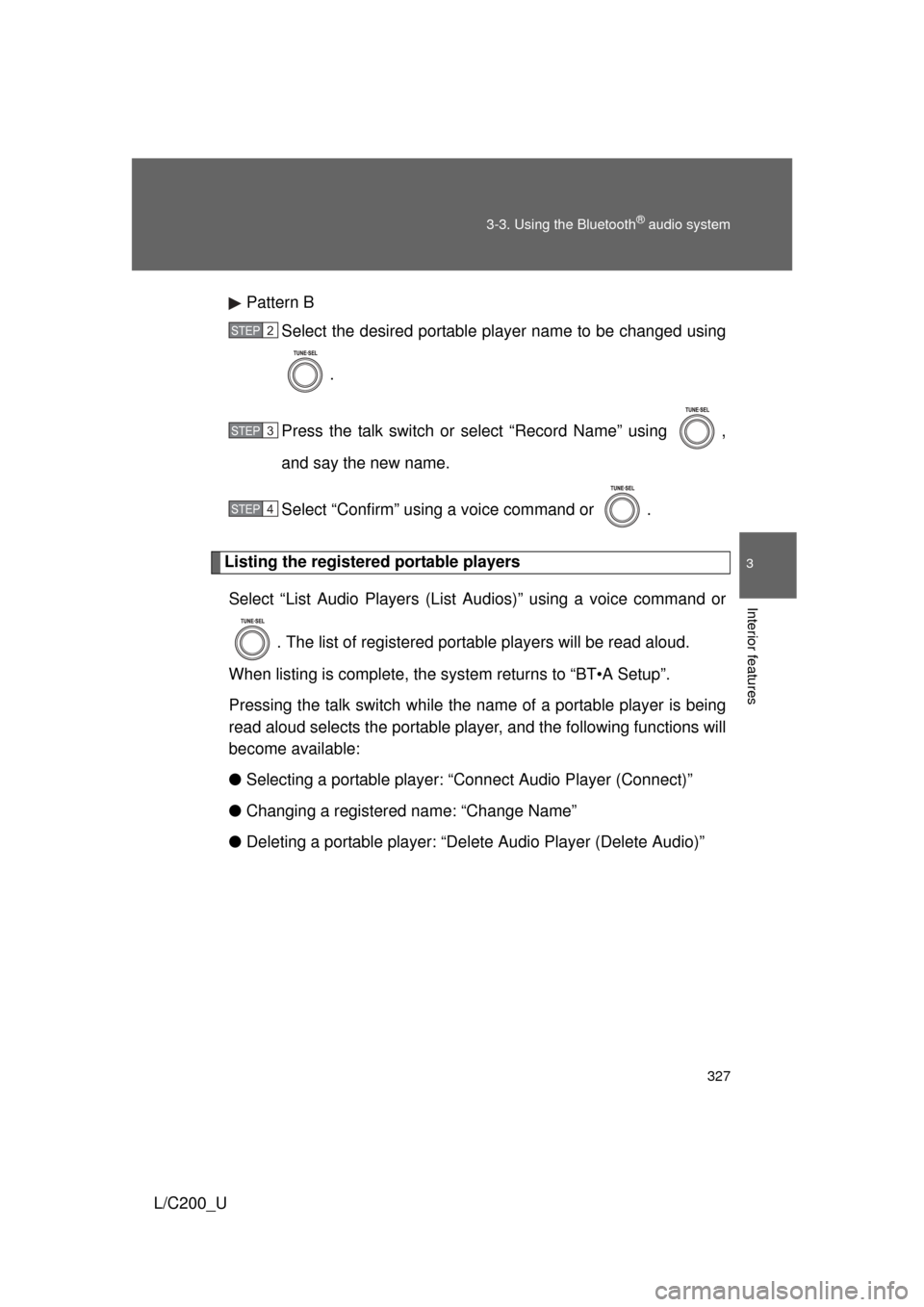
Pattern B
Select the desired portable player name to be changed using
.
Press the talk switch or select “Record Name” using ,
and say the new name.
Select “Confirm” using a voice command or .
Listing the registered portable players Select “List Audio Players (List Audios)” using a voice command or
. The list of registered portable players will be read aloud.
When listing is complete, the sy stem returns to “BT•A Setup”.
Pressing the talk switch while the name of a portable player is being
read aloud selects the portable player, and the following functions will
become available:
● Selecting a portable player: “Connect Audio Player (Connect)”
● Changing a registered name: “Change Name”
● Deleting a portable player: “Del ete Audio Player (Delete Audio)”
STEP2
STEP3
STEP4
Page 328 of 592
328 3-3. Using the Bluetooth
® audio system
L/C200_U
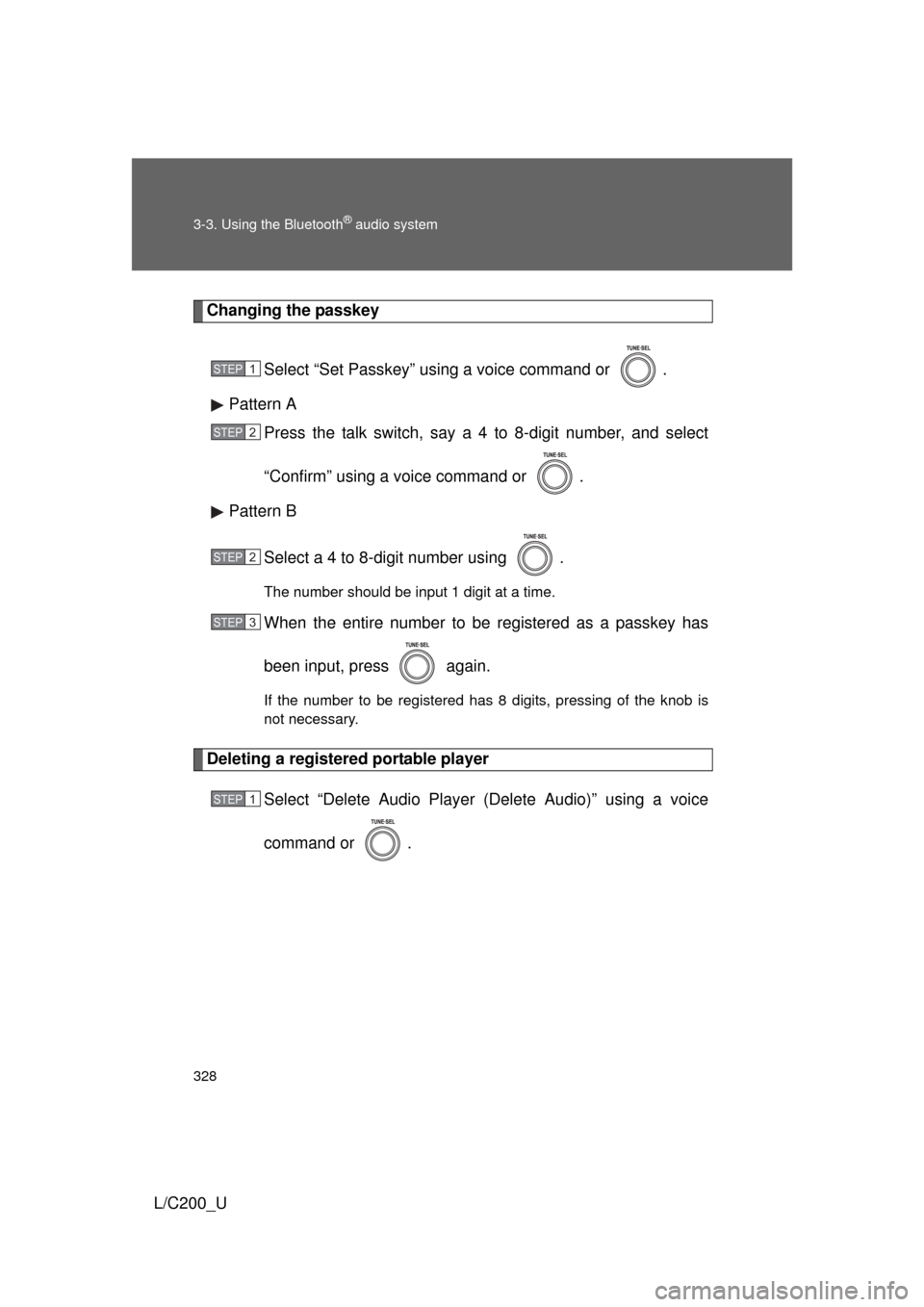
Changing the passkeySelect “Set Passkey” using a voice command or .
Pattern A Press the talk switch, say a 4 to 8-digit number, and select
“Confirm” using a voice command or .
Pattern B
Select a 4 to 8-digit number using .
The number should be input 1 digit at a time.
When the entire number to be registered as a passkey has
been input, press again.
If the number to be registered has 8 digits, pressing of the knob is
not necessary.
Deleting a registered portable player Select “Delete Audio Player (Delete Audio)” using a voice
command or .
STEP1
STEP2
STEP2
STEP3
STEP1
Page 329 of 592
329
3-3. Using the Bluetooth
® audio system
3
Interior features
L/C200_U
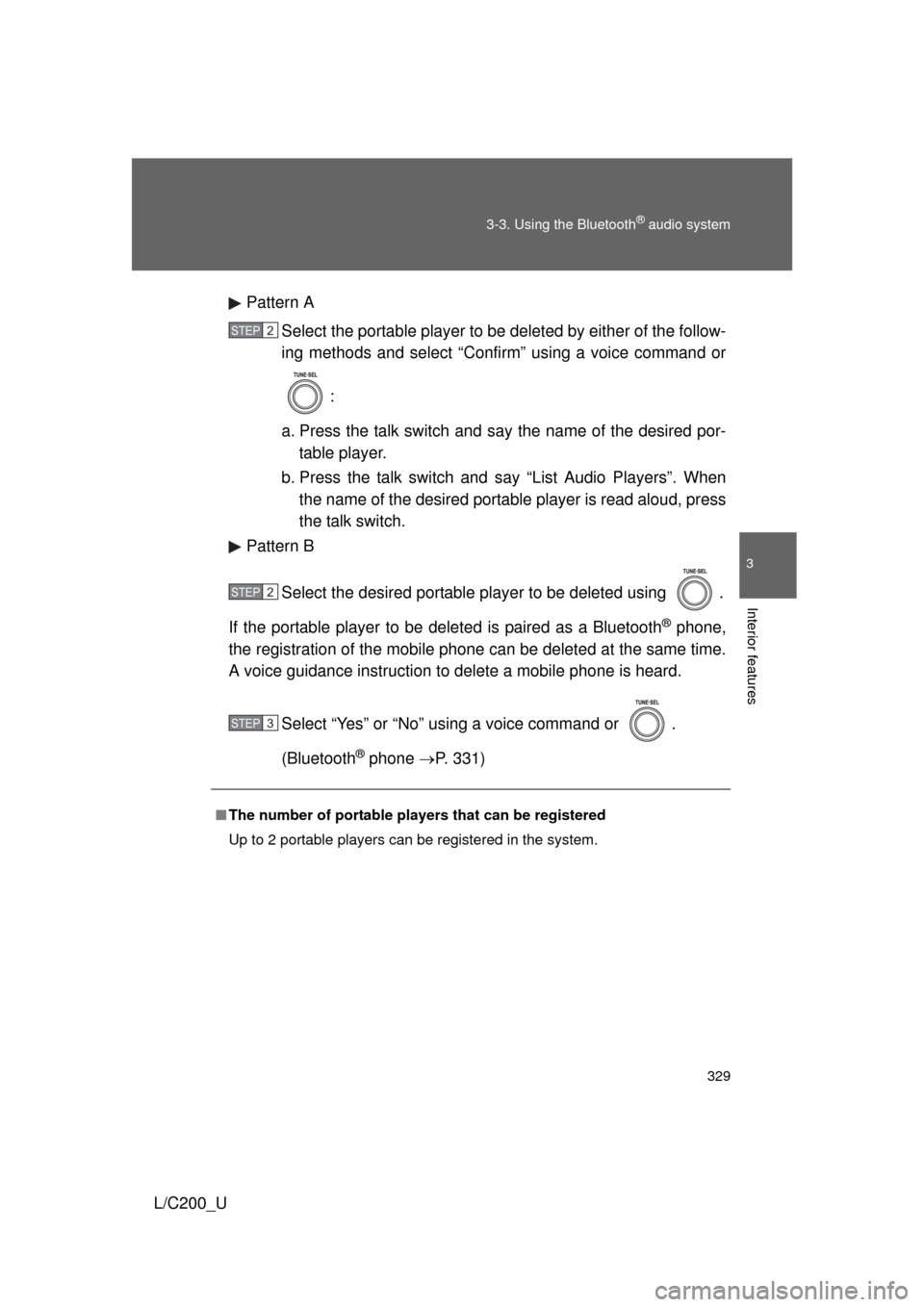
Pattern A
Select the portable player to be deleted by either of the follow-
ing methods and select “Confirm” using a voice command or
:
a. Press the talk switch and say the name of the desired por- table player.
b. Press the talk switch and say “List Audio Players”. When
the name of the desired portable player is read aloud, press
the talk switch.
Pattern B
Select the desired portable player to be deleted using .
If the portable player to be deleted is paired as a Bluetooth
® phone,
the registration of the mobile phone can be deleted at the same time.
A voice guidance instruction to delete a mobile phone is heard.
Select “Yes” or “No” using a voice command or .
(Bluetooth
® phone P. 331)
■The number of portable pl ayers that can be registered
Up to 2 portable players can be registered in the system.
STEP2
STEP2
STEP3
Page 330 of 592
330
3-3. Using the Bluetooth® audio system
L/C200_U
Bluetooth® audio system setup
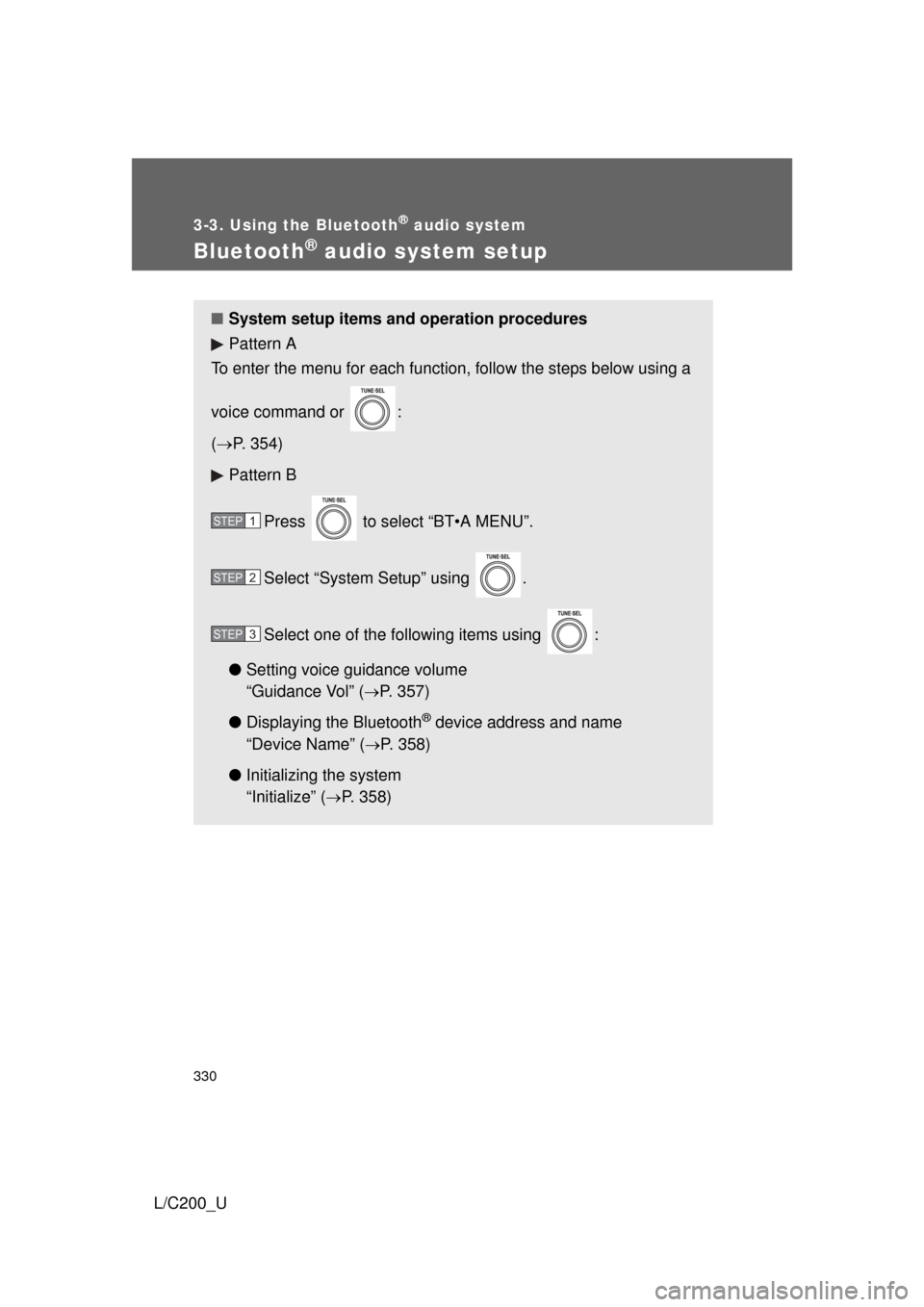
■System setup items and operation procedures
Pattern A
To enter the menu for each function, follow the steps below using a
voice command or :
( P. 354)
Pattern B
Press to select “BT•A MENU”.
Select “System Setup” using .
Select one of the following items using :
● Setting voice guidance volume
“Guidance Vol” (
P. 357)
● Displaying the Bluetooth
® device address and name
“Device Name” (
P. 358)
● Initializing the system
“Initialize” (
P. 358)
STEP1
STEP2
STEP3
Page 331 of 592
331
3
Interior features
L/C200_U
3-4. Using the hands-free system (for cellular phone)
Hands-free system (for cellular phone)
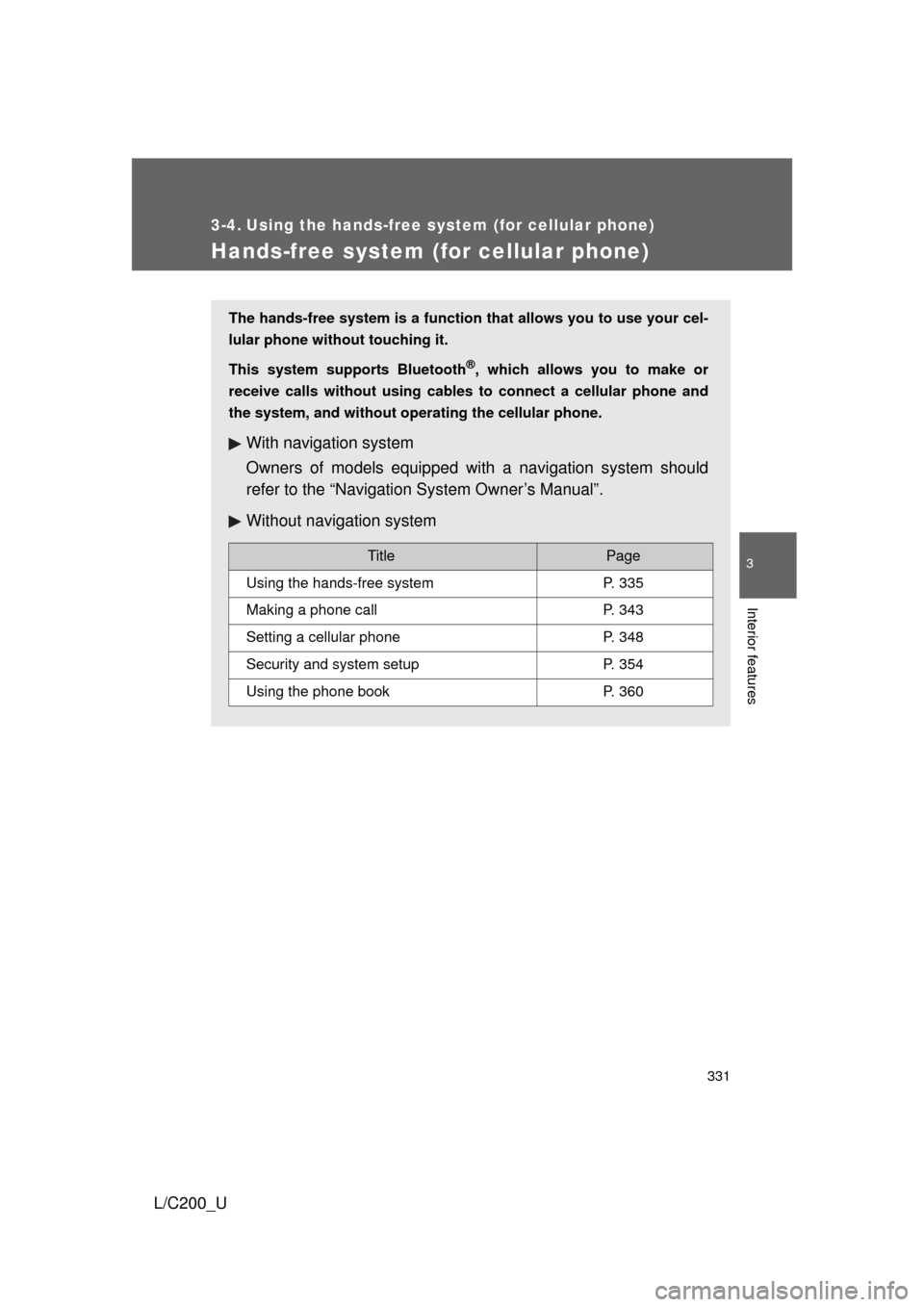
The hands-free system is a function that allows you to use your cel-
lular phone without touching it.
This system supports Bluetooth
®, which allows you to make or
receive calls without using cables to connect a cellular phone and
the system, and without oper ating the cellular phone.
With navigation system
Owners of models equipped with a navigation system should
refer to the “Navigation System Owner’s Manual”.
Without navig ation system
TitlePage
Using the hands-free systemP. 335
Making a phone callP. 343
Setting a cellular phoneP. 348
Security and system setupP. 354
Using the phone bookP. 360
Page 332 of 592
332 3-4. Using the hands-free system (for cellular phone)
L/C200_U
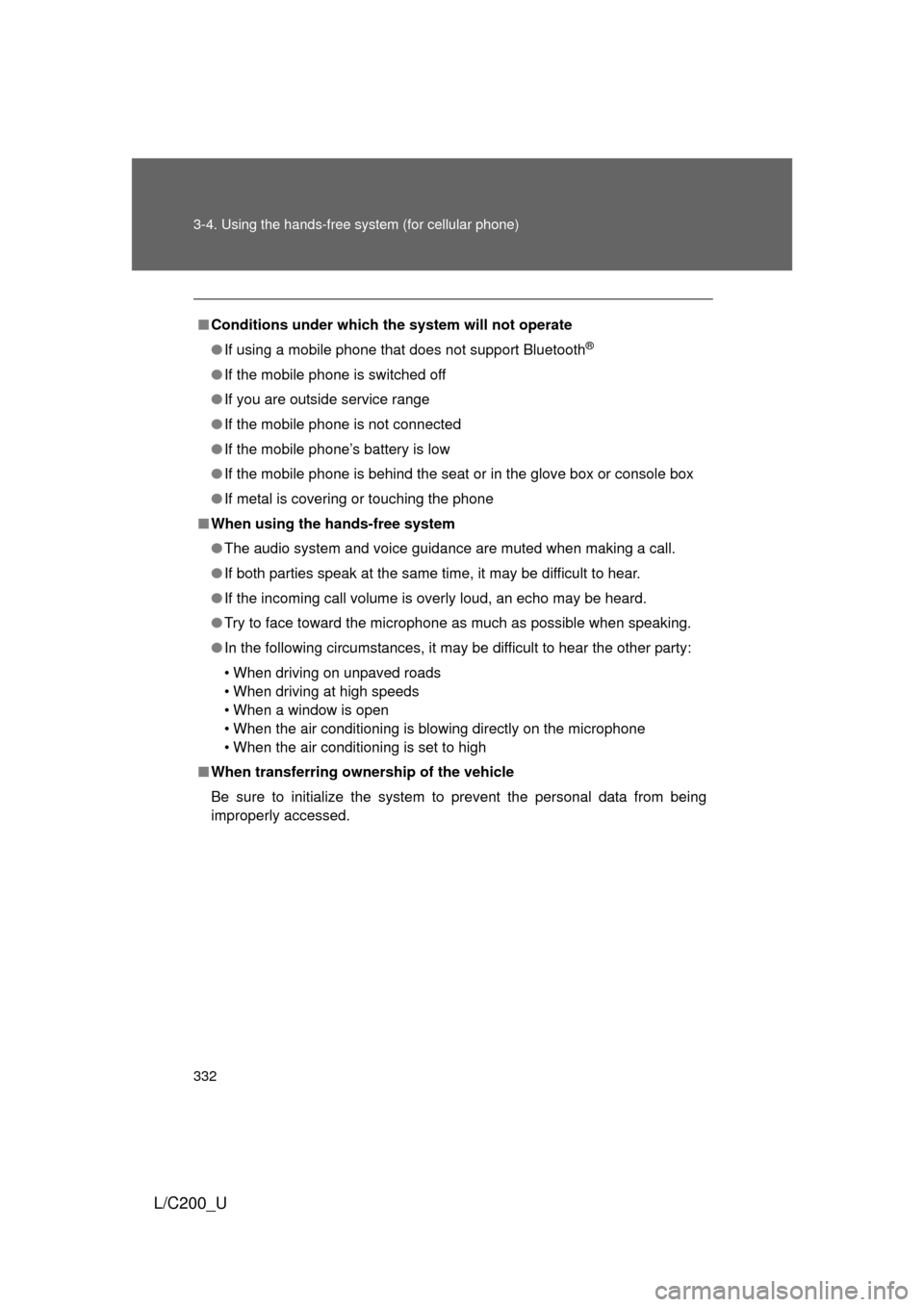
■Conditions under which th e system will not operate
● If using a mobile phone that does not support Bluetooth
®
●If the mobile phone is switched off
● If you are outside service range
● If the mobile phone is not connected
● If the mobile phone’s battery is low
● If the mobile phone is behind the seat or in the glove box or console box
● If metal is covering or touching the phone
■ When using the hands-free system
● The audio system and voice guidance are muted when making a call.
● If both parties speak at the same time, it may be difficult to hear.
● If the incoming call volume is overly loud, an echo may be heard.
● Try to face toward the microphone as much as possible when speaking.
● In the following circumstances, it may be difficult to hear the other party:
• When driving on unpaved roads
• When driving at high speeds
• When a window is open
• When the air conditioning is blowing directly on the microphone
• When the air conditioning is set to high
■ When transferring ownership of the vehicle
Be sure to initialize the system to prevent the personal data from being
improperly accessed.
Page 333 of 592
333
3-4. Using the hands-free
system (for cellular phone)
3
Interior features
L/C200_U
■About Bluetooth®
■Compatible models
Compatible with HFP (Hands Free Profile) Ver. 1.5 and OPP (Object Push
Profile) Ver. 1.1.
If your cellular phone does not support HFP, you cannot enter the Bluetooth
®
phone. If your cellular phone supports OPP alone, you cannot use the Blue-
tooth® phone.
■ Certification for the hands-free system
FCC ID: AJDK018
MADE IN JAPAN
This device complies with Part 15 of the FCC Rules. Operation is subject to
the following two conditions: (1) this device may not cause harmful interfer-
ence, and (2) this device must accept any interference received, including
interference that may cause undesired operation.
Bluetooth is a registered trademark of
Bluetooth SIG. Inc.
Page 334 of 592
334 3-4. Using the hands-free system (for cellular phone)
L/C200_U
CAUTION
■FCC WARNING
Changes or modifications not expressly approved by the party responsible
for compliance could void the user’s authority to operate the equipment.
Radio Frequency Radiation Exposure. This equipment complies with FCC
radiation exposure limits set forth for uncontrolled equipment and meets the
FCC radio frequency (RF) Exposure Gui delines in Supplement C to OET65.
This equipment has very low levels of RF energy that it deemed to comply
without maximum permissive exposure evaluation (MPE). But it is desirable
that it should be installed and operated with at least 7.9 in. (20 cm) and more
between the radiator and person’s body (excluding extremities: hands,
wrists, feet and legs).
This transmitter must not be co-located or operated in conjunction with any
other antenna or transmitter.
■ While driving
Do not use a cellular phone, or connect the Bluetooth
® phone.
NOTICE
■To prevent damage to a cellular phone
Do not leave a cellular phone in the vehicle. The temperature inside may
become high resulting in damage to the phone.