instrument panel TOYOTA PRIUS 2008 2.G User Guide
[x] Cancel search | Manufacturer: TOYOTA, Model Year: 2008, Model line: PRIUS, Model: TOYOTA PRIUS 2008 2.GPages: 512, PDF Size: 7.23 MB
Page 175 of 512
175
2-5. Driving information
2
When driving
PRIUS_U_(L/O_0802)
CAUTION
■Storage precautions
●Do not place anything on the package tray behind the rear seatback.
Such items may be thrown about and possibly injure people in the
vehicle during sudden braking or in an accident.
●Do not drive with objects on top of the instrument panel.
They may interfere with the driver’s field of view or move during sharp
acceleration or turning, thus impairing the driver’s control of the vehi-
cle. In an accident they may injure the vehicle occupants.
●Secure all items in the occupant compartment, as they may shift and
injure someone during an accident or sudden braking.
■Weight of the load
●Improper loading may cause deterioration of steering or braking con-
trol resulting in an accident which may cause death or serious injury.
●Do not exceed the maximum axle weight rating or the total vehicle
weight rating.
●Even if the total load of occupant’s weight and the cargo load is less
than the total load capacity, do no
t apply the load unevenly. Improper
loading may cause deterioration of st eering or braking control which
may cause death or serious injury.
Page 193 of 512
193
3-1. Using the touch screen
3
Interior features
PRIUS_U_(L/O_0802)
■
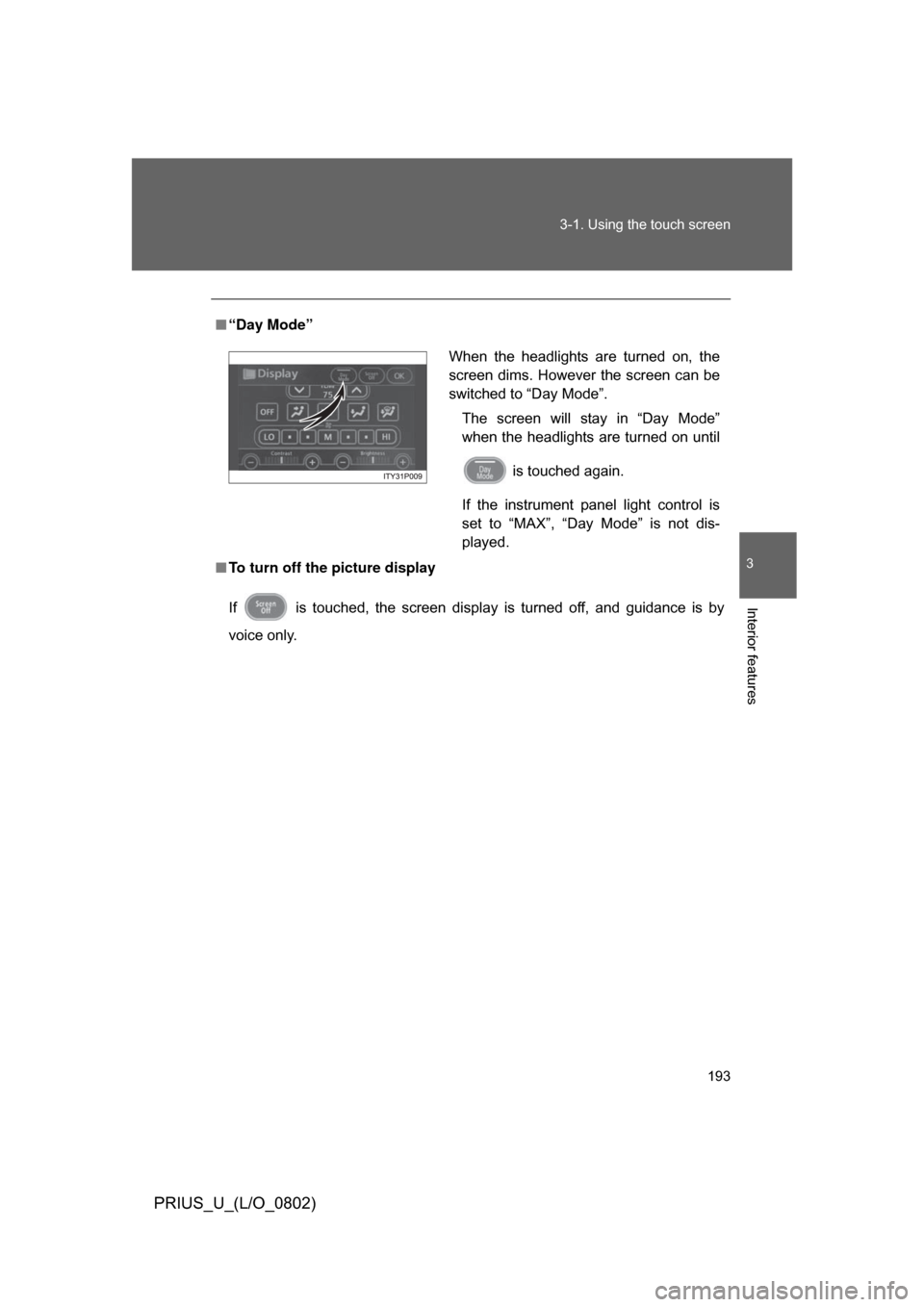
“Day Mode”
■ To turn off the picture display
If is touched, the screen display is turned off, and guidance is by
voice only.
When the headlights are turned on, the
screen dims. However the screen can be
switched to “Day Mode”.
The screen will stay in “Day Mode”
when the headlights are turned on until
is touched again.
If the instrument panel light control is
set to “MAX”, “Day Mode” is not dis-
played.
Page 198 of 512
198 3-1. Using the touch screen
PRIUS_U_(L/O_0802)
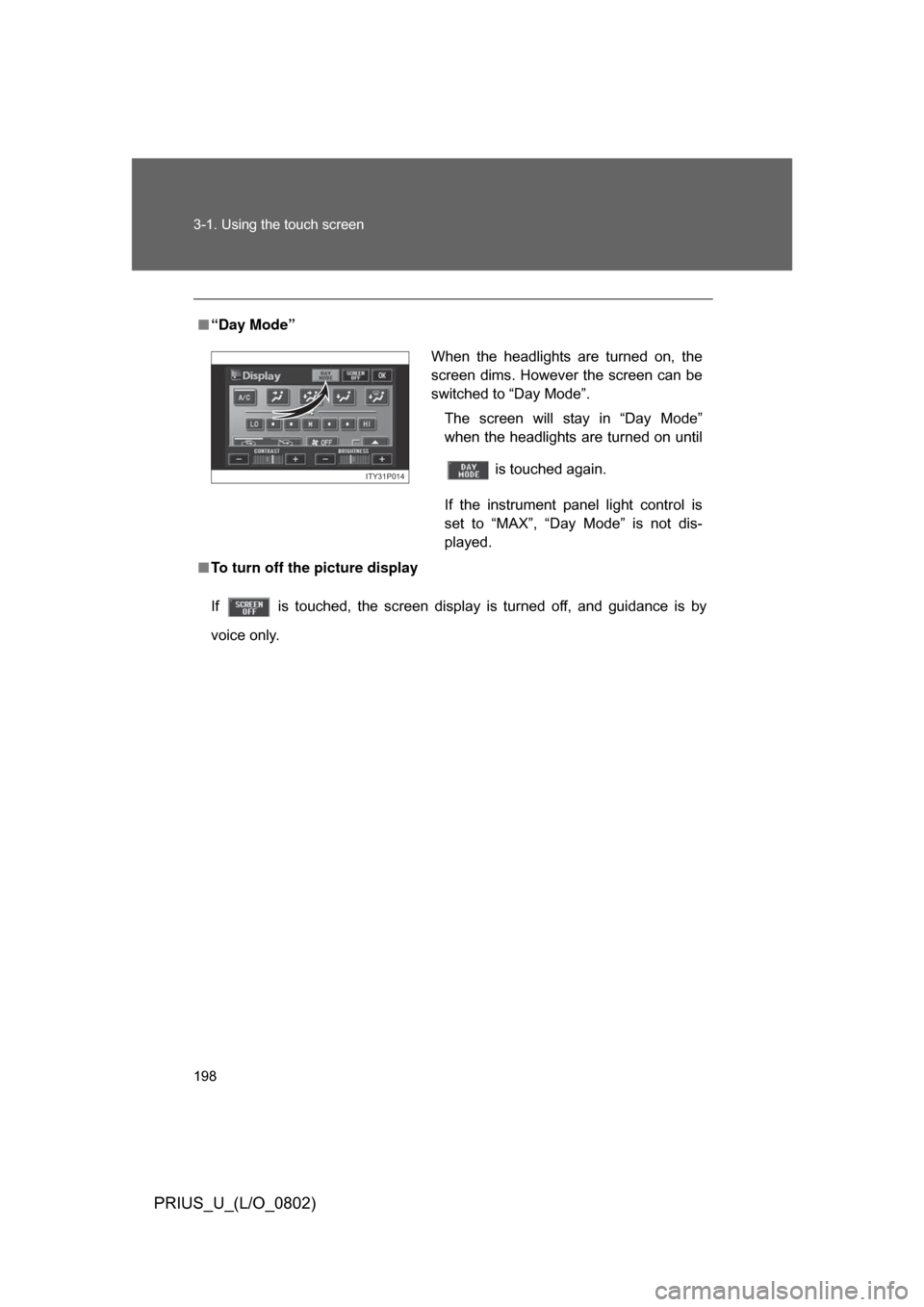
■“Day Mode”
■ To turn off the picture display
If is touched, the screen display is turned off, and guidance is by
voice only.
When the headlights are turned on, the
screen dims. However the screen can be
switched to “Day Mode”.
The screen will stay in “Day Mode”
when the headlights are turned on until
is touched again.
If the instrument panel light control is
set to “MAX”, “Day Mode” is not dis-
played.
ITY31P014
Page 202 of 512
202 3-2. Using the air conditioning system and defogger
PRIUS_U_(L/O_0802)
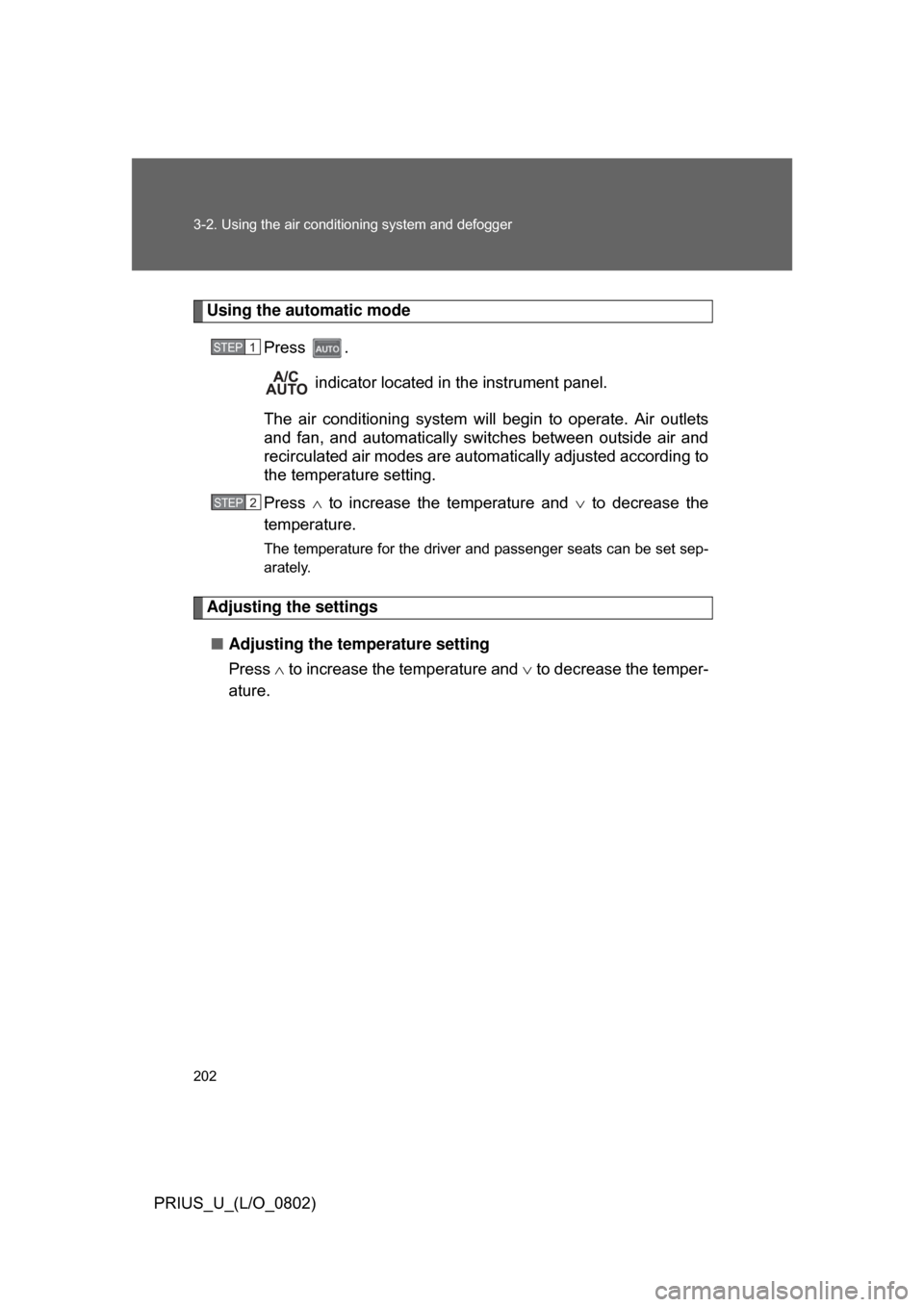
Using the automatic mode
Press . indicator located in the instrument panel.
The air conditioning system will begin to operate. Air outlets
and fan, and automatically sw itches between outside air and
recirculated air modes are automatically adjusted according to
the temperature setting.
Press to increase the temperature and to decrease the
temperature.
The temperature for the driver and passenger seats can be set sep-
arately.
Adjusting the settings
■ Adjusting the temperature setting
Press to increase the temperature and to decrease the temper-
ature.
STEP1
STEP3STEP2
Page 209 of 512
209
3-2. Using the air conditioning system
and defogger
3
Interior features
PRIUS_U_(L/O_0802)
Using the automatic mode
Press . indicator located in the instrument panel.
The air conditioning system will begin to operate. Air outlets
and fan, and automatically switches between outside air and
recirculated air modes are autom atically adjusted according to
the temperature setting.
Press to increase the temperature and to decrease the
temperature.
The temperature for the driver and passenger seats can be set sep-
arately.
Adjusting the settings
■ Adjusting the temperature setting
Press to increase the temperature and to decrease the temper-
ature.
STEP1
STEP2
Page 217 of 512
217
3-2. Using the air conditioning system and defogger
3
Interior features
PRIUS_U_(L/O_0802)
Rear window and outside rear view mirror defoggers
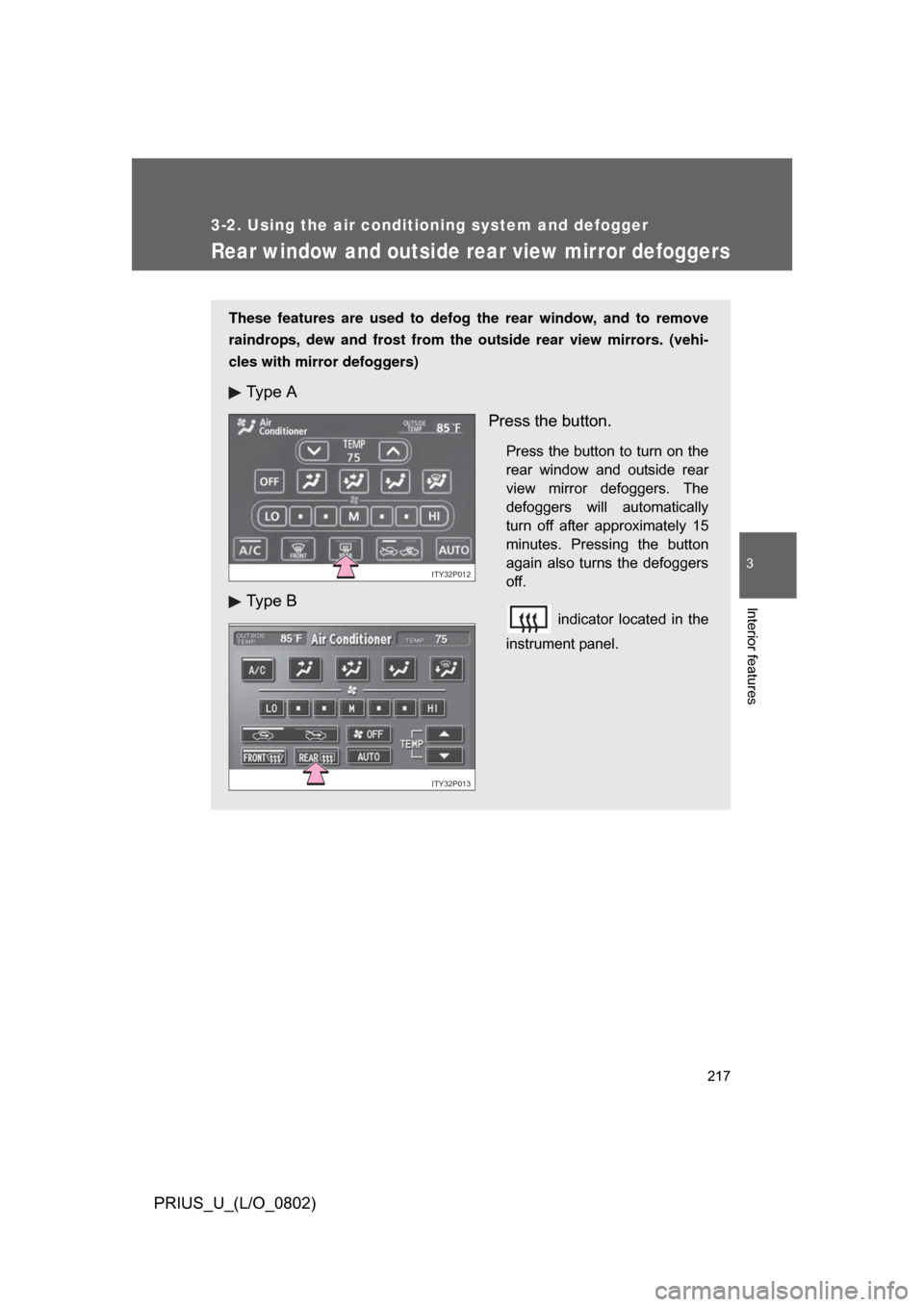
These features are used to defog the rear window, and to remove
raindrops, dew and frost from the outside rear view mirrors. (vehi-
cles with mirror defoggers)
Ty p e A
Ty p e B Press the button.
Press the button to turn on the
rear window and outside rear
view mirror defoggers. The
defoggers will automatically
turn off after approximately 15
minutes. Pressing the button
again also turns the defoggers
off.
indicator located in the
instrument panel.
ITY32P012
ITY32P013
Page 331 of 512
331
3-7. Other interior features
3
Interior features
PRIUS_U_(L/O_0802)
Clock
■The clock is displayed when
The “POWER” switch is in ACCESSORY or ON mode.
■ When the 12 volt battery is disconnected
The time display will automatically be set to 1:00.
■ When the instrument panel lights ar e turned on the brightness of the
time indicator will be reduced.
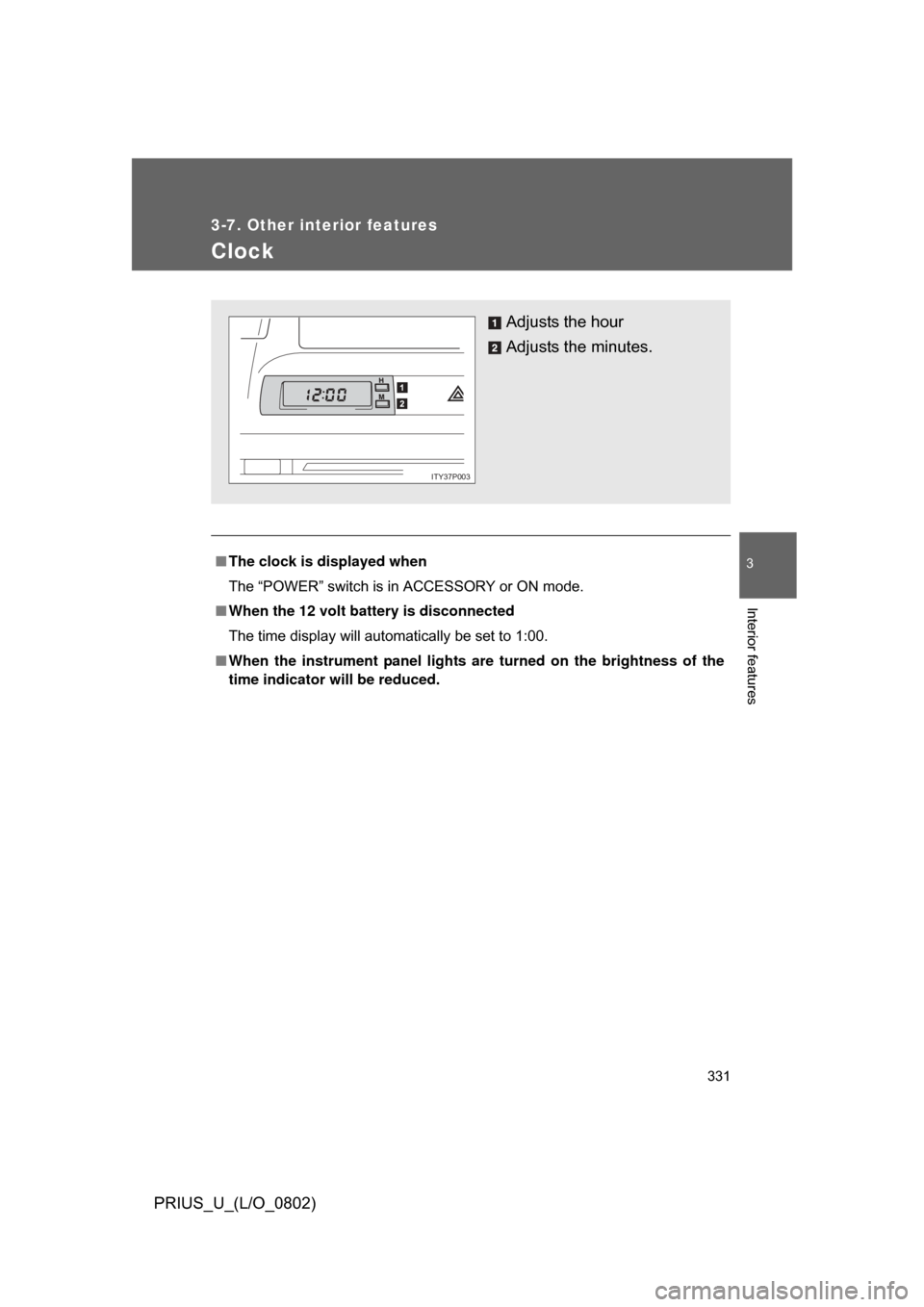
Adjusts the hour
Adjusts the minutes.
ITY37P003
Page 332 of 512
332
3-7. Other interior features
PRIUS_U_(L/O_0802)
Power outlet
■The power outlet can be used when
The “POWER” switch is in ACCESSORY or ON mode.
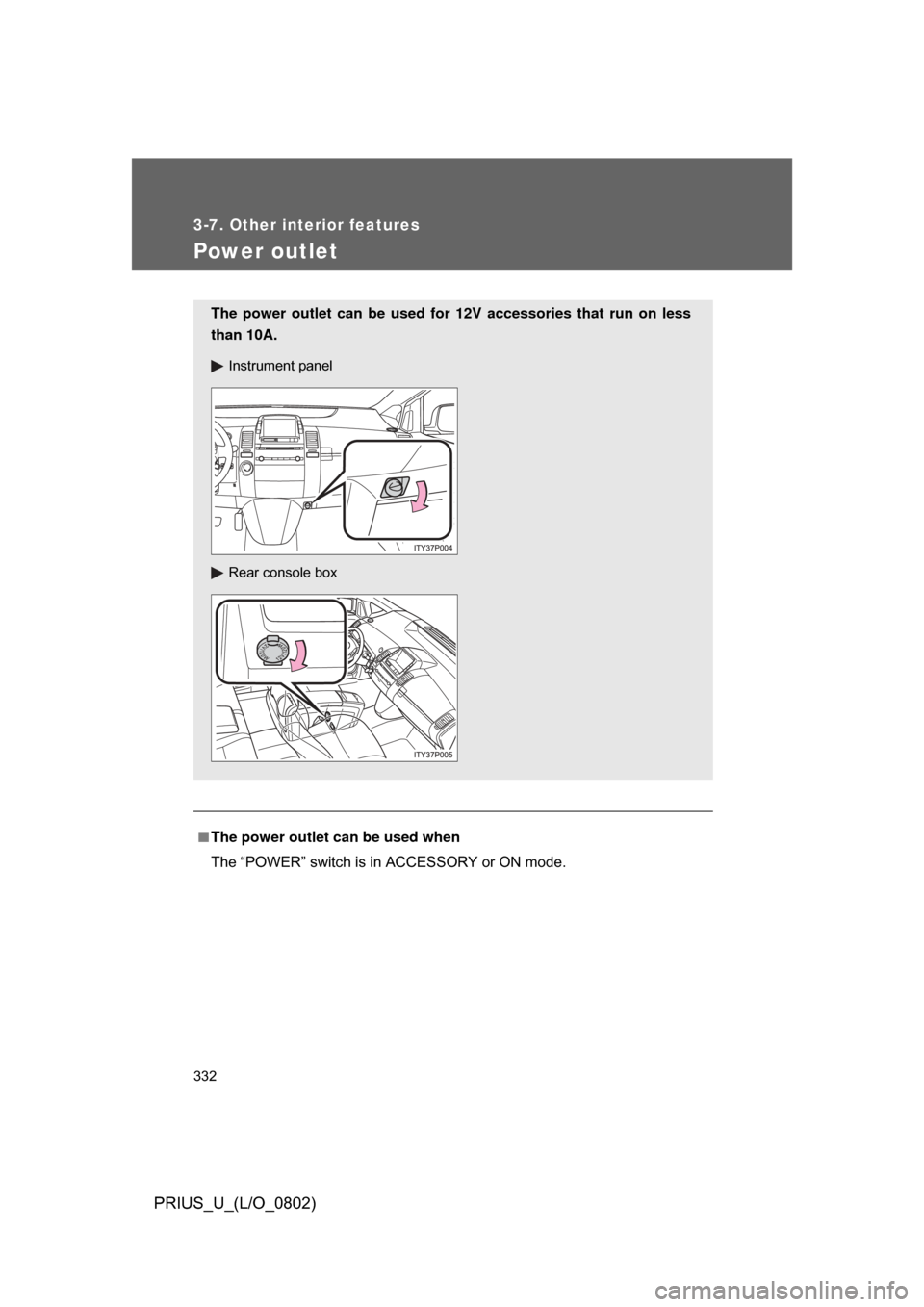
The power outlet can be used for 12V accessories that run on less
than 10A.
Instrument panel
Rear console box
Page 398 of 512
398
4-3. Do-it-yourself maintenance
PRIUS_U_(L/O_0802)
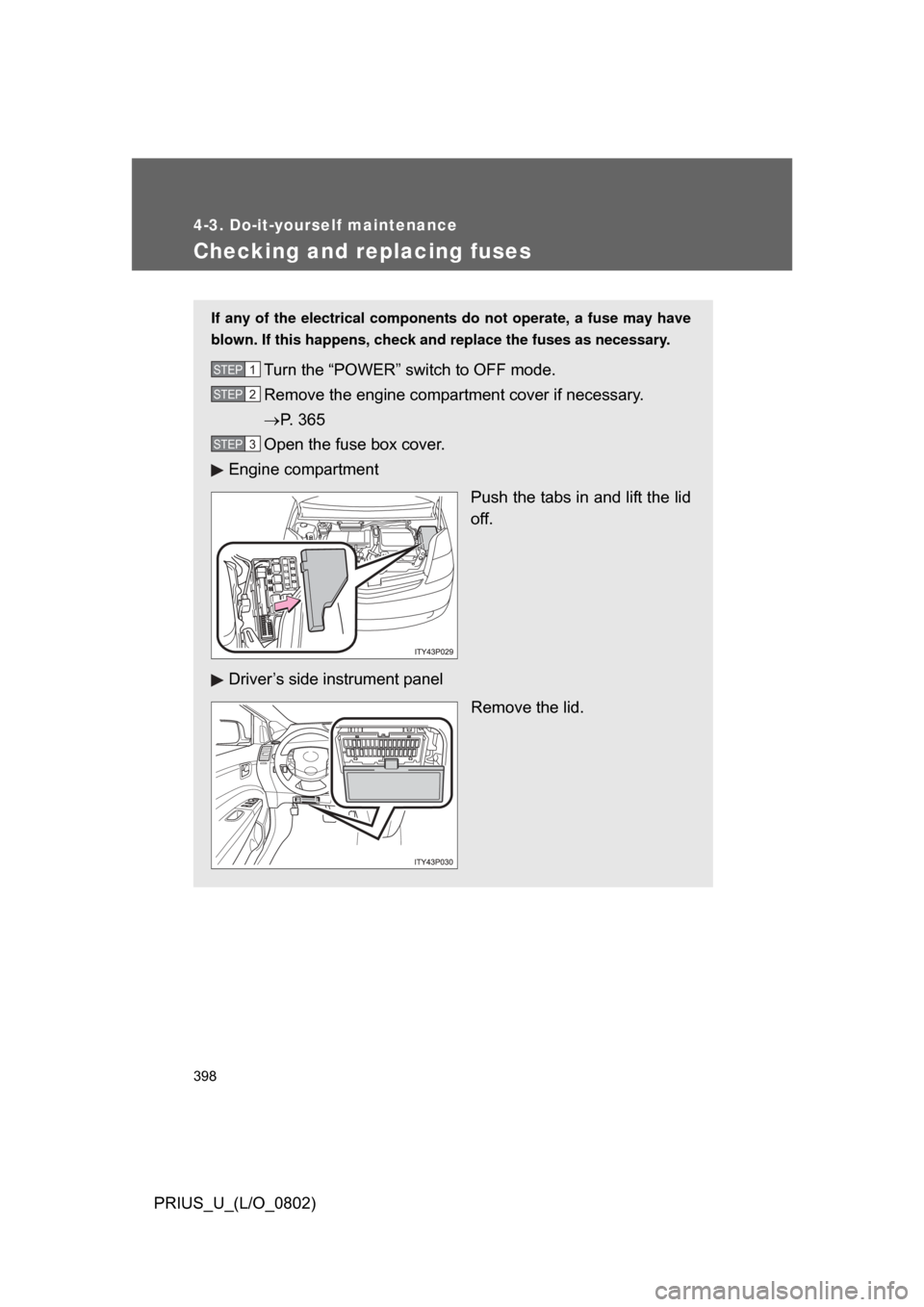
Checking and replacing fuses
If any of the electrical components do not operate, a fuse may have
blown. If this happens, check and replace the fuses as necessary.
Turn the “POWER” switch to OFF mode.
Remove the engine compartment cover if necessary.
P. 365
Open the fuse box cover.
Engine compartment
Push the tabs in and lift the lid
off.
Driver’s side instrument panel Remove the lid.STEP1
STEP2
STEP3
Page 401 of 512
401
4-3. Do-it-yourself maintenance
4
Maintenance and care
PRIUS_U_(L/O_0802)
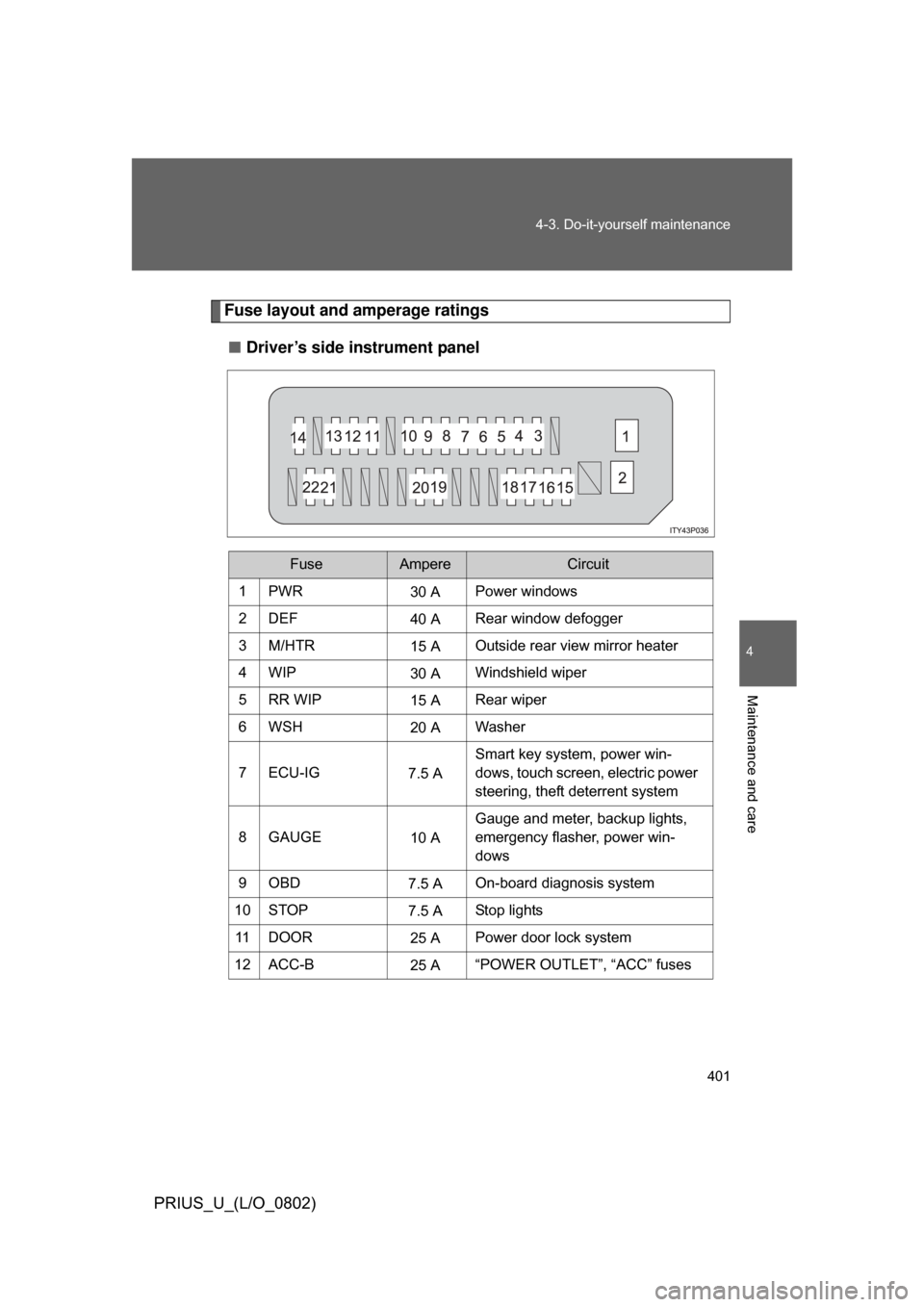
Fuse layout and amperage ratings
■ Driver’s side instrument panel
FuseAmpereCircuit
1PWR30 APower windows
2DEF 40 ARear window defogger
3M/HTR 15 AOutside rear view mirror heater
4WIP 30 AWindshield wiper
5RR WIP 15 ARear wiper
6WSH 20 AWasher
7 ECU-IG 7.5 ASmart key system, power win-
dows, touch screen, electric power
steering, theft deterrent system
8GAUGE 10 AGauge and meter, backup lights,
emergency flasher, power win-
dows
9OBD 7.5 AOn-board diagnosis system
10 STOP 7.5 AStop lights
11 D O O R 25 APower door lock system
12 ACC-B 25 A“POWER OUTLET”, “ACC” fuses