instrument panel TOYOTA PROACE 2022 (in English) Manual PDF
[x] Cancel search | Manufacturer: TOYOTA, Model Year: 2022, Model line: PROACE, Model: TOYOTA PROACE 2022Pages: 360, PDF Size: 70.79 MB
Page 294 of 360
294
– Air conditioning status information (depending on version), and direct access to the corresponding menu.– Go directly to the audio source selection option, to view the list of radio stations (or list of titles depending on the source).– Go to the "Notifications" of messages, emails, map updates and, depending on the services, the navigation notifications.
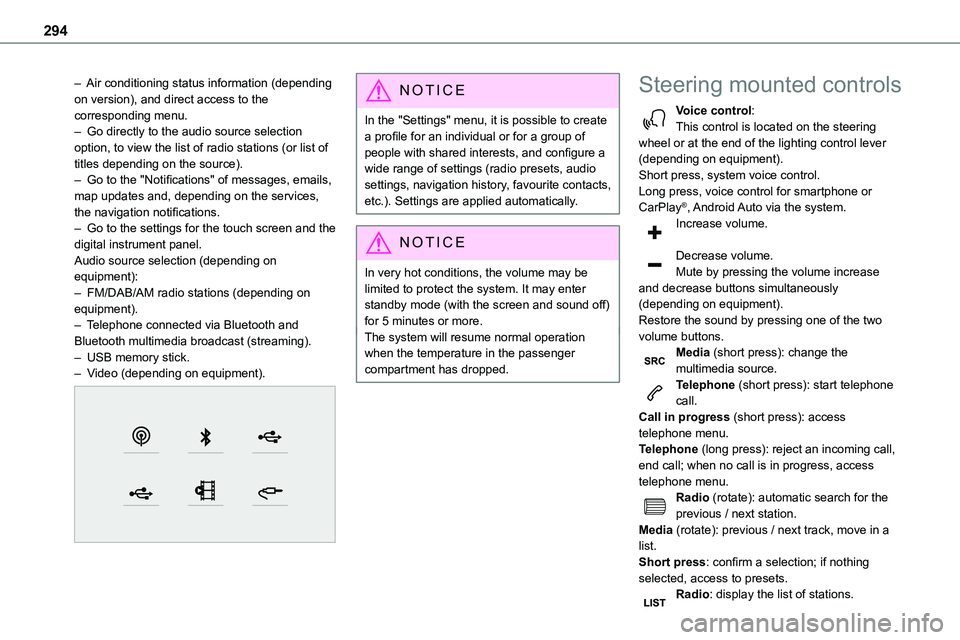
– Go to the settings for the touch screen and the digital instrument panel.Audio source selection (depending on equipment):– FM/DAB/AM radio stations (depending on equipment).– Telephone connected via Bluetooth and Bluetooth multimedia broadcast (streaming).– USB memory stick.– Video (depending on equipment).
NOTIC E
In the "Settings" menu, it is possible to create a profile for an individual or for a group of people with shared interests, and configure a wide range of settings (radio presets, audio settings, navigation history, favourite contacts, etc.). Settings are applied automatically.
NOTIC E
In very hot conditions, the volume may be limited to protect the system. It may enter standby mode (with the screen and sound off) for 5 minutes or more.The system will resume normal operation when the temperature in the passenger compartment has dropped.
Steering mounted controls
Voice control:This control is located on the steering wheel or at the end of the lighting control lever (depending on equipment).Short press, system voice control.Long press, voice control for smartphone or CarPlay®, Android Auto via the system.
Increase volume.
Decrease volume.Mute by pressing the volume increase and decrease buttons simultaneously (depending on equipment).Restore the sound by pressing one of the two volume buttons.Media (short press): change the multimedia source.Telephone (short press): start telephone call.Call in progress (short press): access telephone menu.Telephone (long press): reject an incoming call, end call; when no call is in progress, access telephone menu.Radio (rotate): automatic search for the previous / next station.Media (rotate): previous / next track, move in a list.Short press: confirm a selection; if nothing selected, access to presets.Radio: display the list of stations.
Page 316 of 360
316
Modifying system settings
Press Settings to display the main page.
Press the "OPTIONS" button to access the secondary page.Select "Screen configuration".
Select "Animation".Activate or deactivate:Automatic
scrollingSelect "Brightness".Move the slider to adjust the brightness of the screen and/or the instrument panel.Press Settings to display the main page.
Press the "OPTIONS" button to access the secondary page.Select "System settings".
Select "Units" to change the units of distance, fuel consumption and temperature.Select "Factory settings" to restore the initial settings.
WARNI NG
Resetting the system to "Factory settings" activates English and degrees Fahrenheit and
deactivates summer time.
Select "System info" to display the versions of the various modules installed in the system.
Selecting the language
Press Settings to display the main page.
Press the "OPTIONS" button to access the secondary page.Select "Languages" to change the language.
Setting the date
Press Settings to display the main page.
Press the "OPTIONS" button to access the secondary page.Select "Setting the time-date".
Select "Date".Press this button to set the date.
Press "OK" to confirm.
Select the display format for the date.
NOTIC E
Time and date setting is only available if "GPS synchronisation" is deactivated.
Setting the time
Press Settings to display the main page.
Press the "OPTIONS" button to access the secondary page.Select "Setting the time-date".
Select "Time".Press this button to set the time using the
virtual keypad.Press "OK" to confirm.
Press this button to set the time zone.
Select the display format for the time (12h/24h).Activate or deactivate summer time (+1 hour).Activate or deactivate GPS synchronisation (UTC).Press "OK" to confirm.
NOTIC E
The system may not automatically manage the change between winter and summer time (depending on the country of sale).
Page 326 of 360
326
Hill start assist 160–161Histogramme, fuel consumption 27–28Horn 11 4
I
Ignition 155–156, 314
Ignition on 156Immobiliser, electronic 152Indicator, AdBlue® range 20Indicator, coolant temperature 18–19Indicator, engine oil level 19Indicator lamps, operation 101Indicators, direction 102Inflating tyres 221, 264Inflating tyres and accessories (using the kit) 231–234Information, vehicle 320Infrared camera 172Instrument panel 10, 173Intelligent Traction Control 11 6Internet browser 303, 306ISOFIX 144, 144–145
J
Jack 235Jump starting 249
K
Key 30–31, 33–34, 36, 38Key, electronic 30, 156Keyless Entry and Starting 30–32, 34–37, 153, 155–156Key not recognised 156Key with remote control 36
Kit, hands-free 273, 287–288, 312Kit, puncture repair 232–234Kit, temporary puncture repair 231–234
L
Labels 6, 64Labels, identification 264Lane Departure Warning System (LDWS) 188–189Leather (care) 228Level, AdBlue® 219Level, brake fluid 218Level, Diesel additive 219–220Level, engine coolant 18–19, 218Level, engine oil 19, 217Level, headlamp wash 107Level, power steering fluid 218Levels and checks 216–219Level, screenwash fluid 107, 219Lighting 101Lighting dimmer 23Lighting, exterior 101
Lighting, guide-me home 103Lighting, interior 99, 106Lighting, mood 106Lighting, welcome 103–104Loading 81, 214Loading area fittings 80Load reduction mode 212Load restraint 81
Locating your vehicle 31Locking 30–31, 36Locking from the inside 40–42Locking the doors 40–41Low fuel level 198–200Lumbar 53, 57
M
Mains socket (domestic network) 203Maintenance (advice) 201, 226Maintenance, routine 173, 219, 222Manoeuvring aids (recommendations) 171Map reading lamps 99Markings, identification 264Massage function 57Mat 76–77, 173Memorising a speed 174Menu 286Menu, main 26, 267Menus (audio) 280–281, 295–296Menu short cuts 26Messages 314
Page 328 of 360
328
Replacing the air filter 220Replacing the oil filter 220Replacing the passenger compartment filter 220Reservoir, screenwash 219Resetting the trip recorder 23Reversing camera 172, 194, 197Reversing lamp 243, 245
Roof bars 214Running out of fuel (Diesel) 229
S
Safety, children 122, 125–127, 129, 135–136, 144, 144–145, 144–145Saturation of the particle filter (Diesel) 220Screen, instrument panel 24Screen menu map 286Screen, multifunction (with audio system) 267Screenwash, front 107Screenwash, rear 108SCR (Selective Catalytic Reduction) 21, 222Seat and bench seat, rear, fixed 64, 67–68Seat and bench seat, rear, on rails 64, 69–70Seat angle 53Seat belts 11 8–121, 128Seat belts, rear 120Seat, bench front, 2-seat 56, 120Seat, rear bench 64Seats, electric 54–55Seats, front 53–55
Seats, heated 56–57Seat(s), individual, rear, on rails 71–73, 120Seats, rear 65–70, 126Selector, gear 162Sensors (warnings) 172Serial number, vehicle 264Service indicator 18Servicing 18, 219, 222
Settings, equipment 26–27Settings, system 289, 316Sidelamps 101, 240, 242–243, 245Side repeater 242Silent vehicle warning sound (Electric) 11 4, 151Sliding side door, electric 36–37, 42–43, 45Sliding side door, hands-free 46–47Sliding side window 83Smart Cargo 60–62Smart Entry & Start 30–31, 153, 155–156Smartphone 28Snow chains 170, 212–213, 236Snow chains, link 212, 236Socket, 12 V accessory 76, 78Socket, 220 V 79Speed limiter 174, 176–179Speed limit recognition 175–176, 178, 181, 184–186Speedometer 173Sport mode 167Stability control (ESC) 11 5–11 8Starting a Diesel engine 198Starting the engine 152, 155
Starting the vehicle 153, 156, 160, 162–165Starting using another battery 156, 249Station, radio 267, 282, 308–309Stay, bonnet 216Steering mounted controls, audio 266, 279–280, 294Steering wheel, adjustment 58Stickers, customising ~ Stickers,
expressive 228Stopping the vehicle 155–156, 162–165Stop & Start 25, 89, 168–169, 198, 215, 220, 251Storage 56, 63, 74–75, 77Storage compartments 77–78Storage wells 74–75, 77Stowing rings 80Sunshine sensor 88Super-fast charging (Electric) 209, 2 11, 259Suspension 222Switching off the engine 152, 154–155Synchronising the remote control 40
T
Table of weights 255Table position 54Table, retractable sliding 84–87Tables, aircraft 78Tables of engines 259Tables of fuses 245–247Table top, working 63