phone TOYOTA RAV4 2009 XA30 / 3.G Owner's Manual
[x] Cancel search | Manufacturer: TOYOTA, Model Year: 2009, Model line: RAV4, Model: TOYOTA RAV4 2009 XA30 / 3.GPages: 516, PDF Size: 10.61 MB
Page 277 of 516
277
3-3. Using the hand
s-free phone system (for cellular phone)
3
Interior features
■Automatic adjustment of volume
When vehicle speed is 50 mph (80 km/h) or more, the volume automatically
increases. The volume returns to the previous volume setting when vehicle
speed drops to 43 mph (70 km/h) or less.
■ When using a voice command
●For numbers, say a combination of single digits from zero to nine, #
(pound), (star), and + (plus).
● Say a command correctly and clearly.
■ The system may not recognize your voice in the following situations:
●When driving on a rough road
● When driving at high speeds
● When air is blowing out of the vents onto the microphone
● When the air conditioning fan emits a loud noise
■ The following cannot be performed while driving:
●Operating the system with
● Registering a cellular phone to the system
■ Changing the passkey
P. 287
Page 278 of 516
278
3-3. Using the hands-free phone system (for cellular phone)
Making a phone call
■Making a phone call
●Dialing by inputting a number
“Dial by number”
● Dialing by inputting a name
“Dial by name”
● Speed dialing
● Dialing a number stored in the outgoing history memory
“Redial”
● Dialing a number stored in the incoming history memory
“Call back”
■ Receiving a phone call
●Answering the phone
● Refusing the call
■ Transferring a call
■ Using the call history memory
●Dialing
● Storing data in the phone book
● Deleting
Page 279 of 516
279
3-3. Using the hand
s-free phone system (for cellular phone)
3
Interior features
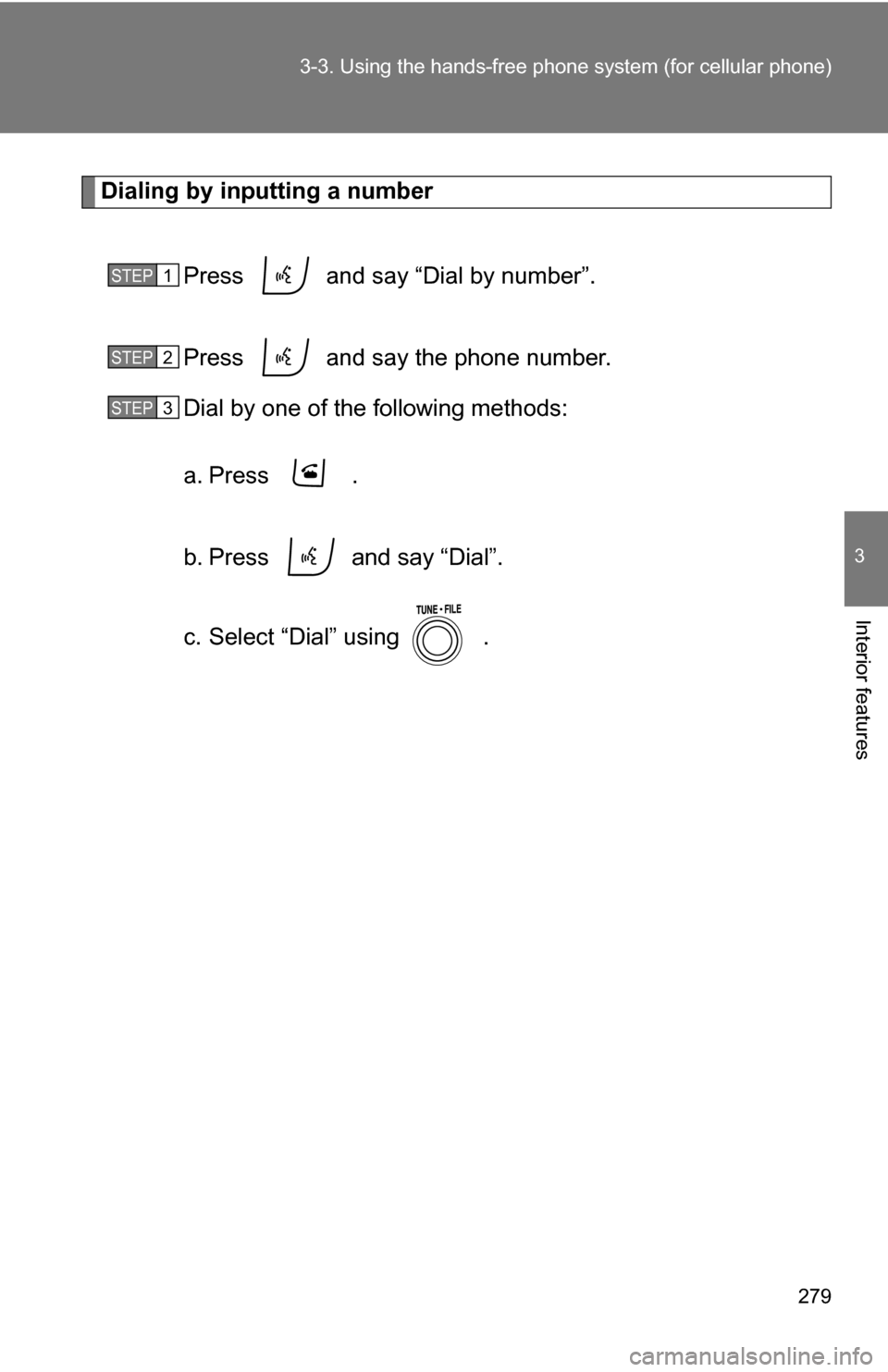
Dialing by inputting a number
Press and say “Dial by number”.
Press and say the phone number.
Dial by one of the following methods:
a. Press .
b. Press and say “Dial”.
c. Select “Dial” using .
STEP 1
STEP 2
STEP 3
Page 280 of 516
280 3-3. Using the hands-free phone system (for cellular phone)
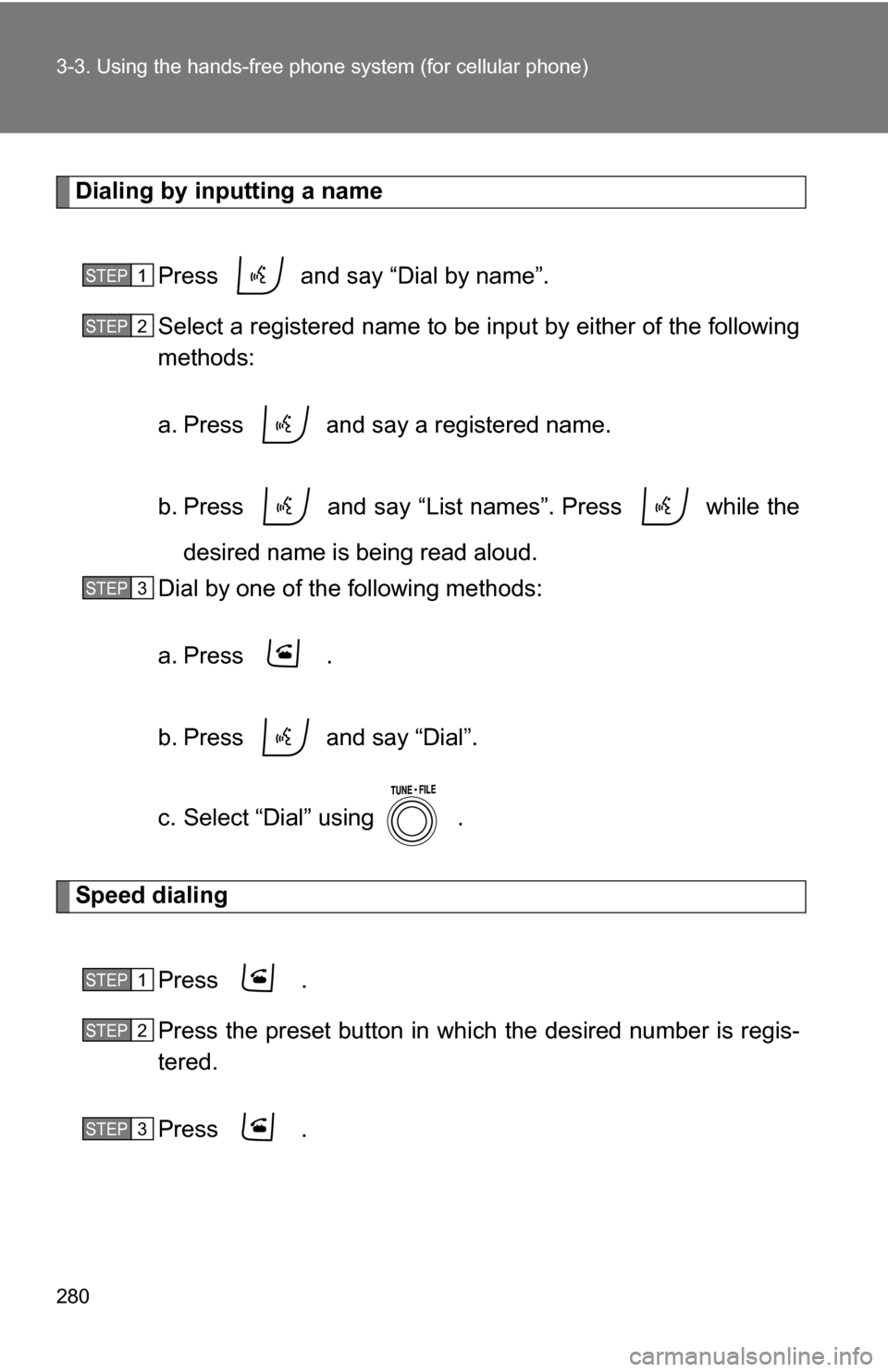
Dialing by inputting a name
Press and say “Dial by name”.
Select a registered name to be input by either of the following
methods:
a. Press and say a registered name.
b. Press and say “List names”. Press while thedesired name is being read aloud.
Dial by one of the following methods:
a. Press .
b. Press and say “Dial”.
c. Select “Dial” using .
Speed dialing
Press .
Press the preset button in which the desired number is regis-
tered.
Press .
STEP 1
STEP 2
STEP 3
STEP 1
STEP 2
STEP 3
Page 281 of 516
281
3-3. Using the hand
s-free phone system (for cellular phone)
3
Interior features
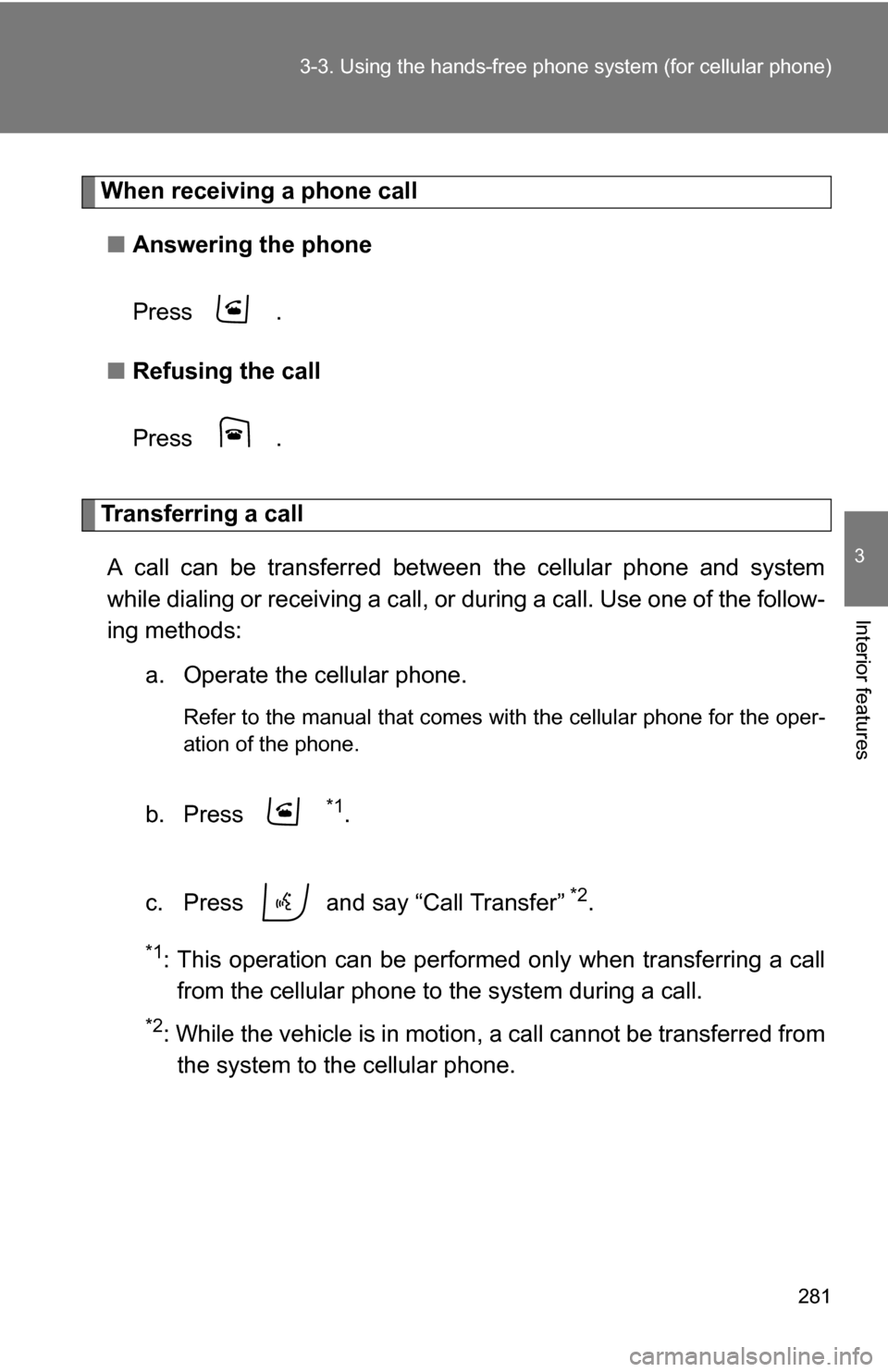
When receiving a phone call
■ Answering the phone
Press .
■ Refusing the call
Press .
Transferring a call
A call can be transferred between the cellular phone and system
while dialing or receiving a call, or during a call. Use one of the follow-
ing methods:
a. Operate the cellular phone.
Refer to the manual that comes with the cellular phone for the oper-
ation of the phone.
b. Press *1.
c. Press and say “Call Transfer”
*2.
*1: This operation can be performed only when transferring a call from the cellular phone to the system during a call.
*2: While the vehicle is in motion , a call cannot be transferred from
the system to the cellular phone.
Page 282 of 516
282 3-3. Using the hands-free phone system (for cellular phone)
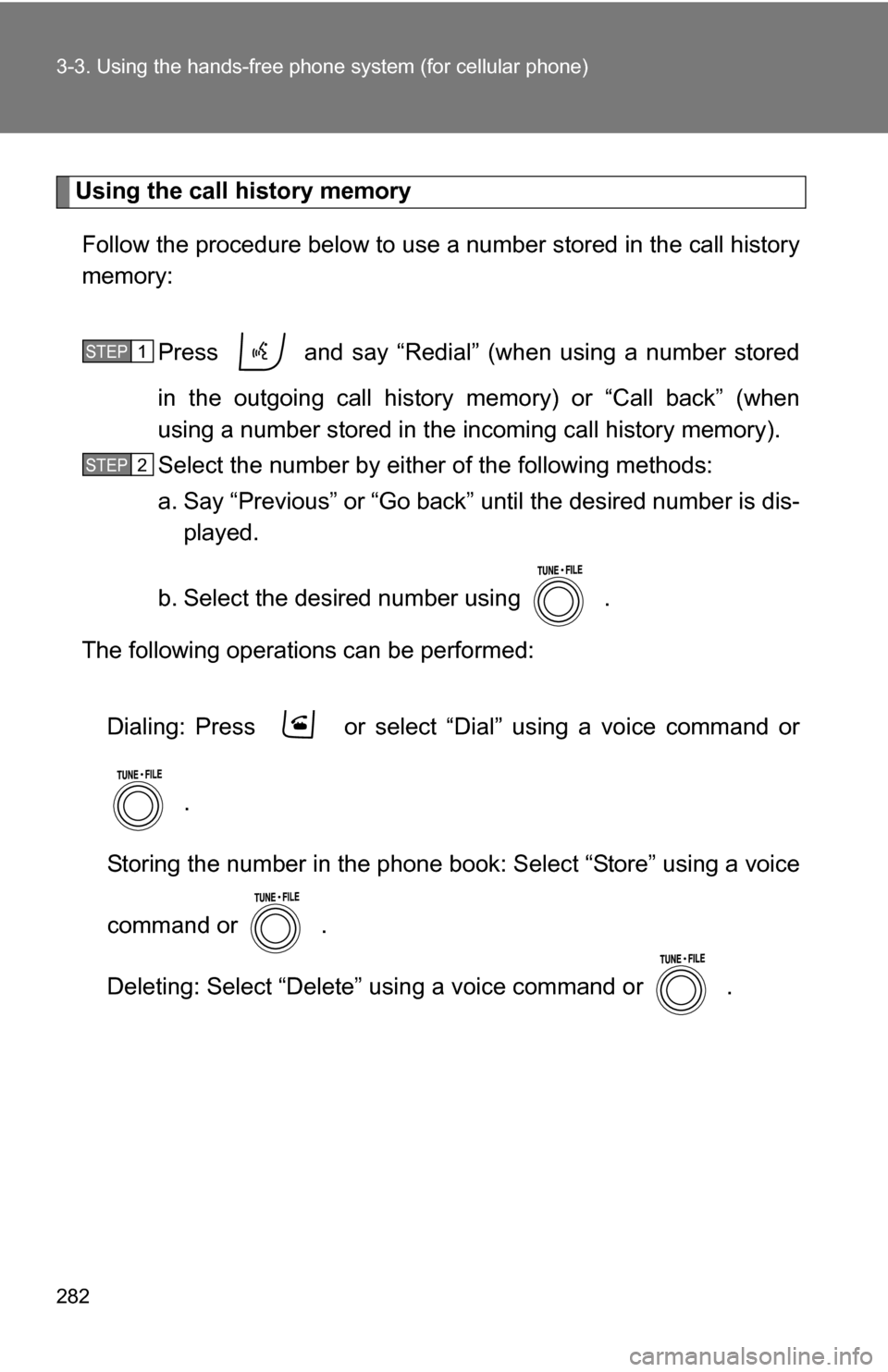
Using the call history memory
Follow the procedure below to use a number stored in the call history
memory:
Press and say “Redial” (when using a number stored
in the outgoing call history memory) or “Call back” (when
using a number stored in the incoming call history memory).
Select the number by either of the following methods:
a. Say “Previous” or “Go back” until the desired number is dis-
played.
b. Select the desired number using .
The following operations can be performed:
Dialing: Press or select “Dial” using a voice command or .
Storing the number in the phone book: Select “Store” using a voice
command or .
Deleting: Select “Delete” using a voice command or .
STEP 1
STEP 2
Page 283 of 516
283
3-3. Using the hand
s-free phone system (for cellular phone)
3
Interior features
■Call history
Up to 5 phone numbers can be stored in each of the outgoing and incoming
call history memories.
■ When talking on the phone
●Do not talk simultaneously with the other party.
● Keep the volume of the received voice down. Otherwise, voice echo will
increase.
Page 284 of 516
284
3-3. Using the hands-free phone system (for cellular phone)
Setting a cellular phone
Registering a cellular phoneSelect “Pair Phone” using a voice command or , and do the
procedure for registering a cellular phone. ( P. 273)
Registering a cellular phone in the hands-free phone system allows
the system to function. The followin g functions can be used for reg-
istered cellular phones:
■ Functions and operation procedures
To enter the menu for each function, follow the steps below using a
voice command or :
●Registering a cellular phone
1. “Setup” 2. “Phone Setup” 3. “Pair Phone”
● Selecting the cellular phone to be used
1. “Setup” 2. “Phone Setup” 3. “Select Phone”
● Changing a registered name
1. “Setup” 2. “Phone Setup” 3. “Change Name”
● Listing the registered cellular phones
1. “Setup” 2. “Phone Setup” 3. “List Phones”
● Deleting a cellular phone
1. “Setup” 2. “Phone Setup” 3. “Delete”
● Changing the passkey
1. “Setup” 2. “Phone Setup” 3. “Set Passkey”
Page 285 of 516
285
3-3. Using the hand
s-free phone system (for cellular phone)
3
Interior features
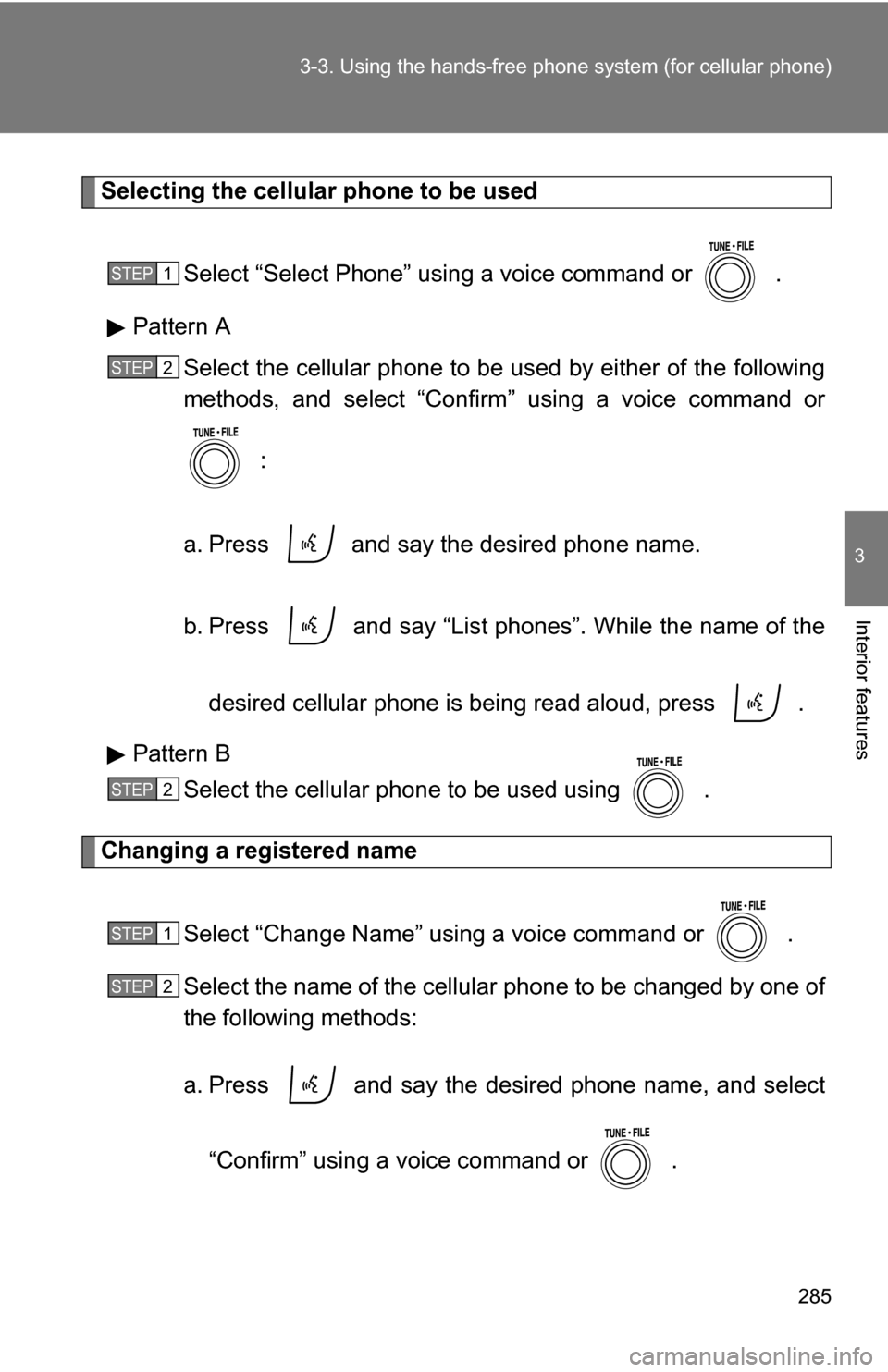
Selecting the cellular phone to be used
Select “Select Phone” using a voice command or .
Pattern A Select the cellular phone to be used by either of the following
methods, and select “Confirm” using a voice command or
:
a. Press and say the desired phone name.
b. Press and say “List phones”. While the name of the desired cellular phone is being read aloud, press .
Pattern B Select the cellular phone to be used using .
Changing a registered name
Select “Change Name” using a voice command or .
Select the name of the cellular phone to be changed by one of
the following methods:
a. Press and say the desired phone name, and select“Confirm” using a voice command or .
STEP 1
STEP 2
STEP 2
STEP 1
STEP 2
Page 286 of 516
286 3-3. Using the hands-free phone system (for cellular phone)
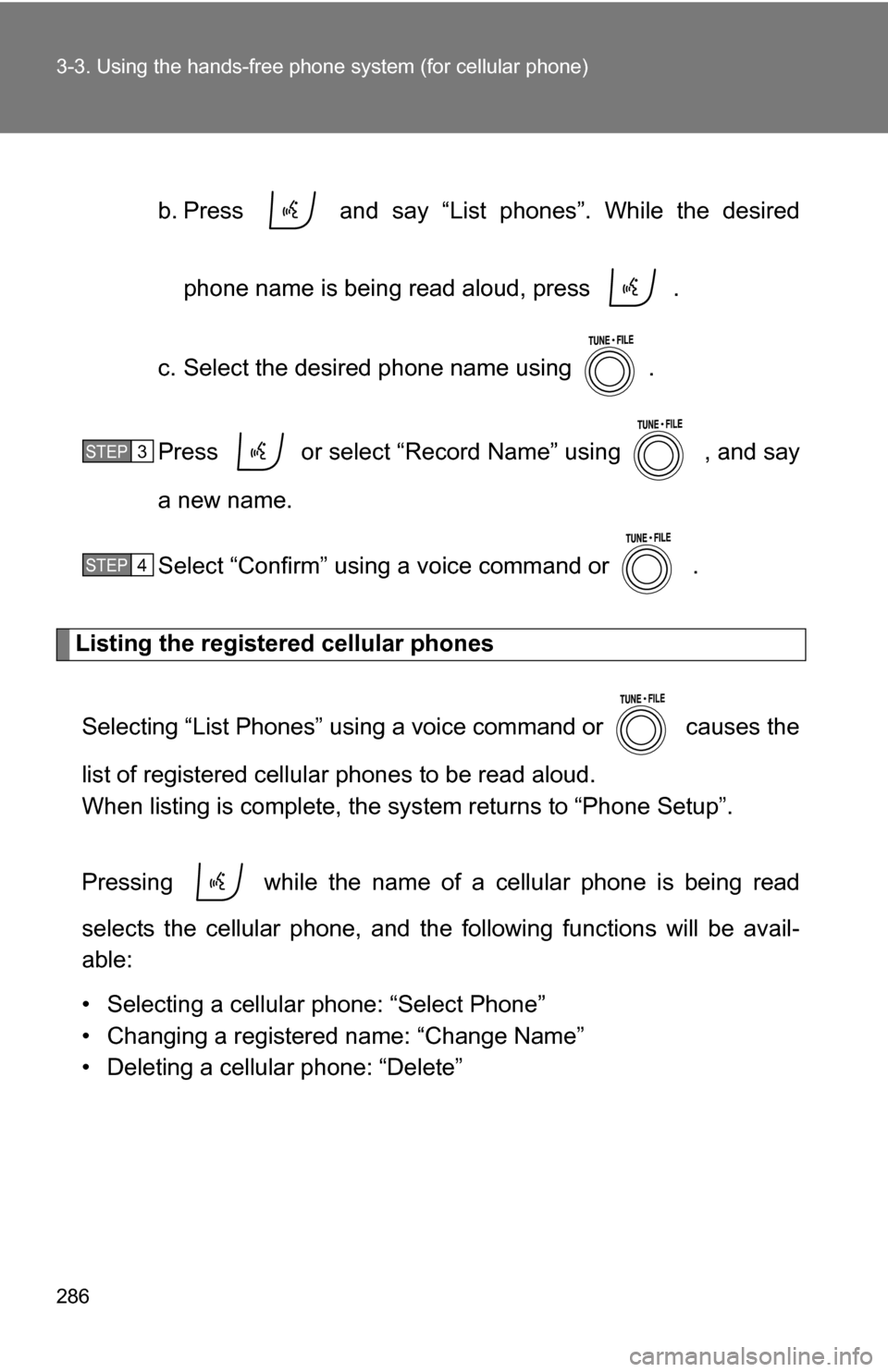
b. Press and say “List phones”. While the desired
phone name is being read aloud, press .
c. Select the desired phone name using .
Press or select “Record Name” using , and say
a new name.
Select “Confirm” using a voice command or .
Listing the registered cellular phones
Selecting “List Phones” using a voice command or causes the
list of registered cellular phones to be read aloud.
When listing is complete, the system returns to “Phone Setup”.
Pressing while the name of a cellular phone is being read
selects the cellular phone, and the following functions will be avail-
able:
• Selecting a cellular phone: “Select Phone”
• Changing a registered name: “Change Name”
• Deleting a cellular phone: “Delete”
STEP 3
STEP 4