ECO mode TOYOTA SUPRA 2021 Owners Manual (in English)
[x] Cancel search | Manufacturer: TOYOTA, Model Year: 2021, Model line: SUPRA, Model: TOYOTA SUPRA 2021Pages: 360, PDF Size: 10.41 MB
Page 4 of 360
41-1. NOTES
Supra Owner's Manual_U (from Jul. '20 Prod.)
1-1.NOTES
The fastest way to find informa-
tion on a particular topic is by
using the index.
Your Toyota dealer will be glad
to answer questions at any time.Action steps to be carried out
are presented as a numbered
list. The steps must be carried
out in the defined order.
1
First action step.
2 Second action step.
This symbol on a vehicle
component indicates that further
information on the component is
available in the Owner's Manual.
This Owner's Manual describes
all models and all standard,
country-specific and optional
equipment that is offered in the
model series. Therefore, this
Owner's Manual also describes
and illustrates features and
Infor mation
Using this Owner's Man-
ual
Orientation
Additional sources of
information
Your Toyota dealer
Symbols and displays
Symbols in the Owner's
Manual
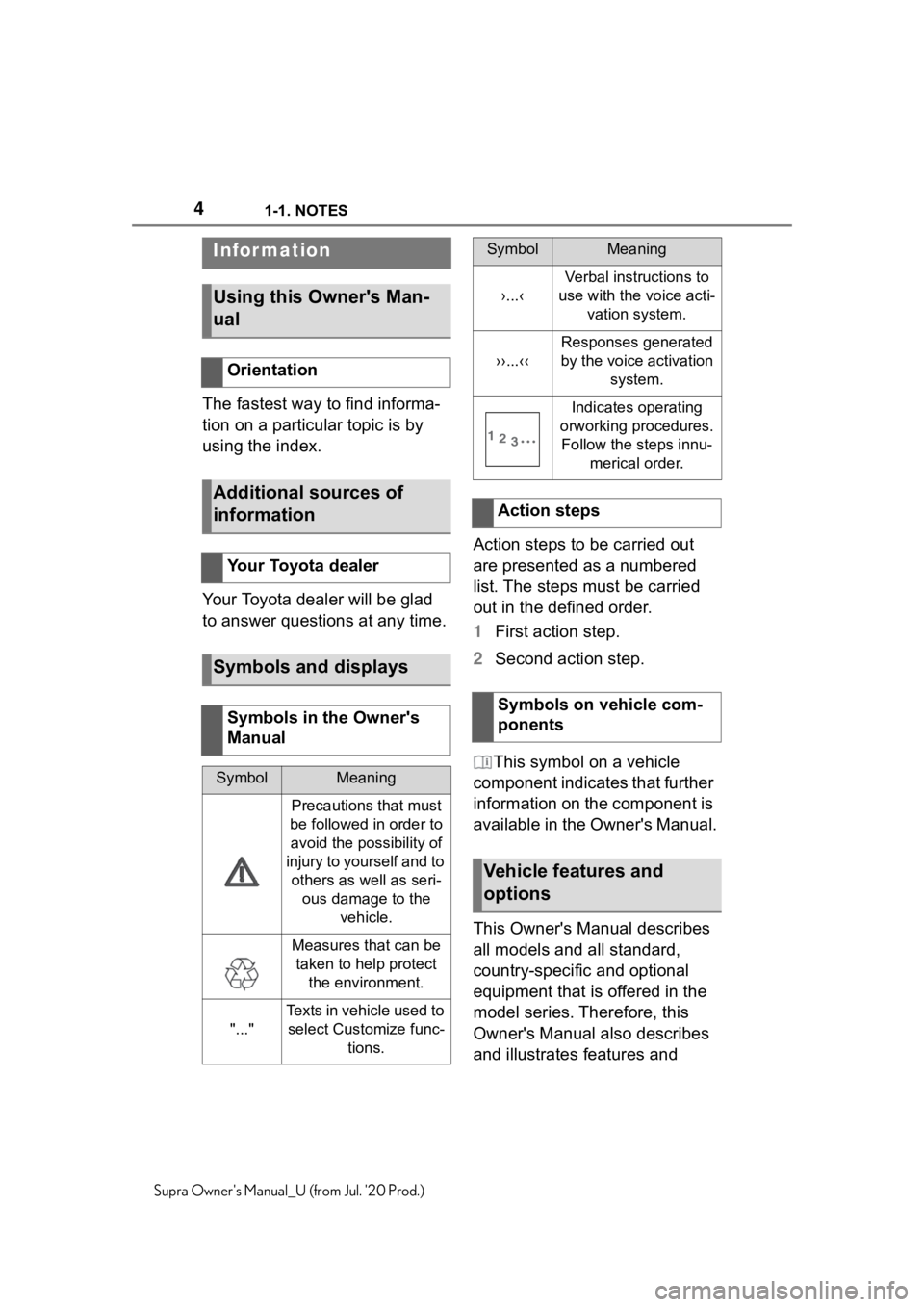
SymbolMeaning
Precautions that must
be followed in order to avoid the possibility of
injury to yourself and to others as well as seri- ous damage to the vehicle.
Measures that can be taken to help protect the environment.
"..."
Texts in vehicle used to select Customize func- tions.
›...‹
Verbal instructions to
use with the voice acti- vation system.
››...‹‹
Responses generated
by the voice activation system.
Indicates operating
orworking procedures. Follow the steps innu- merical order.
Action steps
Symbols on vehicle com-
ponents
Vehicle features and
options
SymbolMeaning
Page 6 of 360
61-1. NOTES
Supra Owner's Manual_U (from Jul. '20 Prod.)
Advanced technology, e.g. the
use of modern materials and
high-performance electronics,
requires suitable maintenance
and repair work.
If work is performed improperly,
for instance maintenance and
repair, there is a risk of subse-
quent damage and related
safety risks.
Improperly performed work on
the vehicle paint can lead to a
failure or malfunction of compo-
nents, e.g., the radar sensors,
and thereby result in a safety
risk.
Toyota recommends the use of
parts and accessory products
approved by Toyota.
Approved parts and accesso-
ries, and advice on their use and
installation are available from
To y o t a .
Toyota parts and accessories
have been tested by Toyota for
their safety and suitability in Toy-
ota vehicles.
Toyota warrants genuine Toyota
parts and accessories.
Toyota does not evaluate
whether each Customize prod-
uct from another manufacturer
can be used with Toyota vehi-cles without presenting a safety
hazard, even if a country-spe-
cific official approval was issued.
Toyota does not evaluate
whether these products are suit-
able for Toyota vehicles under
all usage conditions.
California law requires vehicle
manufacturers provide the fol-
lowing warning:
Maintenance and repairs
Parts and accessories
California Proposition 65
Warning
WA R N I N G
Engine exhaust and a wide vari-
ety of Automobile components
and parts, including components
found in the interior furnishings in
a vehicle, contain or emit chemi-
cals known to the State of Califor-
nia to cause canc
er and birth
defects and reproductive harm. In
addition, certain fluids contained
in vehicles and certain products of
component wear contain or emit
chemicals known to the State of
California to cause cancer and
birth defects or other reproduc-
tive harm. Battery posts, terminals
and related accessories contain
lead and lead compounds. Batter-
ies also contain other chemicals
known to the State of California to
cause cancer. Wash your hands
after handling. Used engine oil
contains chemicals that have
caused cancer in laboratory ani-
mals. Always protect your skin by
washing thoroughly with soap and
water. For more in formation go to
www.P65Warnings.ca.gov/pas-
senger-vehicle.
Page 19 of 360
192-1. QUICK REFERENCE
2
QUICK REFERENCE
Supra Owner's Manual_U (from Jul. '20 Prod.)
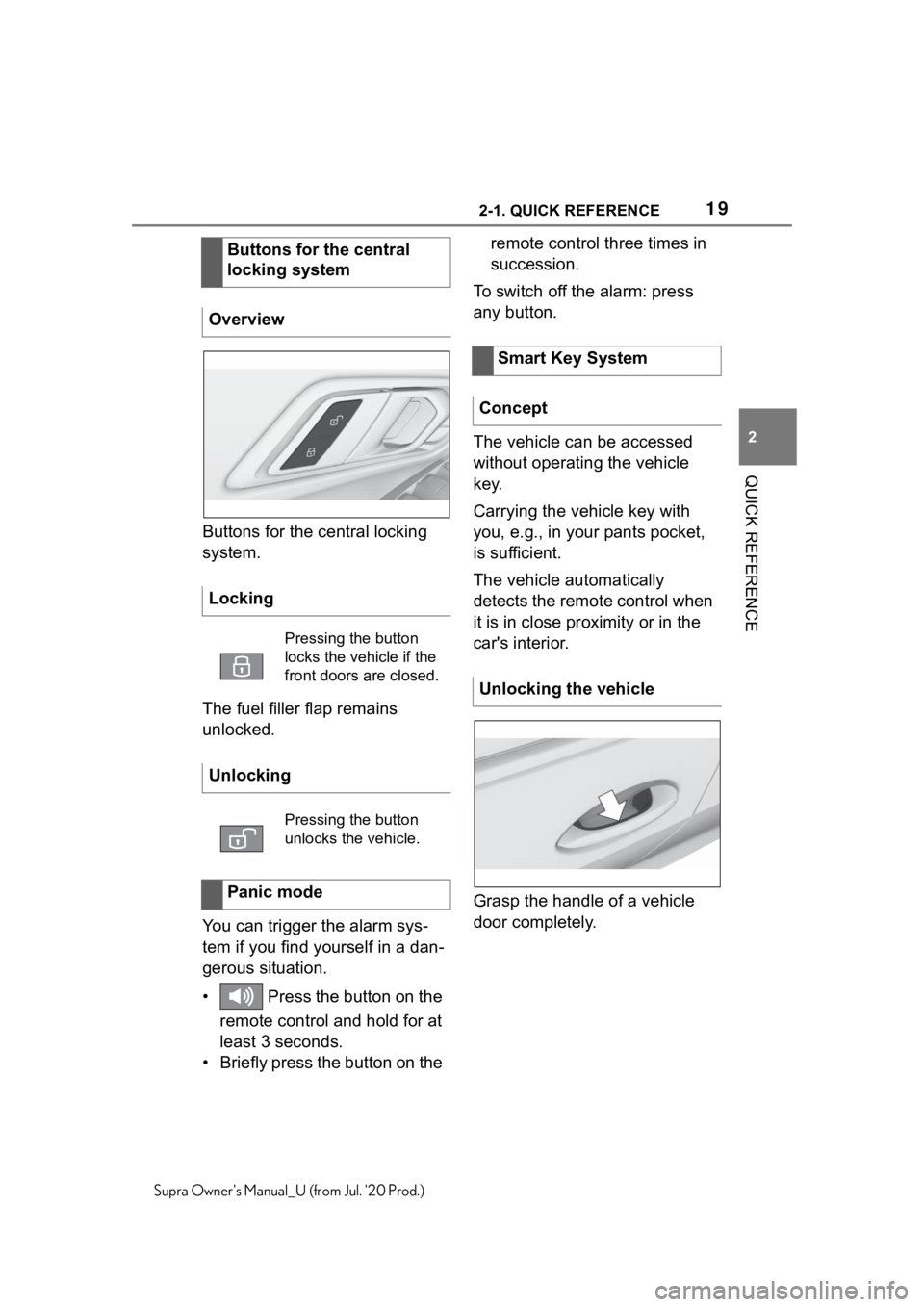
Buttons for the central locking
system.
The fuel filler flap remains
unlocked.
You can trigger the alarm sys-
tem if you find yourself in a dan-
gerous situation.
• Press the button on the remote control and hold for at
least 3 seconds.
• Briefly press the button on the remote control three times in
succession.
To switch off the alarm: press
any button.
The vehicle can be accessed
without operating the vehicle
key.
Carrying the vehicle key with
you, e.g., in your pants pocket,
is sufficient.
The vehicle automatically
detects the remote control when
it is in close proximity or in the
car's interior.
Grasp the handle of a vehicle
door completely.
Buttons for the central
locking system
Overview
Locking
Pressing the button
locks the vehicle if the
front doors are closed.
Unlocking
Pressing the button
unlocks the vehicle.
Panic mode
Smart Key System
Concept
Unlocking the vehicle
Page 26 of 360
262-1. QUICK REFERENCE
Supra Owner's Manual_U (from Jul. '20 Prod.)
1Depress the brake pedal.
2 Press the Start/Stop button.
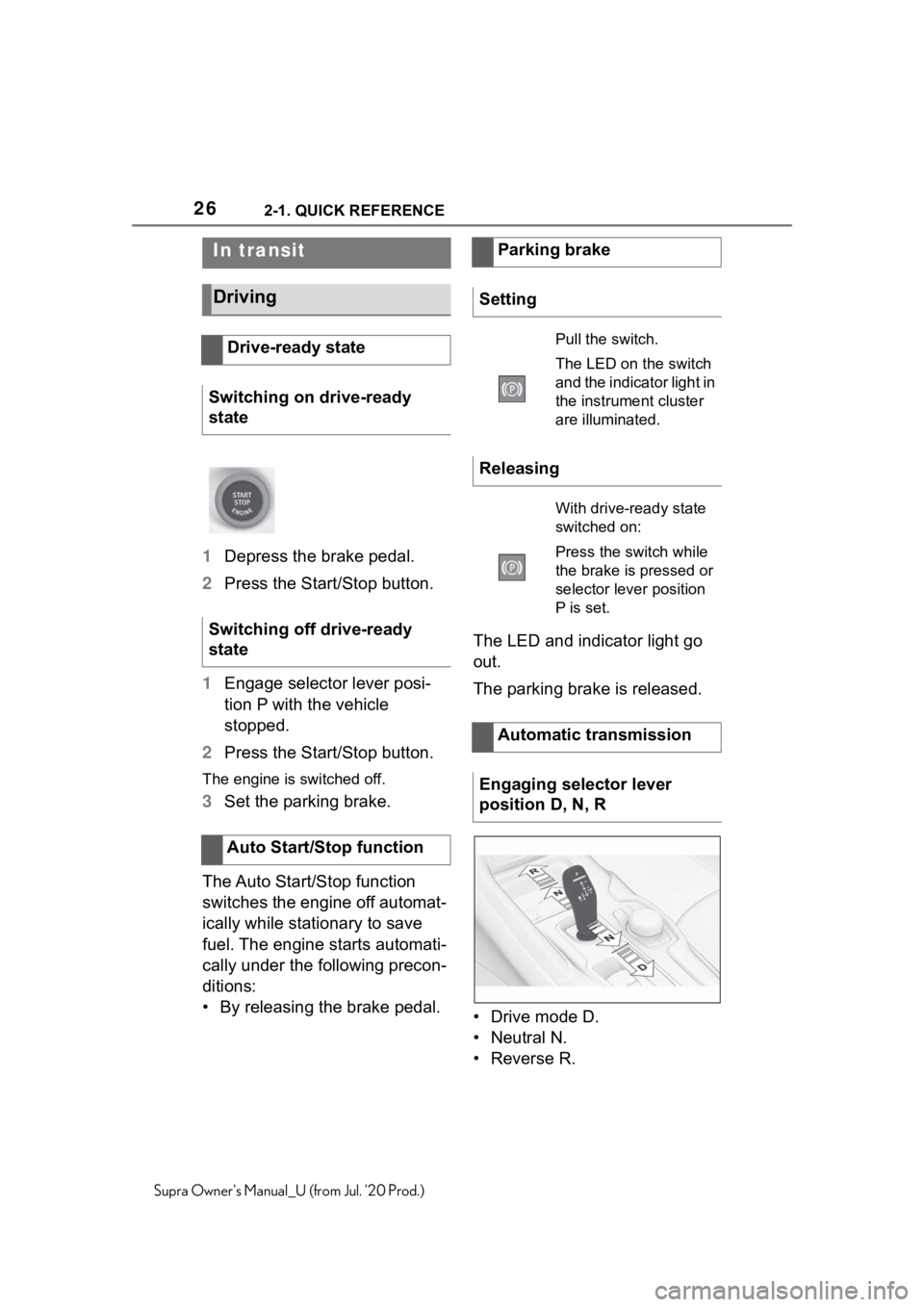
1 Engage selector lever posi-
tion P with the vehicle
stopped.
2 Press the Start/Stop button.
The engine is switched off.
3Set the parking brake.
The Auto Start/Stop function
switches the engine off automat-
ically while stationary to save
fuel. The engine starts automati-
cally under the following precon-
ditions:
• By releasing the brake pedal. The LED and indicator light go
out.
The parking brake is released.
• Drive mode D.
• Neutral N.
•Reverse R.
In transit
Driving
Drive-ready state
Switching on drive-ready
state
Switching off drive-ready
state
Auto Start/Stop function
Parking brake
Setting
Pull the switch.
The LED on the switch
and the indicator light in
the instrument cluster
are illuminated.
Releasing
With drive-ready state
switched on:
Press the switch while
the brake is pressed or
selector lever position
P is set.
Automatic transmission
Engaging selector lever
position D, N, R
Page 55 of 360
553-1. CONTROLS
3
CONTROLS
Supra Owner's Manual_U (from Jul. '20 Prod.)
Commands from other menus
can also be spoken.
You may select list entries such
as phone list entries via voice
activation. Read these list
entries out loud exactly as they
are shown in the respective list.
The following is displayed in the
top area of the Control Display:
• Some possible commands for the current menu.
• Some possible commands from other menus.
• Status of the voice recogni- tion.
• Encrypted connection is not available.
• To have the available spoken instructions read out loud:
›Voice commands‹.
• To have information on the operating principle of the
voice activation system read
out loud: ›General information
on voice control‹.
• To have help for the current menu read out loud: ›Help‹.
Do not use the voice activation system to initiate an Emergency
Request. In stressful situations,
the voice and vocal pitch can
change. This can unnecessarily
delay the establishment of a
phone connection.
Instead, use the SOS button,
refer to page 316, close to the
interior mirror.
You can set the system to use
standard dialog or a short ver-
sion.
The short version of the voice
dialog plays back short mes-
sages in abbreviated form.
Via Toyota Supra Command:
1
"My Vehicle"
2 "System settings"
3 "Language"
4 "Speech mode:"
5 Select the desired setting.
It is possible to answer during
inquiries of the voice activation
system. The function can be
deactivated if inquiries are often
undesirably interrupted, for
instance due to background
noise or talking.
Via Toyota Supra Command:
Displaying possible com-
mands
Help on the voice activation
system
Information for Emergency
Requests
Adjusting
Setting the voice dialog
Speaking during voice out-
put
Page 78 of 360
783-1. CONTROLS
Supra Owner's Manual_U (from Jul. '20 Prod.)
be unlocked when the trunk lid
is opened with the remote con-
trol. Settings, refer to page 87.
You can trigger the alarm sys-
tem if you find yourself in a dan-
gerous situation.
To switch off the alarm: press
any button.Set the duration, refer to page
153.
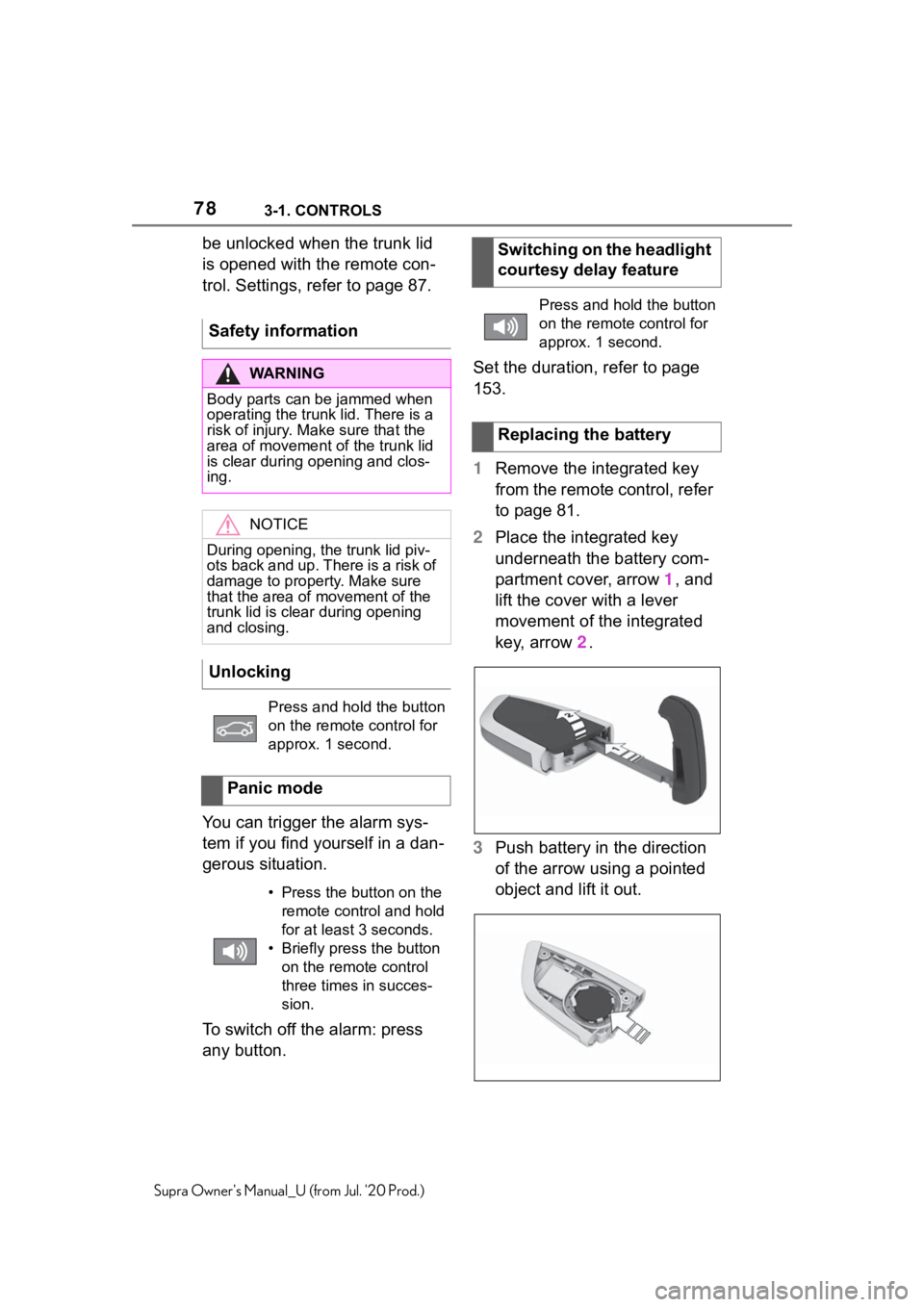
1
Remove the integrated key
from the remote control, refer
to page 81.
2 Place the integrated key
underneath the battery com-
partment cover, arrow 1, and
lift the cover with a lever
movement of the integrated
key, arrow 2.
3 Push battery in the direction
of the arrow using a pointed
object and lift it out.
Safety information
WA R N I N G
Body parts can be jammed when
operating the trunk lid. There is a
risk of injury. Make sure that the
area of movement o
f the trunk lid
is clear during opening and clos-
ing.
NOTICE
During opening, the trunk lid piv-
ots back and up. There is a risk of
damage to propert y. Make sure
that the area of movement of the
trunk lid is clear during opening
and closing.
Unlocking
Press and hold the button
on the remote control for
approx. 1 second.
Panic mode
• Press the button on the remote control and hold
for at least 3 seconds.
• Briefly press the button on the remote control
three times in succes-
sion.
Switching on the headlight
courtesy delay feature
Press and hold the button
on the remote control for
approx. 1 second.
Replacing the battery
Page 113 of 360
1133-1. CONTROLS
3
CONTROLS
Supra Owner's Manual_U (from Jul. '20 Prod.)
2Apply drive mode.
3 Release the parking brake.
4 Drive away.
The Auto Start/Stop function
helps save fuel. The system
switches off the engine during a
stop, for instance in traffic con-
gestion or at traffic lights.
Drive-ready state remains
switched on. The engine starts
automatically for driving off.
After each engine start using the
Start/Stop button, the Auto
Start/Stop function is ready. The
function is activated from
speeds of approx. 3 mph/5
km/h.
Depending on the selected driv-
ing mode, refer to page 129, the
system is automatically acti-
vated or deactivated.
The engine is switched off auto-
matically during a stop under the
following conditions:
The selector lever is in selec-
tor lever position D.
The brake pedal remains
pressed while the vehicle is
stationary.
The driver's safety belt is
buckled or the driver's door is
closed.
If the engine was not switched
off automatically when the vehi-
cle stopped, the engine can be
switched off manually:
Press the brake pedal force-
fully again from the current
pedal position.
Engage selector lever posi-
tion P.
If all functional preconditions are
fulfilled, the engine switches off.
The air flow from the air condi-
tioner is reduced when the
engine is switched off.
Auto Start/Stop function
Concept
General information
Engine stop
Functional requirementsManual engine stop
Air conditioner when the
engine is switched off
Page 114 of 360
1143-1. CONTROLS
Supra Owner's Manual_U (from Jul. '20 Prod.)
■General information
The engine is not switched off
automatically in the following sit-
uations:
In case of a steep downhill
grade.
Brake not engaged strongly
enough.
The external temperature is
high and automatic air condi-
tioning is running.
The car's interior has not yet
been heated or cooled to the
required level.
Where there is a risk of win-
dow condensation when the
automatic air conditioning is
switched on.
Engine or other parts not at
operating temperature.
Engine cooling is required.
The wheels are at a sharp
angle or the steering wheel is being turned.
Vehicle battery is heavily dis-
charged.
At higher elevations.
The hood is unlocked.
The parking assistant is acti-
vated.
Stop-and-go traffic.
Selector lever position in N or
R.
After driving in reverse.
Use of fuel with high ethanol
content.
The engine starts automatically
under the following precondi-
tions:
By releasing the brake pedal.
After the engine starts, acceler-
ate as usual.
After the engine switches off
automatically, it will not start
again automatically if any one of
the following conditions are met:
The driver's safety belt is
unbuckled and the driver's
door is open.
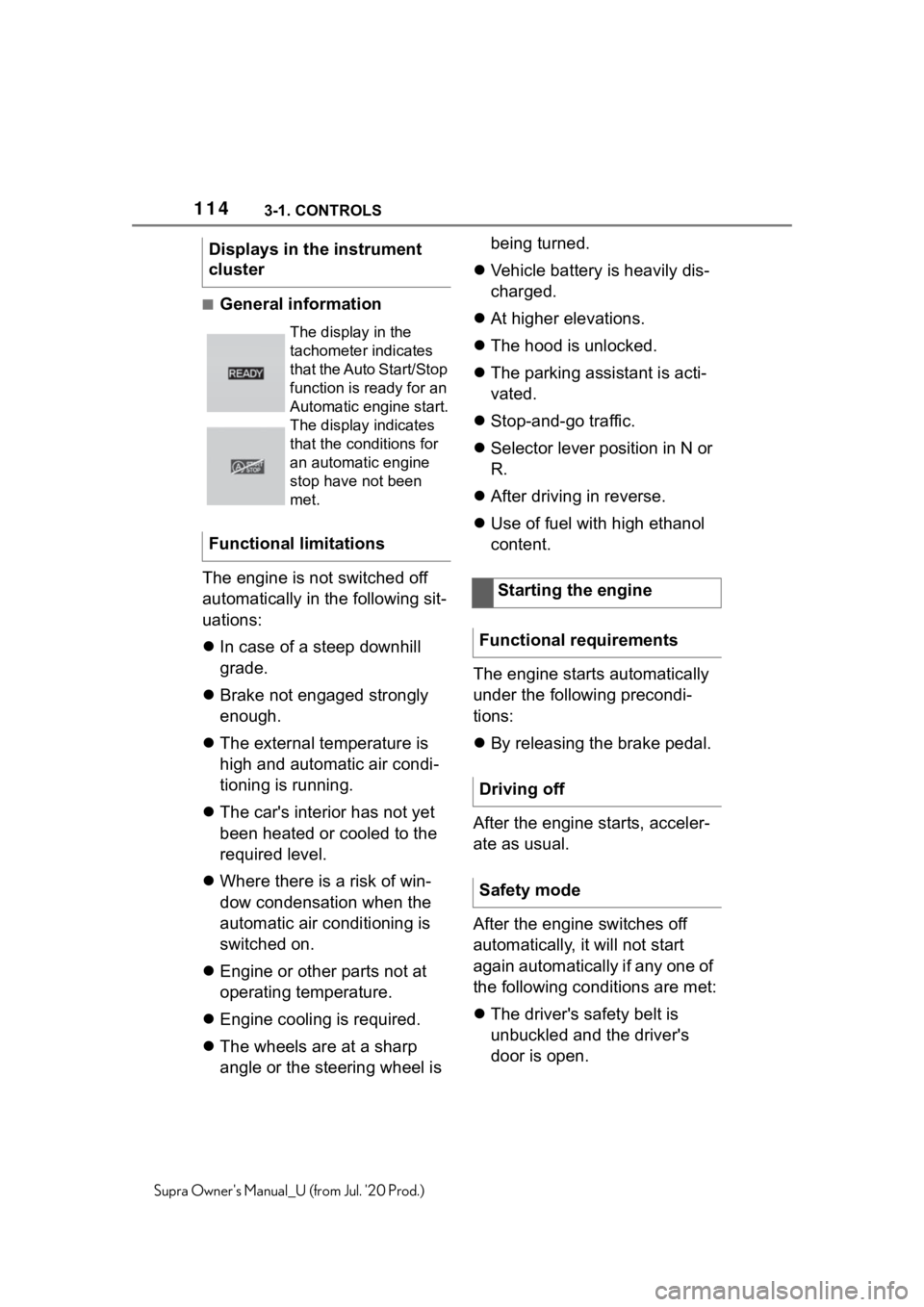
Displays in the instrument
cluster
The display in the
tachometer indicates
that the Auto Start/Stop
function is ready for an
Automatic engine start.
The display indicates
that the conditions for
an automatic engine
stop have not been
met.
Functional limitations
Starting the engine
Functional requirements
Driving off
Safety mode
Page 128 of 360
1283-1. CONTROLS
Supra Owner's Manual_U (from Jul. '20 Prod.)
Launch Control enables opti-
mum acceleration on surfaces
with good traction under dry sur-
rounding conditions.
The use of Launch Control
causes premature component
wear since this function rep-
resents a very heavy load for
the vehicle.
Do not use Launch Control
during the break-in, refer to
page 252, period.
Do not steer the steering wheel
when driving off with Launch
Control.
Launch Control is available
when the engine is at operating
temperature. The engine is at
operating temperature after an
uninterrupted trip of at least 6
miles/10 km.
1Switch on drive-ready state.
2 Press the sport button.
SPORT will be dis played on the
instrument cluster, indicating sport
mode has been selected.
3 Press the button.
TRACTION will be displayed on the
instrument cluster and the VSC
OFF indicator la mp will illuminate.
4Select the D selector lever
position.
5 Firmly depress the brake
pedal with your left foot.
6 Fully depress and hold the
accelerator pedal at the kick-
down position.
A flag symbol will be shown in the
instrument cluster.
7The engine speed will be
adjusted for launching.
Release the brake pedal
within 3 seconds.
After Launch Control has been
used, the transmission must
cool down for approx. 5 minutes
before Launch Control can be
used again. Launch Control
adjusts to the surrounding con-
ditions, when used again.
To increase vehicle stability,
activate VSC Vehicle Stability
Control System again as soon
as possible.
An experienced driver may be
able to achieve better accelera-
tion values in VSC OFF mode.
Launch Control
Concept
General information
Functional requirements
Start with launch control
Repeated use during a trip
After using Launch Control
System limits
Page 129 of 360
1293-1. CONTROLS
3
CONTROLS
Supra Owner's Manual_U (from Jul. '20 Prod.)
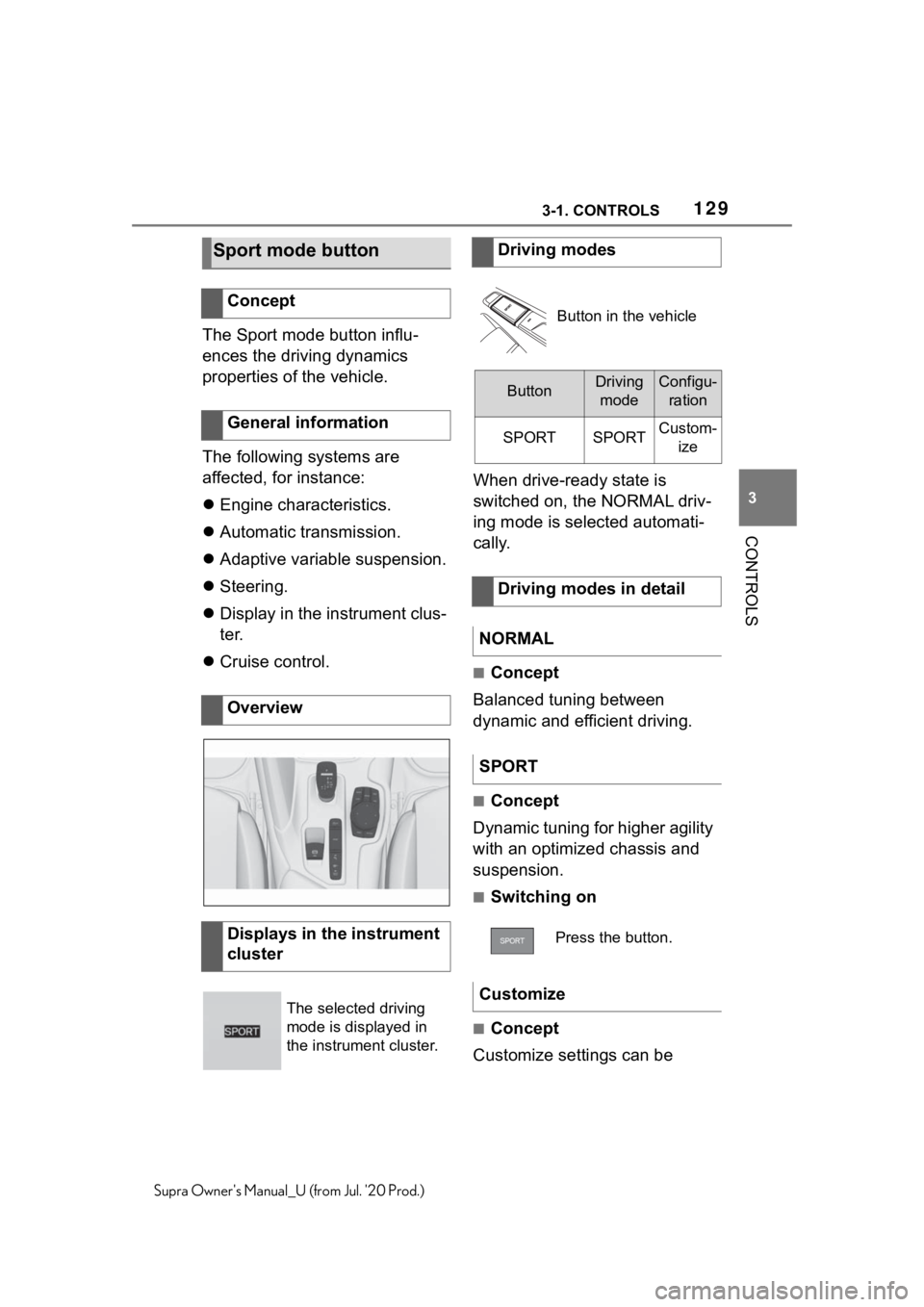
The Sport mode button influ-
ences the driving dynamics
properties of the vehicle.
The following systems are
affected, for instance:
Engine characteristics.
Automatic transmission.
Adaptive variable suspension.
Steering.
Display in the instrument clus-
ter.
Cruise control. When drive-ready state is
switched on, the NORMAL driv-
ing mode is selected automati-
cally.
■Concept
Balanced tuning between
dynamic and efficient driving.
■Concept
Dynamic tuning for higher agility
with an optimized chassis and
suspension.
■Switching on
■Concept
Customize settings can be
Sport mode button
Concept
General information
Overview
Displays in the instrument
cluster
The selected driving
mode is displayed in
the instrument cluster.
Driving modes
Button in the vehicle
ButtonDriving modeConfigu- ration
SPORTSPORTCustom- ize
Driving modes in detail
NORMAL
SPORT
Press the button.
Customize