instrument panel ACURA MDX 2022 Owner's Guide
[x] Cancel search | Manufacturer: ACURA, Model Year: 2022, Model line: MDX, Model: ACURA MDX 2022Pages: 712, PDF Size: 22.65 MB
Page 108 of 712

107
uuGauges and Displays uGauges
Instrument Panel
The Power Monitor displays relative engine power output while driving.
The Power Monitor is displayed wh en the Dynamic Mode is set to SPORT or
INDIVIDUAL (when Gauge category is programmed to SPORT).
■Power Monitor1Power Monitor
Engine power output is af fected by driving and
vehicle conditions. Power M onitor readings may vary.
You can select whether the Power Monitor is
displayed when the Dynamic Mode is set to
INDIVIDUAL using the Gauge category.
2 Acura Integrated Dynamics System P. 450
Power
Monitor
Advanced gauge layout
Crafted gauge layout
Tachometer
Tachometer Power Monitor
22 ACURA MDX-31TYA6000_02.book 107 ページ 2020年11月5日 木曜日 午前11時39分
Page 109 of 712
108
uuGauges and Displays uDriver Information Interface (Left Side Area)
Instrument Panel
Driver Information Interface (Left Side Area)
Shows the current mode for Inte grated Dynamics System, audio* and phone*
information, etc.
2 Audio Remote Controls P. 242
2 Bluetooth ® HandsFreeLink ® P. 376
Shows the current mode for Integrated dynamics system.
2 Acura Integrated Dynamics System P. 450
Driver Information Inte rface (Right Side Area)
The driver information interface shows information such as the estimated travelable
distance and fuel economy of the vehicle. It also displays messages such as warnings
and other helpful information.
When a warning message displays, please check the message and contact a dealer
and have the vehicle inspected if necessary . Please refer to the pages below if the
Engine oil pressure low. or Engine temperature too hot. message is displayed.
2If the Low Oil Pressure Warning Appears P. 670
2 Overheating P. 668
■Current Mode for Integrated Dynamics System
* Not available on all models
22 ACURA MDX-31TYA6000_02.book 108 ページ 2020年11月5日 木曜日 午前11時39分
Page 110 of 712
109
uuGauges and Displays uDriver Information Interface (Right Side Area)
Continued
Instrument Panel
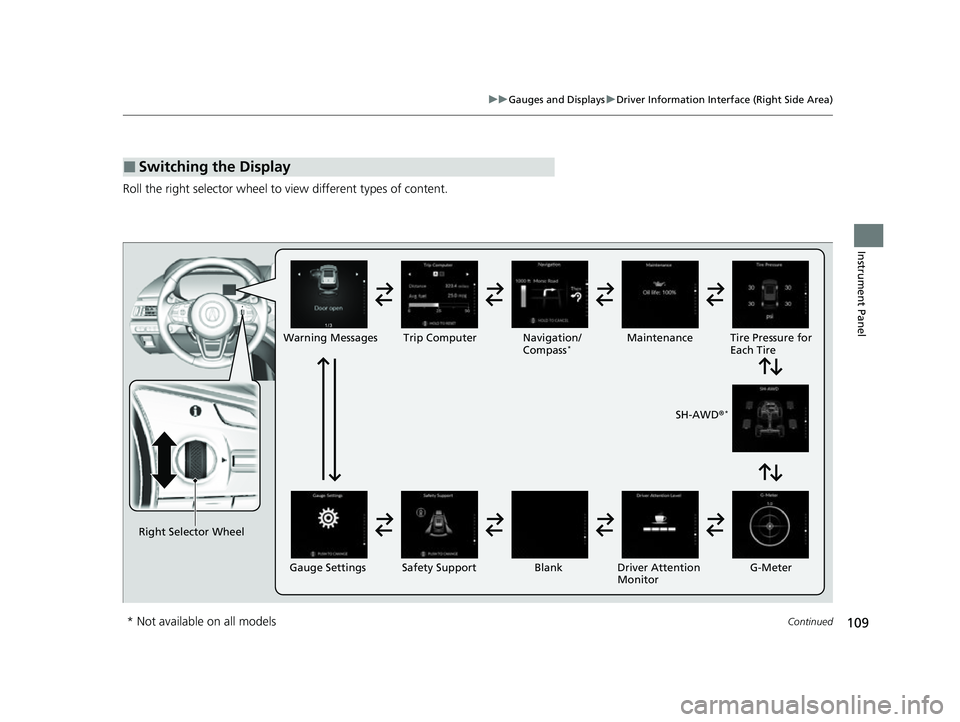
Roll the right selector wheel to view different types of content.
■Switching the Display
Right Selector Wheel Warning Messages Trip Computer
Gauge Settings Maintenance
Navigation/
Compass
*
Safety Support Driver Attention
Monitor
Blank Tire Pressure for
Each Tire
SH-AWD ®
*
G-Meter
* Not available on all models
22 ACURA MDX-31TYA6000_02.book 109 ページ 2020年11月5日 木曜日 午前11時39分
Page 111 of 712
110
uuGauges and Displays uDriver Information Interface (Right Side Area)
Instrument Panel
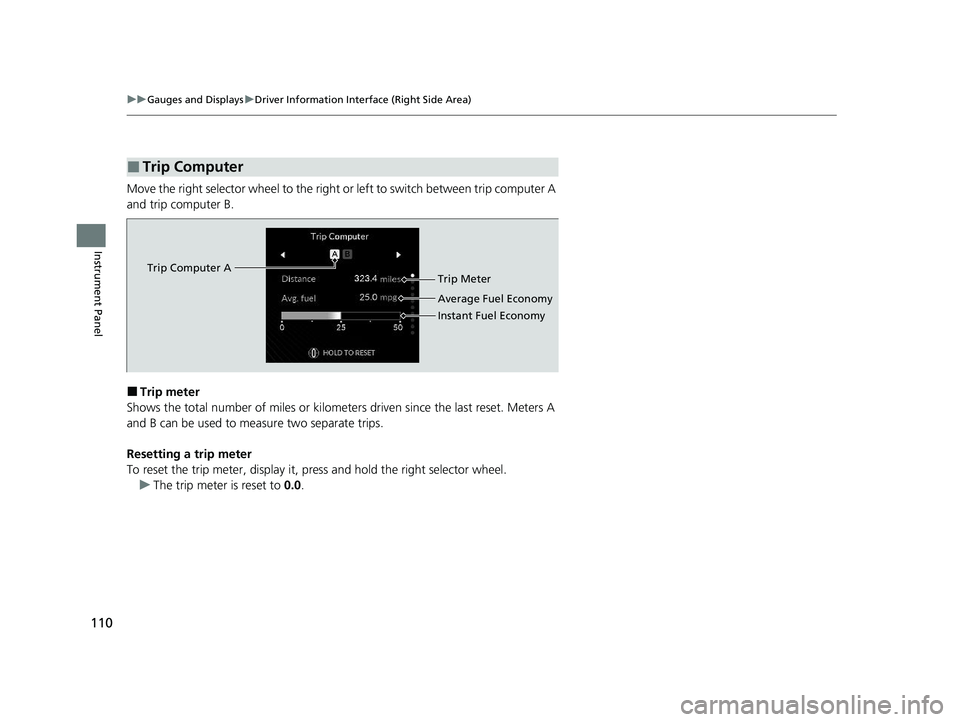
Move the right selector wheel to the right or left to switch between trip computer A
and trip computer B.
■Trip meter
Shows the total number of miles or kilomete rs driven since the last reset. Meters A
and B can be used to measure two separate trips.
Resetting a trip meter
To reset the trip meter, display it, pr ess and hold the right selector wheel.
u The trip meter is reset to 0.0.
■Trip Computer
Trip Computer A
Trip Meter
Average Fuel Economy
Instant Fuel Economy
22 ACURA MDX-31TYA6000_02.book 110 ページ 2020年11月5日 木曜日 午前11時39分
Page 112 of 712
Continued111
uuGauges and Displays uDriver Information Interface (Right Side Area)
Instrument Panel
■Average fuel economy
Shows the estimated average fuel economy of each trip meter in mpg or l/100 km.
The display is updated at set intervals. Wh en a trip meter is reset, the average fuel
economy is also reset.
■Instant fuel economy
Shows the instant fuel economy as a bar graph in mpg or l/100 km.
■Compass*
Shows the compass screen.
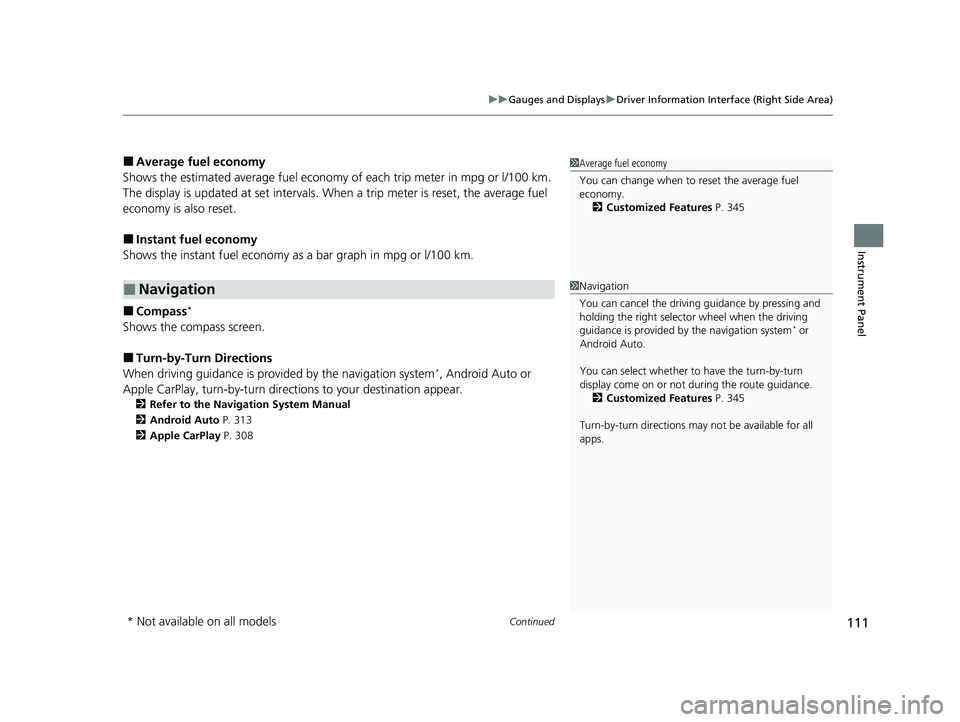
■Turn-by-Turn Directions
When driving guidance is provided by the navigation system*, Android Auto or
Apple CarPlay, turn-by-turn direct ions to your destination appear.
2Refer to the Navigation System Manual
2 Android Auto P. 313
2 Apple CarPlay P. 308
■Navigation
1Average fuel economy
You can change when to reset the average fuel
economy.
2 Customized Features P. 345
1Navigation
You can cancel the drivin g guidance by pressing and
holding the right selector wheel when the driving
guidance is provided by the navigation system
* or
Android Auto.
You can select whether to have the turn-by-turn
display come on or not dur ing the route guidance.
2 Customized Features P. 345
Turn-by-turn directions may not be available for all
apps.
* Not available on all models
22 ACURA MDX-31TYA6000_02.book 111 ページ 2020年11月5日 木曜日 午前11時39分
Page 113 of 712
uuGauges and Displays uDriver Information Interface (Right Side Area)
112
Instrument Panel
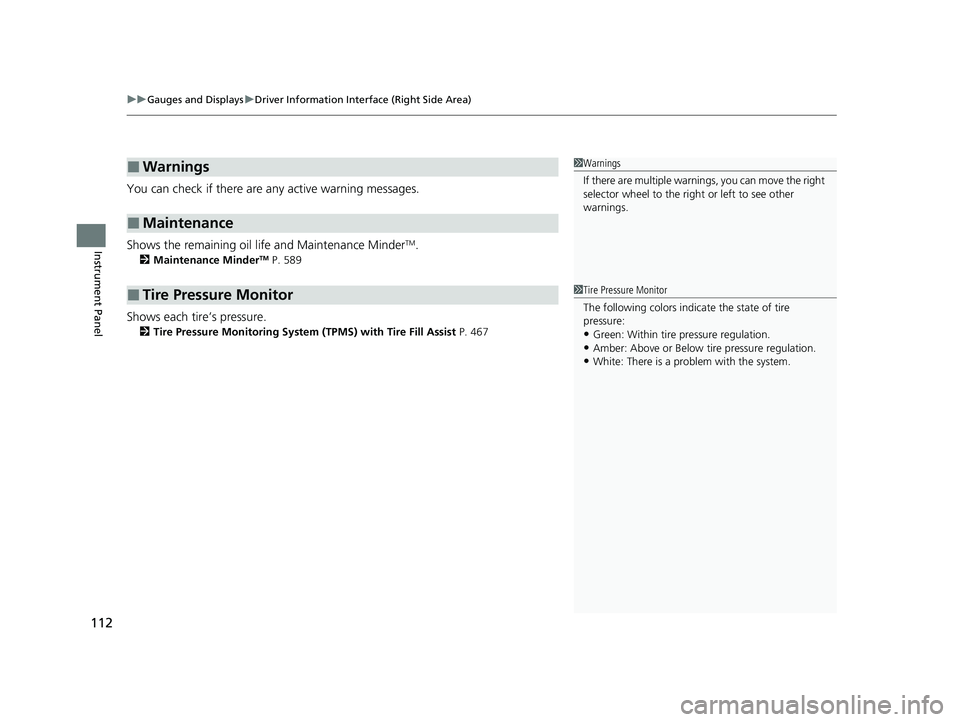
You can check if there are any active warning messages.
Shows the remaining oil life and Maintenance Minder
TM.
2 Maintenance MinderTM P. 589
Shows each tire’s pressure.
2Tire Pressure Monitoring System (TPMS) with Tire Fill Assist P. 467
■Warnings
■Maintenance
■Tire Pressure Monitor
1Warnings
If there are multiple warnings, you can move the right
selector wheel to the right or left to see other
warnings.
1 Tire Pressure Monitor
The following colors indicate the state of tire
pressure:
•Green: Within tire pressure regulation.
•Amber: Above or Below ti re pressure regulation.•White: There is a problem with the system.
22 ACURA MDX-31TYA6000_02.book 112 ページ 2020年11月5日 木曜日 午前11時39分
Page 114 of 712
113
uuGauges and Displays uDriver Information Interface (Right Side Area)
Continued
Instrument Panel
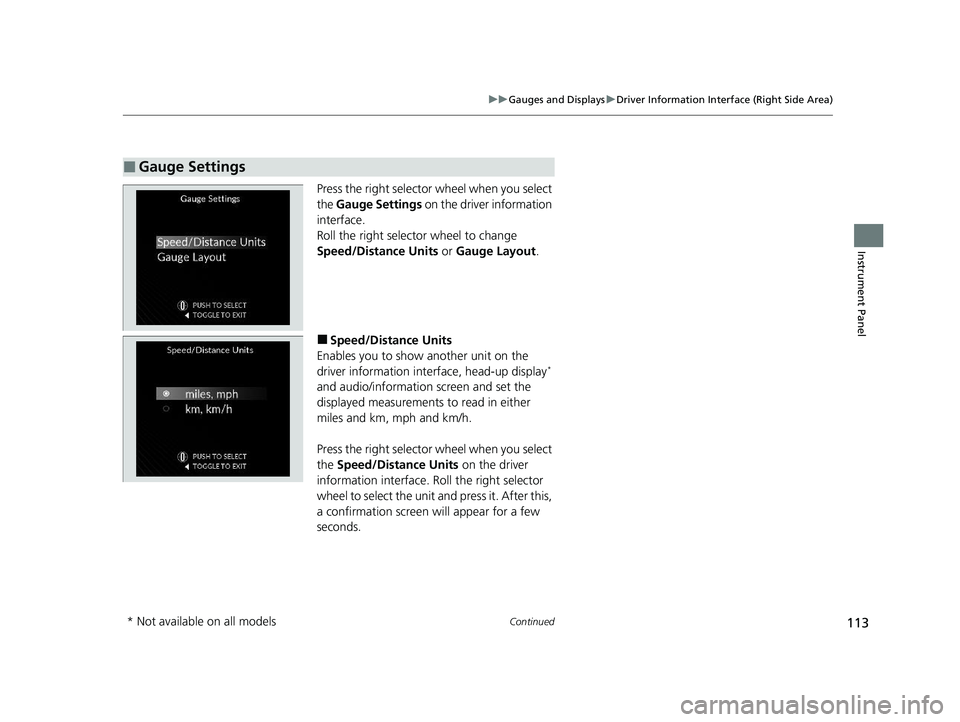
Press the right selector wheel when you select
the Gauge Settings on the driver information
interface.
Roll the right selector wheel to change
Speed/Distance Units or Gauge Layout .
■Speed/Distance Units
Enables you to show another unit on the
driver information interface, head-up display
*
and audio/information screen and set the
displayed measurements to read in either
miles and km, mph and km/h.
Press the right selector wheel when you select
the Speed/Distance Units on the driver
information interface. Roll the right selector
wheel to select the unit and press it. After this,
a confirmation screen will appear for a few
seconds.
■Gauge Settings
* Not available on all models
22 ACURA MDX-31TYA6000_02.book 113 ページ 2020年11月5日 木曜日 午前11時39分
Page 115 of 712
114
uuGauges and Displays uDriver Information Interface (Right Side Area)
Instrument Panel
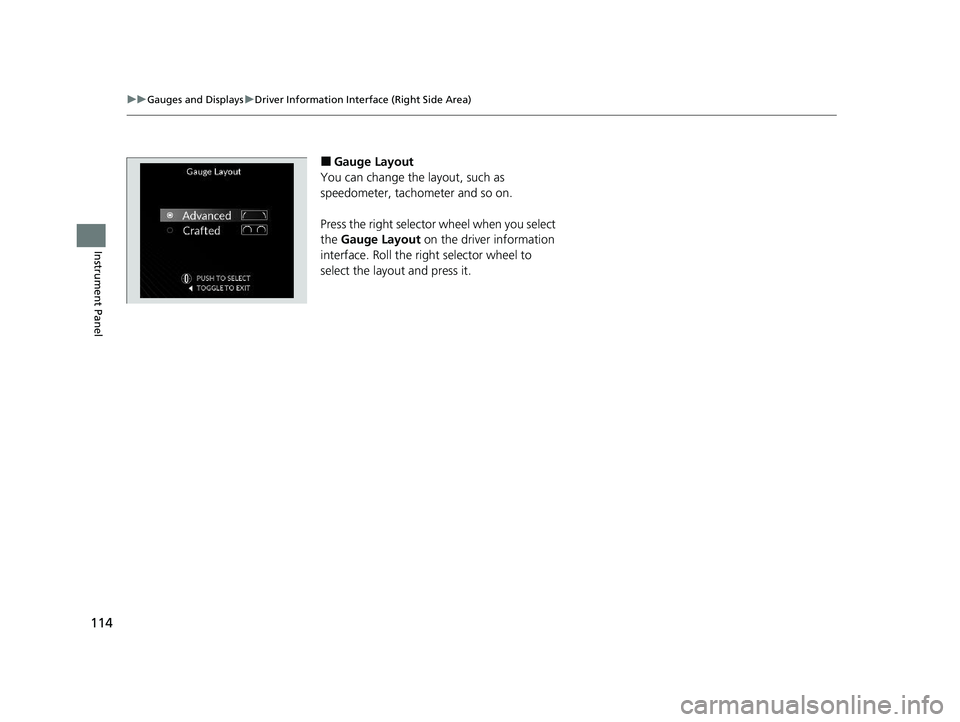
■Gauge Layout
You can change the layout, such as
speedometer, tachometer and so on.
Press the right selector wheel when you select
the Gauge Layout on the driver information
interface. Roll the right selector wheel to
select the layout and press it.
22 ACURA MDX-31TYA6000_02.book 114 ページ 2020年11月5日 木曜日 午前11時39分
Page 116 of 712
Continued115
uuGauges and Displays uDriver Information Interface (Right Side Area)
Instrument Panel
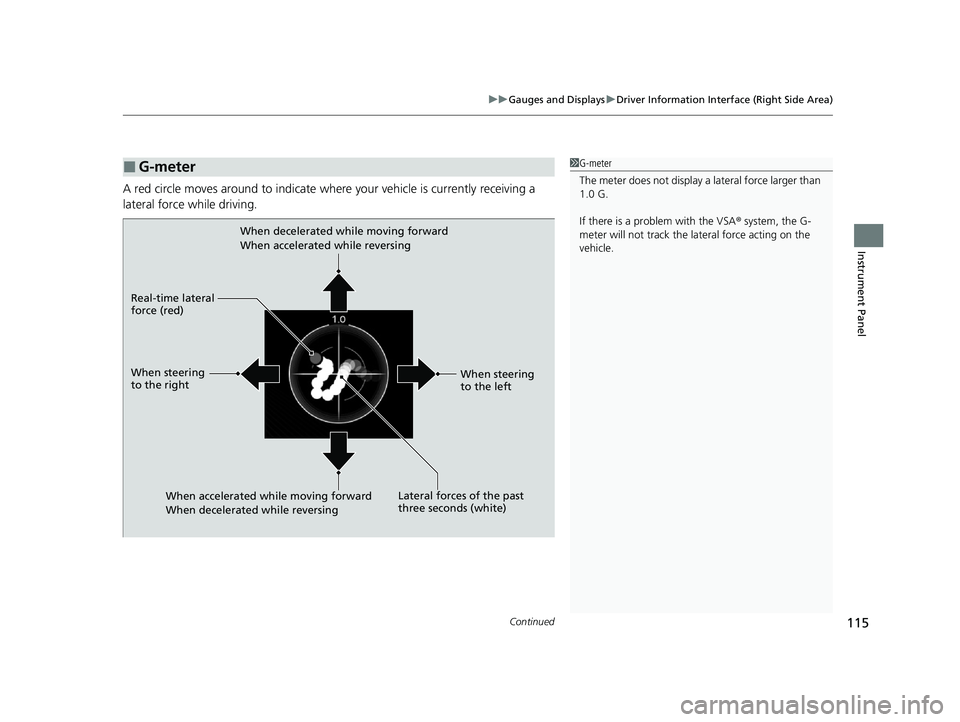
A red circle moves around to indicate wher e your vehicle is currently receiving a
lateral force while driving.
■G-meter1 G-meter
The meter does not display a lateral force larger than
1.0 G.
If there is a problem with the VSA ® system, the G-
meter will not track the lateral force acting on the
vehicle.
When decelerated while moving forward
When accelerated while reversing
When accelerated while moving forward
When decelerated while reversing
Real-time lateral
force (red)
When steering
to the right
When steering
to the left
Lateral forces of the past
three seconds (white)
22 ACURA MDX-31TYA6000_02.book 115 ページ 2020年11月5日 木曜日 午前11時39分
Page 117 of 712
116
uuGauges and Displays uDriver Information Interface (Right Side Area)
Instrument Panel
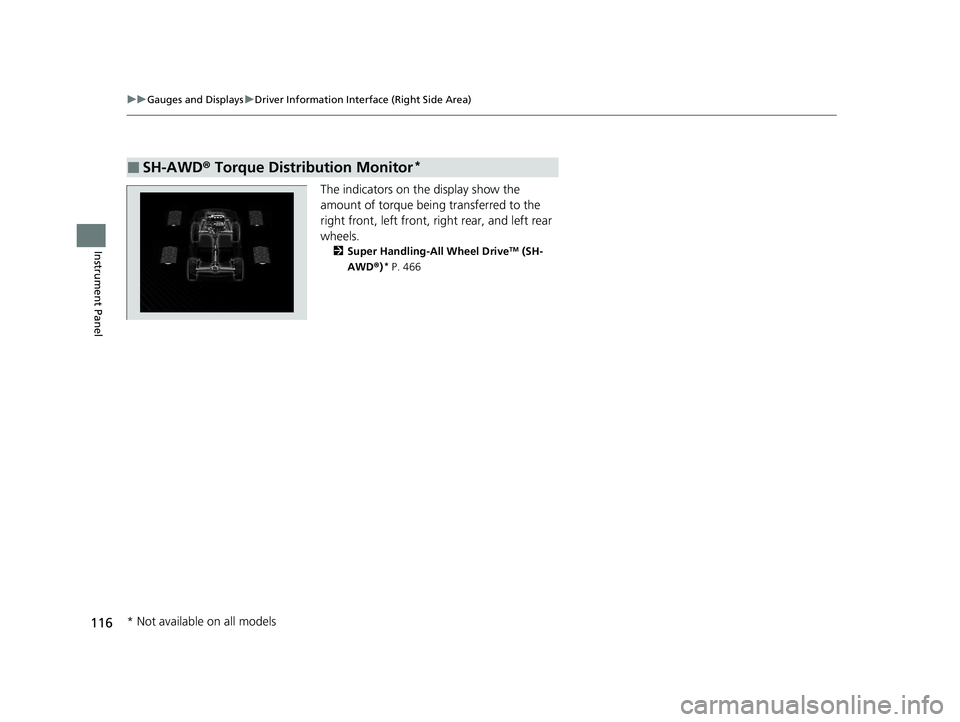
The indicators on th e display show the
amount of torque being transferred to the
right front, left front, right rear, and left rear
wheels.
2 Super Handling-All Wheel DriveTM (SH-
AWD® )* P. 466
■SH-AWD ® Torque Distribution Monitor*
* Not available on all models
22 ACURA MDX-31TYA6000_02.book 116 ページ 2020年11月5日 木曜日 午前11時39分