engine Acura TSX 2007 User Guide
[x] Cancel search | Manufacturer: ACURA, Model Year: 2007, Model line: TSX, Model: Acura TSX 2007Pages: 379, PDF Size: 5.45 MB
Page 75 of 379
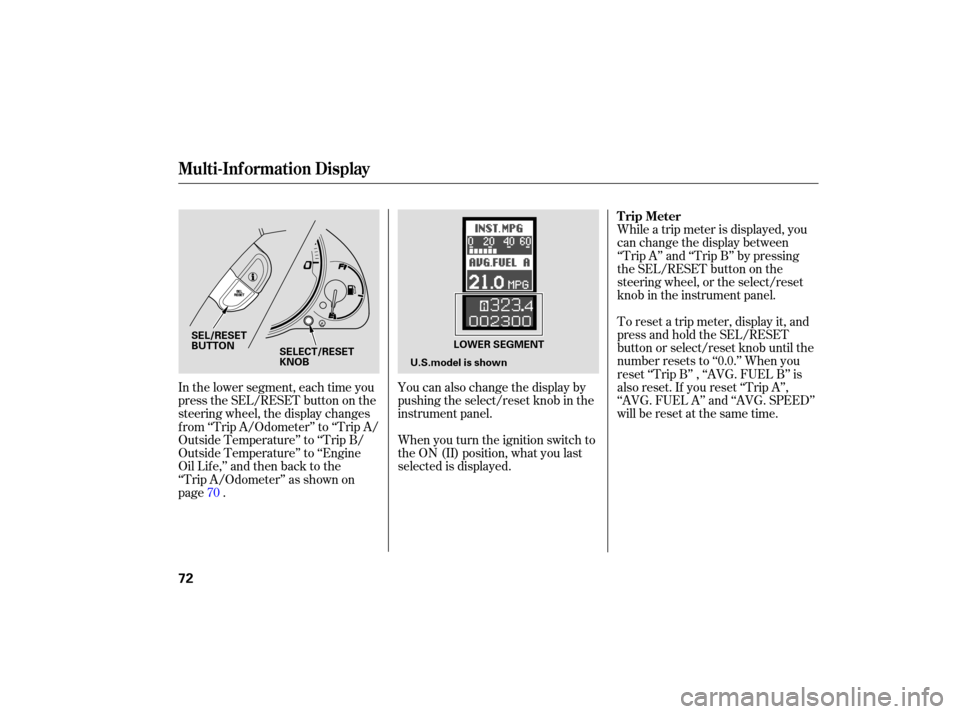
You can also change the display by
pushing the select/reset knob in the
instrument panel.
When you turn the ignition switch to
the ON (II) position, what you last
selected is displayed. While
a trip meter is displayed, you
can change the display between
‘‘Trip A’’ and ‘‘Trip B’’ by pressing
the SEL/RESET button on the
steering wheel, or the select/reset
knob in the instrument panel.
To reset a trip meter, display it, and
press and hold the SEL/RESET
button or select/reset knob until the
number resets to ‘‘0.0.’’ When you
reset ‘‘Trip B’’ , ‘‘AVG. FUEL B’’ is
also reset. If you reset ‘‘Trip A’’,
‘‘AVG. FUEL A’’ and ‘‘AVG. SPEED’’
willberesetatthesametime.
In
the lower segment, each time you
press the SEL/RESET button on the
steering wheel, the display changes
from ‘‘Trip A/Odome ter’’ to ‘‘Trip A/
Outside Temperature’’ to ‘‘Trip B/
Outside Temperature’’ to ‘‘Engine
OilLife,’’andthenbacktothe
‘‘Trip A/Odometer’’ as shown on
page . 70
Multi-Inf ormation Display
Trip Meter
72
U.S.model is shown
SELECT/RESET
KNOB
SEL/RESET
BUTTON
LOWER SEGMENT
Page 76 of 379
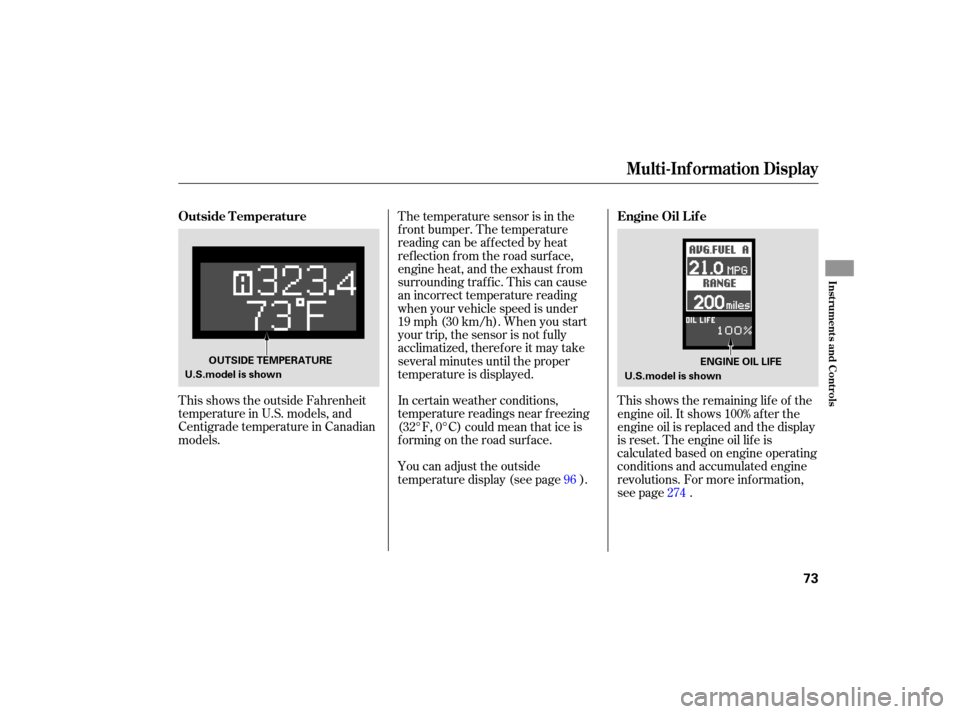
This shows the outside Fahrenheit
temperature in U.S. models, and
Centigrade temperature in Canadian
models. The
temperature sensor is in the
front bumper. The temperature
reading can be affected by heat
reflection from the road surface,
engine heat, and the exhaust from
surrounding traffic. This can cause
an incorrect temperature reading
when your vehicle speed is under
19 mph (30 km/h). When you start
your trip, the sensor is not fully
acclimatized, therefore it may take
several minutes until the proper
te mperature is displayed.
In certain weather conditions,
temperature readings near freezing
(32°F, 0°C) could mean that ice is
forming on the road surface.
You can adjust the outside
temperature display (see page ).This
shows the remaining life of the
engine oil. It shows 100% after the
engine oil is replaced and the display
is reset. The engine oil life is
calculated based on engine operating
conditions and accumulated engine
revolutions. For more inf ormation,
see page .
96
274
Multi-Inf ormation Display
Outside Temperature Engine Oil Lif e
Inst rument s and Cont rols
73
U.S.model is shownOUTSIDE TEMPERATURE
U.S.model is shownENGINE OIL LIFE
Page 77 of 379
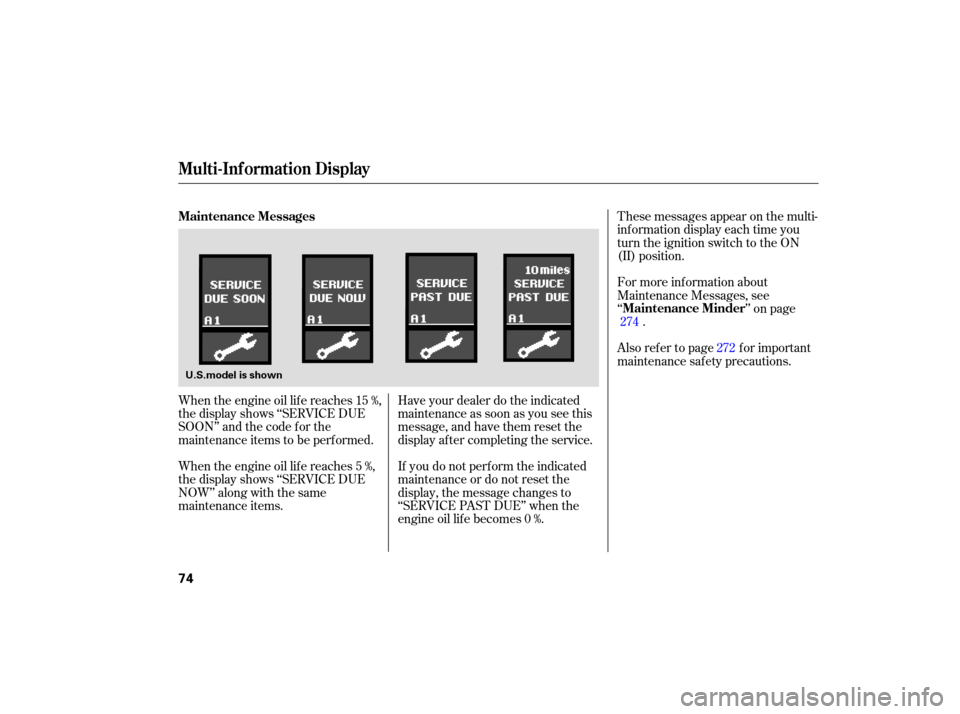
When the engine oil life reaches 15 %,
the display shows ‘‘SERVICE DUE
SOON’’ and the code for the
maintenance items to be performed.
When the engine oil life reaches 5 %,
the display shows ‘‘SERVICE DUE
NOW’’ along with the same
maintenance items. Have
your dealer do the indicated
maintenance as soon as you see this
message, and have them reset the
display after completing the service.
If you do not perform the indicated
maintenance or do not reset the
display, the message changes to
‘‘SERVICE PAST DUE’’ when the
engine oil life becomes 0 %. These
messages appear on the multi-
info rmation display each time you
turn the ignition switch to the ON
(II) position.
For more information about
Maintenance Messages, see
‘‘ ’’ on page
.
Also refer to page for important
maintenance saf ety precautions. 272
274
Multi-Inf ormation Display
Maintenance Messages
Maintenance Minder
74
U.S.model is shown
Page 78 of 379
CONT INUED
If there is a problem with your
vehicle, f or example, the engine oil
level is low or a door is not f ully
closed, the multi-inf ormation display
will show you the problem. It does
this by interrupting the current
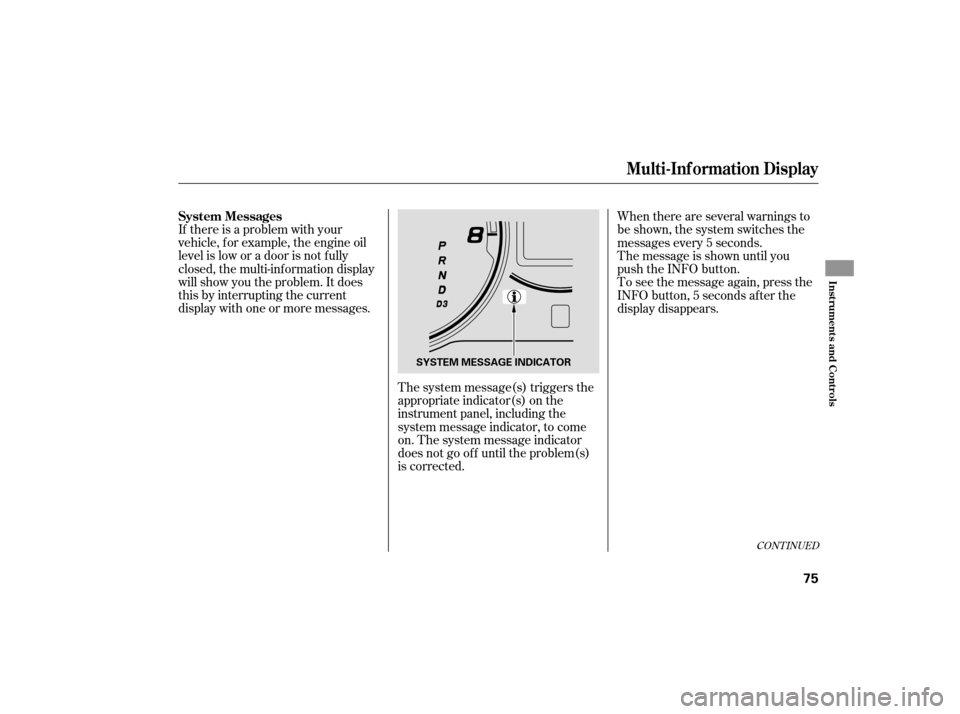
display with one or more messages.The system message(s) triggers the
appropriate indicator(s) on the
instrument panel, including the
system message indicator, to come
on. The system message indicator
does not go of f until the problem(s)
is corrected.When there are several warnings to
be shown, the system switches the
messages every 5 seconds.
The message is shown until you
push the INFO button.
Toseethemessageagain,pressthe
INFO button, 5 seconds af ter the
display disappears.
Multi-Inf ormation Display
System Messages
Inst rument s and Cont rols
75
SYSTEM MESSAGE INDICATOR
Page 82 of 379
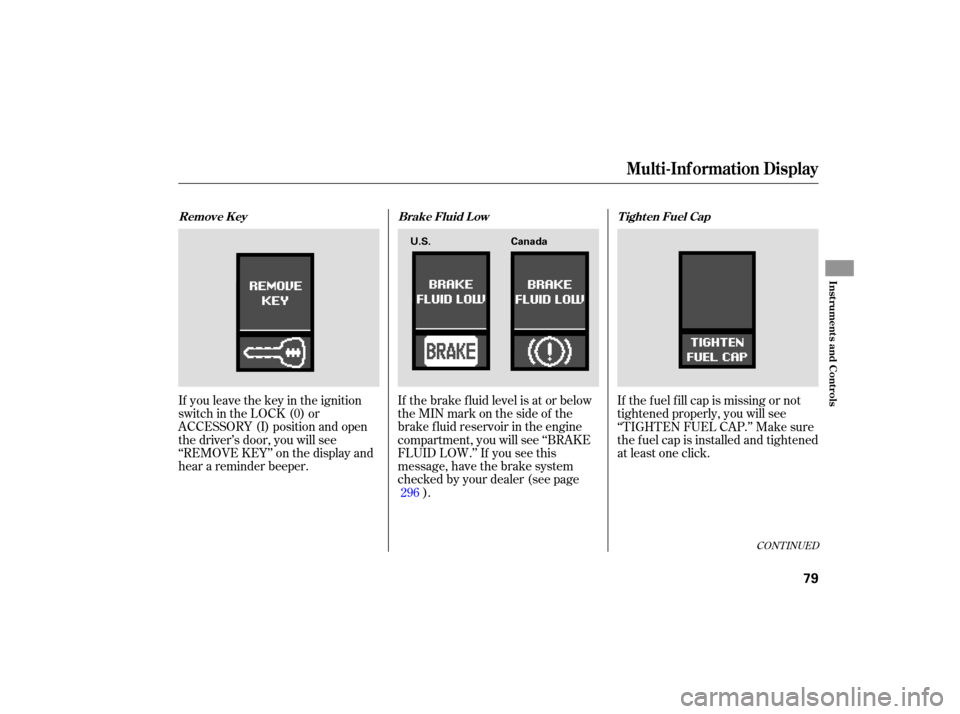
If you leave the key in the ignition
switch in the LOCK (0) or
ACCESSORY (I) position and open
the driver’s door, you will see
‘‘REMOVE KEY’’ on the display and
hear a reminder beeper. If
the brake fluid level is at or below
theMINmarkonthesideofthe
brake fluid reservoir in the engine
compartment, you will see ‘‘BRAKE
FLUID LOW.’’ If you see this
message, have the brake system
checked by your dealer (see page ). If thefuelfillcapismissingornot
tightened properly, you will see
‘‘TIGHTEN FUEL CAP.’’ Make sure
the fuel cap is installed and tightened
at least one click.
296
CONT INUED
Multi-Inf ormation Display
Remove Key Brake Fluid LowTighten Fuel Cap
Inst rument s and Cont rols
79
U.S.Canada
Page 83 of 379
Your vehicle’s on board diagnostic
system will detect a loose or missing
fuel fill cap as an evaporative system
leak. The first time a leak is detected
a ‘‘TIGHTEN FUEL CAP’’ message
appears on the multi-info rmation
display. Turn the engine off, and
confirm the fuel fill cap is installed. If
it is, loosen it, then retighten it until
it clicks at least once. The message
should go off after several days of
normal driving once you tighten or
replace the fuel fill cap. To scroll to
another message, press the INFO
button. The ‘‘TIGHTEN FUEL CAP’’
message will appear each time you
restart the engine until the system
turns the message off. If
the system still detects a leak in
the vehicle’s evaporative emissions
system, the malfunction indicator
lamp (MIL) comes on. If the fuel fill
cap was not already tightened, turn
the engine off, and check or
retighten the fuel fill cap until it
clicks at least once. The MIL should
go off after several days of normal
driving once the cap is tightened or
replaced. If the MIL does not go off,
have your vehicle inspected by a
dealer. For more information, see
page .
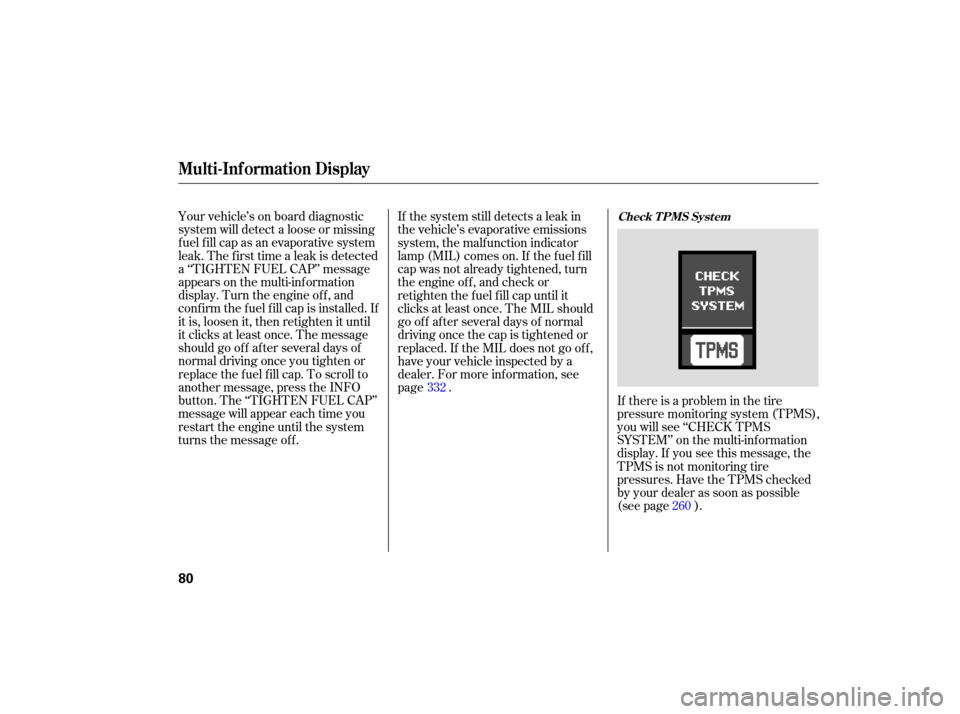
If there is a problem in the tire
pressure monitoring system (TPMS),
you will see ‘‘CHECK TPMS
SYSTEM’’ on the multi -information
display. If you see this message, the
TPMS is not monitoring tire
pressures. Have the TPMS checked
by your dealer as soon as possible
(see page ).
332
260
Multi-Inf ormation Display
Check T PMS Syst em
80
Page 85 of 379
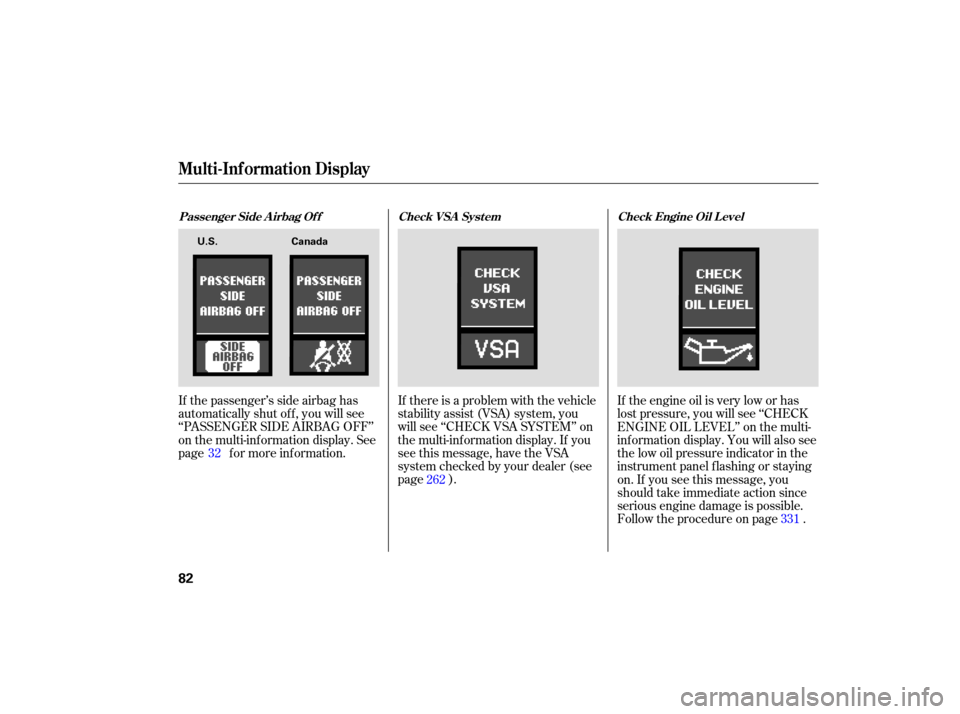
If the passenger’s side airbag has
automatically shut off, you will see
‘‘P ASSENGER SIDE AIRBAG OFF’’
on the multi-information display. See
page for more information. If
there is a problem with the vehicle
stability assist (VSA) system, you
will see ‘‘CHECK VSA SYSTEM’’ on
the multi-information display. If you
see this message, have the VSA
system checked by your dealer (see
page ). If
the engine oil is very low or has
lost pressure, you will see ‘‘CHECK
ENGINE OIL LEVEL’’ on the multi-
information display. You will also see
the low oil pressure indicator in the
instrument panel flashing or staying
on. If you see this message, you
should take immediate action since
serious engine damage is possible.
Follow the procedure on page .
32
262
331
Passenger Side A irbag Of f Check Engine Oil L evel
Check VSA Syst em
Multi-Inf ormation Display
82
U.S. Canada
Page 87 of 379
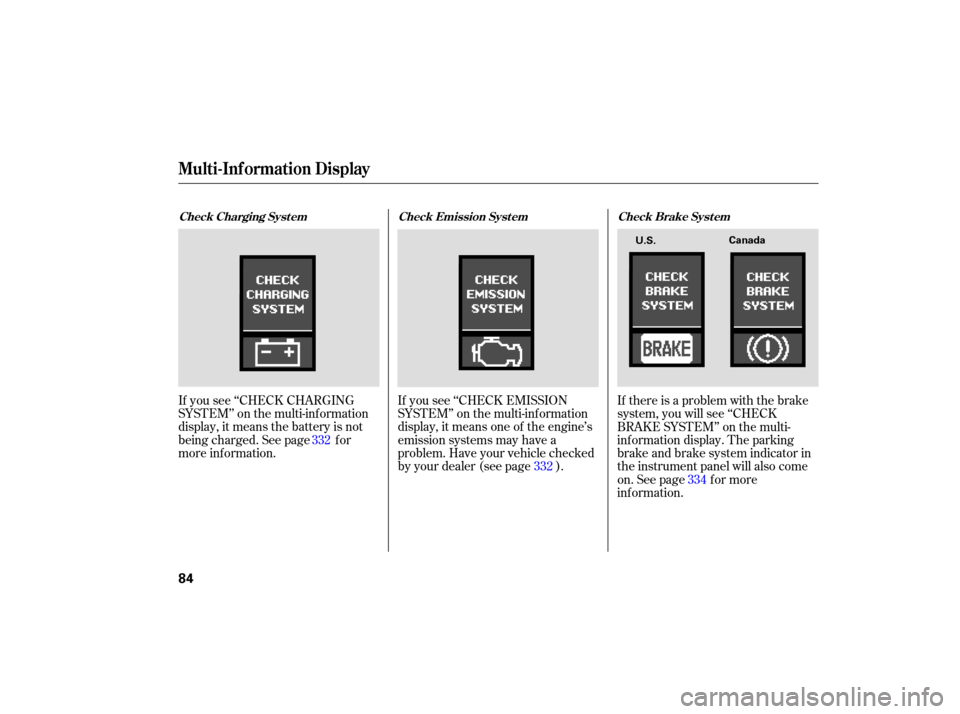
If you see ‘‘CHECK CHARGING
SYSTEM’’ on the multi-information
display, it means the battery is not
being charged. See page for
more information. If
you see ‘‘CHECK EMISSION
SYSTEM’’ on the multi-information
display, it means one of the engine’s
emission systems may have a
problem. Have your vehicle checked
by your dealer (see page ). If
there is a problem with the brake
system, you will see ‘‘CHECK
BRAKE SYSTEM’’ on the multi-
info rmation display. The parking
brake and brake system indicator in
the instrument panel will also come
on. See page f or more
inf ormation. 334
332
332
Check Charging Syst em
Check Emission Syst em Check Brake Syst em
Multi-Inf ormation Display
84
U.S.Canada
Page 129 of 379
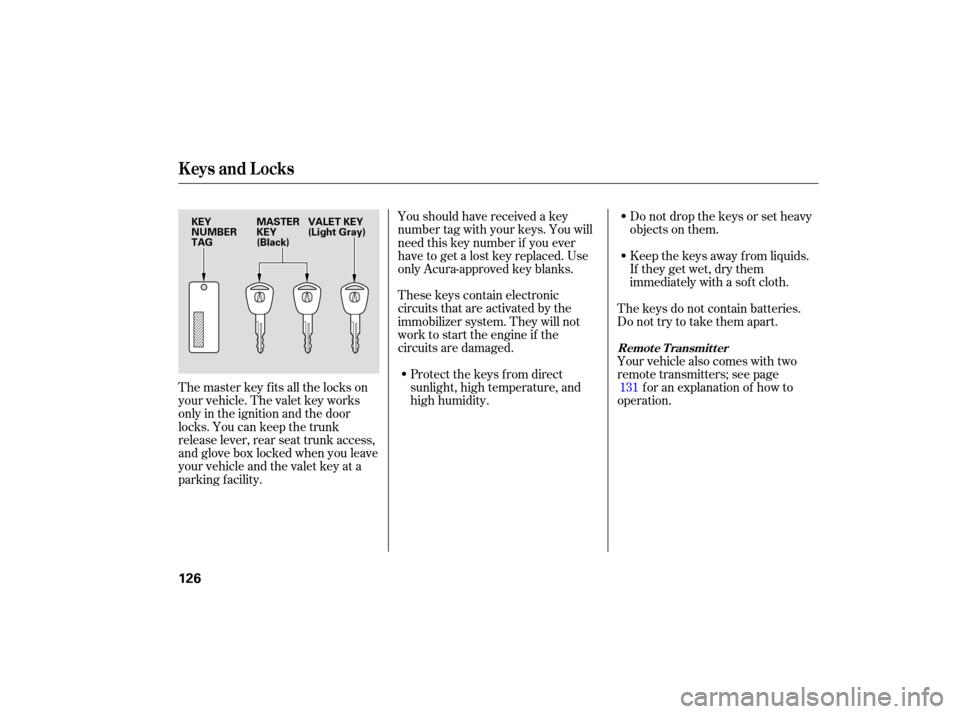
These keys contain electronic
circuits that are activated by the
immobilizer system. They will not
work to start the engine if the
circuits are damaged.
Protect the keys from direct
sunlight, high temperature, and
high humidity. Donotdropthekeysorsetheavy
objects
on them.
Keep the keys away from liquids.
If they get wet, dry them
immediately with a soft cloth.
Youshouldhavereceivedakey
number
tag with your keys. You will
need this key number if you ever
have to get a lost key replaced. Use
only Acura-approved key blanks.
The keys do not contain batteries.
Do not try to take them apart.
Your vehicle also comes with two
remote transmitters; see page f or an explanation of how to
operation.
The master key fits all the locks on
your vehicle. The valet key works
only in the ignition and the door
locks. You can keep the trunk
release lever, rear seat trunk access,
and glove box locked when you leave
your vehicle and the valet key at a
parking f acility. 131
Remote Transmitter
Keys and Locks
126
KEY
NUMBER
TAG
MASTER
KEY
(Black)VALET KEY
(Light Gray)
Page 130 of 379

If the system repeatedly does not
recognize the coding of your key,
contact your dealer.
Do not attempt to alter this system
or add other devices to it. Electrical
problems could result that may make
your vehicle undrivable.
If you lose your key and you cannot
start the engine, contact your dealer.
The immobilizer system protects
your vehicle f rom thef t. If an
improperly-coded key (or other
device) is used, the engine will not
start.
When you turn the ignition switch to
the ON (II) position, the immobilizer
system indicator should come on f or
a f ew seconds, then go of f . If the
indicator starts to blink, it means the
system does not recognize the
coding of the key. Turn the ignition
switch to the LOCK (0) position,
remove the key, reinsert it, and turn
the ignition switch to the ON (II)
position again.
The system may not recognize your
key’s coding if another immobilizer
key or other metal object (i.e. key
f ob) is near the ignition switch when
you insert the key.As required by the FCC:
This device complies with Part 15 of theFCC rules. Operation is subject to thef ollowing two conditions: (1) This devicemay not cause harmf ul interf erence, and(2) this device must accept anyinterf erence received, includinginterf erence that may cause undesiredoperation.
Changes or modif ications not expresslyapproved by the party responsible f orcompliance could void the user’sauthority to operate the equipment.
This device complies with IndustryCanada Standard RSS-210.Operation is subject to the f ollowing twoconditions: (1) this device may not causeinterf erence, and (2) this device mustaccept any interf erence that may causeundesired operation of the device.
Immobilizer System
Inst rument s and Cont rols
127