HFL Acura TSX 2013 User Guide
[x] Cancel search | Manufacturer: ACURA, Model Year: 2013, Model line: TSX, Model: Acura TSX 2013Pages: 325, PDF Size: 8.61 MB
Page 174 of 325
Continued
173
uuBluetooth ® HandsFreeLink ®u HFL Menus
Features
You can make calls using any phone number or a name in the HFL phonebook, and
redial the last number called.■
Direct dialing a phone number
1. Say “Call” or “Dial.”
2. Say the number you want to dial after the prompts.
3. Say “Call” or “Dial” after the prompts.
■
From the HFL phonebook
1. Say “Call” or “Dial.”
2. Say the name stored in the HFL phonebook after the prompts.
3. Follow the HFL prompts.
■
To redial the last number called by HFL
Say “Redial.”
■
To end a call
Press the (HFL back) button.
■
Making a Call
1 Making a Call
Press the button and wait for a beep before
giving a command.
HFL uses a Class 2 Bluetooth, with has a maximum
range of about 30 feet (10 meters).
HFL allows you to talk up to 30 minutes after you
remove the key from the ignition switch. However,
this may weaken the vehicle’s battery.
Page 175 of 325
uuBluetooth ® HandsFreeLink ®u HFL Menus
174Features
Press the button to answer the call, or the button to hang up. When there
is an incoming call, a call notification (if activated) sounds and a message appears on
the display.
You can transfer a call from HFL to your phone, or from your phone to HFL. Press the
button and say “Transfer.”
To mute or unmute your voice during a call, press and release the button and
say “Mute.”
You can send numbers and names during a call. This is useful when calling a menu-
driven phone system.■
To send a number or name during a call
1. Say “Send.”
2. Say the number or name you want to send after the prompts.
3. Follow the HFL prompts.
■
Receiving a Call
■
Transferring a Call
■
Muting a Call
■
Sending Numbers or Names During a Call
1Receiving a Call
Call Waiting
Press the button and put the original call on hold
to answer the incoming call.
Press the button again to return to the original
call.
Ignore the incoming call if you do not want to answer
it.
Press the button if you want to hang up the
original and answer the incoming call.1Sending Numbers or Names During a Call
Press the button before a command.
To send a , say “Pound.” To send a , say “Star.”
#
*
Page 176 of 325
Continued
175
uuBluetooth ® HandsFreeLink ®u HFL Menus
Features
You can store up to 50 names with their associated numbers in HFL. The numbers
you store can be account numbers or passwords. These numbers can be sent to an
automated phone system.■
To store a phonebook entry
1. Say “Phonebook.”
2. Say “Store” after the prompts.
3. Say a name you want to list as your phonebook entry.
4. Say the number you want to store for the name entry.
5. Follow the HFL prompts and say “Enter” to store the entry.
■
To edit the number stored for a name
1. Say “Phonebook.”
2. Say “Edit” after the prompts.
3. Say a name you want to edit. When asked, say the new number for that name.
4. Follow the HFL prompts and say “Enter” to store the entry.
■
HFL Phonebook
1HFL Phonebook•Avoid using duplicate name entries.•Avoid using “home” as a name entry.•It is easier for HFL to recognize a multisyllabic or
longer name. For example, use “Peter” instead of
“Pete,” or “John Smith” instead of “John.”
Page 177 of 325
176
uuBluetooth ® HandsFreeLink ®u HFL Menus
Features
■
To delete a name
1. Say “Phonebook.”
2. Say “Delete” after the prompts.
3. Say a name you want to delete.
4. Say “Yes,” and follow the HFL prompts.
■
To list all names in the phonebook
1. Say “Phonebook.”
2. Say “List” after the prompts.
3. HFL begins reading the names in the order they were stored.
4. When you hear a name you want to call, say “Call.”
■
To store a specific phone number from your cell phone directl y to the HFL
phonebook
*
1. Say “Phonebook.”
2. Say “Receive Contact” after the prompts.
3. Follow the HFL prompts, select a number from your cell phone, and send it to HFL.
u If it is not the number you want to store, say “Discard.”
4. Say the name for that number.
5. Follow the HFL prompts to continue.* Not available on all models
Page 178 of 325
Continued
177
uuBluetooth ® HandsFreeLink ®u HFL Menus
Features
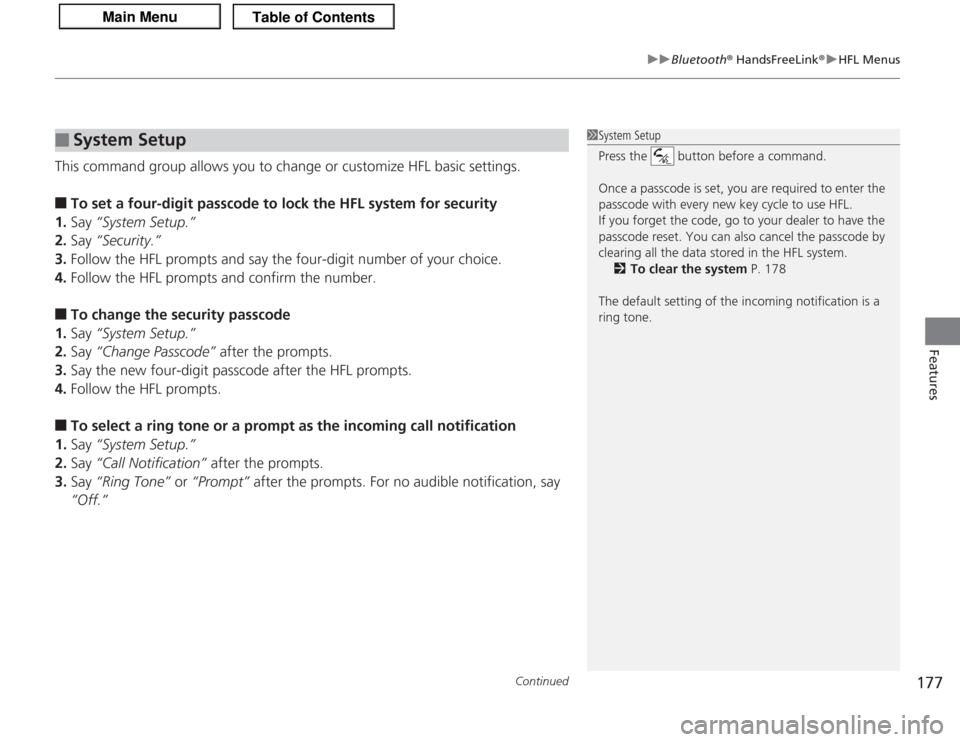
This command group allows you to change or customize HFL basic settings.■
To set a four-digit passcode to lock the HFL system for security
1. Say “System Setup.”
2. Say “Security.”
3. Follow the HFL prompts and say the four-digit number of your choice.
4. Follow the HFL prompts and confirm the number.
■
To change the security passcode
1. Say “System Setup.”
2. Say “Change Passcode” after the prompts.
3. Say the new four-digit passcode after the HFL prompts.
4. Follow the HFL prompts.
■
To select a ring tone or a prompt as the incoming call notification
1. Say “System Setup.”
2. Say “Call Notification” after the prompts.
3. Say “Ring Tone” or “Prompt” after the prompts. For no audible notification, say
“Off.”
■
System Setup
1 System Setup
Press the button before a command.
Once a passcode is set, you are required to enter the
passcode with every new key cycle to use HFL.
If you forget the code, go to your dealer to have the
passcode reset. You can also cancel the passcode by
clearing all the data stored in the HFL system.
2 To clear the system P. 178
The default setting of the incoming notification is a
ring tone.
Page 179 of 325
uuBluetooth ® HandsFreeLink ®u HFL Menus
178Features
■
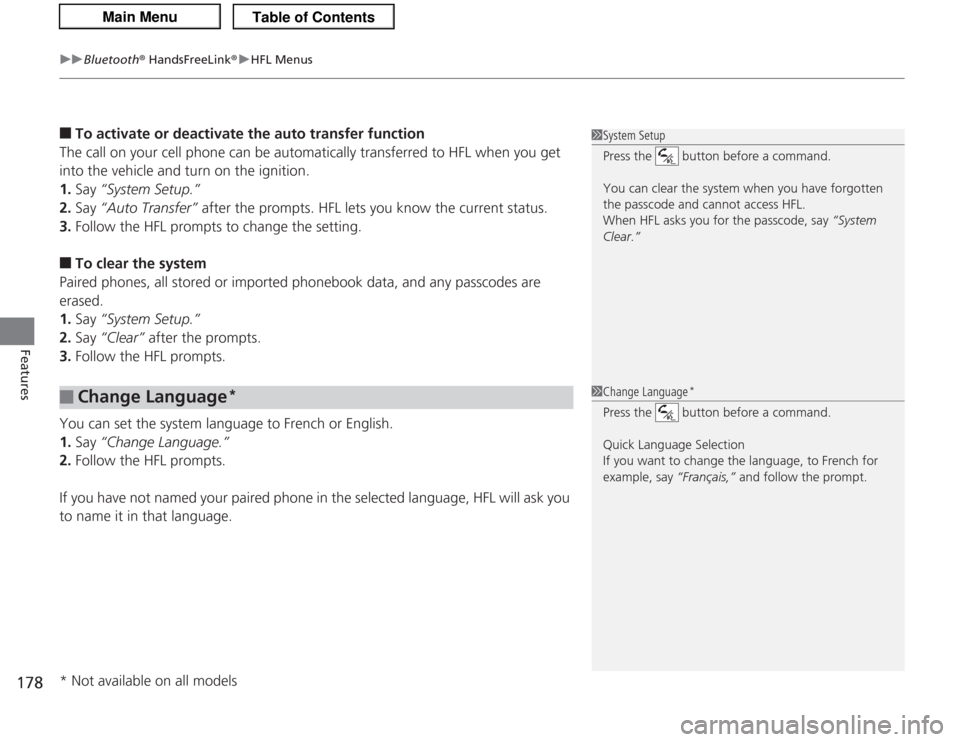
To activate or deactivate the auto transfer function
The call on your cell phone can be automatically transferred to HFL when you get
into the vehicle and turn on the ignition.
1. Say “System Setup.”
2. Say “Auto Transfer” after the prompts. HFL lets you know the current status.
3. Follow the HFL prompts to change the setting.
■
To clear the system
Paired phones, all stored or imported phonebook data, and any passcodes are
erased.
1. Say “System Setup.”
2. Say “Clear” after the prompts.
3. Follow the HFL prompts.
You can set the system language to French or English.
1. Say “Change Language.”
2. Follow the HFL prompts.
If you have not named your paired phone in the selected language, HFL will ask you
to name it in that language.
■
Change Language
*
1 System Setup
Press the button before a command.
You can clear the system when you have forgotten
the passcode and cannot access HFL.
When HFL asks you for the passcode, say “System
Clear.”1 Change Language
*
Press the button before a command.
Quick Language Selection
If you want to change the language, to French for
example, say “Français,” and follow the prompt.
* Not available on all models
Page 321 of 325
320Index
Refueling ................................................. 215
Gauges ......................................................... 75
Gear Shift Lever Positions Automatic Transmission ........................... 195
Manual Transmission ............................... 199
Glass (care) ................................................ 274
Glove Box .................................................. 126
HHalogen Bulbs ................................... 247, 251
Handling the Unexpected ........................ 275
HandsFreeLink ® (HFL) ............................... 167
Change Language ................................... 178
Help Features........................................... 168
Information Display.................................. 168
Making a Call .......................................... 173
Menus ..................................................... 169
Muting a Call........................................... 174
Phone Setup ............................................ 171
Phonebook .............................................. 175
Receiving a Call ....................................... 174
Sending Numbers or Names During a Call ........................................................ 174
Transferring a Call ................................... 174
Hazard Warning Button ............................... 2
Head Restraints ......................................... 118
Headlights ................................................. 105
Aiming .................................................... 247
Automatic Operation ............................... 106
Dimming ......................................... 105, 107 Operating................................................ 105
Heated Door Mirrors ................................ 110
Heaters (Seat) ........................................... 132
High-Beam Indicator .................................. 69
HomeLink ® Universal Transceiver ............ 165
IIdentification Numbers ............................ 308
Engine and Transmission ......................... 308
Vehicle Identification ............................... 308
Ignition Switch ......................................... 104
Illumination Control ................................. 109
Knob ....................................................... 109
Immobilizer System .................................... 98
Indicator.................................................... 70
Indicators .................................................... 64
ABS (Anti-lock Brake System)..................... 66
Charging System ............................... 65, 290
CRUISE CONTROL ............................. 71, 202
CRUISE MAIN .................................... 71, 201
Door and Trunk Open ......................... 25, 68
EPS (Electric Power Steering) System .. 68, 292
Fog Light ................................................... 70
High-Beam ................................................ 69
Immobilizer System ................................... 70
Lights On .................................................. 69
Low Fuel ................................................... 66
Low Oil Pressure ................................ 64, 290
Low Tire Pressure/TPMS ............. 68, 206, 208
Maintenance Minder
TM
............................ 225 Malfunction Indicator Lamp .............. 65, 291
Parking Brake and Brake System ............... 64
Seat Belt Reminder.............................. 27, 66
Security System Alarm............................... 71
Side Airbag Off ................................... 46, 70
Supplemental Restraint System ........... 44, 67
System Message ....................................... 69
Transmission ............................................. 65
Turn Signal ............................................... 69
VSA
® (Vehicle Stability Assist)
System ............................................ 67, 204
VSA ® OFF .......................................... 67, 205
Information .............................................. 303
Information Buttons .................................. 76
Instant Fuel Economy ................................ 78
Instrument Panel ........................................ 63
Brightness Control .................................. 109
Interior Lights ........................................... 125
Interior Rearview Mirror ......................... 114
JJack (Wheel Nut Wrench) ........................ 280
Jump Starting ........................................... 284KKey Number Tag ........................................ 90
Keyless Lockout Prevention ....................... 92
Keys ............................................................. 89
Lockout Prevention ................................... 92
Page 322 of 325
321
Index
Number Tag.............................................. 90
Rear Door Won’t Open ............................. 94
Remote Transmitter .................................. 91
Retractable Master Keys ............................ 89
Types and Functions.................................. 89
Valet Key .................................................. 90
Won’t Turn ............................................... 17
Kickdown (Automatic Transmission) ...... 194
LLanguage (HFL)........................................ 178
LATCH (Child Seats) ................................... 53
Lights ................................................ 105, 247
Automatic............................................... 106
Bulb Replacement ................................... 247
Daytime Running Lights .......................... 107
Fog Lights ............................................... 107
High-Beam Indicator ................................. 69
Interior.................................................... 125
Light Switches......................................... 105
Lights On Indicator.................................... 69
Turn Signals ............................................ 105
Load Limits ............................................... 185
Locking/Unlocking ..................................... 89
Auto Door Lock/Unlock ............................. 94
Childproof Door Locks .............................. 94
From Inside ............................................... 93
From Outside ............................................ 91
Keys.......................................................... 89
Lockout Prevention System ....................... 92 Using a Key ............................................... 92
Lockout Prevention System ........................ 92
Low Battery Charge .................................. 290
Low Fuel Indicator ...................................... 66
Low Oil Pressure Indicator ................. 64, 290
Lower Anchors ............................................ 53
Lubricant Specifications Chart ......... 305, 307
Luggage (Maximum Load Limit) ............. 185
MMaintenance............................................. 221
Battery .................................................... 268
Brake/Clutch Fluid ................................... 244
Cleaning .................................................. 271
Climate Control ....................................... 270
Coolant ................................................... 240
Maintenance Minder
TM
............................ 225
Oil ........................................................... 235
Precautions .............................................. 222
Radiator .................................................. 241
Remote Transmitter ................................. 269
Replacing Light Bulbs ............................... 247
Safety ...................................................... 223
Service Items ........................................... 227
Tires ........................................................ 259
Transmission Fluid ................................... 242
Under the Hood ...................................... 229
Malfunction Indicator Lamp .............. 65, 291
Manual Transmission ................................ 199
Map Lights ................................................ 125 Maximum Load Limit
............................... 185
Meters, Gauges ........................................... 75
Mirrors ...................................................... 114
Adjusting ................................................ 114
Automatic Dimming ................................ 114
Door ....................................................... 114
Exterior ................................................... 114
Interior Rearview ..................................... 114
Modifications (and Accessories) .............. 219
Moonroof ................................................. 103
MP3 ................................................... 147, 153
Multi-Information Display ......................... 76
NNumbers (Identification).......................... 308OOdometer................................................... 77
Oil (Engine) ............................................... 234
Adding .................................................... 237
Checking................................................. 235
Displaying Oil Life .................................... 225
Low Oil Pressure Indicator ................. 64, 290
Recommended Engine Oil ....................... 234
Viscosity .................................................. 234
Opening/Closing Hood....................................................... 231
Moonroof ............................................... 103
Power Windows ...................................... 100