lock Alfa Romeo 4C Spider 2016 Service Manual
[x] Cancel search | Manufacturer: ALFA ROMEO, Model Year: 2016, Model line: 4C Spider, Model: Alfa Romeo 4C Spider 2016Pages: 371, PDF Size: 2.93 MB
Page 99 of 371
•When the key is removed from the ignition (within
two minutes of the ignition being turned off), a 10
second timer is activated.
• When the doors are unlocked with the Key Fob a 10
second timer is activated.
• When the doors are locked with the Key Fob the lights
will turn off.
WINDSHIELD WIPERS AND WASHERS
The windshield wiper/washer controls are located on the
windshield wiper/washer lever on the right side of the
steering column. The front wipers are operated by rotat-
ing a switch, located on the end of the lever.
Intermittent Wiper System
Use the intermittent wiper when weather conditions
make a single wiping cycle with a variable pause be-
tween cycles. Rotate the end of the multifunction lever to
the first detent position. There are four possible delay
intervals that depend on the vehicle speed.
Windshield Wiper/Washer Lever
3
UNDERSTANDING THE FEATURES OF YOUR VEHICLE 97
Page 101 of 371
TILT/TELESCOPING STEERING COLUMN
This feature allows you to tilt the steering column
upward or downward. It also allows you to lengthen or
shorten the steering column. The tilt/telescoping control
handle is located below the steering wheel at the end of
the steering column.To unlock the steering column, push the lever downward
(toward the floor). To tilt the steering column, move the
steering wheel upward or downward as desired. To
lengthen or shorten the steering column, pull the steering
wheel outward or push it inward as desired. To lock the
steering column in position, push the lever upward until
fully engaged.
WARNING!
Do not adjust the steering column while driving.
Adjusting the steering column while driving or driv-
ing with the steering column unlocked, could cause
the driver to lose control of the vehicle. Failure to
follow this warning may result in serious injury or
death.
Tilt/Telescoping Column Lever
3
UNDERSTANDING THE FEATURES OF YOUR VEHICLE 99
Page 117 of 371
WARNING!
•The maximum load limit for the luggage compart-
ment (located rear of the engine), in addition to the
kits provided, is 33 lbs. (15kg). Do not exceed the
maximum permitted load in the luggage compart-
ment. When accessing the rear luggage compart-
ment, do not come into contact with engine, or
other components, that may be hot and could burn
you if touched.
• Access the luggage compartment only with the
vehicle stationary. Before exiting the vehicle, you
should always place the vehicle into FIRST gear or
REVERSE, apply the parking brake, and remove
the key from the ignition. Never leave the key fob
in the vehicle or in a location accessible to children.
(Continued)
WARNING! (Continued)
•The decklid may drop suddenly, causing serious
injury, if the supporting rod is not positioned
correctly.
• The decklid must always be closed properly, and
the lock engaged, while the vehicle is in motions.
3
UNDERSTANDING THE FEATURES OF YOUR VEHICLE 115
Page 121 of 371
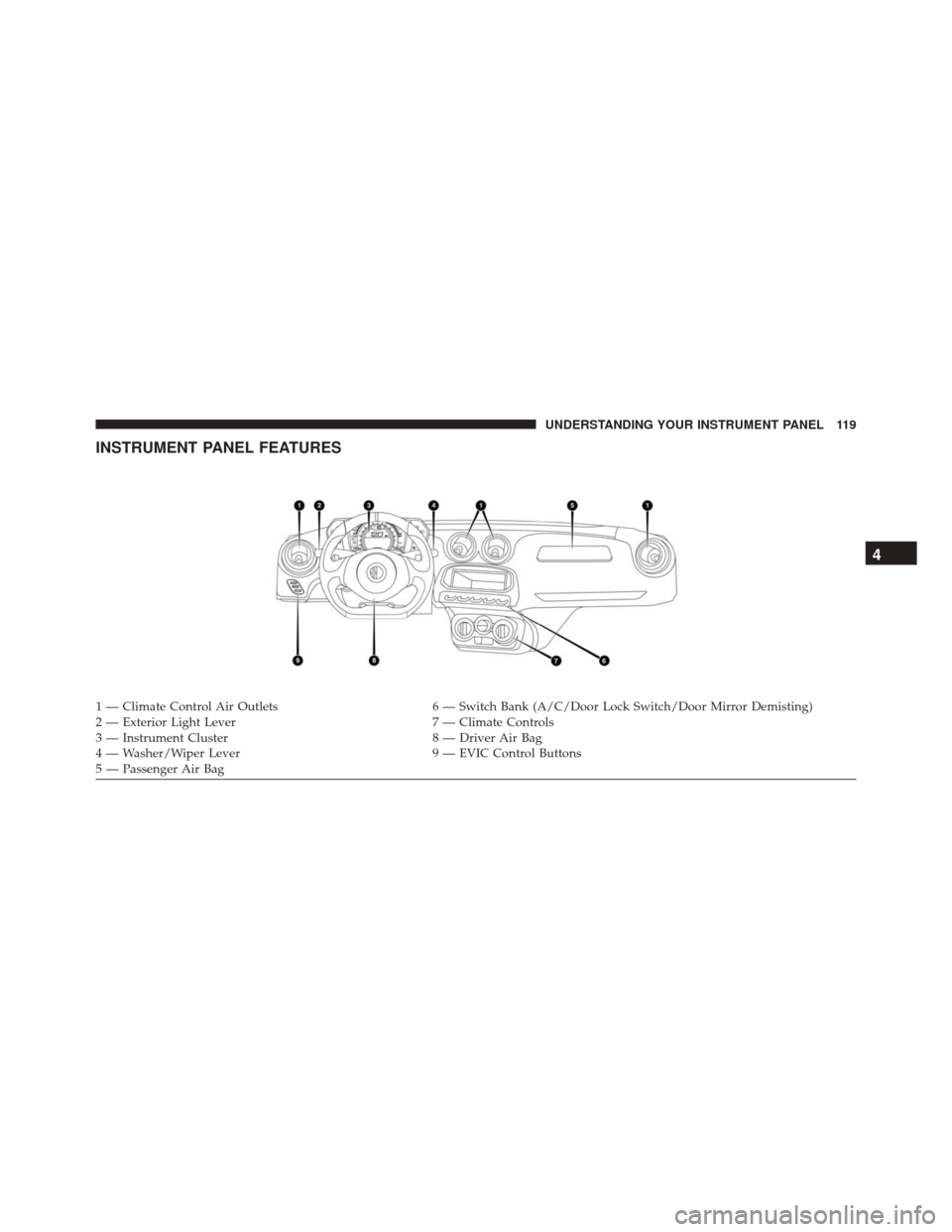
INSTRUMENT PANEL FEATURES
1 — Climate Control Air Outlets6 — Switch Bank (A/C/Door Lock Switch/Door Mirror Demisting)
2 — Exterior Light Lever 7 — Climate Controls
3 — Instrument Cluster 8 — Driver Air Bag
4 — Washer/Wiper Lever 9 — EVIC Control Buttons
5 — Passenger Air Bag
4
UNDERSTANDING YOUR INSTRUMENT PANEL 119
Page 125 of 371
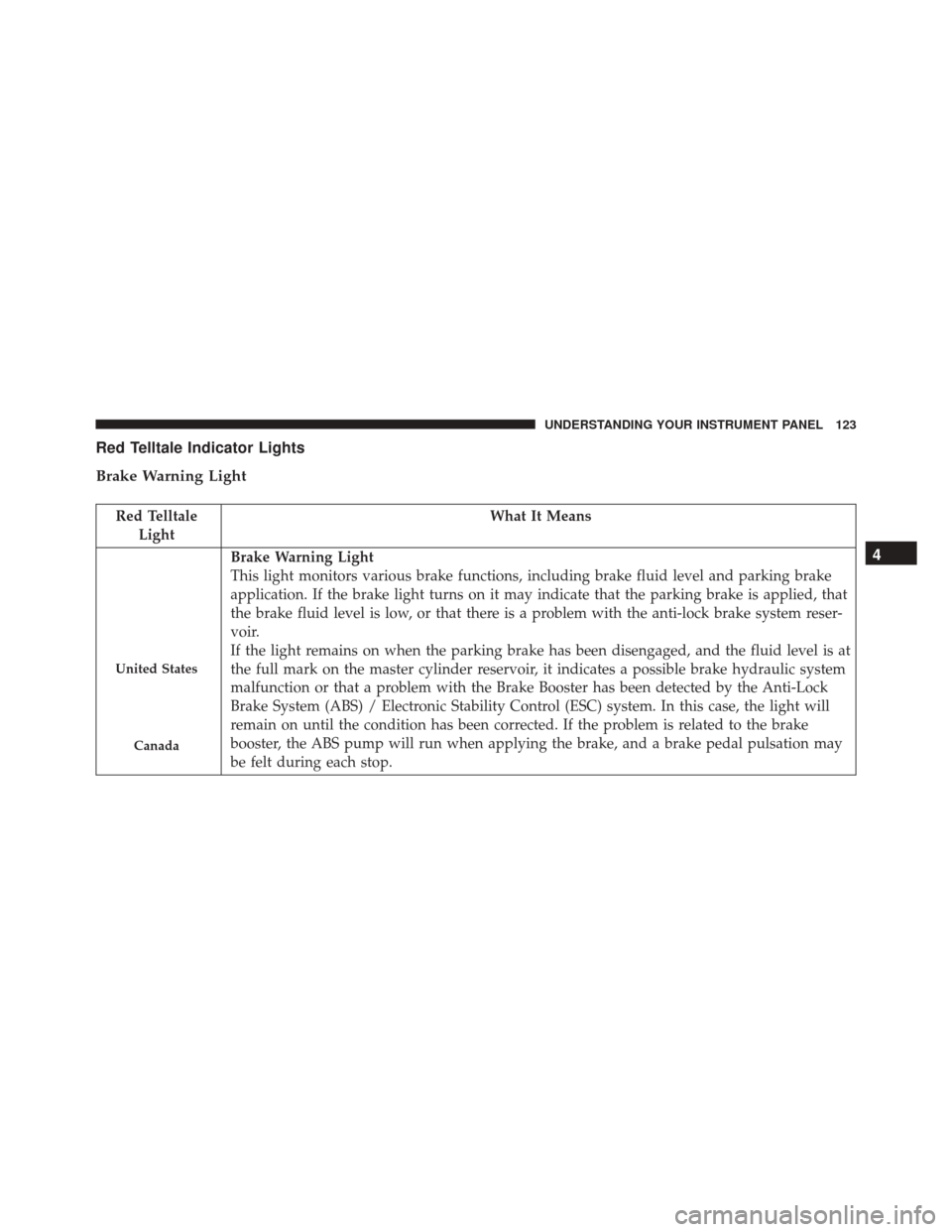
Red Telltale Indicator Lights
Brake Warning Light
Red TelltaleLight What It Means
United States
Canada
Brake Warning Light
This light monitors various brake functions, including brake fluid level and parking brake
application. If the brake light turns on it may indicate that the parking brake is applied, that
the brake fluid level is low, or that there is a problem with the anti-lock brake system reser-
voir.
If the light remains on when the parking brake has been disengaged, and the fluid level is at
the full mark on the master cylinder reservoir, it indicates a possible brake hydraulic system
malfunction or that a problem with the Brake Booster has been detected by the Anti-Lock
Brake System (ABS) / Electronic Stability Control (ESC) system. In this case, the light will
remain on until the condition has been corrected. If the problem is related to the brake
booster, the ABS pump will run when applying the brake, and a brake pedal pulsation may
be felt during each stop.4
UNDERSTANDING YOUR INSTRUMENT PANEL 123
Page 126 of 371
The dual brake system provides a reserve braking capac-
ity in the event of a failure to a portion of the hydraulic
system. A leak in either half of the dual brake system is
indicated by the Brake Warning Light, which will turn on
when the brake fluid level in the master cylinder has
dropped below a specified level.
The light will remain on until the cause is corrected.
NOTE:The light may flash momentarily during sharp
cornering maneuvers, which change fluid level condi-
tions. The vehicle should have service performed, and
the brake fluid level checked.
If brake failure is indicated, immediate repair is necessary.
WARNING!
Driving a vehicle with the red brake light on is
dangerous. Part of the brake system may have failed.
(Continued)
WARNING! (Continued)
It will take longer to stop the vehicle. You could have
a collision. Have the vehicle checked immediately.
Vehicles equipped with the Anti-Lock Brake System
(ABS) are also equipped with Electronic Brake Force
Distribution (EBD). In the event of an EBD failure, the
Brake Warning Light will turn on along with the ABS
Light. Immediate repair to the ABS system is required.
Operation of the Brake Warning Light can be checked by
turning the ignition switch from the OFF position to the
ON/RUN position. The light should illuminate for ap-
proximately two seconds. The light should then turn off
unless the parking brake is applied or a brake fault is
detected. If the light does not illuminate, have the light
inspected by an authorized dealer.
124 UNDERSTANDING YOUR INSTRUMENT PANEL
Page 137 of 371
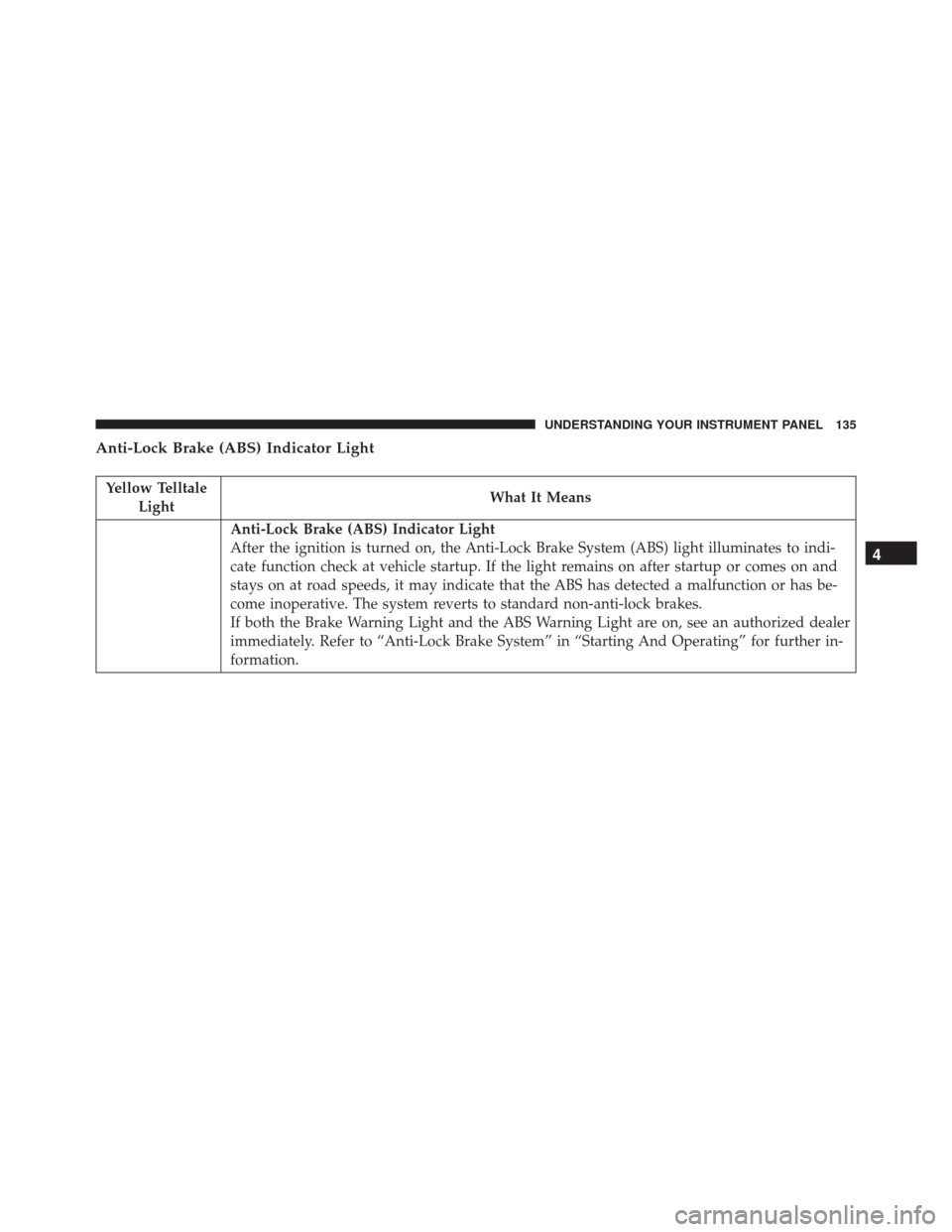
Anti-Lock Brake (ABS) Indicator Light
Yellow TelltaleLight What It Means
Anti-Lock Brake (ABS) Indicator Light
After the ignition is turned on, the Anti-Lock Brake System (ABS) light illuminates to indi-
cate function check at vehicle startup. If the light remains on after startup or comes on and
stays on at road speeds, it may indicate that the ABS has detected a malfunction or has be-
come inoperative. The system reverts to standard non-anti-lock brakes.
If both the Brake Warning Light and the ABS Warning Light are on, see an authorized dealer
immediately. Refer to “Anti-Lock Brake System” in “Starting And Operating” for further in-
formation.
4
UNDERSTANDING YOUR INSTRUMENT PANEL 135
Page 153 of 371
For activation/deactivation, proceed as follows:
1. Briefly push theSET/BACKbutton. “On” or “Off”
will display in the EVIC (according to previous set-
ting).
2. Push and release the UP
orDOWNarrow
button to select the setting and once selected a beep
will occur to signal the setting is saved.
3. Briefly push the SET/BACKbutton to go back to the
menu screen, or push and hold the SET/BACKbutton
(approximately one second) to go back to the main
screen without storing the settings.
Set Time
This function may be used to set the clock through two
sub-menu items: “Time” and “Mode.” Proceed as follows:
1. Briefly push the
SET/BACKbutton. The display will
show the two sub-menu items “Time” and “Mode.”
2. Push and release the UP
orDOWNarrow
button to navigate the two sub-menu items.
3. Select the required option and then push the SET/
BACK button.
4. When accessing the “Time” sub-menu item, briefly push the SET/BACK button and “hours” will flash on
the display.
5. Push and release the UP
orDOWNarrow
button for setting.
6. Briefly push the SET/BACKbutton and “minutes”
will flash on the display.
4
UNDERSTANDING YOUR INSTRUMENT PANEL 151
Page 155 of 371
4. Push and release theUPorDOWNarrow
button for setting.
5. Briefly push the SET/BACKbutton and “day” will
flash on the display.
6. Push and release the UP
orDOWNbutton for
setting.
NOTE: The setting will increase or decrease by one unit
each time the UP
orDOWNarrow button is
pushed. Push and hold the UP
orDOWNarrow
button to increase/decrease the setting rapidly. Save
the setting by briefly pushing the button when you
approach the required setting.
• Briefly push the SET/BACKbutton to go back to the
menu screen, or push and hold the SET/BACKbutton
(approximately one second) to go back to the main
screen without storing the settings.
Autoclose
With this function active, the doors will automatically
lock at when the vehicle’s speed exceeds 12 MPH
(20 km/h).
To change the setting, proceed as follows:
1. Briefly push the SET/BACKbutton “On” or “Off” will
flash on the display (according to the previous set-
ting).
2. Push and release the UP
orDOWNarrow
button for setting.
3. Briefly push the SET/BACKbutton to go back to the
menu screen, or push and hold the SET/BACKbutton
(approximately one second) to go back to the main
screen without storing the settings.
4
UNDERSTANDING YOUR INSTRUMENT PANEL 153
Page 170 of 371
NOTE:•Continuous use of the Recirculation mode may make
the inside air stuffy and window fogging may occur.
Extended use of this mode is not recommended.
• The use of the Recirculation mode in cold or damp
weather could cause windows to fog on the inside,
because of moisture buildup inside the vehicle. Se-
lect the outside air position for maximum defogging.
5. Temperature Control
Rotate this control to regulate the temperature of the air
inside the passenger compartment. Rotating the dial
counterclockwise into the blue area of the scale indicates
cooler temperatures, while rotating clockwise into the red
area indicates warmer temperatures.
6. Blower Control
Rotate this control to regulate the amount of air forced
through the ventilation system in any mode. The blower speed increases as you move the control clockwise from
the “0” (OFF) position. There are four blower speeds.
Heating
To heat the passenger compartment, proceed as follows:
1. Rotate the Temperature Control to the red section.
2. Turn the Blower Control to the desired speed.
3. Turn the Mode Control to
.
4. Then operate the controls to maintain the desired
comfort conditions.
NOTE:
• This air distribution allows the passenger compart-
ment to be heated quickly.
• When the engine is cold, it takes a few minutes to
achieve optimum passenger compartment heating.
168 UNDERSTANDING YOUR INSTRUMENT PANEL