reset Alfa Romeo 4C Spider 2019 User Guide
[x] Cancel search | Manufacturer: ALFA ROMEO, Model Year: 2019, Model line: 4C Spider, Model: Alfa Romeo 4C Spider 2019Pages: 292, PDF Size: 3.25 MB
Page 120 of 292
NOTE:After an accident, remember to cycle the igni-
tion to the STOP (OFF/LOCK) position and remove the
key from the ignition switch to avoid draining the
battery. Carefully check the vehicle for fuel leaks in the
engine compartment and on the ground near the engine
compartment and fuel tank before resetting the system
and starting the engine. If there are no fuel leaks or
damage to the vehicle electrical devices (e.g. headlights)
after an accident, reset the system by following the
procedure described below. If you have any doubt,
contact an authorized dealer.
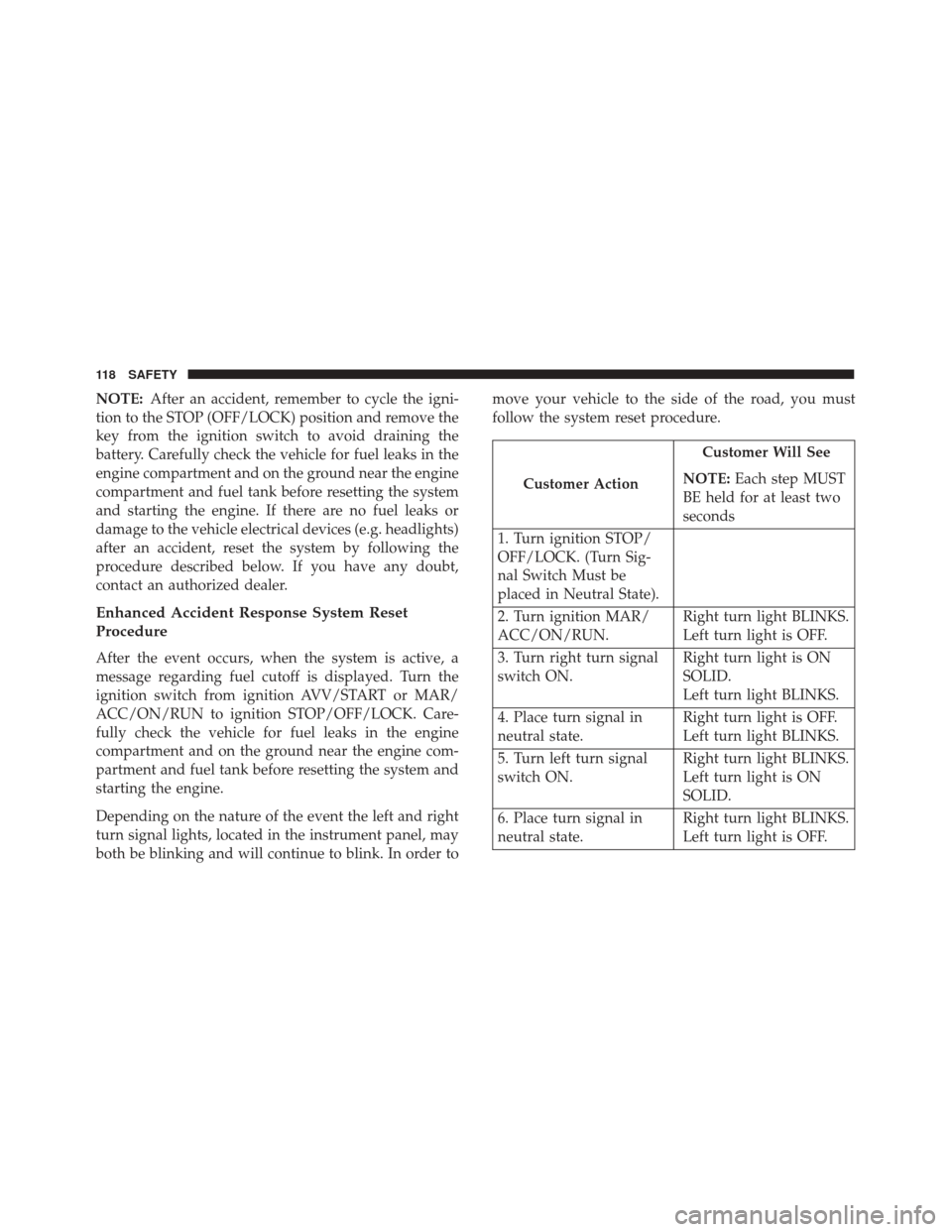
Enhanced Accident Response System Reset
Procedure
After the event occurs, when the system is active, a
message regarding fuel cutoff is displayed. Turn the
ignition switch from ignition AVV/START or MAR/
ACC/ON/RUN to ignition STOP/OFF/LOCK. Care-
fully check the vehicle for fuel leaks in the engine
compartment and on the ground near the engine com-
partment and fuel tank before resetting the system and
starting the engine.
Depending on the nature of the event the left and right
turn signal lights, located in the instrument panel, may
both be blinking and will continue to blink. In order to move your vehicle to the side of the road, you must
follow the system reset procedure.
Customer Action
Customer Will See
NOTE: Each step MUST
BE held for at least two
seconds
1. Turn ignition STOP/
OFF/LOCK. (Turn Sig-
nal Switch Must be
placed in Neutral State).
2. Turn ignition MAR/
ACC/ON/RUN. Right turn light BLINKS.
Left turn light is OFF.
3. Turn right turn signal
switch ON. Right turn light is ON
SOLID.
Left turn light BLINKS.
4. Place turn signal in
neutral state. Right turn light is OFF.
Left turn light BLINKS.
5. Turn left turn signal
switch ON. Right turn light BLINKS.
Left turn light is ON
SOLID.
6. Place turn signal in
neutral state. Right turn light BLINKS.
Left turn light is OFF.
118 SAFETY
Page 121 of 292
Customer ActionCustomer Will See
NOTE: Each step MUST
BE held for at least two
seconds
7. Turn right turn signal
switch ON. Right turn light is ON
SOLID.
Left turn light BLINKS.
8. Place turn signal in
neutral state. Right turn light is OFF.
Left turn light BLINKS.
9. Turn left turn signal
switch ON. Right turn light is ON
SOLID.
Left turn light is ON
SOLID.
10. Turn left turn signal
switch OFF. (Turn Signal
Switch Must be placed
in Neutral State). Right turn light is OFF.
Left turn light is OFF.
11. Turn ignition STOP/
OFF/LOCK.
12. Turn ignition MAR/
ACC/ON/RUN. (Entire
sequence needs to be
completed within one System is now reset and
the engine may be
started.Customer Action
Customer Will See
NOTE: Each step MUST
BE held for at least two
seconds
minute or sequence will
need to be repeated).
Turn hazard flashers
OFF (Manually).
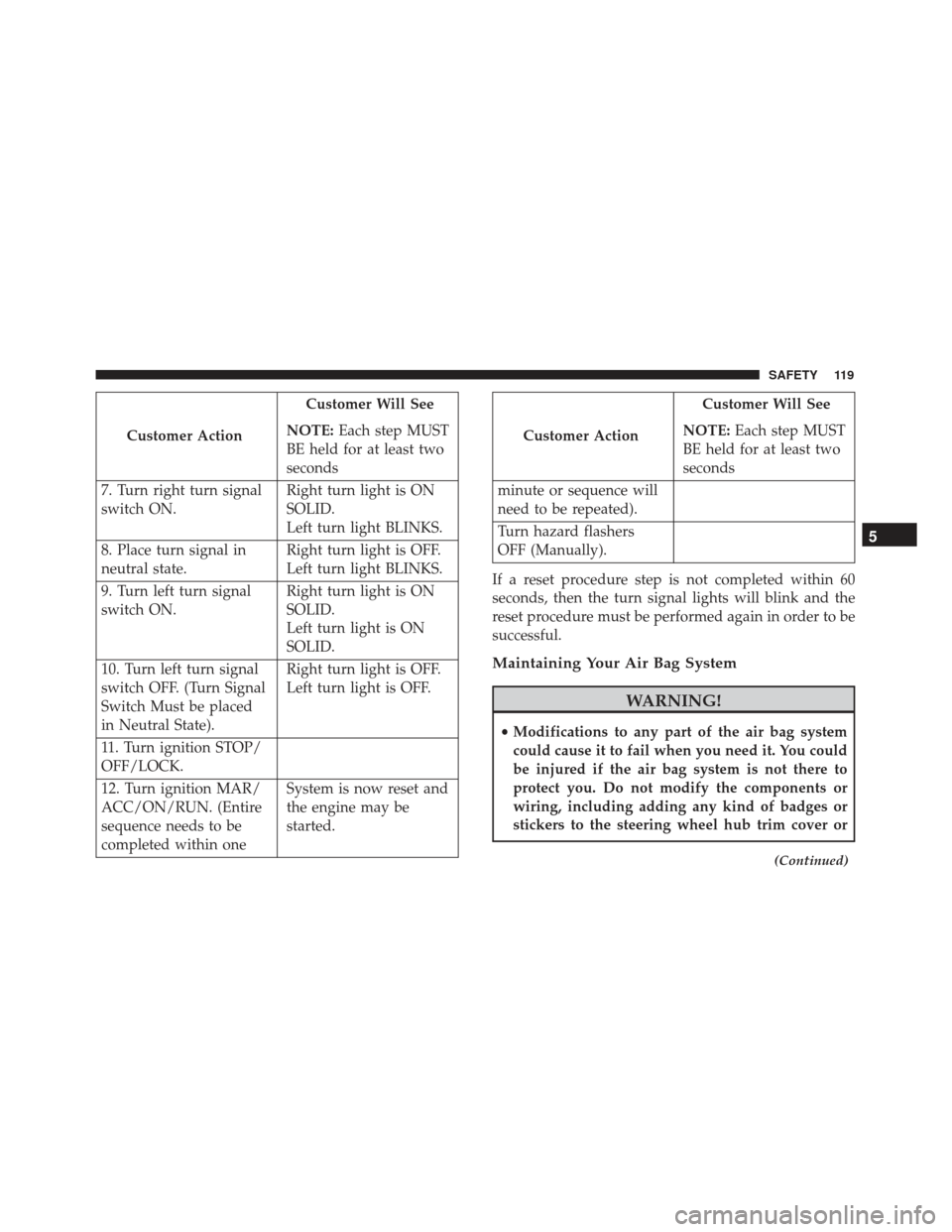
If a reset procedure step is not completed within 60
seconds, then the turn signal lights will blink and the
reset procedure must be performed again in order to be
successful.
Maintaining Your Air Bag System
WARNING!
• Modifications to any part of the air bag system
could cause it to fail when you need it. You could
be injured if the air bag system is not there to
protect you. Do not modify the components or
wiring, including adding any kind of badges or
stickers to the steering wheel hub trim cover or
(Continued)
5
SAFETY 119
Page 153 of 292
NOTE:In order to ensure proper operation, the Speed
Control system has been designed to shut down if
multiple speed control functions are operated at the same
time. If this occurs, the Speed Control system can be
reactivated rotating the end of the multifunction lever
(on/off) and resetting the desired vehicle set speed.
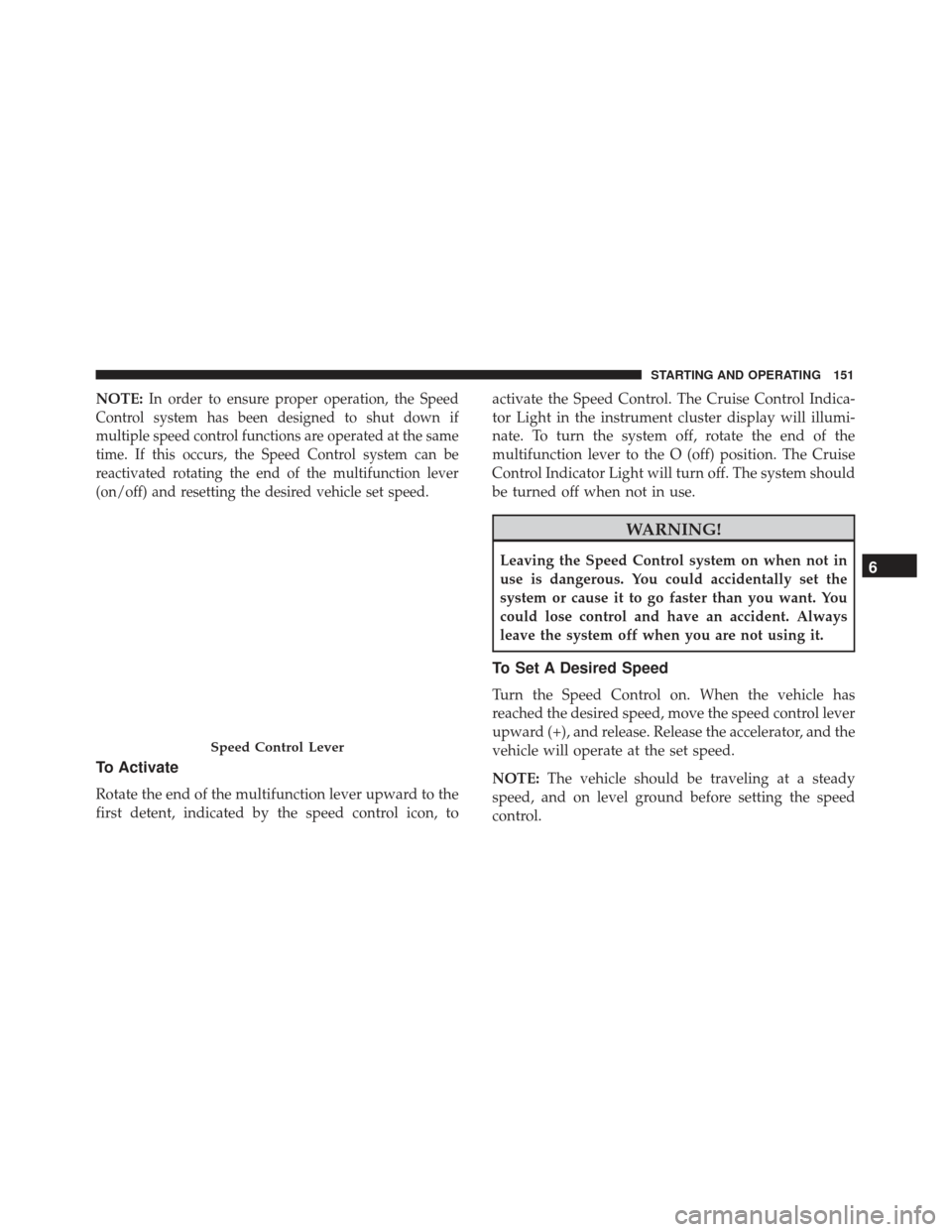
To Activate
Rotate the end of the multifunction lever upward to the
first detent, indicated by the speed control icon, to activate the Speed Control. The Cruise Control Indica-
tor Light in the instrument cluster display will illumi-
nate. To turn the system off, rotate the end of the
multifunction lever to the O (off) position. The Cruise
Control Indicator Light will turn off. The system should
be turned off when not in use.
WARNING!
Leaving the Speed Control system on when not in
use is dangerous. You could accidentally set the
system or cause it to go faster than you want. You
could lose control and have an accident. Always
leave the system off when you are not using it.
To Set A Desired Speed
Turn the Speed Control on. When the vehicle has
reached the desired speed, move the speed control lever
upward (+), and release. Release the accelerator, and the
vehicle will operate at the set speed.
NOTE:
The vehicle should be traveling at a steady
speed, and on level ground before setting the speed
control.
Speed Control Lever
6
STARTING AND OPERATING 151
Page 199 of 292
SCHEDULED SERVICING
Your vehicle is equipped with an automatic oil change
indicator system. The oil change indicator system will
remind you that it is time to take your vehicle in for
scheduled maintenance.
Based on engine operation conditions, the oil change
indicator message will illuminate in the instrument
cluster. This means that an engine oil and engine oil
filter change is required for your vehicle. Operating
conditions such as frequent short-trips, trailer tow,
extremely hot or cold ambient temperatures will influ-
ence when the “Change Oil” or “Oil Change Required”
message is displayed. Severe Operating Conditions can
cause the change oil message to illuminate as early as
3,500 miles (5,600 km) since last reset. Have your
vehicle serviced as soon as possible, within the next 500
miles (805 km).
The Wrench Warning Light may appear in the cluster as
a service reminder when vehicle maintenance is re-
quired, according to the scheduled maintenance mile-
age. The maintenance schedule intervals are set by the
manufacturer. Failure to have them carried out may
void your New Vehicle Limited Warranty.NOTE:
The actual interval for changing the oil and
replacing the engine oil filter depends on the vehicle
usage conditions and is signalled by the warning light
or message (if present) on the instrument panel or every
12 months.
Severe Duty All Models
In addition, if your vehicle is used under demanding
conditions, including:
• On the track.
• On dusty roads.
• Short, repeated trips (less than 4-5 miles or 7-8 km) at
sub-zero temperatures.
• Allowing the engine to idle for extended periods of
time.
• Driving for long distances at low speeds.
• Allowing the vehicle to sit for long periods of inac-
tivity.
8
SERVICING AND MAINTENANCE 197
Page 227 of 292
CAUTION!(Continued)
in transmission shift quality. Refer to “Fluids And
Lubricants” in “Technical Specifications” for fluid
specifications.
Special Additives
The manufacturer strongly recommends against using
any special additives in the transmission.
Transmission fluid is an engineered product and its
performance may be impaired by supplemental addi-
tives. Therefore, do not add any fluid additives to the
transmission. The only exception to this policy is the
use of special dyes for diagnosing fluid leaks.
CAUTION!
Do not use chemical flushes in your transmission as
the chemicals can damage your transmission com-
ponents. Such damage is not covered by the New
Vehicle Limited Warranty.
Fluid Level Check
The fluid level is preset at the factory and does not
require adjustment under normal operating conditions. Frequent fluid level checks are not required, but have
your authorized dealer check the fluid level as specified
in the Maintenance Schedule to ensure proper transmis-
sion function and longevity. The transmission has no
dipstick, but your authorized dealer can check your
transmission fluid level using special service tools. If
you notice fluid leakage or transmission malfunction,
visit your authorized dealer immediately to have the
transmission fluid level checked. Operating the vehicle
with an improper fluid level can cause severe transmis-
sion damage.
Fluid Changes
Under normal operating conditions, the fluid installed
at the factory will provide satisfactory lubrication for
the life of the vehicle. However, change the fluid if it
becomes contaminated (with water, etc.), or if the
transmission is disassembled for any reason.
RAISING THE VEHICLE
In the case where it is necessary to raise the vehicle, go
to an authorized dealer or service station.
8
SERVICING AND MAINTENANCE 225
Page 270 of 292
•A Fresh-Air subwoofer mounted in the rear of the
vehicle
NOTE: Be sure to press the RESET button when using
the unit for the first time, after changing the vehicle
battery, or using the battery disconnect (anytime the
vehicle loses power).
For further information on radio functions and use,
refer to the Alpine Radio Supplement.
RADIO OPERATION AND MOBILE PHONES
Under certain conditions, the mobile phone being on in
your vehicle can cause erratic or noisy performance
from your radio. This condition may be lessened or
eliminated by relocating the mobile phone antenna.
This condition is not harmful to the radio. If your radio
performance does not satisfactorily “clear” by the repo-
sitioning of the antenna, it is recommended that the
radio volume be turned down or off during mobile
phone operation.
General Information
The following regulatory statement applies to all Radio
Frequency (RF) devices equipped in this vehicle:
This device complies with Part 15 of the FCC Rules and
with Industry Canada license-exempt RSS standard(s).
Operation is subject to the following two conditions:
• This device may not cause harmful interference, and
• This device must accept any interference received,
including interference that may cause undesired op-
eration.
NOTE: Changes or modifications not expressly ap-
proved by the party responsible for compliance could
void the user ’s authority to operate the equipment.
268 MULTIMEDIA