brake light Alfa Romeo Giulia 2017 User Guide
[x] Cancel search | Manufacturer: ALFA ROMEO, Model Year: 2017, Model line: Giulia, Model: Alfa Romeo Giulia 2017Pages: 268, PDF Size: 18.64 MB
Page 98 of 268
ACTIVE SAFETY
SYSTEMS
The vehicle may be equipped with the
following active safety devices:
Anti-Lock Braking (ABS) System
Drive Train Control (DTC) System
Electronic Stability Control (ESC)
System
Traction Control System (TCS)
Panic Brake Assist (PBA) System
Hill Start Assist (HSA) System
Dynamic Steering Torque (DST)
System
Active Torque Vectoring (ATV)
System
For the operation of the systems, see
the following pages.
Anti-Lock Braking (ABS)
System
An integral part of the braking system,
the ABS prevents one or more wheels
from locking and slipping in all road
surface conditions, regardless of the
intensity of the braking action. The
system ensures that the vehicle can be
controlled even during emergency
braking, allowing the driver to optimize
stopping distances.
The system intervenes during braking
when the wheels are about to lock,
typically in emergency braking or
low-grip conditions where locking may
be more frequent. The system also improves control and
stability of the vehicle when braking on
a surface where the grip of the left and
right wheels varies, such as in a corner.
The Electronic Braking Force
Distribution (EBD) system works with
the ABS, allowing the brake force to be
distributed between the front and rear
wheels.
System Intervention
The ABS equipped on this vehicle is
provided with the "Brake-by-wire"
(Integrated Brake System - IBS)
function. With this system, the
command given by pressing the brake
pedal is not transmitted hydraulically,
but electrically. Therefore, the light
pulsation that is felt on the pedal with
the traditional system is no longer
noticeable.Warning!
The ABS contains sophisticated
electronic equipment that may be
susceptible to interference caused by
improperly installed or high output radio
transmitting equipment. This interference
can cause possible loss of anti-lock braking
capability. Installation of such equipment
should be performed by qualified
professionals.
Pumping of the Anti-Lock Brakes will
diminish their effectiveness and may lead to
a collision. Pumping makes the stopping
distance longer. Just press firmly on your
brake pedal when you need to slow down
or stop.
The ABS cannot prevent the natural
laws of physics from acting on the vehicle,
nor can it increase braking or steering
efficiency beyond that afforded by the
condition of the vehicle brakes and tires or
the traction afforded.
The ABS cannot prevent collisions,
including those resulting from excessive
speed in turns, following another vehicle
too closely, or hydroplaning.
The capabilities of an ABS equipped
vehicle must never be exploited in a
reckless or dangerous manner that could
jeopardize the user’s safety or the safety of
others.
Drive Train Control
(DTC) System — If
Equipped
Some models of this vehicle are
equipped with an All-Wheel Drive
system (AWD), which offers an optimal
drive for countless driving conditions
and road surfaces. The system reduces
the slipping of the tires to a minimum,
automatically redistributing the torque
to the front and rear wheels as needed.
To maximize fuel savings, the vehicle
with AWD automatically passes to
rear-wheel drive (RWD) when the road
96
SAFETY
Page 99 of 268

and environmental conditions are such
that they wouldn't cause the tires to
slip. When the road and environmental
conditions require better traction, the
vehicle automatically goes to AWD
mode.
The driving mode, RWD or AWD, is
shown on the instrument cluster
display.
Note:If the system failure symbol
switches on, after starting the engine or
while driving, it means that the AWD
system is not working properly. If the
warning message activates frequently, it
is recommended to carry out the
maintenance operations.
Electronic Stability
Control (ESC) System
The ESC system improves the
directional control and stability of the
car in various driving conditions.
The ESC system corrects the car’s
understeer and oversteer, distributing
the brake force on the appropriate
wheels. The torque supplied by the
engine can also be reduced in order to
maintain control of the vehicle.
The ESC system uses sensors installed
on the car to determine the path that
the driver intends to follow and
compares it with the car’s effective
path. When the real path deviates from
the desired path, the ESC system
intervenes to counter the vehicle’s
understeer or oversteer.
Oversteer occurs when the car is
turning more than it should according
to the angle of the steering wheel.
Understeer occurs when the vehicle
is turning less than it should according
to the angle of the steering wheel.
System Intervention
The intervention of the system is
indicated by the flashing of the ESC
warning light on the instrument panel,
to inform the driver that the vehicle
stability and grip are critical.
Warning!
Electronic Stability Control (ESC) cannot
prevent the natural laws of physics from
acting on the vehicle, nor can it increase
the traction afforded by prevailing road
conditions. ESC cannot prevent accidents,
including those resulting from excessive
speed in turns, driving on very slippery
surfaces, or hydroplaning. ESC also cannot
prevent accidents resulting from loss of
vehicle control due to inappropriate driver
input for the conditions. Only a safe,
attentive, and skillful driver can prevent
accidents. The capabilities of an ESC
equipped vehicle must never be exploited
in a reckless or dangerous manner which
could jeopardize the user’s safety or the
safety of others.
Vehicle modifications, or failure to
properly maintain your vehicle, may change
the handling characteristics of your vehicle,
and may negatively affect the performance
of the ESC system. Changes to the
steering system, suspension, braking
system, tire type and size or wheel size
may adversely affect ESC performance.
Improperly inflated and unevenly worn tires
may also degrade ESC performance. Any
vehicle modification or poor vehicle
maintenance that reduces the effectiveness
of the ESC system can increase the risk of
loss of vehicle control, vehicle rollover,
personal injury and death.
Traction Control System
(TCS)
The system automatically operates in
the event of slipping, loss of grip on wet
roads (hydroplaning), and acceleration
on one or both drive wheels on roads
that are slippery, snowy, icy, etc.
Depending on the slipping conditions,
two different control systems are
activated:
If the slipping involves both drive
wheels, the system intervenes, reducing
the power transmitted by the engine.
If the slipping only involves one of the
drive wheels, the Brake Limited
Differential (BLD) function is activated,
automatically braking the wheel which
is slipping (the behavior of a self-locking
differential is simulated). This will
increase the engine torque transferred
to the wheel which isn't slipping.
97
Page 100 of 268

System Intervention
The intervention of the system is
indicated by the flashing of the ESC
warning light on the instrument panel,
to inform the driver that the vehicle
stability and grip are critical.
Panic Brake Assist
(PBA) System
The PBA system is designed to improve
the vehicle’s braking capacity during
emergency braking.
The system detects emergency braking
by monitoring the speed and force with
which the brake pedal is pressed, and
consequently applies the optimal brake
pressure. This can reduce the braking
distance: the PBA system therefore
complements the ABS.
Maximum assistance from the PBA
system is obtained by pressing the
brake pedal very quickly. In addition, the
brake pedal should be pressed
continuously during braking, avoiding
intermittent presses, to get the most
out of the system. Do not reduce
pressure on the brake pedal until
braking is no longer necessary.
The PBA system is deactivated when
the brake pedal is released.
Warning!
The Panic Brake Assist (PBA) cannot
prevent the natural laws of physics from
acting on the vehicle, nor can it increase
the traction afforded by prevailing road
conditions. PBA cannot prevent collisions,
including those resulting from excessive
speed in turns, driving on very slippery
surfaces, or hydroplaning. The capabilities
of a PBA-equipped vehicle must never be
exploited in a reckless or dangerous
manner, which could jeopardize the user's
safety or the safety of others.
Hill Start Assist (HSA)
System
This is an integral part of the ESC
system and facilitates starting on
slopes, activating automatically in the
following cases:
Uphill: vehicle stationary on a road
with a gradient higher than 5%, engine
running, brake pressed and
transmission in neutral or gear other
than reverse engaged;
Downhill: vehicle stationary on a road
with a gradient higher than 5%, engine
running, brake pressed and reverse
gear engaged.
When setting off, the ESC system
control unit maintains the braking
pressure on the wheels until the engine
torque necessary for starting is reached, or in any case for a maximum
of two seconds, allowing your right foot
to be moved easily from the brake
pedal to the accelerator.
When two seconds without starting
have elapsed, the system is
automatically deactivated, gradually
releasing the braking pressure. During
this release stage, it is possible to hear
a typical mechanical brake release
noise, indicating the imminent
movement of the car.
Warning!
There may be situations where the Hill
Start Assist (HSA) will not activate and
slight rolling may occur, such as on minor
hills or with a loaded vehicle, or while
pulling a trailer. HSA is not a substitute for
active driving involvement. It is always the
driver’s responsibility to be attentive to
distance to other vehicles, people, and
objects, and most importantly brake
operation to ensure safe operation of the
vehicle under all road conditions. Your
complete attention is always required while
driving to maintain safe control of your
vehicle. Failure to follow these warnings
can result in a collision or serious personal
injury.
98
SAFETY
Page 104 of 268
Forward Collision
Warning (FCW) System
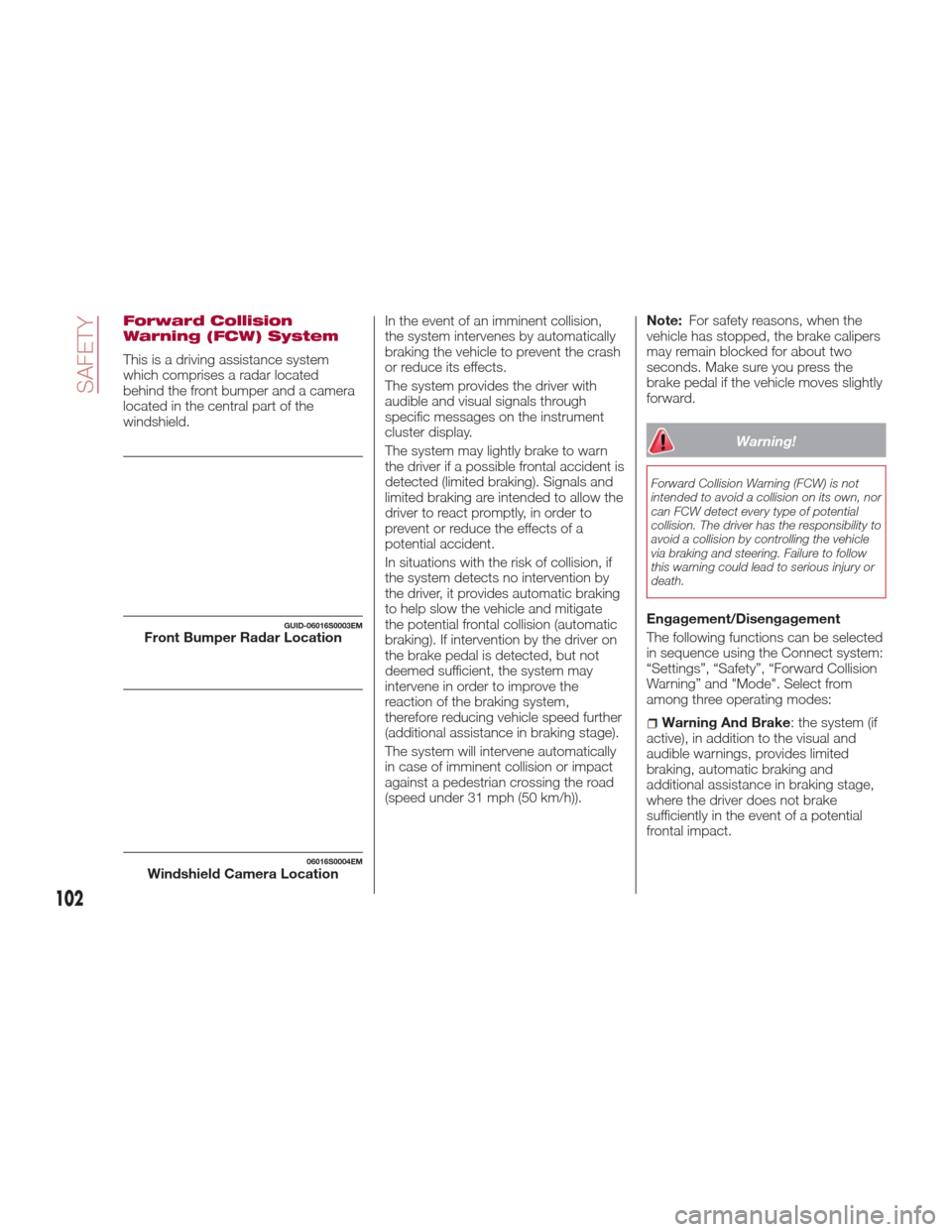
This is a driving assistance system
which comprises a radar located
behind the front bumper and a camera
located in the central part of the
windshield.In the event of an imminent collision,
the system intervenes by automatically
braking the vehicle to prevent the crash
or reduce its effects.
The system provides the driver with
audible and visual signals through
specific messages on the instrument
cluster display.
The system may lightly brake to warn
the driver if a possible frontal accident is
detected (limited braking). Signals and
limited braking are intended to allow the
driver to react promptly, in order to
prevent or reduce the effects of a
potential accident.
In situations with the risk of collision, if
the system detects no intervention by
the driver, it provides automatic braking
to help slow the vehicle and mitigate
the potential frontal collision (automatic
braking). If intervention by the driver on
the brake pedal is detected, but not
deemed sufficient, the system may
intervene in order to improve the
reaction of the braking system,
therefore reducing vehicle speed further
(additional assistance in braking stage).
The system will intervene automatically
in case of imminent collision or impact
against a pedestrian crossing the road
(speed under 31 mph (50 km/h)).Note:
For safety reasons, when the
vehicle has stopped, the brake calipers
may remain blocked for about two
seconds. Make sure you press the
brake pedal if the vehicle moves slightly
forward.
Warning!
Forward Collision Warning (FCW) is not
intended to avoid a collision on its own, nor
can FCW detect every type of potential
collision. The driver has the responsibility to
avoid a collision by controlling the vehicle
via braking and steering. Failure to follow
this warning could lead to serious injury or
death.
Engagement/Disengagement
The following functions can be selected
in sequence using the Connect system:
“Settings”, “Safety”, “Forward Collision
Warning” and "Mode". Select from
among three operating modes:
Warning And Brake : the system (if
active), in addition to the visual and
audible warnings, provides limited
braking, automatic braking and
additional assistance in braking stage,
where the driver does not brake
sufficiently in the event of a potential
frontal impact.
GUID-06016S0003EMFront Bumper Radar Location
06016S0004EMWindshield Camera Location
102
SAFETY
Page 105 of 268
Only Warning: the system, if active,
does not provide limited braking, but
guarantees automatic braking or
additional assistance in braking stage,
where the driver does not brake at all or
not sufficiently in the event of a potential
frontal impact. The visual and audible
warnings are deactivated, and will not
be provided.
Disable: the system does not
provide visual and audible warnings,
limited braking, automatic braking or
additional assistance in braking stage.
The system will therefore provide no
indication of a possible accident.
Activation/Deactivation
The Forward Collision Warning system
is activated whenever the engine is
started regardless of what is shown on
the Connect system.
Following a deactivation, the system will
not warn the driver about the possible
collision with the preceding vehicle,
regardless of the setting selected with
the Connect system.
Note: Each time the engine is started,
the system is activated regardless of
what setting was selected when it was
previously switched off.
This function is not active at a speed
lower than 4 mph (7 km/h) or higher
than 124 mph (200 km/h). The system is active when:
The engine is started.
Is active (on) in the Connect system.
The ignition is in the ON position.
The vehicle speed is between 4 mph
(7 km/h) and 124 mph (200 km/h).
The front seat belts are fastened.
The "Alfa DNA Pro" selector is not in
RACE position (where present).
Changing The System Sensitivity
The sensitivity of the system can be
changed through the Connect system
menu, choosing from one of the
following three options: "Near", "Med"
or "Far". Refer to the description in the
“Connect System Supplement” for how
to change the settings.
The pre-set option is "Med". With this
setting, the system warns the driver of a
possible collision with the vehicle in
front when that vehicle is at a standard
distance, between that of the other two
settings.
With the system sensitivity set to "Far",
the system will warn the driver of a
possible collision with the vehicle in
front when that vehicle is at a greater
distance, thus providing the possibility
of acting on the brakes more lightly and
gradually. This setting provides the
drivers with the maximum possible
reaction time to prevent a potential
accident. With the option set to "Near", the
system will alert the driver of a possible
collision with the vehicle in front when
that vehicle is close. This setting offers
the driver a lower reaction time
compared to the "Med" and "Far"
settings, in the event of a potential
collision, but permits more dynamic
driving of the vehicle.
The system sensitivity setting is kept in
the memory when the engine is
switched off.
System Limited Operation Signal
If the dedicated message is displayed,
a condition limiting the system
operation may have occurred. The
possible reasons of this limitation are
something blocking the camera view or
a fault.
If an obstruction is signaled, clean the
area of the windshield indicated in.
Although the vehicle can still be driven
in normal conditions, the system may
be not completely available.
When the conditions limiting the system
functions end, this will go back to
normal and complete operation. Should
the fault persist, contact an authorized
dealer.
System Failure Signaling
If the system switches off and a
dedicated message is shown on the
display, it means that there is a fault on
the system.
103
Page 140 of 268
ELECTRIC PARK
BRAKE
The vehicle is equipped with electric
park brake to guarantee better use and
optimal performance compared to a
manually operated park brake.
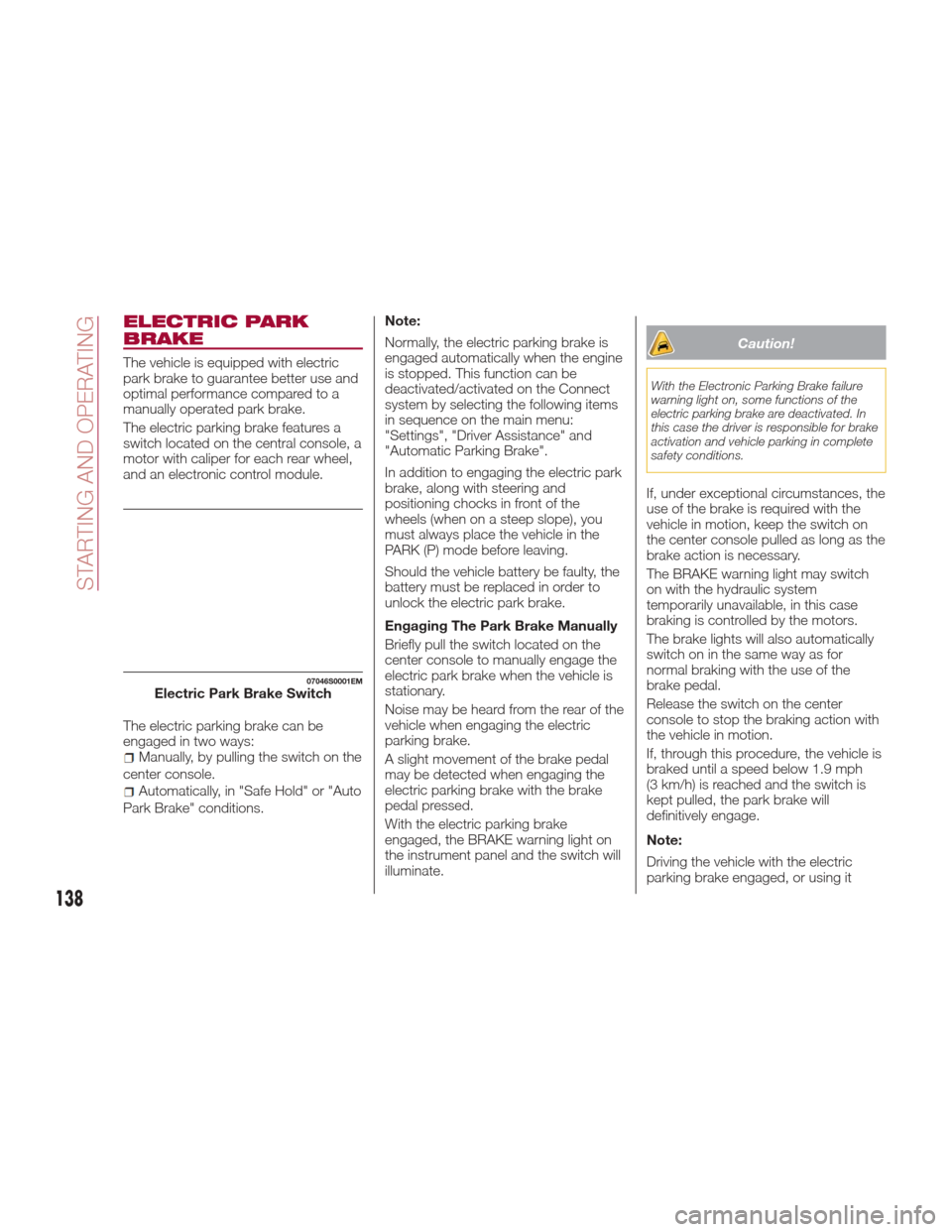
The electric parking brake features a
switch located on the central console, a
motor with caliper for each rear wheel,
and an electronic control module.
The electric parking brake can be
engaged in two ways:
Manually, by pulling the switch on the
center console.
Automatically, in "Safe Hold" or "Auto
Park Brake" conditions. Note:
Normally, the electric parking brake is
engaged automatically when the engine
is stopped. This function can be
deactivated/activated on the Connect
system by selecting the following items
in sequence on the main menu:
"Settings", "Driver Assistance" and
"Automatic Parking Brake".
In addition to engaging the electric park
brake, along with steering and
positioning chocks in front of the
wheels (when on a steep slope), you
must always place the vehicle in the
PARK (P) mode before leaving.
Should the vehicle battery be faulty, the
battery must be replaced in order to
unlock the electric park brake.
Engaging The Park Brake Manually
Briefly pull the switch located on the
center console to manually engage the
electric park brake when the vehicle is
stationary.
Noise may be heard from the rear of the
vehicle when engaging the electric
parking brake.
A slight movement of the brake pedal
may be detected when engaging the
electric parking brake with the brake
pedal pressed.
With the electric parking brake
engaged, the BRAKE warning light on
the instrument panel and the switch will
illuminate.
Caution!
With the Electronic Parking Brake failure
warning light on, some functions of the
electric parking brake are deactivated. In
this case the driver is responsible for brake
activation and vehicle parking in complete
safety conditions.
If, under exceptional circumstances, the
use of the brake is required with the
vehicle in motion, keep the switch on
the center console pulled as long as the
brake action is necessary.
The BRAKE warning light may switch
on with the hydraulic system
temporarily unavailable, in this case
braking is controlled by the motors.
The brake lights will also automatically
switch on in the same way as for
normal braking with the use of the
brake pedal.
Release the switch on the center
console to stop the braking action with
the vehicle in motion.
If, through this procedure, the vehicle is
braked until a speed below 1.9 mph
(3 km/h) is reached and the switch is
kept pulled, the park brake will
definitively engage.
Note:
Driving the vehicle with the electric
parking brake engaged, or using it
07046S0001EMElectric Park Brake Switch
138
STARTING AND OPERATING
Page 141 of 268
several times to slow down the vehicle,
may cause severe damage to the
braking system.
Disengaging The Electric Park
Brake Manually
In order to manually release the park
brake, the ignition should be in the ON
mode. Press the brake pedal, and then
press the switch on the center console
briefly.
Noise may be heard from the rear of the
vehicle, and a slight movement of the
brake pedal may be detected during
disengagement.
After disengaging the electric parking
brake, the BRAKE warning light on the
instrument panel and the light on the
switch will turn off.
If the BRAKE warning light on the
instrument panel remains on with the
electric parking brake disengaged, this
indicates a fault: in this case, contact an
authorized dealer.
Warning!
Never leave children alone in a vehicle,
or with access to an unlocked vehicle.
Allowing children to be in a vehicle
unattended is dangerous for a number of
reasons. A child or others could be
seriously or fatally injured. Children should
be warned not to touch the park brake,
brake pedal or the gear selector.
Do not leave the key fob in or near the
vehicle or in a location accessible to
children. A child could operate power
windows, other controls, or move the
vehicle.
Be sure the park brake is fully
disengaged before driving; failure to do so
can lead to brake failure and a collision.
Always fully apply the park brake when
leaving your vehicle, or it may roll and
cause damage or injury.
Caution!
Never use gear position PARK (P) instead
of the electric parking brake. Always
engage the electric parking brake when
parking the vehicle to prevent injury or
damage caused by the unexpected
movement of the vehicle.
Electric Park Brake
Operating Modes
The electric park brake may operate as
follows:
"Dynamic Operating Mode": this
mode is activated by pulling the switch
repeatedly while driving.
"Static Engagement and Release
Mode": with the vehicle stationary, the
electric park brake can be activated by
pulling the switch on the central tunnel
once. On the other hand, push the switch and the brake pedal at the same
time to disengage the brake.
"Drive Away Release" — if equipped:
the electric park brake will automatically
disengage with the driver side seat belt
fastened and the detection of an action
performed by the driver to move the
vehicle (forward gear or reverse gear).
"Safe Hold": if the vehicle speed is
lower than 1.9 mph (3 km/h), the gear
selector is not in PARK (P) position and
the driver's intention of leaving the
vehicle is detected, the electric park
brake will automatically engage to hold
the vehicle in safety conditions.
"Auto Park Brake": if the vehicle
speed is below 1.9 mph (3 km/h), the
electric park brake will automatically
engage when the gear selector is in
PARK (P) position. The light on the
switch located on the center console
switches on together with the BRAKE
warning light on the instrument panel
when the park brake is engaged and
applied to the wheels. Each automatic
park brake engagement can be
cancelled by pressing the switch on the
center console and at the same time
moving the gear selector for the
transmission to position PARK (P).
139
Page 143 of 268
Caution!
Damage to the transmission may occur if
the following precautions are not observed:
Shift into or out of PARK or REVERSE
only after the vehicle has come to a
complete stop.
Do not shift between PARK, REVERSE,
NEUTRAL, or DRIVE when the engine is
above idle speed.
Before shifting into any gear, make sure
your foot is firmly pressing the brake pedal.
Display
The following information is shown on
the dedicated area of the display:
In Automatic Mode : the active
mode (P, R, N, D) and with "D" the
current gear number.
In Manual Drive Mode
(Sequential) : the mode (M), the current
gear and the double or single gear shift
request, both up and down (single or
double arrow).
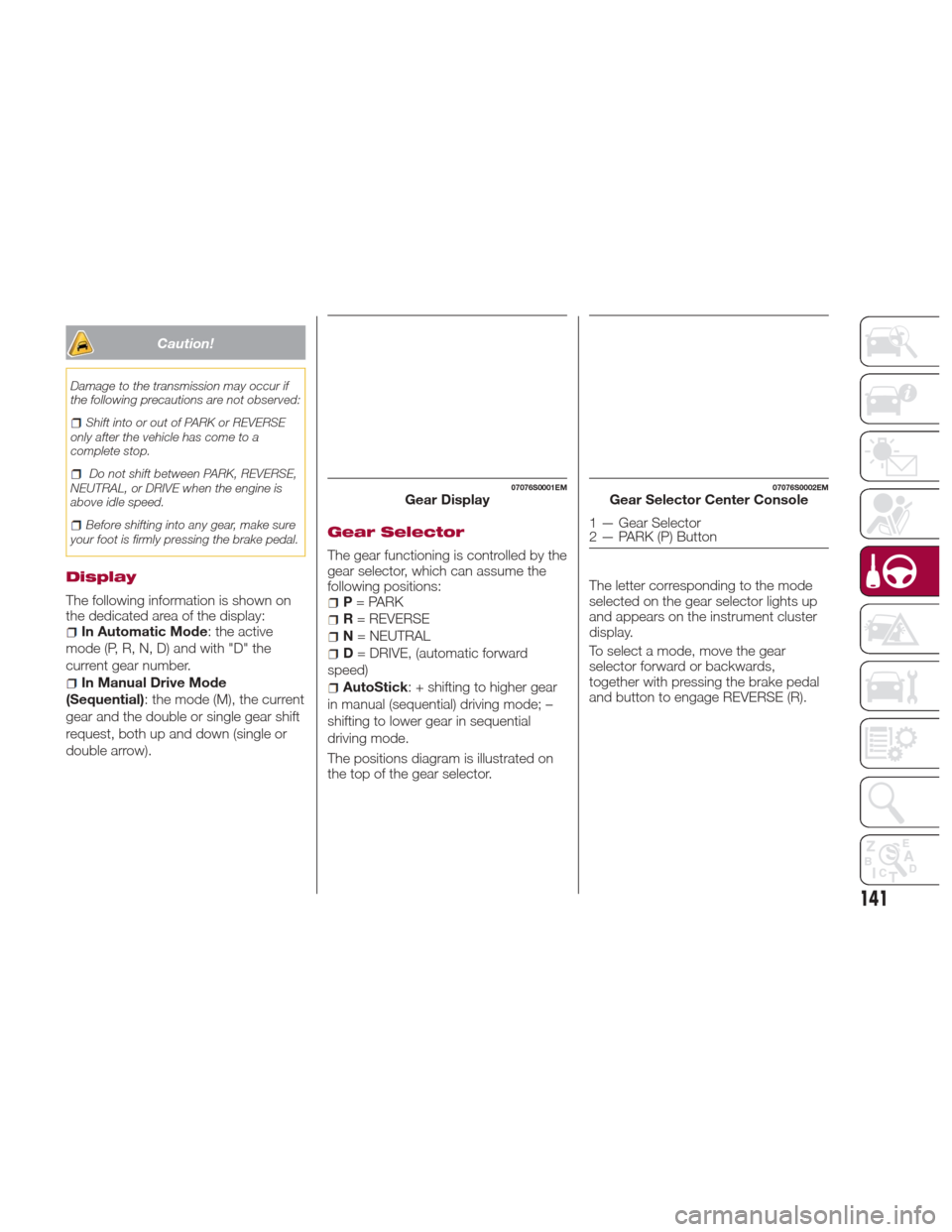
Gear Selector
The gear functioning is controlled by the
gear selector, which can assume the
following positions:
P = PARK
R = REVERSE
N = NEUTRAL
D= DRIVE, (automatic forward
speed)
AutoStick : + shifting to higher gear
in manual (sequential) driving mode; –
shifting to lower gear in sequential
driving mode.
The positions diagram is illustrated on
the top of the gear selector. The letter corresponding to the mode
selected on the gear selector lights up
and appears on the instrument cluster
display.
To select a mode, move the gear
selector forward or backwards,
together with pressing the brake pedal
and button to engage REVERSE (R).
07076S0001EMGear Display07076S0002EMGear Selector Center Console
1 — Gear Selector
2 — PARK (P) Button
141
Page 146 of 268
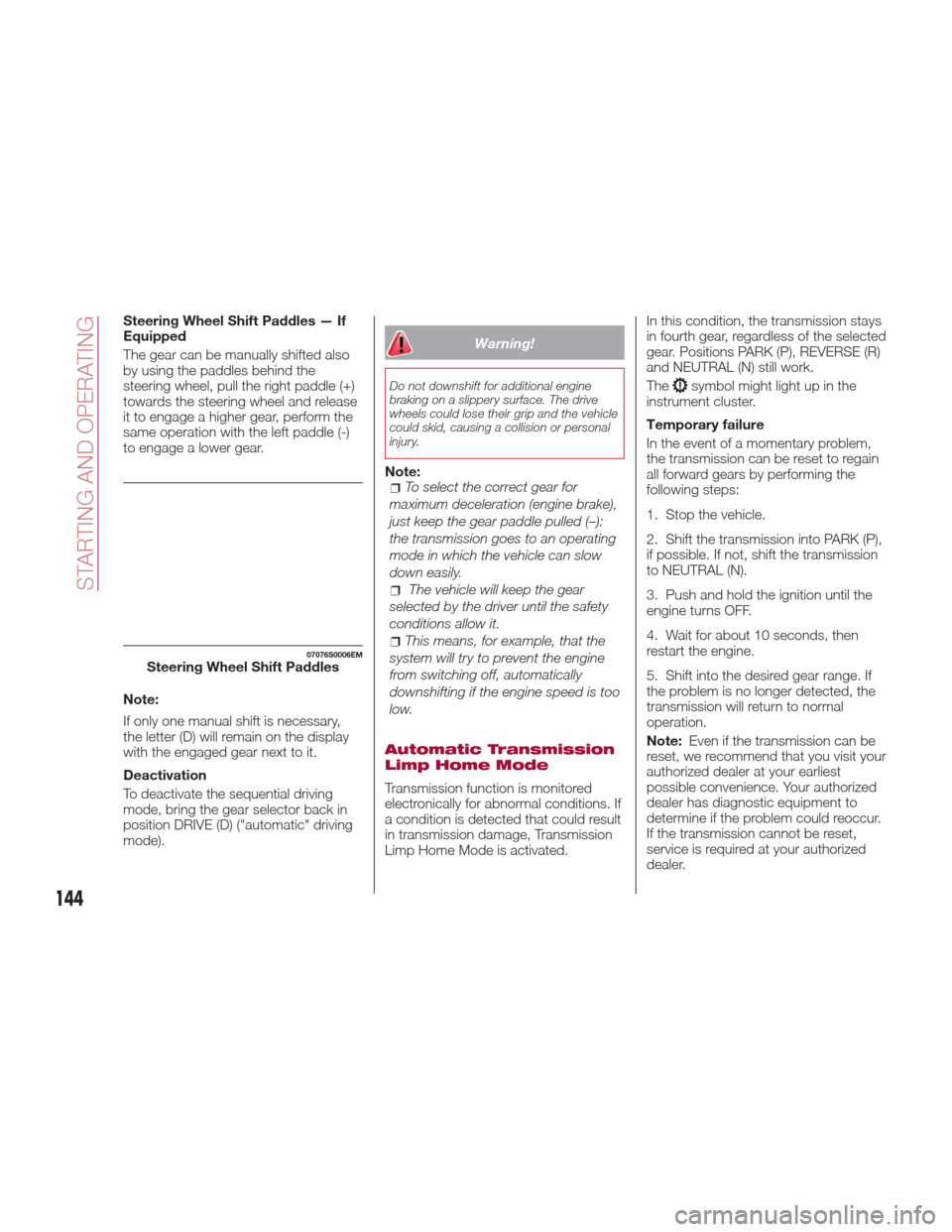
Steering Wheel Shift Paddles — If
Equipped
The gear can be manually shifted also
by using the paddles behind the
steering wheel, pull the right paddle (+)
towards the steering wheel and release
it to engage a higher gear, perform the
same operation with the left paddle (-)
to engage a lower gear.
Note:
If only one manual shift is necessary,
the letter (D) will remain on the display
with the engaged gear next to it.
Deactivation
To deactivate the sequential driving
mode, bring the gear selector back in
position DRIVE (D) ("automatic" driving
mode).
Warning!
Do not downshift for additional engine
braking on a slippery surface. The drive
wheels could lose their grip and the vehicle
could skid, causing a collision or personal
injury.
Note:To select the correct gear for
maximum deceleration (engine brake),
just keep the gear paddle pulled (–):
the transmission goes to an operating
mode in which the vehicle can slow
down easily.
The vehicle will keep the gear
selected by the driver until the safety
conditions allow it.
This means, for example, that the
system will try to prevent the engine
from switching off, automatically
downshifting if the engine speed is too
low.
Automatic Transmission
Limp Home Mode
Transmission function is monitored
electronically for abnormal conditions. If
a condition is detected that could result
in transmission damage, Transmission
Limp Home Mode is activated. In this condition, the transmission stays
in fourth gear, regardless of the selected
gear. Positions PARK (P), REVERSE (R)
and NEUTRAL (N) still work.
The
symbol might light up in the
instrument cluster.
Temporary failure
In the event of a momentary problem,
the transmission can be reset to regain
all forward gears by performing the
following steps:
1. Stop the vehicle.
2. Shift the transmission into PARK (P),
if possible. If not, shift the transmission
to NEUTRAL (N).
3. Push and hold the ignition until the
engine turns OFF.
4. Wait for about 10 seconds, then
restart the engine.
5. Shift into the desired gear range. If
the problem is no longer detected, the
transmission will return to normal
operation.
Note: Even if the transmission can be
reset, we recommend that you visit your
authorized dealer at your earliest
possible convenience. Your authorized
dealer has diagnostic equipment to
determine if the problem could reoccur.
If the transmission cannot be reset,
service is required at your authorized
dealer.
07076S0006EMSteering Wheel Shift Paddles
144
STARTING AND OPERATING
Page 150 of 268
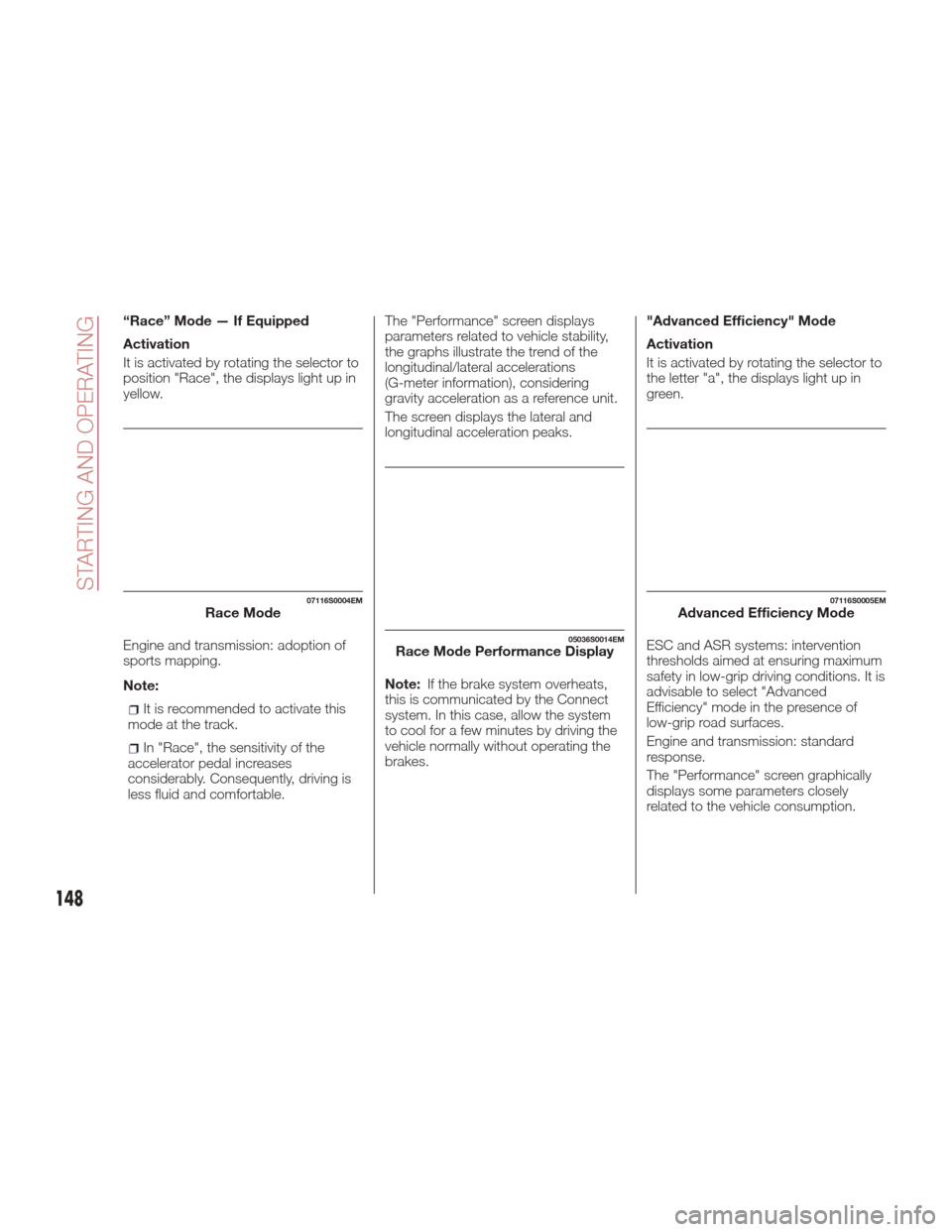
“Race” Mode — If Equipped
Activation
It is activated by rotating the selector to
position "Race", the displays light up in
yellow.
Engine and transmission: adoption of
sports mapping.
Note:
It is recommended to activate this
mode at the track.
In "Race", the sensitivity of the
accelerator pedal increases
considerably. Consequently, driving is
less fluid and comfortable. The "Performance" screen displays
parameters related to vehicle stability,
the graphs illustrate the trend of the
longitudinal/lateral accelerations
(G-meter information), considering
gravity acceleration as a reference unit.
The screen displays the lateral and
longitudinal acceleration peaks.
Note:
If the brake system overheats,
this is communicated by the Connect
system. In this case, allow the system
to cool for a few minutes by driving the
vehicle normally without operating the
brakes. "Advanced Efficiency" Mode
Activation
It is activated by rotating the selector to
the letter "a", the displays light up in
green.
ESC and ASR systems: intervention
thresholds aimed at ensuring maximum
safety in low-grip driving conditions. It is
advisable to select "Advanced
Efficiency" mode in the presence of
low-grip road surfaces.
Engine and transmission: standard
response.
The "Performance" screen graphically
displays some parameters closely
related to the vehicle consumption.
07116S0004EMRace Mode
05036S0014EMRace Mode Performance Display
07116S0005EMAdvanced Efficiency Mode
148
STARTING AND OPERATING