key AUDI A4 2019 Service Manual
[x] Cancel search | Manufacturer: AUDI, Model Year: 2019, Model line: A4, Model: AUDI A4 2019Pages: 392, PDF Size: 99.53 MB
Page 139 of 392
8W0012721BG
Parkingaid
automaticallywhenyoushiftintoreversegear.
Theviewinfrontofthevehicle(Frontmode)is
displayedautomaticallywhenyoushiftintothe
forwardgears.Whenfirstactivatinginaforward
gearwiththePbutton,thefrontsideviewis
displayed(Cornerview(front)mode).
IfyoudonotsettheV,theviewbehindthevehi-
cle(Rearmode)isalwaysdisplayedanditdoes
notswitchtothe Frontmodewhenaforward
gearisselected.
@Tips
—Severalmenuscanbeaccessedwiththe
rightcontrolbuttononlywhentheparking
aidisactive.
—Certain settingsareautomaticallystored
andassignedtothevehiclekeybeingused.
— Thenewlevelisdemonstratedbriefly*when
thevolumeisadjusted.
Errormessages
Appliesto:vehicleswitharearparkingsystem/parkingsys-
templus/rearviewcamera/peripheralcameras
wmRearparkingaid:malfunction!Obstacles
cannotbedetected
wmFrontparkingaid:malfunction!Obstacles
cannotbedetected
wmParkingaid:malfunction!Obstaclescannot
bedetected
Whenoneofthesemessagesappears,thereisa
systemmalfunction.TheLEDintheP4buttonal-
soblinkswhenswitchingiton.Therelevantmes-
sageonlyappearsagainwhenyoumanuallyacti-
vatetheparkingaidwiththebutton.
Rearparkingaid:obstacledetectionrestrict-
ed
Therearcross-trafficassist*>page125,Rear
cross-trafficassistisnotavailable.EithertheESC
isswitchedoff,ortheradarsensorsmaybecov-
ered byabikerack,stickers,leaves,snoworother
objects.SwitchtheESCon,orcleantheareain
frontofthesensorsifnecessary>page122,
fig.122.Ifthismessagecontinuestobedis-
played,driveimmediatelytoanauthorizedAudi
dealerorauthorizedAudiServiceFacilitytohave
themalfunctionrepaired.
Parkingsystemplus*
If asensororspeakerisfaulty,theP4symbol
willappearinfrontof/behindthevehicleinthe
Infotainmentsystemdisplay.If arearsensoris
faulty,onlyobstaclesthatareinareas(@)and
areshown>page130,fig.128.Ifafrontsensor
isfaulty,onlyobstaclesthatareinareas©and
©areshown.
Peripheralcameras*
Thereisasystemmalfunctionifthe#«symbol
appearsandthecorrespondingareaofthedis-
playisshowninblack.Thecameraisnotworking
inthisarea.
DrivetoanauthorizedAudidealerorauthorized
AudiServiceFacilityimmediatelytohavethe
malfunctioncorrected.
137
Page 147 of 392
8W0012721BG
MultiMediaInterface
MultiMediaInterface
Trafficsafety
information
AudirecommendsperformingcertainInfotain-
mentsystemfunctions,suchasenteringa desti-
nation,onlywhenthevehicleisstationary.Al-
waysbepreparedtostopoperating theInfotain-
mentsystemintheinterestofyoursafetyand
thesafety ofotherroadusers.
Z\WARNING
Onlyuse theInfotainmentsystemwhentraf-
ficconditionspermitandalwaysinawaythat
allows
youtomaintaincompletecontrolover
yourvehicle.
G@)Tips
Certainfunctionsarenotavailablewhiledriv-
ing.
Introduction
TheMultiMediaInterface,orMMIforshort,
combinesvarioussystemsforcommunication,
navigation*andentertainmentinyourAudi.You
canoperatetheMMIusingtheMMIcontrolpan-
el,themultifunctionsteeringwheelorthevoice
recognitionsystem*.
[RAH-8534)
-Appliesto:vehicleswithautomatictransmission:-MMI
controlpanel-integratedshortcutkeys
RAH-8845|
Fig.148-Appliesto:vehicleswithmanualtransmission:-
MMIcontrolpanel-separateshortcutkeysonthecenter
console
MMIcontrolpaneloverview
@Controlknob,ifneededwithjoy-
StiCKTURCKION®cieseaeaswareswex147,150
@MMItouchcontrolpad*.........148
@®Leftcontrolbutton.............147
@®Rightcontrolbutton............147
©Buttonsforopeningmenusdirectly.147
©[MENU]button...............2.147
@[BACK]button............0....147
Shortcutkeys.............0000.152
@Tips
Theshortcutkeys@)©fig.148fortheMMI
controlpanel(manualtransmission)areon
the centerconsole.
MMIOn/Offknobwith
joystickfunction
tome|
[RAH-8536)
ee|7
a
Fig.149MMIOn/Offknobwithjoystickfunction
145
Page 154 of 392
![AUDI A4 2019 Service Manual MultiMediaInterface
Requirement:theoptionsmenusymbol[+]must
bedisplayedintheInfotainmentsystemdisplay
>fig.161.
Openingandclosingtheoptionsmenu:push
thecontrolknobtotheright>fig.161toopen
theo](/img/6/57555/w960_57555-153.png "AUDI A4 2019 Service Manual MultiMediaInterface
Requirement:theoptionsmenusymbol[+]must
bedisplayedintheInfotainmentsystemdisplay
>fig.161.
Openingandclosingtheoptionsmenu:push
thecontrolknobtotheright>fig.161toopen
theo")
MultiMediaInterface
Requirement:theoptionsmenusymbol[+]must
bedisplayedintheInfotainmentsystemdisplay
>fig.161.
Openingandclosingtheoptionsmenu:push
thecontrolknobtotheright>fig.161toopen
theoptionsmenu.Thenyoucanselectandcon-
firm
afunctionusingthecontrolknob.
Pressthe button@)9page145,fig.147
or>page145,fig.148to return tothefunction
onelevelup.
BACK
Shortcutkeys
Frequentlyusedradiostationscanbestoredon
theshortcutkeys.
Appliesto:vehicleswithautomatictransmission
TheshortcutkeysarelocatedontheMMIcontrol
panel@)9page145,fig. 147.
Appliesto:vehicleswithmanualtransmission
Theshortcutkeysarelocatedonthecenter con-
sole(8)>page145,fig.148.
Letter/numberspeller
Storingradiostations:turnthecontrolknobto
thedesiredradiostationinalist(forexample,a
radiostationintheFMstationlist).Pressand
holdthedesiredshortcutkeyforseveralseconds.
Theactiveradiostationwillbestoredonthe
shortcutkey.
Accessingaradiostation:presstheshortcutkey.
Displayingaradiostation:swipeyourfingerover
theshortcutkeys.
Deletingastoredradiostation:resetthe Short-
cut
keystothefactorydefaultsetting
=>page241.
(i)Tips
Itisnotpossibletoenternumbersusingthe
shortcutkeys.Usethenumberspeller
=page 152orMMItouch*>page148to en-
ternumbers.
(SEES,en
.ornrycm
RAH-8666
——e
=°
Crear4
PCaEL
ttle1e
as)
Fig.162Diagram:letter/numberspeller
Youcanenterletters,numbersandsymbolsin
theMMIusingtheletter/numberspeller.Thisop-
tionisavailablewhentheinputfield@isactive
>fig.162.
—Openingandclosingtheletter/numberspell-
er:movethecontrolknobup/downwhenthe
152
inputfieldisactive.Or:selecttherightcontrol
button>Openspeller/Closespeller.
—Enteringcharacters:turnthecontrolknobwith
thecharacterselection@0>fig.162tothede-
siredsymbol.Pressthecontrolknobtoconfirm
thecharacter.Yourinputisdisplayedinthein-
putfield@).Whenyouhaveenteredallofthe>
Page 174 of 392
![AUDI A4 2019 Service Manual Telephone
Themobiledevicethatwillbeconnectedmust
not beconnectedtoanyotherBluetoothdevice.
TheMMImustnotbeconnectedtoamobilede-
vice.
Connectingamobiledevice
>Select:[MENU]button>Telephone>Conne](/img/6/57555/w960_57555-173.png "AUDI A4 2019 Service Manual Telephone
Themobiledevicethatwillbeconnectedmust
not beconnectedtoanyotherBluetoothdevice.
TheMMImustnotbeconnectedtoamobilede-
vice.
Connectingamobiledevice
>Select:[MENU]button>Telephone>Conne")
Telephone
Themobiledevicethatwillbeconnectedmust
not beconnectedtoanyotherBluetoothdevice.
TheMMImustnotbeconnectedtoamobilede-
vice.
Connectingamobiledevice
>Select:[MENU]button>Telephone>Connect
mobiledevice>Findnewdevices>Next.The
availableBluetoothdevicesareshownintheIn-
fotainmentsystemdisplay.Orselect:[MENU
button>Settings>leftcontrolbutton>MMI
settings>Connectionmanager©page241.
> Selectandconfirmthedesiredcellphonefrom
thelistofdisplayedBluetoothdevices.
>TheMMIgeneratesaPINfortheconnection
setup>fig.171.
>»SelectandconfirmYes.
>EnterthePINforconnectingonyourcell
phone.Or:whenthePINisdisplayedonyour
cellphone,confirmthePINonyourcellphone
andintheMMI.Thetimeallowedforentering
thePINislimitedtoapproximately30seconds.
>Payattentiontoanyadditionalsystemprompts
displayedonyourcellphone,forexampleifthe
systemshouldconnectautomaticallyinthefu-
ture.Dependingonthecellphone,youmay
havetoconfirmdownloadingthedirectorysep-
arately.
Afterconnectingsuccessfully
Afterconnectingsuccessfully,informationabout
theconnectedprofileswillappear.Youcanalso
changetheprofileslater.Select:[MENU]button>
Settings> leftcontrolbutton>MMIsettings>
Connectionmanager>page241.
Inaddition,thecellphonecontactsareautomat-
icallyloadedintheMMIdirectory.Thisprocess
cantakeseveralminutes,dependingonthenum-
berofcontacts.
Youcanalsomakeyourconnectedcellphonethe
defaultphonebyselectingSetasdefaulttele-
phoneintheConnectionmanager=page243.
@)Note
Alwaysfollowtheinformationfoundin>@in
Wi-Fisettingsonpage193.
172
G)Tips
— MakingphonecallsthroughtheMMIisonly
possibleusingtheHandsfreeBluetoothpro-
file.
—Youcanapplyadditionalsettingstocon-
nectedmobiledevicesusingtheConnection
manager>page241.
—YoucanalsosearchfortheMMIon yourmo-
biledeviceusingtheBluetoothdevice
search.
—Youonlyhavetopairyourdeviceonetime.
Bluetoothdevicesthatarealreadypaired
automaticallyconnecttotheMMIwhenthe
Bluetooth
functionisswitchedon,when
theyarewithinrange,andwhentheignition
isswitchedon.Thelastconnectedmobile
deviceisgivenfirstpriority.
—AuthorizingtheMMIconnectiononyour
mobiledevicewillmakeitpossibletocon-
nectautomatically.
—Payattentiontoanysystempromptsdis-
playedonyourcellphone,forexampleif
thesystemshouldconnectautomaticallyin
thefuture.Depending onthecellphone,
youmayalsoneedtodownloadthedirecto-
ryandconfirmaccesstoyourtextmessages
separately.
—Whenleavingthevehicle,theBluetooth
connectiontothemobiledevicewillauto-
maticallydisconnect.Depending onyour
mobiledevice,phonecallsinprogressmay
beautomaticallyredirectedfromtheMMI
toyourmobiledeviceso thatyoucancon-
tinuethecallonyourphone.
—Youcanobtainmoreinformationfromyour
mobiledeviceserviceproviderorfromyour
mobiledeviceuserguide. Forinformation
onusingthetelephone,visitwww.audiusa.
com/bluetoothorcontactanauthorizedAu-
didealerorauthorizedAudiServiceFacility.
—Appliesto:vehicleswithoutsecondary
phone:Severalcellphonescanbepairedto
theMMI,butonlyonecellphonecanbeac-
tivelyconnectedtotheMMI.
Page 175 of 392
8W0012721BG
Telephone
—Appliesto:vehicleswithoutsecondary
phone:IfaBluetoothdeviceisalreadycon-
nectedtotheMMI,itwillbedisconnected
whenanotherdeviceconnectstotheMMI.
Operatingtwomobiledevicesthroughthe
ie
YoucanconnecttwocellphonestotheMMI,for
exampleyourbusinesscellphoneastheprimary
phoneandyourprivatecellphoneasthesecon-
daryphone.You canbereachedinyourvehicle
throughbothcellphones.
Thefirstconnectedcellphoneisdisplayedasthe
primaryphoneintheMMI.Thesecondcellphone
isconnectedasthesecondaryphone.
Thedirectoryfromtheconnectedprimaryphone
willalways bedisplayed.Ifyouwouldliketouse
thedirectoryfromthesecondary phone, you
mustswitchtheprimaryandsecondaryphone
=>page173.
Connectingacellphoneastheprimary
phone
ConnectyourcellphonetotheMMIviaBlue-
tooth.
Thefirstconnectedcellphoneisdisplayed
asthePrimaryphoneintheMMI.
See>page171,Connectingacellphoneusing
Bluetooth.
Connectingacellphoneasthesecondary
phone
Requirement:acellphonemustbeconnectedto
theMMIastheprimaryphone.
Select:[MENU]button>Telephone>rightcon-
trolbutton>Connectsecondarytelephone.
See>page171,Connectingacellphoneusing
Bluetooth.
Example:youhaveconnectedyourbusinesscell
phonetotheMMIastheprimaryphoneandyour
privatecellphoneasthesecondaryphone.To be
abletocallcontactsfromyourprivatecellphone
directory,youmustswitchtheprimaryandsec-
ondaryphone,sincethedirectoryfromthepri-
maryphoneisalwaysdisplayed.
Switchingtheprimaryandsecondaryphone
Requirement:aprimaryphoneandasecondary
phonemustbe connected.
Switchprimaryandsecond.phone:select:
MENU]button>Telephone>rightcontrolbut-
ton>Switchprimaryandsecond.phone.
@Tips
—Pleasenotethatonlythedirectoryfromthe
primaryphoneisalwaysdisplayed.
—Youcanseeifacellphoneisconnectedas
theprimaryphoneorsecondaryphonein
theConnectionmanager>page241.Or:
thedevicenameoftheconnectedprimary
phoneisshownintheTelephonemenu
(suchasmyPhone).
—Iftheprimaryphonedoesnotconnectauto-
matically totheMMIwhentheignitionis
switchedon, forexamplebecauseitisout
ofthevehiclerangeortheBluetoothfunc-
tionisswitchedoff,thenapreviously paired
secondaryphoneisautomaticallyconnected
astheprimaryphone.
—Youcansendandreceivemessagesonyour
primaryphoneaswellasonyoursecondary
phone>page175,fig. 173.You donot
needtoswitchyourprimaryphoneandsec-
ondaryphoneforthis.
—Youcanalsomakeyourconnectedcell
phonethedefaultphonebyselectingSetas
defaulttelephoneintheConnectionman-
ager>page243.
173
Page 189 of 392
8W0012721BG
Audiconnect
Audiconnect
Infotainmentservices
Appliesto:vehicleswithAudiconnectInfotainment
Requirement:yourvehiclemustbeconnectedto
theInternet>page186.
SomeAudiconnectInfotainmentservicesmust
beconfiguredthroughyourpersonalmyAudiac-
countbeforeusingthemforthefirsttime.
>Registeratwww.audiusa.com/myaudi.
>AddyourvehicletoyourmyAudiaccount.
>Select:[MENU]button>Audiconnect>right
controlbutton>Login.
>LogintomyAudiinthevehicleusingyoure-
mailaddressandpassword.
@)Tips
—ForsomeAudiconnectInfotainmentserv-
ices,youmayalsohavetoenteryourmyAu-
diaccessinformationwhenaccessingserv-
icesintheMMI.
—SomeAudiconnectInfotainmentservices
mustbeactivatedatwww.audiusa.com/
myaudi.
—Regardlessofthekeyuserandadditional
users,youcanonlyconnectonemyAudiac-
count
toyourvehicle.
—Tomakeloggingineasierinthevehicle,you
willreceivean8-digitmyAudiPINasanal-
ternativetoyourmyAudipasswordafteryou
havecreatedamyAudiaccount.
—Fordetailedinformationonconfiguration,
visitwww.audiusa.com/myaudi.
NeeemerCelta
Appliesto:vehicleswithAudiconnectInfotainment
>Select:the[MENU]button>Audiconnect.
AlistofalloftheavailableAudiconnectInfotain-
mentservicesisshownontheInfotainmentsys-
temdisplay.
Youcanalsofilterthe AudiconnectInfotainment
servicesbycategory:
Notavailableinalllanguages.
>Select:[MENU]button>Audiconnect>left
controlbutton>forexample,Navigationfor
theAudiconnectInfotainmentservicesinthe
Navigationmenu.
ETtated
Appliesto:vehicleswith AudiconnectInfotainment
>Select:[MENU]button>Audiconnect>desired
AudiconnectInfotainmentservice>rightcon-
trolbutton.
DependingontheequipmentandtheAudicon-
nectInfotainmentserviceselected,thefollowing
basicfunctionsmaybeavailable:
Saveaspreview
YoucanalsoseeapreviewoftheselectedAudi
connectInfotainmentservicesontheAudicon-
nectInfotainmenthomepage.
Showonmap
Youcanshowselectedcontentsonthemapand
usethemforrouteguidance.
Login
See>page187.
Readout!)
YoucanallowtheMMItoreadouttheselected
contents.
Call
If aphonenumberwasassignedtoanentry,you
cancallthenumber,forexampletoreservetick-
ets.
Refresh
ThecontentsfortheselectedAudiconnectInfo-
tainmentservicearerefreshed.
Startrouteguidance
If alocationwassavedwithanentry,youcan use
itasthenavigationdestination.Routeguidance
startsimmediately.>
187
Page 192 of 392
Audiconnect
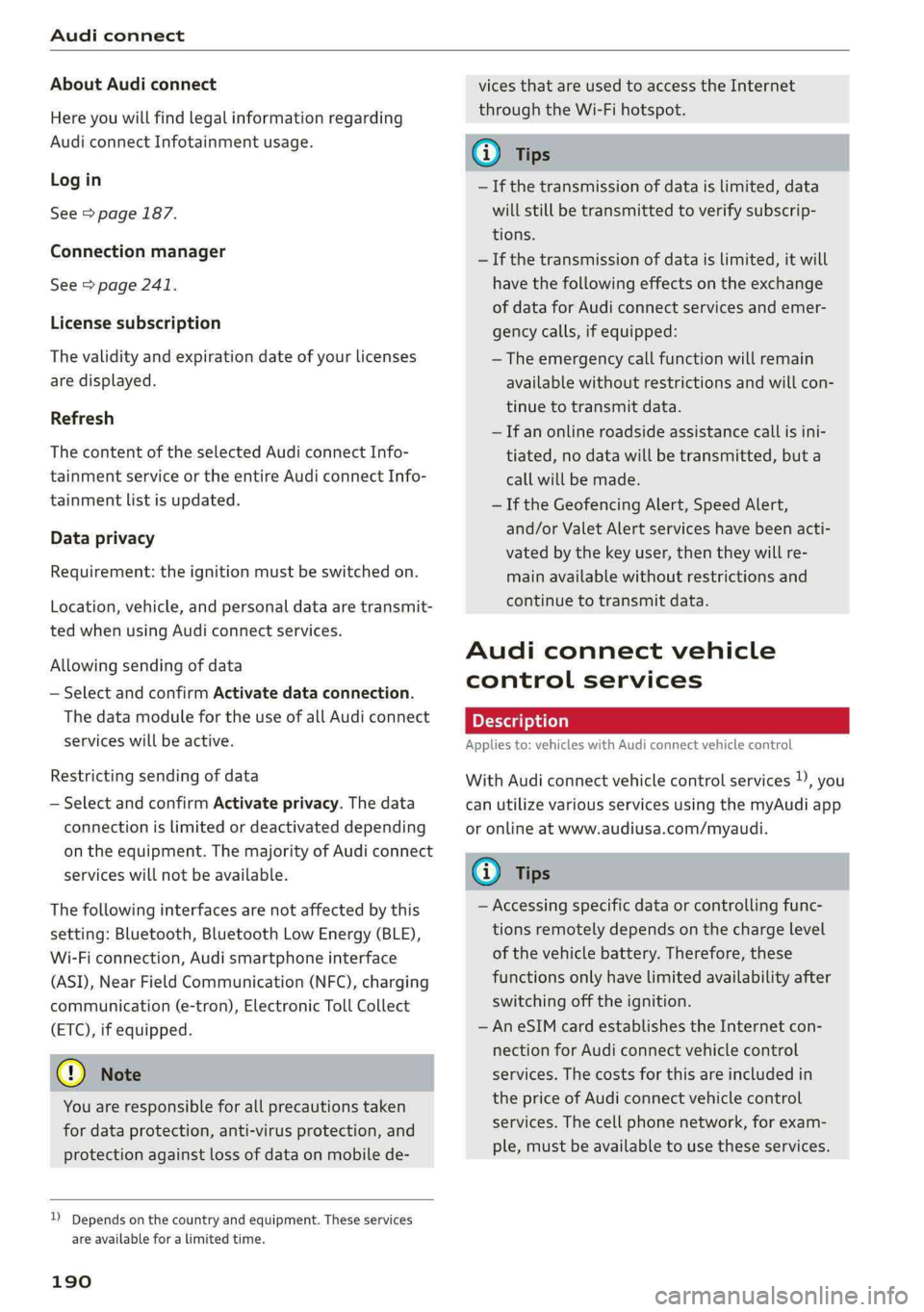
AboutAudiconnect
Hereyouwillfindlegalinformationregarding
AudiconnectInfotainmentusage.
Login
See>page187.
Connectionmanager
See>page241.
Licensesubscription
Thevalidityandexpirationdateofyourlicenses
aredisplayed.
Refresh
ThecontentoftheselectedAudiconnectInfo-
tainmentserviceortheentireAudiconnectInfo-
tainmentlistisupdated.
Dataprivacy
Requirement:theignitionmustbe switchedon.
Location,vehicle,andpersonaldataaretransmit-
tedwhenusingAudiconnectservices.
Allowingsendingofdata
—SelectandconfirmActivatedataconnection.
Thedatamoduleforthe useofallAudiconnect
serviceswillbeactive.
Restrictingsendingofdata
—SelectandconfirmActivateprivacy.Thedata
connectionislimitedordeactivateddepending
ontheequipment.ThemajorityofAudiconnect
serviceswillnotbeavailable.
Thefollowinginterfacesarenotaffectedbythis
setting:Bluetooth,BluetoothLowEnergy(BLE),
Wi-Ficonnection,Audismartphoneinterface
(ASI),NearFieldCommunication(NFC),charging
communication(e-tron),ElectronicTollCollect
(ETC),ifequipped.
@)Note
Youareresponsibleforallprecautionstaken
fordataprotection,anti-virusprotection,and
protectionagainstlossofdataon mobilede-
))Dependsonthecountryand equipment. Theseservices
are availableforalimitedtime.
190
vicesthatareusedtoaccesstheInternet
throughtheWi-Fihotspot.
(i)Tips
—Ifthetransmissionofdataislimited,data
willstillbetransmittedtoverifysubscrip-
tions.
—Ifthetransmissionofdataislimited,itwill
havethefollowingeffectsontheexchange
ofdataforAudiconnectservicesandemer-
gencycalls,ifequipped:
—Theemergencycallfunctionwillremain
availablewithoutrestrictionsandwillcon-
tinuetotransmitdata.
—Ifanonlineroadsideassistancecallisini-
tiated,nodatawillbetransmitted,buta
callwillbemade.
—IftheGeofencingAlert,SpeedAlert,
and/orValetAlertserviceshavebeenacti-
vatedbythekeyuser,thentheywillre-
mainavailablewithoutrestrictionsand
continuetotransmitdata.
Audiconnectvehicle
controlservices
Appliesto:vehicleswithAudiconnectvehiclecontrol
WithAudiconnectvehiclecontrolservices)),you
canutilizevariousservicesusingthemyAudiapp
oronlineatwww.audiusa.com/myaudi.
(i)Tips
—Accessingspecificdataorcontrollingfunc-
tionsremotelydependsonthechargelevel
ofthevehiclebattery.Therefore,these
functionsonlyhavelimitedavailabilityafter
switchingofftheignition.
—AneSIMcardestablishestheInternetcon-
nectionforAudiconnectvehiclecontrol
services.Thecostsforthisareincludedin
thepriceofAudiconnectvehiclecontrol
services.Thecellphonenetwork,forexam-
ple,mustbeavailabletousetheseservices.
Page 193 of 392
8W0012721BG
Audiconnect
Appliesto:vehicleswithAudiconnectvehiclecontrol
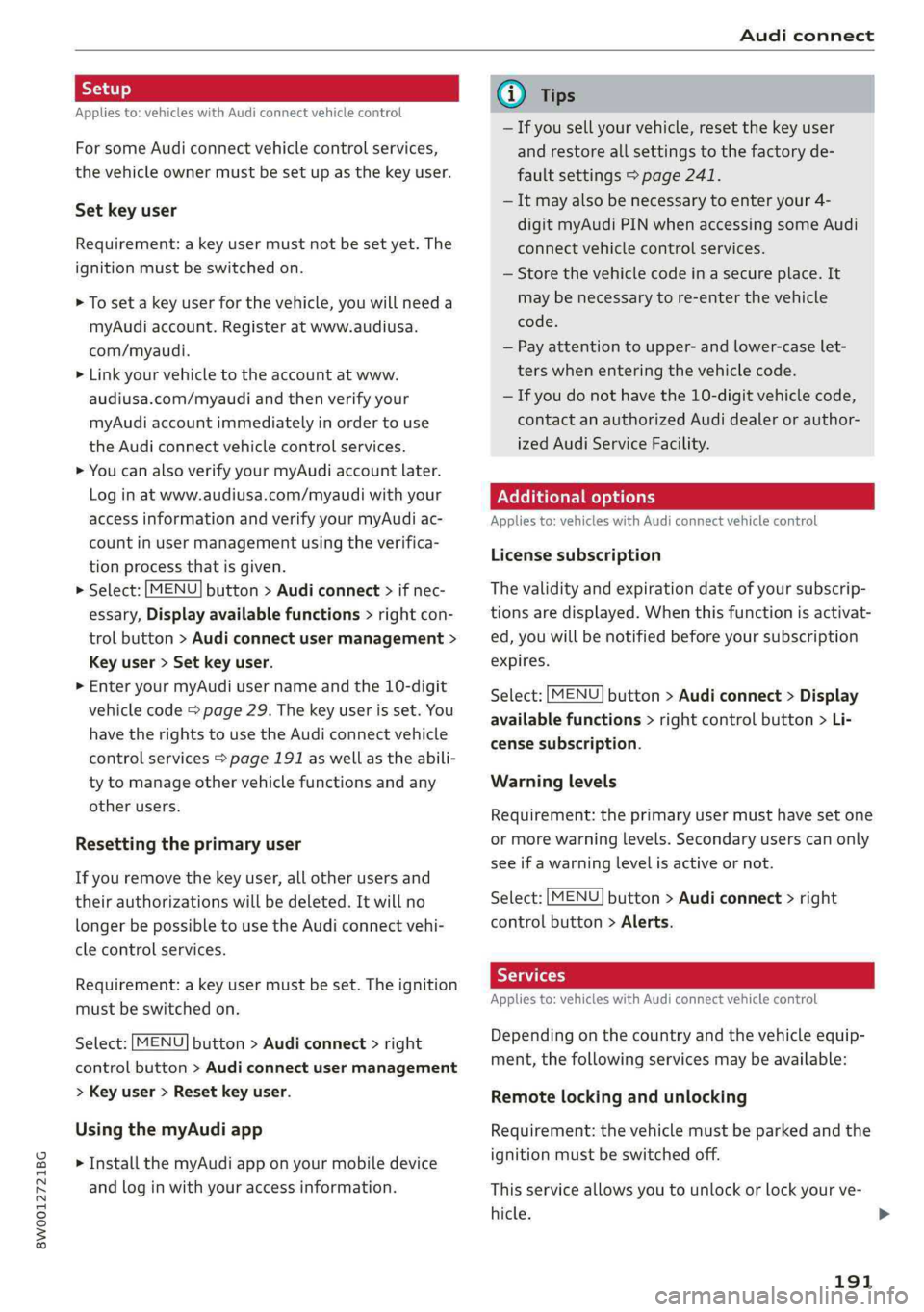
ForsomeAudiconnectvehiclecontrolservices,
thevehicleownermustbesetupasthekeyuser.
Setkeyuser
Requirement:akeyusermustnotbesetyet.The
ignitionmustbe switchedon.
>Tosetakeyuserforthevehicle,youwillneeda
myAudiaccount.Registeratwww.audiusa.
com/myaudi.
>Linkyourvehicletotheaccountatwww.
audiusa.com/myaudiandthenverifyyour
myAudiaccountimmediatelyinordertouse
the Audiconnectvehiclecontrolservices.
»YoucanalsoverifyyourmyAudiaccountlater.
Log
inatwww.audiusa.com/myaudiwithyour
accessinformationandverifyyourmyAudiac-
countinusermanagementusingtheverifica-
tionprocessthatisgiven.
>Select:[MENU]button>Audiconnect>ifnec-
essary,Displayavailablefunctions>rightcon-
trolbutton>Audiconnectusermanagement>
Keyuser>Set keyuser.
>
EnteryourmyAudiusernameandthe10-digit
vehiclecode=page29.Thekeyuserisset.You
havetherightstouse the Audiconnectvehicle
controlservices>page191aswellastheabili-
tytomanageothervehiclefunctionsandany
otherusers.
Resettingtheprimaryuser
Ifyouremovethekeyuser,allotherusersand
theirauthorizationswillbedeleted.Itwillno
longerbepossible touse the Audiconnectvehi-
clecontrolservices.
Requirement:akeyusermustbe set.Theignition
mustbe switchedon.
Select:[MENU]button>Audiconnect>right
controlbutton>Audiconnectusermanagement
>Keyuser>Resetkeyuser.
UsingthemyAudiapp
>InstallthemyAudiapponyourmobiledevice
andloginwithyouraccessinformation.
@Tips
—Ifyousellyourvehicle,resetthekeyuser
andrestoreallsettings tothefactoryde-
faultsettings>page241.
—Itmayalsobenecessarytoenteryour4-
digitmyAudiPINwhenaccessingsomeAudi
connectvehiclecontrolservices.
—Storethevehiclecodeinasecureplace.It
maybenecessarytore-enterthevehicle
code.
—Payattentiontoupper-andlower-caselet-
terswhenenteringthevehiclecode.
—Ifyoudonot havethe10-digitvehiclecode,
contactanauthorizedAudidealerorauthor-
izedAudiServiceFacility.
Additionaloptions
Appliesto:vehicleswith Audiconnectvehiclecontrol
Licensesubscription
Thevalidityandexpirationdateofyoursubscrip-
tionsaredisplayed.Whenthisfunctionisactivat-
ed,youwillbenotifiedbeforeyoursubscription
expires.
Select:[MENU]button>Audiconnect>Display
availablefunctions>rightcontrolbutton>Li-
censesubscription.
Warninglevels
Requirement:theprimaryusermusthavesetone
ormorewarninglevels.Secondaryuserscanonly
seeifawarninglevelisactiveornot.
Select:[MENU]button>Audiconnect>right
controlbutton>Alerts.
Appliesto:vehicleswith Audiconnectvehiclecontrol
Depending onthecountryandthevehicleequip-
ment,thefollowingservicesmaybeavailable:
Remotelockingandunlocking
Requirement:thevehiclemustbeparkedandthe
ignitionmustbeswitchedoff.
Thisserviceallowsyoutounlockor lockyourve-
hicle.>
191
Page 194 of 392
Audiconnect
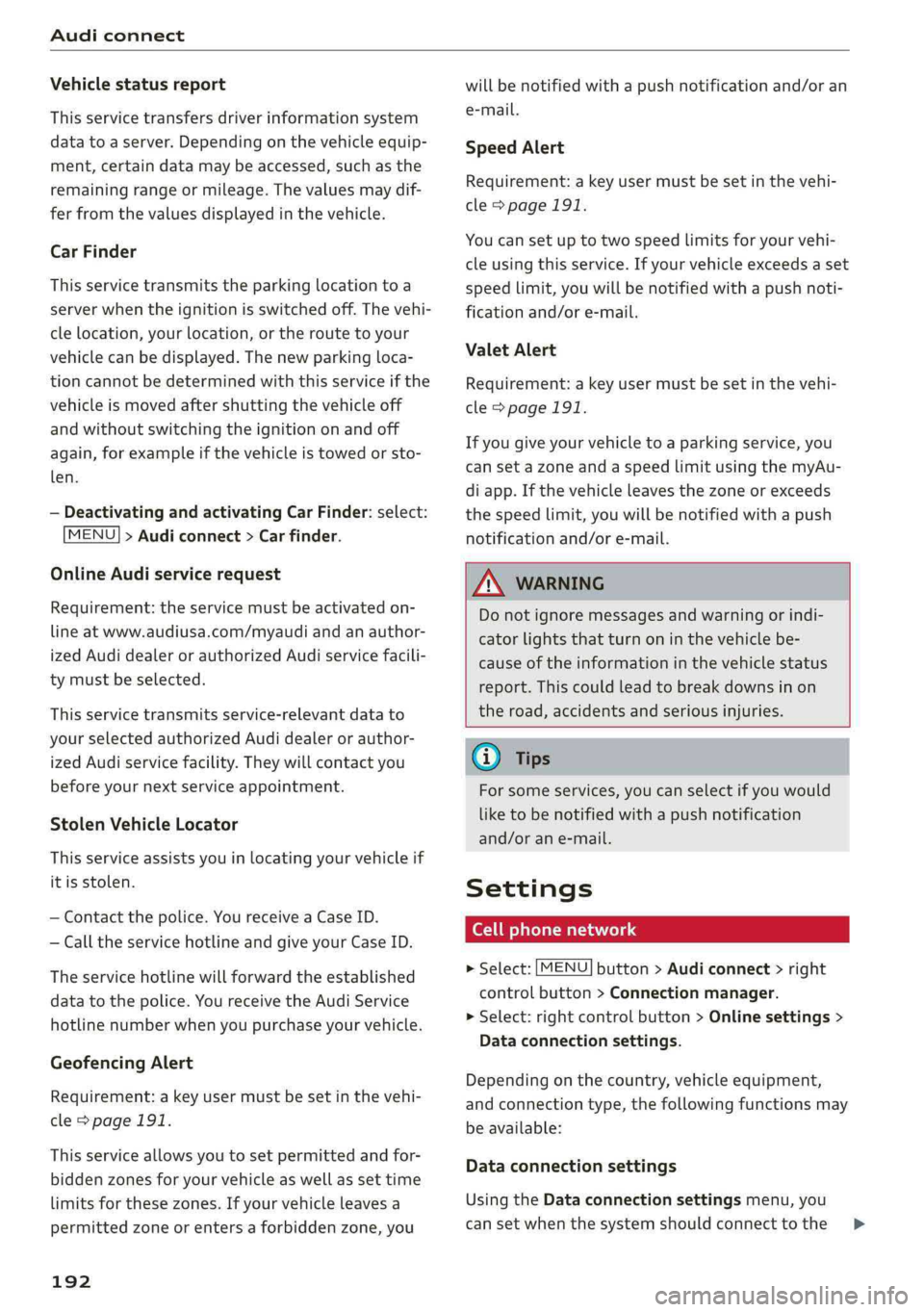
Vehiclestatusreport
Thisservicetransfersdriverinformationsystem
datatoaserver.Dependingonthevehicleequip-
ment,certaindatamaybeaccessed,suchasthe
remainingrangeormileage.Thevaluesmaydif-
ferfromthevaluesdisplayedinthevehicle.
Car Finder
Thisservicetransmitstheparkinglocationtoa
serverwhentheignitionisswitchedoff.Thevehi-
clelocation,yourlocation,ortheroutetoyour
vehiclecanbedisplayed.Thenewparkingloca-
tioncannotbedeterminedwiththisserviceifthe
vehicleismovedaftershuttingthevehicleoff
andwithoutswitchingtheignitiononandoff
again,forexampleifthevehicleistowedorsto-
len.
—DeactivatingandactivatingCarFinder:select:
MENU]>Audiconnect>Carfinder.
OnlineAudiservicerequest
Requirement:theservicemustbeactivatedon-
lineatwww.audiusa.com/myaudiandanauthor-
izedAudidealerorauthorizedAudiservicefacili-
tymustbeselected.
Thisservicetransmitsservice-relevantdatato
yourselectedauthorizedAudidealerorauthor-
izedAudiservicefacility.Theywillcontactyou
beforeyournextserviceappointment.
StolenVehicleLocator
Thisserviceassistsyouinlocatingyourvehicleif
itisstolen.
—Contactthepolice.YoureceiveaCaseID.
—Calltheservicehotlineandgiveyour CaseID.
Theservicehotlinewillforwardtheestablished
datatothepolice.YoureceivetheAudiService
hotlinenumberwhenyoupurchaseyourvehicle.
GeofencingAlert
Requirement:akeyusermustbesetinthevehi-
cle>page191.
Thisserviceallowsyoutosetpermittedandfor-
biddenzonesforyourvehicleaswellassettime
limitsforthesezones.Ifyourvehicleleavesa
permittedzoneorentersaforbiddenzone,you
192
willbenotifiedwithapushnotificationand/oran
e-mail.
SpeedAlert
Requirement:akeyusermustbesetinthevehi-
cle>page191.
Youcansetuptotwospeedlimitsforyourvehi-
cleusingthis service.Ifyourvehicleexceedsaset
speedlimit,youwillbenotifiedwithapushnoti-
ficationand/ore-mail.
ValetAlert
Requirement:akeyusermustbesetinthevehi-
cle>page191.
Ifyougiveyourvehicletoaparkingservice,you
cansetazoneandaspeedlimitusingthemyAu-
diapp.Ifthevehicleleavesthezoneorexceeds
thespeedlimit,youwillbenotifiedwithapush
notificationand/ore-mail.
ZA\WARNING
Donotignoremessagesandwarningorindi-
catorlightsthatturnoninthevehiclebe-
causeoftheinformationinthevehiclestatus
report.Thiscouldlead tobreakdownsinon
theroad,accidentsandseriousinjuries.
G)Tips
Forsomeservices,youcanselectifyouwould
liketobenotifiedwithapushnotification
and/orane-mail.
Settings
Cellphonenetwork
>Select:[MENU]button>Audiconnect>right
controlbutton>Connectionmanager.
>Select:rightcontrolbutton>Onlinesettings>
Dataconnectionsettings.
Dependingonthecountry,vehicleequipment,
andconnectiontype,thefollowing functionsmay
beavailable:
Dataconnectionsettings
UsingtheDataconnectionsettingsmenu,you
cansetwhenthesystemshouldconnecttothe>
Page 195 of 392
8W0012721BG
Audiconnect
Internet.TheInternetconnectiondisconnects
automaticallyoncethe requested Audiconnect
Infotainmentservicenolongerrequiresanydata.
—Connectionsetup:youcanselectwhenadata
connection should beestablished.
—Audiconnect(MMI):whenthisfunctionis
switchedon,adataconnectionisautomatically
establishedinordertouseAudiconnectInfo-
tainmentservices.
—Wi-Fidevices:whenthisfunctionisswitched
on,youcanallowordenyInternet connections.
@)Note
Alwaysfollow theinformationfoundin>@in
Wi-Fisettingsonpage193.
G)Tips
Formoreinformationonroamingcharges,
contactyourcellphoneserviceprovider.
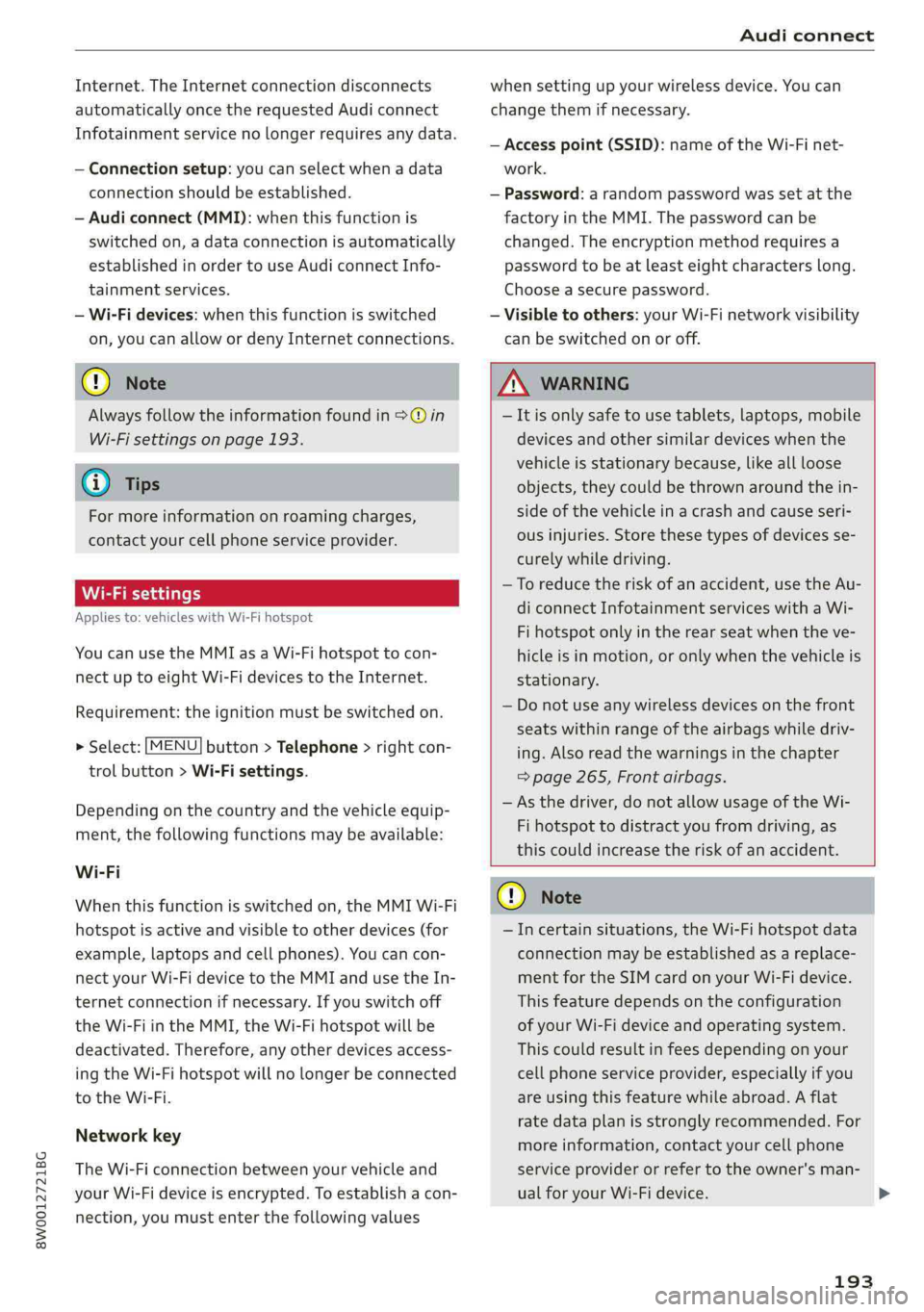
Wi-Fisettings
Appliesto:vehicleswithWi-Fihotspot
Youcanuse theMMIasaWi-Fihotspottocon-
nect
uptoeight Wi-FidevicestotheInternet.
Requirement:theignitionmustbe switchedon.
>Select:[MENU]button>Telephone>rightcon-
trolbutton>Wi-Fisettings.
Dependingonthecountryandthevehicleequip-
ment,thefollowing functionsmaybeavailable:
Wi-Fi
Whenthisfunctionisswitchedon,theMMIWi-Fi
hotspotisactiveandvisibletootherdevices(for
example,laptopsandcellphones).Youcancon-
nectyourWi-FidevicetotheMMIandusetheIn-
ternetconnectionifnecessary.Ifyouswitchoff
theWi-FiintheMMI,theWi-Fihotspotwillbe
deactivated.Therefore,anyotherdevices access-
ingtheWi-Fihotspotwillnolongerbeconnected
totheWi-Fi.
Networkkey
TheWi-Ficonnectionbetweenyourvehicleand
yourWi-Fideviceisencrypted.Toestablishacon-
nection,youmustenterthefollowingvalues
whensettingupyourwirelessdevice.Youcan
changethemifnecessary.
—Accesspoint(SSID):nameoftheWi-Finet-
work.
—Password:arandompasswordwassetatthe
factoryintheMMI.Thepasswordcanbe
changed.Theencryptionmethodrequiresa
passwordtobeatleasteightcharacterslong.
Chooseasecurepassword.
—Visibletoothers:yourWi-Finetworkvisibility
can be switchedonoroff.
Z\WARNING
—Itisonlysafe tousetablets,laptops,mobile
devicesandothersimilardeviceswhenthe
vehicleisstationarybecause,likeallloose
objects,theycouldbethrownaroundthein-
sideofthevehicleinacrashandcauseseri-
ousinjuries.Storethesetypesofdevicesse-
curelywhiledriving.
—Toreducetheriskofanaccident,use theAu-
diconnectInfotainmentserviceswithaWi-
Fihotspotonlyintherearseatwhentheve-
hicleisinmotion,oronlywhenthevehicleis
stationary.
—Donotuseanywirelessdevicesonthefront
seatswithinrangeoftheairbagswhiledriv-
ing.Also readthewarningsinthechapter
=page265,Frontairbags.
—Asthedriver,donotallowusageoftheWi-
Fihotspottodistractyoufromdriving,as
thiscouldincreasetheriskofanaccident.
CG)Note
—Incertainsituations,theWi-Fihotspotdata
connectionmaybeestablishedasareplace-
mentfortheSIMcardonyourWi-Fidevice.
Thisfeaturedependsontheconfiguration
ofyourWi-Fideviceandoperatingsystem.
Thiscouldresultinfeesdependingonyour
cellphoneserviceprovider,especiallyifyou
areusingthisfeaturewhileabroad.Aflat
ratedataplanisstronglyrecommended.For
moreinformation,contactyourcellphone
serviceproviderorrefertotheowner'sman-
ualforyourWi-Fidevice.
193
>