phone AUDI A4 2020 Service Manual
[x] Cancel search | Manufacturer: AUDI, Model Year: 2020, Model line: A4, Model: AUDI A4 2020Pages: 296, PDF Size: 80.45 MB
Page 210 of 296
Additional settings
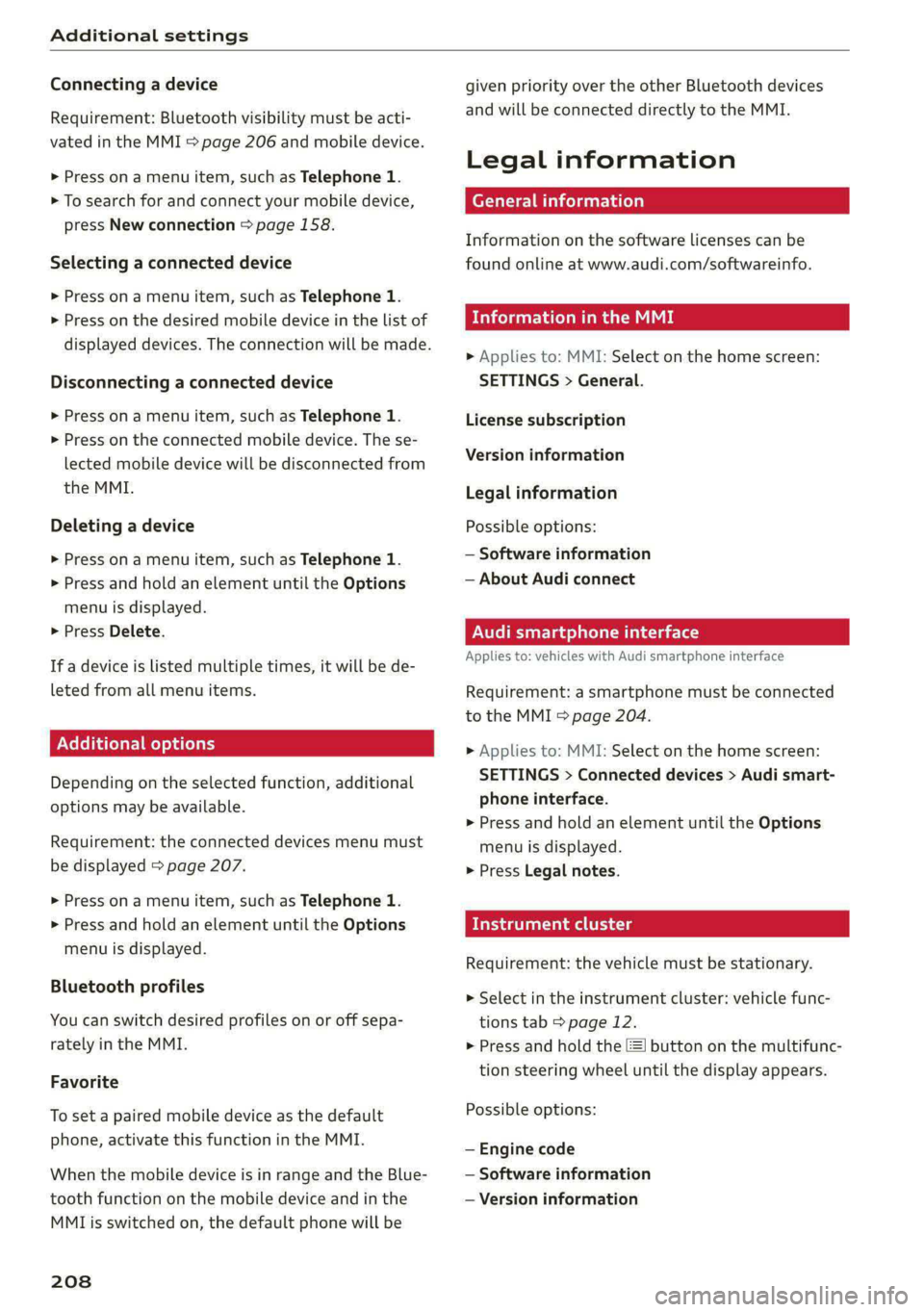
Connecting a device
Requirement: Bluetooth visibility must be acti-
vated in the MMI & page 206 and mobile device.
> Press ona menu item, such as Telephone 1.
> To search for and connect your mobile device,
press New connection > page 158.
Selecting a connected device
> Press ona menu item, such as Telephone 1.
> Press on the desired mobile device in the list of
displayed devices. The connection will be made.
Disconnecting a connected device
> Press ona menu item, such as Telephone 1.
> Press on the connected mobile device. The se-
lected mobile device will be disconnected from
the MMI.
Deleting a device
> Press ona menu item, such as Telephone 1.
> Press and hold an element until the Options
menu is displayed.
> Press Delete.
If a device is listed multiple times, it will be de-
leted from all menu items.
Additional options
Depending on the selected function, additional
options may be available.
Requirement: the connected devices menu must
be displayed > page 207.
> Press ona menu item, such as Telephone 1.
> Press and hold an element until the Options
menu is displayed.
Bluetooth profiles
You can switch desired profiles on or off sepa-
rately in the MMI.
Favorite
To set a paired mobile device as the default
phone, activate this function in the MMI.
When the mobile device is in range and the Blue-
tooth function on the mobile device and in the
MMLis switched on, the default phone will be
208
given priority over the other Bluetooth devices
and will be connected directly to the MMI.
Legal information
General information
Information on the software licenses can be
found online at www.audi.com/softwareinfo.
Information in the MMI
> Applies to: MMI: Select on the home screen:
SETTINGS > General.
License subscription
Version information
Legal information
Possible options:
— Software information
— About Audi connect
ONT ad nel M Uae)
Applies to: vehicles with Audi smartphone interface
Requirement: a smartphone must be connected
to the MMI > page 204.
> Applies to: MMI: Select on the home screen:
SETTINGS > Connected devices > Audi smart-
phone interface.
> Press and hold an element until the Options
menu is displayed.
> Press Legal notes.
Requirement: the vehicle must be stationary.
> Select in the instrument cluster: vehicle func-
tions tab > page 12.
> Press and hold the EI button on the multifunc-
tion steering wheel until the display appears.
Possible options:
— Engine code
— Software information
— Version information
Page 269 of 296

8W1012721BB
Fuses and bulbs
Fuse assignment - Left side of the luggage
compartment
Fuse assignment - Driver's side of the
(ole 4o}ig
Fig. 189 Driver side cockpit: fuse panel with plastic bracket
Fuse panel
No. | Equipment
1 |Vehicle opening/start (NFC)
2 | Telephone, mobile device charger
4 |Head-up display
5 |Audi music interface, USB charging port
6 Front climate control panel, instrument
Fig. 190 Left side of the luggage compartment: fuse panel
n panel
with plastic clip
7 |Steering column lock
Infotainment system display Fuse panel @) (black)
9 |Instrument cluster No. | Equipment
Windshield defroster
Windshield defroster
10 | Infotainment unit
11 | Light switch, switch module
12 | Steering column electronics Suspension control
Particulate matter sensor for climate con-
trol system
13 Automatic transmission
Rear window defogger
14 | Infotainment system Rear seat heating
Left tail lights
10 | Airbag control module
WOl/OINID|M|)WInN 16 | Steering wheel heating
Luggage compartment lid central locking,
11 | fuel filler door, luggage compartment cov-
er
12 | Luggage compartment lid control module
Fuse panel (®) (red)
No. | Equipment
6 | Battery power interrupt
267
Page 270 of 296
Fuses and bulbs
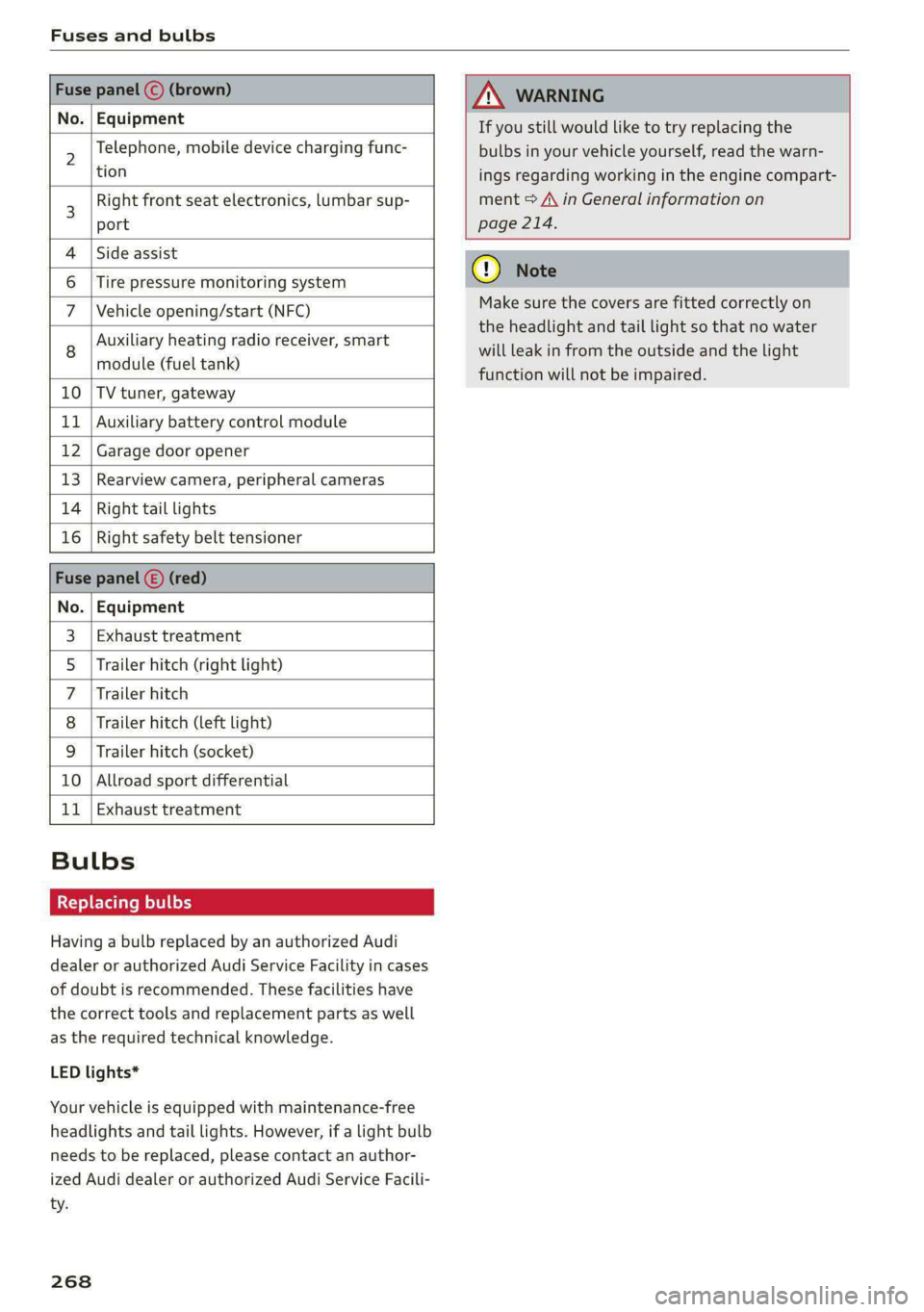
Fuse panel © (brown)
No. | Equipment
Telephone, mobile device charging func-
AN WARNING
If you still would like to try replacing the
bulbs in your vehicle yourself, read the warn-
6 |Tire pressure monitoring system
7 |Vehicle opening/start (NFC)
Auxiliary heating radio receiver, smart
module (fuel tank)
10 |TV tuner, gateway
11 | Auxiliary battery control module
12 | Garage door opener
13 | Rearview camera, peripheral cameras
14 | Right tail lights
16 | Right safety belt tensioner
Fuse panel (E) (red)
No. | Equipment
Exhaust treatment
Trailer hitch (right light)
Trailer hitch
Trailer hitch (left light)
Trailer hitch (socket)
10 |Allroad sport differential
11 | Exhaust treatment
Wl)
OIN|
Mm]
w
Bulbs
Replacing bulbs
Having a bulb replaced by an authorized Audi
dealer or authorized Audi Service Facility in cases
of doubt is recommended. These facilities have
the correct tools and replacement parts as well
as the required technical knowledge.
LED lights*
Your vehicle is equipped with maintenance-free
headlights and tail lights. However, if a light bulb
needs to be replaced, please contact an author-
ized Audi dealer or authorized Audi Service Facili-
ty.
268
2 |,
tion ings regarding working in the engine compart-
3 Right front seat electronics, lumbar sup- ment > A\ in General information on
port page 214.
4 |Side assist
@) Note
Make sure the covers are fitted correctly on
the headlight and tail light so that no water
will leak in from the outside and the light
function will not be impaired.
Page 273 of 296

8W1012721BB
Data privacy
@) Tips
— The following interfaces are not affected by
changes to the privacy settings: Bluetooth,
Bluetooth Low Energy (BLE), Wi-Fi, Audi
smartphone interface (ASI), Near Field
Communication (NFC), charging communi-
cation (high-voltage system), Electronic Toll
Collect (ETC), On-Board Diagnostic System
(OBD) if equipped.
— If the maximum privacy settings are switch-
ed on, your vehicle may not receive security
updates and certificates for establishing an
encrypted connection, depending on vehicle
equipment. In order to receive security up-
dates and certificates, switch the maximum
privacy settings off for at least ten minutes
every six months. Make sure that your vehi-
cle is connected to the Internet. A symbol in
the MMI status bar indicates if the required
data connection is available > page 20.
— If the transmission of data is limited, it will
have the following effects on the exchange
of data for Audi connect services and emer-
gency calls, if equipped:
— The emergency call function will remain
available without restrictions and will con-
tinue to transmit data.
— If an online roadside assistance call is ini-
tiated, no data will be transmitted, but a
call will be made.
—If the Geofencing Alert, Speed Alert,
and/or Valet Alert services have been acti-
vated by the key user, then they will re-
main available without restrictions and
continue to transmit data.
— Stored destinations (favorites, last desti-
nations) are only stored in the vehicle. If
you allow transmission of data again,
these destinations will be synchronized via
the myAudi account. To prevent synchroni-
zation of destinations, delete the destina-
tions before you allow data to be trans-
mitted again.
Applies to: vehicles with Audi connect Infotainment
AUDI AG collects, uses, stores and shares your
personal information, such as contact data, vehi-
cle data, usage data, driving data and precise ge-
olocation, in order to provide you with the prod-
ucts and services you have purchased or request-
ed, and for a number of other purposes, for ex-
ample, to track quality issues, to performance
and safety, to meet our internal compliance or le-
gal requirements and to market to customers
and potential customers. For a more complete
list of the data we collect, how we use it and with
whom we share it, please visit your Audi nation-
al/sales region website at www.audi.com.
The collection, use and sharing may vary depend-
ing on your model and model year, your subscrip-
tion status, or the service offering. For example,
collection, use and sharing may vary between
Audi connect services, if you have designated a
key user, or if you are driving a model equipped
with persistent data logging. Please review the
complete Privacy Statement to understand our
data handling practices with respect to a particu-
lar service.
You can find additional information about our da-
ta privacy practices in your MMI.
> Applies to: MMI: On the home screen, select:
SETTINGS > General > Legal notes > About
Audi connect.
Information about our privacy practices in con-
junction with the mobile Audi connect applica-
tion can be found in the Application’s Privacy
Statement.
For additional information about the privacy
practices relating to Audi connect, myAudi, or
other websites, applications or online services as
well as your obligations with respect to using
these services, and for additional information re-
garding Audi connect terms and conditions,
please visit your Audi national/sales region web-
site at www.audi.com.
271
Page 277 of 296
8W1012721BB
Accessories and technical changes
or write to:
Administrator NHTSA
1200 New Jersey Ave.,
S.E. West Building
Washington, DC
20590.
You can also obtain other infor-
mation about motor vehicle safe-
ty from http://www.safercar.gov.
Applicable to Canada
If you live in Canada and you be-
lieve that your vehicle has a de-
fect that could cause a crash, in-
jury or death, you should immedi-
ately inform Transport Canada,
Defect Investigations and Recalls.
You should also notify Audi Cana-
da.
Canadian customers who wish to
report a safety-related defect to
Transport Canada, Defect Investi-
gations and Recalls, may either
call Transport Canada toll-free at:
Tel.: 1-800-333-0510 or
Tel.: 1-819-994-3328 (Ottawa re-
gion and from other countries)
TTY for hearing impaired:
1-888-675-6863
or contact Transport Canada by
mail at:
Transport Canada
Motor Vehicle Safety Investiga-
tions Laboratory
80 Noel Street
Gatineau, QC
J8Z OA1
For additional road safety infor-
mation, please visit the Road
Safety website at:
English:
http://www.tc.gc.ca/eng/
motorvehiclesafety/menu.htm
French:
http://www.tc.gc.ca/fra/
securiteautomobile/menu.htm
Declaration of
compliance for telecom-
munications equipment
and electronic systems
The manufacturer is not liable for radio malfunc-
tions that are caused by unauthorized changes to
the equipment.
Equipment
The following equipment complies with FCC sec-
tion 15 and RSS-Gen:
— Audi adaptive cruise control*
— Remote control key
— Mobile phone package*
— Garage door opener (HomeLink)*
— Side assist*
— Exit warning*
— Rear cross traffic assist*
— Wi-Fi hotspot*
FCC Part 15.19
This device complies with part 15 of the FCC
Rules. Operation is subject to the following two
275
>
Page 281 of 296
8W1012721BB
Index
Numbers and
Symbols
3-zone deluxe automatic climate control.... 88
A
ALC cooling MOde ss « « vesiev «sass w © wernin eon 88
Accelerator pedals sais se cai sv aac oe ews 96
also refer to Accelerator pedal........... 96
AGCOSSONIES «vce. «0 cesses « wesese ao nreree © 5 78,274
Active lane assist
refer to Audi active lane assist.......... 137
Adaptive cruise control................. 127
Adaptive dampers............-.0000005 106
Adjusting air distribution (automatic climate
control system) ......... 0.0.00. e eee ee 89
Adjusting the brightness................. 52
Adjusting the sound..............-...0- 206
Adjusting the temperature (automatic climate
control system) ...... 0.0 e cee eee eee 89
Adjusting the volume..............000005 26
Aitbagsystemn « «: swersve « sxaneus + cuneons wx anecome o 67
Alarm system
refer to Anti-theft alarm system.......... 33
Alignment pin (changing the wheel)....... 253
Alleweatherlightscses ws ances © sonasie » i axssane a 48
All Season tireSiens ss emans e e emie eo enews oo 242
All wheel drive
refer to quattro... . 2... eee eee ee eae 108
AMI
refer to Audi music interface........... 196
Android Auto
refer to Audi smartphone interface...... 204
Anti-freeze
Windshield washer system............. 225
Anti-lock braking system............00-5 109
Anti-Slip Regulation.................05. 109
Anti-theft alarm system..............000 33
Apple CarPlay
refer to Audi smartphone interface...... 204
Aspect ratio (video) ................ 199, 201
ASR
refer to Anti-Slip Regulation............ 109
Audi active lane assist..............0005 137
Cleaning the camera area.............. 248
Audi adaptive cruise control
Cleaning the sensors..............
Predictive control.............05.
Traffic jam assist.............00-.
Audi adaptive light.................
Audi connect
refer to connect...........eee eee
Audi connect Remote & Control
refer to Vehicle control services.....
Audi drive select...............0005
Audi music interface............00.
AudiosFileSviccs «x eon 2 wwe « o emcee 9 8 5
Safety measures..............005
Audi pre sense front..............0-
Audi side assist
refer to Side assist................
Audi smartphone interface..........
Legalinformation................
Audi virtual cockpit
refer to Instrument cluster.........
AUTO
Automatic climate control system...
Automatic headlights.............
Auto Lock (central locking) ..........
Automatic climate control system... .
Automatic luggage compartment lid....
Automatic transmission............
Automatic wipe/wash system........
Average consumption..............
AVETAGE SPEEd ss 5s aean sy ows Bee
B
Band
279
Page 282 of 296
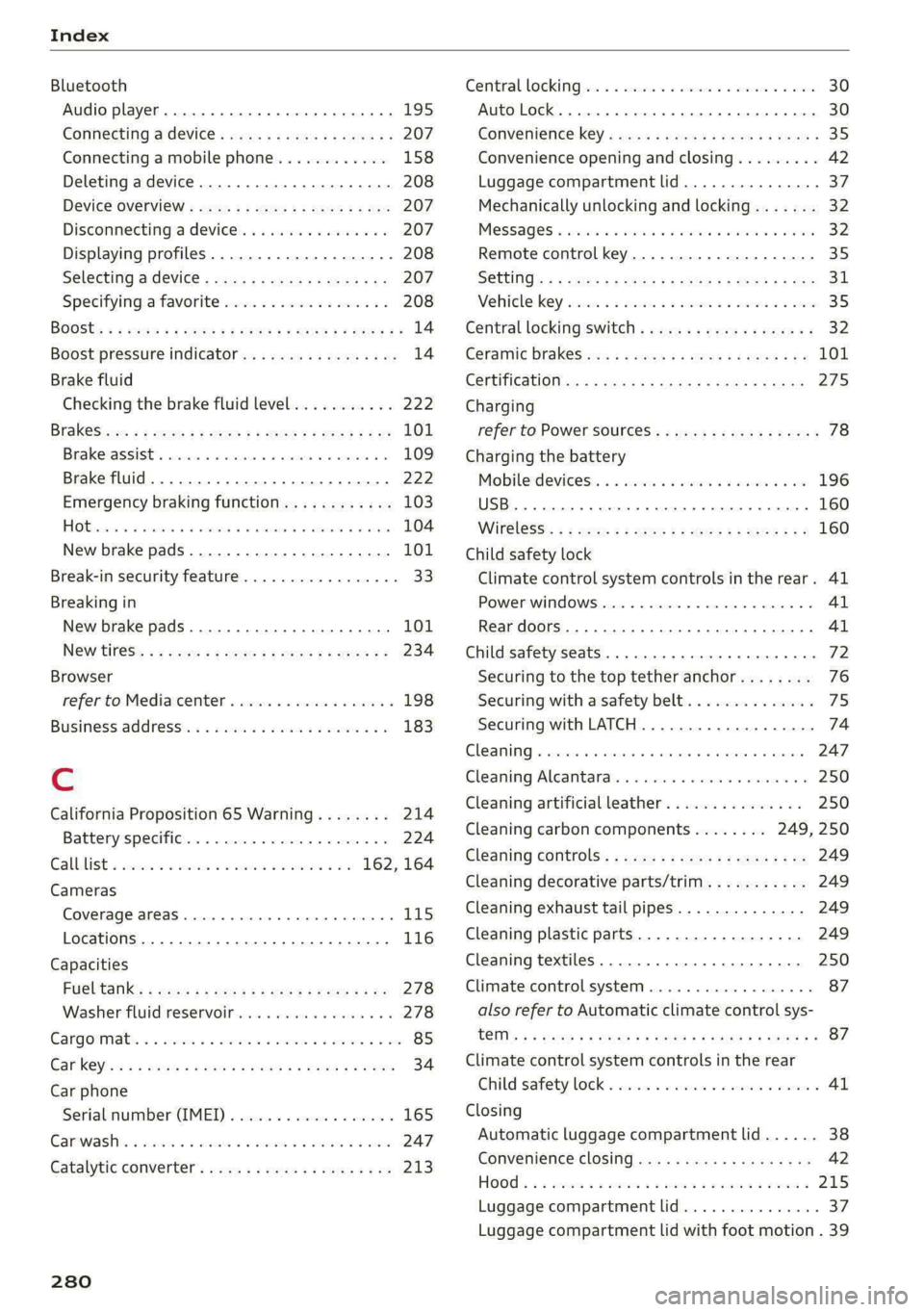
Index
Bluetooth
Audio player... . 2... cece eee eee eee eee 195
Connecting a device. .......00. eee eeee 207
Connecting a mobile phone............ 158
Deleting
adevice................00 00 208
Device OVervieW secs s «sees 3 + eawe ss eee 207
Disconnecting a device.............00. 207
Displaying profiles..................0. 208
Selecting a device s seas ss seg ts ees 2 3 207
Specifying a favorite.................. 208
BoOStss « « cosy: ¢ ¢ eyes 5 © sees § o Rewn ¢ a ees ¢ e 14
Boost pressure indicator................. 14
Brake fluid
New brake pads..............---000-- 101
Break-in security feature..............0.. 33
Breaking in
New brake pads..............-..00005 101
N@W tiCGSs « s eaves = ¢ says + © eure 2s eee Ge 234
Browser
refer to Mediacenter................0. 198
Business address.............--000000- 183
Cc
California Proposition 65 Warning........ 214
Battery specifiers « a sno 2 wrens © somnne wo 9 224
CALLLISE o ssc x = vmaaie 2% swavese vx wena eae 162, 164
Cameras
Coverage areaS... 1.2... . eee eee eee 115
Locations...................0.000005 116
Capacities
FUeL TANK: » sew ss ewe 2 9 aes 2 dame Be Be 278
Washer fluid reservoir..............--. 278
Cargoimatis « « wseon «x sows ee ies 4 o sonne & o oe 85
Car kiss ¢ s anon oo ese y 2 ease oo oo oe ees 34
Car phone
Serial number (IMED) .............00005 165
GCarwashiis ¢ savin se essa se ewe a cme v6 ores 247
Catalytic converter. .... 06s. cse eee ee eee 213
280
Central locking:ers « «comes + + seca sa emai eo ae 30
Auto Lock... 2. eects 30
Convenience-key « ess: ¢ wucwu s eewn ss rows e 35
Convenience opening and closing......... 42
Luggage compartment lid............... 37
Mechanically unlocking and locking....... 32
MeSSAGES « scsi «onesie so eae » oem av wee 32
Remote control key..............-.000- 35
SECUMG’ s 2 wars 5 x saaw £ HEME FE HOR F 5 oe 31
Vehicle key cies so essen 6 o enone so cxere & & sree 35
Central locking switch.............000005 32
Ceramic brakeSica: 2 snau so gem < o meme 2 101
Certificationies + s saws 4 s sane x x eae ge RoR 275
Charging
refer to Power sourceS...........-22+--- 78
Charging the battery
Mobilerdevicests « « isseve +o scaueue + x ssc > oo 196
USB... eens 160
WI£CLESS': « sues 5 5 semen 5 2 een ce oe ose 160
Child safety lock
Climate control system controls inthe rear. 41
PoweriwindOwSvernce « «sos + sown ow anacmn 8 41
Rear doors... 2... eee ee eee 41
Child safety seats..... 0.0... cee ee eee eee 72
Securing to the top tether anchor........ 76
Securing with a safety belt.............. 75
Securing with LATCH...........-.000005 74
Cleaning... .. ccc cece eee eee eee 247
Cleaning Alcantara’. «cscs cows cee ee 250
Cleaning artificial leather............0.. 250
Cleaning carbon components........ 249, 250
Cleaning controls’: » sees ss sees y es eeen sees 249
Cleaning decorative parts/trim........... 249
Cleaning exhaust tail pipes.............. 249
Cleaning plastic parts.................. 249
Cleaning textiles................000005 250
Climate control system..............0005 87
also refer to Automatic climate control sys-
OTs: © = wteung o & seyem u 2 eens & Y eeu «2 oe x 87
Climate control system controls in the rear
Child safety lock = cscs «2 wane » wane » eusven 41
Closing
Automatic luggage compartment lid...... 38
Convenience closing..............+505% 42
HOOG sx o sees 2s semi oo wen 6 Basa v oreo 215
Luggage compartment lid.............0. 37
Luggage compartment lid with foot motion . 39
Page 285 of 296

8W1012721BB
Index
F
Factory default settings
Multi Media Interface................. 207
Fast forwarding and rewinding (media files) . 197
Fast forwarding (media files)............ 197
Fast route... . eee eee eee 177
Favorites
BIWEtOOtH s = sass ¢ s eeae ¢ 5 Besse Hee aE 208
NaVigationis ¢ s cesses « 2 smsnsns w + seaians @ 5: secu 178
Telephone... ...... cece eee eee eee 163
Federal Communications Commission (FCC) . 275
File formats (media drives).............. 201
Filling
Tank capacities.......... 0.00022 eae 278
FIXGUTE SOBs is 6 cctene w e cenrere we ermine s Heme vee 84
For the sake of the environment
Disposing of engine oil................ 219
FUGLING s = sacsu = & corey 5 % tees 5 2 CoG FS eS 211,
Oo eee ee ee 215
Forward gear
refer to Gears... . eee eee eee 94
Free text search
Media... .... ec eee eee eee eee 200
Radioves « = cows « = sews so tes ee ees FP oe 190
also refer to Intelligent search.......... 177
Freeze protection
Coolant... .... 2... eee eee eee 220
Frequency bands « « cesiie a 6 scone a wanna 6 6 ow 188
also refer to Frequency band........... 188
Front center armrest...............0...- 62
Front collision warning
refer to Audi pre sense front............ 139
Front passenger’s seat adjustment
R@af wess 2 s aves 7 ¥ eee © e ewe x Y Bem eH ee 62
Front wiper blades
GHANGING)'s = = cosa =o vase =o ween © rem 2 YB 56
CLEARING « « vxorcise esesese 0 4 uounece 0 9 enecee «weet 56
Ch: sncevss 6 @ sessans « 0 vomans a 2 row & ¥ one =o HO 210
Additives... 0.0... . cee eee eee ee eee 211
Current consumption « cc. «+ sews se eegu ee 15
Fuelidisplay, sissies x asssce a a arene + ¥ name 6 e ow 11
Gasoline
Reducing fuel consumption............. 99
Tank. capacity’. « ccs se cen vo neem eae 278
Fueling
Fuel filler door. .... 0.0... cece e eee ee 211
Fuel filler door emergency release....... 213
Functions on demand...............4.. 171
Functions that require a license
refer to Functions ondemand.......... L171
Fuses
IASSIQNIMIEN ES & sesoies & w sasene © 8 cansers a a emnoees 265
Replacing......... 0. cece eee eee eee ee 264
G
Garage door opener...........0-..0e eee 45
Garment hooks ........ 0.0 e cece eee eee 78
GasOliMe arco: x saves wo anane = y oem moa aw 210
Additives... 0.0.0... cece cece eee eee 211
Gasoline: MIXtUE wacx « s wemy cv came : eee 210
GAWR
refer to Gross Axle Weight Rating (GAWR) . 278
GOATS: x © exes = & wee ¥ ¥ eeu = RoRee SE Pe ee 94
Glossary of tire and loading terminology... 230
Glove compartment...............000005 78
LOckKablets. + cwou 4 x youn os nau sx Meme Fe me 78
Valet parking. .......... ccc eee eee 44
Gross Axle Weight Rating (GAWR)........ 278
Gross Vehicle Weight Rating (GVWR)...... 278
GVWR
refer to Gross Vehicle Weight
Rating (GVWR) .......... 00sec eee eee 278
H
Handsfree. ..... 2... ee eee ee eee 159
Hands Free Profile..................... 159
Head-up display
Adjusting ..... 0... 66. e eee eee 23
Adjusting the brightness ................ 52
OPeratiAg’, « s sussau v saan av epcasan ew anes ow a8 23
Headlight range control...............005 48
Headlights’. 2 cus xe ren vo semw so ames 6 0 ee 48
Cleaning... 0.0.2... cece cece eee eee 248
Headlight range control................ 48
Washer system « «sees 2s sees s eeee ee oes 55
Head feSthaints © aims pasms » mens ss vo se 63
Heated rear window................0000e 90
Heated steering wheel................0.. 90
Heating...........0..0 0.0. 87
283
Page 286 of 296

Index
HFP
refer to Hands Free Profile............. 158
High beams
High beam assistant................... 49
Highway lights ....... 0... ccc eee eee eee 48
Hill descent assist..............002000. 105
Hill descent control..... 00... .. ce eee eee 104
Hill HOLGIASSISE « move 2 os nanos © sues oo eae woe 94
Home
refer to Home address...........-0 008 183
Home address...........0 000. c eee eee 183
HomeLink
refer to Garage door opener............. 45
Home screen... . 2... cece eee eee ee eee 17
HOM... ee eee eee 6
Hotspot
refer to Wi-Fi...........0...0e eee eee 172
I
Idle
refer to Gears » scene = een ss een es ees ees 94
Ignition
Switchitig Orand Off sc ews se wows ss wean s 92
Imbalance (wheels) ............000 eee ee 236
Immobilizer
refer to Electronic immobilizer........... 34
IndicatOrlights « aon « ¢ way x 6 aeens s ¥ wares & 2 5 7
Inspection interWals « sew: < «sees se eeps a es 226
InStrurmient clusters s ¢ ews x «aes 2 eee i os 11
Adjusting the layout...............000. 12
Cleaning....... 0... cece eee eee 249
ENGING@:COdGs ¢ = ass + © canes f eros e Sees 208
Fail @tiss 2 was 2 x nese ov wie se ere 2 ee 11
On-board computer.............0 200 eee 15
Operating...............2.. 2000-0000 12
Service interval display................ 226
Software information................. 208
Switching tabs.................2200005 12
Switching the view............. eee eee 12
Vehicle FUmetions « cnvsscs « 2 sen w a avores 0 2 tens 15
Version information...............065 208
Instruments
Adjusting illumination.................. 52
Intelligent search
Navigationiss ¢ x sews + x uews 6 wuss 6 s wee 177
Intecior UGHEING « + ews + 2 eee s pager eo me 51, 52
284
Interior MONItOriNg’s ss cows + © vesse 2 ¥ aoeeene 33
Intermittent mode (windshield wipers) ..... 55
International travel wi: ¢ sass sé mews a owen 173
Internet
FEFErTOXCONNECE 5. = esses wo eieoees =v eeavee eH 169
Internet radio
refer to Online radio.............. 191, 192
iPhone
refer to Audi music interface........... 196
J
Jump starting ........... cece eee eens 260
K
Key... eee ee eee eee 30, 34
Convenience opening and closing......... 42
Key replacement..............---0 eee 34
Mechanical key..... 0... eee eee eee eee 34
PANIC. K6W iis: = © savon ¢ ¢ eane @ § SetR ys Hem ¢ & 34
Replacing the battery.................. 36
Unlocking and locking...............005 35
Vehicle code... 1... eee eee ee 34
Key user... 22. eee ee eee ee 28
Kick-down...... 2.20... 2 eee eee 96
L
Lane assist
refer to Audi active lane assist.......... 137
Laptimer................0..0.000000. Ii
EValW@Ling’: = x came + xameon 2 pee & & teem o 3 122
SEAM Gbcis ov svvins 6 o suncans w 2 eoTueDs © a KURA 9 121
LATCH (securing child safety seats)......... 74
Leather care and cleaning............... 250
Legal information
License subscriptions................. 208
Software information................. 208
Softwale licens@Sics ss wauy as meen ay weuee a 208
Versionsnformatiomss « s ssswe ¥ ccweasm & were 208
License plate bracket................... 274
Lifting points (vehicle jack).............. 256
Light/rain sensor
Automatic headlights .................. 48
Intermittent mode (windshield wipers).... 55
Page 287 of 296
8W1012721BB
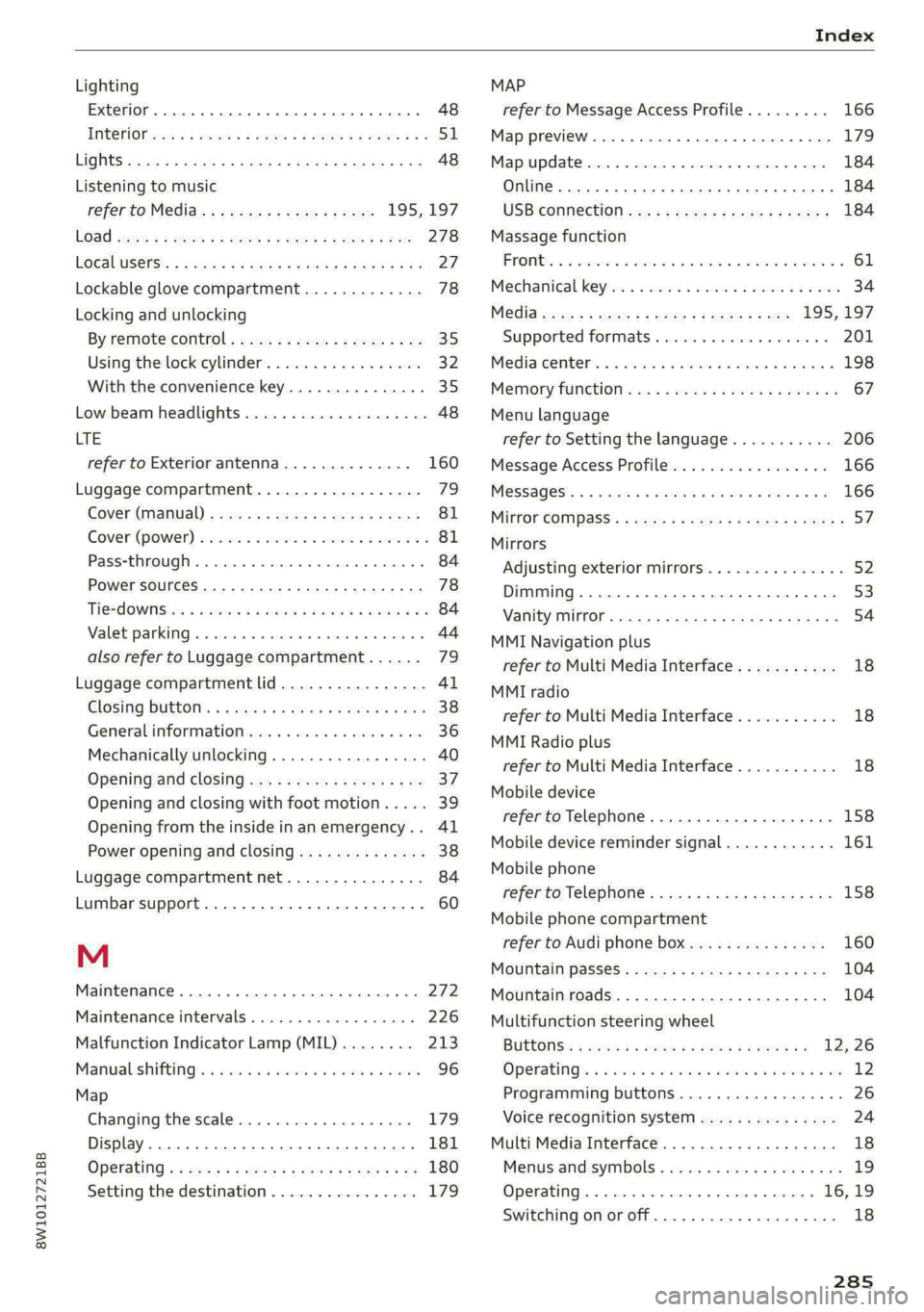
Index
Lighting
Exterior... 0... kee eee eee eee 48
TNteriOfess « « way = i ewe © & eee oe ER Ee 51
LIGHES scx < © qaou s 5 HiswR xB SGUDY FE Sande Fo x 48
Listening to music
referto Media.............-.+++- 195,197
LOSG seae 2 ¢ care ¢ o Hem 2 Yee = VeEE Es New 278
LOCal USERS: « 5 ies cs eaae « AeA s sae G3 Be 27:
Lockable glove compartment............. 78
Locking and unlocking
By remote coritrol,. ssc ¢ s eee ee pee sp ee 35
Using the lockicylinder’. sis. is 3 sasens a 6 sonsene 32
With the convenience key............... 35
Low beam headlights.................00. 48
LTE
refer to Exterior antenna.............. 160
Luggage compartment.................. 72
Cover (Manual) s sass +s eeae 5 ¢ sees ss ees 81
Cover (POWEN) « seine xo wove 2 9 swede vo asd oo 81
PaSS-tHKOUGH . » serein « 0 eevee « eaten @ » aiesnee ws 84
Power SOUrCeES .... 1. ee eee eee eee 78
Ti@*dOWNSisa < s ese 2 o eens v Pews + cow a a 84
Valet parking...... 2... cece eee ee eee 44
also refer to Luggage compartment...... 79
Luggage compartment lid................ 4l
Glosinig DUEON : s = ecies 5 & cass & e ewe < ¥ Hee 38
General informationys-is: «sso 6 6 seas ww one 36
Mechanically unlocking..............0.. 40
Opening and closing................... 37
Opening and closing with foot motion..... 39
Opening from the inside in an emergency... 41
Power opening and closing.............. 38
Luggage compartment net............... 84
Lumbar support.............-.000 2-0 eee 60
M
Maintenance ......... 0.0 eee eee 272
Maintenance intervals................05 226
Malfunction Indicator Lamp (MIL)........ 213
Manualshifting!s « vccax 2 2 mses «2 wae os ewe 96
Map
Changing the scale.................0. 179
Display. ... 2... eee eee eee eee 181
Operating « « sews so een 3 e coon s perme ss oe 180
Setting the destination................ 179
MAP
refer to Message Access Profile......... 166
Map preview...............0 0.0.00 0008 179
Map update...............0 02.0000 184
Online... 6. eee eee eee 184
USB CONN CtION e.3 » seems se eewe ee eyes 184
Massage function
PROMGS 2 2 sovsese oa awien © 2 omen 2 2 ME YAU a 61
Mechanical keyeo: «3 sec so wenn 2 wan av amo 34
Media seve « = sumse = 9 ee 2 2 ae & 2 ees 195; 197
Supported formats............ee ee eee 201
Media. center. « o sess av somes © a mame © mere @ 198
Memory fUNCHOR css x 5 xen o 2 mew & & aoies 4s 67
Menu language
refer to Setting the language........... 206
Message Access Profile.............0005 166
Messages’: ss xerg « = moras 5 & wesey 3 ¥ seems oes 166
Mirror Compass’: < sexs « ¢ says 5 x seis 5 & eRe 57
Mirrors
Adjusting exterior mirrors............... 52
Dimming................. 0000000 53
NATIEVTVIETORs sissy s & even ¢ u SereR % 5 SGTER A 54
MMI Navigation plus
refer to Multi Media Interface........... 18
MMI radio
refer to Multi Media Interface........... 18
MMI Radio plus
refer to Multi Media Interface........... 18
Mobile device
refer to Telephone..............---00. 158
Mobile device reminder signal............ 161
Mobile phone
refer to Telephone.............0 eee eee 158
Mobile phone compartment
refer to Audi phone box............... 160
Mountain pass@Ss « ces se eases eases e was 104
Mountain roads................0000005 104
Multifunction steering wheel
BULtONS is ¢ sqm x s seme ¢ s seae ¢ 2 ee eg 12,26
Operating’. « s sense v ccwone wo smecens a ¥ ate oo os 12
Programming buttons.................- 26
Voice recognition system............... 24
Multi Media Interface................... 18
Menus and symbols..............22-00- 19
Operating. « a sseen « oenos o « sceses @ & prem 16, 19
Switching on or off................0005 18
285