rear view mirror AUDI A8 2012 User Guide
[x] Cancel search | Manufacturer: AUDI, Model Year: 2012, Model line: A8, Model: AUDI A8 2012Pages: 300, PDF Size: 75.06 MB
Page 103 of 300

-Improper reliance on the side assist sys
tem can cause collisions and serious
personal injury:
- Never rely only on side assist when
changing lanes.
- Always check rear view mirrors to make
sure that it is safe to change lanes.
- Side assist cannot detect all vehicles un
der all conditions- danger of accident!
- Please note that side assist indicates
there are approaching vehicles, or vehi cles in your blind spot, only after your ve
hicle has reached a driving speed of at
least 19 mph (30 km/h).
- In certain situations, the system may not
function or its function may be limited.
For example:
- if vehicles are approaching or being left
behind very quickly. The display may
not turn on in time.
- in poor weather conditions such as
heavy rain, snow or heavy mist .
- on very wide lanes, in tight curves or if
there is a rise in the road surface . Vehi
cles in the adjacent lane may not be de
tected because they are outside of the
sensor range.
(D Note
The sensors can be displaced by impacts or
damage to the bumper, wheel housing and
underbody. This can affect the system .
Have your authorized Audi dealer or au
thorized Audi Service Facility check their
function.
(D Tips
- If the window glass in the driver's door
or front passenger's door has been tint
ed, the display in the exterior mirror may be misinterpreted.
- For Declaration of Compliance to United
States FCC and Industry Canada regula
tions
c::>page 283.
Audi side assist 101
Activating and deactivating
Applies to vehicles: m it s ide ass ist
Fig. 105 Driver 's doo r: Side ass ist button
.,. Press the c::> A in General information on
page 100
button to switch the system on/
off . The LED in the button turns on when
side assist is switched on.
Adjusting the display brightness
App lies to vehicles: wit h side assist
The brightness setting can be adjusted via the
MMI.
.,. Select: I CAR I function button > Car systems
control button
> Driver assist > Audi side
assist .
The display brightness adjusts automatically
to the brightness of the surroundings, both in
the information and in the warning stage . In
very dark or very bright surroundings, the dis
play is already set to the minimum or maxi
mum level by the automatic adjustment. In
such cases, you may notice no change when
adjusting the brightness, or the change may
only be noticeable once the surroundings
change.
Adjust the brightness to a level where the dis
play in the information stage will not disrupt
your view forward.
If you change the bright
ness, the display in the exterior mirror will
briefly show the brightness leve l in the infor
mation stage. The brightness of the warning
stage is linked to the brightness in the infor
mation stage and is adjusted along with the
information stage adjustment .
Page 118 of 300

116 Advanc ed Parking S ystem
Rear vi ew cam era co ve ra ge area
The MM I display shows the area covered by
the rear view camera
c::> fig. 123 @ . Objects
that are not in the area covered @are not
shown on the MMI display.
We recommend that you p ractice park ing with
the rear view camera in a t raffic -free location
or parking lot to become familiar with the sys
tem, the orientation lines, and their function.
When doing th is, there sho uld be good light
and weather conditions.
In the MMI disp lay, objects or vehicles appear
closer or further away if:
- you are driving in reverse gear from a level
surface onto an incline, or a downward
s lope,
- you are d riving in reverse gear toward pro
truding objects,
- the vehicle is carrying too much load in the
rear.
The accuracy of the orientation lines and blue
surfaces dim inishes if:
- the adaptive air suspension/sport* is faulty, the vehicle is lifted or dynamic mode is se
lected
c::> page 103,
- the rear view camera does not provide a reli
able image, for examp le, in poor visibility
cond it ions or if the lens is dirty,
- the image on the screen is not visible due to
sun glare and reflect ion.
Car in g for the rear view came ra lens
The rear view camera is located above the rear
license plate bracket . For the parking system
to operate, the lens
c::> fig . 124 must be kept
clean:
- Dampen the lens with a household alcohol
based glass cleaner, and then wipe the lens
clean with a dry cloth
c::> CD.
- Remove snow with a hand brush and ice
preferably with a de-icing spray
c::> (D .
A WARNING
,-
- Senso rs have blind spots in which objects
cannot be detected . Pay special attention to small children and animals because
the sensors cannot always detect them.
- The parking system cannot replace the
driver's attention. The driver alone is re
sponsible for parking and similar driving maneuvers.
- Always keep your eyes on the vehicle 's
surroundings, us ing the rear view mirror
as well.
- Do not allow yourself to be distracted
from traffic by the rear view camera p ic
tures.
- If the position and the installation angle
of the camera has changed, for example,
after a rear end col lis ion, do not continue
to use the system for safety reasons .
H ave it checked by a qualified dea le rship.
(D Note
- Low obstacles a lready s ignaled by a
warning can disappear from the system's detection range as they are approached
and w ill not cont inue to be signaled. Ob
jects such as ba rr ier chains, trailer draw
bars, thin painted vert ica l poles or fen
ces may not be detected by the system,
posing risk of damage .
- N ever use warm or hot water to remove
snow or ice from the rear view camera
lens - this could ca use the lens to crack!
- When cleaning the lens, never use prod
ucts that are abrasive.
Page 120 of 300

118 Advanced Parking System
Reverse Parking
Applies to vehicles: with park ing system advanced
Parking mode 1 con be used when parking in
a garage or into a parking space.
Fig. 127 MMI display: aiming at a parking spot
Fig. 128 MMI display : al igning the vehicl e
• Turn the steering wheel until the orange
orientation lines
(D appear in the parking
spot
c::> fig . 12 7 . Use the markings @to help
you estimate the distance from an obstacle. Each marking represents 3
ft (1 meter). The
blue area represents an extension of the ve
hicle's outline by approximately 16
ft (5 me
ters) to the rear.
• While driving in reverse gear, adjust the
steering wheel angle to fit the parking space
with the aid of the orange orientation lines
¢(D. @ marks the rear bumper. Stop the
vehicle when the red orientation line © bor
ders an object
c::> ,& !
_& WARNING
-The rear view camera does not show the
entire area behind the vehicle
¢page 115, fig. 123. Watch out espe
cially for small children and animals. The rear view camera cannot always detect
them, posing risk of an accident!
- Please note that objects not touching the
ground can appear to be further away
than they really are (for example, the
bumper of a parked vehicle, a trailer
hitch, or the rear of a truck). In this case,
you should not use the help lines to help
with parking, which poses danger of an accident!
(D Note
In the M MI dis play , the direction of travel
of the vehicle rear is represented depend
ing on the steering wheel angle . The vehi
cle front swings out more than the vehicle
rear. Maintain plenty of distance so that
your outside mirror or a corner of your ve
hicle does not collide with any obstacles.
This can damage to your vehicle.
Parallel Parking
Applies to vehicles: with parking system adva nced
Use parking mode 2 to help you parallel pork
along the side of a street.
Fig. 129 MMI display: blue surface in the park ing spot
Fig. 130 MMI disp lay: Blu e curve on the curb
Page 121 of 300

The following steps app ly only when there is
no obsta cle such as a wa ll near the parking
spot. Otherwise, please read the information
provided in the "Parking Next to Obstacles"
section
c::> page 119.
~ Activate the turn signal.
~ Position your vehicle parallel to the edge of
the street, approximately 3 ft (1 meter)
from a parked vehicle .
~ Switch the MM I on and se lect reverse gear .
The parking aid tu rns o n and parking mode
1 appears on the display .
~ Press the contro l bu tton (D c::> fig. 129 on
the MMI contro l conso le. Parking mode 2
appea rs .
~ Back up and align yo ur vehicle so t he b lue
area @ borders on the rear end of the vehi
cle or on the parking spot line. The bl ue area
represents an extension of the veh icle's out
line by approximate ly 16 ft (5 meters) to the
rear . The long side of the blue area should
be o n the curb . The entire blue area must fit
i nto the parking spot .
~ With the vehicle stopped, turn the steer ing
whee l to the right as far as it w ill go.
~ Back into the park ing spot until the blue
cu rve to uches the curb
c::> fig. 130. Stop the
vehicle.
~ With the veh icle stopped, turn the steer ing
wheel to the left as far as it will go .
~ Continue to back into the park ing spot until
the vehicle is parked para llel to the curb .@
marks the rear bumper. Stop the vehicle
when the red orientation line@ borde rs an
object
c::> .&, . Keep an eye o n the fron t of
yo ur vehicle while do ing this
c::> (j) .
Parking next to obstacles
When t here is an obstacle (such as a wall)
next to the pa rking spot, choose a spot w ith
mo re space on t he sides. Position the long
side of the b lue a rea so that there is sufficient
space from the curb. The a rea m ust no t be on
the c urb. You w ill also need to start turn ing
the steering wheel much earlie r. T he re should
be a suffic ient amo unt of space between the
curb and the blue curve, and the blue c urve
c::> fig. 130 must not touch the curb.
Ad vanced P arking S ystem 119
A WARNING
-The rear view camera does not show the
entire area behind the vehicle
c::> page 115, fig. 12 3 . Watch out espe
cially fo r small children and anima ls . The
rea r view came ra ca nnot alway s de te ct
them, posing r is k of an a ccident!
- P lease note that objects not touching the
g rou nd can appear to be further away
than they really are (for example, the
bumper of a parked vehicle, a trai ler
hitch, or the rea r of a truck) . In this case,
you shou ld not use the help lines to help
with parking, wh ich poses danger of an
accident!
(D Note
In the MMI display, the direction of travel
of the vehicle rear is represented depend
i ng on the steering wheel angle . The vehi
cle front swings out more than the vehicle
rear. Maintain ple nty of d istance so that
your outside mirror or a corner of your ve
hicle does not col lide with any obstacles.
T his can damage to your ve hicle.
(0 Tips
The left o r right orientation lines and su r
faces will be disp layed, depending on the
turn s ignal being used .
Adjusting the display
and warning tones
App lies to v ehicl es: wi th parkin g sys tem advanced
The display and warning tones can be adjust
ed in the MMI.
~ Select: I CAR I function b utton > Car sy stem s
contro l button > Dri ver a ssist > Parking aid
> Setting s control b utton .
Display
On -when the parking system is switched on,
either the vis ual d isp lay or the picture from
the rea r view camera is disp layed .
IJI>
Page 269 of 300

Fuse s and bulb s 267
Luggage compartment fuse assignment
Fig. 207 Luggage compartment: fuse pa nel with plastic bracket
Fuse panel @ (black ) Fuse panel @ (b la ck)
No . Equi pment Amps No. Equipment Amps
[ru button, data logger, diag-
11 Dynamic
steering
5
l nostic connector, BCM -1,
5
Selector lever, BCM-2 5
adaptive light ing system
Audi side assist
5
2 Networking gateway 5
Engine control module 5
3 adaptive air suspension
5
Starter 40
4 Parking system 5
Left headlight/Headlight
16 10/5
5 Steer
ing column lever
5
range control system
Suspension control system
6 5 Fuse panel @ (red ) sensor
Belt tensioners, airbag con-
No. Equipment Amps
7
trol module 5 1 Left
reversible be lt tens ione r
25
Heated washer fluid nozzles, 2 Right reversible belt ten-
25
Homelink (garage door sioner
8 opener), night vision system
5 3 Starter diagnosis 5
control module, sport differ- 4 DC/DC converter
7,5
ential, ioni zer
5 Adaptive cruise contro l 7,5
9
Electromechan ica l parking
5 Right headlight (headlight
brake contro l modu le
6 with adaptive light) 10 -
10 Rear seat heating, cooler, in-
5 7 ESC co ntrol modu le 5 ... terior rearview mirror
Page 270 of 300

268 Fuses and bulbs
Fuse panel
® (red)
No. Equipment
=
I a
Sound actuator, AEM control module
9 Adaptive cruise control
Transmission control mod-
10 ule
---11 Climate control system sen-
sors
Fuse panel © (brown)
No. Equipment
1 Electromechanical parking
brake
2 Suspension control system
sensor
3 Right rear door control mod-
ule
4 Smart modul tank
5 Front cl
imate control system
controls
6
Rear climate control system
controls
-
7 Networking gateway
8 Cooler
9
Interface for specia l func-
tions
10 Cell phone adapter, Blue-
tooth handset
11 AEM contro l module
12 Selector lever
13 Ambient
lighting
14 Rear exterior lighting
15 Fue
l pump
1 16 Electromechanical
parking
brake
Fuse panel @ (black )
Equipment
3 Rear sockets adaptive air suspension
115-V socket
Amps
s
10
s
s
=
Amps
5
s
7,5
s
15
10
5
15
5
5
15
10
10
20
25
-
30
Amps
20 15
25
Fuse panel @ (black)
No. Equipment
7
Electromechanical parking
brake
8 Rear seat heating
9 Rear exterior lighting
10 Rear climate control system
blower
Rear sun shade, closing aid,
11 luggage compartment lock,
keyless go/entry, fuel filler
door
12 Luggage compartment
lid
control module
Fuse panel © (red)
No. Equipment
1 Rear seat adjustment but-
tons
3 Left rear seat (pneumatics)
5 Tra
iler hitch control module*
6 Left rear seat
7 Right rear seat
8 Trailer hitch control module *
9 Tra iler hitch control module*
10 Right rear seat (pneumatics)
Fuse panel
® (brown)
No. Equipment
1 Radio
receiver/sound ampli-
fier
2 Sound amplifier
3 Rear Seat
Entertainment, ra -
dio receiver/sound amplifier
Automatic dimming interior
s rearview mirror
6 DVD changer
T V tuner
MMI unit/drives
Instrument cluster, analog
9 clock
10 MMI Display
Amps
30
25
20
20
20
30
Amps
5
7,5
20
30
30
20 15
7,5
Amps
30
30
10
5
s
5
7,5 5
5
Page 289 of 300
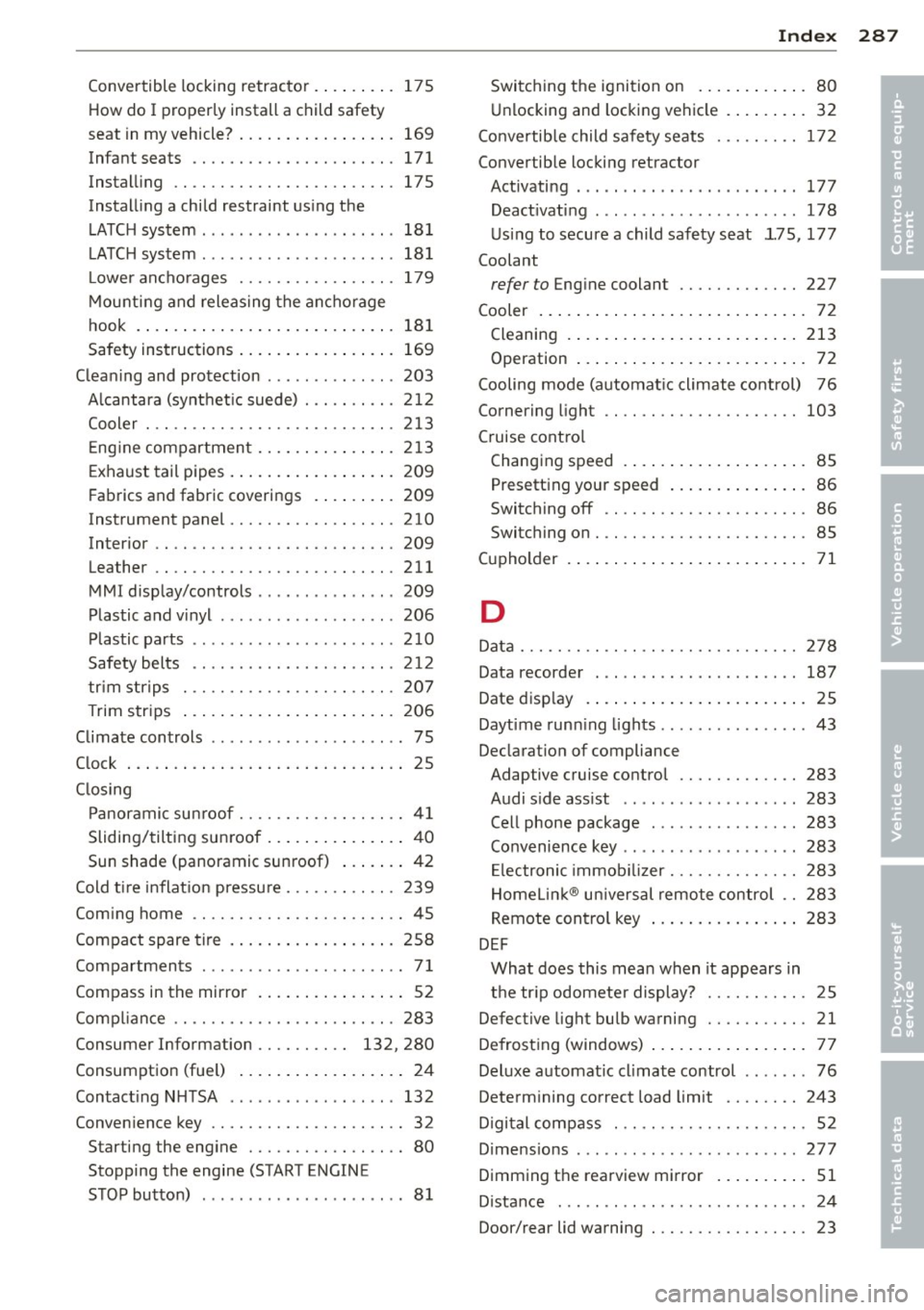
Convertible locking retractor .... .. .. . 17 5
How do I prop erly install a child safety
seat in my vehicle? ....... ... .. .. .. .
169
Infant seats . . . . . . . . . . . . . . . . . . . . . . 171
Instal ling .. ............. .... .. ... 175
Instal ling a child restraint us ing the
L A T C H system .... .. ... ... .. .. .. .. .
18 1
LATCH system ................... .. 181
Lower ancho rages ........ .. .. .. .. . 179
M ounti ng and releas ing the anchorage
hook . ..... .. .. ... ..... ... .. .. ...
181
Safety instructions ..... ... .. .. .. .. . 169
C leaning and protection .............. 203
Alcantara (synthet ic suede) . .. .. .. .. . 2 12
Cooler . .. .. .... ........... .. .. ... 213
Eng ine compartment ... ... .. .. .. .. . 213
Exhaust tail p ipes . ..... ... .. .. .. .. . 209
Fabrics and fabric coverings . ... .. .. . 209
Instrument panel .................. 210
Interior .......................... 209
Leather . . . . . . . . . . . . . . . . . . . . . . . . . . 211
MMI disp lay/controls ............. .. 209
Plastic and v inyl .... ... ... .. .. .. .. . 206
Plastic pa rts ...................... 210
Safety belts . . . . . . . . . . . . . . . . . . . . . . 2 12
tr im str ips . ............. .... .. ... 207
Trim str ips .... .. ..... ... .. .. .. ... 20 6
Climate controls ............ ...... ... 75
C lock ... .... .. .. .. .. .... .. . .. .. .. .. 25
C losing
Panor amic su nroof ........ .. .. .. .. ..
4 1
Sliding/ tilting sun roof .. ... .. .. .. .. .. 4 0
Sun shade (panoramic sunroof) ... .. .. 42
Cold ti re i nflat ion p ressu re ... .. .. .. .. .
239
Coming home ............. .... .. .... 45
Compact spare tire . ..... ... .. .. .. .. .
258
Compartments ................... ... 7 1
Compass in the mirro r ... ... .. .. .. .. .. 52
Comp lian ce .. ............. .... .. ... 283
Consumer Information . . . . . . . . . . 132, 280
Consumption (fue l) . . . . . . . . . . . . . . . . . . 24
Contact ing N HTSA ................ ..
132
Conven ience key ........... .... .. .... 32
Starting the engine ................. 80
Stopping the engine (START ENGINE
STOP button) ......................
81 Inde
x 287
Switching the ignition on .... ... .. .. . 80
U nl ocking and locking vehicle . ... .. .. . 32
Conve rtib le child safety seats ......... 172
Convertible locking retractor
Activati ng ........................
177
Deact ivating ...... ........... ..... 178
U sing to secure a child safety seat 1.75, 17 7
Coolant
refer to Eng ine coolant ............. 227
Cooler ... .. .. .... ... .. .. ..... ... .. . 72
Cleaning . ... .... .. . .. .. ..... ... .. 213
Operation . . . . . . . . . . . . . . . . . . . . . . . . . 72
Cooling mode (automa tic climate cont rol) 76
Cornering light .. .. ................. 103
C ruise cont ro l
Changing speed .... . .. ..... ... .. .. .
85
Presetting your speed .. ..... ... .. .. . 86
Switch ing off .. .. ............... .. . 86
Switching on . .. .. ................. . 85
Cu pholder . . . . . . . . . . . . . . . . . . . . . . . . . . 71
D
Data .............................. 278
Data recorder . . . . . . . . . . . . . . . . . . . . . . 187
Date disp lay . ..... ... .. .. ..... ... .. . 25
Daytime runn ing lights .............. .. 43
Declarat ion of compliance
Adaptive cruise control .............
283
Audi side ass ist .............. .... . 283
Cell phone package . . . . . . . . . . . . . . . . 283
Convenience key .................. . 283
Electronic immob ilizer .......... .. .. 2 83
Homel in k® uni versal remote control .. 283
Remote con tro l key ... ...... ... .. .. 283
DEF
What does this mean when it appears in
t h e tr ip odometer display? ...........
25
Defective light bulb warning ........... 21
Defrosting (windows) .. .. ..... ... .. .. . 77
Del uxe a utomat ic cl imate control .. .. .. . 76
Determ ining correct load limit ........ 243
Digi tal compass . . . . . . . . . . . . . . . . . . . . .
52
Dimens ions ... .. .. .. . .. .... ...... .. 277
Dimming the rearview mirror .. ... .. .. . 51
Dista nce . .. .. .. .. .. ............... . 24
Door/rear lid warning ............ .. .. .
23
•
•
Page 294 of 300
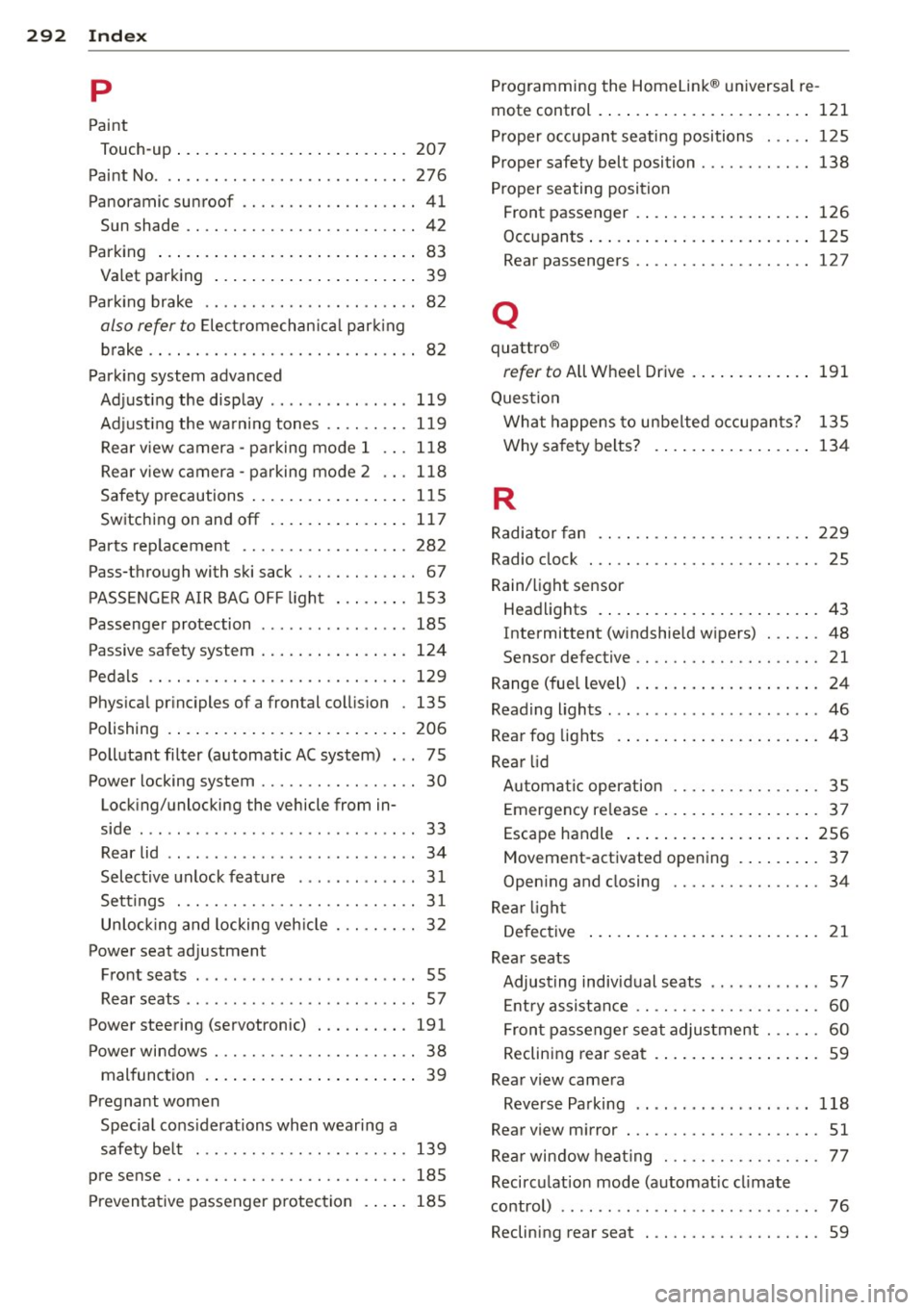
292 Index .:..:..:..::....::..
...:..._ ___________________________ _
p
Paint
Touch-up ... .. ........ ..... .. .... . 207
Paint No. 276
Pano ramic sunroof .. ....... .. .. .. .. .. 41
Sun shade . . . . . . . . . . . . . . . . . . . . . . . . . 42
Parking ..... ................ ..... .. 83
Valet parking ............. ... .... .. 39
Parking brake .. .... ... .... .. .. .. .. .. 82
also refer to Electromechan ica l park ing
brake . . . . . . . . . . . . . . . . . . . . . . . . . . . . . 82
Park ing system advanced
Adjusting the display ....... ..... .. . 119
Adjusting the warn ing tones .. .. .. .. . 119
Rear view camera -parking mode 1 .. . 118
Rear view camera -parking mode 2 ... 118
Safety precautions ............ .... . 115
Switching on and
off ...... .. .... .. . 117
Parts replacement ......... .. .. .. .. . 282
Pass-through with ski sack . . . . . . . . . . . . . 67
PASSENGER AIR BAG OFF light ..... .. . 153
Passenger protection . . . . . . . . . . . . . . . . 185
Passive safety system ........ ... .... . 124
Pedals .. .. .. ...... ..... .. .. .. .. .. . 129
Physical principles of a frontal collision . 135
Polishing .... ................ ..... . 206
Pollutant filter (automatic AC system) . . . 7 5
Power locking system . . . . . . . . . . . . . . . . . 30
Locking/unlocking the vehicle from in-
side ... .. .. ... ... ... .... .. .. .. .. .. 33
Rear lid . . . . . . . . . . . . . . . . . . . . . . . . . . . 34
Selective unlock feature . ........ .... 31
Settings . . . . . . . . . . . . . . . . . . . . . . . . . . 31
Unlock ing and locking veh icle . .. .... .. 32
Power seat adjustment Front seats . . . . . . . . . . . . . . . . . . . . . . . . 55
Rear seats .. ... ... .... ..... .. .. .. .. 57
Power steering (servot ronic) . .. .. .. .. . 191
Power windows . . . . . . . . . . . . . . . . . . . . . . 38
malfunction . . . . . . . . . . . . . . . . . . . . . . . 39
Pregnant women Specia l cons iderations when wearing a
safety belt ... .... .... ... .. .. .. .. . 139
pre sense .. .... ........... .. .. .. .. . 185
Preventative passenger protection .. .. . 185 Programming
the Homelink ® un iversal re-
mote control . ..... ................. 121
Proper occupant seating positions . .... 125
Proper safety bel t position . ....... .... 138
Proper seating position
Front passenger . ................. . 126
Occupants ..... .. .. .............. . 125
Rear passengers .. ....... ...... .... 12 7
Q
quattro ®
refer to All Whe el Driv e .......... ... 191
Question What happens to unbelted occupants? 135
Why safety belts? ................ . 134
R
Radiator fan .. .. .. ...... ....... .... 229
Radio clock . .. .. .. ....... ...... .... . 25
Rain/light sensor
Headlights .... .. ................ .. 43
I ntermittent (windshield wipers) . .. .. . 48
Sensor defective .. ... .... ...... .. .. . 21
Range (fuel level) . . . . . . . . . . . . . . . . . . . . 24
Reading lights . .. .. .......... ...... .. 46
Rear fog lights .... ................ .. 43
Rear lid Automatic operation .... .... ..... .. . 35
Emergency release . . . . . . . . . . . . . . . . . . 3 7
Escape handle ... ............. .... 256
Mov ement -activated opening ..... ... . 37
Opening and closing .... ....... .... . 34
Rear light
Defective . . . . . . . . . . . . . . . . . . . . . . . . . 21
Rear seats Adjusting individual seats ....... .. .. . 57
Entry assistance . . . . . . . . . . . . . . . . . . . . 60
Front passenger seat adjustment . . . . . . 60
Reclining rear seat ................ .. 59
Rear view camera Reverse Parking .. ................ . 118
Rear view mirror . ... ........ ... ... .. . 51
Rear window heat ing . .... .... ..... .. . 77
Recirculat ion mode (automat ic cl imate
control) . . . . . . . . . . . . . . . . . . . . . . . . . . . . 76
Reclining rear seat . ............. .... . 59