reset AUDI E-TRON 2020 User Guide
[x] Cancel search | Manufacturer: AUDI, Model Year: 2020, Model line: E-TRON, Model: AUDI E-TRON 2020Pages: 316, PDF Size: 85.96 MB
Page 122 of 316

High-voltage system
Indicator lights Meaning Solution
O Red There is an overvoltage inthe | Disconnect the charger from the power
© CQ Flashing red charging infrastructure of the | supply and reconnect it after 60 seconds.
O Bor power supply/household con- | If the malfunction continues, have the
O 6 of nection. The charging process | power supply/household connection
© has been interrupted. checked by a qualified electrician.
Off
O Red The control unit has atechni- | Disconnect the charger from the power
O 0 off cal malfunction. The charging | supply and reconnect it after 60 seconds.
O B orf process has been interrupted. | If the malfunction continues, have the
@ © Red control unit checked by an authorized
© Audi dealer or authorized Audi Service Fa-
© Off cility.
O Red The control unit has atechni- | Disconnect the charger from the power
O 0 off cal malfunction (self-test supply and reconnect it after 60 seconds.
O Bor failed). The charging process | If the malfunction continues, have the
© 6 Flashi d has been interrupted. control unit checked by an authorized
asning re Audi dealer or authorized Audi Service Fa-
© Off cility.
O Red The charging infrastructure of | Have the control unit checked by an au-
@ CX Red the power supply/household | thorized Audi dealer or authorized Audi
connection is insufficient: the | Service Facility, and have the power sup-
@ B&B Red
O 6 of ground conductor is interrupt- | ply/household connection checked by a
ed or not present. The ground | qualified electrician. Do not use the pow-
9 Off conductor monitor has inter- | er supply/household connector until the
rupted the charging process. | malfunction is corrected.
© Red The indicator light in the reset | Have the control unit replaced by an au-
@ CO Red button on the control unit is | thorized Audi dealer or authorized Audi
@ & Red faulty. The charging process _| Service Facility.
@ © Red has been interrupted.
e
9 Off
O Red The control unit has detected | Press and hold the © button for at least
@ X Red residual current. The charging | two seconds. If the malfunction contin-
rocess has been interrupted. | ues, have the control unit checked by an
@ & Red P P y
@ © Red authorized Audi dealer or authorized Audi
/ Service Facility, and have the power sup-
® Flashing red ply/household connection checked by a
qualified electrician.
O Red The charging infrastructure is | Disconnect the charger from the power
© © Flashing red wired incorrectly. The charging | supply. Have the power supply/household
© & Flashing red process has been interrupted. | connection checked by a qualified electri-
cian.
© 4 Flashing red
9 Off
120
Page 148 of 316

Driver assistance
Switching lane guidance on and off
Applies to: vehicles with adaptive cruise assist and lane guid-
ance
B8V-0692
Fig. 109 Turn signal lever: Lane guidance and lane depar-
ture warning button
Within the limits of the system, lane guidance
provides corrective steering to assist the driver
with keeping the vehicle in the center of the lane
as much as possible. This feature can be deacti-
vated.
Switching lane guidance on and off
Requirement: lane guidance must be preselected
in the MMI > page 151.
> To activate/deactivate the availability of the
lane guidance, press the button on the turn sig-
nal lever > fig. 109.
The system will assist the driver by providing cor-
rective steering only when adaptive cruise assist
is actively regulating and availability is switched
on.
Overview of displays and lane guidance
limitations
The indicator @9 in the Driver assistance display
indicates the availability of lane guidance
=> page 143, fig. 106.
© - Lane guidance is active.
&- Lane guidance is not active.
If the or indicator light turns on white on
at least one side, or the [J indicator light turns
on white in the Driver assistance display, then
lane guidance is not active. This may be due to
the following reasons:
— The necessary lane marker lines have not been
detected (for example, in a construction zone
146
or because the lines are obstructed by snow,
dirt, water, or lighting)
— The lane is too narrow or too wide
— The curve is too narrow
— The driver's hands are not on the steering
wheel
— Visibility is obstructed by a rise or dip.
— The turn signal was activated.
Steering intervention request
If no steering activity is detected or the steering
power from the system is not sufficient, the driv-
er steering intervention request will alert the
driver using audio and visual signals. Take over
the steering and keep your hands on the steering
wheel so that you will be ready to steer at any
time. The system will become inactive after a
short time and will only be active again later.
If the driver does not take over steering, adaptive
cruise assist will be canceled. If the vehicle is
equipped with emergency assist and it is ready to
function, it will be activated if possible
=> page 162.
Z\ WARNING
Observe the safety precautions and note the
limits of the assist systems, sensors, and
cameras > page 127.
@) Tips
— Always keep your hands on the steering
wheel so you can be ready to steer at any
time. The driver is always responsible for
adhering to the regulations applicable in
the country where the vehicle is being oper-
ated.
— It is recommended to only switch on lane
guidance on well-constructed roads.
—The > fig. 109 button switches lane guid-
ance availability and the lane departure
warning on or off simultaneously, if lane
guidance is preset in the adaptive cruise as-
sist settings.
Page 153 of 316

4KE012721BE
Driver assistance
The display @ only appears when the Driver as-
sistance display is open in the on-board
computer > page 14.
Z\ WARNING
Observe the safety precautions and note the
limits of the assist systems, sensors, and
cameras > page 127.
Adjusting the adaptive cruise assist
Applies to: vehicles with adaptive cruise assist
You can adjust the adaptive cruise assist to your
own preferences. The settings depend on the ve-
hicle equipment.
> Applies to: MMI: Select on the home screen:
VEHICLE > Driver assistance >(<2})> Adaptive
cruise assist.
Possible settings:
Lane guidance - If lane guidance is also active
when adaptive cruise assist control is active, you
can switch it on or off.
Driving program - Depending on the driving pro-
gram and the distance that are set, the vehicle
handling will be adjusted from Sport to Moder-
ate and the lane guidance haptic feedback will be
adjusted.
Store last distance - The last distance that was
set will be stored after the ignition is switched
off. If the distance is not stored, distance
(time distance of approximately 1.8 seconds) is
automatically preset every time the ignition is
switched on.
Predictive control > Set speed limit - adaptation
to speed limits can be switched On or Off. Regu-
lation With tolerance can also be selected, if de-
sired. In this scenario, you may fall below or ex-
ceed the set speed in favor of increased efficien-
cy.
Predictive control > Adjustment to curves along
route - regulation based on the road ahead can
be switched Off or set individually from Slow to
Fast. The setting influences vehicle handling with
predictive control, for example the speed for
driving through curves.
@) Tips
In the efficiency* Audi drive select mode, ve-
hicle handling and the adaptive cruise assist
haptic feedback are also affected. It may not
be possible to adjust the Driving program.
Messages
Applies to: vehicles with adaptive cruise assist
if or is displayed when there is a malfunc-
tion, the adaptive cruise assist functions may be
unavailable or limited.
A message that indicates the cause and possible
solution may appear with some displays. The
weather conditions may be too poor or a sensor
may be covered. Clean the area in front of the
sensors > page 129 and try to turn on the sys-
tems again later.
If the malfunction remains, drive to an author-
ized Audi dealer or authorized Audi Service Facili-
ty immediately to have the malfunction correct-
ed.
Applies to: vehicles with narrowed road assist
Narrow area
Depending on vehicle equipment, this message
appears in the Driver assistance display if the
adaptive cruise assist is adjusting the speed ina
narrow area, for example a construction zone.
Adaptive cruise assist: Please take over!
Adaptive cruise assist was ended, for example be-
cause the vehicle rolled backwards when starting
ona slight incline even though the system was
active. You must take over further control of the
vehicle.
Applies to: vehicles with laser scanner
Adaptive cruise assist: limited availability.
See owner's manual
This message appears when the sensor view is
limited, for example, when weather conditions
are too poor or a sensor is covered. You can
switch on the adaptive cruise assist, but certain
functions such as assistance in narrow areas will
not be available. Under certain circumstances,
some objects may be detected late or may not be >
151
Page 186 of 316
Telephone
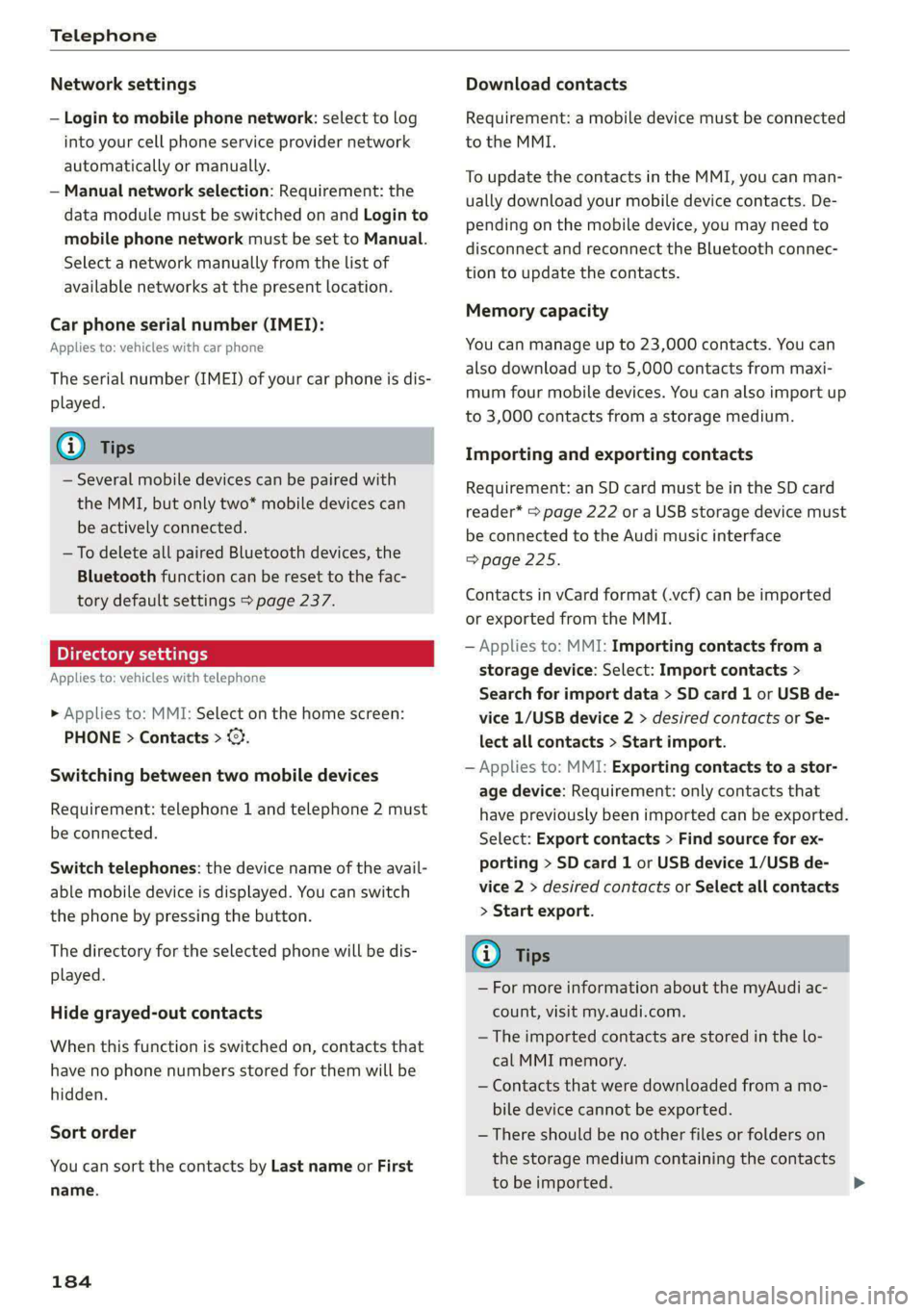
Network settings
— Login to mobile phone network: select to log
into your cell phone service provider network
automatically or manually.
— Manual network selection: Requirement: the
data module must be switched on and Login to
mobile phone network must be set to Manual.
Select a network manually from the list of
available networks at the present location.
Car phone serial number (IMEI):
Applies to: vehicles with car phone
The serial number (IMEI) of your car phone is dis-
played.
G) Tips
— Several mobile devices can be paired with
the MMI, but only two* mobile devices can
be actively connected.
—To delete all paired Bluetooth devices, the
Bluetooth function can be reset to the fac-
tory default settings > page 237.
Pie ra teal
Applies to: vehicles with telephone
» Applies to: MMI: Select on the home screen:
PHONE > Contacts > ©.
Switching between two mobile devices
Requirement: telephone 1 and telephone 2 must
be connected.
Switch telephones: the device name of the avail-
able mobile device is displayed. You can switch
the phone by pressing the button.
The directory for the selected phone will be dis-
played.
Hide grayed-out contacts
When this function is switched on, contacts that
have no phone numbers stored for them will be
hidden.
Sort order
You can sort the contacts by Last name or First
name.
184
Download contacts
Requirement: a mobile device must be connected
to the MMI.
To update the contacts in the MMI, you can man-
ually download your mobile device contacts. De-
pending on the mobile device, you may need to
disconnect and reconnect the Bluetooth connec-
tion to update the contacts.
Memory capacity
You can manage up to 23,000 contacts. You can
also download up to 5,000 contacts from maxi-
mum four mobile devices. You can also import up
to 3,000 contacts from a storage medium.
Importing and exporting contacts
Requirement: an SD card must be in the SD card
reader* > page 222 or a USB storage device must
be connected to the Audi music interface
=>page 225.
Contacts in vCard format (.vcf) can be imported
or exported from the MMI.
— Applies to: MMI: Importing contacts from a
storage device: Select: Import contacts >
Search for import data > SD card 1 or USB de-
vice 1/USB device 2 > desired contacts or Se-
lect all contacts > Start import.
— Applies to: MMI: Exporting contacts to a stor-
age device: Requirement: only contacts that
have previously been imported can be exported.
Select: Export contacts > Find source for ex-
porting > SD card 1 or USB device 1/USB de-
vice 2 > desired contacts or Select all contacts
> Start export.
Gi) Tips
— For more information about the myAudi ac-
count, visit my.audi.com.
— The imported contacts are stored in the lo-
cal MMI memory.
— Contacts that were downloaded from a mo-
bile device cannot be exported.
— There should be no other files or folders on
the storage medium containing the contacts
to be imported.
Page 193 of 316
4KE012721BE
Audi connect
— Start or stop climate control
— Program the timer
— Deactivate or activate the timer
For additional information, see > page 85.
Alert services
Requirement: a key user must be set in the vehi-
cle > page 190.
You can adjust the following services in the
myAudi app. You will be notified by a push notifi-
cation and/or e-mail if an alarm is triggered for
your vehicle.
— Geofencing Alert: a permitted/prohibited zone
was entered.
— Speed Alert: a set speed was exceeded.
— Valet Alert: a set speed was exceeded or a per-
mitted/prohibited zone was entered.
ZA\ WARNING
— Do not ignore messages and warning or indi-
cator lights that turn on in the vehicle be-
cause of the information in the vehicle sta-
tus report. This could lead to break downs in
on the road, accidents and serious injuries.
— Only perform the climate control functions
if your vehicle was shut off correctly and the
ignition is switched off.
— Only perform charging functions on the
high-voltage battery if the vehicle is shut off
correctly, is connected to a suitable socket
and if the ignition is switched off.
@) Tips
For some services, you can select if you would
like to be notified with a push notification
and/or an e-mail.
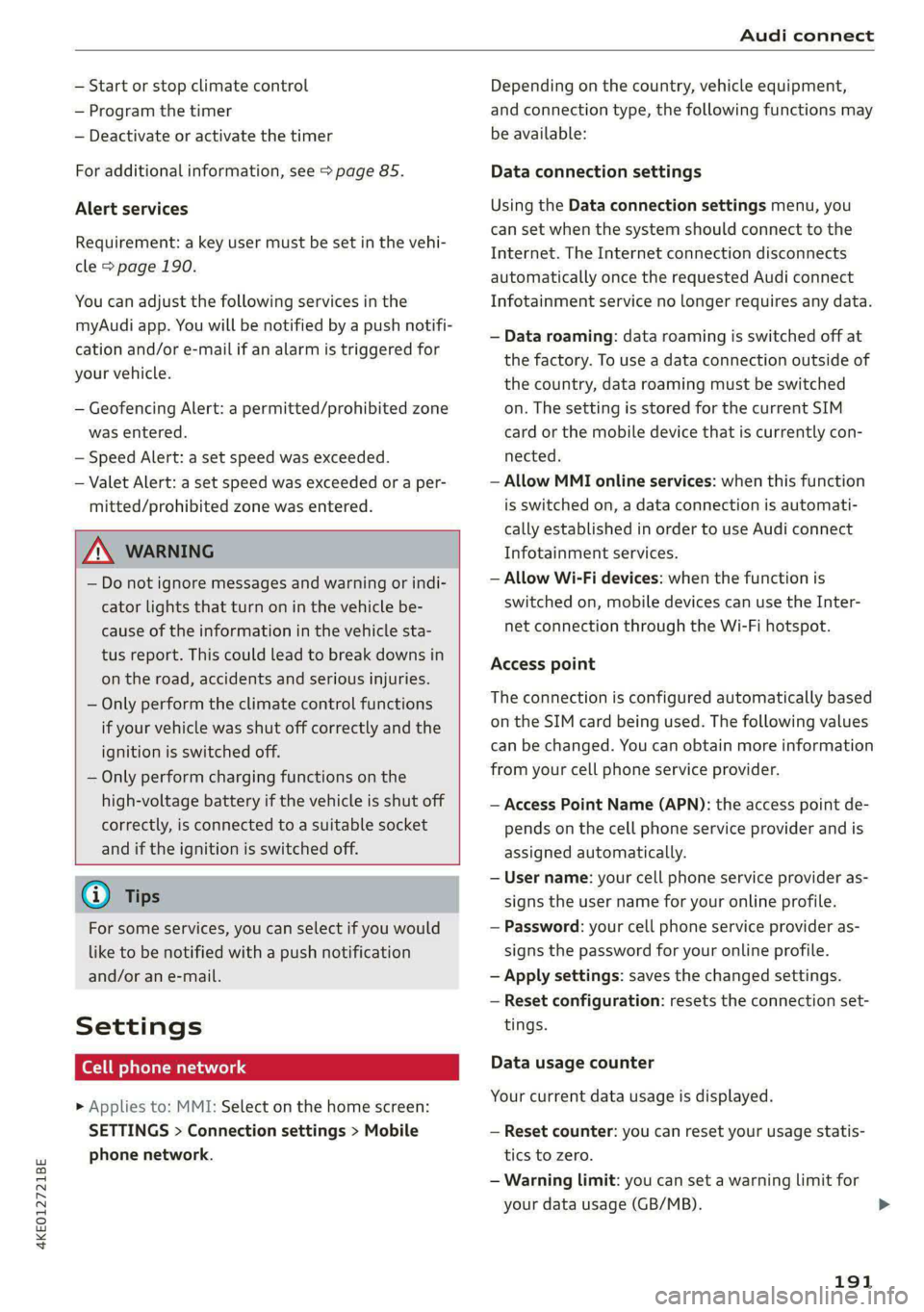
Settings
Ce) atolnl Mariano) 4
> Applies to: MMI: Select on the home screen:
SETTINGS > Connection settings > Mobile
phone network.
Depending on the country, vehicle equipment,
and connection type, the following functions may
be available:
Data connection settings
Using the Data connection settings menu, you
can set when the system should connect to the
Internet. The Internet connection disconnects
automatically once the requested Audi connect
Infotainment service no longer requires any data.
— Data roaming: data roaming is switched off at
the factory. To use a data connection outside of
the country, data roaming must be switched
on. The setting is stored for the current SIM
card or the mobile device that is currently con-
nected.
— Allow MMI online services: when this function
is switched on, a data connection is automati-
cally established in order to use Audi connect
Infotainment services.
— Allow Wi-Fi devices: when the function is
switched on, mobile devices can use the Inter-
net connection through the Wi-Fi hotspot.
Access point
The connection is configured automatically based
on the SIM card being used. The following values
can be changed. You can obtain more information
from your cell phone service provider.
— Access Point Name (APN): the access point de-
pends on the cell phone service provider and is
assigned automatically.
— User name: your cell phone service provider as-
signs the user name for your online profile.
— Password: your cell phone service provider as-
signs the password for your online profile.
— Apply settings: saves the changed settings.
— Reset configuration: resets the connection set-
tings.
Data usage counter
Your current data usage is displayed.
— Reset counter: you can reset your usage statis-
tics to zero.
— Warning limit: you can set a warning limit for
your data usage (GB/MB).
191
>
Page 217 of 316
![AUDI E-TRON 2020 User Guide 4KE012721BE
Radio
Radio functions
RAX-0138:
1)
Last stations
Search and
eet)
aA
red
we
fee
nrc
| ]
@
Fig. 150 Upper display: left side: playback view of radio funct](/img/6/57623/w960_57623-216.png "AUDI E-TRON 2020 User Guide 4KE012721BE
Radio
Radio functions
RAX-0138:
1)
Last stations
Search and
eet)
aA
red
we
fee
nrc
| ]
@
Fig. 150 Upper display: left side: playback view of radio funct")
4KE012721BE
Radio
Radio functions
RAX-0138:
1)
Last stations
Search and
eet)
aA
red
we
fee
nrc
| ]
@
Fig. 150 Upper display: left side: playback view of radio functions, right side: sources
Operating
> Applies to: MMI: To open playback view (), se-
lect in the home screen: RADIO > a radio sta-
tion.
» Applies to: MMI: To open the sources (2), select
in the home screen: RADIO > Source.
equipment:
The following functions may be available depend-
ing on the selected radio station and the vehicle
Symbol/Description Description
Source Displays sources in the Radio menu.
Frequency band
Shows the current station frequency band. If a symbol with the
WEB label is displayed, then the station is being streamed from
online. Always follow the information found in > ©.
Wik See > page 216.
@ QO|O|
©
©
Settings > page 220.
© Station logo
Switching between picture views: press the station logo. Use
one finger to swipe to the right or left to switch between the
Station logo and Cover art.
Station logo: Displays the station logo, if available.
Cover art: album covers may be displayed, depending on availa-
bility. Always follow the information found in >@.
= Go back one Level.
Search See > page 216.
Last stations Displays the last played stations > page 216.
Presets See > page 216.
SiriusXM station list Displays stations from the SiriusXM frequency band.
Online See > page 218.
FM
©|O@|O|O|O|O|@
Displays stations from the FM frequency band.
215
Page 218 of 316
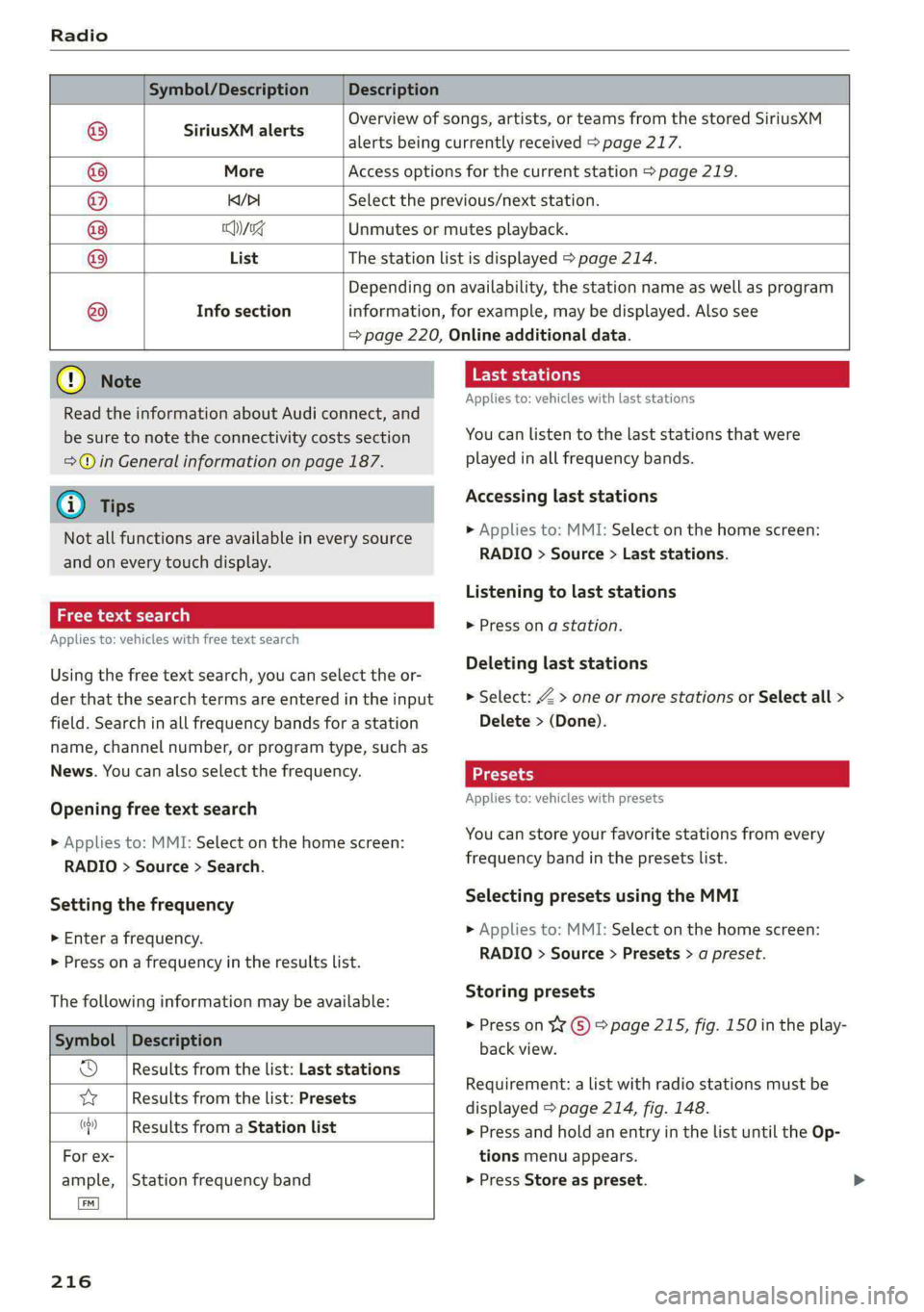
Symbol/Description Description
Overview of songs, artists, or teams from the stored SiriusXM
8 SIPUSERIAIEHS alerts being currently received > page 217.
© More Access options for the current station > page 219.
@ KDI Select the previous/next station.
® cng Unmutes or mutes playback.
List The station list is displayed > page 214.
Info section ®
Depending on availability, the station name as well as program
information, for example, may be displayed. Also see
= page 220, Online additional data.
@) Note
Read the information about Audi connect, and
be sure to note the connectivity costs section
=>@ in General information on page 187.
@) Tips
Not all functions are available in every source
and on every touch display.
Free text search
Applies to: vehicles with free text search
Using the free text search, you can select the or-
der that the search terms are entered in the input
field. Search in all frequency bands for a station
name, channel number, or program type, such as
News. You can also select the frequency.
Opening free text search
» Applies to: MMI: Select on the home screen:
RADIO > Source > Search.
Setting the frequency
> Enter a frequency.
> Press ona frequency in the results list.
The following information may be available:
Symbol
Od Results from the list: Last stations
vw Results from the list: Presets
(cy) i
Description
Results from a Station list
For ex-
ample, | Station frequency band
216
Last stations
Applies to: vehicles with last stations
You can listen to the last stations that were
played in all frequency bands.
Accessing last stations
» Applies to: MMI: Select on the home screen:
RADIO > Source > Last stations.
Listening to last stations
> Press on a station.
Deleting last stations
> Select: Z > one or more stations or Select all >
Delete > (Done).
Applies to: vehicles with presets
You can store your favorite stations from every
frequency band in the presets list.
Selecting presets using the MMI
> Applies to: MMI: Select on the home screen:
RADIO > Source > Presets > a preset.
Storing presets
> Press on ¥¥ ©) > page 215, fig. 150 in the play-
back view.
Requirement: a list with radio stations must be
displayed > page 214, fig. 148.
> Press and hold an entry in the list until the Op-
tions menu appears.
> Press Store as preset.
Page 219 of 316
4KE012721BE
Radio
Editing a preset
> Deleting a preset: press W in the playback
view, or
> In the presets list, select: Z > one or more sta-
tions or Select all > Delete > (Done).
Requirement: the presets list must be displayed.
> Moving a preset: press A.
> Touch the $ symbol and move the entry to the
desired position.
> Press Done.
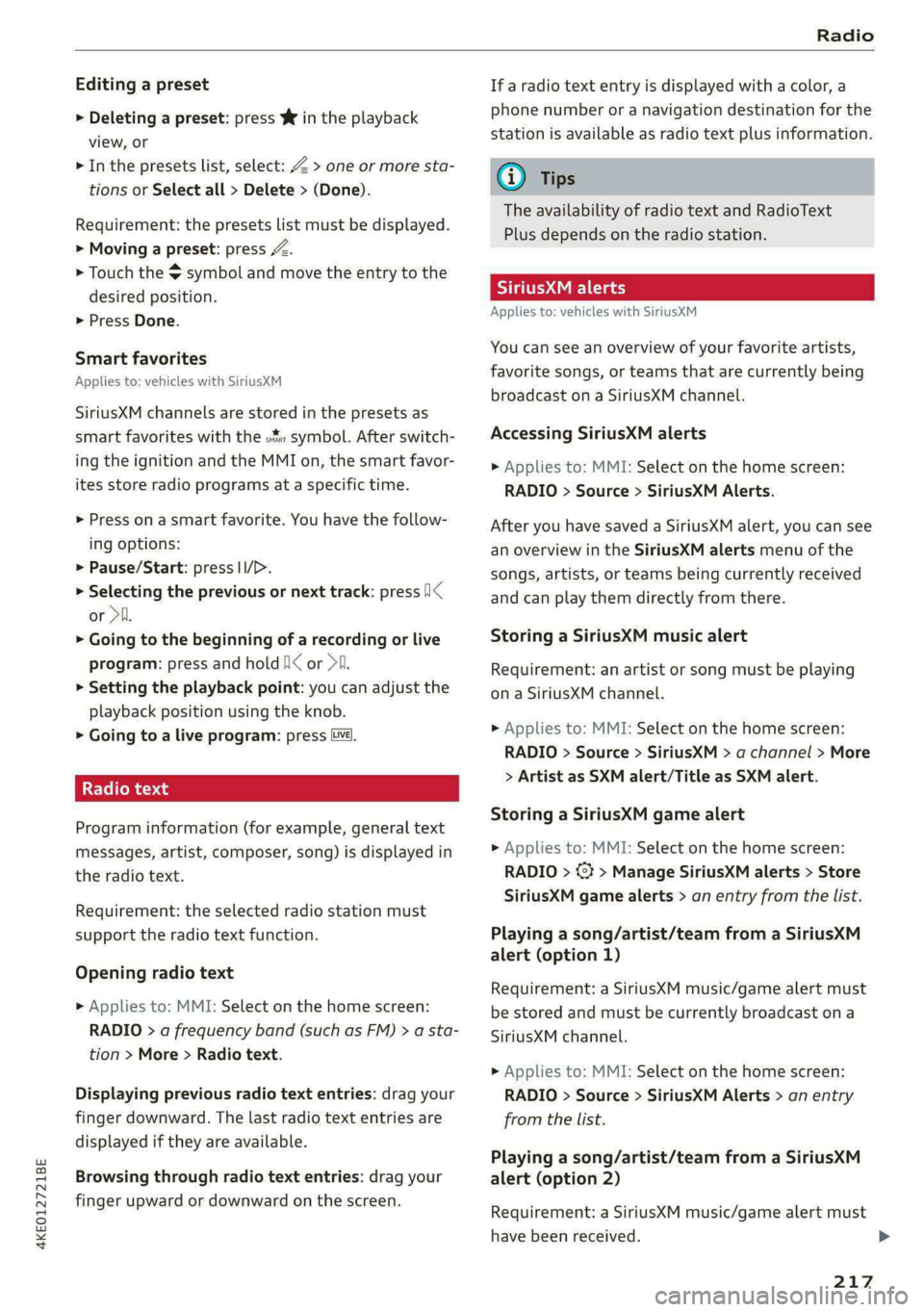
Smart favorites
Applies to: vehicles with SiriusXM
SiriusXM channels are stored in the presets as
smart favorites with the s% symbol. After switch-
ing the ignition and the MMI on, the smart favor-
ites store radio programs at a specific time.
> Press on a smart favorite. You have the follow-
ing options:
> Pause/Start: press I/D.
> Selecting the previous or next track: press I<
or >i.
> Going to the beginning of a recording or live
program: press and hold !I< or >i.
> Setting the playback point: you can adjust the
playback position using the knob.
> Going to a live program: press Lv.
Radio text
Program information (for example, general text
messages, artist, composer, song) is displayed in
the radio text.
Requirement: the selected radio station must
support the radio text function.
Opening radio text
> Applies to: MMI: Select on the home screen:
RADIO > a frequency band (such as FM) > a sta-
tion > More > Radio text.
Displaying previous radio text entries: drag your
finger downward. The last radio text entries are
displayed if they are available.
Browsing through radio text entries: drag your
finger upward or downward on the screen.
If a radio text entry is displayed with a color, a
phone number or a navigation destination for the
station is available as radio text plus information.
@ Tips
The availability of radio text and RadioText
Plus depends on the radio station.
See (Vira
Applies to: vehicles with SiriusXM
You can see an overview of your favorite artists,
favorite songs, or teams that are currently being
broadcast on a SiriusXM channel.
Accessing SiriusXM alerts
> Applies to: MMI: Select on the home screen:
RADIO > Source > SiriusXM Alerts.
After you have saved a SiriusXM alert, you can see
an overview in the SiriusXM alerts menu of the
songs, artists, or teams being currently received
and can play them directly from there.
Storing a SiriusXM music alert
Requirement: an artist or song must be playing
ona SiriusXM channel.
> Applies to: MMI: Select on the home screen:
RADIO > Source > SiriusXM > a channel > More
> Artist as SXM alert/Title as SXM alert.
Storing a SiriusXM game alert
> Applies to: MMI: Select on the home screen:
RADIO > @¥ > Manage SiriusXM alerts > Store
SiriusXM game alerts > an entry from the list.
Playing a song/artist/team from a SiriusXM
alert (option 1)
Requirement: a SiriusXM music/game alert must
be stored and must be currently broadcast on a
SiriusXM channel.
> Applies to: MMI: Select on the home screen:
RADIO > Source > SiriusXM Alerts > an entry
from the list.
Playing a song/artist/team from a SiriusXM
alert (option 2)
Requirement: a SiriusXM music/game alert must
have been received.
217
>
Page 223 of 316
4KEO12721BE
Radio
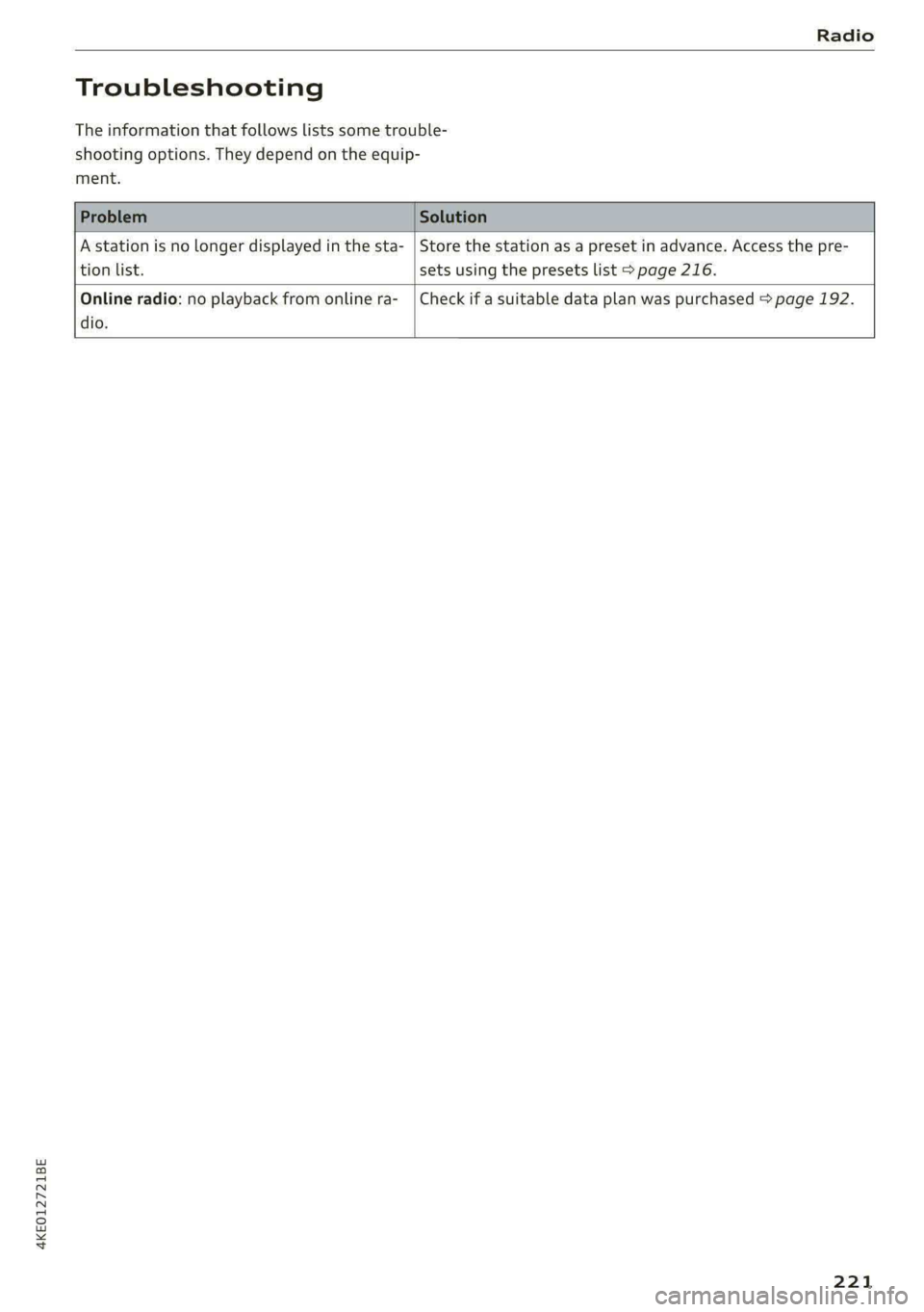
Troubleshooting
The information that follows lists some trouble-
shooting options. They depend on the equip-
ment.
A station is no longer displayed in the sta- | Store the station as a preset in advance. Access the pre-
tion list. sets using the presets list > page 216.
Online radio: no playback from online ra-_ | Check if a suitable data plan was purchased > page 192.
dio.
221
Page 224 of 316
Media
Media
General information
There may be different media sources and con-
nections available depending on the vehicle
equipment. For example, you can play media files
using the SD card reader or connect your mobile
devices to the Audi music interface and operate
them through the MMI.
Media and format restrictions: the MMI (includ-
ing the SD card reader and the USB storage de-
vice connection) was tested with a variety of
products and media on the market. However,
there may be cases where individual devices or
media and audio/video files may not be recog-
nized, may play only with restrictions, or may not
play at all.
Restricted functionality: reset the Media to the
factory default settings if functionality is restrict-
ed > page 237.
Digital Rights Management: please note that
the audio/video files are subject to copyright pro-
tection.
Files that are protected by DRM and are identi-
fied with the symbol f@ will not play.
Data security: never store important data on SD
cards, CDs/DVDs, or mobile devices. Audi AG is
not responsible for damaged or lost files and me-
dia.
Loading times: the more files/folders/playlists
there are on a storage medium, the longer it will
take to load. To reduce the amount of time it
takes the audio/video files to load, use a storage
medium that only contains audio/video files, and
create subfolders (for example, for each artist or
album).
Additional information: when playing, audio
files are automatically displayed with any addi-
tional information that is stored (such as the ar-
tist, track and album cover). If this information is
not available on the storage medium, the MMI
will check the Gracenote metadata database.
However, in some cases, the additional informa-
tion may not be displayed.
222
C@) Note
Read the information about Audi connect, and
be sure to note the connectivity costs section
=@ in General information on page 187.
SD card reader
The SD card reader is in the storage compartment
under the front center armrest.
Inserting the SD card
> The angled corner of the SD card must face to-
ward the right front side when being inserted.
> Slide the SD card into the card reader slot until
the SD card clicks into place.
The SD card reader is accessed and operated
through the MMI = page 226.
@) Note
— Only use one-piece SD cards. If adapter
cards (SD cards with more than one piece)
are used, the card could fall out of the
adapter when driving because of vibrations.
Individual pieces could then become stuck
in the drive and impair the functionality.
—To reduce the risk of damaging drives and
data carriers, always keep data carriers ina
sleeve and never expose them to direct sun-
light.
DVD drive
General information
Applies to: vehicles with a DVD drive
The functionality of individual storage mediums
may be limited due to the variety of blank CDs/
DVDs available and the various capacities. Audio
CDs or video DVDs with copy protection, CDs/
DVDs that do not conform to the standard, and
multisession CDs may have limited playback or
may not play at all. AUDI AG recommends finaliz-
ing the recording process when creating multi-
session CDs. Multisession DVDs are not support-
ed.