lane assist AUDI E-TRON 2021 Owner's Manual
[x] Cancel search | Manufacturer: AUDI, Model Year: 2021, Model line: E-TRON, Model: AUDI E-TRON 2021Pages: 308, PDF Size: 83.91 MB
Page 161 of 308
4KE012721BF
ZA WARNING
— Observe the safety precautions and note the
limits of the assist systems, sensors, and
cameras > page 129.
— Audi pre sense rear does not react to pedes-
trians, animals, crossing objects, and ob-
jects not detected as vehicles.
G@) Tips
— Audi pre sense rear functions switch off
when trailer mode is detected. There is no
guarantee the functions will switch off
when using a retrofitted trailer hitch.
— Audi pre sense rear functions may also
switch off if there is a malfunction in the
side assist system.
Audi pre sense side
Applies to: vehicles with Audi pre sense side
Within the limits of the system, Audi pre sense
can warn about impending collisions with cross-
traffic and vehicles approaching from the side,
and trigger Audi pre sense preemptive safety
measures.
The system uses additional sensors in the front
and rear areas and is active at speeds up to ap-
proximately 35 mph (60 km/h).
ZA WARNING
— Observe the safety precautions and note the
limits of the assist systems, sensors, and
cameras > page 129.
— Audi pre sense side does not react to pedes-
trians, animals, and objects not detected as
vehicles.
@ Tips
— The Audi pre sense side functions are limit-
ed when trailer mode is detected.
— The Audi pre sense side functions may also
switch off if there is a malfunction in the in-
tersection assistant*.
Driver assistance
Raia
Applies to: vehicles with swerve assist
The swerve assist can help you to steer the vehi-
cle around an obstacle detected in a critical area.
If you avoid an obstacle after the acute warning,
then the swerve assist assists you by applying
slight steering adjustment to correct your steer-
ing wheel angle as long as you are actively steer-
ing. The swerve assist is available at speeds be-
tween approximately 30 mph and 90 mph
(50 km/h - 150 km/h).
Z\ WARNING
— Observe the safety precautions and note the
limits of the assist systems, sensors, and
cameras > page 129.
— Swerve assist does not react to pedestrians,
animals, crossing objects, and objects not
detected as vehicles.
@ Tips
— System functions may not be available if the
ESC is limited or switched off, or if there is a
malfunction.
— An indicator in the instrument cluster will
inform you when there is an intervention.
ee
Applies to: vehicles with turn assist
When turning left, turn assist can help to reduce
the risk of a collision with an oncoming vehicle by
using braking action to keep your vehicle in its
lane. The function is only available when the turn
signal is turned on and at speeds up to maximum
of 6 mph (10 km/h).
ZA WARNING
— Observe the safety precautions and note the
limits of the assist systems, sensors, and
cameras > page 129.
— The turn assist does not react to pedes-
trians, animals, crossing objects, and ob-
jects not detected as vehicles. >
159
Page 162 of 308
Driver assistance
@® Tips
— System functions may not be available if the
ESC is limited or switched off, or if there is a
malfunction.
— An indicator in the instrument cluster will
inform you when there is an intervention.
Adjusting Audi pre sense
Applies to: vehicles with Audi pre sense
The system can be switched on and off in the
MMI = page 132. You can adjust Audi pre sense
functions to your preferences. The adjustment
options depend on the vehicle equipment.
> Applies to MMI: Select on the home screen: VE-
HICLE > Driver assistance > (<3) > Audi pre
sense.
Setting the prewarning
You can adjust the warning time for the prewarn-
ing» individually (Early/Medium/Late) or switch
the prewarning off.
Set the warning time for the early warning to
Early at first. If you feel that the prewarnings ap-
pear too early, then set the warning time to Me-
dium. The Late warning time should only be set
in special circumstances.
@o Tips
— If the system is switched off, it switches on
again automatically once the ignition is
switched on again).
— Switch Audi pre sense off when you are not
using public streets, when loading the vehi-
cle onto a vehicle carrier, train, ship, or oth-
er type of transportation, or when towing
the vehicle. This can help to prevent an un-
desired intervention from the Audi pre
sense system.
D_Incertain countries.
160
IY ett Tel -1
Applies to: vehicles with Audi pre sense
re is displayed when there is a malfunction,
the Audi pre sense functions may be unavailable
or may be limited.
A message that indicates the cause and possible
solution
may appear with some displays. The
weather conditions may be too poor or a sensor
may be covered. Bring the vehicle to a full stop,
switch the ignition off, and clean the area in front
of the sensors > page 131.
If the message still appears after switching the
ignition on again, have an authorized repair facili-
ty correct the malfunction as soon as possible.
Side assist
Description
Applies to: vehicles with side assist
al 3
eI
3 |
Fig. 114 Driving situations and exterior mirror display
General information
Side assist monitors the blind spot and traffic in
the adjacent lanes behind the vehicle. Within sys-
tem limits, side assist can detect traffic that is >
Page 163 of 308
4KE012721BF
Driver assistance
approaching from behind and provide a warning
when you are changing lanes and turning. The
system uses the data from the radar sensors at
the rear corners of the vehicle.
The side assist is active at walking speeds and
higher. If an object that is classified as critical is
approaching, the display in the exterior mirror @)
on the corresponding side of the vehicle will light
up.
Driving situations
The system can provide warnings about the fol-
lowing risks:
@ Approaching vehicles: a vehicle may be clas-
sified as critical in some cases, even if it is
farther away. The faster a vehicle ap-
proaches, the sooner the display will turn on.
@® Vehicles traveling in the same direction: the
display will turn on if vehicles traveling in the
same direction as your vehicle are classified
as critical. The side assist warns you of all de-
tected vehicles when they are in the “blind
spot” or before they reach that point.
@® Vehicles you are passing: the display only
turns on if you slowly pass a detected vehicle
(difference in speed between the two vehicles
is less than 9 mph (15 km/h)). There is no
display if you pass a vehicle more quickly.
Information stage
At the information level, the side assist informs
you of detected objects that are classified as criti-
cal. This is even possible when your vehicle is sta-
tionary and the turn signal is turned on, so that
the system can also assist you when turning.
From speeds of approximately 6 mph (10 km/h)
and higher, the system will warn you of detected
objects that are classified as critical, even if the
turn signal is not turned on.
The display remains dim in the information stage
so that you are not distracted while looking for-
ward.
Warning stage
If you activate a turn signal and the display flash-
es, side assist is warning about objects that have
been classified as critical.
Depending on the vehicle equipment and other
driver assistance systems, the display may also
flash if you have not activated a turn signal. If
you are approaching a detected lane marker line
and it appears you will be leaving the lane, the
display will warn you about detected vehicles
that are classified as critical. You can also be
warned with corrective steering > page 155,
Lane departure warning.
Detection range
The radar sensors are designed to detect the left
and right adjacent lanes when the road lanes are
the normal width. In some situations, the display
may turn on even though there is no vehicle lo-
cated in the area that is critical for a lane change.
For example:
— If the lanes are narrow or if you are driving on
the edge of your lane. If this is the case, the
system may have detected a vehicle in another
lane that is not adjacent to your current lane.
— If you are driving through a curve. Side assist
may react to a vehicle that is in the same lane
or one lane over from the adjacent lane.
— If side assist reacts to other objects (such as
roadside structures like guard rails).
ZA WARNING
— Observe the safety precautions and note the
limits of the assist systems, sensors, and
cameras > page 129.
— The display may not appear on time when
vehicles are approaching or being passed
very quickly.
@ Tips
— If the window glass in the driver's door or
front passenger's door has been tinted, the
display in the exterior mirror may be incor-
rect:
— These systems are not available in trailer
towing mode. There is no guarantee the sys-
tems will switch off when using a retrofitted
trailer hitch. Do not use these functions
when towing a trailer.
161
Page 166 of 308
Driver assistance
Requirements for using the intersection
assistant:
— The speed must not be higher than approxi-
mately 18 mph (30 km/h).
— The “D” gear is selected.
Displays, warnings, and braking
— Display: the red arrow @ can indicate the direc-
tion from which the cross traffic is approaching.
The indicator in the upper display only appears
when the parking aid is activated. For vehicles
with peripheral cameras only in the Front and
Front corner camera views. The display only ap-
pears in the instrument cluster > fig. 118 when
the Driver assistance display is open in the on-
board computer > page 14.
— Warnings: the message Cross traffic! @ can
warn about critical cross-traffic when driving
forward. There may also be an audible signal.
— Automatic brake activation: if you do not react
to a warning, a brief braking by the system can
warn you of a potential collision with an ap-
proaching object when driving forward at
speeds up to approximately 6 mph (10 km/h).
Switching the intersection assistant on and
off
— The system can be switched on and off in the
MMI & page 132.
Messages
fi or 2 is displayed when there is a mal-
function, the intersection assistant functions
may be unavailable or may be limited.
A message that indicates the cause and possible
solution may appear with some displays. The
weather conditions may be too poor or a sensor
may be covered. Clean the area in front of the
sensors > page 131 and try to turn the system on
again later.
If the malfunction remains, drive to an author-
ized Audi dealer or authorized Audi Service Facili-
ty immediately to have the malfunction correct-
ed.
164
ZA WARNING
— Observe the safety precautions and note the
limits of the assist systems, sensors, and
cameras > page 129.
— The intersection assistant will not provide
alerts about people and cannot warn you
about every type of approaching objects,
such as cyclists. Always monitor the traffic
as well as the vehicle's surroundings with di-
rect eye contact.
— The system may not react if vehicles are ap-
proaching very fast.
G) Tips
— The coverage areas of the sensors > fig. 117
are diagrams and do not represent a true-
to-scale image of the sensor ranges.
— The system complies with United States FCC
regulations and ISED regulations
> page 288.
Emergency assist
Applies to: vehicles with emergency assist
General information
Within the limits of the system, emergency assist
can detect inactivity from the driver. In these in-
stances, the system will warn the driver, assume
control of the vehicle if necessary, and bring the
vehicle automatically to a stop in the lane.
Regardless of the speed, the emergency assist is
automatically available when the adaptive cruise
assist* is activated. When the adaptive cruise as-
sist* is deactivated, the system is only available
at speeds above approximately 40 mph
(65 km/h).
Emergency assist functions
Measures may be initiated in stages. The vehicle
can be controlled with the limits of the system.
The measures depend on the dangerous situation
and the vehicle equipment:
— Visual and audio warnings
— Vehicle control
— Reduction of vehicle speed in stages
Page 294 of 308
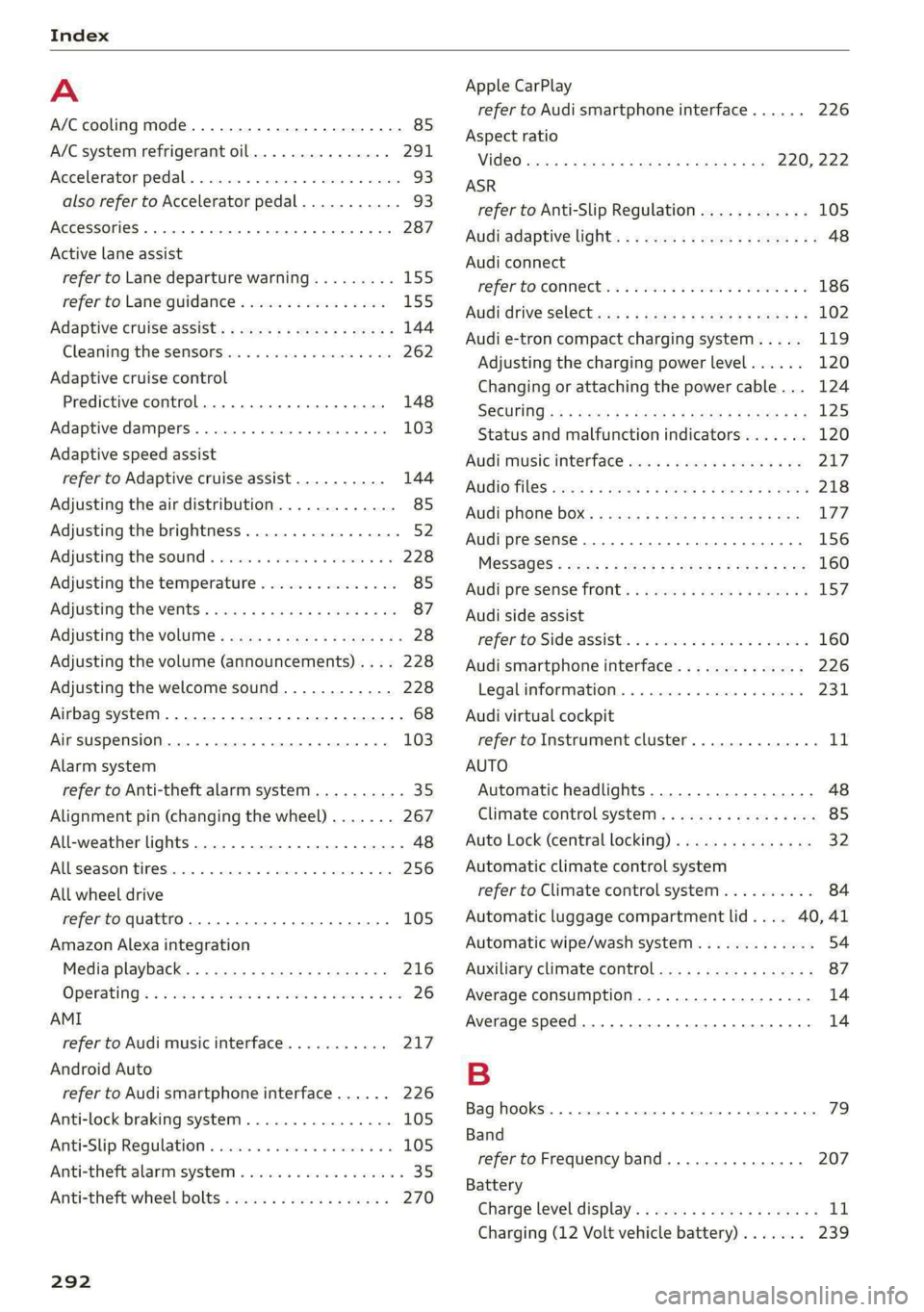
Index
A
A/C cooling mode..........-.. eee eee eee
A/C system refrigerant oil...............
Accelerator pedal...............-0000005
also refer to Accelerator pedal...........
ACCESSOFICES . 6. eee
Active lane assist
refer to Lane departure warning.........
refer to Lane guidance................
Adaptive cruise assist................04.
Cleaning the sensors..............000-
Adaptive cruise control
Predictive control..............000005
Adaptive dampers.............0000 eee
Adaptive speed assist
refer to Adaptive cruise assist..........
Adjusting the air distribution.............
Adjusting the brightness.................
Adjusting the sound.............-..0005
Adjusting the temperature...............
Adjusting the vents.................0005
Adjusting the volume..............00000-
Adjusting the volume (announcements)... .
Adjusting the welcome sound............
Airbag system... 2... eee eee
Airsuspension..............2..00-000.
Alarm system
refer to Anti-theft alarm system..........
Alignment pin (changing the wheel).......
All-weather lights.................00000.
Allseasontires...............000 eee ee
All wheel drive
refer to quattro... .... cece eee
Amazon Alexa integration
Media playback..............-eeeeeee
QPGrAtiNG's « wise 2 2 sic 6 2 ees sa oH © vos
AMI
refer to Audi music interface...........
Android Auto
refer to Audi smartphone interface......
Anti-lock braking system............0005
Anti-Slip Regulation...............0008.
Anti-theft alarmsystemt « ccs sc csaw sess
Anti-theft wheel bolts..................
292
Apple CarPlay
refer to Audi smartphone interface...... 226
Aspect ratio
NIDGO saiex 2 < news 2 5 Ra FB Hee s Gas 220, 222
ASR
refer to Anti-Slip Regulation............ 105
Audi adaptive light..................00-. 48
Audi connect
HEfEFTOMONNESE tive » wesc. ae omen a 2 oe ea 186
Auidi‘drive Sele Cts « 2 wows « x cows 4 2 ream ee 102
Audi e-tron compact charging system..... 119
Adjusting the charging power level...... 120
Changing or attaching the power cable... 124
SECUNING: s s sacum a 3 BaeRE GE Mea gE EEE a Ee 125
Status and malfunction indicators....... 120
Audi music interface ..0. 6c aeu es eae ee oe 217
AUGIOTINGS eeu 9 & aeau s x meen se meme 2 Kee 218
Audi phone box’: s sss ¢ s sees se ees se eee 177
Audi presense........ 0.00. e eee eee eee 156
MeSSAQES « sees = s meey 5 4 neue so eee b Bae 160
Audi pre sense front.............eeee eee 157
Audi side assist
refer to Side assist............-..000-. 160
Audi smartphone interface.............. 226
Legal information. « « ccosis x «ccs se amen 231
Audi virtual cockpit
refer to Instrument cluster.............. ay
AUTO
Automatic headlights.................. 48
Climate control system.............0005 85
Auto Lock (central locking) ............... 32
Automatic climate control system
refer to Climate control system.......... 84
Automatic luggage compartment lid.... 40,41
Automatic wipe/wash system............. 54
Auxiliary climate control................. 87
Average consumption..............20-0. 14
Average speed... eee eee eee eee 14
B
Bag hooks .............. cece eee eee ee 79
Band
refer to Frequency band............... 207
Battery
Charge level display...............0505. 11
Charging (12 Volt vehicle battery)....... 239
Page 298 of 308
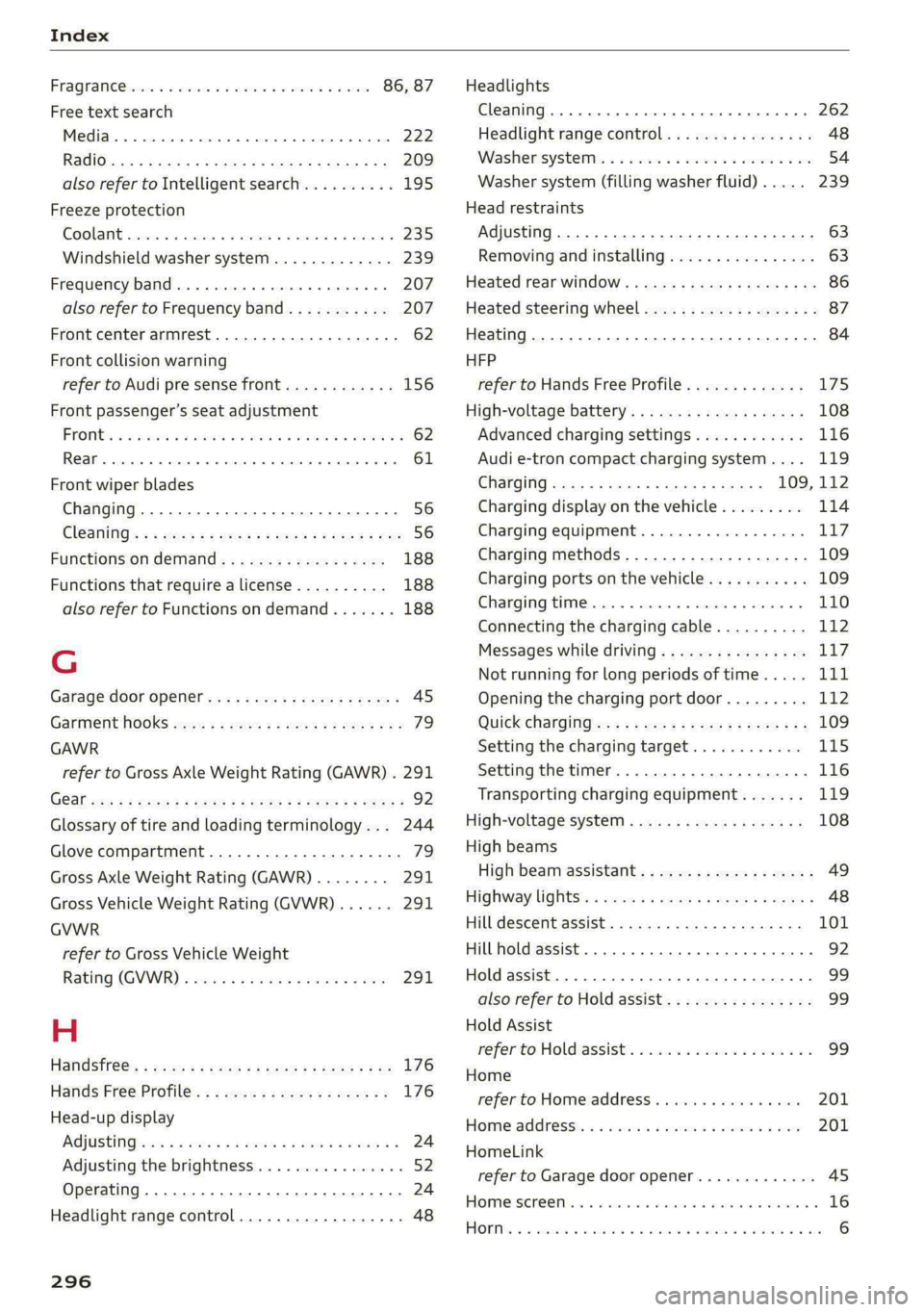
Index
FRAQKAMNCCb scons a secswin «+ cwevne vo eeu v shew 86, 87
Free text search
Media.... 2... cece eee eee eee 222
R&Oterax ¢ = sans ¢ = Sots ¢ ¥ Hae 7 eRe gE 209
also refer to Intelligent search.......... 195
Freeze protection
COOLANE sncosns « 0 ences x 0 oman + 6 orem = ut aemawe 235
Windshield washer system............. 239
Frequency band.............e eee eee eee 207
also refer to Frequency band........... 207
Front center armrest............2....00. 62
Front collision warning
refer to Audi pre sense front............ 156
Front passenger’s seat adjustment
FROME so sees oo nase 3 a nen 2 wae ae MREO wo 62
Rear... eee eee eee 61
Front wiper blades
Changing.......... eee eee eee ee 56
ClOANING s « = eee = « neues to Hewat Bea ee 56
Functions ondemand............--..-- 188
Functions that require a license.......... 188
also refer to Functions on demand....... 188
G
Garage door opener.............--+2200- 45
Garment HOOKS ec
GAWR
refer to Gross Axle Weight Rating (GAWR) . 291
GOat sce: 2 s gome 2 x wee ey BES GF Be Ge ees 92
Glossary of tire and loading terminology... 244
Glove compartment..............-00000- 79
Gross Axle Weight Rating (GAWR)........ 291
Gross Vehicle Weight Rating (GVWR)...... 291
GVWR
refer to Gross Vehicle Weight
Ratirig (GVWR) « sce « 2 eevee x « caus 8 2 eeu 291.
H
Handsfree: = 2can s gems sv seen ey eee ee ee 176
Hands Free Profile.................-.-- 176
Head-up display
AG\OStING an se meas x pwan ee wees s wenn os 24
Adjusting the brightness................ 52
Operating ............ 0.0 e eee eee eee 24
Headlight range control................0. 48
296
Headlights
Cleaning....... 06... cece eee eee ee eee 262
Headlight range control................ 48
Washerisystem). «2 escioe ence ee eee ¥ 6 oe 54
Washer system (filling washer fluid) .... . 239
Head restraints
Adjusting... 0.0... 0.00 e cece eee eee 63
Removing and installing................ 63
Heated rear window.............0eee eee 86
Heated steering wheel................0.. 87
Heating..............0 0.2 cee eee eee 84
HFP
refer to Hands Free Profile............. 175
High-voltage battery................... 108
Advanced charging settings............ 116
Audi e-tron compact charging system.... 119
GHAGING scas + = sevou x = Saree 3 5 eee a 109, 112
Charging display on the vehicle......... 114
Charging equipment................0- 117
Charging methods...............-.... 109
Charging ports on the vehicle........... 109
Charging time...............0. eee ee 110
Connecting the charging cable.......... 112
Messages while driving................ 11/7
Not running for long periods of time..... Lit
Opening the charging port door......... 112
QUICK CHANGING ews « « eos s quem x 2 Beme Bs 109
Setting the charging target............ 115
Setting the timer..................0.. 116
Transporting charging equipment....... 119
High-voltage system.............0.005- 108
High beams
High beam assistant................... 49
Highway lights’: s scsn ss ease # weee sz oes x 48
Hill.descentassist, ¢ cca ceeasssiaaases 101
Hill hold assist... 0.0... cc cece e eee eee ee 92
Hold assist... 0.2... eee eee 99
also refer to Hold assist..............-. 99
Hold Assist
Hefer'to HOldassists. wave + wins av waren evo 99
Home
refer to Home address............00 0s 201
Home.addresss « « ssc « « wenn 3 « wwe 6 o owe 201
HomeLink
refer to Garage door opener............. 45
HOMEISEFEC Mises so seis « ononans wa crowns 4 ooes 16
HOBM: 5 3 aceases oo aera & 3 anos «wae @ % aMweaM 6 2 O88 6
Page 299 of 308
4KE012721BF
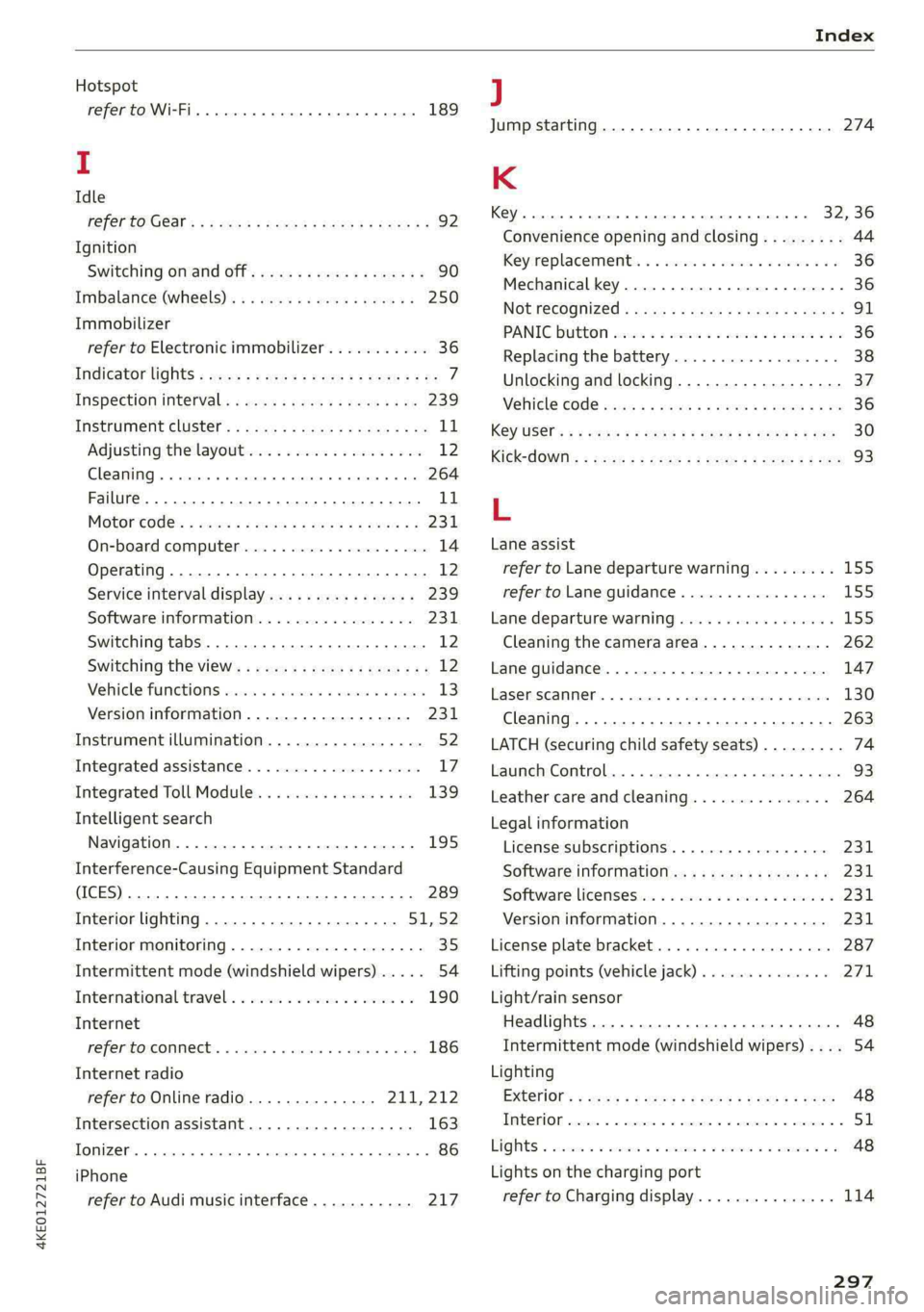
Index
Hotspot
refer to Wi-Fi... 66. cece eee 189
I
Idle
FEPEPCO GOST: ¢ + ave s van § Hades Ga Hoos 92
Ignition
Switching on and off...............000- 90
Imbalance (Wheels)... esis seeds woes 250
Immobilizer
refer to Electronic immobilizer........... 36
Indicator lights « sess s esses: sevu ge weep ee ee 7
Inspection interval. .........0s eee e seen 239
INStROMENECIUStEr: s saws « « save ye mane 3 oe 11
Adjusting the layout................... 12
Cleaning... . 6. cece cece eee eee 264
Failure... ee eee ee 11
Motorcodes: « scwss s & cas 3 2 meum 2 2 ewes es 231
On-board computer..............2..04. 14
Operating ...... 66... cece eee eee eee 12
Service interval display..............0. 239
Software information...............0- 231
Switching tabs.......... 0.000... ee eee 12
Switching the view.............2--000 eee 12
Vehicle Tunchions cis + «issu a «esi 9 6 eres 13
Version information..............0... 231
Instrument illumination................. 52
Integrated assistance................0-. 17
Integrated Toll Module................. 139
Intelligent search
Navigation.................0..0.000. 195
Interference-Causing Equipment Standard
(ICES)... eee eee eee eee 289
Interior lighting............-.....00e 51:52
Interior monitoring................0000- 35
Intermittent mode (windshield wipers) ..... 54
International travel. «sso 6s awe oe wee 6 190
Internet
refer toconnect.......... cece eee eee 186
Internet radio
refer
to Online radio.............. 211,212
Intersection assistant.................. 163
TONIZer eee 86
iPhone
refer to Audi music interface........... 217
J
Jump starting....................0.00. 274
K
Key. eee eee ee 32,36
Convenience opening and closing......... 44
Key*replacement:. . «css se ones ee ons aes 36
Mechanical key............02.000 02000 36
NOURGCOONIZEO = acces ¢ = caves + Stee 3 Eee 91
PANIG Butt ois: 2s ceinane mo scat 2 x cucuaie 3 ov 36
Replacing the battery.................. 38
Unlocking and locking................-- 37
Vehicle COd€ wis ¢ s wea ¢ ¢ name + ¢ wee ss 36
K@YUSERs « ¢ sews + © sees « © ces ¢ © dees oF es 30
KiCkK-COWils : nacy s 3 seme x a ems 2 5 tome £2 ee 93
L
Lane assist
refer to Lane departure warning......... 155
refer to Lane guidance................ 155
Lane departure warning................. 155
Cleaning the camera area.............. 262
Lane guidance.................-00 000s 147
LASOR SCANNER: 5 cocswee iso cecese ox votes 2 w omer 130
Cleaning....... 66... cece eee eee eee 263
LATCH (securing child safety seats)......... 74
Launch Control. .....................005 93
Leather care andcleaning............... 264
Legal information
License subscriptions................. 231
Software information................. 231
Software licensesii:s « «sau ox sean + siaema « 231
Version information...............4.. 231
License plate bracket..............0000. 287
Lifting points (vehicle jack).............. 271
Light/rain sensor
Headlights ....... 0... cece eee eee eee 48
Intermittent mode (windshield wipers).... 54
Lighting
EXtGCiOrs » wens 2 v new 2 o gow © Kamm oe ree 48
TR@ Ki ON, csswess «+ ssctie 2 o stesinne © eowiente w= sarees © 51
LIQIES 3 ccccoe 2 x sneave a v emcee v ences 2s eum ¥ ee 48
Lights on the charging port
refer to Charging display............... 114
297