auxiliary battery AUDI E-TRON 2021 Owners Manual
[x] Cancel search | Manufacturer: AUDI, Model Year: 2021, Model line: E-TRON, Model: AUDI E-TRON 2021Pages: 308, PDF Size: 83.91 MB
Page 89 of 308
4KE012721BF
Warm and cold
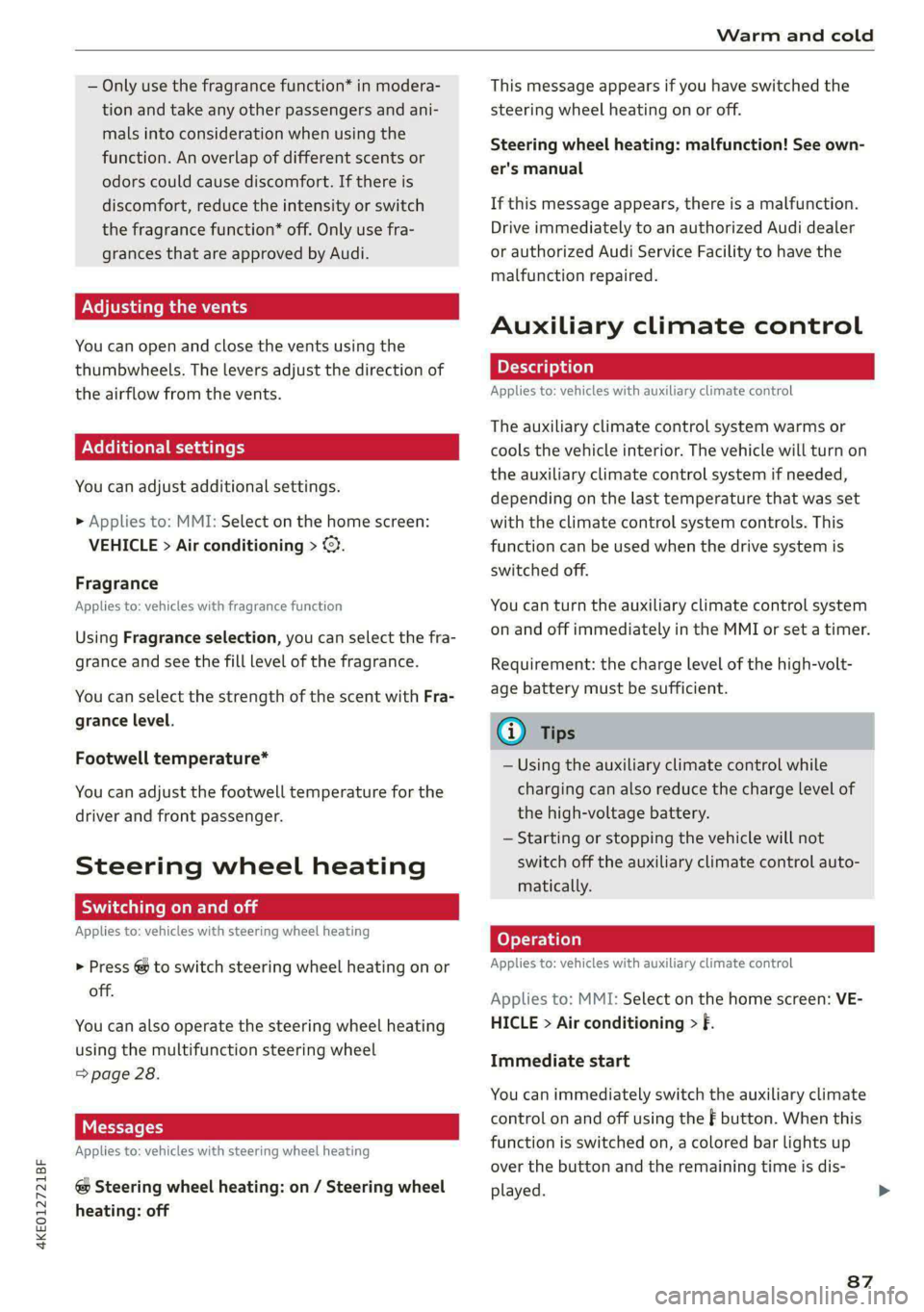
— Only use the fragrance function* in modera-
tion and take any other passengers and ani-
mals into consideration when using the
function. An overlap of different scents or
odors could cause discomfort. If there is
discomfort, reduce the intensity or switch
the fragrance function* off. Only use fra-
grances that are approved by Audi.
Adjusting the vents
You can open and close the vents using the
thumbwheels. The levers adjust the direction of
the airflow from the vents.
Additional settings
You can adjust additional settings.
> Applies to: MMI: Select on the home screen:
VEHICLE > Air conditioning > <2.
Fragrance
Applies to: vehicles with fragrance function
Using Fragrance selection, you can select the fra-
grance and see the fill level of the fragrance.
You can select the strength of the scent with Fra-
grance level.
Footwell temperature*
You can adjust the footwell temperature for the
driver and front passenger.
Steering wheel heating
ice moal
Applies to: vehicles with steering wheel heating
> Press @ to switch steering wheel heating on or
off.
You can also operate the steering wheel heating
using the multifunction steering wheel
=> page 28.
Messages
Applies to: vehicles with steering wheel heating
@ Steering wheel heating: on / Steering wheel
heating: off
This message appears if you have switched the
steering wheel heating on or off.
Steering wheel heating: malfunction! See own-
er's manual
If this message appears, there is a malfunction.
Drive immediately to an authorized Audi dealer
or authorized Audi Service Facility to have the
malfunction repaired.
Auxiliary climate control
Applies to: vehicles with auxiliary climate control
The auxiliary climate control system warms or
cools the vehicle interior. The vehicle will turn on
the auxiliary climate control system if needed,
depending on the last temperature that was set
with the climate control system controls. This
function can be used when the drive system is
switched off.
You can turn the auxiliary climate control system
on and off immediately in the MMI or set a timer.
Requirement: the charge level of the high-volt-
age battery must be sufficient.
@ Tips
— Using the auxiliary climate control while
charging can also reduce the charge level of
the high-voltage battery.
— Starting or stopping the vehicle will not
switch off the auxiliary climate control auto-
matically.
Applies to: vehicles with auxiliary climate control
Applies to: MMI: Select on the home screen: VE-
HICLE > Air conditioning > f.
Immediate start
You can immediately switch the auxiliary climate
control on and off using the f button. When this
function is switched on, a colored bar lights up
over the button and the remaining time is dis-
played.
87
Page 115 of 308

4KE012721BF
High-voltage system
Depending on the selected view > page 12, the
following information about the charging process
is displayed in the instrument cluster:
— Gv: range
—&: remaining charging time until the charging
process is complete
— 2): current battery charge level
—Q: date and time of when the charging process
was completed
—&: charging speed (additional range per hour)
—4: charging power (depends on the selected
power source)
To access the charging process information at a
later time, select in the instrument cluster: Vehi-
cle functions tab > EE] button > Charging.
Ending the charging process
You can interrupt the charging process at any
time.
— Unlock the vehicle. In vehicles with a conven-
ience key*, the convenience key only needs to
be near the charging port door.
— Press the center of the button @.
— Remove the charging connector. If the charging
connector is not removed within 30 seconds, it
will automatically relock and the charging proc-
ess may continue.
— After removing the charging connector, the
charging port door will close automatically;
otherwise, press on the center of the button @
to close the charging port door.
— Disconnect the charging cable from the power
supply if necessary or return it securely to the
charging station.
— Install the protective caps on the charging ca-
ble again.
—If you are transporting the charging cable in
the vehicle, store it securely > page 119.
If the charging connector cannot be disconnected
from the vehicle, perform the following steps in
the order listed and try again to disconnect the
charging connector:
— Switch the ignition on/off.
— Lock/unlock the vehicle.
— Make sure the auxiliary air conditioning is not
activated > page 87.
If the charging connector still cannot be discon-
nected, you must unlock it manually > page 116.
If you cannot disconnect the charging connector
from the charging station, authenticate yourself
again at the charging station and then try again
to disconnect the charging connector. If you still
cannot disconnect the charging connector from
the charging station, contact the charging sta-
tion operator.
Z\ WARNING
—When closing the charging port door, make
sure the area where the door is closing is
clear to reduce the risk of injury.
— Do not disconnect the charging cable from
the socket or the vehicle charging port while
the vehicle is charging. End the charging
process before removing the charging cable
from the socket in order to reduce the risk of
damaging the connector contacts from
sparks.
— Never drive with the charging port door
open. An open charging port door could hit
other road users, which increases the risk of
injury.
— Ifa charging unit is damaged, the vehicle
must not be charged at the damaged charg-
ing port or at the charging port on the other
side* to reduce the risk of injury.
— If the charging unit is damaged or the
charging port door cannot close or is miss-
ing, drive immediately to an authorized Audi
dealer or authorized Audi Service Facility
and have the malfunction corrected to re-
duce the risk of injury.
@) Note
— If you drive with the charging unit open,
both the charging port door and the elec-
tronics installed behind it could be dam-
aged. Check each time after charging if the
port door is locked before you start driving
the vehicle.
— Applies to: vehicles with charging ports on
the driver and front passenger’s side: Never
attempt to charge the vehicle using both
113
>
Page 294 of 308
Index
A
A/C cooling mode..........-.. eee eee eee
A/C system refrigerant oil...............
Accelerator pedal...............-0000005
also refer to Accelerator pedal...........
ACCESSOFICES . 6. eee
Active lane assist
refer to Lane departure warning.........
refer to Lane guidance................
Adaptive cruise assist................04.
Cleaning the sensors..............000-
Adaptive cruise control
Predictive control..............000005
Adaptive dampers.............0000 eee
Adaptive speed assist
refer to Adaptive cruise assist..........
Adjusting the air distribution.............
Adjusting the brightness.................
Adjusting the sound.............-..0005
Adjusting the temperature...............
Adjusting the vents.................0005
Adjusting the volume..............00000-
Adjusting the volume (announcements)... .
Adjusting the welcome sound............
Airbag system... 2... eee eee
Airsuspension..............2..00-000.
Alarm system
refer to Anti-theft alarm system..........
Alignment pin (changing the wheel).......
All-weather lights.................00000.
Allseasontires...............000 eee ee
All wheel drive
refer to quattro... .... cece eee
Amazon Alexa integration
Media playback..............-eeeeeee
QPGrAtiNG's « wise 2 2 sic 6 2 ees sa oH © vos
AMI
refer to Audi music interface...........
Android Auto
refer to Audi smartphone interface......
Anti-lock braking system............0005
Anti-Slip Regulation...............0008.
Anti-theft alarmsystemt « ccs sc csaw sess
Anti-theft wheel bolts..................
292
Apple CarPlay
refer to Audi smartphone interface...... 226
Aspect ratio
NIDGO saiex 2 < news 2 5 Ra FB Hee s Gas 220, 222
ASR
refer to Anti-Slip Regulation............ 105
Audi adaptive light..................00-. 48
Audi connect
HEfEFTOMONNESE tive » wesc. ae omen a 2 oe ea 186
Auidi‘drive Sele Cts « 2 wows « x cows 4 2 ream ee 102
Audi e-tron compact charging system..... 119
Adjusting the charging power level...... 120
Changing or attaching the power cable... 124
SECUNING: s s sacum a 3 BaeRE GE Mea gE EEE a Ee 125
Status and malfunction indicators....... 120
Audi music interface ..0. 6c aeu es eae ee oe 217
AUGIOTINGS eeu 9 & aeau s x meen se meme 2 Kee 218
Audi phone box’: s sss ¢ s sees se ees se eee 177
Audi presense........ 0.00. e eee eee eee 156
MeSSAQES « sees = s meey 5 4 neue so eee b Bae 160
Audi pre sense front.............eeee eee 157
Audi side assist
refer to Side assist............-..000-. 160
Audi smartphone interface.............. 226
Legal information. « « ccosis x «ccs se amen 231
Audi virtual cockpit
refer to Instrument cluster.............. ay
AUTO
Automatic headlights.................. 48
Climate control system.............0005 85
Auto Lock (central locking) ............... 32
Automatic climate control system
refer to Climate control system.......... 84
Automatic luggage compartment lid.... 40,41
Automatic wipe/wash system............. 54
Auxiliary climate control................. 87
Average consumption..............20-0. 14
Average speed... eee eee eee eee 14
B
Bag hooks .............. cece eee eee ee 79
Band
refer to Frequency band............... 207
Battery
Charge level display...............0505. 11
Charging (12 Volt vehicle battery)....... 239
Page 306 of 308
Index
WeIQRts: « & sossce vo ssesen ww cones vo ane vw aes 291
Wheelbollts « incase «i scamane o « ovoane x 0 asuwon #0 8 255
anti-theft........................00. 270
Tightening specification............... 272
Wheels. ... 2.2... ccc cece eee eee eee 241
Cleaning’s < « secs = s gees ts eewe es oes cos 263
Glossary of tire and loading terminology .. 244
Loose wheel warning.................. 256
ROPIBCING « aces s woes as pews « e Hows ae wee 269
Tire pressure monitoring system........ 259
Tires and vehicle load limits............ 253
Wheelwrench.....................00. 267
Wi-Fi
Hotspot settings.............-.00000- 189
Using’a hotspot weca 5: ccce ey pews sy eee 187
Wild animal recognition................ 137
Window and mirror heating............... 88
Windows
Child safety lock sccs << seve ss eee ee ewes 42
Cleaning and removing ice............. 263
Convenience opening and closing......... 44
DeTrOStid « « caus ¥ « caw a © cow ao cue ex 86
Opening and closing................... 43
Power windows....... 0.0... eee eee eee 43
Windshield
ClGANING s ¢ « seas x s Rees to ReRS ¢ oR Eg aE 54
also refer to Windshield................ 54
Windshield washer system........... 54,239
Reservoir capacity............--00000- 291
Windshield wipersiiccs = & sien os nase © 3 wow © 54
Winter operation
Auxiliary climate control................ 87
Car washes.................0000000 08 261
Cooling’system « ¢ sacs se swans se ones 5 ee 235
Defrosting the windows................ 86
Rear window defogger..............005 86
Removing ice from windows............ 263
Seat heating. + wesc s + amas + a ane » x case © 86
Snow chains............--22--000 000s 257
Steering wheel heating « . cess eens een 87
AROS Ss i & axssnse 6 & sasuans we & annua a & wzaseM % © eaeen 256
Vehicle battery (12 Volt)............0.. 238
Windshield washer system............. 239
WIRKEP URES saws « s mess 9 x sates se cen 2 we 256
Wireless Apple CarPlay
refer to Audi smartphone interface...... 226
Wireless charging..............eeeeaee 178
304