child lock AUDI Q2 2021 Owner´s Manual
[x] Cancel search | Manufacturer: AUDI, Model Year: 2021, Model line: Q2, Model: AUDI Q2 2021Pages: 364, PDF Size: 87.77 MB
Page 251 of 364
Media
the total and remaining playing time will be dis
played.
Jukebox memory capacity*
Information on the jukebox memory capacity and
the number tracks stored on the jukebox will be
displayed.
Change play position
Turn the rotary pushbutton to the left or right.
Or: Move your finger from left to right across the
MMI touch
pad*.
Random playback1)
When this function is switched on
Ef,
all the files
in the playlist will be played and shown in
ran
dom order.
Repeat
track15
When the function is switched on
[vj,
the current
track will be repeated.
Back to 'Playback'
The options menu will be closed. The track cur
rently playing will be shown in the playlist.
Play similar music*
The track currently playing is briefly analysed
(e.g.
by artist, genre, mood, time) so that the
system can display an intelligent playlist with
similar tracks.
Play more...
An intelligent playlist is displayed based on the
track currently playing. You can choose between
a playlist with more tracks by this artist, of this
album or of this genre.
Copy to jukebox*
Refer to
^>page
236, Filling the jukebox.
Set as ring
tone*2)
Important: A mobile phone must be connected
to the MMI and the track currently playing must
be on the jukebox*
^page
236.
CO
< o IN
£j
1}
This function is automatically deactivated if you change
o
the
source.
<
„
jj
l)
This function is not available for all mobile
phones.
The selected track will be used as the ring tone
for incoming calls.
Gracenote online database*
Important: The MMI must be connected to the
Internet.
When this function is switched on
[vj,
various in
formation will be downloaded for the track cur
rently playing, if any is available.
Favourites
Refer to
^>page
246.
Further options
Important: The vehicle must be stationary and a
video file* or a DVD* must be playing.
Child lock*
You can use the child lock to restrict video DVD
playback.
Enter the child lock password. The password set
at the factory is 1234. The following options are
available:
- Safety level: Select and confirm a safety level
(e.g.
level 5). Eight safety levels are available
for the child lock function. If
you
select child
lock level 5, all DVDs with safety levels 1-5 can
be played. Playback of DVDs with a higher safe
ty level will be blocked. SeLect No restriction to
remove all restrictions.
- Change password: You can change the current
password.
Switch to full screen
The video picture is displayed. Press the rotary
pushbutton to show the playlist. Or: Press the
I
BACKI
button.
Replay
video1'
When the function is switched on
[vj,
the current
video will be replayed. •
247
Page 252 of 364

Media
Display DVD menu
The DVD main menu will be called up on the info
tainment display.
- To select a menu option: Select and confirm a
menu option. Or: Move your finger on the MMI
touch
pad*
and press the rotary pushbutton.
Audio track1
'
You can adjust the audio track (language and au
dio format) manually. It depends on the video
DVD whether different languages and audio for
mats are available.
Subtitles1'
You can select subtitles manually. It depends on
the video DVD whether different languages are
available.
Picture format
We recommend using the automatic setting for
the picture format. Depending on the active file
or source (e.g. video file*, DVD*), you may be able
to adjust the picture format.
Picture for
mat
automatic
zoom
Description
The MMI detects the picture for
mat of the source and dispLays the
picture using the best possibLe
width-to-height ratio. Depending
on the source format and the info
tainment display installed, black
bars may be displayed on the edges
of the picture.
The picture is enlarged to fill the
infotainment display. Switch this
function off if the picture is distor
ted.
Picture for
mat
cinema
scope
original
4:3
16:9
Description
Use this setting for films in the
cin
ema format 21:9. Black bars will
be shown on the upper and Lower
edges of the infotainment display.
The picture will be displayed using
the picture ratio of the source for
mat. Select this option if the pic
ture shown with auto selected is
distorted or partially cut off.
The picture is set to a width-to-
height ratio of
4:3.
Black bars will
be shown on the edges of the info
tainment display.
The picture is set to a width-to-
height ratio of 16:9. Black bars will
be shown on the upper and lower
edges of the infotainment display.
(T)
Note
- Not all video DVDs have a child lock feature.
- The child lock safety levels comply with the
US standards of the Motion Picture Associa
tion of America (MPAA). Please note that
age ratings for DVDs may vary between
dif
ferent European countries.
- If
you
enter the wrong child lock password
three times in a row, you will not be able to
enter
a
password for approximately one mi
nute.
The password can only be reset by an
Audi workshop.
automatic
zoom
The MMI detects the picture for
mat of the source and dispLays the
picture using the best possibLe
width-to-height ratio. Depending
on the source format and the info
tainment display installed, black
bars may be displayed on the edges
of the picture.
The picture is enlarged to fill the
infotainment display. Switch this
function off if the picture is distor
ted.
May not be possible during playback (depends on the
DVD).
248
Page 277 of 364
Safe driving
•
Distribute the load evenly in the luggage com
partment.
•
Place heavy items as far forward as possible in
the luggage compartment and secure them
properly
<^>Fig.
214.
•
Secure the load with the stretch net* or with
non-elastic straps secured to the fastening
rings
^>page
62.
© CAUTION
A WARNING
- Loose items in the luggage compartment
are a safety hazard: they can move suddenly
and impair the handling of the vehicLe as a
result of the change in weight distribution.
- In an accident or a sudden manoeuvre, loose
objects in the passenger compartment can
be flung forward - risk of injury! Always
stow objects safely in the luggage compart
ment and secure them on the fastening
rings.
Use suitable securing straps, particu
larly when transporting heavy objects.
- Transporting heavy objects may affect the
vehicle's handling by shifting the centre of
gravity - this could cause an accident. Take
extra care when driving and adjust your
speed accordingly.
- Never exceed the maximum axle loads or
the maximum gross weight for the vehicLe
^>page
342. Exceeding the permitted axle
loads or gross weight Limit can affect the ve
hicle's handling characteristics, and increase
the risk of accidents, personal injuries or
damage to the vehicle.
- Never leave your vehicLe unattended when
the boot lid is open. Children could climb in
to the boot and close the boot lid from the
inside.
In this case the child would be un
able to get out of the vehicle without help.
This could have fatal consequences.
- Never allow children to play in or around the
vehicle. Always close and lock the boot lid
and all the doors when you leave the
vehi
cle.
- Never let passengers ride in the luggage
compartment. All occupants must be prop
erly restrained by the seat belts at all times
•=>
page
27'5.
Make sure that no hard objects chafe against
the wires of the heating element in the rear
window and damage them.
©
Note
- The tyre pressure must be adjusted accord
ing to the load the vehicle is carrying
<^>page
307.
- Air circulation in the vehicle helps reduce
fogging of the windows. Used air escapes
through ventilation slots in the rear of the
vehicle. Make sure that these ventilation
slots are not obstructed.
- Suitable belts for securing loads to the fas
tening rings* are commercially available.
Fastening rings
Unsecured loads are a hazard to all vehicle occu
pants.
There are fastening rings in the luggage com
partment which can be used to secure luggage
and other objects
^>page
62.
•
Use the fastening rings to secure items safely
in the luggage compartment
<=> A.
During a collision or an accident, even small and
light objects can possess so much energy that
they can cause very severe injuries. The amount
of this "kinetic energy" depends on the speed of
the vehicLe and the weight of the object. The
most significant factor, however, is the speed of
the vehicLe.
For example: an object weighing 4.5 kg is lying
unsecured in the vehicle. During a frontal
colli
sion at a speed of 50 km/h, this object generates
a force corresponding to 20 times its weight.
That means that the effective weight of the ob
ject increases to about 90 kg. You can imagine
the severity of the injuries which might be sus
tained if this "projectile" strikes an occupant as it
flies through the passenger compartment. •
00
273
Page 282 of 364
Seat belts
•
Pull the belt to check that it is now securely fas
tened.
The three-point inertia reel belts are tensioned
automatically. The retractor system gives com
plete freedom of movement, as long as the pull
on the belt is slow. Hard braking locks the belt.
The belt will also lock when you accelerate, drive
up or down a steep hill or corner sharply.
A WARNING
- Always make certain that the belt is
posi
tioned properly
^>Fig.
220 - risk of injury
<=$page
278, Adjusting the seat belts.
- The latch plate of the belt must always be
engaged in the correct buckle for that seat.
Otherwise the belt will not be fully effective
and the danger of injury increases.
Adjusting the seat belts
Always position seat belts properly for maximum
safety.
Fig.
222 Adjusting shoulder/lap belt
The following features allow you to match the
position of the seat belt to your height:
- Belt height adjustment*
- Seat height adjustment (front seats)
/K WARNING
- The shoulder section of the belt should be
fitted across the centre of the collar bone
close to the body. To fasten the belt, take
hold of the belt above the latch plate and
pull it slowly down across your chest. Wear
the lap portion of the seat belt as low as
possibLe over the hips so that there is no
pressure on the lower abdomen. The belt
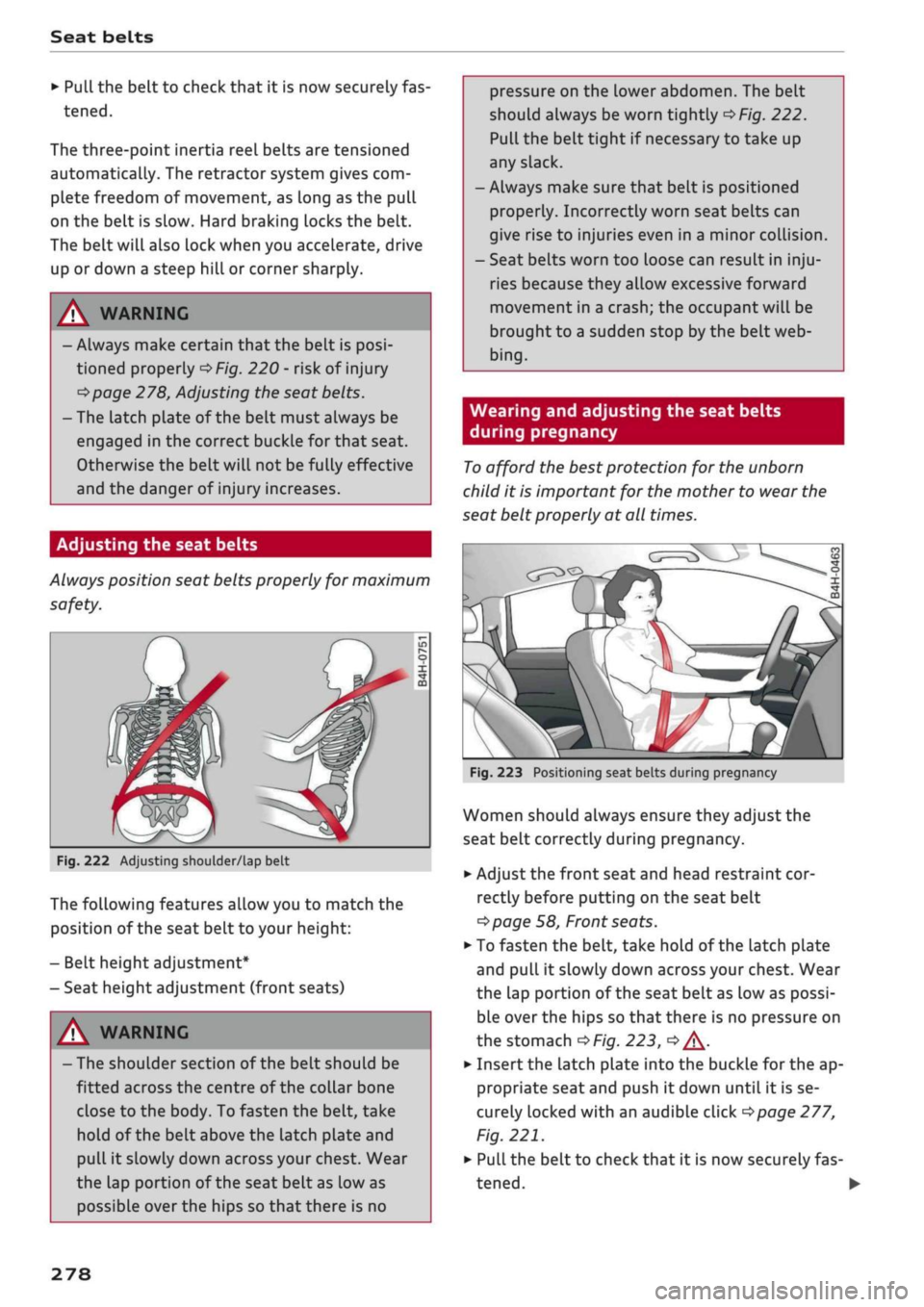
should always be worn tightly
^>Fig.
222.
Pull the belt tight if necessary to take up
any slack.
-Always make sure that belt is positioned
properly. Incorrectly worn seat belts can
give rise to injuries even in a minor coLlision.
- Seat belts worn too loose can result in
inju
ries because they allow excessive forward
movement in a crash; the occupant will be
brought to a sudden stop by the belt web
bing.
Wearing and adjusting the seat belts
during pregnancy
To
afford the best protection for the unborn
child it is important for the mother to wear the
seat belt properly at all times.
Fig.
223 Positioning seat belts during pregnancy
Women should always ensure they adjust the
seat belt correctly during pregnancy.
•
Adjust the front seat and head restraint cor
rectly before putting on the seat belt
tapage
58, Front seats.
•
To fasten the belt, take hold of the latch plate
and pull it slowly down across your chest. Wear
the lap portion of the seat belt as low as possi
ble over the hips so that there is no pressure on
the stomach
OF/'g.
223,
<=> A-
•
Insert the latch plate into the buckle for the ap
propriate seat and push it down until it is se
curely locked with an audible click
^>page
277,
Fig.
221.
•
Pull the belt to check that it is now securely fas
tened.
•
278
Page 305 of 364

Checking and topping up fluids
A WARNING
CO
rN
IV
rN
•-i
00
- The cooling system is under pressure. Do
not unscrew the cap on the expansion tank
when the engine is hot: you could be
scal
ded by escaping steam.
- The coolant and coolant additive can be a
health hazard. Store the coolant additive in
the original container in a safe place out of
reach of children - risk of poisoning.
- When working in the engine compartment
be aware that the radiator fan may start
running suddenly, even if the ignition is
switched off- risk of injury!
Brake fluid
© CAUTION
Do not add coolant if the expansion tank is
empty. Air could have got into the cooling
system - risk of engine damage! In this case,
do NOT drive on. Obtain professional assis
tance.
- Have your qualified workshop check the
cooling system before the winter season to
make sure that the anti-freeze concentra
tion is adequate for the conditions to be ex
pected.
This applies particularly if
you
drive
into a colder climate zone.
-To prevent damage to the engine, do not
use a different type of anti-freeze additive if
the approved type of additive is not availa
ble.
In this case use only water and bring
the coolant concentration back up to the
correct level as soon as possible by putting
in the specified additive.
- Always top up with fresh, unused coolant.
- Radiator sealants must not be added to the
coolant.
ëB
k
DOT
4
A
•9
o
o
:>
li-
Fig.
249 Engine compartment: Cap of brake fluid reservoir
Please refer to the safety notes
^page
295,
Working on components in the engine compart
ment.
Checking brake fluid level
Read off the brake fluid level on the brake fluid
reservoir
^>page
297, Fig. 245. The brake fluid
level must be between the MIN and MAX marks
<=>A.
The brake fluid
level
is also automatically moni
tored.
In right-hand drive vehicles the brake fluid reser
voir is on the other side of the engine compart
ment.
Changing brake fluid
Have the brake fluid changed regularly by a quali
fied workshop.
WARNING
-If the brake fluid Level is under the MIN
mark, the effectiveness of the brakes and
therefore the safety of the vehicle may be
impaired - risk of accident! Do not drive on.
Obtain professional assistance.
- Heavy use of the brakes may cause a vapour
lock if old brake fluid is left in the system.
This would seriously impair the effective
ness of the brakes and the safety of the car
- risk of accident!
© CAUTION
- If the brake fluid level is above the MAX
mark, brake fluid may escape via the cap on •
301
Page 351 of 364

Index
CO
< o rN
iv
rN
t-H
o <
•H
00
Emergency braking function 82
New brake pads 147
Browser
see Media centre 244
Bulb failure
Changing bulbs 334
Bulbs,
changing 334
Buttons
Assigning functions (multi-function steering
wheel) 17
Multi-function steering wheel 15, 18
Operating unit (MMI) 152
C
Cables (USB adapter/AUX adapter) 240
Calling up media 243
Call
list 179
CalL
options 187
Capacities
AdBlue 292
Fuel
tank 343
Washer fluid reservoir 343
Caps for wheel bolts, removing 321
Car care
Washing/cleaning 312
Care
see Cleaning 312
Car phone
172,188
Catalytic converter 295
CD drive 236
Central locking system 37
Cetane number (diesel) 289
Changing settings for additional dispLay .... 19
Charging
see Power sources 60
Charging battery 242
Charging battery (mobile devices) 241
Chassis number 342
Child lock 46
DVD 246
Child seats 267
Fitting 270
Cigarette Lighter 60
Classic view 17
Cleaning 312
Cleaning/de-icing windows 314
Cleaning/treating leather 315
Cleaning Alcantara 315
Cleaning carbon parts 314, 315
Cleaning controls and displays 314
Cleaning fabrics 315
Cleaning leatherette 315
Cleaning plastic parts 314
Closing
Panorama sun roof 48
Windows 46
see also Unlocking/locking 39, 40
Closing/opening
see Unlocking/locking 39, 40
Coasting mode 91
Coat hooks 61
Colour code 342
Coming home/leaving home
see Entry/exit lights 51
Commands (speech dialogue system) 164
Compact temporary spare wheel 324
Compartments 61
Conference calls 180
Connection manager 257
Connections
see Media 234, 243
Consumption (fuel) 19, 20, 342
Contacts 185
From another directory 258
Importing/exporting 187
Memory capacity 189
Storing as a destination
216
Control buttons (MMI operation) 154
Controls and displays (overview) 10
Control units 150
Convenience key
Manual operation 79
Starting/stopping the engine 76
Unlocking/locking 39
Convenience open/close 47
Cooling mode
Automatic air conditioner 69
Manual air conditioner 67
Cooling system
Anti-freeze 299
Checking coolant level 300
347
Page 352 of 364
Index
Codant temperature
gauge 13
Topping up coolant 300
Cornering light 49
Crosshairs 209, 210
Cruise control system 104
Cup holders 61
Current fuel consumption 19,20
D
Data connection 203
Data protection 205
Date 255
Daytime running lights 49
Deactivating front passenger's airbag 288
DEF
see AdBlue 292
Defrosting (windows)
Automatic air conditioner 70
Heating/ventilation system and manual air
conditioner 67
DEF (instrument cluster) 14
Deluxe automatic air conditioner
see Air conditioner (automatic) 66, 69
Demo mode
see Presentation mode 217
Destination from map
Via
MMI touch 210
Via rotary pushbutton 209
Diagnostic connection 150
Dictating
E-mail
183
Text messages 182
Diesel
Diesel particulate filter 295
Fuel 289
Preheating (glow plugs) 74, 76
Diesel engine
Engine oil 297
Diesel Exhaust Fluid (DEF)
see AdBlue 292
Digital rights management 234
Dimensions
Vehicle dimensions 343
Dipped headlights 49
Directional tread (tyres) 324
Directory
see Contacts 185
Display 15
Cleaning 314
Infotainment display 153, 256
Instrument cluster 18
Multi-function steering wheel 15
Variants (MMI) 153
Distance covered 19, 20
Doors
Child lock 46
Courtesy lighting 52
Locking doors manually 41
see also Unlocking/locking 39, 40
Downhill speed control 89
Driver information system 19
Economy tips (analogue instrument cluster) 21
Economy tips (Audi virtual cockpit) 20
Efficiency program 21
Energy consumers (Audi virtual cockpit) .. 20
Gear-change indicator 14
On-board computer (analogue instrument
cluster) 20
On-board computer (Audi virtual cockpit) . 19
Outside temperature display 15
Service interval display 304
Switching between displays 15
View 17
Drives
see Media 234, 243
Drive select
see Audi drive select 131
Driving on right/left 52
Driving through water 72, 85
Driving time 19, 20
Dust filter
see Pollution filter 66
DVD drive (media drives) 235
Dynamic volume control
see System volume 261
E
E-mail
183
E10
see Ethanol (fuel) 289
eco mode (automatic air conditioner) 69
348
Page 353 of 364
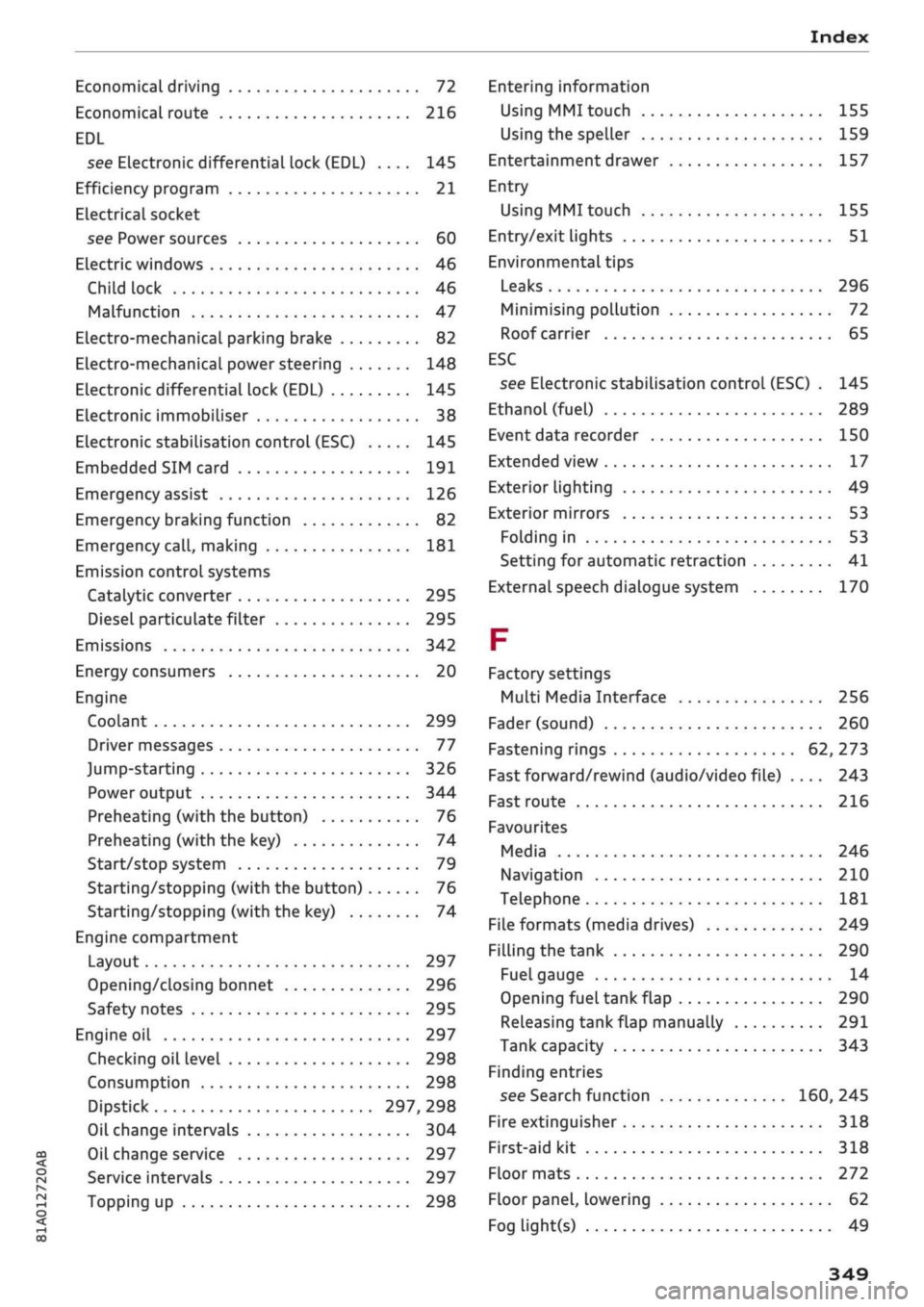
Index
CO
< o rN
iv
rN
•-i
•H
00
Economical driving 72
Economical route 216
EDL
see Electronic differential lock (EDL) .... 145
Efficiency program 21
ELectrical socket
see Power sources 60
Electric windows 46
Child lock 46
Malfunction 47
Electro-mechanical parking brake 82
Electro-mechanical power steering 148
Electronic differential lock (EDL) 145
Electronic immobiliser 38
Electronic stabilisation control (ESC) 145
Embedded SIM card 191
Emergency assist 126
Emergency braking function 82
Emergency
call,
making 181
Emission controL systems
Catalytic converter 295
Diesel particulate filter 295
Emissions 342
Energy consumers 20
Engine
Coolant 299
Driver messages 77
Jump-starting 326
Power output 344
Preheating (with the button) 76
Preheating (with the key) 74
Start/stop system 79
Starting/stopping (with the button) 76
Starting/stopping (with the key) 74
Engine compartment
Layout 297
Opening/closing bonnet 296
Safety notes 295
Engine oil 297
Checking oil level 298
Consumption 298
Dipstick 297, 298
Oil change intervals 304
Oil change service 297
Service intervals 297
Topping up 298
Entering information
Using MMI touch
155
Using the speller 159
Entertainment drawer 157
Entry
Using MMI touch 155
Entry/exit lights 51
Environmental tips
Leaks 296
Minimising pollution 72
Roof carrier 65
ESC
see Electronic stabilisation control (ESC) . 145
Ethanol (fuel) 289
Event data recorder 150
Extended view 17
Exterior lighting 49
Exterior mirrors 53
Folding in 53
Setting for automatic retraction 41
External speech dialogue system 170
F
Factory settings
Multi Media Interface 256
Fader (sound) 260
Fastening rings 62, 273
Fast forward/rewind (audio/video file) .... 243
Fast route 216
Favourites
Media 246
Navigation 210
Telephone 181
File formats (media drives) 249
Filling the tank 290
Fuel gauge 14
Opening fuel tank flap 290
Releasing tank flap manually 291
Tank capacity 343
Finding entries
see Search function 160, 245
Fire extinguisher 318
First-aid kit 318
Floor mats 272
Floor panel, lowering 62
Fog light(s) 49
349
Page 355 of 364
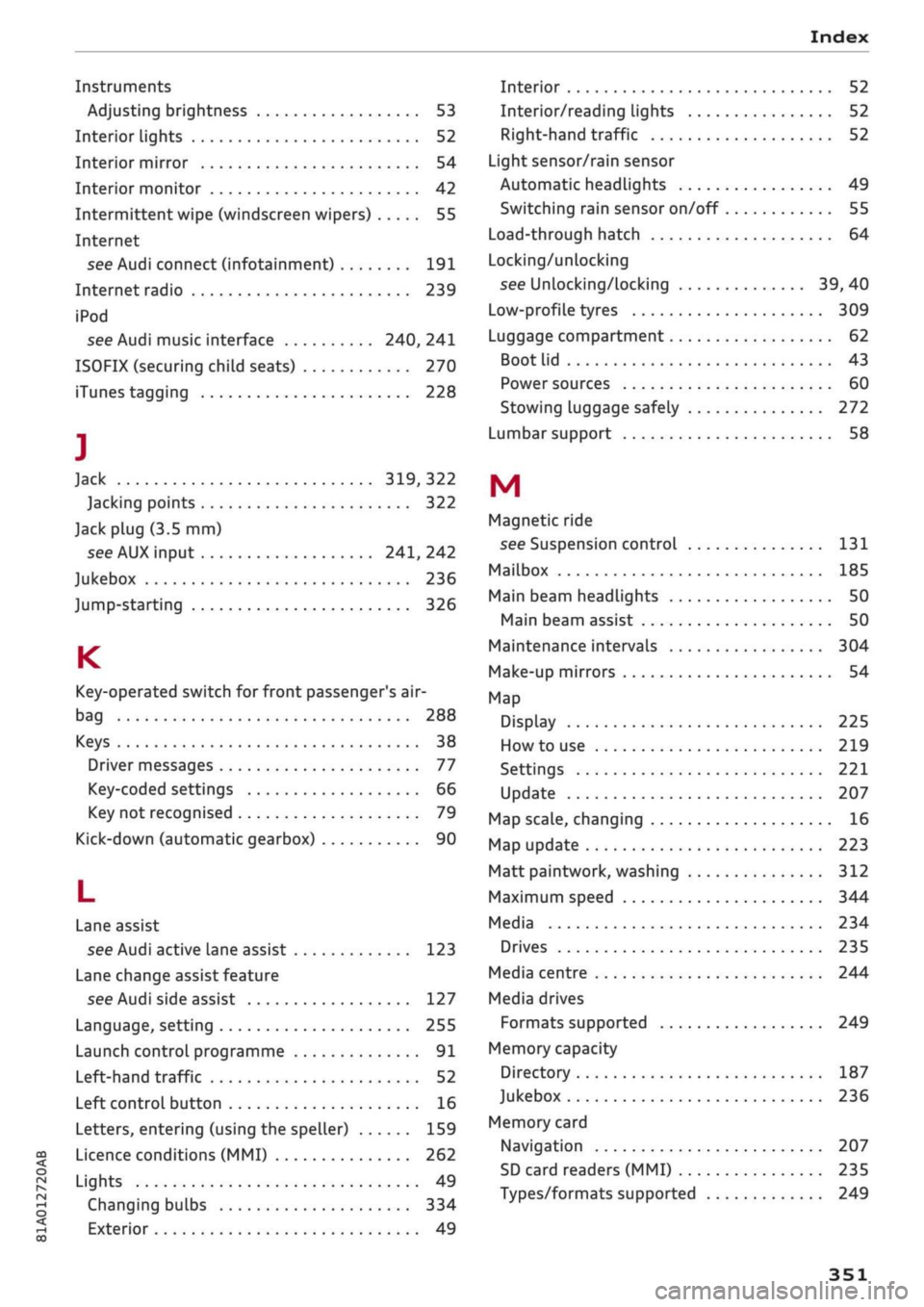
Index
CO
< o rN
iv
rN
t-H
o <
•H
00
Instruments
Adjusting brightness 53
Interior lights 52
Interior mirror 54
Interior monitor 42
Intermittent wipe (windscreen wipers) 55
Internet
see Audi connect (infotainment) 191
Internet radio 239
iPod
see Audi music interface 240, 241
ISOFIX (securing child seats) 270
iTunes tagging 228
]
Jack 319,322
Jacking points 322
Jack plug (3.5 mm)
see AUX input 241, 242
Jukebox 236
Jump-starting 326
K
Key-operated switch for front passenger's air-
bag 288
Keys 38
Driver messages 77
Key-coded settings 66
Key not recognised 79
Kick-down (automatic gearbox) 90
L
Lane assist
see Audi active lane assist 123
Lane change assist feature
see Audi side assist 127
Language, setting 255
Launch control programme 91
Left-hand traffic 52
Left control button 16
Letters, entering (using the speller) 159
Licence conditions (MMI) 262
Lights 49
Changing bulbs 334
Exterior 49
Interior 52
Interior/reading Lights 52
Right-hand traffic 52
Light sensor/rain sensor
Automatic headlights 49
Switching rain sensor on/off 55
Load-through hatch 64
Locking/unlocking
see Unlocking/locking 39, 40
Low-profile tyres 309
Luggage compartment 62
Boot Lid 43
Power sources 60
Stowing luggage safely 272
Lumbar support 58
M
Magnetic ride
see Suspension control 131
Mailbox 185
Main beam headlights 50
Main beam assist 50
Maintenance intervals 304
Make-up mirrors 54
Map
Display 225
How to use 219
Settings 221
Update 207
Map scale, changing 16
Map update 223
Matt paintwork, washing
312
Maximum speed 344
Media 234
Drives 235
Media centre 244
Media drives
Formats supported 249
Memory capacity
Directory 187
Jukebox 236
Memory card
Navigation 207
SD card readers (MMI) 235
Types/formats supported 249
Page 358 of 364
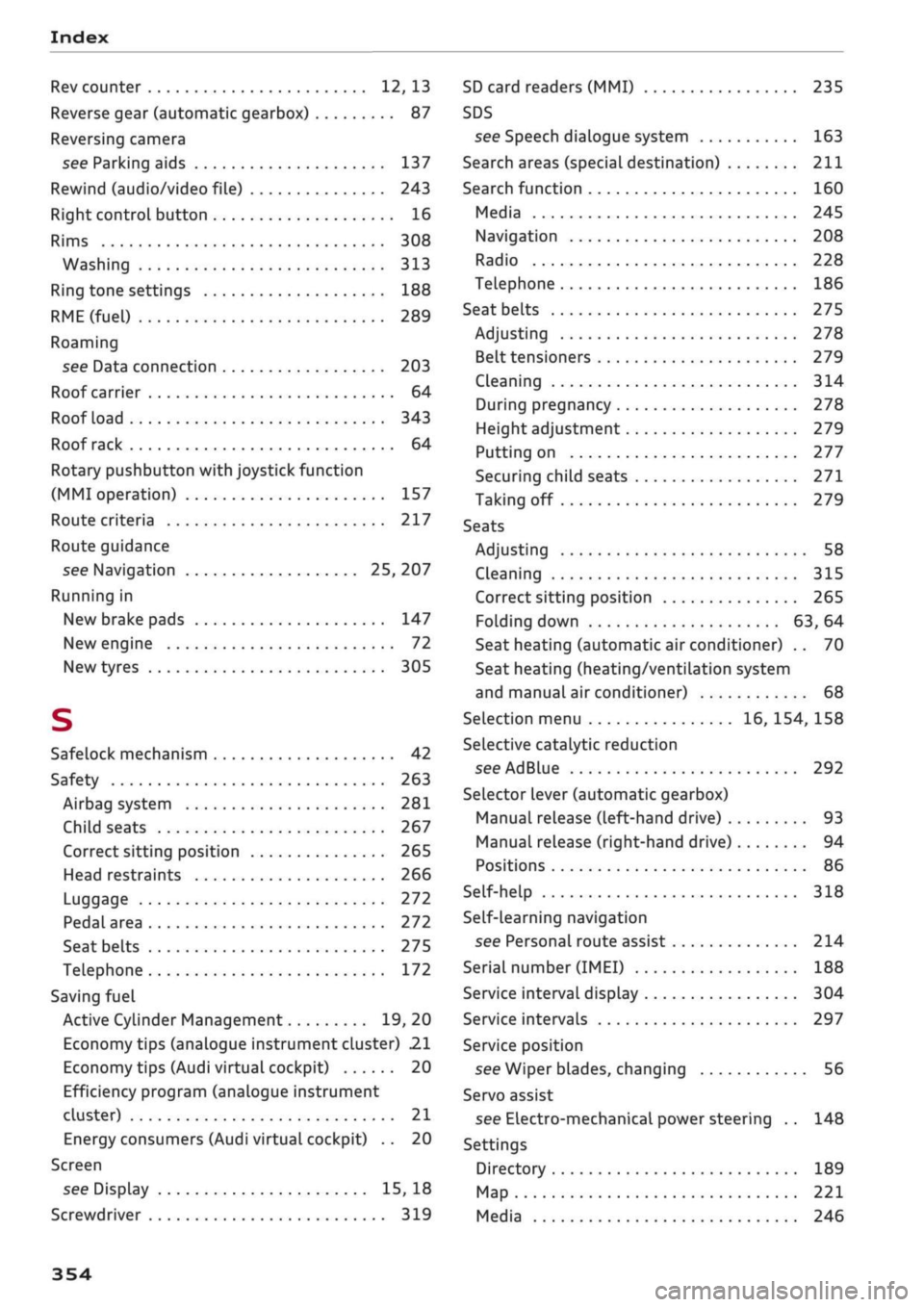
Index
Rev counter 12, 13
Reverse gear (automatic gearbox) 87
Reversing camera
see Parking aids 137
Rewind (audio/video file) 243
Right control button 16
Rims 308
Washing 313
Ring tone settings 188
RME(fuel)
289
Roaming
see Data connection 203
Roof carrier 64
Roof load 343
Roof rack 64
Rotary pushbutton with joystick function
(MMI operation) 157
Route criteria 217
Route guidance
see Navigation 25, 207
Running in
New brake pads 147
New engine 72
New tyres 305
S
Safelock mechanism 42
Safety 263
Airbag system 281
Child seats 267
Correct sitting position 265
Head restraints 266
Luggage 272
Pedal area 272
Seat belts 275
Telephone 172
Saving fuel
Active Cylinder Management 19, 20
Economy tips (analogue instrument cluster) 21
Economy tips (Audi virtual cockpit) 20
Efficiency program (analogue instrument
cluster) 21
Energy consumers (Audi virtual cockpit) .. 20
Screen
see Display 15, 18
Screwdriver 319
SD card readers (MMI) 235
SDS
see Speech dialogue system 163
Search areas (special destination) 211
Search function 160
Media 245
Navigation 208
Radio 228
Telephone 186
Seat belts
275
Adjusting 278
Belt tensioners 279
Cleaning 314
During pregnancy 278
Height adjustment 279
Putting on 277
Securing child seats 271
Taking off 279
Seats
Adjusting 58
Cleaning 315
Correct sitting position 265
Folding down 63, 64
Seat heating (automatic air conditioner) .. 70
Seat heating (heating/ventilation system
and manual air conditioner) 68
Selection menu 16, 154, 158
Selective catalytic reduction
see AdBlue 292
Selector lever (automatic gearbox)
Manual release (left-hand drive) 93
Manual release (right-hand drive) 94
Positions 86
Self-help 318
Self-learning navigation
see Personal route assist 214
Serial number
(IMEI)
188
Service interval display 304
Service intervals 297
Service position
see Wiper blades, changing 56
Servo assist
see Electro-mechanical power steering .. 148
Settings
Directory 189
Map 221
Media 246
354