headlights AUDI Q5 2021 Owner´s Manual
[x] Cancel search | Manufacturer: AUDI, Model Year: 2021, Model line: Q5, Model: AUDI Q5 2021Pages: 332, PDF Size: 118.86 MB
Page 285 of 332
80B012721BA
Care and cleaning
A WARNING height and width of the inside of the car
wash.
—To reduce the risk of accidents, only wash
the vehicle when the ignition is off and fol-
low the instructions from the car wash oper-
ator.
—To reduce the risk of cuts, protect yourself
from sharp metal components when wash-
ing the underbody or the inside of the wheel
housings.
— After washing the vehicle, the braking effect
may be delayed due to moisture on the
brake rotors or ice in the winter. This in-
creases the risk of an accident. The brakes
must be dried with a few careful brake appli-
cations.
—To reduce the risk of paint damage, do not
wash the vehicle in direct sunlight.
—To reduce the risk of damage, do not wash
decorative decals* with a pressure washer.
—To reduce the risk of damage to the surface,
do not use insect removing sponges, kitchen
sponges, or similar items.
— When washing matte finish painted vehicle
components:
— To reduce the risk of damage to the sur-
face, do not use polishing agents or hard
wax.
— Never use protective wax. It can destroy
the matte finish effect.
@) Note — Do not place any stickers or magnetic
signs on vehicle components painted with
matte finish paint. The paint could be
damaged when the stickers or magnets
are removed.
— If you wash the vehicle in an automatic car
wash, you must fold the exterior mirrors in
to reduce the risk of damage to the mirrors.
Power folding exterior mirrors* must only
be folded in and out using the power folding (@) For the sake of the environment
pee Only wash the vehicle in facilities specially de-
signed for that purpose. This will reduce the
risk of dirty water contaminated with oil from
entering the sewer system.
—To reduce the risk of damage to the rims
and tires, compare the width between the
wheels on your vehicle with the distance be-
tween the guide rails in the car wash.
—To reduce the risk of damage, compare the
height and width of your vehicle with the
Cleaning and care information
When cleaning and caring for individual vehicle are not listed, consult an authorized Audi dealer
components, refer to the following tables. The or authorized Audi Service Facility. Also follow
information contained there is simply recommen- __ the information found in > A.
dations. For questions or for components that
Exterior cleaning
Component Situation Solution
Windshield wiper | Deposits Soft cloth with glass cleaner, > page 59
blades
Headlights/ Deposits Soft sponge with a mild soap solution?)
tail lights
Sensors/ Deposits Sensors: soft cloth with a solvent-free cleaning product
camera lenses Camera lenses: soft cloth with an alcohol-free cleaning sol-
ution
Snow/ice Hand brush/solvent-free de-icing spray >
283
Page 288 of 332
Care and cleaning
ZA\ WARNING
— Never immerse the Audi e-tron charging sys-
tem and connectors in water.
— The Audi e-tron charging system must only
be cleaned when the control unit is com-
pletely disconnected from the power supply
and from the vehicle.
@) Note
— Headlights and tail lights
— Never clean the headlights or tail lights
with a dry cloth or sponge because the
lights could be damaged.
— Do not use any cleaning products that con-
tain alcohol, because they could cause
cracks to form.
— Wheels
— Never use any paint polish or other abra-
sive materials.
— Damage to the protective layer on the
rims, such as stone chips or scratches,
must be repaired immediately.
— Camera lenses
— Never use warm or hot water to remove
snow or ice from the camera lens. This
could cause the lens to crack.
— Never use abrasive cleaning materials or
alcohol to clean the camera lens. This
could cause scratches and cracks.
— Door windows
— Remove snow and ice on windows and ex-
terior mirrors with a plastic scraper. To re-
duce the risk of scratches, move the scra-
per only in one direction and not back and
forth.
— Never remove snow or ice from door win-
dows and mirrors using warm or hot water
because this could cause cracks to form.
—To reduce the risk of damage to the rear
window defogger, do not apply any stick-
ers on the heating wires on the inside of
the window.
— Decorative parts and trim
— Never use chrome care or cleaning prod-
ucts.
— Paint
286
— To reduce the risk of scratches, the vehicle
must be free of dirt and dust before pol-
ishing or waxing.
—To prevent paint damage, do not polish or
wax the vehicle in direct sunlight.
—To reduce the risk of paint damage, do not
polish away rust spots.
— Remove cosmetics and sunscreen immedi-
ately because they could damage the
paint.
— Decorative decals
—To reduce the risk of damage, do not use
any rough powder or abrasive cleaning
products.
—To reduce the risk of damage, do not pol-
ish decorative decals that have a matte or
printed finish.
— Due to the risk of damage, do not use an
ice scraper to remove snow and ice on win-
dows with decorative decals on them.
— Displays and instrument cluster
— Make sure that the display and instrument
cluster are switched off and have cooled
down before cleaning. To switch off the
center display, select on the MMI home
screen: SETTINGS > Display & brightness
> MMI > Screen cleaning.
— Displays, the instrument cluster, and the
trim surrounding it must not be cleaned
with dry cleaning methods because they
could become scratched.
— Make sure no fluids enter the spaces be-
tween the instrument cluster and the
trim, because that could cause damage.
— Controls
— Make sure that no fluids enter the con-
trols, because this could cause damage.
— Safety belts
— Do not remove the safety belts to clean
them.
— Never clean safety belts or their compo-
nents with chemicals or with corrosive flu-
ids or solvents and never allow sharp ob-
jects to come into contact with the safety
belts. This could cause damage to the belt
webbing.
Page 297 of 332
80B012721BA
Emergency assistance
— Plug-in hybrid drive: You must not give a
jump start with your vehicle. This could
cause significant damage to the electrical
system in your vehicle.
@) Tips
— There must be no contact between the
vehicles, or else voltage could flow when
connecting the positive terminal and drain
the vehicle battery of the vehicle providing
the jump start.
— The drained vehicle battery must be con-
nected correctly to the electrical system.
— Switch off electrical equipment that is not
needed.
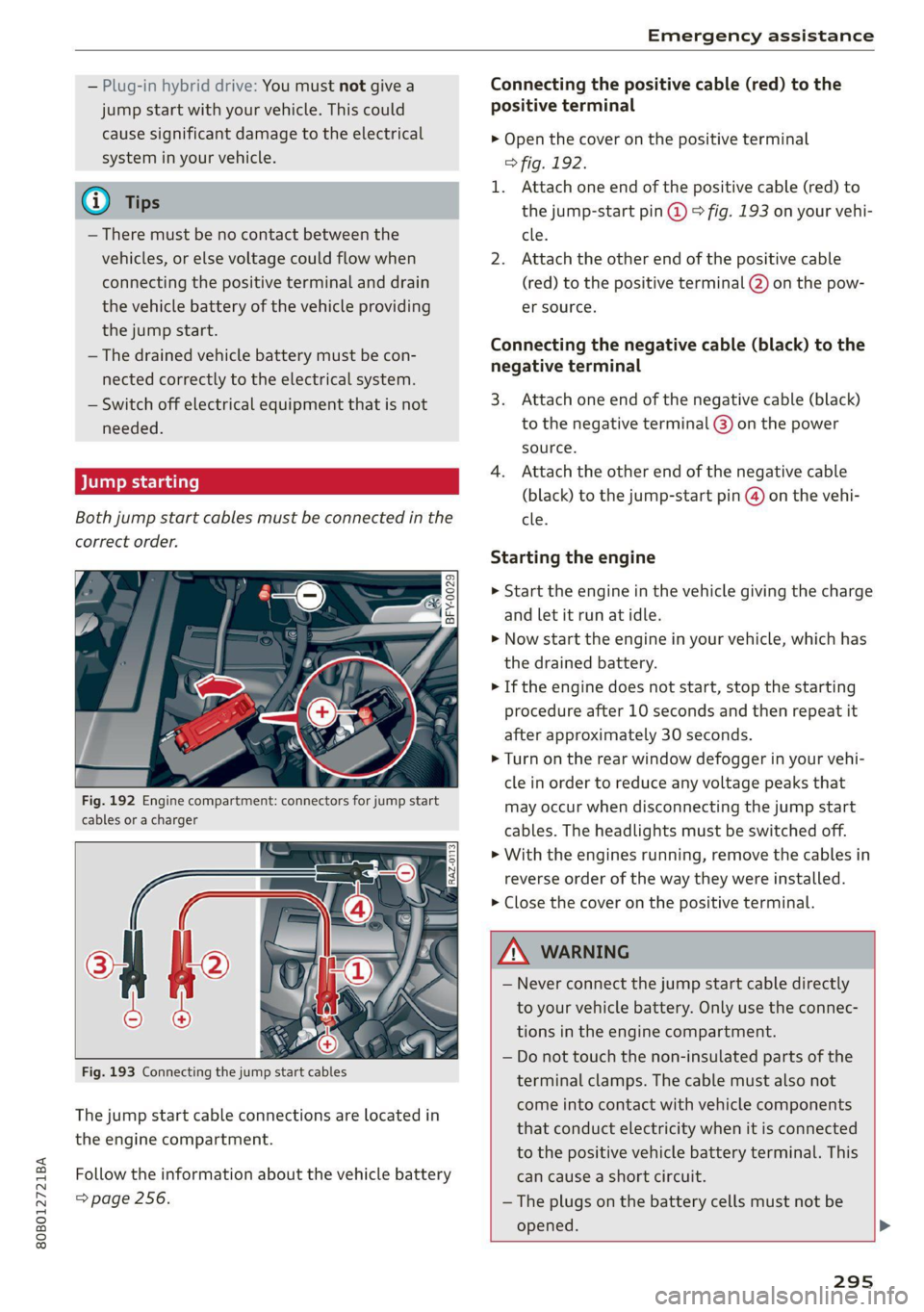
Both jump start cables must be connected in the
correct order.
a nN 3
aS = a o
Fig. 192 Engine compartment: connectors for jump start
cables or a charger
The jump start cable connections are located in
the engine compartment.
Follow the information about the vehicle battery
=> page 256.
Connecting the positive cable (red) to the
positive terminal
> Open the cover on the positive terminal
> fig. 192.
1. Attach one end of the positive cable (red) to
the jump-start pin @ © fig. 193 on your vehi-
cle.
2. Attach the other end of the positive cable
(red) to the positive terminal @) on the pow-
er source.
Connecting the negative cable (black) to the
negative terminal
3. Attach one end of the negative cable (black)
to the negative terminal @) on the power
source.
4. Attach the other end of the negative cable
(black) to the jump-start pin @) on the vehi-
cle.
Starting the engine
> Start the engine in the vehicle giving the charge
and let it run at idle.
> Now start the engine in your vehicle, which has
the drained battery.
> If the engine does not start, stop the starting
procedure after 10 seconds and then repeat it
after approximately 30 seconds.
> Turn on the rear window defogger in your vehi-
cle in order to reduce any voltage peaks that
may occur when disconnecting the jump start
cables. The headlights must be switched off.
> With the engines running, remove the cables in
reverse order of the way they were installed.
> Close the cover on the positive terminal.
Z\ WARNING
— Never connect the jump start cable directly
to your vehicle battery. Only use the connec-
tions in the engine compartment.
— Do not touch the non-insulated parts of the
terminal clamps. The cable must also not
come into contact with vehicle components
that conduct electricity when it is connected
to the positive vehicle battery terminal. This
can cause a short circuit.
— The plugs on the battery cells must not be
opened. >
295
Page 305 of 332
80B012721BA
Fuses and bulbs
Fuse panel (8) (red)
6 | Electric compressor
8 |Climate control system compressor
9 |Temperature control
10 | High-voltage battery
11 | Charging device
Fuse panel © (brown)
No. | Equipment
Exterior antenna
2 | Audi phone box
Right front seat electronics, lumbar sup-
port, massaging seat
4 |Side assist
6 | Tire pressure monitoring system
Facility in cases of doubt. These facilities have
the correct tools and replacement parts as well
as the required technical knowledge.
LED lights*
Your vehicle is equipped with maintenance-free
headlights and tail lights. However, if a light bulb
needs to be replaced, please contact an author-
ized Audi dealer or authorized Audi Service Facili-
ty.
Z\ WARNING
If you still would like to try replacing the
bulbs in your vehicle yourself, read the warn-
ings regarding working in the engine compart-
ment > A\ in General information on
page 246.
Convenience access and start authoriza-
tion control module
Auxiliary heating, tank module
9 |Climatized cup holder
TV tuner, data exchange and telematics
” control module
11 | Auxiliary battery control module
12 | Garage door opener
13 | Rearview camera, peripheral cameras
14 | Right tail lights
16 | Airbag control module
Fuse panel (£) (red)
No. | Equipment
Exhaust treatment
Right trailer hitch light
Trailer hitch
Left trailer hitch light
WO)
O;N]/
Mm|w
Trailer hitch socket
All wheel drive control module, sport dif-
10
ferential
11 | Exhaust treatment
Bulbs
Replacing bulbs
Audi recommends having a bulb replaced by an
authorized Audi dealer or authorized Audi Service
cy Note
Make sure the covers are fitted correctly on
the headlight and tail light so that no water
will leak in from the outside and the light
function will not be impaired.
303
Page 317 of 332
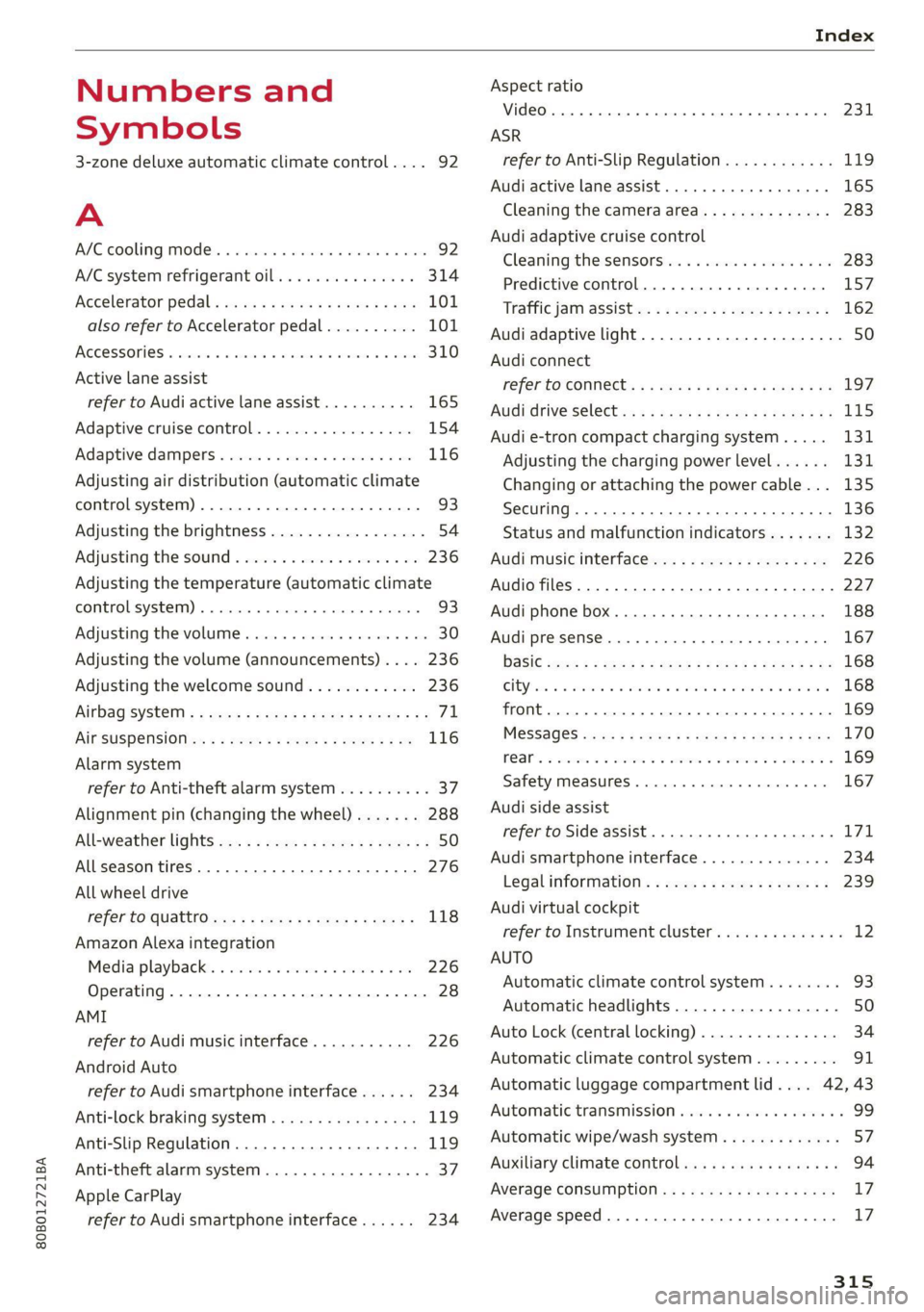
80B012721BA
Index
Numbers and
Symbols
3-zone deluxe automatic climate control.... 92
A
AIC cooling MOde:. « « vesiare «sas © wrens 6 avers 92
A/C system refrigerant oil............005 314
Accelerator pedals sseis so esas x & eases 8 & exes 101
also refer to Accelerator pedal.......... 101
ACCESSORIES « sssiers oo: seaues + exsusunn + wane a 6 esine 310
Active lane assist
refer to Audi active lane assist.......... 165
Adaptive cruise control................. 154
Adaptive dampers ............-..2+-05- 116
Adjusting air distribution (automatic climate
control system) ...... 0.0.0. e cee eee eee 93
Adjusting the brightness................. 54
Adjusting the sound..............-..00- 236
Adjusting the temperature (automatic climate
control system) ......... 0.0.00. e ee ee eee 93
Adjusting the volume ............ eee ee eee 30
Adjusting the volume (announcements) .... 236
Adjusting the welcome sound............ 236
Airbag'system ; « eses s saves s eee ss veep eee 71
AICSUSPENSION ex « = som « = nee Hg Ses SE Be 116
Alarm system
refer to Anti-theft alarm system.......... 37
Alignment pin (changing the wheel)....... 288
All-weather lights...............-..20--- 50
Allseason tires............220202220005 276
All wheel drive
refer tOQUAtEOmms: 5 = woos + 5 ewe so ewe 118
Amazon Alexa integration
Media playback’. « oii. eons 6 6 cris 6 0 ow 226
Operating...............0..0 000.0000. 28
AMI
refer to Audi music interface........... 226
Android Auto
refer to Audi smartphone interface...... 234
Anti-lock braking system............0005 119
Anti-Slip Regulation.................05. 119
Anti-theft alarm system...............00 37
Apple CarPlay
refer to Audi smartphone interface...... 234 ASR
refer to Anti-Slip Regulation.........
Audi active lane assist................
Cleaning the camera area............
Audi adaptive cruise control
Cleaning the sensors...............
Predictive control..............0005
Traffic jam assist............00.-00.
Audi adaptive light..................
Audi connect
FefEr LO CONNEC: = « gaws + = eames v news
Audi drive select =: ss g2c8 ss peau s i deme
Audi e-tron compact charging system...
Adjusting the charging power level....
Changing or attaching the power cable... .
SeCUrINg.. 2... cee eee eee eee
Status and malfunction indicators ....
Audi music interface.................
Audio files..............00 eee eee ee
Safety measures........ 0.0... e ee ee
Audi side assist
refer to Side assist..............0..
Audi smartphone interface............
Legalinformation..................
Audi virtual cockpit
refer to Instrument cluster..........
AUTO
Automatic climate control system.....
Automatic headlights...............
Auto Lock (central locking) ............
Automatic climate control system......
Automatic luggage compartment lid....
Automatic transmission..............
Automatic wipe/wash system..........
Auxiliary climate control..............
Average consumption................
Average speed... ..... 2.2.02
315
Page 322 of 332
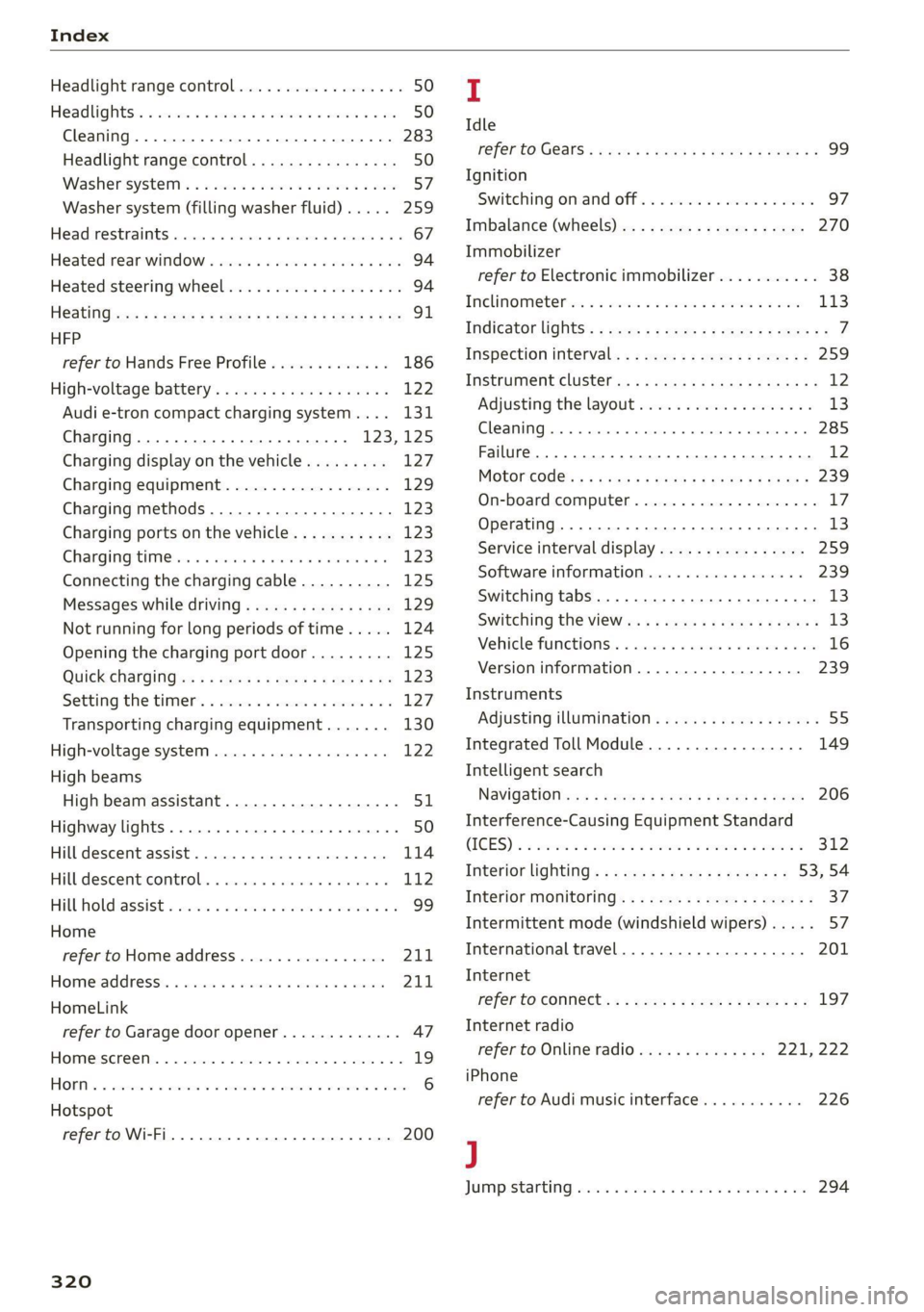
Index
Headlight range control................0. 50
Headlights: « scincs xo snes oe mms 2 o ones ow a0 50
Cleaning......... 0... e eee eee eee 283
Headlight range control................ 50
Washer'system « = ses09 + see ey eeru ee es 57
Washer system (filling washer fluid) ..... 259
Headsrestraints cies m + eassen wo iecwne © o aiemne so 3 67
Heated rear window.............0000 sees 94
Heated steering wheel................0.. 94
HOAtinG cer x = seas & s Kame Fe em ee ew ee 91
HFP
refer to Hands Free Profile............. 186
High:voltagebattery’s « ssw 4s asww s enews « 122
Audi e-tron compact charging system.... 131
Charging.............c eee eee eee 123,125
Charging display on the vehicle......... 127
Charging equipment.................. 129
Charging methods.................04. 123
Charging ports on the vehicle........... 123
Charging time iin: . aici ev eye 3 vere s vs 123
Connecting the charging cable.......... 125
Messages while driving................ 129
Not running for long periods of time..... 124
Opening the charging port door......... 125
Quick charginGiss « ¢ eas sv eee sy eee 2 we 123
Setting the timers. + circ a cane a a sane a ao 127
Transporting charging equipment....... 130
High-voltage system..............0000e 122
High beams
High beam assistant................... 51
Highway lights........ 0.0... eee eee ee eee 50
Hill descentiassist's ccciose oo scarce eo sonsee a a en 114
Hill descenticomtrol. « swssiwe sa ssaiia sv amen 112
Hill hold assist «cco so sewn 6 wane wv wea a oo 99
Home
refer to Home address................ 211
Hometaddnesss, « ws 4s isvawese i « onaseme ow ates 211
HomeLink
refer to Garage door opener............. 47
HOME:SEFEON:. 5 5 worn so cewtei « w veosen « wratess a oo 19
HORM w & ssccase oo asessie wo cecoans © or aoawne © stan B Bees 6
Hotspot
refer to Wi-Fi........ 0... cece eee eee 200
320
I
Idle
TOPE CO'GESISs ween x 3 wean a x woen se weeG ae 99
Ignition
Switching on and off................... 97
Imbalance (wheels) ...........00..00005 270
Immobilizer
refer to Electronic immobilizer........... 38
Tni¢linfometetios. « s eon so wenn vo womens oo nae L13
Indicator lights’; « ese. 5 ¢ eewe ee see se eee 7
Inspection interval..................00. 259
Instrument cluster.............0seeeeuee 12
Adjusting the layout................... 13
Cleaning... ... 2... ee eee eee eee eee ee 285
Failure... 0... eee eee eee eee 12,
MOtorcOdehis « sive « s wena o 2 wee a 2 wane 239
On-board computer............-..00-0- 17
Operating............... 0. cece ee eee 13
Service interval display................ 259
Software information.............0005 239
Switching
tabs......... 0... eee eee eee 13
Switching the VieWir. s + eses « eee xe exw» 13
Vehicle fUNGtIONS). 6 wiicaue as asiere sa uae ao ac 16
Version information.................. 239
Instruments
Adjusting illumination.............00005 55
Integrated Toll Module................. 149
Intelligent search
NaVigatiOticns + ney = yawe so mame x ¢ Hee 206
Interference-Causing Equipment Standard
CIGES) 5 0 mces so sami oe came oo somes 2 x one 312
Interior lighting... e.:3 secs s eee eee 53,54
INteriOr MONICOFING® ss ese « = eoee y 2 wees ae 37
Intermittent mode (windshield wipers) ..... 57
International travel.................5-5 201
Internet
refer to CONNECts « = secs es eeen ee eee ee: 197
Internet radio
refer to Online radio.............. 221, 222
iPhone
refer to Audi music interface........... 226
J
JUMpIStarting, ssw 6 vans a 6 aman w 6 sews ww ae 294
Page 323 of 332

80B012721BA
Index
K
Key... eee eee eee eee eee 34, 38
Convenience opening and closing......... 46
Key replacement..............-.000 eee 38
Mechanical key.............2000000000e 38
PANIC BUttORN ase: « 2 emu: 2 sauee ¢ o Heme 2 2 ee 39
Replacing the battery .. 5. sci 66 wewe seis 40
Unlocking and locking............-...-- 39
Vehicle: COd@ oss se ces es vous et goes s ees 38
Key user... 2... eee eee 32
Kick-down .. 2... eee eee eee eee eee 102
L
Lane assist
refer to Audi active lane assist.......... 165
Lane departure warning
refer to Audi active lane assist.......... 165
Lap timer’: seis < = seis s = cewes s+ Hews se es 148
Evaluating « ssi eo sows ve sone vo sonnene oo « 149
Starting... 60... cece cece eee eee eee 148
LATCH (securing child safety seats)......... 78
LaumehiControlh. « « smesses 6 2 sans « stores 2 tere 102
Leather care and cleaning............... 285
Legal information
License subscriptions................. 239
Software information................. 239
Software licenses’. « «ssw sa samme o 2 meso a 239
Version information.................. 239
License plate bracket................... 310
Lifting points (vehicle jack).............. 291
Light/rain sensor
Automatic headlights.................. 50
Intermittent mode (windshield wipers) .... 57
Lighting
ERt@riOn » snau 2 x qemye 2 2 mew i y eee 2 RoE 50
TnterOtisccss os wane os swans oo aston 6 v omen a as 53
LIQHES scsen 2s ese « 2 cium v2 em 2 cere eH a 50
Lights on the charging port
refer to Charging display............... 127
Listening to music
refer to Media..............0005- 225,.227
LOAM scone 1 « veconice + a sueuane ow wens mw sorneits wir 314
LOGaluserss. 5 6 wesin = a secon = 6 anscee © states w 9 ee 31
Locking and unlocking
By remote control. ...... eee eee eee 39,
Using the lock cylinder................. 37
With the convenience key............... 39
Low beam headlights.................... 50
Lowering the rear of the vehicle........... 85
LTE
refer to Exterior antenna.............. 188
Luggage compartment.................. 84
COVER sc sss: asastons v avaunna 9 suantne @ # exaitene 0 9 ennse 85
Increasing the size................. 86, 87
POWErSOUNCES sews ss gavey 3 cea + name a ea 82
Tied OWI Sirens 6 o onesie « suecemnse = myeyeae w= etemme m 8 88
also refer to Luggage compartment...... 84
Luggage compartment lid
Closing BUttOfi ‘ss s = 2ems ¢ » sews x o eee es oe 42
General information.............000005 4l
Mechanically unlocking.............0065 44
Opening and closing............-...--- 42
Opening and closing with foot motion..... 43
Power opening and closing.............. 42
Luggage compartment net............... 88
LUMbar'SUPPOPt ss esccsin se cece ee eeevene ov eee 63
M
Maintenanee ss « ssasin s 2 cases @ 2 scene oe mare es 308
Maintenance intervals................5. 259
Malfunction Indicator Lamp (MIL)........ 246
Manually releasing the charging connector. 128
Manually releasing the charging port door.. 128
Manual shifting..................-005. 101
Map
Changing the Seale ccs sx ecwes 5 x meme 2 to 208
Display’: sisi s s vec as mew ee wes 2 sven 210
Operating............. 00 eee eee eee eee 209
Setting the destination................ 208
MAP
refer to Message Access Profile......... 194
Map PrevieW cx s + cmes « eee oem a ee 208
Map Update. acs zs secns = 5 earns 3 ¢ eames & x eae 213
IMYAUCIAPD » ween « ¢ wees 5 2 neues oe eee ov 213
OTLIMG « cesseue « « aniswue oo: meuatin 4m arauers 0 enon « 213:
USB connection............-...00000- 214
Massage function
FROME x 2 wows 5 2 peas < EOR x E MewE E oeEOE 64
Mechanical kéy'.s ss sees se ens s beens epee 38
Page 326 of 332
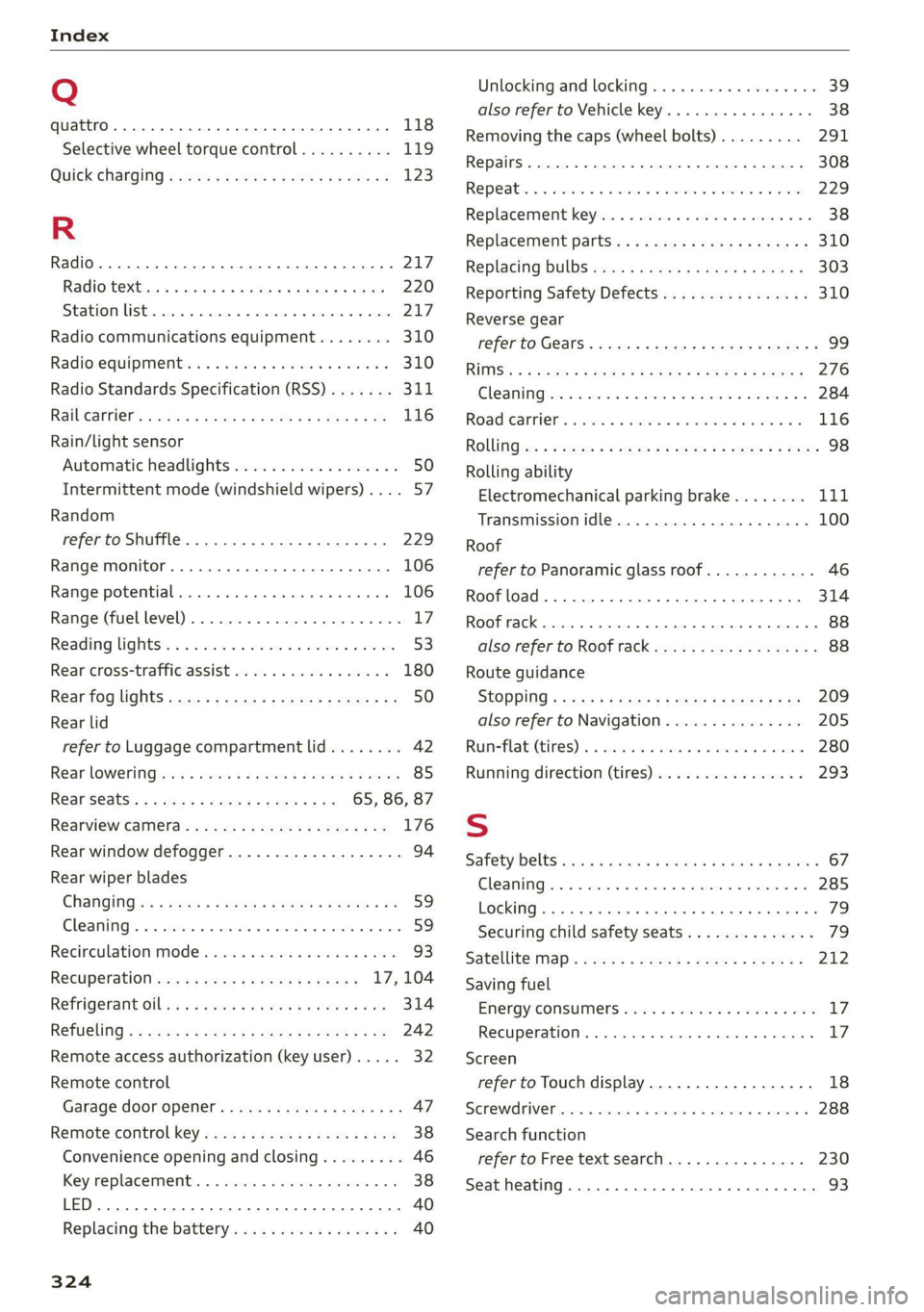
Index
Q
quattro... 2... eee 118
Selective wheel torque control.......... 119
QUICK CHANGING « seas sy sews & 2 weaG § yD 9 123
R
Radio... eee eee eee 217
Radiostexthss « s ase ¢ s caus a 2 meme a 9 eee 220
SEATON St rcvias » o cccmeme 2 = seman as simtene wo sen 217
Radio communications equipment........ 310
Radio equipment .............0 ee eee eee 310
Radio Standards Specification (RSS) ....... 311
Raibearrien: auwn xs warm 2 2 mown 8 2 meee + 8 ae 116
Rain/light sensor
Automatic headlights .................. 50
Intermittent mode (windshield wipers) .... 57
Random
refer to Shuffle...............0000005 229
Range monitor............ 0. cece ee eee 106
Range potential. ........ 2... eee eee eee 106
Range: (fuel-level)s. « « ccsseus « a esense © sveruene © wna 17
Reading lightst.s < csus as wean 2 2 ween o si 53:
Rear cross-traffic assist .............004. 180
Rear fog lights ss: = : sexs sy wees ev eee gs 50
Rear lid
refer to Luggage compartment lid........ 42
Rear lOWEriNGtes « = wos « ¢ waren & s rene & § Haun 85
Rear seatS..........-.-0-0 20 ee ee 65, 86, 87
Rearview Camera « = sss < : sees sy ean se os 176
Rear window defogger............-+-.05- 94
Rear wiper blades
ChanginGins « asm 5 s news 3 x deme s a ame a ae 59
Cleanings + « serve v 2 swawes + a evewere ¥ ot seevene ¥ eee 59
Recirculation Mode sass ss sissies soese 6 6 wee 93
Recuperation ses ¢ sway a 2 ose a 2 ewes = 17, 104
REfriGEFatit Olli x = wave xo eas @ x ewe Eas 314
RETUGLING « < cews sa wows se ees Fe ema a ee 242
Remote access authorization (key user)..... 32
Remote control
Garage door opener. .......se.ceee veces 47
Remote control key.........:eeeeee eres 38
Convenience opening and closing......... 46
Key replacement.............02-.00 eee 38
LED... ees 40
Replacing’ the battery sie. ss css vs sees aes 40
324
Unlocking and locking................-. 39
also refer to Vehicle key...........00005 38
Removing the caps (wheel bolts)......... 291
REPaitS « sincus » « uence mo ommens 5 # omnes Fa meENE 308
Repeatins + suse oo wee oo amuses 3 v ne oo ame 229
Replacement key..............--00 ee eee 38
Replacement parts.............eee eee 310
Replacing BULBS ssw s + sea « & eee ee weed 303
Reporting Safety Defects................ 310
Reverse gear
referto Gears : secs ss ween ss ees 2 v Hewes 99
RIMS’
& < wmeye & F Wem oP Gee & 2 Se oe ee 276
Cle AMIM irs « swawne vx smonsrs ¥ cvameme 2 a seamen eo 284
Road Canriel’. wcrc « 2 cmos s 2 osm oa avon es 116
RONG :cz = + sey = & oeoes 5 & Hews 5 Eee FE ee 98
Rolling ability
Electromechanical parking brake........ Lit
Transmission idle..................005 100
Roof
refer to Panoramic glass roof............ 46
Roof load... 2.22... ... 0.222 eee eee eee 314
Roof rack... 22.0... e eee eee eee ee 88
also refer to Roof rack..........-0000005 88
Route guidance
StOPPlng s sw x & wares ¢ & ees xo wR ee 209
also refer to Navigation............... 205
Runneflate (tires) 2 a sos < wanes ws voaniss 6% aman 280
Running direction (tires)..............-. 293
S
Safety belts cso < ccs s + gene & ¥ een x Hew a 67
Cleaning......... 00... cece eee eee 285
LOCKING... occ eee eee ee eee 79
Securing child safety seats.............. 79
Satellite: map « cess s » sens s ees ev BeeR es 212
Saving fuel
Energy: COnSuMe!S sieves oo crea se eee ao oes LZ:
RECUPERATION). . wicca © scceneas @ : primase «6 sno Ll?
Screen
refer to Touch display................-. 18
Screwdriver... 2.2.0... .. 000 e cece eee eee 288
Search function
refer to Free text search............... 230
Seat heating............. 0... c eee eee 93