remote control AUDI Q5 2021 Owner´s Manual
[x] Cancel search | Manufacturer: AUDI, Model Year: 2021, Model line: Q5, Model: AUDI Q5 2021Pages: 332, PDF Size: 118.86 MB
Page 174 of 332

Driver assistance
— Curves
— High barriers on the side of the road
ZA\ WARNING
— Observe the safety precautions and note the
limits of the assist systems, sensors, and
cameras © page 141.
— The display may not appear on time when
vehicles are approaching or being passed
very quickly.
@) Tips
— If the window glass in the driver's door or
front passenger's door has been tinted, the
display in the exterior mirror may be incor-
rect.
— The system is not available when towing a
trailer. There is no guarantee the system
will switch off when using a retrofitted trail-
er hitch. Do not use these functions when
towing a trailer.
— The system complies with United States FCC
regulations and ISED regulations
=> page 311.
Adjusting side assist
Applies to: vehicles with side assist
You can adjust the side assist to your preferences.
The settings depend on the vehicle equipment.
> Applies to: MMI: Select on the home screen:
VEHICLE > Driver assistance > Side assist.
Possible settings:
The system can be switched on and off. If the sys-
tem is switched on, the displays in the exterior
mirrors will turn on briefly each time the ignition
is switched on.
Brightness - Change the brightness only when
side assist is switched on, so that the selected
setting can be checked in the exterior mirror dis-
plays. Adjust the brightness to a level where the
display will not interfere with your view ahead.
Because the display brightness automatically
adapts to the ambient light, it may have already
been adjusted to the highest or lowest setting
during the automatic adaptation.
172
G) Tips
— If you switch side assist on or off, the exit
warning will also switch on or off.
— Certain settings are automatically stored
and assigned to the remote control key be-
ing used.
Messages
Applies to: vehicles with side assist
fg ° is displayed when there is a malfunc-
tion, the side assist and exit warning system
functions may be unavailable or may be limited.
A message that indicates the cause and possible
solution
may appear with some displays. The
weather conditions may be too poor or a sensor
may be covered. Clean the sensor area at the rear
corners of the vehicle > page 143, fig. 113 and
try to turn the systems on again later.
If the malfunction remains, drive to an author-
ized Audi dealer or authorized Audi Service Facili-
ty immediately to have the malfunction correct-
ed.
Page 201 of 332
80B012721BA
Audi connect
Editing settings: Select: WEATHER > Ga.
> To display the weather for a location, press ona
location in the list.
> To display the weather for your current loca-
tion, press on the location that is marked with
the crosshairs.
Requirement: route guidance must be active.
> To display the weather at your destination,
press on the location that is marked with the
flag FB.
Adding a location: select: WEATHER > G4 > Ina
new city > a location.
Removing a location: select: WEATHER > 44 > Z
> one or more locations or Select all > Delete.
Online news
>» Applies to: MMI: Select on the home screen:
NEWS.
Access to the calendar
Requirement: the myAudi app must be installed
and open on your mobile device. Access to your
calendar must be enabled on your mobile device.
You must be logged into the myAudi app with
your myAudi login data and you must have select-
ed your vehicle. The Wi-Fi function on your mo-
bile device and the MMI must be enabled and
your mobile device must be paired to the MMI
Wi-Fi hotspot > page 200, Wi-Fi.
You can display the your mobile device calendar
on the MMI.
> Applies to: MMI: Select on the home screen:
CALENDAR.
Z\ WARNING
Always follow the information found in > AV
in General information on page 197.
@) Note
Always follow the information found in >@ in
General information on page 197.
Functions on demand
Displaying purchased functions
Applies to: vehicles with functions on demand
Depending on the country and vehicle equip-
ment, you can purchase functions on demand
through a myAudi account in the myAudi app at
any time.
The following options are available for displaying
purchased functions in the vehicle.
> Applies to: MMI: Select on the home screen:
PURCHASES.
@ Tips
— Equipment installed at the factory may be
displayed as purchased functions.
— The availability of functions in the myAudi
app varies depending on the country. For
additional information, visit my.audi.com.
— At the time this manual was printed, func-
tions on demand was a planned function.
Functions on demand is not available in your
vehicle.
Messages
Applies to: vehicles with functions on demand
If a message about a function that requires a li-
cense is displayed, the function is no longer avail-
able. Check the MMI Purchases menu to see if
you have a license for this function or if the Li-
cense has expired. Purchase the function if neces-
sary using functions on demand.
Audi connect vehicle
control services
Applies to: vehicles with Audi connect vehicle control
Using Audi connect vehicle control services, you
can perform tasks such as viewing data about
your vehicle or control vehicle functions remote-
ly.
You can view and use services available for your
vehicle at my.audi.com or through the myAudi
app.
199
Page 202 of 332
Audi connect
Information about the services and the corre-
sponding app was accurate at the time this man-
ual was printed. The scope of services depends
on the country and equipment. There may be
changes over the service life of the vehicle.
ZA WARNING
— Always follow the information found in > AA
in General information on page 197.
— Driver messages, text messages, and illumi-
nated warning and indicator lights in the ve-
hicle always take priority over information
from the Audi connect services. The infor-
mation displayed by the Audi connect serv-
ices should not cause you to take safety
risks. This can result in the vehicle breaking
down in traffic and to serious injuries or ac-
cidents.
G) Tips
— Accessing specific data or controlling func-
tions remotely depends on the charge level
of the vehicle battery. Therefore, these
functions only have limited availability after
switching off the ignition.
— An eSIM card establishes the Internet con-
nection for Audi connect vehicle control
services. The costs for this are included in
the price of Audi connect vehicle control
services. The cell phone network, for exam-
ple, must be available to use these services.
Applies to: vehicles with Audi connect vehicle control
Create a myAudi account by registering in the
myAudi app or at my.audi.com, depending on
your country.
>» Set the key user > page 31.
> Install the myAudi app on your mobile device
and log in with your access information.
@ Tips
Some services require you to enter a 4-digit
PIN that you set up during registration.
200
Settings
Applies to: vehicles with Wi-Fi hotspot
Requirement: the ignition must be switched on.
> Applies to: MMI: Select on the home screen:
SETTINGS > Connection settings > Wi-Fi
Depending on the country and the vehicle equip-
ment, the following functions may be available:
Wi-Fi
When the function is switched on, the MMI's Wi-
Fi hotspot is active and Wi-Fi devices can be con-
nected to the hotspot.
Wi-Fi hotspot settings
The Wi-Fi connection between the MMI and your
Wi-Fi device is encrypted. You can change the fol-
lowing information if needed.
— Access point (SSID): name of the Wi-Fi hot-
spot.
— Password: an initial password was set at the
factory in the MMI. Audi recommends changing
the initial password. Only use secure passwords
that conform to the general guidelines for se-
cure passwords. For more information, refer to
reputable and current sources on password se-
curity.
Allow data connection through Wi-Fi
When the function is switched on, mobile devices
can use the Internet connection through the Wi-
Fi hotspot. A data plan is needed to do this.
ZA\ WARNING
Always follow the information found in > A\
in General information on page 197.
@) Note
Always follow the information found in >@ in
General information on page 197.
Page 311 of 332
80B012721BA
Accessories and technical changes
Usually maintenance and repair work requires
special tools, measuring devices, and other
equipment that is available to trained vehicle
technicians in order to help ensure that your vehi-
cle and all of its systems operate correctly, relia-
bly, and safely. Performing work on the vehicle
incorrectly can impair the operation and reliabili-
ty of your vehicle and may void one or more of
your vehicle's warranties.
Technical Modifications
Interference with electronic components, their
software, the wiring, and data transfer may cause
malfunctions. Because of the way electronic com-
ponents are interconnected, such malfunctions
can also impair systems that are not directly in-
volved. This means that you risk both a substan-
tial reduction in the operational safety of your ve-
hicle and increased wear of vehicle components.
Some convenience functions, such as the conven-
ience turn signal function, individual door open-
ing function, and displays, can be reprogrammed
using special workshop equipment. If functions
are reprogrammed, the information and descrip-
tions about these functions in this Owner's Man-
ual may no longer apply to the changed func-
tions. Audi recommends that an authorized Audi
dealer or authorized Audi Service Facility perform
and verify any reprogramming procedures.
— Never perform any work in the motor com-
partment unless you know exactly how to
carry out the job and have the correct tech-
nical information and the correct tools.
— If you are uncertain about what to do, have
the work performed by an authorized Audi
dealer, an authorized Audi Service Facility,
or another qualified workshop. Serious per-
sonal injury may result from improperly per-
formed work.
ZA WARNING
Maintenance work, repairs, or technical modi-
fications to the vehicle (such as installing ad-
ditional equipment) that is not performed
correctly can cause serious injuries and in-
crease the risk of an accident.
Z\ WARNING
The engine/motor compartment in any motor
vehicle is a potentially dangerous area and can
cause serious personal injury.
— Always use extreme caution when doing any
work in the motor compartment. Always fol-
low commonly accepted safety practices and
use common sense. Never risk personal in-
jury.
@) Note
— Maintenance work, repairs, or technical
modifications to the vehicle (such as instal-
ling additional equipment) that is not per-
formed correctly can cause vehicle damage.
— If emergency repairs must be performed,
take your vehicle to an authorized Audi deal-
er or authorized Audi Service Facility as soon
as possible.
— Audi is not liable for damage to the vehicle
resulting from failure to comply with these
guidelines.
@) For the sake of the environment
— Regular maintenance can help protect the
environment.
— Technical modifications to the vehicle can
have a negative impact on fuel consumption
and vehicle emissions.
@) For the sake of the environment
Certain components in your vehicle such as
undeployed airbag modules, pretensioners
and remote control batteries may contain Per-
chlorate Material - special handling may ap-
ply, See www.dtsc.ca.gov/hazardouswaste/
perchlorate. When the vehicle or parts of the
restraint system including airbag modules
and safety belts with pretensioners are scrap-
ped, all applicable laws and regulations must
be observed. Your authorized Audi dealer is
familiar with these requirements and we rec-
ommend that you have your dealer perform
this service for you.
309
Page 318 of 332
Index
B
Bag hooks .......... 0... c eee eee eee ee 83
Band
refer to Frequency band............... 217
Battery
Charging (12 Volt vehicle battery)....... 258
High-voltage battery...............0.. 122
Vehicle battery (12 Volt)............0.8. 256
Winter operation (12 Volt vehicle battery) . 257
Battery (vehicle)
refer to High-voltage battery........... 122
BLOCK FOULS caus + & eau o » Rees ov REwW 3 eR 211
BlOWEP's = sours = © egups 3 ¥ saws 7 e Seon ze pees ze 93
Bluetooth
‘Audio player « sii 3 6 wes ao nese ee wenn o 225
Connecting adevice...............00-. 238
Connecting a mobile phone............ 186
Deleting
adevice................0000- 239
Device overview... . 6... 00. eee eee eee 238
Disconnecting a device................ 238
Displaying Profiles « caves x « xayre a 2 waurs a « 239
Selecting adevice.................00. 238
Specifying a favorite.............0000- 239
Boost... 2... cece 16
Boost function.................000000. 102
Boost pressure indicator................. 16
Brake fluid
Checking the brake fluid level........... 255
Brakes... 2... eee 109
Brake tluidis « « mays ¢ gave © saan ¢ 8 meres F 255
Emergency braking function............ 112
HOt. cece eee eee eee 112
New brake pads..............----000-- 110
Brands............2..02. 000 e cece ee 240
Break-in security feature..............00- 37
Breaking in
New brake pads..............---000-- 110
New tires’: « + soe « + cagme 5 2 eeuwe oe ae oo 268
Browser
refer to Mediacenter.................. 228
Business. addressii. : viii 6 < aes eo soaom oo 211,
Cc
California Proposition 65 Warning........ 247
Battery specific.................-000. 257
CALGUISE & cciwass so cusetie oo examen sa avawans & @ wesw a 190
Cameras
Coverage areaS.... 6... eee eee eee 142
LOGALIONS ccm s 2 wom « § aoe 5s REE 3s eee 143
Capacities
Fuel tant. so wesc oo seems o wand ov sae 2 2 313
Washer fluid reservoir.............0005 313
Carg@Plembiscns x x cscacn wx rans we re oe Moa 88
Cat KO Ybiwiue © sveveware o seam @ 6 anccoms a 8 asuwone ww vomeT 38
Gar WaShiy 2 aicscs ss swcna © & swam wo orem © oe 282
Catalytic converter.............--00000- 245
Cell phone
refer to Telephone............00eee eae 186
Cell phone compartment
refer to Audi phone box............... 188
Central lockingeins «+ ccs + 2 ances 0 comsens « & ose 34
Auto Lock... 0... cece eee eee eee eee 34
Convenience key...... 0... eseee eevee 39
Convenience opening and closing......... 46
Luggage compartment lid.............0. 42
Mechanically unlocking and locking....... 37
Messages « anise «seas 3 3 mara @ wavimin © wave 36
Remote control key.............--.00-- 39
SECUG: o x sure x = swe & a eR Fe ee 2 5 ee 35
Vehicle key sais xs cers se namie 6 ceri wo rete 39
Central locking switch.............000005 36
COrtifiCatienins « « waws « « eews 4 e cows 9 o eee 311
Charging
refer to Power sourceS..............00-- 82
Charging clip
referto Wall mount clip............... 136
Charging display ccc. «eves ao eases oo oes x 127,
Charging the battery
Mobile devices. ..........00 cece eee 226
USB... eee 188
Wirelessi: = » aeons « 2 waves x 5 wayne 4 & Haus 8 = 189
GharGiniG titties: « sass = 2 neue x = neem & o weer 2 123
Child safety lock
Climate control system controls in the rear. 44
Power windows............00000e eee ee 44
Rear dOGrsion x s anan ¢ a ecwe i Kamen ¢ BORE Ee 44
Child safety seats........ 0... cece eee eee 76
Securing to the top tether anchor........ 80
Securing with a safety belt.............. 79
Securing with LATCH.............000005 78
Cleaning... 0... . cece eee 282
Cleaning artificial leather............... 285
Cleaning carbon components........ 284, 285
Page 323 of 332

80B012721BA
Index
K
Key... eee eee eee eee eee 34, 38
Convenience opening and closing......... 46
Key replacement..............-.000 eee 38
Mechanical key.............2000000000e 38
PANIC BUttORN ase: « 2 emu: 2 sauee ¢ o Heme 2 2 ee 39
Replacing the battery .. 5. sci 66 wewe seis 40
Unlocking and locking............-...-- 39
Vehicle: COd@ oss se ces es vous et goes s ees 38
Key user... 2... eee eee 32
Kick-down .. 2... eee eee eee eee eee 102
L
Lane assist
refer to Audi active lane assist.......... 165
Lane departure warning
refer to Audi active lane assist.......... 165
Lap timer’: seis < = seis s = cewes s+ Hews se es 148
Evaluating « ssi eo sows ve sone vo sonnene oo « 149
Starting... 60... cece cece eee eee eee 148
LATCH (securing child safety seats)......... 78
LaumehiControlh. « « smesses 6 2 sans « stores 2 tere 102
Leather care and cleaning............... 285
Legal information
License subscriptions................. 239
Software information................. 239
Software licenses’. « «ssw sa samme o 2 meso a 239
Version information.................. 239
License plate bracket................... 310
Lifting points (vehicle jack).............. 291
Light/rain sensor
Automatic headlights.................. 50
Intermittent mode (windshield wipers) .... 57
Lighting
ERt@riOn » snau 2 x qemye 2 2 mew i y eee 2 RoE 50
TnterOtisccss os wane os swans oo aston 6 v omen a as 53
LIQHES scsen 2s ese « 2 cium v2 em 2 cere eH a 50
Lights on the charging port
refer to Charging display............... 127
Listening to music
refer to Media..............0005- 225,.227
LOAM scone 1 « veconice + a sueuane ow wens mw sorneits wir 314
LOGaluserss. 5 6 wesin = a secon = 6 anscee © states w 9 ee 31
Locking and unlocking
By remote control. ...... eee eee eee 39,
Using the lock cylinder................. 37
With the convenience key............... 39
Low beam headlights.................... 50
Lowering the rear of the vehicle........... 85
LTE
refer to Exterior antenna.............. 188
Luggage compartment.................. 84
COVER sc sss: asastons v avaunna 9 suantne @ # exaitene 0 9 ennse 85
Increasing the size................. 86, 87
POWErSOUNCES sews ss gavey 3 cea + name a ea 82
Tied OWI Sirens 6 o onesie « suecemnse = myeyeae w= etemme m 8 88
also refer to Luggage compartment...... 84
Luggage compartment lid
Closing BUttOfi ‘ss s = 2ems ¢ » sews x o eee es oe 42
General information.............000005 4l
Mechanically unlocking.............0065 44
Opening and closing............-...--- 42
Opening and closing with foot motion..... 43
Power opening and closing.............. 42
Luggage compartment net............... 88
LUMbar'SUPPOPt ss esccsin se cece ee eeevene ov eee 63
M
Maintenanee ss « ssasin s 2 cases @ 2 scene oe mare es 308
Maintenance intervals................5. 259
Malfunction Indicator Lamp (MIL)........ 246
Manually releasing the charging connector. 128
Manually releasing the charging port door.. 128
Manual shifting..................-005. 101
Map
Changing the Seale ccs sx ecwes 5 x meme 2 to 208
Display’: sisi s s vec as mew ee wes 2 sven 210
Operating............. 00 eee eee eee eee 209
Setting the destination................ 208
MAP
refer to Message Access Profile......... 194
Map PrevieW cx s + cmes « eee oem a ee 208
Map Update. acs zs secns = 5 earns 3 ¢ eames & x eae 213
IMYAUCIAPD » ween « ¢ wees 5 2 neues oe eee ov 213
OTLIMG « cesseue « « aniswue oo: meuatin 4m arauers 0 enon « 213:
USB connection............-...00000- 214
Massage function
FROME x 2 wows 5 2 peas < EOR x E MewE E oeEOE 64
Mechanical kéy'.s ss sees se ens s beens epee 38
Page 326 of 332
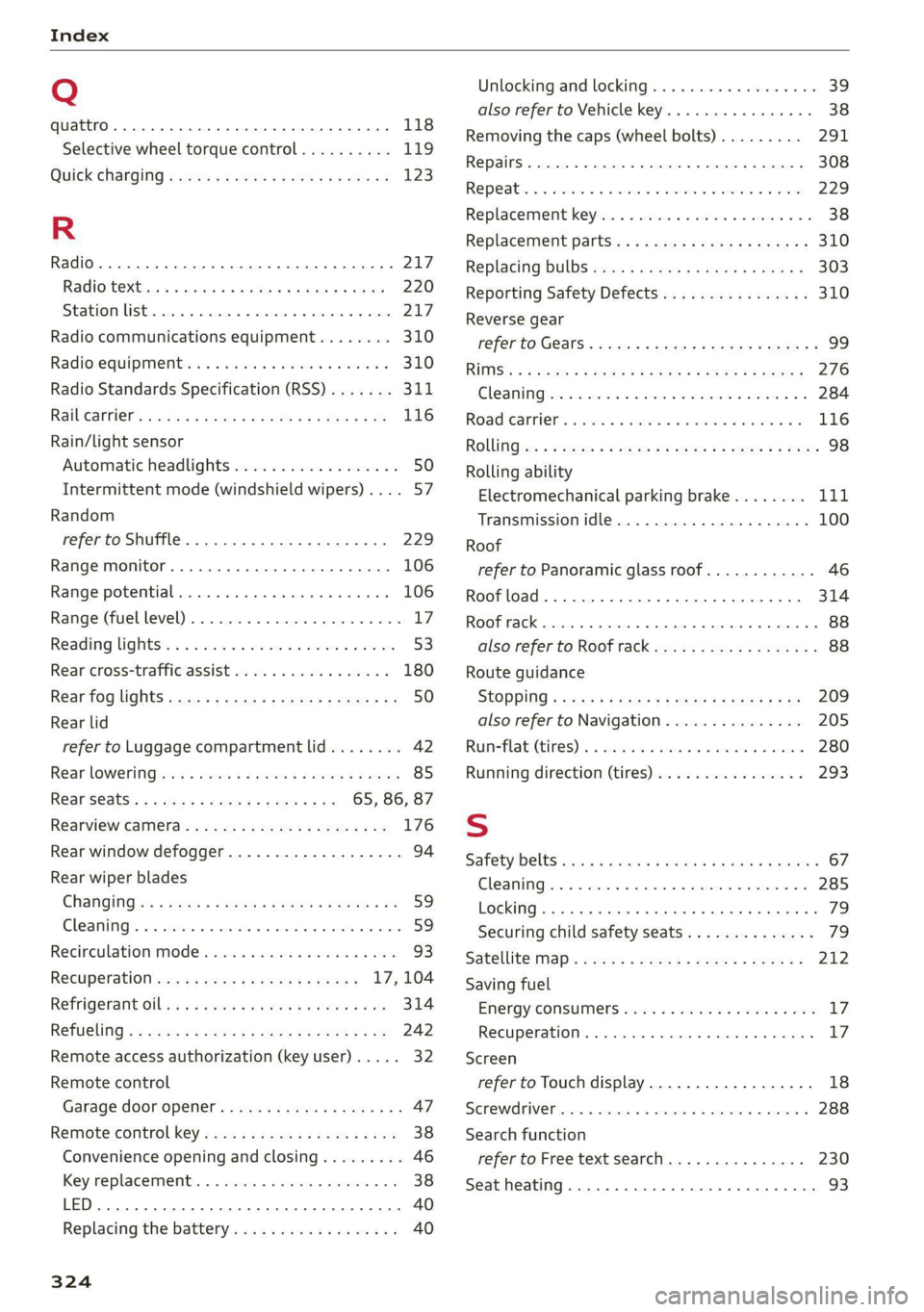
Index
Q
quattro... 2... eee 118
Selective wheel torque control.......... 119
QUICK CHANGING « seas sy sews & 2 weaG § yD 9 123
R
Radio... eee eee eee 217
Radiostexthss « s ase ¢ s caus a 2 meme a 9 eee 220
SEATON St rcvias » o cccmeme 2 = seman as simtene wo sen 217
Radio communications equipment........ 310
Radio equipment .............0 ee eee eee 310
Radio Standards Specification (RSS) ....... 311
Raibearrien: auwn xs warm 2 2 mown 8 2 meee + 8 ae 116
Rain/light sensor
Automatic headlights .................. 50
Intermittent mode (windshield wipers) .... 57
Random
refer to Shuffle...............0000005 229
Range monitor............ 0. cece ee eee 106
Range potential. ........ 2... eee eee eee 106
Range: (fuel-level)s. « « ccsseus « a esense © sveruene © wna 17
Reading lightst.s < csus as wean 2 2 ween o si 53:
Rear cross-traffic assist .............004. 180
Rear fog lights ss: = : sexs sy wees ev eee gs 50
Rear lid
refer to Luggage compartment lid........ 42
Rear lOWEriNGtes « = wos « ¢ waren & s rene & § Haun 85
Rear seatS..........-.-0-0 20 ee ee 65, 86, 87
Rearview Camera « = sss < : sees sy ean se os 176
Rear window defogger............-+-.05- 94
Rear wiper blades
ChanginGins « asm 5 s news 3 x deme s a ame a ae 59
Cleanings + « serve v 2 swawes + a evewere ¥ ot seevene ¥ eee 59
Recirculation Mode sass ss sissies soese 6 6 wee 93
Recuperation ses ¢ sway a 2 ose a 2 ewes = 17, 104
REfriGEFatit Olli x = wave xo eas @ x ewe Eas 314
RETUGLING « < cews sa wows se ees Fe ema a ee 242
Remote access authorization (key user)..... 32
Remote control
Garage door opener. .......se.ceee veces 47
Remote control key.........:eeeeee eres 38
Convenience opening and closing......... 46
Key replacement.............02-.00 eee 38
LED... ees 40
Replacing’ the battery sie. ss css vs sees aes 40
324
Unlocking and locking................-. 39
also refer to Vehicle key...........00005 38
Removing the caps (wheel bolts)......... 291
REPaitS « sincus » « uence mo ommens 5 # omnes Fa meENE 308
Repeatins + suse oo wee oo amuses 3 v ne oo ame 229
Replacement key..............--00 ee eee 38
Replacement parts.............eee eee 310
Replacing BULBS ssw s + sea « & eee ee weed 303
Reporting Safety Defects................ 310
Reverse gear
referto Gears : secs ss ween ss ees 2 v Hewes 99
RIMS’
& < wmeye & F Wem oP Gee & 2 Se oe ee 276
Cle AMIM irs « swawne vx smonsrs ¥ cvameme 2 a seamen eo 284
Road Canriel’. wcrc « 2 cmos s 2 osm oa avon es 116
RONG :cz = + sey = & oeoes 5 & Hews 5 Eee FE ee 98
Rolling ability
Electromechanical parking brake........ Lit
Transmission idle..................005 100
Roof
refer to Panoramic glass roof............ 46
Roof load... 2.22... ... 0.222 eee eee eee 314
Roof rack... 22.0... e eee eee eee ee 88
also refer to Roof rack..........-0000005 88
Route guidance
StOPPlng s sw x & wares ¢ & ees xo wR ee 209
also refer to Navigation............... 205
Runneflate (tires) 2 a sos < wanes ws voaniss 6% aman 280
Running direction (tires)..............-. 293
S
Safety belts cso < ccs s + gene & ¥ een x Hew a 67
Cleaning......... 00... cece eee eee 285
LOCKING... occ eee eee ee eee 79
Securing child safety seats.............. 79
Satellite: map « cess s » sens s ees ev BeeR es 212
Saving fuel
Energy: COnSuMe!S sieves oo crea se eee ao oes LZ:
RECUPERATION). . wicca © scceneas @ : primase «6 sno Ll?
Screen
refer to Touch display................-. 18
Screwdriver... 2.2.0... .. 000 e cece eee eee 288
Search function
refer to Free text search............... 230
Seat heating............. 0... c eee eee 93
Page 329 of 332
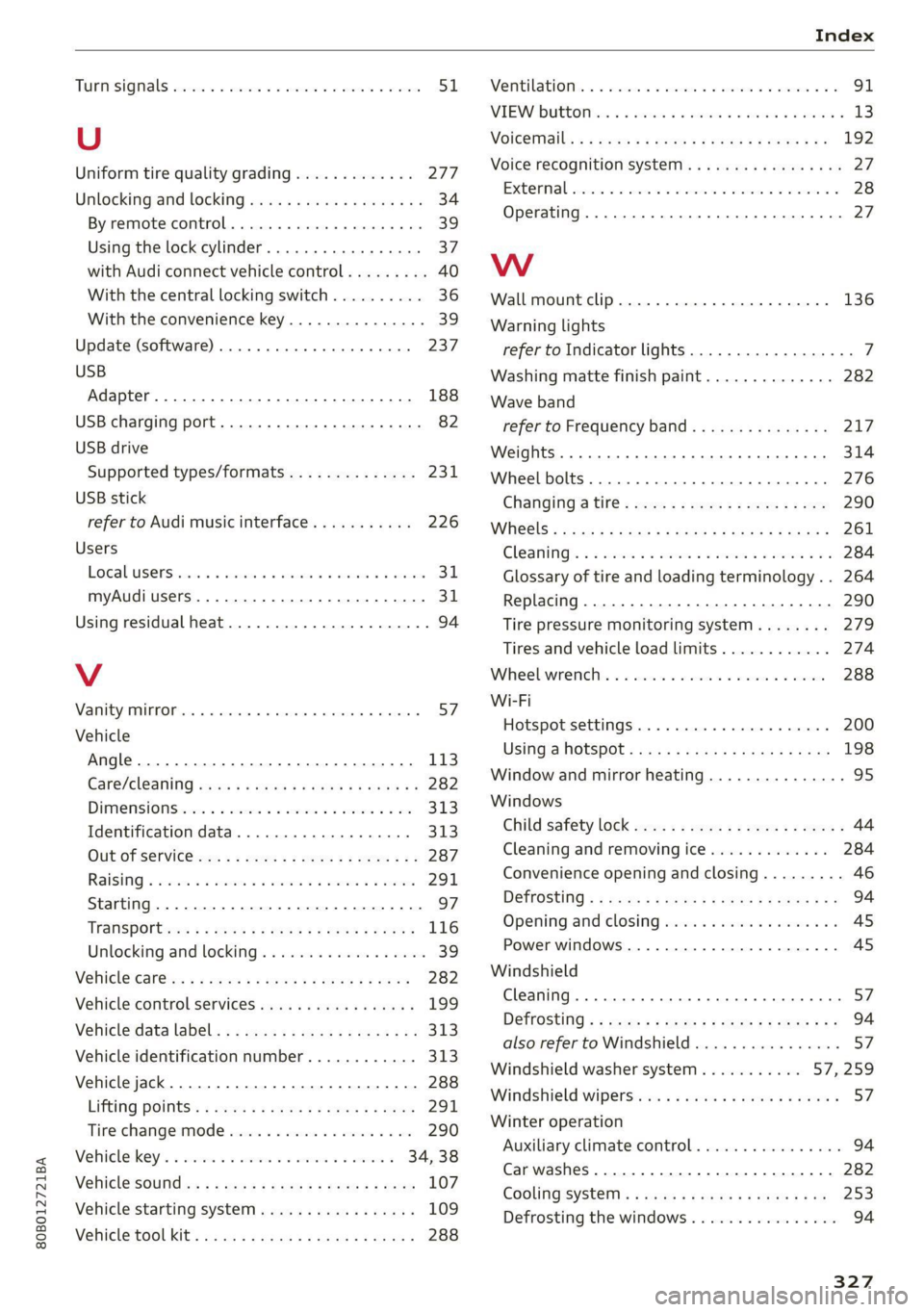
80B012721BA
TUPMESIQMALS seco eo ssenecs + = waves ¥ ot reeves w sevens 51,
U
Uniform tire quality grading............. 277
Unlockingjand locking iis ss gees seas ces 34
By remote control...............00 eee 39
Using the lock cylinder...............0. 37
with Audi connect vehicle control......... 40
With the central locking switch.......... 36
With the convenience key.............-. 39
Update (software) ........ 6. cece eee eee 237
USB
Adapter ..... 0.0... eee eee 188
USB charging port...............00 eee 82
USB drive
Supported types/formats.............. 231
USB stick
refer to Audi music interface........... 226
Users
LoGal US@rSrixces ss scans oe samme a a anauine oo ateiens 311,
myAudi users... ...........000 0c eee 31
Using residual heat..............2..0000. 94
V
Vaniby ROP an 4 o wewcce wo vesmene x arenenente «ones 57!
Vehicle
Angle... .. 2... eee eee eee eee 113
Gare/cleaning eee se eves so eews ce ewe 282
Dimensions cic ics cceee co omens vo enone ow oe 313
Identification data............... 000. 313
OUTOT SERVICE: = = sews xs ewe sa eee a 287
Raising « waer so issn & aaeies vv mene +H aa 291
Starting. ........ 0.2... eee eee eee 97
Trans POtt ccs + « eaes + ¢ wees so eens Bees 116
Unlocking and locking...............005 39
Vehiclecareics « 2 mews + ¢ saws x 2 meme ¥ 2 ees 282
Vehicle control Services sites is sees scans 199
Vehicle data label. : = secs ss eeed se tees sve 313
Vehicle identification number............ 313
Vehicle jack.................0..0.000005 288
Lifting, POintS:: ¢ wees ss ees 2 o ews 7s eee 291
Tire-change:Mode sxe x 2 wesc «6 ernie 8 woe 290
Vehicle:key’s « ssws sv even oo sna oe ween « 34, 38
Vehicle sotitidws «wags s aawe 2s seme 2 2 mee 107
Vehicle starting system.............000. 109
VehiCl@tooL Kitts sassy s « savas 9 u aera sg seems 288
Wentilationt. 2 succu: we cron a awsenos ov aommmue ao 91
VIEW DUttOM is. 4 & ssvens & o onavee x arene © 8 ameeei 3 13
Voicetiiails
« x acan a x same « 2 weene 4 2 neue a as 192
Voice recognition system.............000. 27
Extetimall swivios 0 « swanes w snewenise © wecwes oo caniaun a 28
Operating................ 0c eee eee eee 27
WwW
Wall mount clip...............0 cee eee 136
Warning lights
refer to Indicator lights.................. 7
Washing matte finish paint.............. 282
Wave band
refer to Frequency band............... 217
Weights... 0... cece eee eee eee eee 314
Wheel bolts. ........... 0c e cee eee eee 276
Changing a tire : sees <2 ese: yee ee oes 290
WhGelS « sass ¢ 2 maces 2 < pate 3 Fae 5 E Sa 261
GLEAMING): oo seine: 2 2 samen 7 o soem oon oem YB 284
Glossary of tire and loading terminology.. 264
Replacing.......... 0... eee eee eee eee 290
Tire pressure monitoring system........ 279
Tires and vehicle load limits............ 274
Wheebwreneltic « o sssess 0 suswens 1 2 secxaue @ © enon 288
Wi-Fi
Hotspot settings................00004 200
USING a HOtSpot ; sa. . s h eens eee ee vows 198
Window and mirror heating............... 95
Windows
Child safety lock eve: zs eee ts pees as wees 44
Cleaning and removing ice............. 284
Convenience opening and closing......... 46
Defrosting « ¢ cows ees sk ews ba wea a 94
Opening and closing...............000- 45
Power windows...........00000e sees AS
Windshield
Cleaning... .. cece eee eee eee eee 57
Defrosting « «exc < + neue eres ee Hews gee 94
also refer to Windshield................ 57
Windshield washer system...........- 57259.
Windshield 'wipersivs. « «sews os seme 6 e een o 57
Winter operation
Auxiliary climate control................ 94
Car washes ............ 00000 e cece eee 282
COOLING 'SYStEM « < sess < e eeers ee eee gee 253
Defrosting the windows................ 94
327