ECU AUDI Q7 2017 Owner´s Manual
[x] Cancel search | Manufacturer: AUDI, Model Year: 2017, Model line: Q7, Model: AUDI Q7 2017Pages: 402, PDF Size: 100.39 MB
Page 366 of 402

Emerg ency assis ta nce
• Using the hex socket wrench © (from the vehi
cle tool kit), turn the vehicle jack* under the
li ft ing point on the side sill unt il it is high
enough that the arm@¢
fig. 283 is under the
designated plastic mount.
• Al ign the vehicle jack* so the arm @engages in
the des ignated lift ing po int i n the door s ill and
the base @ lies f lat on the ground . The base @
mus t be d irectly unde r the lifting point @.
• To lift the vehicle , place the ratchet @(from
the vehicle too l kit) with the correct side on the
hex socket wrench ©-
• Move the ratchet @clockwise back and forth
unt il the wheel lifts up slightly from the
ground.
A WARNING
- Make sure the vehicle jack* is stable. There
is a risk of injury when the ground is slick or
soft, because the vehicle jack* could slide or
sink.
- Only raise your vehicle with the vehicle jack*
provided by the facto ry .
If you use a vehicle
jack des igned for ano ther veh icle, yo ur vehi
cle can slide and cause in jury.
- Position the vehicle jack* on ly at the desig
nated mounting points on the s ide s ill and
align the jac k. O therwise, the veh icle jack *
could slip and ca use an in jury if it does not
have sufficient hold on the vehicle.
- Vehicles with a ir suspension*: changes in
temperature or load can affect the height of
the stopped vehicle.
- To reduce the risk of an accident, never start
the engine when the vehicle is raised.
- T o reduce the risk of injury, support the ve
hicle securely with suitab le stands if work is
to be performed underneath the vehicle.
- To help prevent injury to you rself and yo ur
passenge rs :
- Do not ra ise the vehicle unt il you are sure
the jack* is securely engaged.
- Passengers must not remain in the vehicle
when it is jacked up .
- Make sure that passengers wait in a safe
place away from the vehicle and well away
from the road and traff ic .
364
- Make sure jack position is correct, adjust
as necessary and then continue to ra ise
the jack*.
- If work has to be done under the vehicle,
ensure that it is safely supported on suita
ble stands -risk of injury!
- Never start the engine when the vehicle is
on the jack* -risk of accident!
(D Note
Do not lift the vehicle by the si ll. Position the
vehicle jack* only at the designated mounting po ints on the side sill. Otherw ise, your vehicle
will be damaged.
@ Tips
The vehicle jack mode* switches off automati
cally at speeds above 6 mph (10 km/h).
Removing and installing a wheel
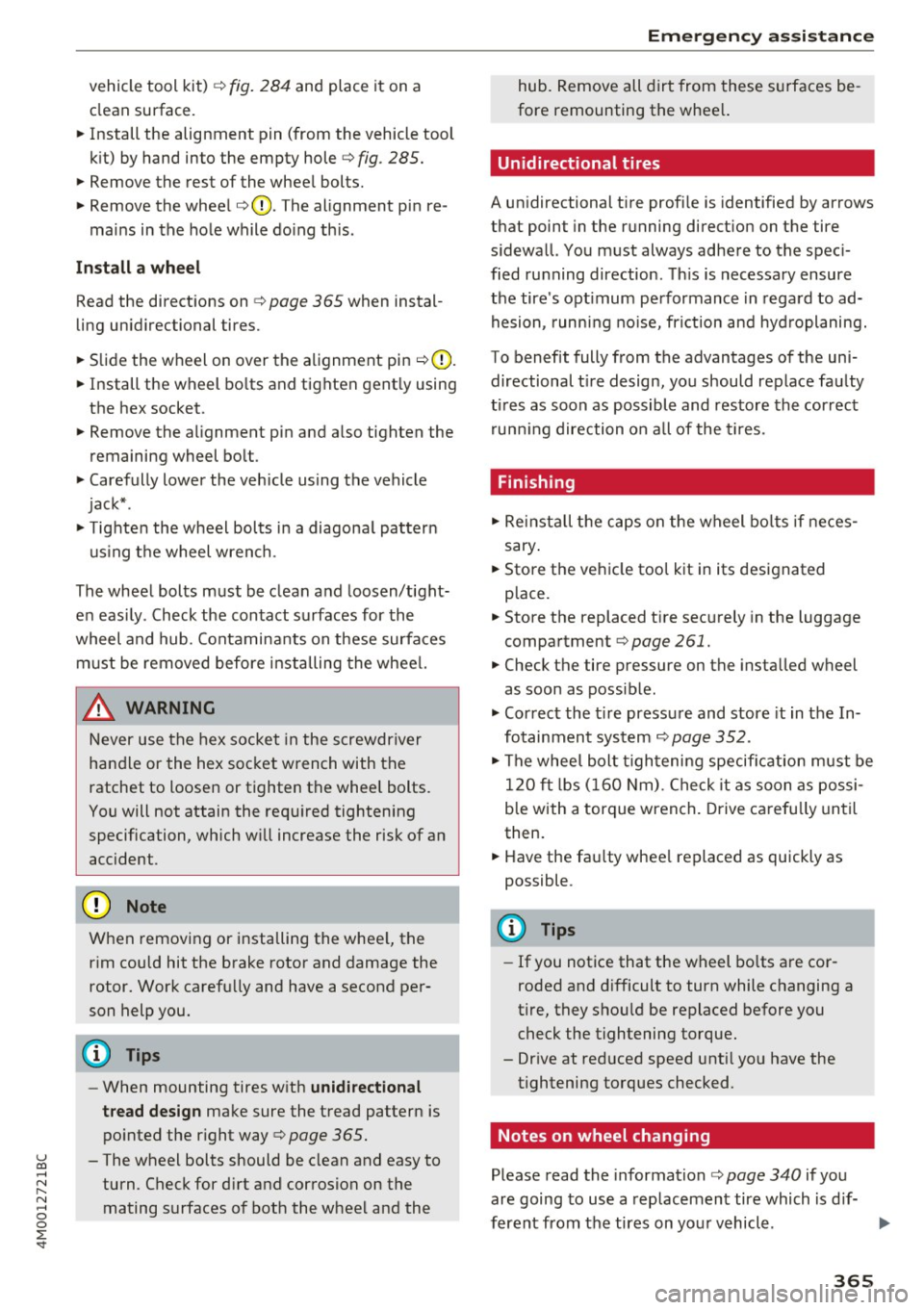
Fig . 28 4 Whee l: in terna l hex socke t to t urn th e whee l
bo lts
Fig . 285 Whee l: alignme nt pin in t he top ho le
Remo ving a wheel
• Remove the top wheel bolt completely using
the hex socket in the screwdriver handle (in the .,,_
Page 367 of 402
u co ...... N r-... N ...... 0
0
:E: '
clean surface .
.,. Install the alignment pin (from the vehicle tool
kit) by hand into the empty hole
c:> fig . 285.
.,. Remove the rest of the wheel bol ts.
"" Remove the wheel
c:>(D . The alignment pin re -
mains in the hole while do ing this .
Install a whee l
Read the directions on c:> page 365 when instal
ling unidirectional tires .
.,. Slide the wheel on over the alignment pin
c:> (D.
.,. Install the wh eel bo lts and tighten gent ly using
the hex socket.
.,. Remove the alignment pin and also tighten the
remaining wheel bolt .
.,. Carefully lower the vehicle using the vehicle
jack* .
.,. Tighten the wheel bolts in a diagona l pattern
us ing t he wheel wrench .
The wheel bolts must be clean and loosen/tight e n easi ly. Check the contact surfaces for the
wheel and hub . Contaminants on these surfaces
must be removed before installing the wheel.
& WARNING
Never use the hex socket in the screwdr iver
handle or the hex socket wrench with the
ratchet to loosen or tighten the whee l bolts.
You will not attain the req uired tightening
specification, which w ill increase the risk of an
accident .
When removing or installing the whee l, the
r im could hit the brake rotor and damage the
rotor. Work carefu lly and have a second per
son help you.
(D} Tips
- When mounting tires w ith u nidi re ctional
t read desig n
make sure the tread pattern is
po inted the r ight way
c:> page 365.
- The wheel bolts should be clean and easy to
turn . Check for d irt and corrosion on the
mating surfaces of both the wheel and the
-
Em ergenc y ass is tanc e
hub. Remove all dirt from these s urfaces be
fore remounting the whee l.
Unidirectional tires
A unidirectional tire profi le is identified by a rrows
that point in the running direct ion on the tire
s idewall. You must always adhere to the spec i
fied ru nning direction . Th is is necessary ensure
the tire 's opt imum performance in regard to ad
hesion , running no ise, frict ion and hyd roplaning.
To benefit fully from the advantages of the uni directional t ire design, you should replace faulty
t ir es as soon as possible and restore the cor rect
run ning direction on a ll of the t ires .
Finishing
.,. Rei nstall the caps on the wheel bo lts if neces
sary .
.,. Store the ve hicle too l kit in its designated
place.
.,. Store the replaced tire securely in the luggage
compartment
i=> page 261.
.,. Check the tire pressure on the installed wheel
as soon as possible .
.,. Correct the t ire pressure and store it in the In
fotainment system
i=> page 352 .
.,. The whee l bolt tigh tening specification must be
120
ft l bs ( 160 Nm) . Check it as soon as possi
b le with a torque wren ch. Drive carefu lly unti l
then.
.,. Have the fau lty whee l replaced as quickly as
possible .
(D Tips
-If you notice that the wheel bo lts are cor
roded and d ifficult to turn while changing a
tire, they shou ld be replaced before you
check the tightening torque.
- Dr ive at reduced speed unti l you have the
tightening torques checked.
Notes on wheel changing
Please read the information c:> page 340 if you
are going to use a replacemen t tire which is d if-
ferent from the tires on your vehicle. .,,.
365
Page 368 of 402
Emergency assistance
After you change a t ire:
- Check the tire pressure on the replacement
tire immediately after installation.
- Have the wheel bolt tightening torque
checked with a torque wrench as soon as po s
sible by your authorized Audi dealer or quali
fied workshop.
- With steel and alloy wheel rims, the wheel
bolts are correctly tightened at a torque of
120 ft lbs (160 Nm ).
- If you notice that the wheel bolt s are corroded
and difficult to turn while changing a tire,
they should be replaced before you check the
tightening torque.
- Replace the flat tire with a new one and have
it installed on your vehicle as soon as possi
ble . Remount the wheel cover.
Until then , drive with extra care and at reduced
speeds .
A WARNING
-If you are going to equ ip your ve hicle w ith
t ir es o r rims w hich d iffer from those which
were factory installed, then be s ure to read
the informat ion¢
page 340.
- Always make sure the damaged whee l or
even a flat tire and the jack* and tool k it are
prope rly secured in the luggage compart
m ent and are not loose in the passenge r
compartmen t.
- In an accident o r sudden mane uver they
could fly forward , injuring anyone in the ve
hicle .
- Always store damaged wheel, jack* and tools securely i n the l uggage compa rtme nt.
Otherwi se, in an accident or sudd en man eu
ver they c ould fly fo rward, causing injury to
p assenge rs in the vehicle .
366
-
Page 375 of 402
u (0 ...... N r--. N ...... 0
0
:E
The discharged battery must be properly con
nected to the vehicle's electrical system .
When jump starting or charg ing the battery,
never connect the negative ground cable to
the battery negative post because the battery
manager system must be able to detect the
battery's state of charge. Always connect the
negative ground cable to the negative ground
post of the battery manager control unit.
Using the jump start
cable
Both jump start cables must be connected in the
correct order!
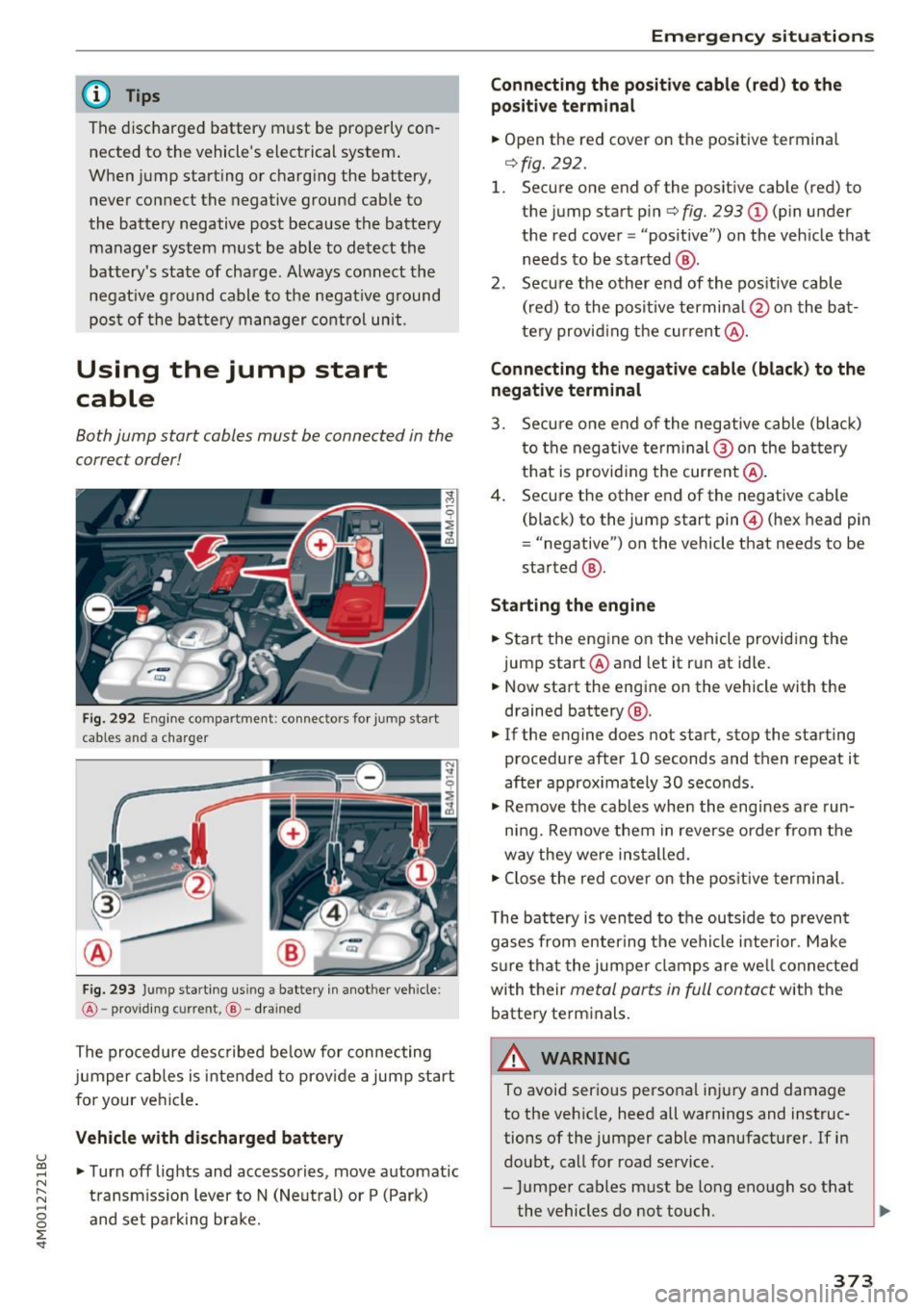
Fig. 292 Engine compartment: connect ors for jump start
cables and a charger
Fig. 293 Ju mp starting us ing a battery in another vehicle:
@ -providing current, @-drained
The procedure described below for connecting
jumper cables is intended to prov ide a jump start
for your vehicle .
Vehicle with discharged battery
•Turnoff lights and accessories, move automatic
transmission lever to N (Neutral) or P (Park)
and set parking brake.
Emergency situations
Connecting the positive cable (red) to the
positive terminal
• Open the red cover on the positive terminal
r=>fig. 292 .
1. Secure one end of the positive cable (red) to
the jump start pin
r=> fig. 293 (D (pin under
the red cover = "posit ive") on the vehicle that
needs to be started @.
2. Secure the other end of the positive cable
(red) to the positive termina l@ on the bat
tery provid ing the current @.
Connecting the negative cable (black) to the
negative terminal
3. Secure one end of the negative cable (black)
to the nega tive term inal @ on the battery
that is providing the current @.
4. Secure the other end of the negative cable
(black) to the jump start pin@ (hex head pin
= "negative") on the vehicle that needs to be
started @.
Starting the engine
• Start the engine on the vehicle providing the
jump start @and let it run at idle.
• Now start the engine on the vehicle with the
drained battery @.
• If the engine does not start, stop the starting
procedure after 10 seconds and then repeat it
after approx imately 30 seconds.
• Remove the cables when the engines are run
ning. Remove them in reverse order from the
way they were installed.
• Close the red cover on the positive terminal.
T he battery is vented to the outside to prevent
gases from enter ing the vehicle interior . Make
sure that the jumper clamps are well connected
with their
metal parts in full contact with the
battery terminals.
_& WARNING
-To avoid serious personal injury and damage to the vehicle, heed all warnings and instruc
tions of the jumper cable manufacturer. If in
doubt, call for road service.
- Jumper cables must be long enough so that
the vehicles do not touch . ..,_
373
Page 376 of 402
Emergency situations
-When connecting jumper cables, make sure
that they cannot get caught in any moving
parts in the engine compartment.
- Do not bend over the batteries -danger of
chemical burns!
- The battery cell locking screws must be
tightened securely.
- Before you check anything in the engine
compartment, always read and heed all
WARNINGS
i=> page 322.
(D Note
Improper hook-up of jumper cables can ruin
the generator.
- Always connect POSITIVE(+) to POSITIVE
(+), and NEGATIVE(-) to NEGATIVE(-)
ground post of the battery manager control
unit.
- Check that all screw p lugs on the battery
cells are screwed in firmly. If not, tighten
plugs prior to connect ing clamp on negative
battery terminal.
- Please note that the procedure for connect
i ng a jumper cable as described above ap
plies specifically to the case of your vehicle
being jump started . When you are giving a
ju mp start to another vehicle, do
not con
nect the negative (-) cable to the negative
(-) terminal on the discharged batte ry @
c> fig. 293. Instead, securely connect the
negative( -) cab le to either a solid metal
component that is firm ly bolted to the en
gine block or to the engine block itself. If
the battery that is being charged does not
vent to the outside, escap ing battery gas
could ignite and explode!
Towing with a tow truck
General hints
Your Audi requires special handling for towing.
The following information is to be used by com
mercial tow truck operators who know how to op
erate the ir equipment safely.
-Never tow your Audi, towing will cause dam
age to the engine and transmission.
374
-Never wrap the safety chains or winch cables
around the brake lines .
- To prevent unnecessary damage, your Audi
must be transported with a flat bed truck .
- To load the vehicle on to the flat bed, use the
towing loop found in the vehicle tools and at
tach to the front or rear anchorage
i=>page 374 and i=>page 375.
A WARNING
A vehicle being towed is not safe for passen
gers. Never allow anyone to ride in a vehicle
being towed, for any reason.
Front towing loop
Only install the front towing loop when it is
needed.
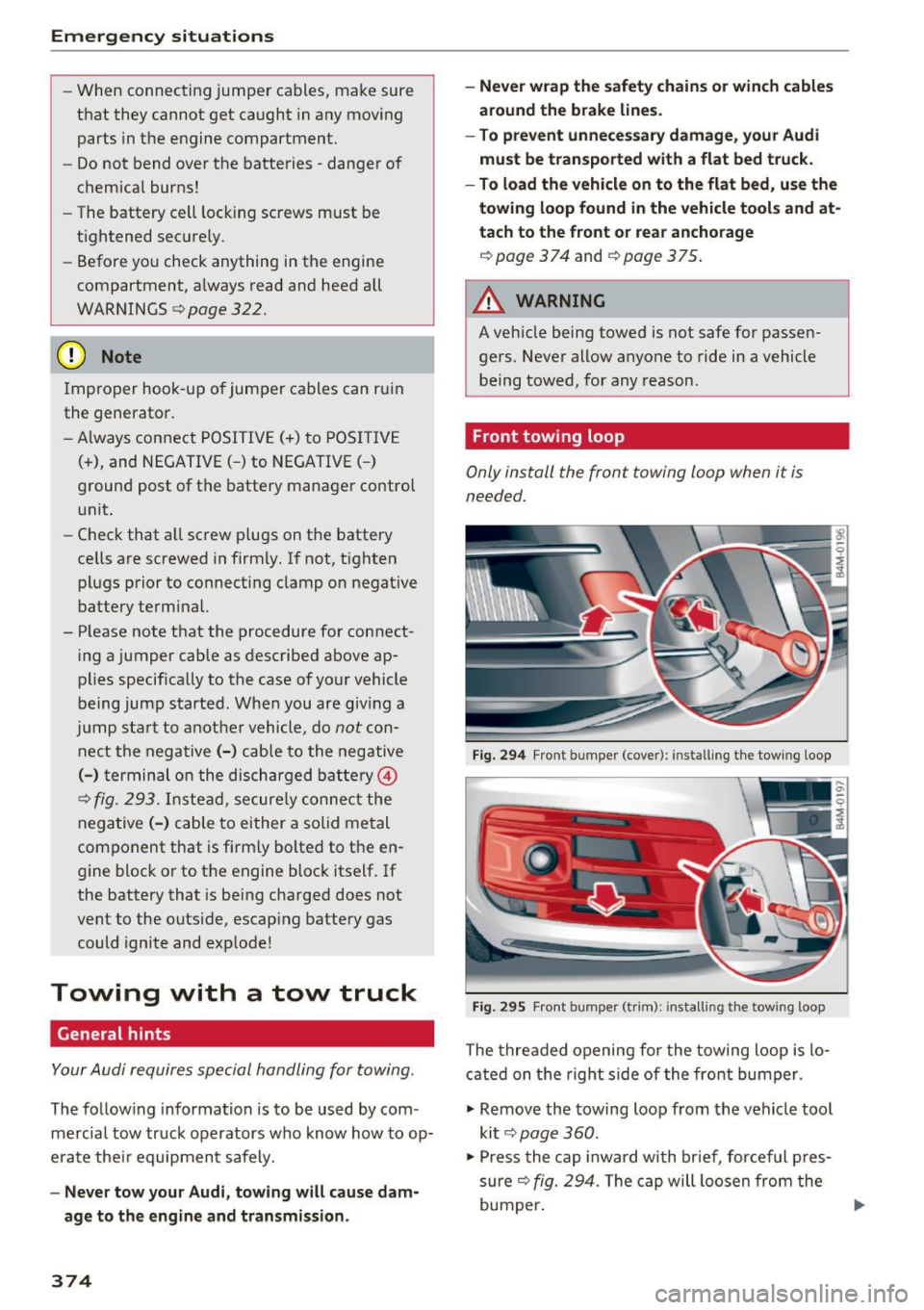
Fig. 294 Front bumper (cover): installing t he tow ing loop
Fig. 29S Front bumper (trim): install ing t he towing loo p
The threaded opening for the towing loop is lo
cated on the right side of the front bumper.
"' Remove the towing loop from the vehicle tool
kit
i=> page 360.
"'Press the cap inward with brief, forceful pres
sure
c> fig. 294. The cap will loosen from the
bumper. ""
Page 378 of 402

Emergency situations
@ Tips
Check carefully to make sure the hook-up is
secure before moving the car up the flatbed
truck ramp.
Raising the vehicle
Lifting with workshop hoist and with floor
jack
The vehicle may only be li~ed at the lifting
poin ts illus trated .
Fig . 298 Front lift ing point
Fig . 299 Rear lifti ng po int
• Read and heed WARNING c::> .&_ .
• Locate lifting po ints c::> fig . 298 and ¢ fig. 299.
• Adjus t lifting arms of workshop ho ist o r floo r
ja ck to match veh icle lif ting poin ts.
• Inse rt a rubber pa d between t he f loor jack/
w ork shop hoist and the lifting poin ts.
If you must lift your vehicle with a floor jack to
work underneath , be sure the vehicle is safely
s upported on stands intended for this purpo se.
Front lifting point
The lift ing po int is located on the floor pan re in
forcement about at the same level as the jack
376
moun ting poin t c::> fig. 298 . Do not lift the vehi
cle at the ve rtical sill reinfo rcement.
Rear lifting point
The lifting poin t is lo cated on t he ve rti cal rein
fo rcemen t of t he lower s ill for the onboard j ack
¢fig. 2 99 .
Lifting with vehicle jack
Refer to c::> page 363.
A WARNING
-To r educe th e risk of s erious inju ry an d vehi
cle damage.
- Always lift the vehicle o nly at the special
workshop hoist and f loor jack lift points i l
l ustrated
c::> fig. 298 and c::> fig. 299.
- Failure to lift the ve hicle a t these points
could ca use the vehicle to tilt o r fall from
a lift if there is a change in ve hicle weight
dist ribution and balance . This might hap
pen, fo r example, whe n heavy compo
nen ts su ch as the eng in e b lock o r trans
mi ssion are removed.
- Whe n removing heavy co mponen ts lik e
these, anchor vehicle to hois t or ad d c orre
s p ondin g weights to maintai n the ce nt er of
g ra vity. Oth erw ise, the vehicle mig ht tilt or
slip off the hoist, ca using serio us persona l
in jur y.
(D Note
-Be aw are of the fo ll ow ing poi nts bef ore lift
ing the vehicle:
- The vehicle should never be lifted or
jacked up from underneath the engine oil pan, the transmission hous ing, the front
or rear axle or the body side members.
This could lead to serious damage .
- To avoid damage to the underbody or
chassis frame, a rubber pad must be in
serted between the floor jack and the lift
points.
- Before driving over a workshop hoist,
check that the vehicle weight does not
exceed the permissible lifting capacity of
the hoist. ..,.
Page 379 of 402
u co ...... N r-... N ...... 0
0
:E: '
sure that there is sufficient clearance be
tween the hoist and low parts of the ve
hicle.
Vehicle transport
A ppl ies to: ve hicles with a ir susp en sio n
The following contains information you should
know about transporting your vehicle.
Wh en transporting the vehicle on a ca r ca rri
er, tra in, sh ip or by ot her means , only t ie the
ve hicle down at t he r unnin g surface of the
tires, w hich i s t he outer circumference. Secur
ing the vehicle at the axle components, sus
p ens io n struts or tow ing eyes is no t per mitted
b ecause the pressure in the air suspens io n
str uts ca n cha nge dur in g tra ns port. Th e vehi
cle may no t be se cu red su ffici entl y if this ha p
pe ns.
Emergency situations
377
Page 389 of 402

Cell phone
refer to Telephone . . . . . . . . . . . . . . . . . . . 176
Center armrest . . . . . . . . . . . . . . . . . . . . . . . . 60
Central locking . . . . . . . . . . . . . . . . . . . . . . . . 34
Central locking switch . . . . . . . . . . . . . . . . . 38
Convenience key. ................ ... .. 37
Emergency locking . . . . . . . . . . . . . . . . . . . . 39
Power windows . . . . . . . . . . . . . . . . . . . . . . 44
Remote control key . . . . . . . . . . . . . . . . . . . 37
Setting . . . . . . . . . . . . . . . . . . . . . . . . . . . . . 39
Certificat ion . . . . . . . . . . . . . . . . . . . . . . . . . 384
Changing engine oi l . . . . . . . . . . . . . . . . . . . 327
Changing the scale . . . . . . . . . . . . . . . . . . . . . 13
Ch arging the ba ttery (mobile devices) . . . . 235
Child restraints
Danger of using child restraints in the front
seat.. ..... .. ............... .. .... .
274
Where can I get additional information
about child restraints and their u se? . . . .
313
Child restraint system anchors . . . . . . . . . . 309
Chi ld safety . . . . . . . . . . . . . . . . . . . . . . . . . . 295
Important safety instructions for using chi ld
safety seats . . . . . . . . . . . . . . . . . . . . . . . .
299
Install ing a child restraint using the LATCH
system . . . . . . . . . . . . . . . . . . . . . . . . . . . .
311
Mounting and releasing the anchorage
hook . ... .. .. ................ ..... .
311
Tether ancho rs . . . . . . . . . . . . . . . . . . . . . . 312
Te ther straps . .. ......... .. .. .. .. .. . 312
Child safety lock
Power windows . . . . . . . . . . . . . . . . . . . . . .
43
Rear doors . . . . . . . . . . . . . . . . . . . . . . . . . . 43
Ch ild safety seats . . . . . . . . . . . . . . . . . . . . . 301
Booster seats . . . . . . . . . . . . . . . . . . . . . . . 305
Convertible child seats . . . . . . . . . . . . . . . 303
Danger of using child restraints in the front
seat ... .. .. .. ................. .... .
274
How do I prope rly install a child safety seat
in my vehicle? . . . . . . . . . . . . . . . . . . . . . . .
299
Infant seats . . . . . . . . . . . . . . . . . . . . . . . . 301
LA TCH system . . . . . . . . . . . . . . . . . . . . . . 311
Safety instructions . . . . . . . . . . . . . . . . . . . 299
Securing . . . . . . . . . . . . . . . . . . . . . . . . . . . 306
Unused safety belts on the rear seat 301
~ Child seats ...... N ~ Lower anchorages . . . . . . . . . . . . . . . . . . . 310
......
g C lassic view . . . . . . . . . . . . . . . . . . . . . . . . . . . 14
:E: '
Cleaning . . . . . . . . . . . . . . . . . . . . . . . . . . . . 354
Cleaning Alcantara . . . . . . . . . . . . . . . . . . . . 357
Cleaning a rtificial leather. . . . . . . . . . . . . . . 35 7
Cleaning carbon parts . . . . . . . . . . . . . 356, 357
Cleaning decorative parts/trim . . . . . . . . . . 356
Cleaning decorative parts and trim . . . . . . . 356
Cleaning exhaust tail pipes . . . . . . . . . . . . . 356
Cleaning plastic parts . . . . . . . . . . . . . . . . . . 356
Cleaning textiles . . . . . . . . . . . . . . . . . . . . . . 357
Climate control system
refer to Automatic climate control . . . . . . . 71
Clock . . . . . . . . . . . . . . . . . . . . . . . . . . . . 15, 249
Closing aid (doors) . . . . . . . . . . . . . . . . . . . . . 34
Cockp it (overview) . . . . . . . . . . . . . . . . . . . . . . 8
Command (voice recognition syst em) . . . . .
169
Compartments . . . . . . . . . . . . . . . . . . . . . . . . 66
Compass in the mirror . . . . . . . . . . . . . . . . . . 57
Compliance . . . . . . . . . . . . . . . . . . . . . . . . . . 384
Connect ion manager . . . . . . . . . . . . . . . . . . 250
Connections
refer to Med ia . . . . . . . . . . . . . . . . . . 228, 237
Consumer Information . . . . . . . . . . . . . 263, 381
Consumption (fuel) . . . . . . . . . . . . . . . . . . . . 15
Contacting NHTSA . . . . . . . . . . . . . . . . . . . .
263
Contacts . . . . . . . . . . . . . . . . . . . . . . . . . . . . 184
Additional directory . . . . . . . . . . . . . . . . . . 251
Importing/exporting . . . . . . . . . . . . . . . . . 186
Memory capacity . . . . . . . . . . . . . . . . . . . . 187
Storing as destination . . . . . . . . . . . . . . . . 213
Control buttons (operating the MMI) . . . . . 159
Control knob wi th joys tick funct ion (MMI op
eration) . . . . . . . . . . . . . . . . . . . . . . . . . . . . .
162
Conv enience key
Switching the ignition on . . . . . . . . . . . . . .
82
Unlocking/lo cking . . . . . . . . . . . . . . . . . . . . 37
Convenience opening/closing . . . . . . . . . . . . 44
Convertible child safety seats . . . . . . . . . . . 303
Conv ertib le locking r etractor
A ctivating . . . . . . . . . . . . . . . . . . . . . . . . . .
308
Deac tivating . . . . . . . . . . . . . . . . . . . . . . . . 309
Using to secure a child safety seat . . . . . . 308
Coo led g love compartment . . . . . . . . . . . . . . 67
Cooling mode (automatic climate
control) . . . . . . . . . . . . . . . . . . . . . . . .
72 , 75 , 76
387
Page 396 of 402
Index
Recirculation mode (automatic climate con-
trol) . . . . . . . . . . . . . . . . . . . . . . . . . . . . . . 73, 76
Recuperation . . . . . . . . . . . . . . . . . . . . . . . . . 15
Refueling .. .. .. ................... ... 316
Fuel filler door emergency release . . . . . . 318
Remote control
refer to Remote control key . . . . . . . . . . . . 35
Remote control key . . . . . . . . . . . . . . . . . . . . 35
Remote control operation Garage door opener (Home link) . . . . . . . . . 46
Remote locking and unlocking
Audi connect vehicle control . . . . . . . . . . . 200
Removing the caps (wheel bolts) . . . . . . . . . 363
Repair manuals . . . . . . . . . . . . . . . . . . . . . . . 381
Repairs Airbag system . . . . . . . . . . . . . . . . . . . . . . 288
Replacement key . . . . . . . . . . . . . . . . . . . . . . 35
Replacing Light bulbs . . . . . . . . . . . . . . . . . . . . . . . . . 371
Replacing wiper blades . . . . . . . . . . . . . . 56, 57
Reporting Safety Defects . . . . . . . . . . . 263, 264
Reset
refer to Restart (MMI) . . . . . . . . . . . . . . . . 254
Reset button (trip odometer) . . . . . . . . . . . . 12
Resetting the trip odometer . . . . . . . . . . . . . 12
Residual heat (automatic climate control) 74, 77
Restart (MMI) . . . . . . . . . . . . . . . . . . . . . . . . 254
Retractor . . . . . . . . . . . . . . . . . . . . . . . . . . . . 268
Reverse gear . . . . . . . . . . . . . . . . . . . . . . . . . . 91
Rewinding (audio/video file) . . . . . . . . . . . . 237
Right control button . . . . . . . . . . . . . . . . . . . . 13
Rims . . . . . . . . . . . . . . . . . . . . . . . . . . . . . . . 348
Cleaning . . . . . . . . . . . . . . . . . . . . . . . . . . . 355
Ringtone settings . . . . . . . . . . . . . . . . . . . . . 186
Road carrier . . . . . . . . . . . . . . . . . . . . . . . . . 377
Road noise compensation . . . . . . . . . . . . . . 253
Roaming
refer to Data connection . . . . . . . . . . . . . . 196
Roof rack . . . . . . . . . . . . . . . . . . . . . . . . . . . . . 70
Roof load . . . . . . . . . . . . . . . . . . . . . . . . . . . 70
also refer to Roof rack . . . . . . . . . . . . . . . . . 70
Route criteria . . . . . . . . . . . . . . . . . . . . . . . . 214
Route guidance
refer to Navigation ............ ...... .
Run-flat (tires) . .. ................... .
Running direction (tires)
394
205
352
365
s
Safe driving habits
Safety 256
A irbag system . . . . . . . . . . . . . . . . . . . . . . 273
Belts . . . . . . . . . . . . . . . . . . . . . . . . . . . . . . 265
Cargo . . . . . . . . . . . . . . . . . . . . . . . . . . . . . 261
Correct seating position . . . . . . . . . . . . . . 257
Pedal area . . . . . . . . . . . . . . . . . . . . . . . . . . 261
Telephone.... ... .. .. ............... 176
Safety belt height adjustment . . . . . . . . . . . 271
Safety belt position . . . . . . . . . . . . . . . . . . . 269
Safety belt height adjustment . . . . . . . . . 271
Safety belts worn by pregnant women . . . 270
Safety belt pretensioner Service and disposal. . . . . . . . . . . . . . . . . . 272
Safety belts . . . . . . . . . . . . . . . . . . . . . . 265, 268
Cleaning . . . . . . . . . . . . . . . . . . . . . . . . . . . 356
Danger to passengers who do not wear a
safety belt . . . . . . . . . . . . . . . . . . . . . . . . . 266
Fastening . . . . . . . . . . . . . . . . . . . . . . . . . . 268
Improperly worn . . . . . . . . . . . . . . . . . . . . 271
Not worn . . . . . . . . . . . . . . . . . . . . . . . . . . 266
Safety belt position . . . . . . . . . . . . . . . . . . 269
Safety instructions . . . . . . . . . . . . . . . . . . . 268
Securing child safety seats . . . . . . . . . . . . 306
Spec ial considerat ions for pregnant wom-
en . . . . . . . . . . . . . . . . . . . . . . . . . . . . . . . . 270
Unfastening . . . . . . . . . . . . . . . . . . . . . . . . 270
Warning/indicator light . . . . . . . . . . . . . . 265
Worn properly . . . . . . . . . . . . . . . . . . . . . . 267
Safety belt warning light Safety instructions 265
for side curtain airbags . . . . . . . . . . . . . . . 294
for using child safety seats . . . . . . . . . . . . 299
for using safety belts . . . . . . . . . . . . . . . . . 268
Monitoring the Advanced Airbag System 287
Saving fuel Energy consumers . . . . . . . . . . . . . . . . . . . . 16
Recuperation . . . . . . . . . . . . . . . . . . . . . . . . 15
Scan (radio) . . . . . . . . . . . . . . . . . . . . . . . . . . 224
Screen
refer to Disp lay . . . . . . . . . . . . . . . . . . . . . . 12
Screwdriver . . . . . . . . . . . . . . . . . . . . . . . . . . 360
SD card reader (MMI) . . . . . . . . . . . . . . . . . . 229
SDS
refer to Voice recognition system . . . . . . . 168
Search area (point of interest) . . . . . . . . . . . 208