key BMW 320i 2003 User Guide
[x] Cancel search | Manufacturer: BMW, Model Year: 2003, Model line: 320i, Model: BMW 320i 2003Pages: 166, PDF Size: 3.16 MB
Page 39 of 166
39
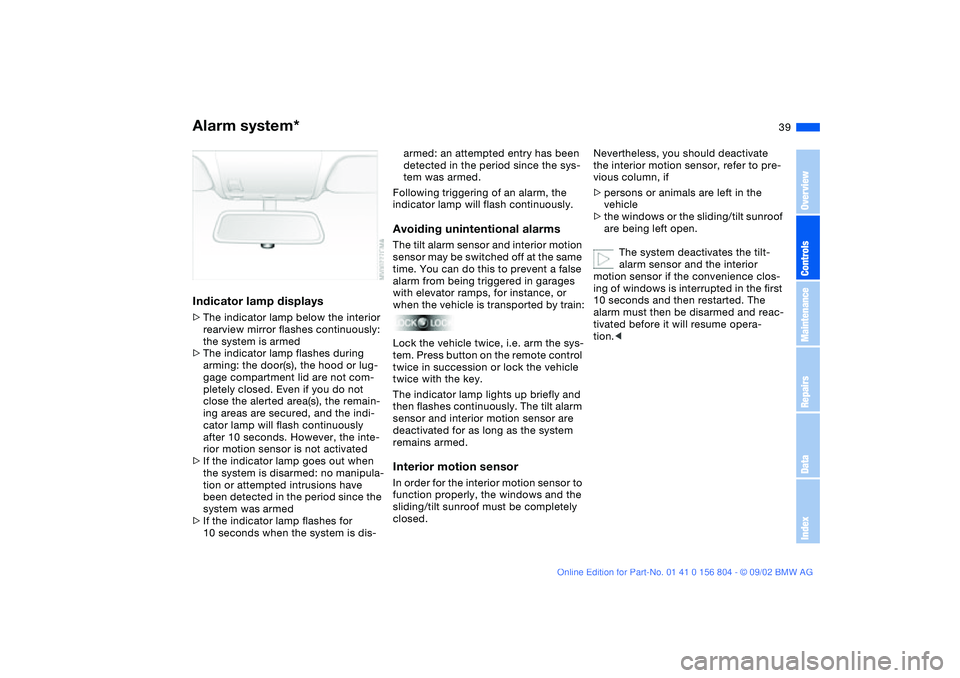
Indicator lamp displays>The indicator lamp below the interior
rearview mirror flashes continuously:
the system is armed
>The indicator lamp flashes during
arming: the door(s), the hood or lug-
gage compartment lid are not com-
pletely closed. Even if you do not
close the alerted area(s), the remain-
ing areas are secured, and the indi-
cator lamp will flash continuously
after 10 seconds. However, the inte-
rior motion sensor is not activated
>If the indicator lamp goes out when
the system is disarmed: no manipula-
tion or attempted intrusions have
been detected in the period since the
system was armed
>If the indicator lamp flashes for
10 seconds when the system is dis-
armed: an attempted entry has been
detected in the period since the sys-
tem was armed.
Following triggering of an alarm, the
indicator lamp will flash continuously.Avoiding unintentional alarmsThe tilt alarm sensor and interior motion
sensor may be switched off at the same
time. You can do this to prevent a false
alarm from being triggered in garages
with elevator ramps, for instance, or
when the vehicle is transported by train:
Lock the vehicle twice, i.e. arm the sys-
tem. Press button on the remote control
twice in succession or lock the vehicle
twice with the key.
The indicator lamp lights up briefly and
then flashes continuously. The tilt alarm
sensor and interior motion sensor are
deactivated for as long as the system
remains armed.Interior motion sensorIn order for the interior motion sensor to
function properly, the windows and the
sliding/tilt sunroof must be completely
closed.
Nevertheless, you should deactivate
the interior motion sensor, refer to pre-
vious column, if
>persons or animals are left in the
vehicle
>the windows or the sliding/tilt sunroof
are being left open.
The system deactivates the tilt-
alarm sensor and the interior
motion sensor if the convenience clos-
ing of windows is interrupted in the first
10 seconds and then restarted. The
alarm must then be disarmed and reac-
tivated before it will resume opera-
tion.<
Alarm system*
OverviewControlsMaintenanceRepairsDataIndex
Page 40 of 166
40
Electric power windowsTo open and close windows
When leaving the vehicle, always
remove the ignition key from the
lock and remember to close the doors
to prevent children from operating the
power windows and injuring them-
selves, etc.<
After the ignition has been switched off:
You can still operate the electric power
windows for up to 15 minutes, as long
as no one opens either of the front
doors.
With the ignition key in position 1 or
higher:
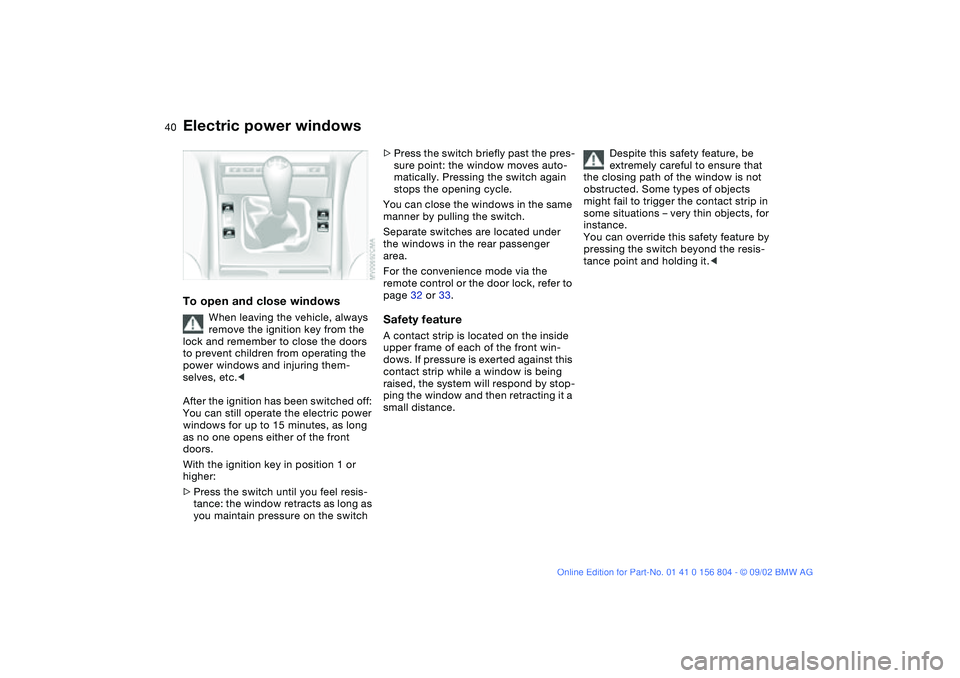
>Press the switch until you feel resis-
tance: the window retracts as long as
you maintain pressure on the switch
>Press the switch briefly past the pres-
sure point: the window moves auto-
matically. Pressing the switch again
stops the opening cycle.
You can close the windows in the same
manner by pulling the switch.
Separate switches are located under
the windows in the rear passenger
area.
For the convenience mode via the
remote control or the door lock, refer to
page 32 or 33.Safety featureA contact strip is located on the inside
upper frame of each of the front win-
dows. If pressure is exerted against this
contact strip while a window is being
raised, the system will respond by stop-
ping the window and then retracting it a
small distance.Despite this safety feature, be
extremely careful to ensure that
the closing path of the window is not
obstructed. Some types of objects
might fail to trigger the contact strip in
some situations – very thin objects, for
instance.
You can override this safety feature by
pressing the switch beyond the resis-
tance point and holding it.<
Page 41 of 166
41
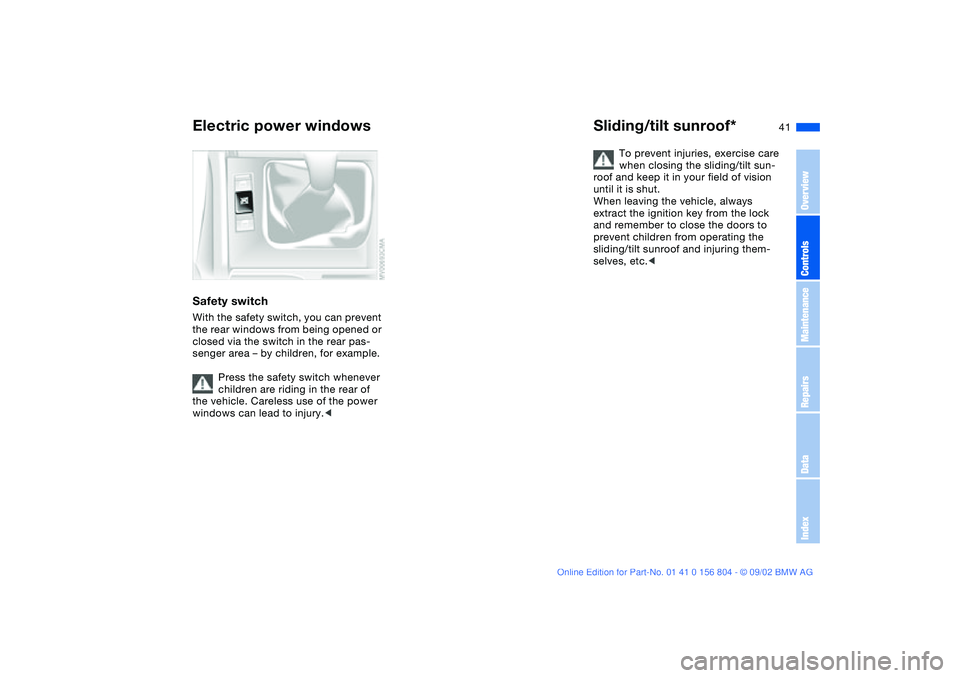
Safety switchWith the safety switch, you can prevent
the rear windows from being opened or
closed via the switch in the rear pas-
senger area – by children, for example.
Press the safety switch whenever
children are riding in the rear of
the vehicle. Careless use of the power
windows can lead to injury.<
Sliding/tilt sunroof*
To prevent injuries, exercise care
when closing the sliding/tilt sun-
roof and keep it in your field of vision
until it is shut.
When leaving the vehicle, always
extract the ignition key from the lock
and remember to close the doors to
prevent children from operating the
sliding/tilt sunroof and injuring them-
selves, etc.<
Electric power windows
OverviewControlsMaintenanceRepairsDataIndex
Page 42 of 166
42
Opening and closingWith the ignition key in position 1 or
higher
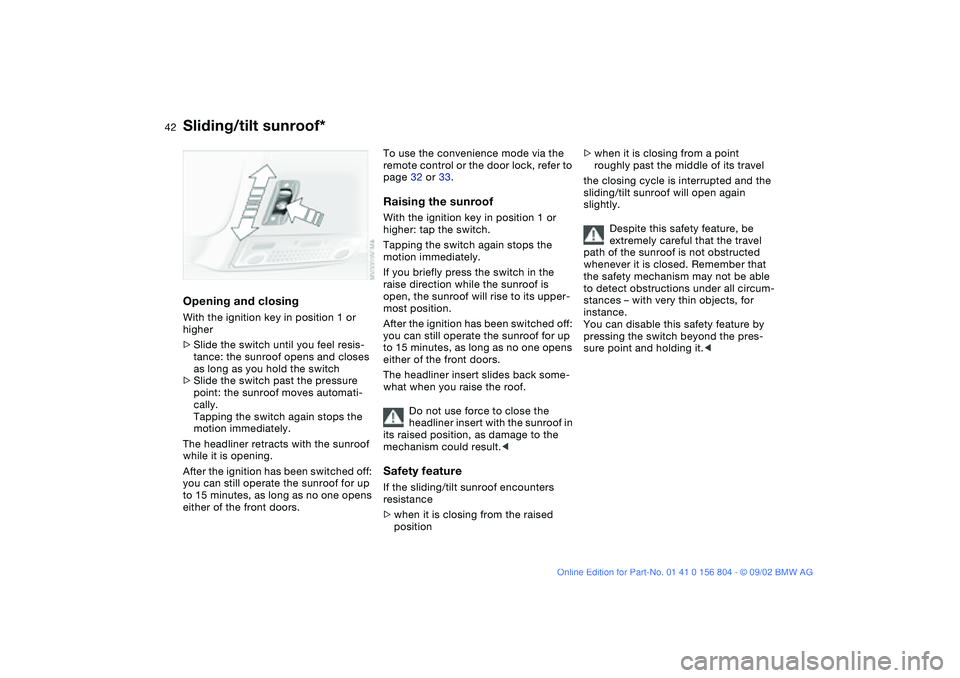
>Slide the switch until you feel resis-
tance: the sunroof opens and closes
as long as you hold the switch
>Slide the switch past the pressure
point: the sunroof moves automati-
cally.
Tapping the switch again stops the
motion immediately.
The headliner retracts with the sunroof
while it is opening.
After the ignition has been switched off:
you can still operate the sunroof for up
to 15 minutes, as long as no one opens
either of the front doors.
To use the convenience mode via the
remote control or the door lock, refer to
page 32 or 33.Raising the sunroofWith the ignition key in position 1 or
higher: tap the switch.
Tapping the switch again stops the
motion immediately.
If you briefly press the switch in the
raise direction while the sunroof is
open, the sunroof will rise to its upper-
most position.
After the ignition has been switched off:
you can still operate the sunroof for up
to 15 minutes, as long as no one opens
either of the front doors.
The headliner insert slides back some-
what when you raise the roof.
Do not use force to close the
headliner insert with the sunroof in
its raised position, as damage to the
mechanism could result.
>when it is closing from the raised
position
>when it is closing from a point
roughly past the middle of its travel
the closing cycle is interrupted and the
sliding/tilt sunroof will open again
slightly.
Despite this safety feature, be
extremely careful that the travel
path of the sunroof is not obstructed
whenever it is closed. Remember that
the safety mechanism may not be able
to detect obstructions under all circum-
stances – with very thin objects, for
instance.
You can disable this safety feature by
pressing the switch beyond the pres-
sure point and holding it.<
Sliding/tilt sunroof*
Page 43 of 166
43
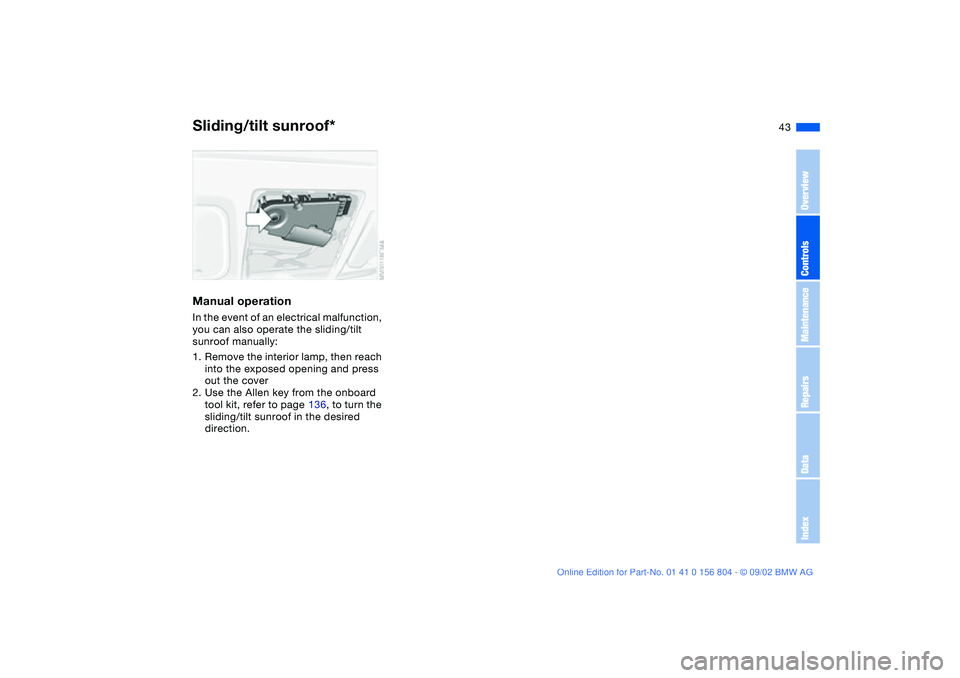
Manual operationIn the event of an electrical malfunction,
you can also operate the sliding/tilt
sunroof manually:
1. Remove the interior lamp, then reach
into the exposed opening and press
out the cover
2. Use the Allen key from the onboard
tool kit, refer to page 136, to turn the
sliding/tilt sunroof in the desired
direction.Sliding/tilt sunroof*
OverviewControlsMaintenanceRepairsDataIndex
Page 49 of 166
49
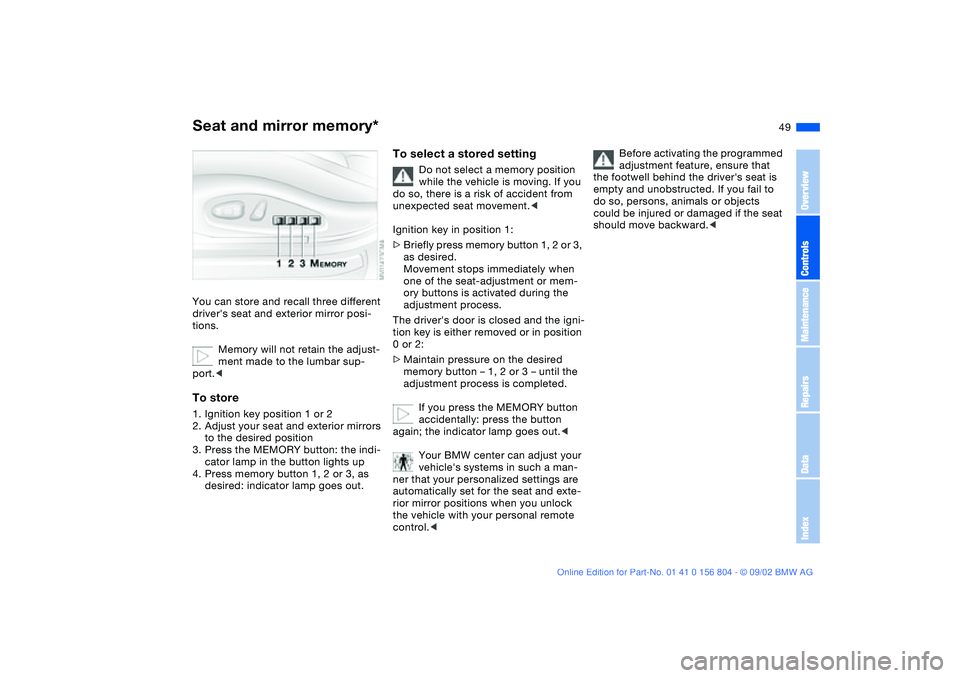
Seat and mirror memory*You can store and recall three different
driver's seat and exterior mirror posi-
tions.
Memory will not retain the adjust-
ment made to the lumbar sup-
port.
to the desired position
3. Press the MEMORY button: the indi-
cator lamp in the button lights up
4. Press memory button 1, 2 or 3, as
desired: indicator lamp goes out.
To select a stored setting
Do not select a memory position
while the vehicle is moving. If you
do so, there is a risk of accident from
unexpected seat movement.<
Ignition key in position 1:
>Briefly press memory button 1, 2 or 3,
as desired.
Movement stops immediately when
one of the seat-adjustment or mem-
ory buttons is activated during the
adjustment process.
The driver's door is closed and the igni-
tion key is either removed or in position
0 or 2:
>Maintain pressure on the desired
memory button – 1, 2 or 3 – until the
adjustment process is completed.
If you press the MEMORY button
accidentally: press the button
again; the indicator lamp goes out.<
Your BMW center can adjust your
vehicle's systems in such a man-
ner that your personalized settings are
automatically set for the seat and exte-
rior mirror positions when you unlock
the vehicle with your personal remote
control.<
Before activating the programmed
adjustment feature, ensure that
the footwell behind the driver's seat is
empty and unobstructed. If you fail to
do so, persons, animals or objects
could be injured or damaged if the seat
should move backward.<
OverviewControlsMaintenanceRepairsDataIndex
Page 50 of 166
50
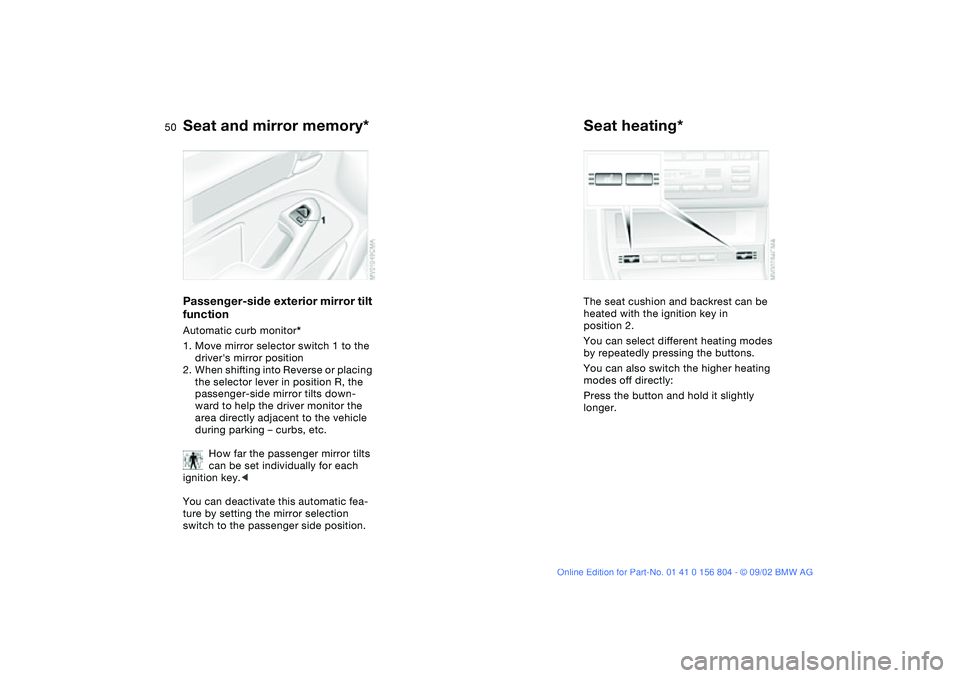
Passenger-side exterior mirror tilt
functionAutomatic curb monitor*
1. Move mirror selector switch 1 to the
driver's mirror position
2. When shifting into Reverse or placing
the selector lever in position R, the
passenger-side mirror tilts down-
ward to help the driver monitor the
area directly adjacent to the vehicle
during parking – curbs, etc.
How far the passenger mirror tilts
can be set individually for each
ignition key.<
You can deactivate this automatic fea-
ture by setting the mirror selection
switch to the passenger side position.
Seat heating*The seat cushion and backrest can be
heated with the ignition key in
position 2.
You can select different heating modes
by repeatedly pressing the buttons.
You can also switch the higher heating
modes off directly:
Press the button and hold it slightly
longer.
Seat and mirror memory*
Page 51 of 166
51
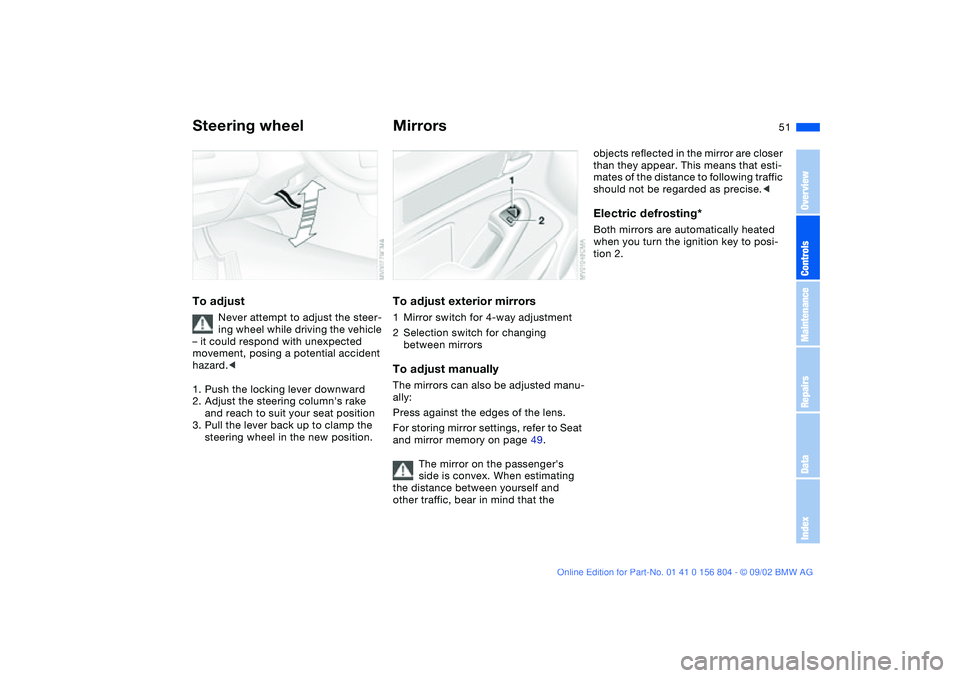
Steering wheelTo adjust
Never attempt to adjust the steer-
ing wheel while driving the vehicle
– it could respond with unexpected
movement, posing a potential accident
hazard.<
1. Push the locking lever downward
2. Adjust the steering column's rake
and reach to suit your seat position
3. Pull the lever back up to clamp the
steering wheel in the new position.
MirrorsTo adjust exterior mirrors1Mirror switch for 4-way adjustment
2Selection switch for changing
between mirrorsTo adjust manuallyThe mirrors can also be adjusted manu-
ally:
Press against the edges of the lens.
For storing mirror settings, refer to Seat
and mirror memory on page 49.
The mirror on the passenger's
side is convex. When estimating
the distance between yourself and
other traffic, bear in mind that the
objects reflected in the mirror are closer
than they appear. This means that esti-
mates of the distance to following traffic
should not be regarded as precise.
tion 2.
OverviewControlsMaintenanceRepairsDataIndex
Page 54 of 166
54
her head against the side airbag. It may
be difficult for a driver to ensure that
children in the rear seat will remain
properly positioned at all times and not
place their heads on or near the side
airbag. Therefore, we recommend that
the rear-seat side airbags, if installed in
the vehicle, be deactivated if children
will travel in the rear seat.
The rear seat side airbags may already
have been deactivated, either at the
time of manufacture or by a BMW cen-
ter. Labels in the door opening should
indicate the status of your rear-seat
side airbags. If you are uncertain of
their status, or wish to have the airbags
activated or deactivated, please con-
tact your BMW center.<
Even when all these guidelines are fol-
lowed, there is still a small residual risk
of injuries to the face, hands and arms
occurring from airbag deployment in
isolated instances.
The ignition and inflation noise may
induce a mild temporary hearing loss in
sensitive individuals.
Corresponding airbag warning labels
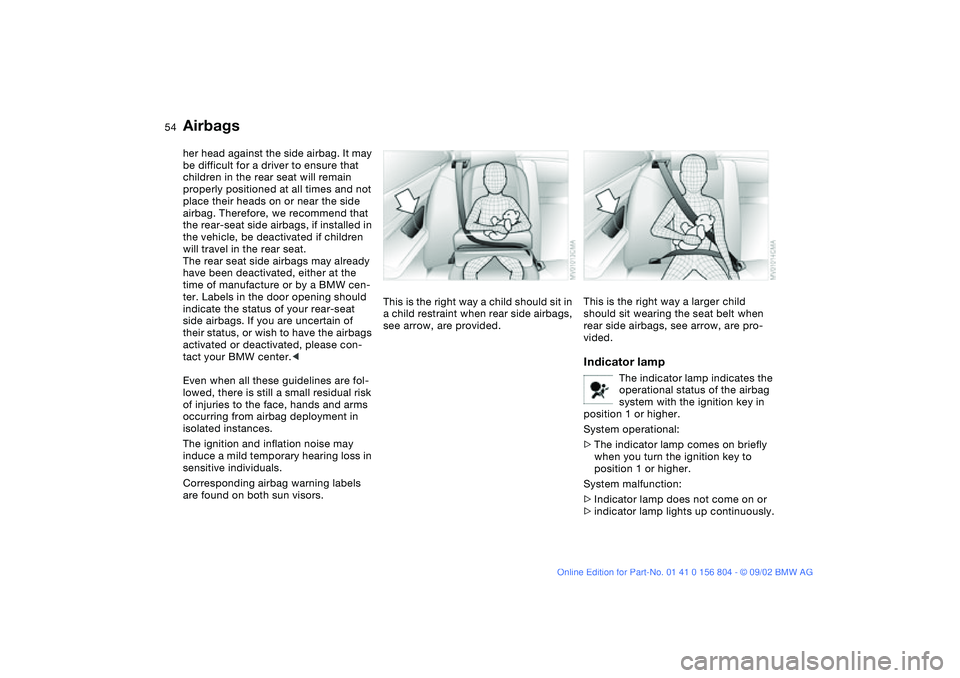
are found on both sun visors.This is the right way a child should sit in
a child restraint when rear side airbags,
see arrow, are provided.
This is the right way a larger child
should sit wearing the seat belt when
rear side airbags, see arrow, are pro-
vided.Indicator lamp
The indicator lamp indicates the
operational status of the airbag
system with the ignition key in
position 1 or higher.
System operational:
>The indicator lamp comes on briefly
when you turn the ignition key to
position 1 or higher.
System malfunction:
>Indicator lamp does not come on or
>indicator lamp lights up continuously.
Airbags
Page 59 of 166
59
Vehicle Memory, Key MemoryHow the system functionsNo doubt you have reflected at one
time or another on how great it would
be if you could permanently configure
your vehicle's various features and
adjustments to mirror your own individ-
ual preferences. In engineering your
vehicle, BMW has provided for a num-
ber of options for personal adjustment
that can be programmed into your vehi-
cle at your BMW center.
The available configuration data fall into
two categories, according to whether
their primary orientation is the vehicle –
Vehicle Memory – or the individual –
Key Memory. Provided that each per-
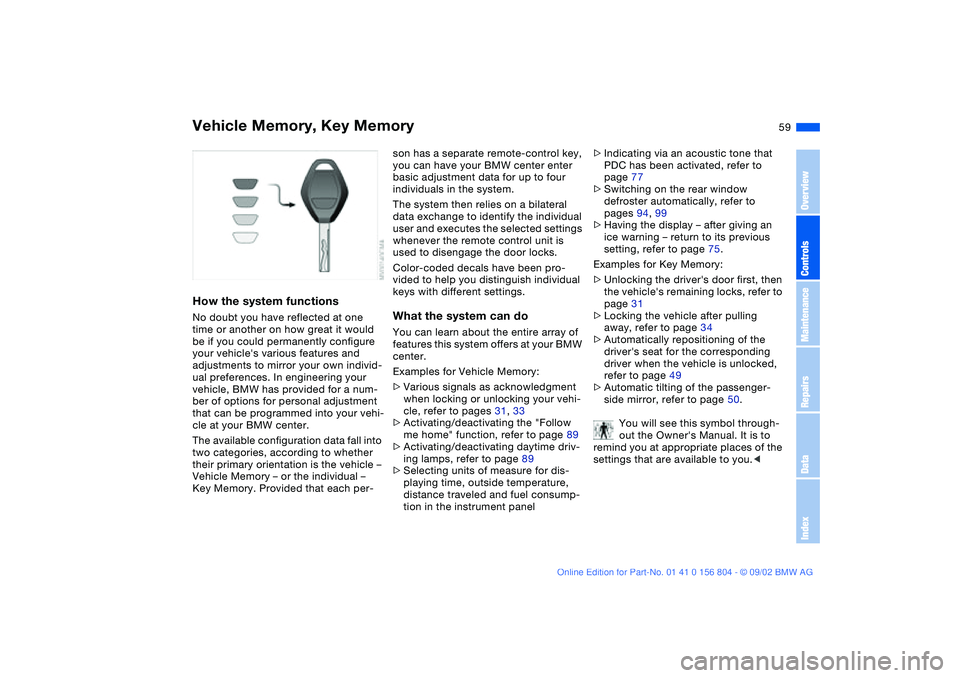
son has a separate remote-control key,
you can have your BMW center enter
basic adjustment data for up to four
individuals in the system.
The system then relies on a bilateral
data exchange to identify the individual
user and executes the selected settings
whenever the remote control unit is
used to disengage the door locks.
Color-coded decals have been pro-
vided to help you distinguish individual
keys with different settings.What the system can doYou can learn about the entire array of
features this system offers at your BMW
center.
Examples for Vehicle Memory:
>Various signals as acknowledgment
when locking or unlocking your vehi-
cle, refer to pages 31, 33
>Activating/deactivating the "Follow
me home" function, refer to page 89
>Activating/deactivating daytime driv-
ing lamps, refer to page 89
>Selecting units of measure for dis-
playing time, outside temperature,
distance traveled and fuel consump-
tion in the instrument panel>Indicating via an acoustic tone that
PDC has been activated, refer to
page 77
>Switching on the rear window
defroster automatically, refer to
pages 94, 99
>Having the display – after giving an
ice warning – return to its previous
setting, refer to page 75.
Examples for Key Memory:
>Unlocking the driver's door first, then
the vehicle's remaining locks, refer to
page 31
>Locking the vehicle after pulling
away, refer to page 34
>Automatically repositioning of the
driver's seat for the corresponding
driver when the vehicle is unlocked,
refer to page 49
>Automatic tilting of the passenger-
side mirror, refer to page 50.
You will see this symbol through-
out the Owner's Manual. It is to
remind you at appropriate places of the
settings that are available to you.<
OverviewControlsMaintenanceRepairsDataIndex