ignition BMW 320i 2003 Owner's Manual
[x] Cancel search | Manufacturer: BMW, Model Year: 2003, Model line: 320i, Model: BMW 320i 2003Pages: 166, PDF Size: 3.16 MB
Page 72 of 166
72
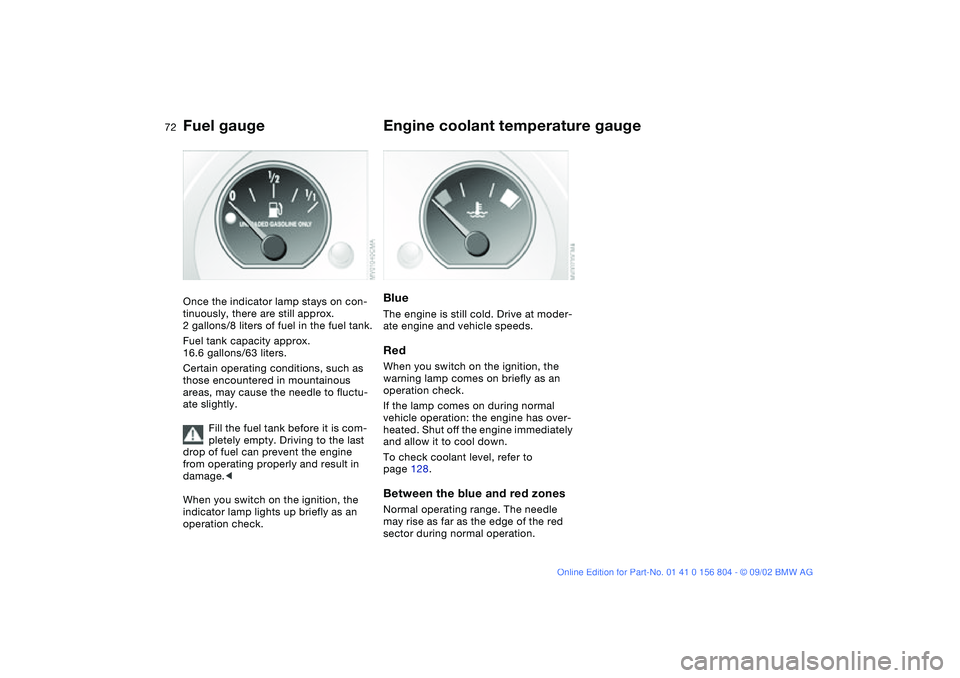
Fuel gaugeOnce the indicator lamp stays on con-
tinuously, there are still approx.
2 gallons/8 liters of fuel in the fuel tank.
Fuel tank capacity approx.
16.6 gallons/63 liters.
Certain operating conditions, such as
those encountered in mountainous
areas, may cause the needle to fluctu-
ate slightly.
Fill the fuel tank before it is com-
pletely empty. Driving to the last
drop of fuel can prevent the engine
from operating properly and result in
damage.<
When you switch on the ignition, the
indicator lamp lights up briefly as an
operation check.
Engine coolant temperature gaugeBlueThe engine is still cold. Drive at moder-
ate engine and vehicle speeds.RedWhen you switch on the ignition, the
warning lamp comes on briefly as an
operation check.
If the lamp comes on during normal
vehicle operation: the engine has over-
heated. Shut off the engine immediately
and allow it to cool down.
To check coolant level, refer to
page 128.Between the blue and red zonesNormal operating range. The needle
may rise as far as the edge of the red
sector during normal operation.
Page 73 of 166
73
Service interval displayRemaining distance to next
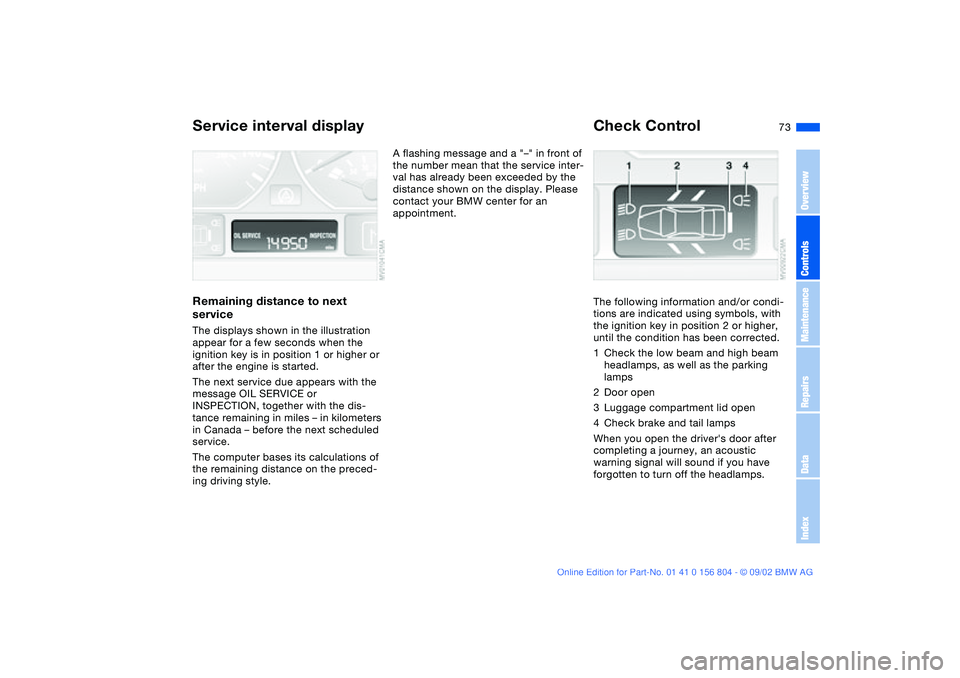
serviceThe displays shown in the illustration
appear for a few seconds when the
ignition key is in position 1 or higher or
after the engine is started.
The next service due appears with the
message OIL SERVICE or
INSPECTION, together with the dis-
tance remaining in miles – in kilometers
in Canada – before the next scheduled
service.
The computer bases its calculations of
the remaining distance on the preced-
ing driving style.
A flashing message and a "–" in front of
the number mean that the service inter-
val has already been exceeded by the
distance shown on the display. Please
contact your BMW center for an
appointment.
Check ControlThe following information and/or condi-
tions are indicated using symbols, with
the ignition key in position 2 or higher,
until the condition has been corrected.
1Check the low beam and high beam
headlamps, as well as the parking
lamps
2Door open
3Luggage compartment lid open
4Check brake and tail lamps
When you open the driver's door after
completing a journey, an acoustic
warning signal will sound if you have
forgotten to turn off the headlamps.
OverviewControlsMaintenanceRepairsDataIndex
Page 74 of 166
74
ClockIf you wish to have a permanent time
display, you can make this adjustment
in the radio display, refer to the Owner's
Manual for Radio.
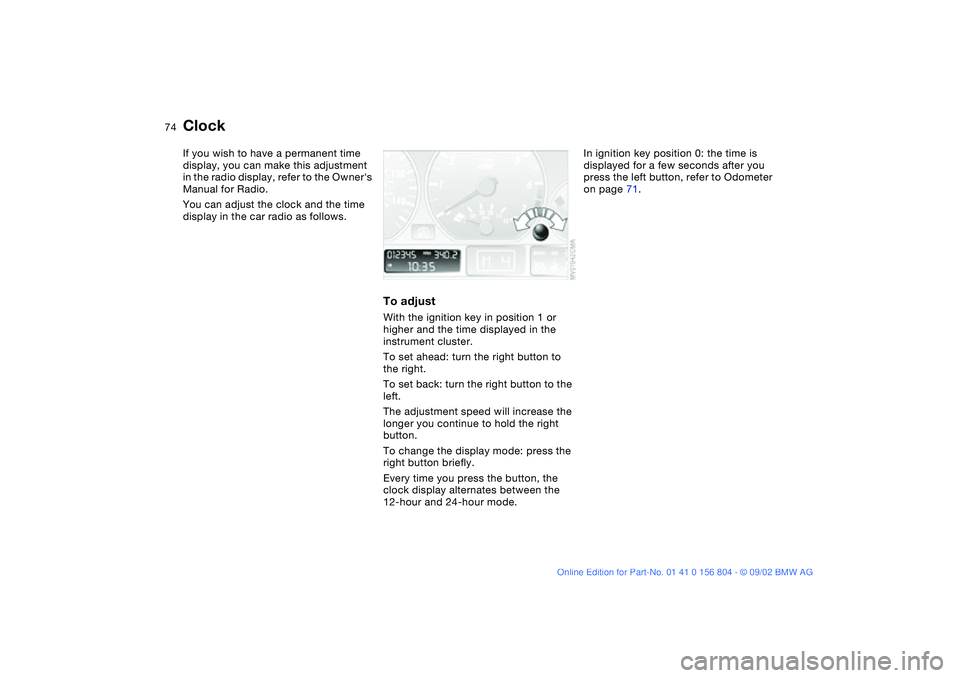
You can adjust the clock and the time
display in the car radio as follows.
To adjustWith the ignition key in position 1 or
higher and the time displayed in the
instrument cluster.
To set ahead: turn the right button to
the right.
To set back: turn the right button to the
left.
The adjustment speed will increase the
longer you continue to hold the right
button.
To change the display mode: press the
right button briefly.
Every time you press the button, the
clock display alternates between the
12-hour and 24-hour mode.
In ignition key position 0: the time is
displayed for a few seconds after you
press the left button, refer to Odometer
on page 71.
Page 75 of 166
75
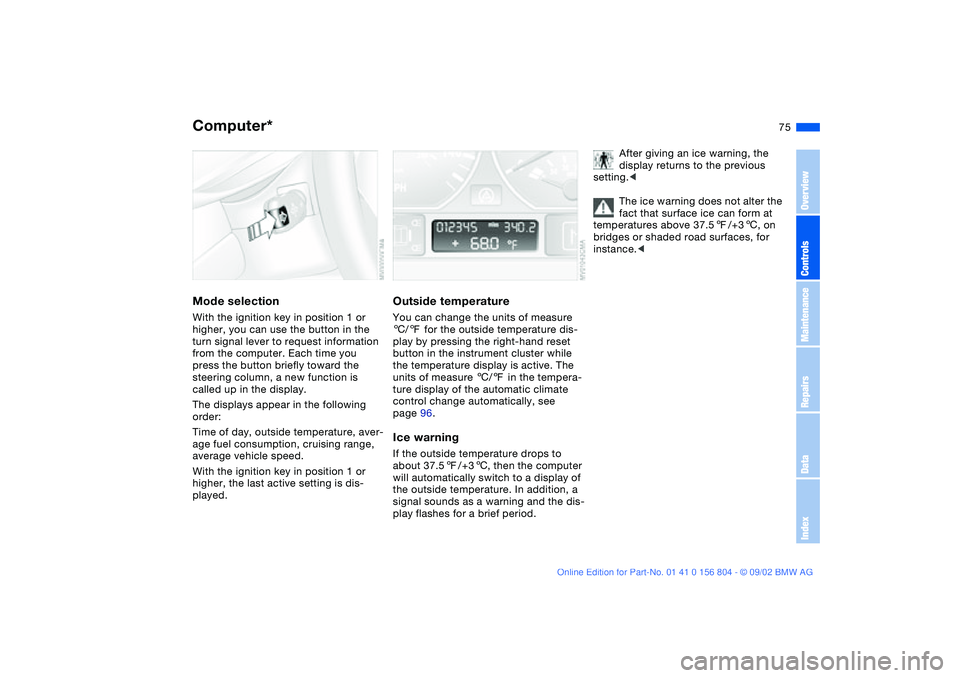
Computer*Mode selectionWith the ignition key in position 1 or
higher, you can use the button in the
turn signal lever to request information
from the computer. Each time you
press the button briefly toward the
steering column, a new function is
called up in the display.
The displays appear in the following
order:
Time of day, outside temperature, aver-
age fuel consumption, cruising range,
average vehicle speed.
With the ignition key in position 1 or
higher, the last active setting is dis-
played.
Outside temperatureYou can change the units of measure
6/7 for the outside temperature dis-
play by pressing the right-hand reset
button in the instrument cluster while
the temperature display is active. The
units of measure 6/7 in the tempera-
ture display of the automatic climate
control change automatically, see
page 96.Ice warningIf the outside temperature drops to
about 37.57/+36, then the computer
will automatically switch to a display of
the outside temperature. In addition, a
signal sounds as a warning and the dis-
play flashes for a brief period.
After giving an ice warning, the
display returns to the previous
setting.<
The ice warning does not alter the
fact that surface ice can form at
temperatures above 37.57/+36, on
bridges or shaded road surfaces, for
instance.<
OverviewControlsMaintenanceRepairsDataIndex
Page 78 of 166
78
Automatic Stability Control plus Traction (ASC+T)*The conceptASC+T optimizes vehicle stability and
traction, especially when just starting
off, when accelerating or when going
through curves.
ASC+T is ready each time you start the
engine.
ASC+T incorporates the Automatic Dif-
ferential Brake (ADB) and Cornering
Brake Control (CBC) functions.
Additional information on ASC+T is
found in the "Technology" brochure.Indicator lamp
The indicator lamp in the instru-
ment cluster goes out shortly
after the ignition has been
switched on; refer to page 20.
>The indicator lamp flashes: ASC+T is
actively controlling drive torque and
braking intervention
>The indicator lamp stays lit: ASC+T
has been switched off with the but-
ton; ADB is operational. ADB control
intervention is not indicated.
The indicator and the brake
warning lamps will remain on
continuously yellow:
The ASC+T and ADB have been
switched off manually or there is
a system malfunction.
You can still drive the vehicle as normal
without ASC+T.
In the event of a fault, please consult
your BMW center.
Indicator and warning lamps for
Canadian models.
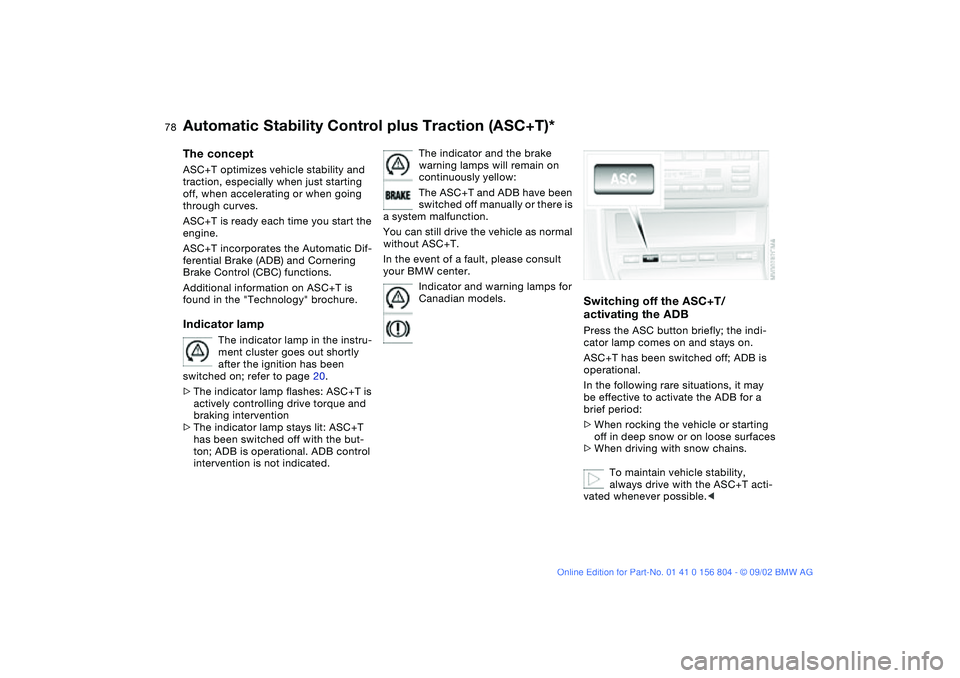
Switching off the ASC+T/
activating the ADBPress the ASC button briefly; the indi-
cator lamp comes on and stays on.
ASC+T has been switched off; ADB is
operational.
In the following rare situations, it may
be effective to activate the ADB for a
brief period:
>When rocking the vehicle or starting
off in deep snow or on loose surfaces
>When driving with snow chains.
To maintain vehicle stability,
always drive with the ASC+T acti-
vated whenever possible.<
Page 80 of 166
80
Dynamic Stability Control (DSC)*The conceptDSC maintains vehicle stability, even in
critical driving situations.
The DSC is operational every time you
start the engine.
DSC incorporates the Dynamic Traction
Control (DTC) and Cornering Brake
Control (CBC) functions.
Additional information on DSC is found
in the "Technology" brochure.Indicator lamp
The indicator lamp in the instru-
ment cluster goes out shortly
after the ignition has been
switched on; refer to page 20.
>The indicator lamp flashes: DSC is
actively controlling drive torque and
braking intervention
>The indicator lamp stays lit: DSC has
been switched off with the button;
DTC and DBC are operational. DTC
control intervention is not indicated.
The indicator and the brake
warning lamps will remain on
continuously yellow:
The DSC, DTC and DBC have
been switched off manually or
there is a system malfunction.
The vehicle will remain completely
operational, however, without DSC. In
the event of a fault, please consult your
BMW center.
Indicator and warning lamps for
Canadian models.
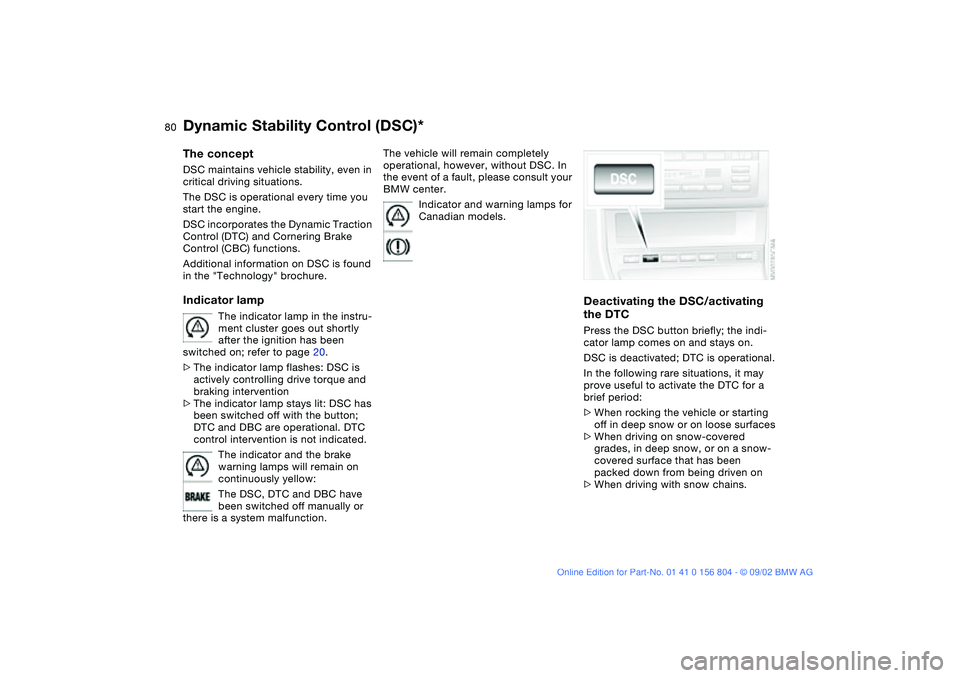
Deactivating the DSC/activating
the DTCPress the DSC button briefly; the indi-
cator lamp comes on and stays on.
DSC is deactivated; DTC is operational.
In the following rare situations, it may
prove useful to activate the DTC for a
brief period:
>When rocking the vehicle or starting
off in deep snow or on loose surfaces
>When driving on snow-covered
grades, in deep snow, or on a snow-
covered surface that has been
packed down from being driven on
>When driving with snow chains.
Page 82 of 166
82
Dynamic Stability Control (DSC) – BMW 325xi, 330xiThe conceptDSC maintains vehicle stability, even in
critical driving situations.
The DSC is operational every time you
start the engine.
DSC includes the Automatic Differential
Brake (ADB-X) and Cornering Brake
Control (CBC) functions.
Additional information on DSC is found
in the "Technology" brochure.Indicator lamp
The indicator lamp in the instru-
ment cluster goes out shortly
after the ignition has been
switched on; refer to page 20.
>The indicator lamp flashes: DSC is
actively controlling drive torque and
braking intervention
>The indicator lamp stays lit: DSC has
been switched off with the button;
ADB-X is operational. ADB-X control
intervention is not indicated.
If the indicator lamp fails to go out
when you press the DSC button,
this indicates a malfunction in the DSC
and ADB-X systems; the system is
deactivated, and the stability enhance-
ment functions are no longer avail-
able.<
The vehicle will remain completely
operational, however, without DSC. In
the event of a fault, please consult your
BMW center.
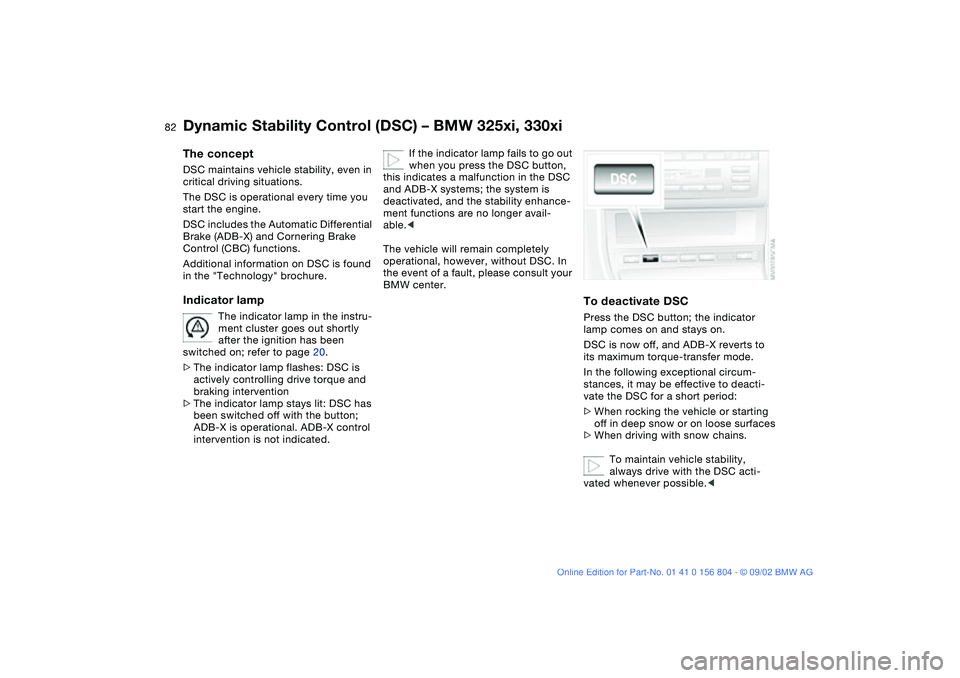
To deactivate DSCPress the DSC button; the indicator
lamp comes on and stays on.
DSC is now off, and ADB-X reverts to
its maximum torque-transfer mode.
In the following exceptional circum-
stances, it may be effective to deacti-
vate the DSC for a short period:
>When rocking the vehicle or starting
off in deep snow or on loose surfaces
>When driving with snow chains.
To maintain vehicle stability,
always drive with the DSC acti-
vated whenever possible.<
Page 84 of 166
84
Hill Descent Control (HDC)*The conceptBy reducing the vehicle's speed on
steep downhill stretches, HDC main-
tains predictable vehicle handling
response to provide you with control of
your BMW during extreme descents.
The vehicle slows to a pace just slightly
faster than walking speed.
HDC is available for activation at vehi-
cle speeds below approx. 22 mph /
35 km/h. When driving down steep
hills, the vehicle reduces speed auto-
matically down to about double walking
speed – approx. 7.5 mph / 12 km/h –
and then maintains this speed at a con-
stant.
You can use the accelerator or brakes
to vary this speed within a range from
approx. 3 mph / 5 km/h to approx.
15 mph / 25 km/h.
In conjunction with the steering wheel
with multifunction buttons you can use
the +/– button to set the cruise control
to a target speed in the range from
approx. 3 mph / 5 km/h to approx.
15 mph / 25 km/h.
HDC is automatically deactivated once
vehicle speed again exceeds approx.
37 mph / 60 km/h.
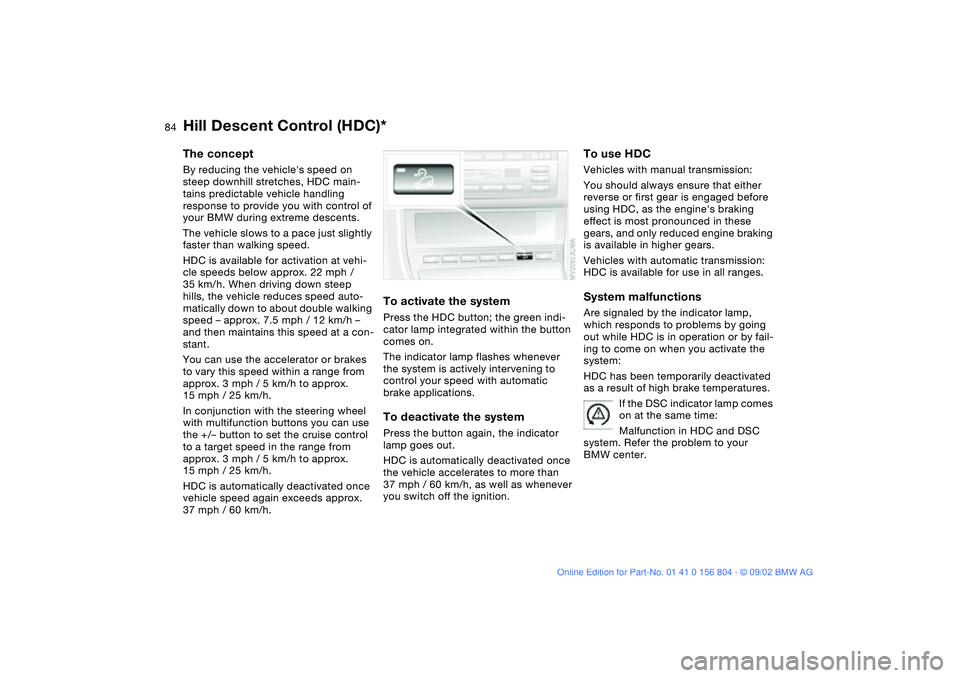
To activate the systemPress the HDC button; the green indi-
cator lamp integrated within the button
comes on.
The indicator lamp flashes whenever
the system is actively intervening to
control your speed with automatic
brake applications.To deactivate the systemPress the button again, the indicator
lamp goes out.
HDC is automatically deactivated once
the vehicle accelerates to more than
37 mph / 60 km/h, as well as whenever
you switch off the ignition.
To use HDCVehicles with manual transmission:
You should always ensure that either
reverse or first gear is engaged before
using HDC, as the engine's braking
effect is most pronounced in these
gears, and only reduced engine braking
is available in higher gears.
Vehicles with automatic transmission:
HDC is available for use in all ranges.System malfunctionsAre signaled by the indicator lamp,
which responds to problems by going
out while HDC is in operation or by fail-
ing to come on when you activate the
system:
HDC has been temporarily deactivated
as a result of high brake temperatures.
If the DSC indicator lamp comes
on at the same time:
Malfunction in HDC and DSC
system. Refer the problem to your
BMW center.
Page 85 of 166
85
Tire Pressure Monitor (TPM)*The conceptTPM monitors the tire pressures at all
four tires even while the vehicle is mov-
ing. The system provides an alert when-
ever the inflation pressure drops signifi-
cantly below the specified pressure in
one or more tires.
This indicator lamp in the instru-
ment cluster informs you when
the tire pressure deviates from
the target values.
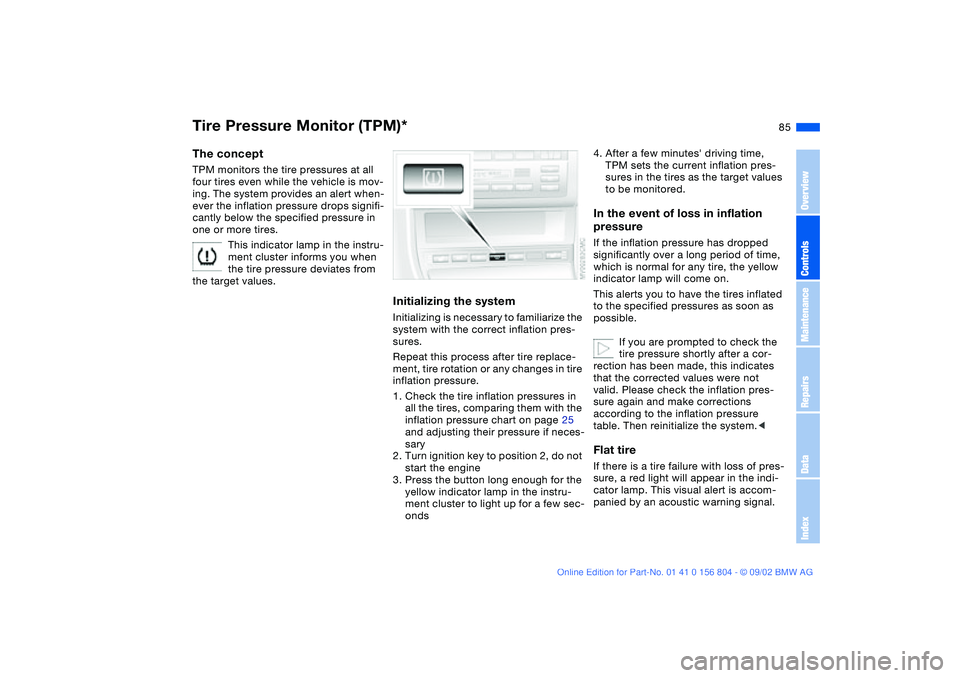
Initializing the systemInitializing is necessary to familiarize the
system with the correct inflation pres-
sures.
Repeat this process after tire replace-
ment, tire rotation or any changes in tire
inflation pressure.
1. Check the tire inflation pressures in
all the tires, comparing them with the
inflation pressure chart on page 25
and adjusting their pressure if neces-
sary
2. Turn ignition key to position 2, do not
start the engine
3. Press the button long enough for the
yellow indicator lamp in the instru-
ment cluster to light up for a few sec-
onds
4. After a few minutes' driving time,
TPM sets the current inflation pres-
sures in the tires as the target values
to be monitored.In the event of loss in inflation
pressureIf the inflation pressure has dropped
significantly over a long period of time,
which is normal for any tire, the yellow
indicator lamp will come on.
This alerts you to have the tires inflated
to the specified pressures as soon as
possible.
If you are prompted to check the
tire pressure shortly after a cor-
rection has been made, this indicates
that the corrected values were not
valid. Please check the inflation pres-
sure again and make corrections
according to the inflation pressure
table. Then reinitialize the system.
cator lamp. This visual alert is accom-
panied by an acoustic warning signal.
OverviewControlsMaintenanceRepairsDataIndex
Page 87 of 166
87
Initializing the systemInitializing is necessary to familiarize the
system with the correct inflation pres-
sure.
Repeat this process after any changes
in tire inflation pressure, tire rotation or
replacement. Do not carry out further
system initialization after adjusting the
inflation pressure and letting the system
"learn" the correct pressures.
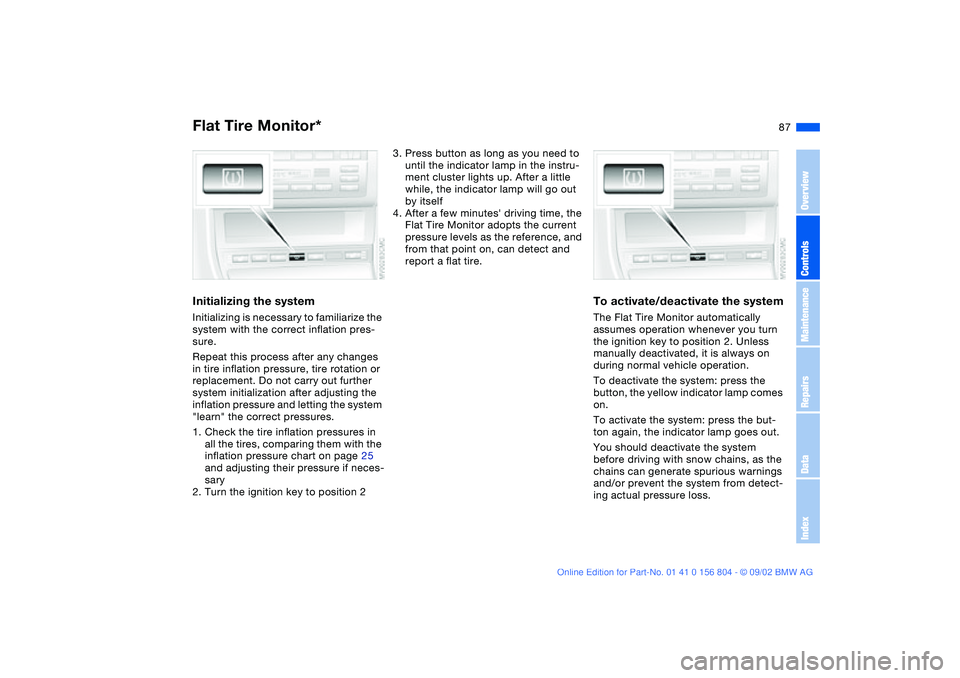
1. Check the tire inflation pressures in
all the tires, comparing them with the
inflation pressure chart on page 25
and adjusting their pressure if neces-
sary
2. Turn the ignition key to position 2
3. Press button as long as you need to
until the indicator lamp in the instru-
ment cluster lights up. After a little
while, the indicator lamp will go out
by itself
4. After a few minutes' driving time, the
Flat Tire Monitor adopts the current
pressure levels as the reference, and
from that point on, can detect and
report a flat tire.
To activate/deactivate the systemThe Flat Tire Monitor automatically
assumes operation whenever you turn
the ignition key to position 2. Unless
manually deactivated, it is always on
during normal vehicle operation.
To deactivate the system: press the
button, the yellow indicator lamp comes
on.
To activate the system: press the but-
ton again, the indicator lamp goes out.
You should deactivate the system
before driving with snow chains, as the
chains can generate spurious warnings
and/or prevent the system from detect-
ing actual pressure loss.
Flat Tire Monitor*
OverviewControlsMaintenanceRepairsDataIndex