display BMW 325Ci 2003 User Guide
[x] Cancel search | Manufacturer: BMW, Model Year: 2003, Model line: 325Ci, Model: BMW 325Ci 2003Pages: 178, PDF Size: 4.59 MB
Page 85 of 178
85
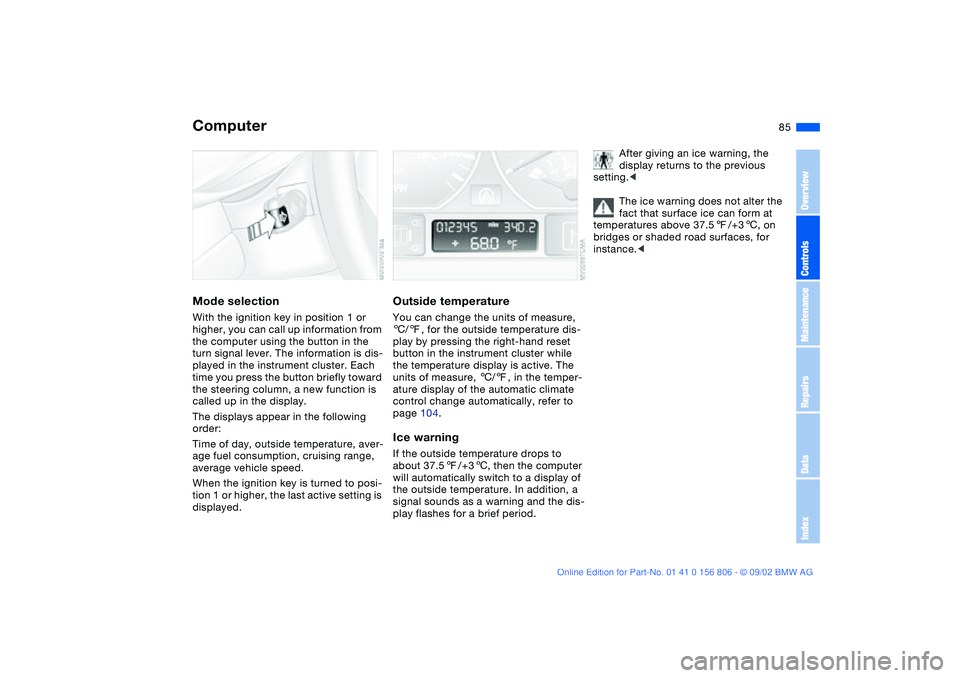
ComputerMode selectionWith the ignition key in position 1 or
higher, you can call up information from
the computer using the button in the
turn signal lever. The information is dis-
played in the instrument cluster. Each
time you press the button briefly toward
the steering column, a new function is
called up in the display.
The displays appear in the following
order:
Time of day, outside temperature, aver-
age fuel consumption, cruising range,
average vehicle speed.
When the ignition key is turned to posi-
tion 1 or higher, the last active setting is
displayed.
Outside temperatureYou can change the units of measure,
6/7, for the outside temperature dis-
play by pressing the right-hand reset
button in the instrument cluster while
the temperature display is active. The
units of measure, 6/7, in the temper-
ature display of the automatic climate
control change automatically, refer to
page 104.Ice warningIf the outside temperature drops to
about 37.57/+36, then the computer
will automatically switch to a display of
the outside temperature. In addition, a
signal sounds as a warning and the dis-
play flashes for a brief period.
After giving an ice warning, the
display returns to the previous
setting.<
The ice warning does not alter the
fact that surface ice can form at
temperatures above 37.57/+36, on
bridges or shaded road surfaces, for
instance.<
OverviewControlsMaintenanceRepairsDataIndex
handbook.book Page 85 Wednesday, July 31, 2002 9:29 AM
Page 86 of 178
86
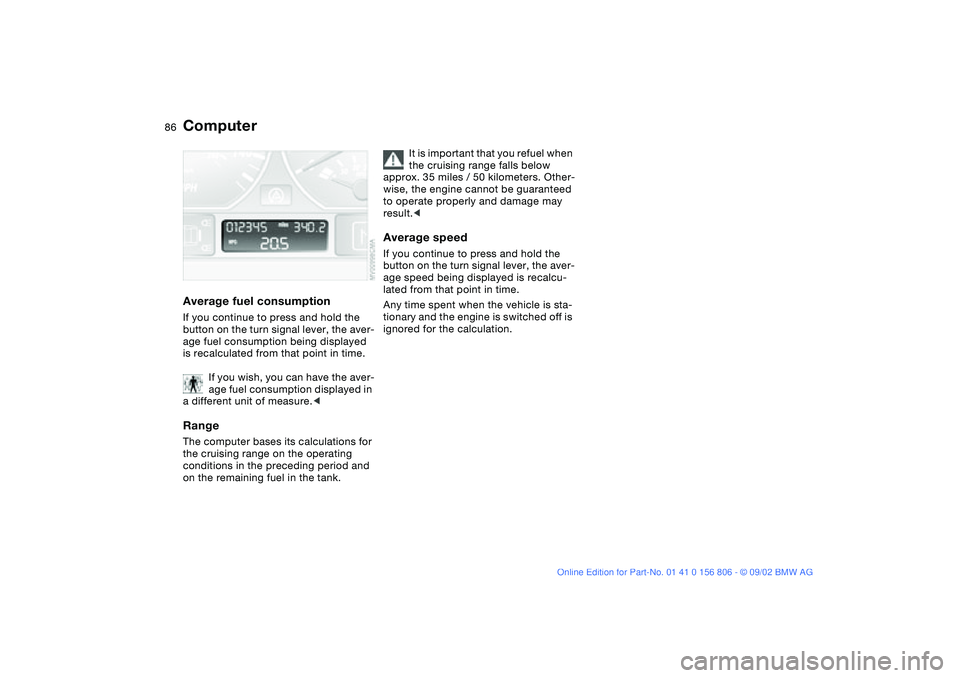
Average fuel consumptionIf you continue to press and hold the
button on the turn signal lever, the aver-
age fuel consumption being displayed
is recalculated from that point in time.
If you wish, you can have the aver-
age fuel consumption displayed in
a different unit of measure.
conditions in the preceding period and
on the remaining fuel in the tank.
It is important that you refuel when
the cruising range falls below
approx. 35 miles / 50 kilometers. Other-
wise, the engine cannot be guaranteed
to operate properly and damage may
result.<
Average speedIf you continue to press and hold the
button on the turn signal lever, the aver-
age speed being displayed is recalcu-
lated from that point in time.
Any time spent when the vehicle is sta-
tionary and the engine is switched off is
ignored for the calculation.
Computer
handbook.book Page 86 Wednesday, July 31, 2002 9:29 AM
Page 95 of 178
95
Flat tire
The red warning lamp in the
instrument cluster lights up to
warn of pressure loss and tire
failure. This visual alert is accompanied
by an acoustic warning signal. Reduce
your speed immediately, and steer and
brake gently as you bring the vehicle to
a stop.
To reset the warning lamp: after replac-
ing the damaged tire you will need to
reset the red warning lamp manually:
maintain pressure on the Flat Tire Moni-
tor button until the warning lamp goes
out. Then reinitialize the system.
The Flat Tire Monitor cannot pro-
vide you with advance warning of
sudden and severe tire damage caused
by external factors.
The system also does not detect the
gradual and minor loss of pressure that
all tires display over extended periods
of time.<
Check tire inflation pressures on a
regular basis, correcting them as
necessary, refer to page 25.
The system may respond to operation
on slippery or snow-covered road sur-
faces with false warnings or delays in
detecting actual pressure loss.
Performance-oriented driving, slip at
the drive wheels and high rates of lat-
eral acceleration can also increase the
time that the Flat Tire Monitor requires
to detect a flat.<
System malfunctionsThe yellow indicator lamp in the instru-
ment cluster lights up and remains on
until the problem is corrected.
Please refer the problem to your BMW
center.
Flat Tire Monitor*
OverviewControlsMaintenanceRepairsDataIndex
handbook.book Page 95 Wednesday, July 31, 2002 9:29 AM
Page 105 of 178
105
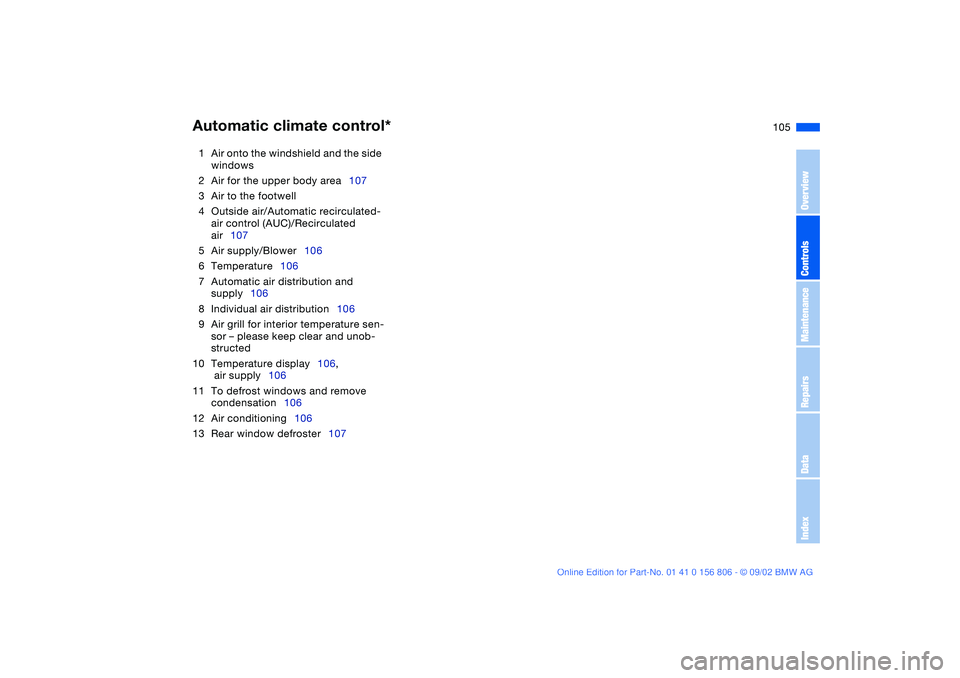
1Air onto the windshield and the side
windows
2Air for the upper body area107
3Air to the footwell
4Outside air/Automatic recirculated-
air control (AUC)/Recirculated
air107
5Air supply/Blower106
6Temperature106
7Automatic air distribution and
supply106
8Individual air distribution106
9Air grill for interior temperature sen-
sor – please keep clear and unob-
structed
10 Temperature display106,
air supply106
11 To defrost windows and remove
condensation106
12 Air conditioning106
13 Rear window defroster107Automatic climate control*
OverviewControlsMaintenanceRepairsDataIndex
handbook.book Page 105 Wednesday, July 31, 2002 9:29 AM
Page 106 of 178
106
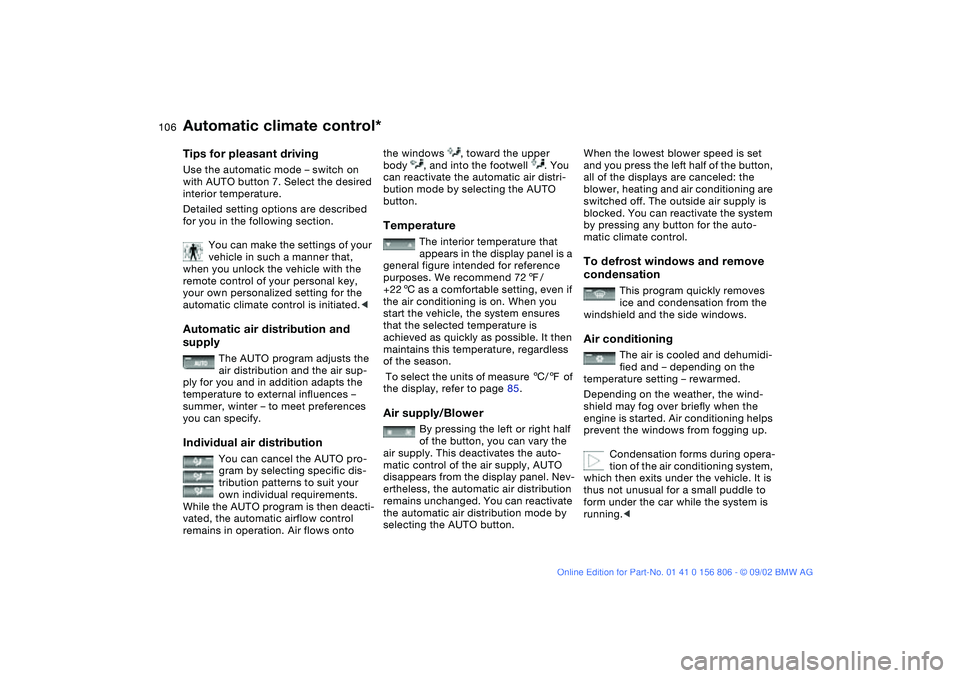
Tips for pleasant drivingUse the automatic mode – switch on
with AUTO button 7. Select the desired
interior temperature.
Detailed setting options are described
for you in the following section.
You can make the settings of your
vehicle in such a manner that,
when you unlock the vehicle with the
remote control of your personal key,
your own personalized setting for the
automatic climate control is initiated.
The AUTO program adjusts the
air distribution and the air sup-
ply for you and in addition adapts the
temperature to external influences –
summer, winter – to meet preferences
you can specify.
Individual air distribution
You can cancel the AUTO pro-
gram by selecting specific dis-
tribution patterns to suit your
own individual requirements.
While the AUTO program is then deacti-
vated, the automatic airflow control
remains in operation. Air flows onto
the windows , toward the upper
body , and into the footwell . You
can reactivate the automatic air distri-
bution mode by selecting the AUTO
button.Temperature
The interior temperature that
appears in the display panel is a
general figure intended for reference
purposes. We recommend 727/
+226 as a comfortable setting, even if
the air conditioning is on. When you
start the vehicle, the system ensures
that the selected temperature is
achieved as quickly as possible. It then
maintains this temperature, regardless
of the season.
To select the units of measure 6/7 of
the display, refer to page 85.
Air supply/Blower
By pressing the left or right half
of the button, you can vary the
air supply. This deactivates the auto-
matic control of the air supply, AUTO
disappears from the display panel. Nev-
ertheless, the automatic air distribution
remains unchanged. You can reactivate
the automatic air distribution mode by
selecting the AUTO button.
When the lowest blower speed is set
and you press the left half of the button,
all of the displays are canceled: the
blower, heating and air conditioning are
switched off. The outside air supply is
blocked. You can reactivate the system
by pressing any button for the auto-
matic climate control.To defrost windows and remove
condensation
This program quickly removes
ice and condensation from the
windshield and the side windows.
Air conditioning
The air is cooled and dehumidi-
fied and – depending on the
temperature setting – rewarmed.
Depending on the weather, the wind-
shield may fog over briefly when the
engine is started. Air conditioning helps
prevent the windows from fogging up.
Condensation forms during opera-
tion of the air conditioning system,
which then exits under the vehicle. It is
thus not unusual for a small puddle to
form under the car while the system is
running.<
Automatic climate control*
handbook.book Page 106 Wednesday, July 31, 2002 9:29 AM
Page 131 of 178
131
Tire condition, tire pressureAt tread depths below approx.
3/16 in/4 mm, winter tires display a per-
ceptible decrease in their ability to cope
with winter driving conditions, and
should be replaced in the interest of
safety.
Comply with the specified tire inflation
pressures — and be sure to have the
wheel and tire assembly balanced
every time you change a tire or wheel.Snow chains*Only certain snow chains have been
tested by BMW and determined and
approved as roadworthy. Consult any
BMW center for details. BMW recom-
mends using only these approved fine-
link snow chains. Use them in pairs on
either summer or winter tires, but only
on both rear wheels.
Comply with all manufacturer's safety
precautions when mounting the chains.
Do not exceed a speed of 30 mph /
50 km/h when using snow chains.
You cannot mount snow chains with the
following tires:
225/50 R 16
225/45 R 17
225/40 R 18245/40 R 17
255/35 R 18Winter tires
OverviewControlsMaintenanceRepairsDataIndex
handbook.book Page 131 Wednesday, July 31, 2002 9:29 AM
Page 140 of 178
140Maintenance
The BMW Maintenance SystemThe BMW Maintenance System has
been designed as a reliable means of
providing maximum driving and operat-
ing safety – and as cost-effectively for
you as possible.
Please keep in mind that regular main-
tenance is not only necessary for the
safety of your vehicle, but also plays a
significant role in maintaining its resale
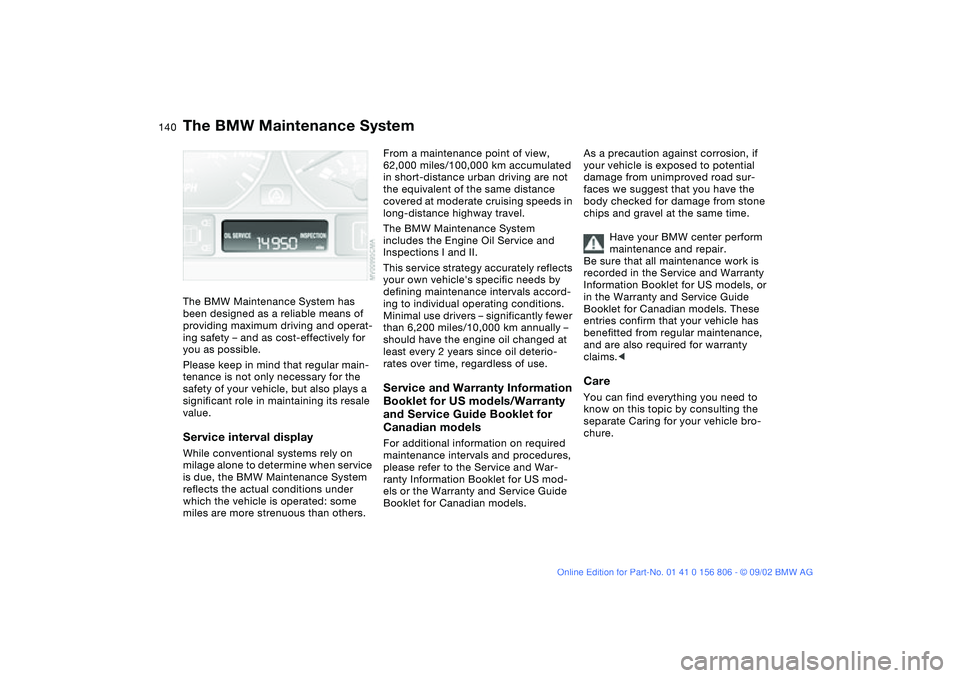
value.Service interval displayWhile conventional systems rely on
milage alone to determine when service
is due, the BMW Maintenance System
reflects the actual conditions under
which the vehicle is operated: some
miles are more strenuous than others.
From a maintenance point of view,
62,000 miles/100,000 km accumulated
in short-distance urban driving are not
the equivalent of the same distance
covered at moderate cruising speeds in
long-distance highway travel.
The BMW Maintenance System
includes the Engine Oil Service and
Inspections I and II.
This service strategy accurately reflects
your own vehicle's specific needs by
defining maintenance intervals accord-
ing to individual operating conditions.
Minimal use drivers – significantly fewer
than 6,200 miles/10,000 km annually –
should have the engine oil changed at
least every 2 years since oil deterio-
rates over time, regardless of use.Service and Warranty Information
Booklet for US models/Warranty
and Service Guide Booklet for
Canadian modelsFor additional information on required
maintenance intervals and procedures,
please refer to the Service and War-
ranty Information Booklet for US mod-
els or the Warranty and Service Guide
Booklet for Canadian models.As a precaution against corrosion, if
your vehicle is exposed to potential
damage from unimproved road sur-
faces we suggest that you have the
body checked for damage from stone
chips and gravel at the same time.
Have your BMW center perform
maintenance and repair.
Be sure that all maintenance work is
recorded in the Service and Warranty
Information Booklet for US models, or
in the Warranty and Service Guide
Booklet for Canadian models. These
entries confirm that your vehicle has
benefitted from regular maintenance,
and are also required for warranty
claims.<
CareYou can find everything you need to
know on this topic by consulting the
separate Caring for your vehicle bro-
chure.
handbook.book Page 140 Wednesday, July 31, 2002 9:29 AM
Page 169 of 178
Everything from A to Z
169
Car wash, refer to the Caring
for your vehicle brochure
Cargo loading 116
Cassette player operation,
refer to the Owner's Man-
ual for Radio
CBC Cornering Brake
Control 123
indicator lamp 19
CD player operation, refer to
the Owner's Manual for
Radio
Cellular phone 113
Center armrest 112
Center high-mount brake
lamp 150
Central locking system 30
button 34
Changing a wheel 151
Check Control 83
Check Filler Cap
indicator lamp 19
Checking coolant level 138
Checking oil level 136
Child seats 63
integrated 61
Child-restraint mounting
system (LATCH) 66
Child-restraint system 63
Cigarette lighter 113
Clean headlamps 79Cleaning position, convert-
ible top 45, 50
Cleaning windshield 79
Clock 84
setting 84
Cockpit 14
Code, refer to the Owner's
Manual for Radio
Coin box 113
Compartments 112
Compression ratio 162
Computer 85
Condensation
removing from windows
103, 106
Consumption
display 82
fuel 86
Convertible top
cleaning position 45, 50
closing in an
emergency 48
electrical fault 48
Convertible top activation
fully automatic top 46
manual top 41
Convertible top compart-
ment panel, folding
down 37
Coolant 134, 138, 165
indicator lamp 19
Cooling system 165Copyright 4
Cornering Brake Control
(CBC) 123
indicator lamp 19
Cruise control 79
indicator lamp 20
Cup holder, see Beverage
holder 113
Curb weight 164
Cushion height 163
D
Data
dimensions 163
engine 162
technical 162
weights 164
Daytime driving lamps 96
DBC Dynamic Brake
Control 123
warning lamp 19
Defrost position 103, 106
Defrosting rear window
102, 107
Defrosting windows
103, 106
Digital clock 84
Dimensions 163
Dipstick, engine oil 136
Disc brakes 124
Displacement 162
Display lighting 97Displays 16
Distance warning PDC 87
Door key 30
Door lock buttons 34
Doors
emergency operation 33
manual operation 33
remote control 31
unlocking and locking
31, 33
Driving notes
braking 123
disc brakes 124
general information 123
hydroplaning 123
DSC Dynamic Stability
Control 90
indicator lamp 19
DTC Dynamic Traction
Control 90
Dynamic Brake Control
(DBC) 123
warning lamps 19
Dynamic Stability Control
(DSC) 90
indicator lamp 19
Dynamic Traction Control
(DTC) 90
E
Electric power windows 40
OverviewControlsMaintenanceRepairsDataIndex
handbook.book Page 169 Wednesday, July 31, 2002 9:29 AM
Page 170 of 178
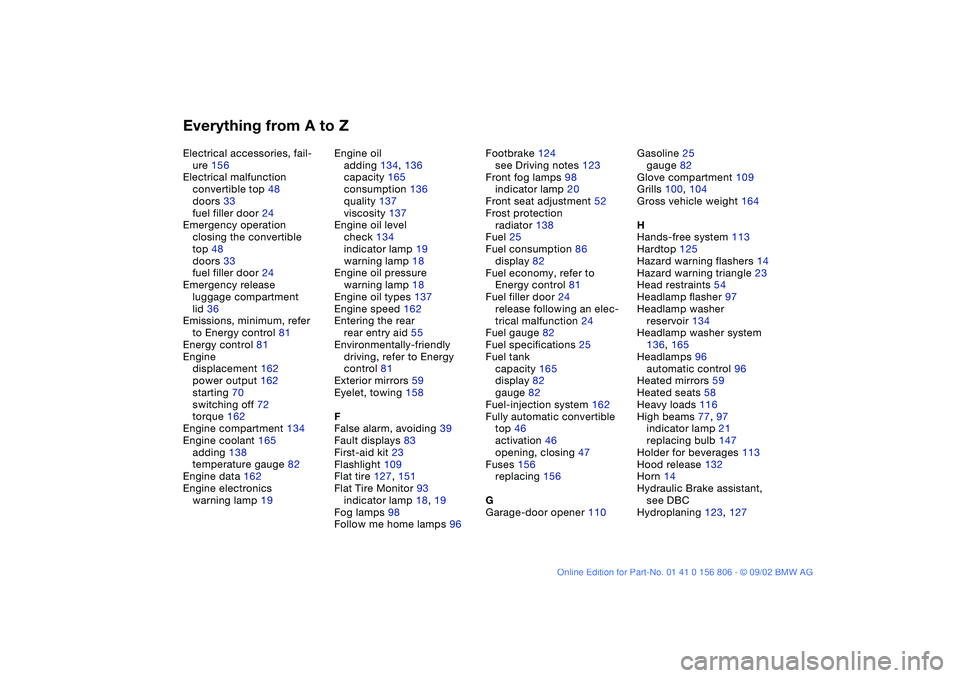
Everything from A to ZElectrical accessories, fail-
ure 156
Electrical malfunction
convertible top 48
doors 33
fuel filler door 24
Emergency operation
closing the convertible
top 48
doors 33
fuel filler door 24
Emergency release
luggage compartment
lid 36
Emissions, minimum, refer
to Energy control 81
Energy control 81
Engine
displacement 162
power output 162
starting 70
switching off 72
torque 162
Engine compartment 134
Engine coolant 165
adding 138
temperature gauge 82
Engine data 162
Engine electronics
warning lamp 19Engine oil
adding 134, 136
capacity 165
consumption 136
quality 137
viscosity 137
Engine oil level
check 134
indicator lamp 19
warning lamp 18
Engine oil pressure
warning lamp 18
Engine oil types 137
Engine speed 162
Entering the rear
rear entry aid 55
Environmentally-friendly
driving, refer to Energy
control 81
Exterior mirrors 59
Eyelet, towing 158
F
False alarm, avoiding 39
Fault displays 83
First-aid kit 23
Flashlight 109
Flat tire 127, 151
Flat Tire Monitor 93
indicator lamp 18, 19
Fog lamps 98
Follow me home lamps 96Footbrake 124
see Driving notes 123
Front fog lamps 98
indicator lamp 20
Front seat adjustment 52
Frost protection
radiator 138
Fuel 25
Fuel consumption 86
display 82
Fuel economy, refer to
Energy control 81
Fuel filler door 24
release following an elec-
trical malfunction 24
Fuel gauge 82
Fuel specifications 25
Fuel tank
capacity 165
display 82
gauge 82
Fuel-injection system 162
Fully automatic convertible
top 46
activation 46
opening, closing 47
Fuses 156
replacing 156
G
Garage-door opener 110Gasoline 25
gauge 82
Glove compartment 109
Grills 100, 104
Gross vehicle weight 164
H
Hands-free system 113
Hardtop 125
Hazard warning flashers 14
Hazard warning triangle 23
Head restraints 54
Headlamp flasher 97
Headlamp washer
reservoir 134
Headlamp washer system
136, 165
Headlamps 96
automatic control 96
Heated mirrors 59
Heated seats 58
Heavy loads 116
High beams 77, 97
indicator lamp 21
replacing bulb 147
Holder for beverages 113
Hood release 132
Horn 14
Hydraulic Brake assistant,
see DBC
Hydroplaning 123, 127
handbook.book Page 170 Wednesday, July 31, 2002 9:29 AM
Page 171 of 178
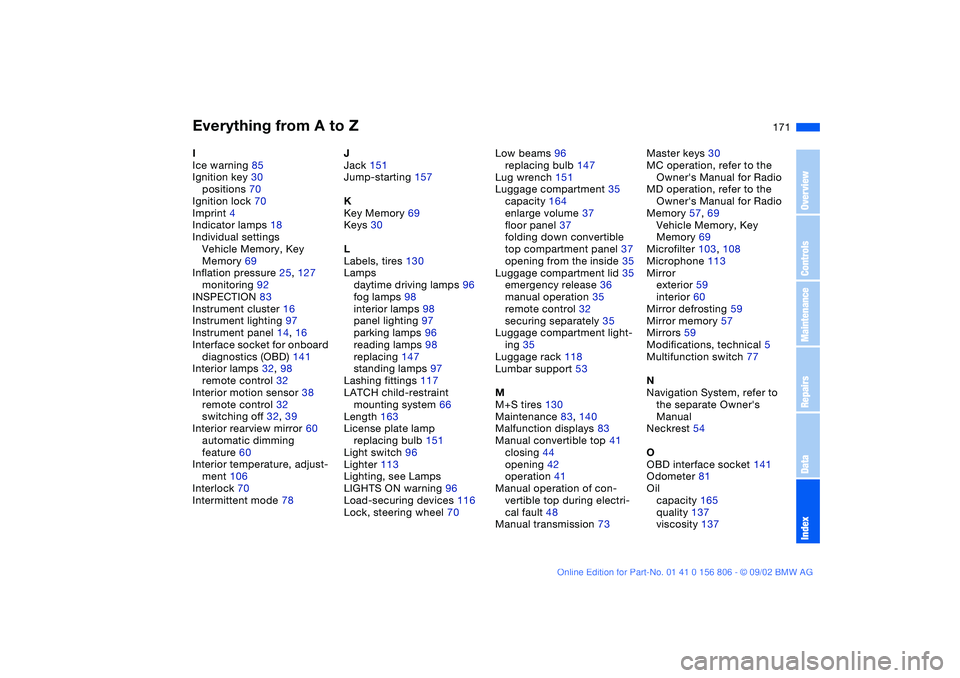
Everything from A to Z
171
I
Ice warning 85
Ignition key 30
positions 70
Ignition lock 70
Imprint 4
Indicator lamps 18
Individual settings
Vehicle Memory, Key
Memory 69
Inflation pressure 25, 127
monitoring 92
INSPECTION 83
Instrument cluster 16
Instrument lighting 97
Instrument panel 14, 16
Interface socket for onboard
diagnostics (OBD) 141
Interior lamps 32, 98
remote control 32
Interior motion sensor 38
remote control 32
switching off 32, 39
Interior rearview mirror 60
automatic dimming
feature 60
Interior temperature, adjust-
ment 106
Interlock 70
Intermittent mode 78J
Jack 151
Jump-starting 157
K
Key Memory 69
Keys 30
L
Labels, tires 130
Lamps
daytime driving lamps 96
fog lamps 98
interior lamps 98
panel lighting 97
parking lamps 96
reading lamps 98
replacing 147
standing lamps 97
Lashing fittings 117
LATCH child-restraint
mounting system 66
Length 163
License plate lamp
replacing bulb 151
Light switch 96
Lighter 113
Lighting, see Lamps
LIGHTS ON warning 96
Load-securing devices 116
Lock, steering wheel 70Low beams 96
replacing bulb 147
Lug wrench 151
Luggage compartment 35
capacity 164
enlarge volume 37
floor panel 37
folding down convertible
top compartment panel 37
opening from the inside 35
Luggage compartment lid 35
emergency release 36
manual operation 35
remote control 32
securing separately 35
Luggage compartment light-
ing 35
Luggage rack 118
Lumbar support 53
M
M+S tires 130
Maintenance 83, 140
Malfunction displays 83
Manual convertible top 41
closing 44
opening 42
operation 41
Manual operation of con-
vertible top during electri-
cal fault 48
Manual transmission 73Master keys 30
MC operation, refer to the
Owner's Manual for Radio
MD operation, refer to the
Owner's Manual for Radio
Memory 57, 69
Vehicle Memory, Key
Memory 69
Microfilter 103, 108
Microphone 113
Mirror
exterior 59
interior 60
Mirror defrosting 59
Mirror memory 57
Mirrors 59
Modifications, technical 5
Multifunction switch 77
N
Navigation System, refer to
the separate Owner's
Manual
Neckrest 54
O
OBD interface socket 141
Odometer 81
Oil
capacity 165
quality 137
viscosity 137
OverviewControlsMaintenanceRepairsDataIndex
handbook.book Page 171 Wednesday, July 31, 2002 9:29 AM