ignition BMW 325Ci CONVERTIBLE 2002 E46 Owner's Guide
[x] Cancel search | Manufacturer: BMW, Model Year: 2002, Model line: 325Ci CONVERTIBLE, Model: BMW 325Ci CONVERTIBLE 2002 E46Pages: 159, PDF Size: 2.28 MB
Page 72 of 159
72n
Cruise control
*
You can store and automatically main-
tain any desired vehicle speed above
approx. 20 mph (30 km/h).
The cruise control is available whenever
the engine is running and the system
has been activated.
To activate the systemFrom ignition key position 2:
Press the button and the indicator lamp
in the instrument cluster will come on,
refer to page 20. You can now use the
cruise control.
Do not use cruise control on
twisting roads, when high traffic
density prevents driving at a constant
speed, or when the road surface is slick
(snow, rain, ice) or loose (rocks or
gravel, sand).
ment cluster goes out.
Cruise control is also deactivated when
the ignition key is in position 0.
The speed stored in memory is deleted.
To maintain and store speed
or to acceleratePress button (+) briefly:
The system maintains and stores the
current vehicle speed. Every time you
tap the button, the speed increases by
0.6 mph (1 km/h).
Press and hold button (+):
The vehicle accelerates without pres-
sure on the accelerator pedal. When
you release the button, the system
maintains and stores the current speed.
If, on a downhill gradient, the
engine braking effect is not suffi-
cient, the preset speed can be
exceeded. Speed can drop on uphill
grades if the engine output is insuffi-
cient.<
Page 74 of 159
74n
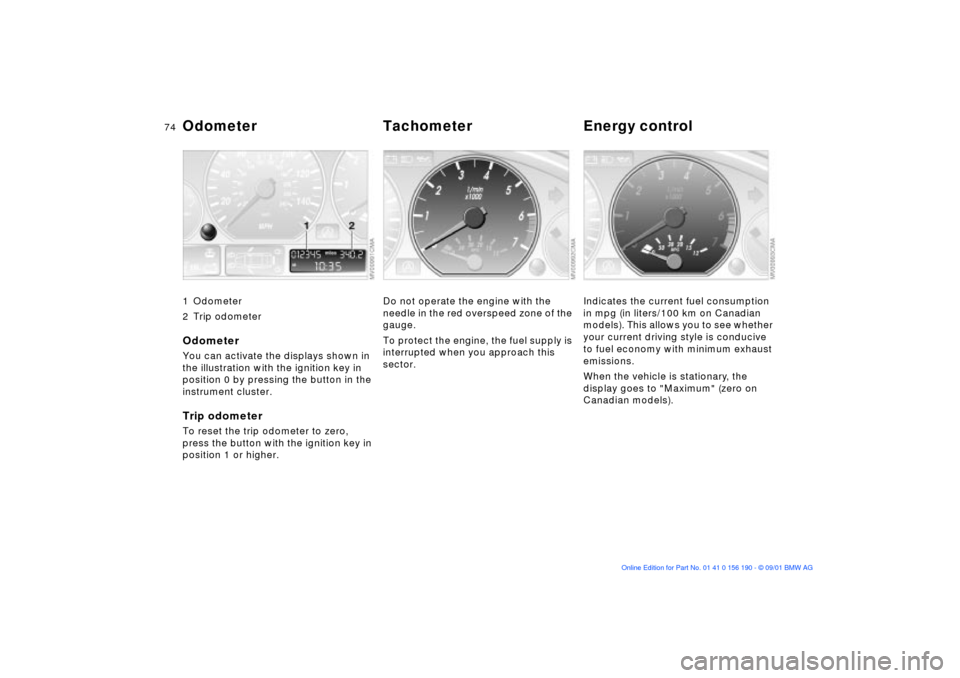
Odometer Tachometer Energy control 1 Odometer
2 Trip odometerOdometer You can activate the displays shown in
the illustration with the ignition key in
position 0 by pressing the button in the
instrument cluster.Trip odometerTo reset the trip odometer to zero,
press the button with the ignition key in
position 1 or higher.
Do not operate the engine with the
needle in the red overspeed zone of the
gauge.
To protect the engine, the fuel supply is
interrupted when you approach this
sector.
Indicates the current fuel consumption
in mpg (in liters/100 km on Canadian
models). This allows you to see whether
your current driving style is conducive
to fuel economy with minimum exhaust
emissions.
When the vehicle is stationary, the
display goes to "Maximum" (zero on
Canadian models).
Page 75 of 159
75n
OverviewControlsMaintenanceRepairsDataIndex
Fuel gauge Temperature gauge Service Interval DisplayOnce the indicator lamp stays on
continuously, there are still approx.
2 gallons (8 liters) of fuel in the fuel
tank.
For fuel tank capacity refer to page 147.
Certain operating conditions (such as
those encountered in mountainous
areas) may cause the needle to fluc-
tuate slightly.
Please refuel early, since driving
to the last drop of fuel can result in
damage to the engine and/or catalytic
converter.<
When you switch on the ignition, the
indicator lamp lights up briefly as an
operation check.
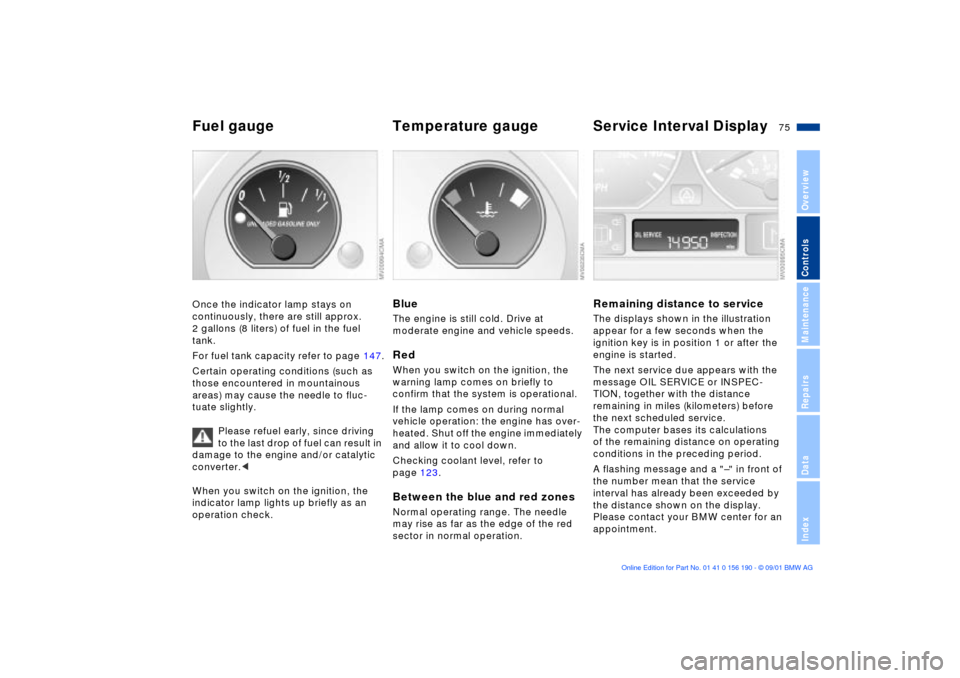
BlueThe engine is still cold. Drive at
moderate engine and vehicle speeds.RedWhen you switch on the ignition, the
warning lamp comes on briefly to
confirm that the system is operational.
If the lamp comes on during normal
vehicle operation: the engine has over-
heated. Shut off the engine immediately
and allow it to cool down.
Checking coolant level, refer to
page 123.Between the blue and red zonesNormal operating range. The needle
may rise as far as the edge of the red
sector in normal operation.
Remaining distance to serviceThe displays shown in the illustration
appear for a few seconds when the
ignition key is in position 1 or after the
engine is started.
The next service due appears with the
message OIL SERVICE or INSPEC-
TION, together with the distance
remaining in miles (kilometers) before
the next scheduled service.
The computer bases its calculations
of the remaining distance on operating
conditions in the preceding period.
A flashing message and a "Ð" in front of
the number mean that the service
interval has already been exceeded by
the distance shown on the display.
Please contact your BMW center for an
appointment.
Page 76 of 159
76n
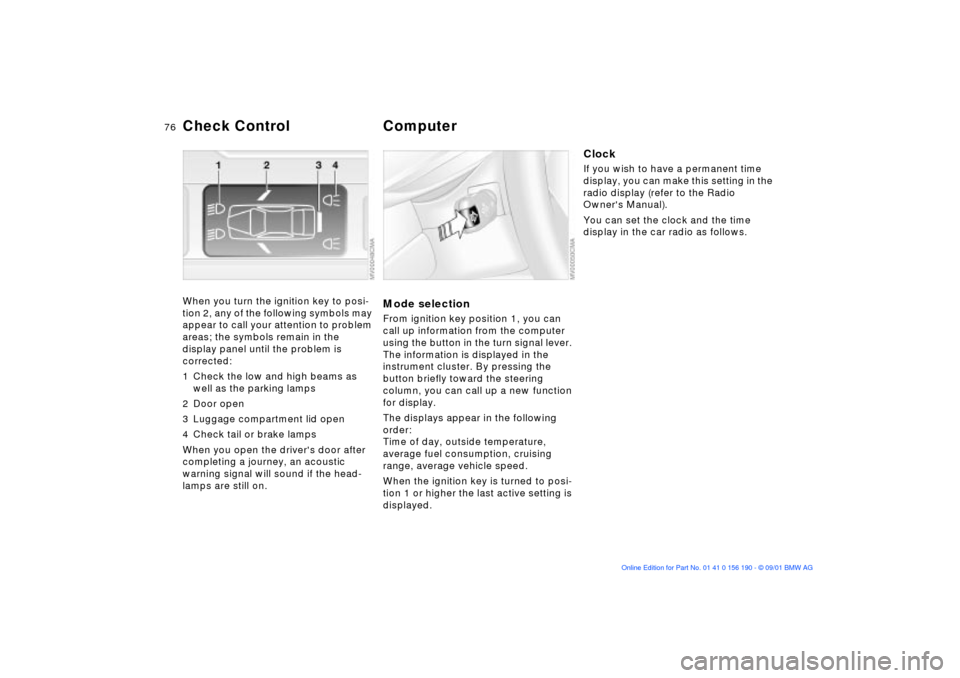
Check Control ComputerWhen you turn the ignition key to posi-
tion 2, any of the following symbols may
appear to call your attention to problem
areas; the symbols remain in the
display panel until the problem is
corrected:
1 Check the low and high beams as
well as the parking lamps
2 Door open
3 Luggage compartment lid open
4 Check tail or brake lamps
When you open the driver's door after
completing a journey, an acoustic
warning signal will sound if the head-
lamps are still on.
Mode selectionFrom ignition key position 1, you can
call up information from the computer
using the button in the turn signal lever.
The information is displayed in the
instrument cluster. By pressing the
button briefly toward the steering
column, you can call up a new function
for display.
The displays appear in the following
order:
Time of day, outside temperature,
average fuel consumption, cruising
range, average vehicle speed.
When the ignition key is turned to posi-
tion 1 or higher the last active setting is
displayed.
ClockIf you wish to have a permanent time
display, you can make this setting in the
radio display (refer to the Radio
Owner's Manual).
You can set the clock and the time
display in the car radio as follows.
Page 77 of 159
77n
OverviewControlsMaintenanceRepairsDataIndex
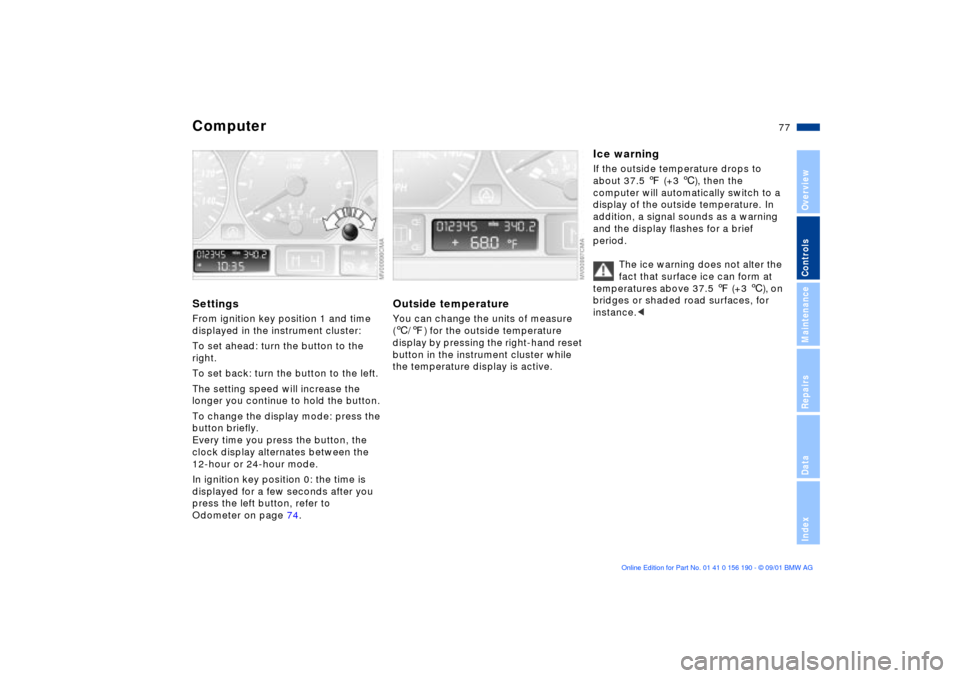
ComputerSettingsFrom ignition key position 1 and time
displayed in the instrument cluster:
To set ahead: turn the button to the
right.
To set back: turn the button to the left.
The setting speed will increase the
longer you continue to hold the button.
To change the display mode: press the
button briefly.
Every time you press the button, the
clock display alternates between the
12-hour or 24-hour mode.
In ignition key position 0: the time is
displayed for a few seconds after you
press the left button, refer to
Odometer on page 74.
Outside temperatureYou can change the units of measure
(6/7) for the outside temperature
display by pressing the right-hand reset
button in the instrument cluster while
the temperature display is active.
Ice warningIf the outside temperature drops to
about 37.5 7 (+3 6), then the
computer will automatically switch to a
display of the outside temperature. In
addition, a signal sounds as a warning
and the display flashes for a brief
period.
The ice warning does not alter the
fact that surface ice can form at
temperatures above 37.5 7 (+3 6), on
bridges or shaded road surfaces, for
instance.<
Page 80 of 159
80n
Automatic Stability Control plus Traction (ASC+T)
The conceptThis system optimizes vehicle stability
and traction, especially when you are
starting off, accelerating or when going
through curves.
ASC+T recognizes the danger present
in traction loss and will increase driving
stability and traction by reducing the
engine's output, and if necessary, by
applying the brakes to the rear wheels.
ASC+T is ready each time you start the
engine.
Indicator lamp
The indicator lamp in the instru-
ment cluster goes out shortly
after you switch on the ignition,
refer to pages 18, 19.
The indicator lamp flashes:
ASC+T is actively controlling drive
torque and braking intervention.
The indicator lamp fails to go out after
the engine is started, or it comes on
during normal driving and stays on:
There is a system malfunction or the
system was deactivated with the
button. Consequently, interventions to
increase driving stability (as described
in the preceding column) are no longer
available. You can still drive the vehicle
perfectly well without ASC+T
In the event of a fault, please contact
your BMW center, refer to
pages 18, 19.
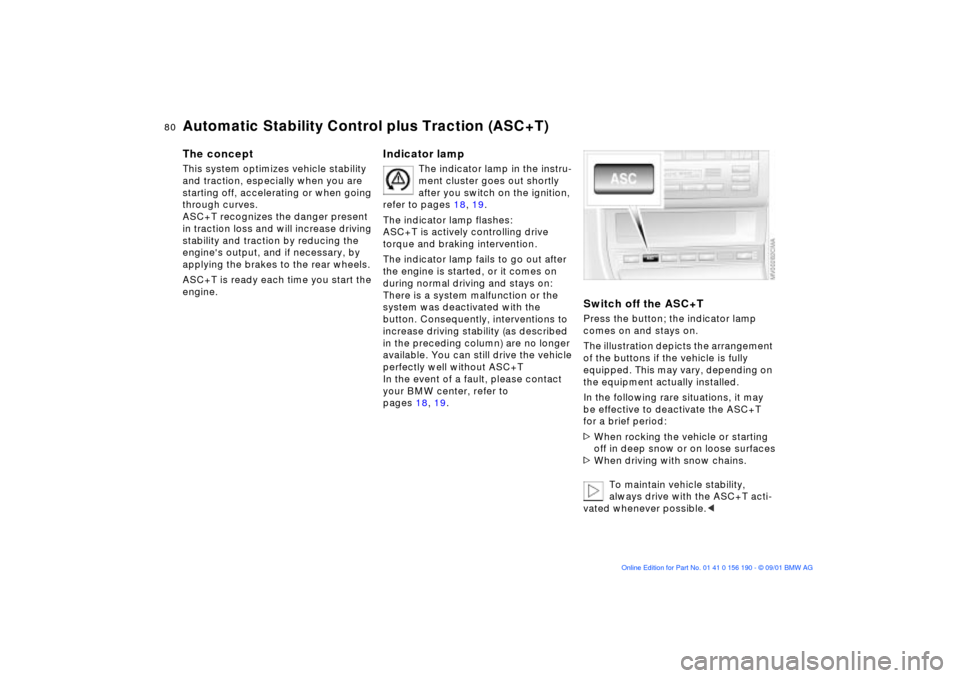
Switch off the ASC+TPress the button; the indicator lamp
comes on and stays on.
The illustration depicts the arrangement
of the buttons if the vehicle is fully
equipped. This may vary, depending on
the equipment actually installed.
In the following rare situations, it may
be effective to deactivate the ASC+T
for a brief period:
>When rocking the vehicle or starting
off in deep snow or on loose surfaces
>When driving with snow chains.
To maintain vehicle stability,
always drive with the ASC+T acti-
vated whenever possible.<
Page 81 of 159
81n
OverviewControlsMaintenanceRepairsDataIndex
ASC+T Dynamic Stability Control (DSC)
*
Switch the ASC+T back onPress the button again; the indicator
lamp goes out.
The laws of physics cannot be
repealed, even with ASC+T. An
appropriate driving style always
remains the responsibility of the driver.
We therefore urge you to avoid using
the additional safety margin of the
system as an excuse for taking risks.<
The conceptThe Dynamic Stability Control (DSC)
maintains vehicle stability, even in crit-
ical driving situations.
The system optimizes vehicle stability
during acceleration and when starting
from a full stop, as well as optimizing
traction. In addition, it recognizes
unstable vehicle conditions, such as
under- or oversteering, and, as far as is
possible within the laws of physics,
helps keeping the vehicle on a steady
course by reducing the engine speed
and brake applications to the individual
wheels.
DSC is operational every time you start
the engine. DSC incorporates the func-
tionality of the Automatic Differential
Brake (ADB) and the Cornering Brake
Control (CBC).
The Automatic Differential Brake (ADB)
relies on selective braking applications
at the drive wheels to furnish the func-
tionality of a conventional limited-slip
differential for enhanced traction in crit-
ical driving conditions such as those
encountered on snow-covered road
surfaces, etc.
The ADB is in standby mode when DSC
is deactivated.
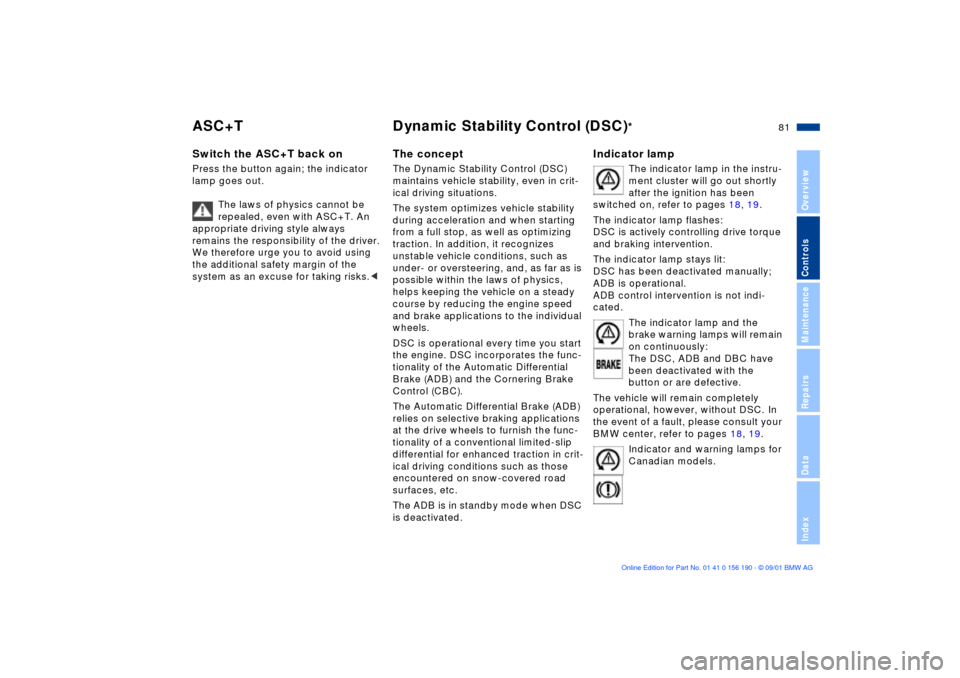
Indicator lamp
The indicator lamp in the instru-
ment cluster will go out shortly
after the ignition has been
switched on, refer to pages 18, 19.
The indicator lamp flashes:
DSC is actively controlling drive torque
and braking intervention.
The indicator lamp stays lit:
DSC has been deactivated manually;
ADB is operational.
ADB control intervention is not indi-
cated.
The indicator lamp and the
brake warning lamps will remain
on continuously:
The DSC, ADB and DBC have
been deactivated with the
button or are defective.
The vehicle will remain completely
operational, however, without DSC. In
the event of a fault, please consult your
BMW center, refer to pages 18, 19.
Indicator and warning lamps for
Canadian models.
Page 83 of 159
83n
OverviewControlsMaintenanceRepairsDataIndex
Tire Pressure Monitor (RDC)
*
The conceptRDC monitors the tire pressures at all
four wheels, even when the vehicle is
moving. The system provides an alert
whenever the inflation pressure drops
significantly below the specified pres-
sure in one or more tires.
In order for the system to learn the
correct tire inflation pressure, check the
inflation pressure in all tires according
to the inflation pressure table on
page 25 and make corrections as
necessary. Then activate the system.
This indicator lamp in the instru-
ment cluster will inform you if
the tire pressure is not correct.
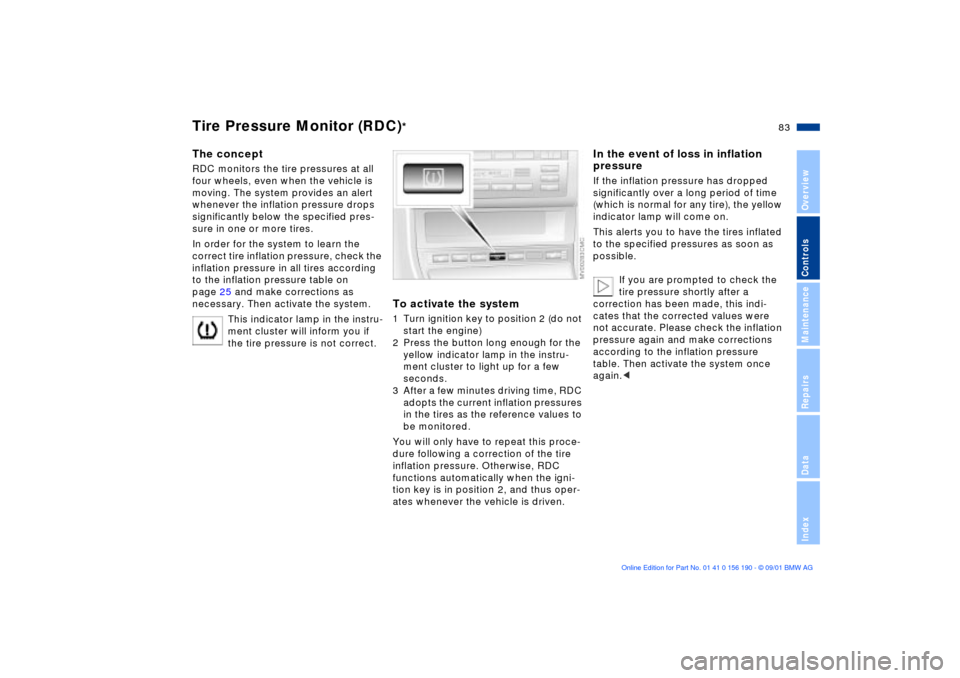
To activate the system1 Turn ignition key to position 2 (do not
start the engine)
2 Press the button long enough for the
yellow indicator lamp in the instru-
ment cluster to light up for a few
seconds.
3 After a few minutes driving time, RDC
adopts the current inflation pressures
in the tires as the reference values to
be monitored.
You will only have to repeat this proce-
dure following a correction of the tire
inflation pressure. Otherwise, RDC
functions automatically when the igni-
tion key is in position 2, and thus oper-
ates whenever the vehicle is driven.
In the event of loss in inflation
pressureIf the inflation pressure has dropped
significantly over a long period of time
(which is normal for any tire), the yellow
indicator lamp will come on.
This alerts you to have the tires inflated
to the specified pressures as soon as
possible.
If you are prompted to check the
tire pressure shortly after a
correction has been made, this indi-
cates that the corrected values were
not accurate. Please check the inflation
pressure again and make corrections
according to the inflation pressure
table. Then activate the system once
again.<
Page 85 of 159
85n
OverviewControlsMaintenanceRepairsDataIndex
Flat Tire Monitor
*
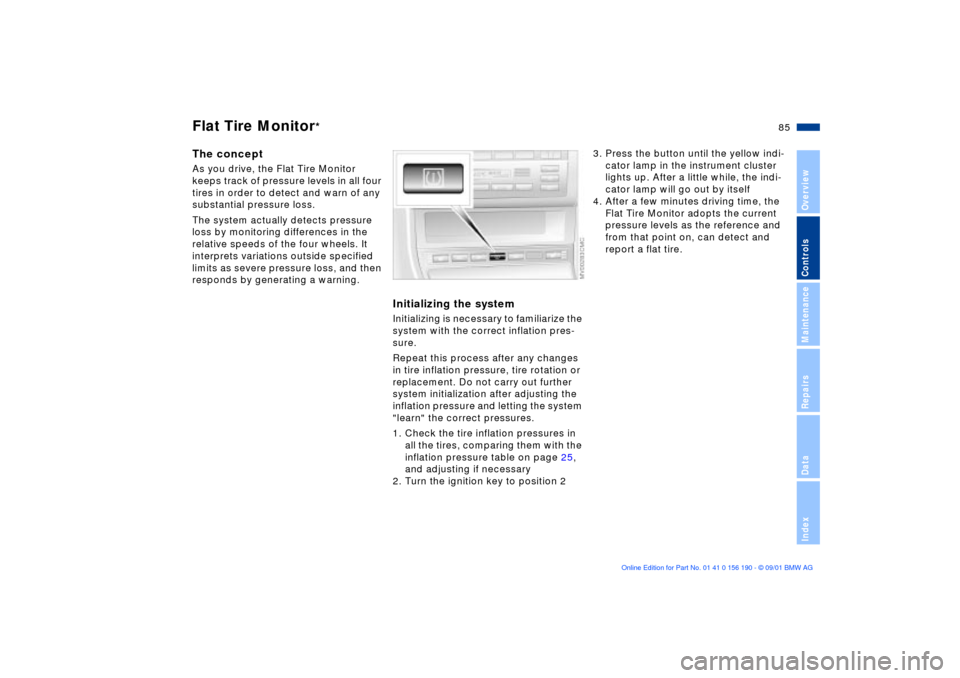
The conceptAs you drive, the Flat Tire Monitor
keeps track of pressure levels in all four
tires in order to detect and warn of any
substantial pressure loss.
The system actually detects pressure
loss by monitoring differences in the
relative speeds of the four wheels. It
interprets variations outside specified
limits as severe pressure loss, and then
responds by generating a warning.
Initializing the systemInitializing is necessary to familiarize the
system with the correct inflation pres-
sure.
Repeat this process after any changes
in tire inflation pressure, tire rotation or
replacement. Do not carry out further
system initialization after adjusting the
inflation pressure and letting the system
"learn" the correct pressures.
1. Check the tire inflation pressures in
all the tires, comparing them with the
inflation pressure table on page 25,
and adjusting if necessary
2. Turn the ignition key to position 2
3. Press the button until the yellow indi-
cator lamp in the instrument cluster
lights up. After a little while, the indi-
cator lamp will go out by itself
4. After a few minutes driving time, the
Flat Tire Monitor adopts the current
pressure levels as the reference and
from that point on, can detect and
report a flat tire.
Page 86 of 159
86n
Flat Tire Monitor
*
To activate/deactivate the systemThe Flat Tire Monitor automatically
assumes operation whenever you turn
the ignition key to position 2. Unless
manually deactivated, it is always on
during normal vehicle operation.
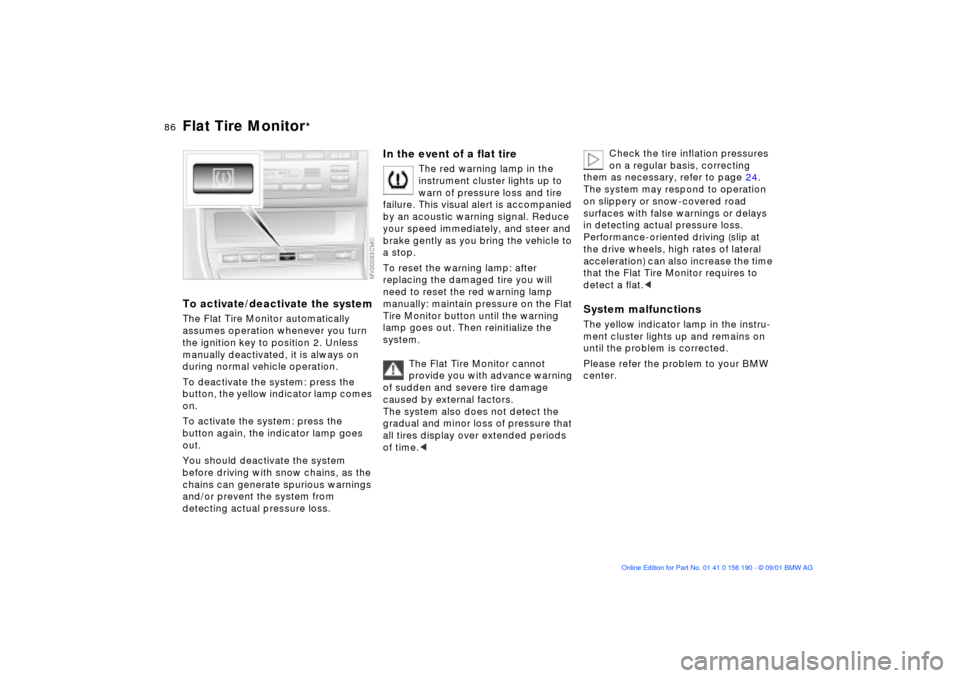
To deactivate the system: press the
button, the yellow indicator lamp comes
on.
To activate the system: press the
button again, the indicator lamp goes
out.
You should deactivate the system
before driving with snow chains, as the
chains can generate spurious warnings
and/or prevent the system from
detecting actual pressure loss.
In the event of a flat tire
The red warning lamp in the
instrument cluster lights up to
warn of pressure loss and tire
failure. This visual alert is accompanied
by an acoustic warning signal. Reduce
your speed immediately, and steer and
brake gently as you bring the vehicle to
a stop.
To reset the warning lamp: after
replacing the damaged tire you will
need to reset the red warning lamp
manually: maintain pressure on the Flat
Tire Monitor button until the warning
lamp goes out. Then reinitialize the
system.
The Flat Tire Monitor cannot
provide you with advance warning
of sudden and severe tire damage
caused by external factors.
The system also does not detect the
gradual and minor loss of pressure that
all tires display over extended periods
of time.<
Check the tire inflation pressures
on a regular basis, correcting
them as necessary, refer to page 24.
The system may respond to operation
on slippery or snow-covered road
surfaces with false warnings or delays
in detecting actual pressure loss.
Performance-oriented driving (slip at
the drive wheels, high rates of lateral
acceleration) can also increase the time
that the Flat Tire Monitor requires to
detect a flat.<
System malfunctionsThe yellow indicator lamp in the instru-
ment cluster lights up and remains on
until the problem is corrected.
Please refer the problem to your BMW
center.