warning BMW 325I 2001 User Guide
[x] Cancel search | Manufacturer: BMW, Model Year: 2001, Model line: 325I, Model: BMW 325I 2001Pages: 203, PDF Size: 2.07 MB
Page 34 of 203
34n
Central locking system Opening and closing Ð from the outside The conceptThe central locking system is ready for
operation whenever the driver's door is
closed. The system engages and
releases the locks on the
>doors
>tailgate and rear window
>fuel filler door.
The central locking system can be
operated
>from outside via the door lock and
using the remote control
>from inside by pressing a button.
Activating the central locking system
from inside does not lock the fuel filler
door (see page 38). When it is actuated
from the outside, the anti-theft system
is activated simultaneously. Both the
door locks and release handles remain
locked. The alarm system is also armed
or disarmed.
If locked from the inside, the central
locking system unlocks automatically in
the event of an accident. But the system
only unlocks those doors that were not
locked separately using the safety
buttons, refer to page 38. In addition,
the hazard warning flashers and interior
lamps come on.
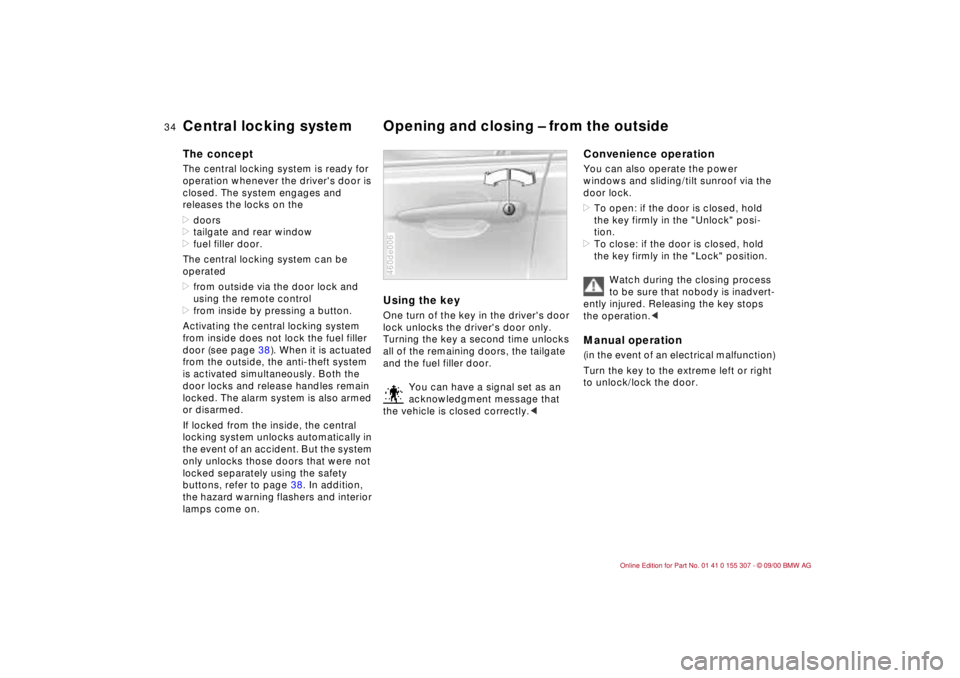
Using the keyOne turn of the key in the driver's door
lock unlocks the driver's door only.
Turning the key a second time unlocks
all of the remaining doors, the tailgate
and the fuel filler door.
You can have a signal set as an
acknowledgment message that
the vehicle is closed correctly.<460de006
Convenience operationYou can also operate the power
windows and sliding/tilt sunroof via the
door lock.
>To open: if the door is closed, hold
the key firmly in the "Unlock" posi-
tion.
>To close: if the door is closed, hold
the key firmly in the "Lock" position.
Watch during the closing process
to be sure that nobody is inadvert-
ently injured. Releasing the key stops
the operation.
to unlock/lock the door.
Page 41 of 203
41n
IndexDataTechnologyRepairsCar careControlsOverview
Alarm system
*
The conceptThe vehicle alarm system responds:
>When a door, the hood or the tailgate
is opened.
>To movement inside the vehicle
(interior motion sensor).
>To a change of the vehicle's tilt Ð if
someone attempts to steal the wheels
or tow the vehicle without authoriza-
tion, for example.
>To interruption of battery voltage.
The system responds to unauthorized
vehicle entry and attempted theft by
simultaneously activating the following:
>Sounding an acoustical alarm for
30 seconds.
>Activating the hazard warning flashers
for approx. five minutes.
>Flashing the high beams flash on and
off in rhythm with the hazard warning
flashers.
To activate and deactivate the
alarm systemWhen the vehicle is locked or unlocked
by using a key or the remote control,
the alarm system is also armed or
disarmed at the same time.
The interior motion sensor and tilt alarm
sensor are activated 30 seconds after
the last locking operation.
If the alarm system has been armed
correctly, the hazard warning flashers
flash once.
You can have one signal set as
acknowledgment when arming
and disarming.<
You can also open the rear window
when the system is armed by pressing
button 3 of the remote control (refer to
page 37). When it is closed, the rear
window is once again secured.
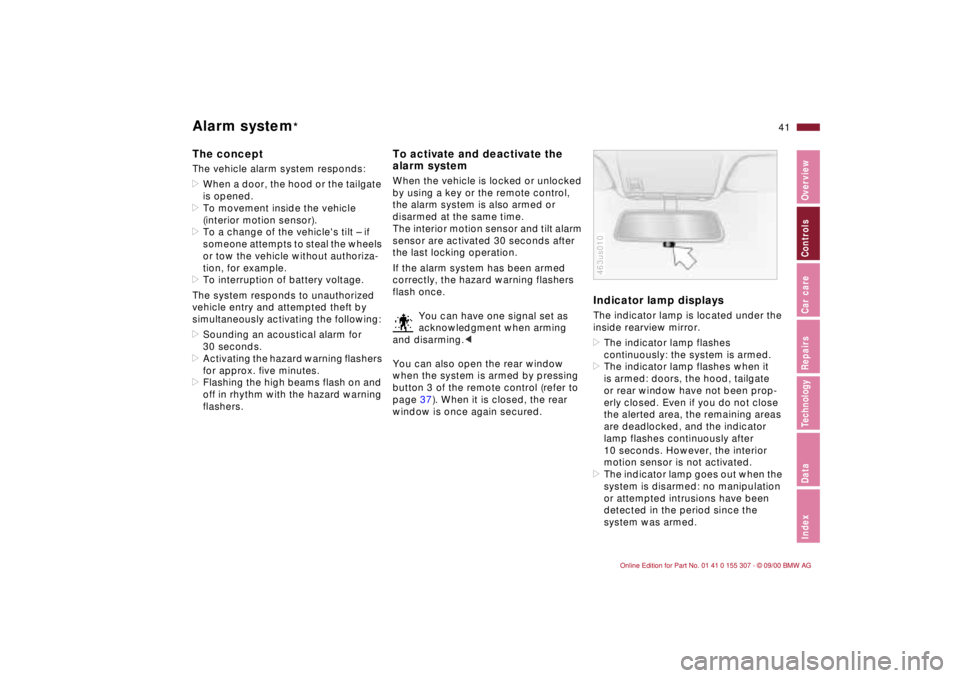
Indicator lamp displaysThe indicator lamp is located under the
inside rearview mirror.
>The indicator lamp flashes
continuously: the system is armed.
>The indicator lamp flashes when it
is armed: doors, the hood, tailgate
or rear window have not been prop-
erly closed. Even if you do not close
the alerted area, the remaining areas
are deadlocked, and the indicator
lamp flashes continuously after
10 seconds. However, the interior
motion sensor is not activated.
>The indicator lamp goes out when the
system is disarmed: no manipulation
or attempted intrusions have been
detected in the period since the
system was armed.463us010
Page 73 of 203
73n
IndexDataTechnologyRepairsCar careControlsOverview
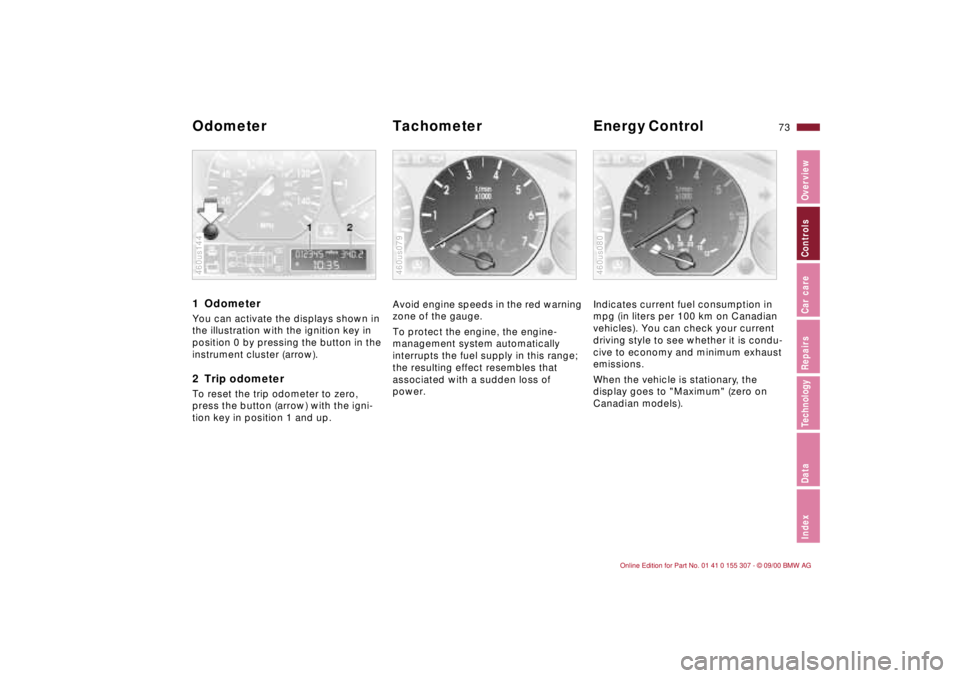
1 Odometer You can activate the displays shown in
the illustration with the ignition key in
position 0 by pressing the button in the
instrument cluster (arrow).2 Trip odometerTo reset the trip odometer to zero,
press the button (arrow) with the igni-
tion key in position 1 and up.460us144
Avoid engine speeds in the red warning
zone of the gauge.
To protect the engine, the engine-
management system automatically
interrupts the fuel supply in this range;
the resulting effect resembles that
associated with a sudden loss of
power.460us079
Indicates current fuel consumption in
mpg (in liters per 100 km on Canadian
vehicles). You can check your current
driving style to see whether it is condu-
cive to economy and minimum exhaust
emissions.
When the vehicle is stationary, the
display goes to "Maximum" (zero on
Canadian models).460us080
Odometer Tachometer Energy Control
Page 74 of 203
74n
Fuel gauge
Coolant temperature gauge
Service Interval Display
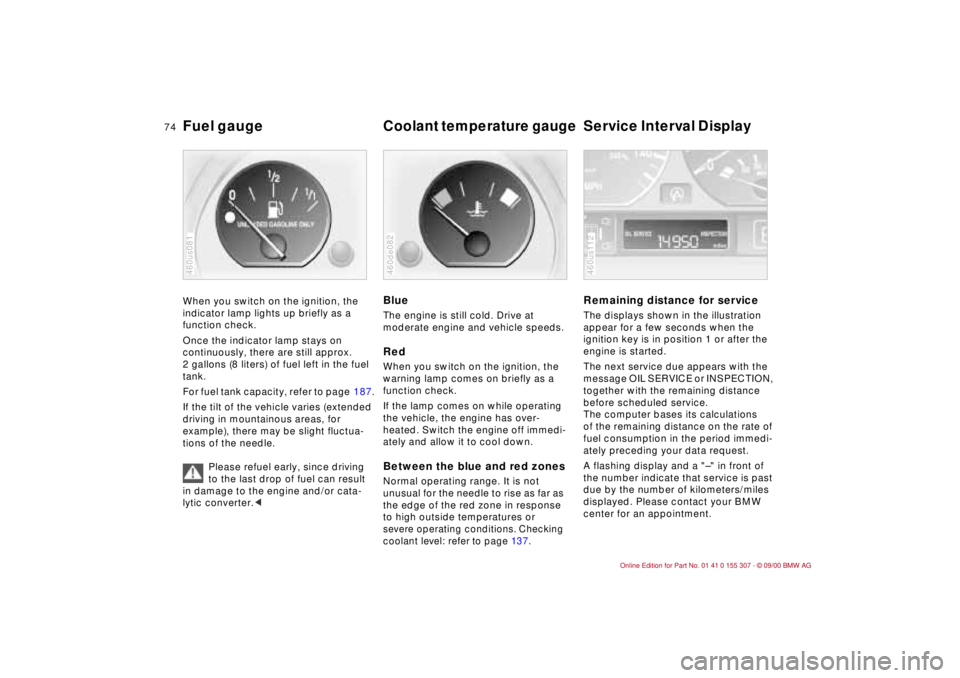
When you switch on the ignition, the
indicator lamp lights up briefly as a
function check.
Once the indicator lamp stays on
continuously, there are still approx.
2 gallons (8 liters) of fuel left in the fuel
tank.
For fuel tank capacity, refer to page 187.
If the tilt of the vehicle varies (extended
driving in mountainous areas, for
example), there may be slight fluctua-
tions of the needle.
Please refuel early, since driving
to the last drop of fuel can result
in damage to the engine and/or cata-
lytic converter.<460us081
BlueThe engine is still cold. Drive at
moderate engine and vehicle speeds.RedWhen you switch on the ignition, the
warning lamp comes on briefly as a
function check.
If the lamp comes on while operating
the vehicle, the engine has over-
heated. Switch the engine off immedi-
ately and allow it to cool down.Between the blue and red zonesNormal operating range. It is not
unusual for the needle to rise as far as
the edge of the red zone in response
to high outside temperatures or severe operating conditions. Checking
coolant level: refer to page 13 7.460de082
Remaining distance for serviceThe displays shown in the illustration
appear for a few seconds when the
ignition key is in position 1 or after the
engine is started.
The next service due appears with the
message OIL SERVICE or INSPECTION,
together with the remaining distance
before scheduled service.
The computer bases its calculations
of the remaining distance on the rate of
fuel consumption in the period immedi-
ately preceding your data request.
A flashing display and a "Ð" in front of
the number indicate that service is past
due by the number of kilometers/miles
displayed. Please contact your BMW
center for an appointment.460us112
Page 75 of 203
75n
IndexDataTechnologyRepairsCar careControlsOverview
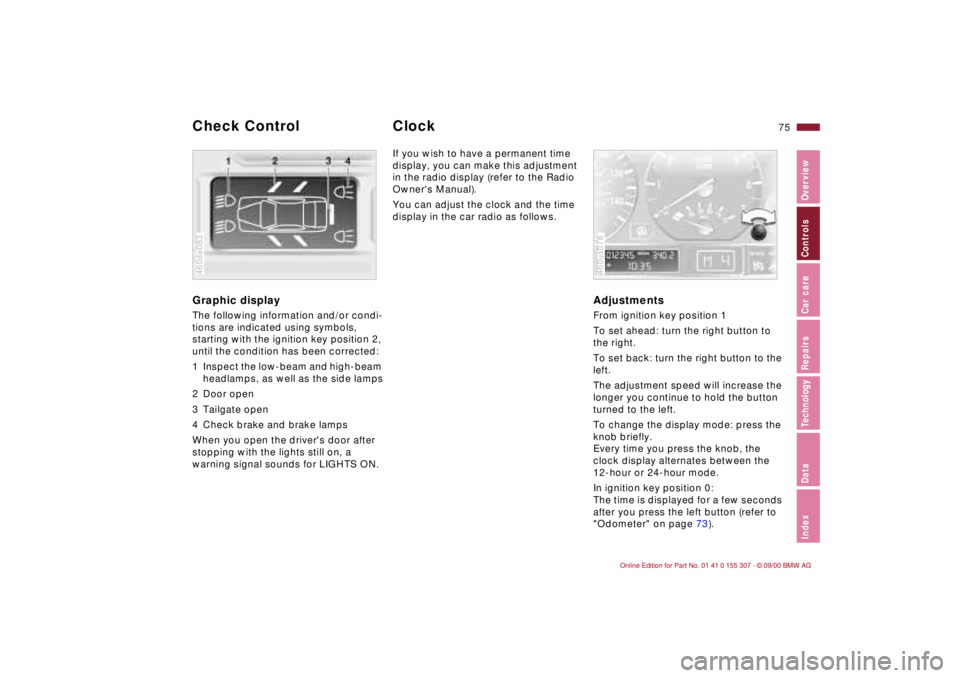
Graphic display
The following information and/or condi-
tions are indicated using symbols,
starting with the ignition key position 2,
until the condition has been corrected:
1 Inspect the low-beam and high-beam
headlamps, as well as the side lamps
2 Door open
3 Tailgate open
4 Check brake and brake lamps
When you open the driver's door after
stopping with the lights still on, a
warning signal sounds for LIGHTS ON.460de083
If you wish to have a permanent time
display, you can make this adjustment
in the radio display (refer to the Radio
Owner's Manual).
You can adjust the clock and the time
display in the car radio as follows.
AdjustmentsFrom ignition key position 1
To set ahead: turn the right button to
the right.
To set back: turn the right button to the
left.
The adjustment speed will increase the
longer you continue to hold the button
turned to the left.
To change the display mode: press the
knob briefly.
Every time you press the knob, the
clock display alternates between the
12-hour or 24-hour mode.
In ignition key position 0:
The time is displayed for a few seconds
after you press the left button (refer to
"Odometer" on page 73).460us078
Check Control
Clock
Page 76 of 203
76n
Computer
*
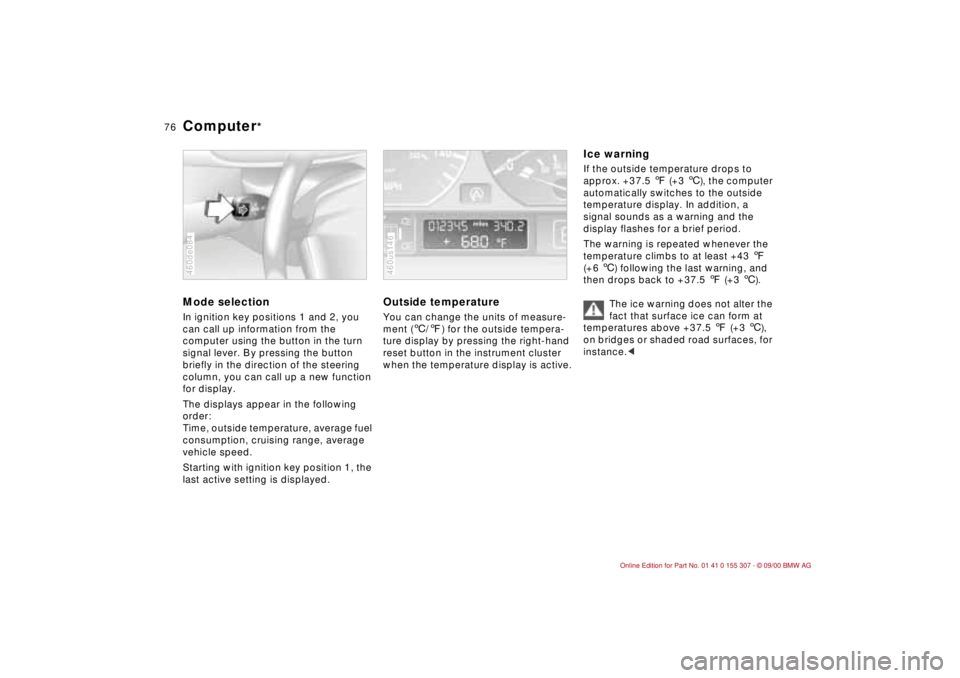
Mode selectionIn ignition key positions 1 and 2, you
can call up information from the
computer using the button in the turn
signal lever. By pressing the button
briefly in the direction of the steering
column, you can call up a new function
for display.
The displays appear in the following
order:
Time, outside temperature, average fuel
consumption, cruising range, average
vehicle speed.
Starting with ignition key position 1, the
last active setting is displayed.460de084
Outside temperature You can change the units of measure-
ment (6/7) for the outside tempera-
ture display by pressing the right-hand
reset button in the instrument cluster
when the temperature display is active. 460us146
Ice warning If the outside temperature drops to
approx. +37.5 7 (+3 6), the computer
automatically switches to the outside
temperature display. In addition, a
signal sounds as a warning and the
display flashes for a brief period.
The warning is repeated whenever the
temperature climbs to at least +43 7
(+6 6) following the last warning, and
then drops back to +37.5 7 (+3 6).
The ice warning does not alter the
fact that surface ice can form at
temperatures above +37.5 7 (+3 6),
on bridges or shaded road surfaces, for
instance.<
Page 78 of 203
78n
The conceptThe PDC assists you when you are
parking. A signal warns you of the real
distance to an obstacle. To do this, four
ultrasonic sensors in the rear bumper
measure the distance to the nearest
object. The range for the sensors at the
two rear corners ends approx. 2 ft
(60 cm) from the bumper. The range for
the two center sensors is approx. 4.9 ft
(1.50 meters) wide.
The system starts to operate automati-
cally about one second after you select
"Reverse" with the ignition key in posi-
tion 2. PDC is deactivated when you shift
back out of reverse.
Acoustical signalsThe distance to the nearest object is
indicated by a tone sounding at various
intervals. As the distance between
vehicle and object decreases, the inter-
vals between the tones become shorter.
If the distance between the vehicle and
a detected object is less than 1ft
(30 cm), then a continuous tone will go
off.
The warning signal is canceled after
approx. three seconds if the distance to
the obstacle remains constant during
this time (if you are moving parallel to
a wall, for instance).
System malfunctions will be indicated
by a continuous high-pitched tone
when the system is activated the first
time. Please refer the problem to your
BMW center.The PDC does not remove the
driver's personal responsibility for
evaluating the distance between the
vehicle and any obstacles. Even when
sensors are involved, there is a blind
spot in which objects cannot be
detected. This applies especially in
those cases where the system
approaches the physical limits of ultra-
sonic measurement, as occurs with tow
bars and trailer couplings, and in the
vicinity of thin and painted objects.
Certain sources of sound, such as a
loud radio, could drown the PDC signal
tone.<
Keep the sensors clean and free
of ice or snow in order to ensure
that they continue to operate effec-
tively.
Do not apply high-pressure spray to the
sensors for a prolonged period of time.
Maintain a distance of more than 4 in
(10 cm).<
Park Distance Control (PDC)
*
Page 81 of 203
81n
IndexDataTechnologyRepairsCar careControlsOverview
DSC
* Ð BMW 325i
The concept DSC helps maintain vehicle stability,
even in critical driving situations.
The system optimizes vehicle stability
during acceleration and when starting
from a full stop, as well as optimizing
traction. In addition, the system recog-
nizes unstable vehicle conditions
(understeering or oversteering, for
example) and helps hold the vehicle on
a sure course by intervening via the
engine and by braking intervention at
the individual wheels.
The DSC is operational every time you
start the engine. DSC contains the
functions of ADB and CBC, refer to
page 117.
The ADB (Automatic Differential
Braking) copies the function of conven-
tional differential and transverse lock
through brake intervention, and
increases traction whenever conditions
merit, e. g. when driving on snow-
covered roads.
If the DSC is switched off the ADB will
still be in ready mode.
Indicator lamp
The indicator lamp in the instru-
ment cluster goes out shortly
after you switch on the ignition.
Refer to pages 21 and 22.
Indicator lamp flashes:
DSC is active and governs the drive
force and braking force.
The indicator lamp lights up continu-
ously:
The DSC has been turned off via the
switch; ADB is ready to use.
ADB intervention is not indicated.
The indicator lamp and the
brake warning lamp lights up
continuously:
The DSC, ADB and DBC have
been switched off via the button
or are defective.
Indicator and warning lamps for
Canadian models.
You can continue to drive the vehicle
normally, but without DSC. Please
consult your BMW center in the event
of a malfunction, refer to pages 21
and 22.
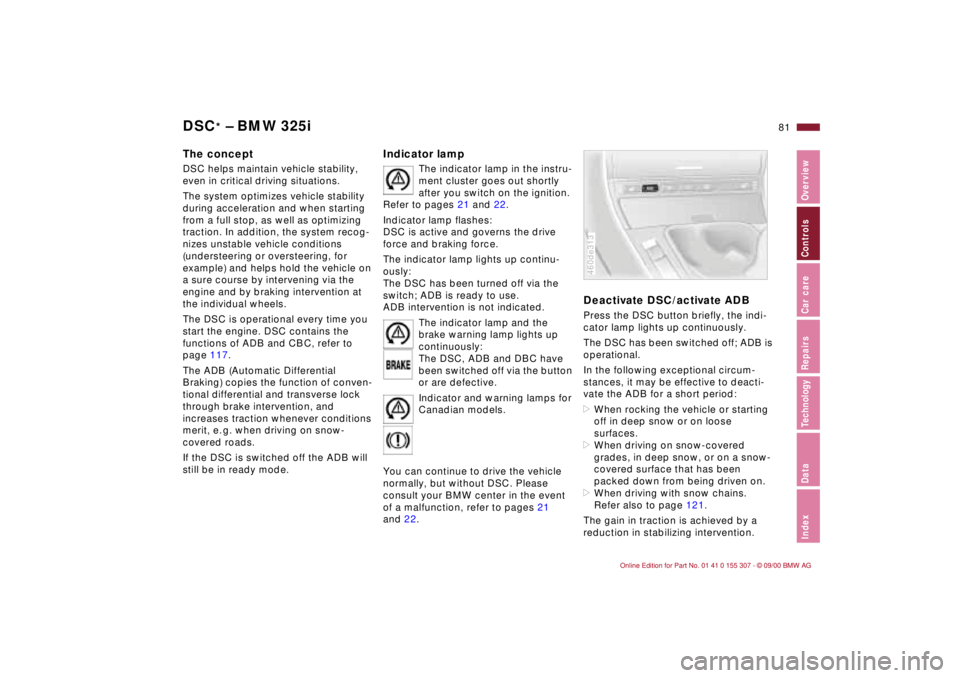
Deactivate DSC/activate ADBPress the DSC button briefly, the indi-
cator lamp lights up continuously.
The DSC has been switched off; ADB is
operational.
In the following exceptional circum-
stances, it may be effective to deacti-
vate the ADB for a short period:
>When rocking the vehicle or starting
off in deep snow or on loose
surfaces.
>When driving on snow-covered
grades, in deep snow, or on a snow-
covered surface that has been
packed down from being driven on.
>When driving with snow chains.
Refer also to page 121.
The gain in traction is achieved by a
reduction in stabilizing intervention.460de313
Page 82 of 203

82n
DSC
* Ð BMW 325i
Deactivate DSC and ADBHold the DSC switch down for at least
3 seconds. The indicator and the yellow
brake warning lamps will remain on the
entire time.
In this case, no interventions to
increase stability and traction for engine
and brakes are carried out.
To maintain vehicle stability,
always drive with the DSC on
whenever possible.<
Reactivate DSC and ADBPress the button again; the indicator
lamp or the indicator lamps will go out.
The laws of physics cannot be
repealed, even with DSC. It will
always be the driver's responsibility to
drive in a manner that matches road
conditions. We therefore urge you to
avoid using the additional safety margin
of the system as an excuse for taking
risks.
Whenever the ADB is activated, the
DSC is switched off and will not
perform any stabilizing intervention.
Do not make any modifications to the
DSC system. Allow only authorized
technicians to perform service proce-
dures on the DSC.<
For additional information concerning
DSC, please refer to the chapter
"Advanced technology" on page 173.
Page 87 of 203
87n
IndexDataTechnologyRepairsCar careControlsOverview
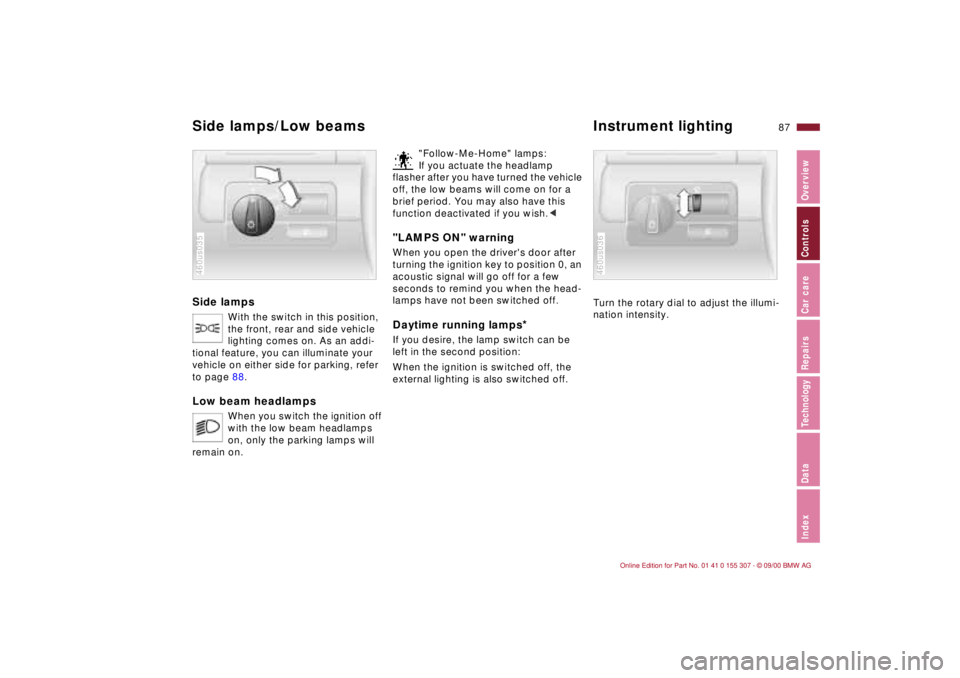
Side lamps
With the switch in this position,
the front, rear and side vehicle
lighting comes on. As an addi-
tional feature, you can illuminate your
vehicle on either side for parking, refer
to page 88.
Low beam headlamps
When you switch the ignition off
with the low beam headlamps
on, only the parking lamps will
remain on.
460us035
"Follow-Me-Home" lamps:
If you actuate the headlamp
flasher after you have turned the vehicle
off, the low beams will come on for a
brief period. You may also have this
function deactivated if you wish.<
"LAMPS ON" warningWhen you open the driver's door after
turning the ignition key to position 0, an
acoustic signal will go off for a few
seconds to remind you when the head-
lamps have not been switched off
.
Daytime running lamps
*
If you desire, the lamp switch can be
left in the second position:
When the ignition is switched off, the
external lighting is also switched off.
Turn the rotary dial to adjust the illumi-
nation intensity.460us036
Side lamps/Low beams Instrument lighting