service BMW 325I 2001 Owner's Guide
[x] Cancel search | Manufacturer: BMW, Model Year: 2001, Model line: 325I, Model: BMW 325I 2001Pages: 203, PDF Size: 2.07 MB
Page 162 of 203
162n
Changing a wheel Battery Driving with the space-saver tireDrive cautiously. Do not exceed a speed
of 50 mph (80 km/h).
You can anticipate changes in vehicle
handling such as delayed braking re-
sponse, longer braking distances and
changes in self-steering properties in
marginal stability limits.
The changes in handling characteristics
will be even more pronounced in
conjunction with winter tires.
Only one space-saver tire may be
mounted at one time. Reinstall
wheels and tires of the same size and
specification as soon as possible.
Maintain correct tire pressures. Refer to
page 29.<
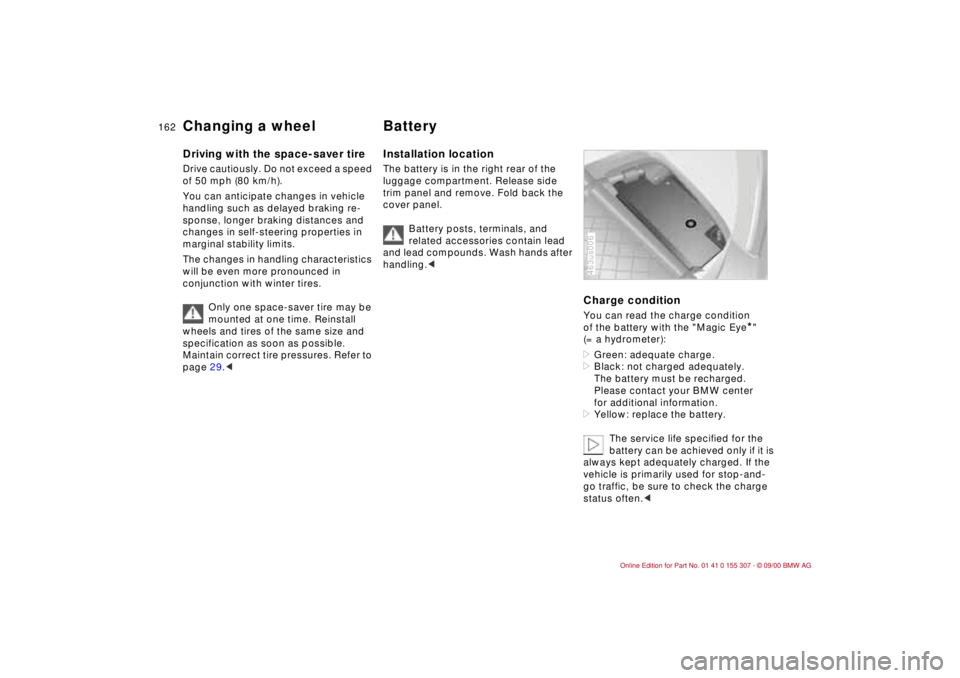
Installation locationThe battery is in the right rear of the
luggage compartment. Release side
trim panel and remove. Fold back the
cover panel.
Battery posts, terminals, and
related accessories contain lead
and lead compounds. Wash hands after
handling.<
Charge conditionYou can read the charge condition
of the battery with the "Magic Eye
*"
(= a hydrometer):
>Green: adequate charge.
>Black: not charged adequately.
The battery must be recharged.
Please contact your BMW center
for additional information.
>Yellow: replace the battery.
The service life specified for the
battery can be achieved only if it is
always kept adequately charged. If the
vehicle is primarily used for stop-and-
go traffic, be sure to check the charge
status often.<
463us006
Page 163 of 203
163n
IndexDataTechnologyRepairsCar careControlsOverview
BatteryBattery careThe battery is completely maintenance-
free. That means that the original acid
will normally last for the service life of
the battery under temperate climatic
conditions.
For all questions that regard the
battery, please consult your BMW
center. Since the battery is absolutely
maintenance-free, the following is for
your information only.
please be cautious whenever you work
with or near the battery.
Before handling the battery,
please read the following infor-
mation.
Wear eye protection. Do not al-
low particles containing battery
acid or lead to come into con-
tact with your eyes, your skin, or your
clothing.
Battery acid is extremely corro-
sive. Wear eye protection and
protective gloves. Do not tip the
battery. Battery acid can leak from the
ventilation openings.
Do not allow children to have
access to batteries and battery
acid.
Never allow sparks or open
flame near the battery. Do
not smoke in the vicinity of the
battery. Avoid sparks from electrical
cables or electrical equipment. Turn the
key to position 0 in the steering lock
when disconnecting or connecting the
battery. Never short-circuit the battery
terminals. This creates a risk of injury
from high-energy sparks.
A highly explosive gas is gener-
ated when the battery is
charged.
If you happen to get acid in
your eyes, rinse thoroughly for
15 minutes with clear water.
Consult a physician immediately. If you
get acid spray on your skin or clothing,
rinse with plenty of water. If acid is
accidentally swallowed, consult a
physician immediately.
In order to protect the battery
case from ultraviolet radiation,
do not place it in direct sunlight.
A discharged battery can freeze. Store
the battery in areas where temperature
remains above freezing.
Removal and installation
Do not disconnect the battery
while the engine is running.
Disconnecting the battery cable when
the engine is running will cause a
voltage surge which will damage the
vehicle's onboard electronics.
Do not make any modifications in the
wires to the positive terminal. If you do
so, the protective function of the safety
battery terminal is no longer ensured.
Repairs and disposal may only be per-
formed by specially trained personnel.<
When removing the battery, disconnect
the cable on the negative terminal first,
then the cable on the positive terminal.
Loosen the center adjusting screw on
the battery retaining strap (use the
screwdriver included with the onboard
tool kit) and disconnect the strap.
When installing a battery, connect the
positive terminal first, then connect the
negative terminal.
When installing a battery, be sure
that it is mounted properly and that
the retaining strap is installed using the
center adjustment screw, otherwise, the
battery will not be secure enough in
case of an accident.<
Page 164 of 203
164n
Battery FusesCharging the battery Charge the battery in the vehicle only
when the engine is not running.
Before performing any work on
the electrical system, disconnect
the cable from the negative terminal. If
you do not, short circuits can cause fire
or personal injury.<
If you plan to park the vehicle for longer
than 4 weeks, disconnect the battery
from the vehicle electrical system by
disconnecting the cable at the negative
terminal. Then recharge the battery with
an appropriate battery charger.
If you intend to store the vehicle for
longer than 12 weeks, remove the
battery, charge it and store it in a cool
and dust-free room where there is no
danger of freezing. During storage,
have the battery recharged every
3 months. Also recharge the battery
before it is reinstalled. If this is not
done, the battery will not be service-
able. Every time the battery is drained,
especially over extended periods, its
service life is reduced.
Return used batteries to a recy-
cling point or your BMW center.
Maintain the battery in an upright
position for transport and storage.
Secure the battery to prevent it from
tilting during transport.<
Storage periods during which
the battery is disconnected are
not taken into consideration by the
Service Interval Display for changing
the brake fluid.
For this reason, be sure that the brake
fluid is changed every two years,
regardless of the information displayed.
Read and comply with the information
on page 138 covering this subject.<
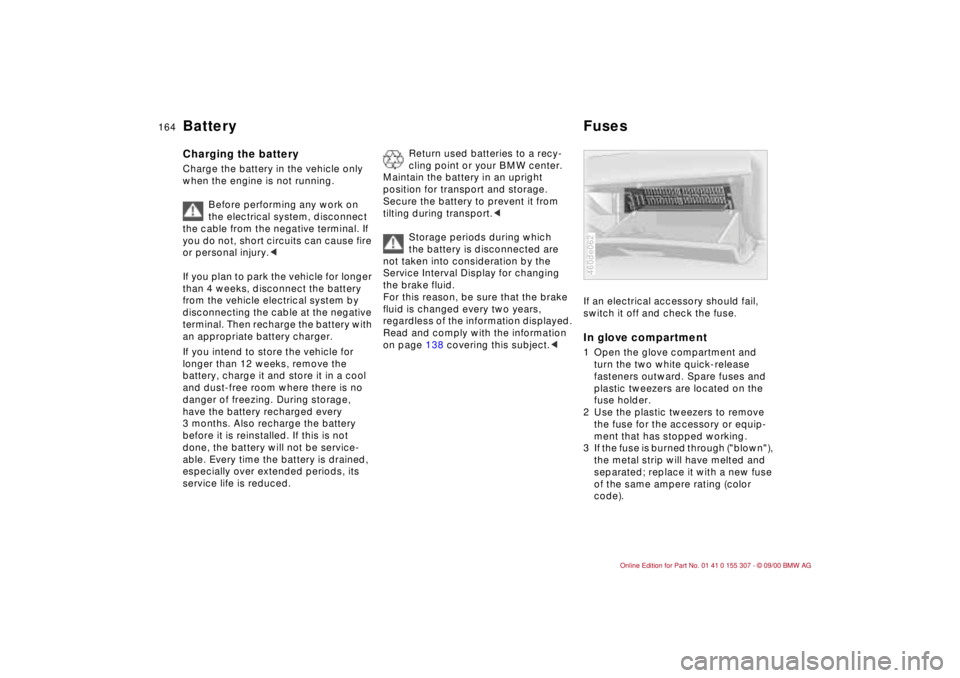
If an electrical accessory should fail,
switch it off and check the fuse. In glove compartment1 Open the glove compartment and
turn the two white quick-release
fasteners outward. Spare fuses and
plastic tweezers are located on the
fuse holder.
2 Use the plastic tweezers to remove
the fuse for the accessory or equip-
ment that has stopped working.
3 If the fuse is burned through ("blown"),
the metal strip will have melted and
separated; replace it with a new fuse
of the same ampere rating (color
code).460de062
Page 171 of 203
Overview
Controls and features
Operation, care
and maintenance
Owner service procedures
Technical data
Index Advanced technology
171n
IndexDataTechnologyRepairsCar careControlsOverview
Advanced technology:
Airbags172
Adaptive Transmission Control
(ATC)173
Automatic Stability Control plus
Traction ASC+T/Dynamic
Stability Control DSC173
Radio reception174
Four-wheel drive175
Safety belt tensioner175
Interior rearview mirror with
automatic dimmer176
Rain sensor177
Tire Pressure Control (RDC)178
Self-diagnostics179
Xenon lamps180
Technol-
Page 178 of 203
178n
Tire Pressure Control (RDC)
*
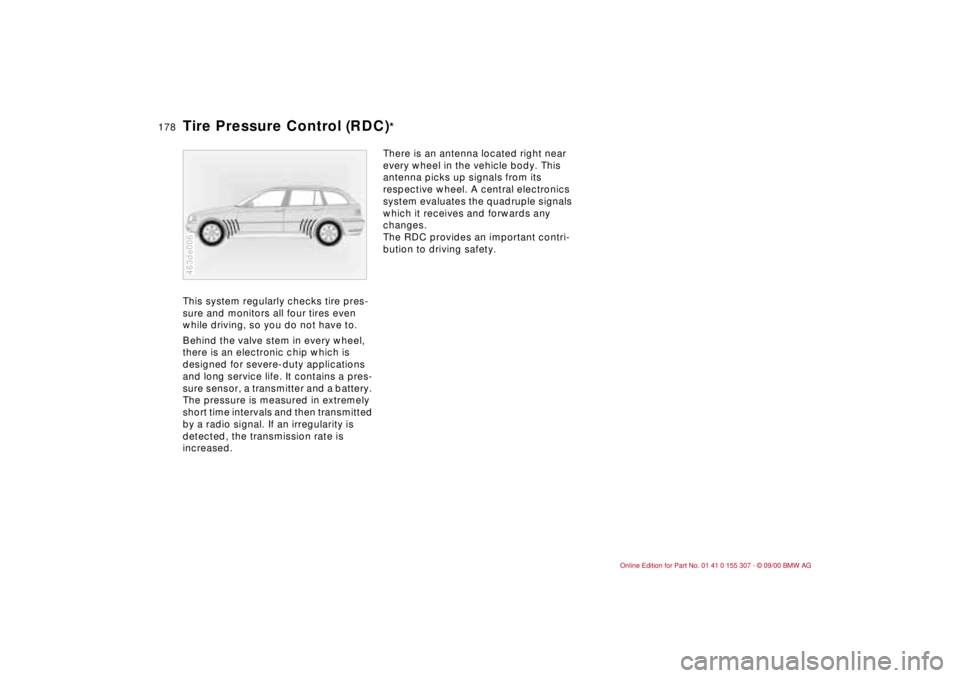
This system regularly checks tire pres-
sure and monitors all four tires even
while driving, so you do not have to.
Behind the valve stem in every wheel,
there is an electronic chip which is
designed for severe-duty applications
and long service life. It contains a pres-
sure sensor, a transmitter and a battery.
The pressure is measured in extremely
short time intervals and then transmitted
by a radio signal. If an irregularity is
detected, the transmission rate is
increased. 463de006
There is an antenna located right near
every wheel in the vehicle body. This
antenna picks up signals from its
respective wheel. A central electronics
system evaluates the quadruple signals
which it receives and forwards any
changes.
The RDC provides an important contri-
bution to driving safety.
Page 183 of 203
Overview
Controls and features
Operation, care
and maintenance
Technical data
Index Advanced technology
183n
IndexDataTechnologyRepairsCar careControlsOverview
Engine data184
Dimensions185
Weights186
Capacities187
Electrical system188
Drive belts188
Data
Owner service procedures
Page 191 of 203
Overview
Controls and features
Operation, care
and maintenance
Owner service procedures
Technical data
Index Advanced technology
191n
IndexDataTechnologyRepairsCar careControlsOverview
Everything from A to Z192
Owner service procedures198
Index
Page 195 of 203
Everything from A to Z
195n
IndexDataTechnologyRepairsCar careControlsOverview
Luggage
compartment38,107
capacity186
emergency release166
lamps39
lamps, bulb
replacement158
remote control system37
trunk floor40
Luggage compartment lid
emergency release166
Luggage rack111
Lumbar support48 M
Maintenance74
Malfunction displays75
Manual transmission64
Memory49
MFL (Multifunction steering
wheel)24
Microfilter93,165
Mirror memory49
Mirrors51
Mobile phone123
Modifications,
technical6,148
Motion sensor, interior41
Multifunction steering wheel
(MFL)24
M+S tires128
N
Neckrest47
Nozzles96 O
OBD interface socket149
Obstruction protection43
Odometer73
Oil
additives135
capacity187
consumption135
dipstick135
quality136
specifications136
viscosity136
Oil change intervals, refer to
the Service and Warranty
Information Booklet or to
the Warranty and Service
Guide Booklet
Oil filter change187
Oil level, indicator lamp20
Oil pressure, indicator
lamp20
OILSERVICE74
Onboard computer, please
refer to Computer76
Onboard tool kit152
Opening and closing
from the inside38
from the outside34 Opening the rear
window40
Outside temperature
display76
Owner service
procedure141
P
Paint blemishes142
Paintwork
minor repairs143
waxing143
Paint, care142
Park Distance Control
(PDC)78
Parking brake63
Parking help78
Parking lamps88
Parking, winter122
Partition net107
PDC (Park Distance
Control)78
Performance184
Phone, mobile123
Pocket lamp101
Pollen93,100
Power outlet105
Power steering123
Power windows43
safety switch44
Pressure monitoring,
tires85,178
Pressure, tires28,124
Q
Quality Grades125 R
Radiator187
Radio
refer to the separate
Owner's Manual
Radio Data System
(RDS)174
Radio reception123,174
Rain sensor69,177
RDC (Tire Pressure
Control)85,178
RDS (Radio Data
System)174
Reading lamps88
Rear backrest, folded
down108
Rear hatch lamp
bulb replacement157
Rear lamps156
Rear seat backrest,
folding107
Rear window
defroster70,92,99
Rearview mirror51
Recirculated air control92
automatic99
Recirculated-air mode92
Reclining seat46
Refueling27
Page 196 of 203
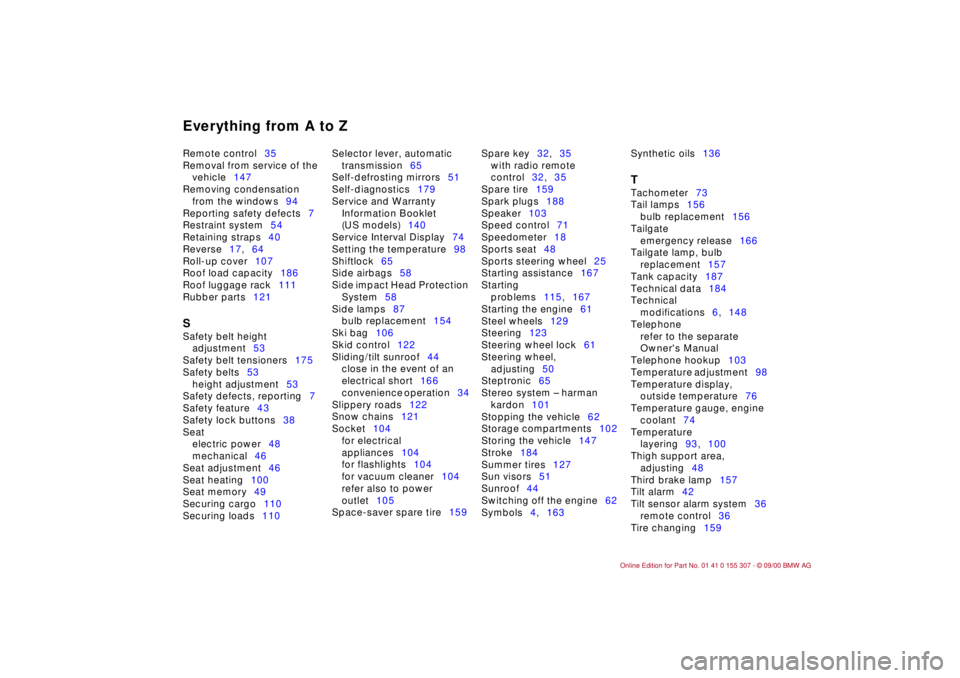
Everything from A to ZRemote control35
Removal from service of the
vehicle147
Removing condensation
from the windows94
Reporting safety defects7
Restraint system54
Retaining straps40
Reverse17,64
Roll-up cover107
Roof load capacity186
Roof luggage rack111
Rubber parts121 S
Safety belt height
adjustment53
Safety belt tensioners175
Safety belts53
height adjustment53
Safety defects, reporting7
Safety feature43
Safety lock buttons38
Seat
electric power48
mechanical46
Seat adjustment46
Seat heating100
Seat memory49
Securing cargo110
Securing loads110 Selector lever, automatic
transmission65
Self-defrosting mirrors51
Self-diagnostics179
Service and Warranty
Information Booklet
(US models)140
Service Interval Display74
Setting the temperature98
Shiftlock65
Side airbags58
Side impact Head Protection
System58
Side lamps87
bulb replacement154
Ski bag106
Skid control122
Sliding/tilt sunroof44
close in the event of an
electrical short166
convenience operation34
Slippery roads122
Snow chains121
Socket104
for electrical
appliances104
for flashlights104
for vacuum cleaner104
refer also to power
outlet105
Space-saver spare tire159 Spare key32,35
with radio remote
control32,35
Spare tire159
Spark plugs188
Speaker103
Speed control71
Speedometer18
Sports seat48
Sports steering wheel25
Starting assistance167
Starting
problems115,167
Starting the engine61
Steel wheels129
Steering123
Steering wheel lock61
Steering wheel,
adjusting50
Steptronic65
Stereo system Ð harman
kardon101
Stopping the vehicle62
Storage compartments102
Storing the vehicle147
Stroke184
Summer tires127
Sun visors51
Sunroof44
Switching off the engine62
Symbols4,163 Synthetic oils136
T
Tachometer73
Tail lamps156
bulb replacement156
Tailgate
emergency release166
Tailgate lamp, bulb
replacement157
Tank capacity187
Technical data184
Technical
modifications6,148
Telephone
refer to the separate
Owner's Manual
Telephone hookup103
Temperature adjustment98
Temperature display,
outside temperature76
Temperature gauge, engine
coolant74
Temperature
layering93,100
Thigh support area,
adjusting48
Third brake lamp157
Tilt alarm42
Tilt sensor alarm system36
remote control36
Tire changing159
Page 197 of 203
Everything from A to Z
197n
IndexDataTechnologyRepairsCar careControlsOverview
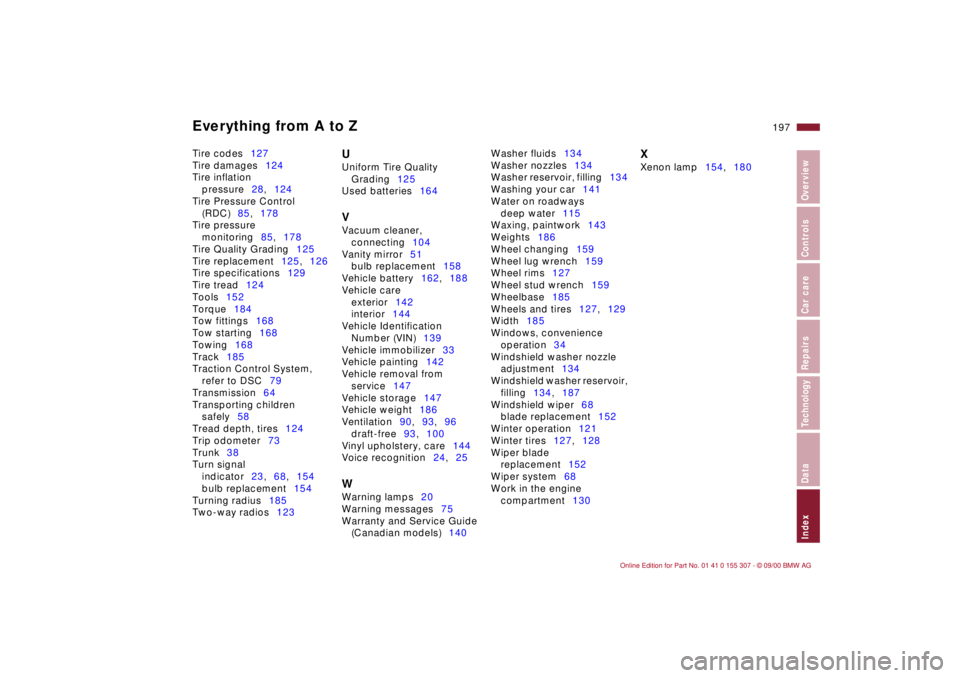
Tire codes127
Tire damages124
Tire inflation
pressure28,124
Tire Pressure Control
(RDC)85,178
Tire pressure
monitoring85,178
Tire Quality Grading125
Tire replacement125,126
Tire specifications129
Tire tread124
Tools152
Torque184
Tow fittings168
Tow starting168
Towing168
Track185
Traction Control System,
refer to DSC79
Transmission64
Transporting children
safely58
Tread depth, tires124
Trip odometer73
Trunk38
Turn signal
indicator23,68,154
bulb replacement154
Turning radius185
Two-way radios123
U
Uniform Tire Quality
Grading125
Used batteries164 V
Vacuum cleaner,
connecting104
Vanity mirror51
bulb replacement158
Vehicle battery162,188
Vehicle care
exterior142
interior144
Vehicle Identification
Number (VIN)139
Vehicle immobilizer33
Vehicle painting142
Vehicle removal from
service147
Vehicle storage147
Vehicle weight186
Ventilation90,93,96
draft-free93,100
Vinyl upholstery, care144
Voice recognition24,25 W
Warning lamps20
Warning messages75
Warranty and Service Guide
(Canadian models)140 Washer fluids134
Washer nozzles134
Washer reservoir, filling134
Washing your car141
Water on roadways
deep water115
Waxing, paintwork143
Weights186
Wheel changing159
Wheel lug wrench159
Wheel rims127
Wheel stud wrench159
Wheelbase185
Wheels and tires127,129
Width185
Windows, convenience
operation34
Windshield washer nozzle
adjustment134
Windshield washer reservoir,
filling134,187
Windshield wiper68
blade replacement152
Winter operation121
Winter tires127,128
Wiper blade
replacement152
Wiper system68
Work in the engine
compartment130
X
Xenon lamp154,180