automatic transmission BMW 4.8I 2008 User Guide
[x] Cancel search | Manufacturer: BMW, Model Year: 2008, Model line: 4.8I, Model: BMW 4.8I 2008Pages: 292, PDF Size: 9.32 MB
Page 131 of 292
Driving tips
129Reference
At a glance
Controls
Communications
Navigation
Entertainment
Mobility
and smooth driving style reduces fuel con-
sumption.
Avoiding high engine speeds
Driving at a low engine speed reduces fuel con-
sumption and minimizes wear.
Taking advantage of coasting
The flow of fuel is interrupted when coasting.
Switching off engine during longer
stops
Switch off the engine at longer stops such as
traffic signals, railroad crossings, or in traffic
jams. Even having the engine switched off for
approx. 4 seconds results in fuel savings.
Switching off functions currently not
required
Functions such as air conditioning, seat heat-
ing, or rear window defrosting consume a lot of
energy and require additional fuel. Their influ-
ence is particularly pronounced in city traffic
and stop & go operation. For this reason, it is a
good idea to switch these functions off when
they are not really needed.
Having maintenance carried out
Have the vehicle serviced regularly in order to
achieve the optimum economy and service life
of your vehicle. BMW recommends having the
maintenance performed by a BMW Sports
Activity Vehicle Center. Also please pay atten-
tion to the BMW maintenance system, refer to
page245.
General driving notes
Closing liftgate/tailgate
Operate the vehicle only when the tail-
gate and liftgate are completely closed.
Otherwise, exhaust fumes could enter into the
passenger compartment.
1.Close all windows and the panorama glass
sunroof.
2.Increase the air volume of the automatic
climate control to a high level, refer to
page108.
Hot exhaust system
As in all vehicles, extremely high temper-
atures are generated on the exhaust sys-
tem. Do not remove the heat shields installed
adjacent to it, and never apply undercoating to
them. When driving, standing at idle and while
parking take care to avoid possible contact
between the hot exhaust system and any highly
flammable materials such as hay, leaves, grass,
etc. Such contact could lead to a fire, and with it
the risk of serious property damage as well as
personal injury. Do not touch hot tailpipes, as
otherwise there is a danger of burns.<
Hydroplaning
When driving on wet or slushy roads,
reduce road speed. If you do not, a wedge
of water can form between tires and road sur-
face. This phenomenon is referred to as hydro-
planing, and is characterized by a partial or
complete loss of contact between the tires and
the road surface, ultimately undermining your
ability to steer and brake the vehicle.<
The risk of hydroplaning increases as the tread
depth of the tires decreases, also refer to Mini-
mum tread depth on page238.
Driving through water
Do not drive through water on the road if it
is deeper than 20 in/50 cm, and then only
at walking speed at the most. Otherwise, the
vehicle's engine, the electrical systems and the
transmission may be damaged.<
Braking safely
Your BMW is equipped with ABS as a standard
feature. In situations that require it, it is best to
brake with full force. Since the vehicle maintains
steering responsiveness, you can still avoid
Page 132 of 292
Things to remember when driving
130 possible obstacles with a minimum of steering
effort.
Pulsation of the brake pedal, combined with
sounds from the hydraulic circuits, indicate that
ABS is in its active mode.
Do not drive with your foot resting on the
brake pedal. Even light but consistent
pedal pressure can lead to high temperatures,
brake wear and possibly even brake failure.<
Driving in wet conditions
When roads are wet or there is heavy rain,
briefly exert gentle pressure on the brake pedal
every few miles. Monitor traffic conditions to
ensure that this maneuver does not endanger
other road users. The heat generated in this
process helps dry the pads and rotors to ensure
that full braking efficiency will then be available
when you need it.
Hills
To prevent overheating and the resulting
reduced efficiency of the brake system,
drive long or steep downhill gradients in the
gear in which the least braking is required. Even
light but consistent pressure on the brake pedal
can lead to high temperatures, brake wear and
possibly even brake failure.<
The braking effect of the engine can be further
increased by downshifting in the manual mode
of the automatic transmission, if necessary into
first gear, refer to page65. This prevents an
excessive strain on the brakes.
Do not drive in idle or with the engine
stopped, otherwise there will be no
engine braking action or support of the braking
force and steering.
Never allow floor mats, carpets or any other
objects to protrude into the area of movement
of the pedals and impair their operation.<
Corrosion on brake rotors
When the vehicle is driven only occasionally,
during extended periods when the vehicle is not
used at all, and in operating conditions where
brake applications are less frequent, there is an
increased tendency for corrosion to form on rotors, while contaminants accumulate on the
brake pads. This occurs because the minimum
pressure which must be exerted by the pads
during brake applications to clean the rotors is
not reached.
Should corrosion form on the brake rotors, the
brakes will tend to respond with a pulsating
effect that even extended application will fail to
cure.
When vehicle is parked
Condensation forms in the automatic climate
control system during operation, and then exits
under the vehicle. Traces of condensed water
under the vehicle are therefore normal.
Before driving into a car wash
Fold in the exterior mirrors, refer to page51,
otherwise they could be damaged due to the
width of the vehicle.
Release the parking brake, particularly when
you have activated Automatic Hold, refer to
page61.
General information on the care and mainte-
nance of your BMW is contained in the Caring
for your vehicle brochure.
Mixed tires*
Before driving into a car wash, make sure
that the vehicle width is not too large for
the car wash, as otherwise the vehicle and the
car wash could be damaged.<
Rear window wiper
The rear window wiper can be damaged in car
washes. Take appropriate protective measures;
ask the car wash operator if necessary.
With comfort access*
Insert the remote control into the ignition lock.
The engine can be switched off in transmission
position N, also refer to page37.
Page 169 of 292
Navigation
Entertainment
Driving tips
167Reference
At a glance
Controls
Communications
Mobility
To change the selection criterion:
1.Change into the second field from the top.
2.Select the selection criterion and press the
controller.
Sampling stations, scan
The system automatically plays a brief sample
from each of the stations on the current wave-
band.
1.Select "FM" or "AM" and press the control-
ler.
"Set" is selected.
2.Press the controller.
Other menu items are displayed.
3.Select "Scan" and press the controller.
The stations are sampled.
To end sampling:
1.Press the controller.
2.Select "Scan" and press the controller.
This cancels sampling of the stations, and the
radio remains on the current station.
Buttons on CD player
To sample the stations, press and hold the
button for the corresponding direction.
To end scanning, press the button again.
Selecting frequency manually
With "Manual" you can select stations that can
be received in addition to those displayed.
1.Select "FM" or "AM" and press the control-
ler.
2.Change into the second field from the top.
3.Select "Manual" and press the controller.
4.Turn the controller to set a certain fre-
quency.
Updating stations with best reception
If you are on a longer journey and leave the
transmission range of the stations originally set,
you can update the list of stations in the AM
range with the best reception.
1.Select "AM" and press the controller.
2.Change into the second field from the top.
3.Select "Autostore" and press the controller.
"Set" is selected.
4.Press the controller.
Other menu items are displayed.
Page 260 of 292
Giving and receiving assistance
258
Being towed
Make sure that the ignition is switched on,
refer to page59, otherwise the low
beams, tail lamps, turn signals and windshield
wipers would not be available. When the engine
is stopped, there is no power assist. This then
requires increased effort for braking and steer-
ing. Active steering is deactivated and larger
steering wheel movements are required.<
Switch on the hazard warning flashers depend-
ing on the local regulations. If the electrical sys-
tem fails, mark the vehicle to be towed, e.g. with
a sign or warning triangle in the rear window.
Engage transmission position N and release the
parking brake before towing.
If transmission position N cannot be engaged,
manually release the transmission lock, refer to
page65.
Do not exceed a towing speed of 45 mph/
70 km/h and a towing distance of
90 miles/150 km, otherwise the automatic
transmission may be damaged.<
Towing methods
Do not lift vehicle by tow fitting or body
and chassis parts, otherwise damage may
result.<
In some countries, towing with tow bars or
ropes in public traffic is not permitted. Familiar-
ize yourself with the regulations on towing in the
respective country.
With tow bar
The towing vehicle may not be lighter
than the vehicle to be towed, otherwise it
will not be possible to reliably control vehicle
response.<
The tow fittings used should be on the same
side on both vehicles. Should it prove impossi-
ble to avoid mounting the tow bar at an offset
angle, please observe the following:
>Clearance and maneuvering capability will
be sharply limited during cornering.
>When mounted at an angle, the tow bar will
exert lateral forces, tending to push the
vehicle sideways.Only attach the tow bar to the tow fittings,
as attachment to other vehicle parts can
lead to damage.<
With tow rope
When starting off in the towing vehicle, make
sure that the tow rope is taut.
To avoid jerking and the associated
stresses on vehicle components when
towing, always use nylon ropes or nylon straps.
Only attach tow ropes to the tow fittings, as
attachment to other vehicle parts can lead to
damage.<
With tow truck
Do not tow the X5 with the front or rear
axle raised individually, otherwise the
wheels may lock and the transfer case may be
damaged.<
The X5 may only be transported on a flat bed.
Tow-starting
The engine cannot be started by tow-starting.
Start the engine by jump starting it, refer to
page256.
Have the cause of the starting difficulties elimi-
nated.
Page 273 of 292
Reference 271
At a glance
Controls
Driving tips
Communications
Navigation
Entertainment
Mobility
Assist, refer to separate
operating instructions
Assistance systems, refer to
Driving stability control
systems88
Assistance window20
"Assist. window off"21
AUC Automatic recirculated-
air control109
"Audio"165,169
– for DVD system in rear204
Audio162
– controls162
– switching on/off162
– tone control163
– volume163
Audio CD for DVD system in
rear198
Audio device, external119
Automatic
– air distribution107,112
– air volume107,112
– headlamp control102
– liftgate operation34
– service notification225
– steering wheel adjustment,
refer to Easy entry/exit53
– storing stations167
Automatic car washes130
– also refer to Caring for your
vehicle brochure
Automatic climate control107
– automatic air
distribution107,112
– in rear111
– switching off110,112
– ventilation in rear111
Automatic closing of doors,
refer to Automatic soft
closing33
Automatic curb monitor52
Automatic garage door
opener115
Automatic Hold61
– activating62
– deactivating62
– parking62Automatic lighting
– refer to Automatic headlamp
control102
– refer to Daytime running
lamps103
– refer to Interior lamps105
– refer to Pathway lighting103
"Automatic programs"
108
Automatic recirculated-air
control AUC109
Automatic soft closing33
Automatic station search167
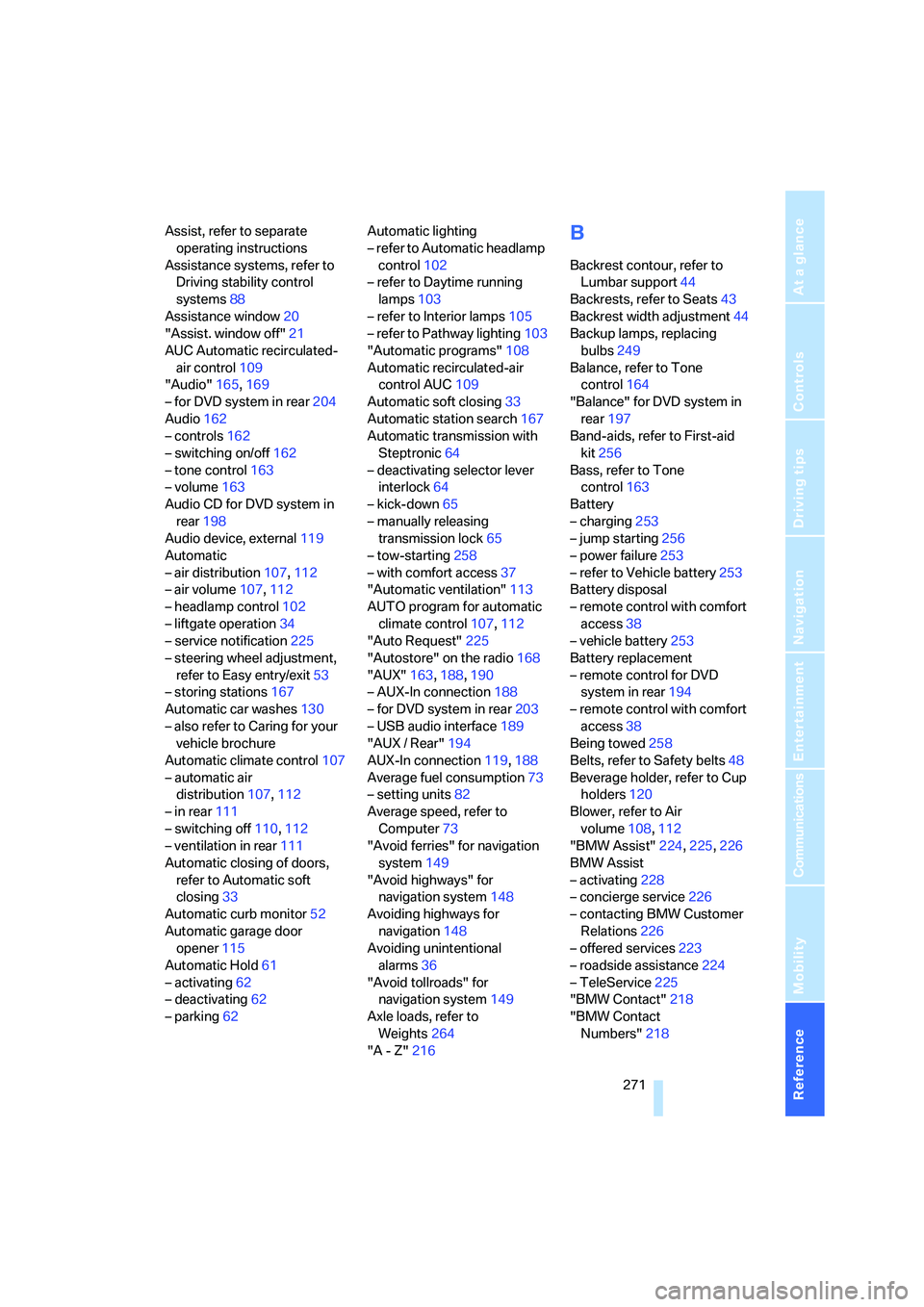
Automatic transmission with
Steptronic64
– deactivating selector lever
interlock64
– kick-down65
– manually releasing
transmission lock65
– tow-starting258
– with comfort access37
"Automatic ventilation"113
AUTO program for automatic
climate control107,112
"Auto Request"225
"Autostore" on the radio168
"AUX"163,188,190
– AUX-In connection188
– for DVD system in rear203
– USB audio interface189
"AUX / Rear"194
AUX-In connection119,188
Average fuel consumption73
– setting units82
Average speed, refer to
Computer73
"Avoid ferries" for navigation
system149
"Avoid highways" for
navigation system148
Avoiding highways for
navigation148
Avoiding unintentional
alarms36
"Avoid tollroads" for
navigation system149
Axle loads, refer to
Weights264
"A - Z"216
B
Backrest contour, refer to
Lumbar support44
Backrests, refer to Seats43
Backrest width adjustment44
Backup lamps, replacing
bulbs249
Balance, refer to Tone
control164
"Balance" for DVD system in
rear197
Band-aids, refer to First-aid
kit256
Bass, refer to Tone
control163
Battery
– charging253
– jump starting256
– power failure253
– refer to Vehicle battery253
Battery disposal
– remote control with comfort
access38
– vehicle battery253
Battery replacement
– remote control for DVD
system in rear194
– remote control with comfort
access38
Being towed258
Belts, refer to Safety belts48
Beverage holder, refer to Cup
holders120
Blower, refer to Air
volume108,112
"BMW Assist"224,225,226
BMW Assist
– activating228
– concierge service226
– contacting BMW Customer
Relations226
– offered services223
– roadside assistance224
– TeleService225
"BMW Contact"218
"BMW Contact
Numbers"218
Page 277 of 292
Reference 275
At a glance
Controls
Driving tips
Communications
Navigation
Entertainment
Mobility
Disposal
– battery of remote control
with comfort access38
– remote control battery194
– vehicle battery253
Distance, refer to
Computer73
"Distance to dest."74
Distance to destination, refer
to Computer73
Distance warning, refer to
PDC Park Distance
Control84
Door entry lighting105
Door key, refer to Keys/
remote control28
Door lock31
Door locking, confirmation
signals31
"Door locks"30,31,76
Doors
– manual operation32
– remote control29
DOT Quality Grades237
Downhill driving assistance,
refer to HDC90
Draft-free ventilation110
Drinks holder, refer to Cup
holders120
"Driver's door only"30
Driver's seat, calibrating49
"Driver's seat climate"51
Driving lamps, refer to Parking
lamps/low beams102
Driving on poor roads133
Driving route, refer to
Displaying route151
Driving stability control
systems88
Driving through water129
Driving tips, refer to General
driving notes128
Dry air, refer to Cooling
function109
Drying the air, refer to Cooling
function109DSC Dynamic Stability
Control89
– indicator lamp13,89
DTC Dynamic Traction
Control89
– activating89
– indicator lamp90
"DVD"182
– for DVD system in rear194
DVD changer
– fast forward183
– reverse
183
– skip chapter183
"DVD format" for DVD system
in rear197
DVD for navigation136
DVD system in rear192
– CD/DVD player193
– connecting headphones193
– controls192
– displaying images from CD/
DVD200
– DVD country codes195
– external device203
– information on CD/DVD
player202
– playing audio tracks from
CD/DVD198
– playing video from CD/
DVD195
– remote control193
– switching on/off194
"Dynamic route" for
navigation149
Dynamic Stability Control
DSC89
Dynamic Traction Control
DTC89
E
Easy entry/exit53
Electrical malfunction
– automatic transmission with
Steptronic65
– door lock32
– driver's door32
– fuel filler door232
– liftgate33
– panorama glass sunroof40
– parking brake63
Electric seat43
Electric steering wheel
adjustment52
Electronic brake-force
distribution88
Electronic oil level check242
Emergency operation, refer to
Manual operation
– door lock32
– driver's door32
– fuel filler door232
– liftgate33
– transmission lock, automatic
transmission65
Emergency request255
Emergency services, refer to
Roadside Assistance256
"Enabled services"229
"Enable services"229
"End call"216
Energy-conscious driving,
refer to Energy Control72
Energy Control72
Engine
– breaking-in128
– data262
– overheated, refer to Coolant
temperature72
– speed262
– starting60
– starting, with comfort
access37
– switching off60
Engine compartment242
Engine coolant244
Page 279 of 292
Reference 277
At a glance
Controls
Driving tips
Communications
Navigation
Entertainment
Mobility
G
Garage door opener, refer to
Integrated universal remote
control115
Gasoline, refer to Required
fuel233
Gasoline display, refer to Fuel
gauge72
Gear changes, automatic
transmission with
Steptronic65
General driving
notes128,129
Glass sunroof, electric
– convenient operation from
outside32
– convenient operation with
comfort access37
– remote control30
Glove compartment118
– lighting118
– opening manually118
GPS navigation, refer to
Navigation system136
Grills, refer to Ventilation110
Grills of the automatic climate
control106
Gross vehicle weight, refer to
Weights264
H
Handbrake, refer to Parking
brake60
– Automatic Hold61
Hands-free system, refer to
Microphone14
Hazard warning flashers15
HDC Hill Descent Control90
"HD radio"169
HD radio, refer to High
Definition Radio169
Head airbags97
Headlamp control,
automatic102
Headlamp flasher66Headlamps102
– care, refer to Caring for your
vehicle brochure
– cleaning, refer to Washer/
wiper system67
– replacing bulbs247
Head Light, refer to Adaptive
Head Light104
Head restraints46
– sitting safely42
"Head-Up Display"100
Head-Up Display99
Heated
– mirrors52
– rear window108
– seats50
– steering wheel53
Heating106
– exterior mirrors52
– interior106
– rear window108
– residual heat110
– seats50
– steering wheel53
Heating with engine switched
off, refer to Residual
heat110
Heavy cargo, refer to Securing
cargo132
Height, refer to
Dimensions263
Height adjustment
– seats43
– steering wheel52
High beams66,104
– headlamp flasher66
– indicator lamp13
High Definition Radio169
Highs, refer to Treble and
bass163
High water, refer to Driving
through water129
Highway, refer to Route
criteria148
Hill Descent Control HDC90
Hills130
Holder for cups120Home address148
"Home address" for
navigation system148
Homepage4
Hood241
Horn10
Hot exhaust system129
"Hour memo"82
"House number" for
destination entry141
Hydraulic brake assistant,
refer to Brake assistant89
Hydroplaning129
I
IBOC, refer to High Definition
Radio169
Ice, refer to Outside
temperature warning71
Ice warning, refer to Outside
temperature warning71
ID3 tag, refer to Information on
track177
Identification, tire240
Identification mark, run-flat
tires239
iDrive16
– assistance window20
– changing language83
– changing menu page19
– changing settings81
– changing units of measure
and display type82
– confirming selection or
entry19
– controller16
– controls16
– displays, menus17
– selecting menu item19
– setting brightness82
– setting date82
– setting time81
– start menu17
– status information20
– symbols18
Page 280 of 292
Everything from A to Z
278 Ignition59
– switched off59
– switched on59
Ignition key, refer to Keys/
remote control28
Ignition key position 1, refer to
Radio readiness59
Ignition key position 2, refer to
Ignition on59
Ignition lock59
– starting engine with comfort
access37
Independent ventilation, refer
to Parked car ventilation113
Indicator/warning lamps13
– active steering96
– airbags99
– DSC13,89
– DTC90
– fasten safety belt49
– Flat Tire Monitor93
– fog lamps13
– TPM Tire Pressure
Monitor95
Individual air distribution109
Individually programmable
buttons on steering
wheel53
Individual settings, refer to
Personal Profile28
Inflation pressure, refer to Tire
inflation pressure234
Inflation pressure monitoring
– refer to FTM Flat Tire
Monitor92
– refer to TPM Tire Pressure
Monitor94
Information
– on another location144
– on country144
– on current position144
– on destination location144
"Information on
destination"145
"Info sources"76Initializing
– Flat Tire Monitor92
– refer to Power failure253
– refer to Setting date82
– refer to Setting time81
– seat, mirror and steering
wheel memory44
"Input map"143
Installation location
– drive for navigation DVD136
– mobile phone119
Instructions for navigation
system, refer to Voice
instructions153
Instrument cluster, refer to
Instrument panel12
Instrument illumination, refer
to Instrument lighting105
Instrument lighting105
Instrument panel12
– refer to Cockpit10
Integrated key28
Integrated universal remote
control115
Interesting destination for
navigation144
"Interim time"80
Interior lamps105
– switching on with remote
control30
Interior motion sensor36
– switching off36
Interior rearview mirror52
– automatic dimming
feature52
– compass117
Intermittent mode of the
wipers67
J
Jacking points252
Joystick
– refer to iDrive16
– refer to Selector lever,
selecting transmission
positions64
Jump starting256
K
Keyless-Go, refer to Comfort
access36
Keyless opening and closing,
refer to Comfort access36
Key Memory, refer to Personal
Profile28
"Keypad"218
Keys28
– key-related settings, refer to
Personal Profile28
Kick-down, automatic
transmission with
Steptronic65
Knock control233
L
Lamps, refer to Parking lamps/
low beams102
Lamps and bulbs247
"Language / Units"82,83
– for navigation
system137,153
"Language" for DVD system
in rear196,197
"Languages"83
– for navigation
system137,153
Lashing eyes, refer to
Securing cargo132
Last destinations, refer to
Destination list145
"Last seat pos."45
LATCH child restraint fixing
system56
LEDs light-emitting
diodes248
Length, refer to
Dimensions263
License plate lamp, replacing
bulbs250
Page 281 of 292
Reference 279
At a glance
Controls
Driving tips
Communications
Navigation
Entertainment
Mobility
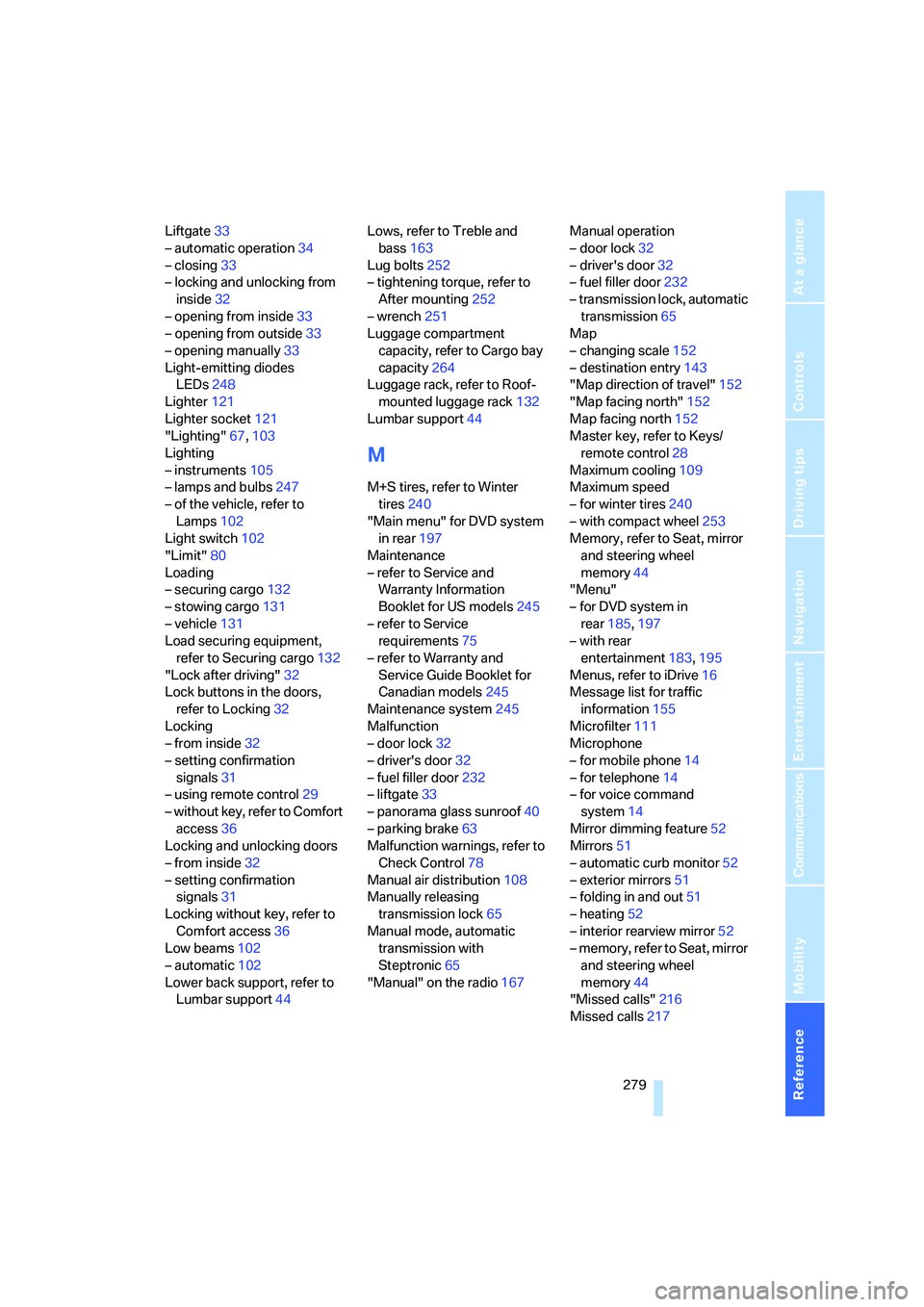
Liftgate33
– automatic operation34
– closing33
– locking and unlocking from
inside32
– opening from inside33
– opening from outside33
– opening manually33
Light-emitting diodes
LEDs248
Lighter121
Lighter socket121
"Lighting"67,103
Lighting
– instruments105
– lamps and bulbs247
– of the vehicle, refer to
Lamps102
Light switch102
"Limit"80
Loading
– securing cargo132
– stowing cargo131
– vehicle131
Load securing equipment,
refer to Securing cargo132
"Lock after driving"32
Lock buttons in the doors,
refer to Locking32
Locking
– from inside32
– setting confirmation
signals31
– using remote control29
– without key, refer to Comfort
access36
Locking and unlocking doors
– from inside32
– setting confirmation
signals31
Locking without key, refer to
Comfort access36
Low beams102
– automatic102
Lower back support, refer to
Lumbar support44Lows, refer to Treble and
bass163
Lug bolts252
– tightening torque, refer to
After mounting252
– wrench251
Luggage compartment
capacity, refer to Cargo bay
capacity264
Luggage rack, refer to Roof-
mounted luggage rack132
Lumbar support44
M
M+S tires, refer to Winter
tires240
"Main menu" for DVD system
in rear197
Maintenance
– refer to Service and
Warranty Information
Booklet for US models245
– refer to Service
requirements75
– refer to Warranty and
Service Guide Booklet for
Canadian models245
Maintenance system245
Malfunction
– door lock32
– driver's door32
– fuel filler door232
– liftgate33
– panorama glass sunroof40
– parking brake63
Malfunction warnings, refer to
Check Control78
Manual air distribution108
Manually releasing
transmission lock65
Manual mode, automatic
transmission with
Steptronic65
"Manual" on the radio167Manual operation
– door lock32
– driver's door32
– fuel filler door232
– transmission lock, automatic
transmission65
Map
– changing scale152
– destination entry143
"Map direction of travel"152
"Map facing north"152
Map facing north152
Master key, refer to Keys/
remote control28
Maximum cooling109
Maximum speed
– for winter tires240
– with compact wheel253
Memory, refer to Seat, mirror
and steering wheel
memory44
"Menu"
– for DVD system in
rear185,197
– with rear
entertainment183,195
Menus, refer to iDrive16
Message list for traffic
information155
Microfilter111
Microphone
– for mobile phone14
– for telephone14
– for voice command
system14
Mirror dimming feature52
Mirrors51
– automatic curb monitor52
– exterior mirrors51
– folding in and out51
– heating52
– interior rearview mirror52
– memory, refer to Seat, mirror
and steering wheel
memory44
"Missed calls"216
Missed calls217
Page 285 of 292
Reference 283
At a glance
Controls
Driving tips
Communications
Navigation
Entertainment
Mobility
"Return" for DVD system in
rear185,197
Reverse
– CD changer178
– CD player178
– DVD changer183
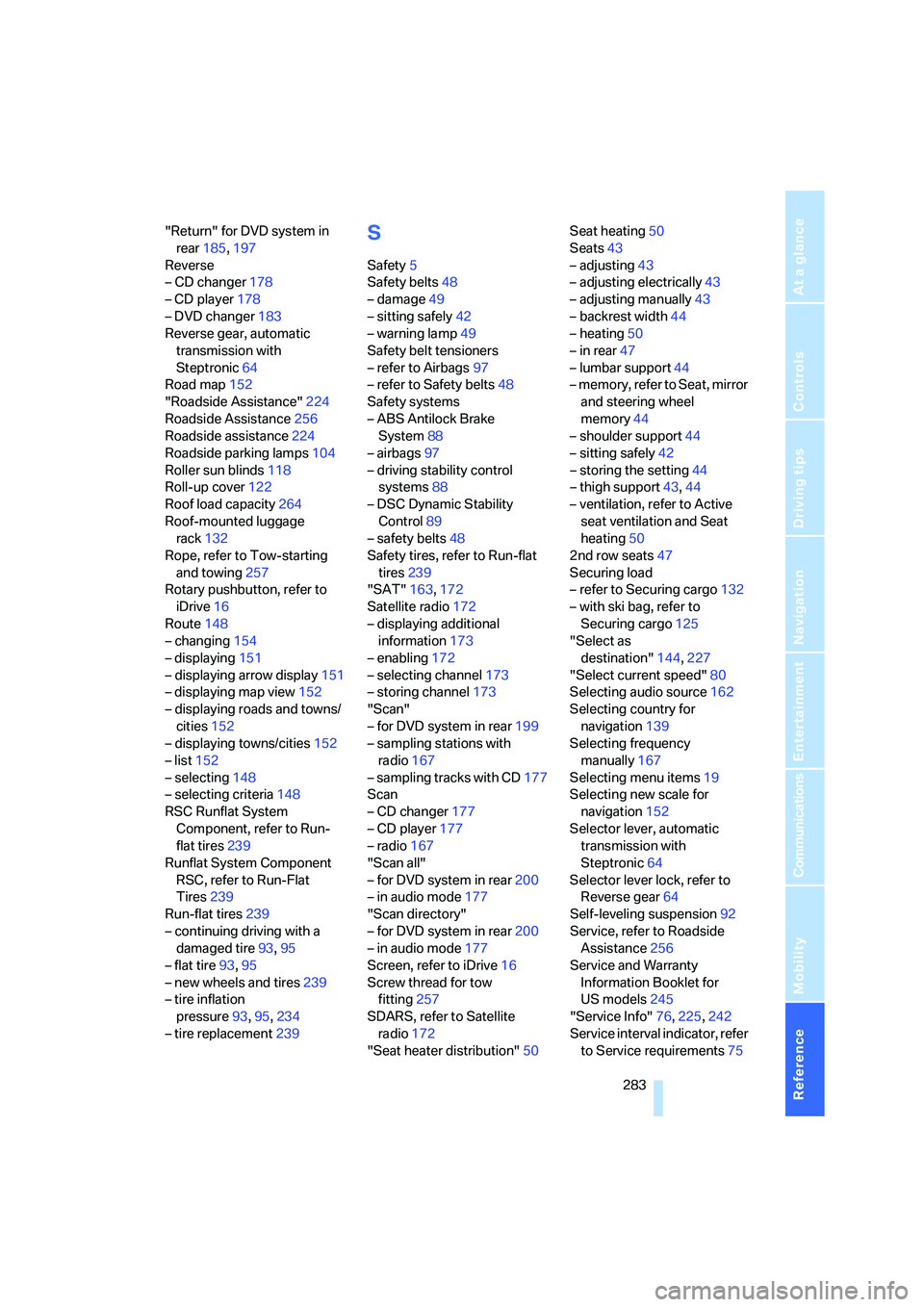
Reverse gear, automatic
transmission with
Steptronic64
Road map152
"Roadside Assistance"224
Roadside Assistance256
Roadside assistance224
Roadside parking lamps104
Roller sun blinds118
Roll-up cover122
Roof load capacity264
Roof-mounted luggage
rack132
Rope, refer to Tow-starting
and towing257
Rotary pushbutton, refer to
iDrive16
Route148
– changing154
– displaying151
– displaying arrow display151
– displaying map view152
– displaying roads and towns/
cities152
– displaying towns/cities152
– list152
– selecting148
– selecting criteria148
RSC Runflat System
Component, refer to Run-
flat tires239
Runflat System Component
RSC, refer to Run-Flat
Tires239
Run-flat tires239
– continuing driving with a
damaged tire93,95
– flat tire93,95
– new wheels and tires239
– tire inflation
pressure93,95,234
– tire replacement239S
Safety5
Safety belts48
– damage49
– sitting safely42
– warning lamp49
Safety belt tensioners
– refer to Airbags97
– refer to Safety belts48
Safety systems
– ABS Antilock Brake
System88
– airbags97
– driving stability control
systems88
– DSC Dynamic Stability
Control89
– safety belts48
Safety tires, refer to Run-flat
tires239
"SAT"163,172
Satellite radio172
– displaying additional
information173
– enabling172
– selecting channel173
– storing channel173
"Scan"
– for DVD system in rear199
– sampling stations with
radio167
– sampling tracks with CD177
Scan
– CD changer177
– CD player177
– radio167
"Scan all"
– for DVD system in rear200
– in audio mode177
"Scan directory"
– for DVD system in rear200
– in audio mode177
Screen, refer to iDrive16
Screw thread for tow
fitting257
SDARS, refer to Satellite
radio172
"Seat heater distribution"50Seat heating50
Seats43
– adjusting43
– adjusting electrically43
– adjusting manually43
– backrest width44
– heating50
– in rear47
– lumbar support44
– memory, refer to Seat, mirror
and steering wheel
memory44
– shoulder support44
– sitting safely
42
– storing the setting44
– thigh support43,44
– ventilation, refer to Active
seat ventilation and Seat
heating50
2nd row seats47
Securing load
– refer to Securing cargo132
– with ski bag, refer to
Securing cargo125
"Select as
destination"144,227
"Select current speed"80
Selecting audio source162
Selecting country for
navigation139
Selecting frequency
manually167
Selecting menu items19
Selecting new scale for
navigation152
Selector lever, automatic
transmission with
Steptronic64
Selector lever lock, refer to
Reverse gear64
Self-leveling suspension92
Service, refer to Roadside
Assistance256
Service and Warranty
Information Booklet for
US models245
"Service Info"76,225,242
Service interval indicator, refer
to Service requirements75