start stop button BMW 5 SERIES 2012 User Guide
[x] Cancel search | Manufacturer: BMW, Model Year: 2012, Model line: 5 SERIES, Model: BMW 5 SERIES 2012Pages: 335, PDF Size: 13.42 MB
Page 84 of 335
Computer
Indication in the info display The information from the com‐
puter is shown in the Info display
in the instrument cluster.
Calling up information on the info
display
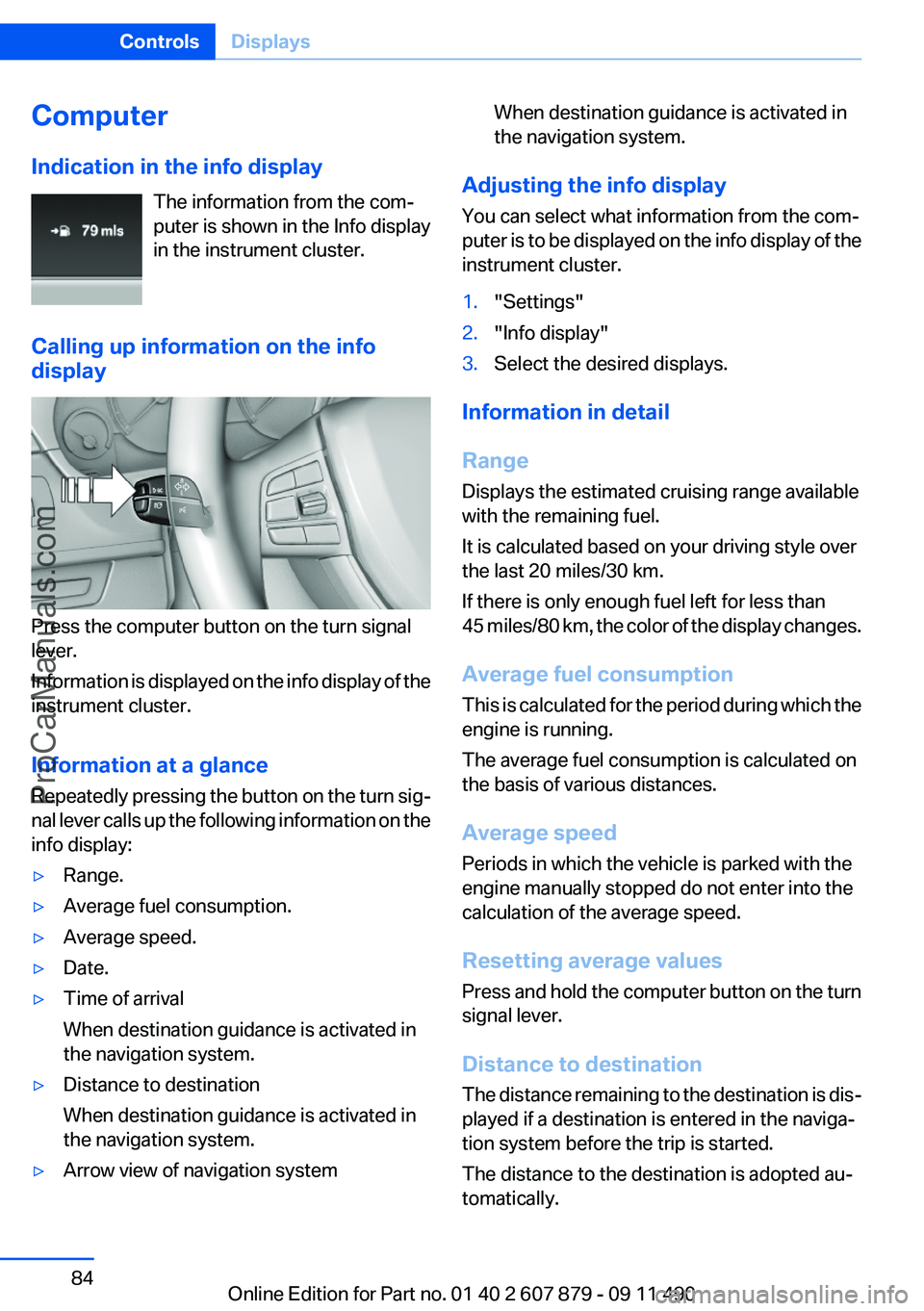
Press the computer button on the turn signal
lever.
Information is displayed on the info display of the
instrument cluster.
Information at a glance
Repeatedly pressing the button on the turn sig‐
nal lever calls up the following information on the
info display:
▷Range.▷Average fuel consumption.▷Average speed.▷Date.▷Time of arrival
When destination guidance is activated in
the navigation system.▷Distance to destination
When destination guidance is activated in
the navigation system.▷Arrow view of navigation systemWhen destination guidance is activated in
the navigation system.
Adjusting the info display
You can select what information from the com‐
puter is to be displayed on the info display of the
instrument cluster.
1."Settings"2."Info display"3.Select the desired displays.
Information in detail
Range
Displays the estimated cruising range available
with the remaining fuel.
It is calculated based on your driving style over
the last 20 miles/30 km.
If there is only enough fuel left for less than
45 miles/80 km, the color of the display changes.
Average fuel consumption
This is calculated for the period during which the
engine is running.
The average fuel consumption is calculated on
the basis of various distances.
Average speed
Periods in which the vehicle is parked with the
engine manually stopped do not enter into the
calculation of the average speed.
Resetting average values
Press and hold the computer button on the turn
signal lever.
Distance to destination
The distance remaining to the destination is dis‐
played if a destination is entered in the naviga‐
tion system before the trip is started.
The distance to the destination is adopted au‐
tomatically.
Seite 84ControlsDisplays84
Online Edition for Part no. 01 40 2 607 879 - 09 11 490
ProCarManuals.com
Page 167 of 335
When you reach the desired speed, shift into the
highest applicable gear and drive with the en‐
gine speed as low as possible and at a constant
speed.
As a rule: driving at low engine speeds lowers
fuel consumption and reduces wear.
The gear shift indicator of your vehicle indicates
the most fuel efficient gear.
Use coasting conditions
When approaching a red light, take your foot off
the accelerator and let the vehicle coast to a halt.
On a downhill gradient, take your foot off the ac‐
celerator and let the vehicle roll.
The flow of fuel is interrupted while coasting.
Switch off the engine during
longer stops
Switch off the engine during longer stops, e.g.,
at traffic lights, railroad crossings or in traffic
congestion.
Fuel savings are achieved after the vehicle is
switched off for only approx. 4 seconds.
The Automatic Engine Start/Stop Function of
your vehicle automatically switches off the en‐
gine during a stop.
Switch off any functions that
are not currently needed
Functions such as seat heating and the rear win‐
dow defroster require a lot of energy and con‐
sume additional fuel, especially in city and stop-
and-go traffic.
Therefore, switch off these functions if they are
not actually needed.Have maintenance carried out
Have vehicles maintained regularly to achieve
optimal vehicle economy and operating life.
Have the maintenance carried out by your serv‐
ice center.
Please also note the BMW Maintenance Sys‐
tem, refer to page 288.
ECO PRO
The concept
ECO PRO supports a driving style that saves on
fuel consumption. For this purpose, the engine
control and comfort functions, e. g. the climate
control output, are adjusted.
In addition, context-sensitive instructions can
be displayed that assist in driving in a manner
that optimizes fuel consumption.
The extension of the range that is achieved as a
result can be displayed in the instrument cluster.
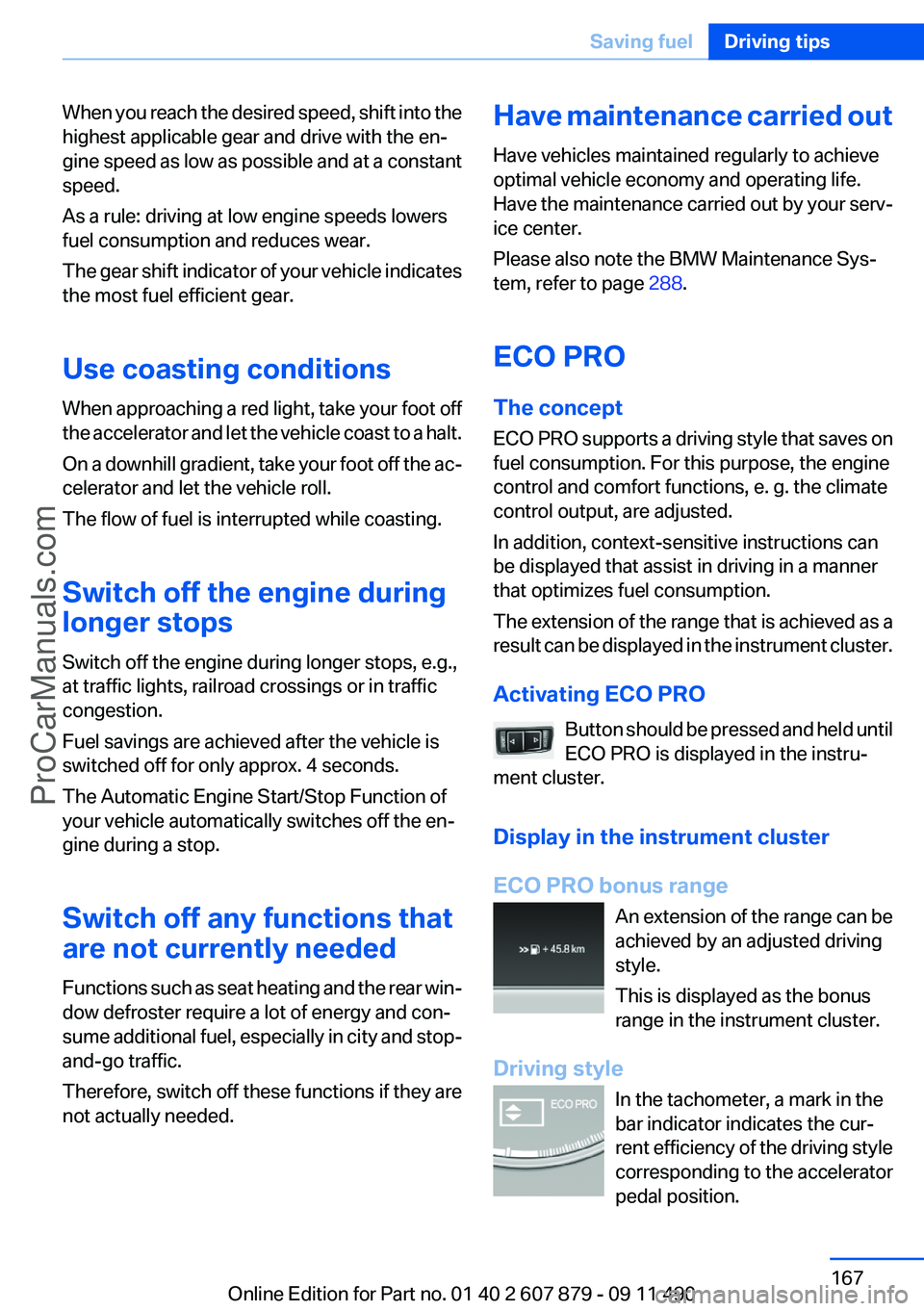
Activating ECO PRO Button should be pressed and held until
ECO PRO is displayed in the instru‐
ment cluster.
Display in the instrument cluster
ECO PRO bonus range An extension of the range can be
achieved by an adjusted driving
style.
This is displayed as the bonus
range in the instrument cluster.
Driving style In the tachometer, a mark in the
bar indicator indicates the cur‐
rent efficiency of the driving style
corresponding to the accelerator
pedal position.Seite 167Saving fuelDriving tips167
Online Edition for Part no. 01 40 2 607 879 - 09 11 490
ProCarManuals.com
Page 324 of 335
Everything from A to Z
IndexA
ABS, Antilock Brake Sys‐ tem 107
ACC, Active Cruise Control with Stop & Go 114
Activated-charcoal filter 142
Active Blind Spot Detec‐ tion 104
Active Cruise Control with Stop & Go, ACC 114
Active Protection 106
Active seat, front 49
Active seat ventilation, front 50
Active Steering, integral 110
Adaptive brake assistant 107
Adaptive brake lights, refer to Brake force display 105
Adaptive drive 110
Adaptive light control 91
Additional telephone 230
Additives, oil 285
Adjustments, seats/head re‐ straints 47
Airbags 94
Airbags, indicator/warning light 95
Air circulation, refer to Recir‐ culated-air mode 141
Air distribution, manual 140
Air drying, refer to Cooling function 141
Air pressure, tires 265
Air vents, refer to Ventila‐ tion 142
Air volume, automatic climate control 140
Alarm system 42
Alarm, unintentional 43 All around the center con‐
sole 14
All around the headliner 15
All around the steering wheel 12
ALL program, automatic cli‐ mate control 141
All-season tires, refer to Win‐ ter tires 279
All-wheel-drive 109
Alternating-code hand-held transmitter 147
Alternative oil types 286
AM/FM station 192
Announcement, navigation, refer to Spoken instruc‐
tions 182
Antifreeze, washer fluid 71
Antilock Brake System, ABS 107
Anti-slip control, refer to DSC 107
Applications 258
Appointments 248
Approved engine oils 285
Apps 258
Apps, video playback 215
Armrest, refer to Center arm‐ rest 154
Arrival time 85
Ashtray 148
Ashtray, front 148
Ashtray, rear 149
Assist 253
Assistance, Roadside Assis‐ tance 299
Assistance when driving off 107
Audio playback 201
Audio playback, Blue‐ tooth 216 AUTO H button, refer to Auto‐
matic Hold 67
AUTO intensity 140
Automatic car wash 304
Automatic climate con‐ trol 139
Automatic Cruise Control with Stop & Go 114
Automatic Curb Monitor 56
Automatic deactivation, front passenger airbags 96
Automatic Engine Start/Stop Function 64
Automatic headlamp con‐ trol 90
Automatic Hold 67
Automatic locking 37
Automatic recirculated-air control 141
Automatic Soft Closing, doors 37
Automatic tailgate 38
Automatic transmission with Steptronic 72
AUTO program, automatic cli‐ mate control 140
AUTO program, intensity 140
AUX-IN port 212
Average fuel consumption 84
Average speed 84
Axle loads, weights 311
B
Backrest curvature, refer to Lumbar support 49
Backup camera 126
Balance 190
Band-Aids, refer to First aid kit 299 Seite 324ReferenceEverything from A to Z324
Online Edition for Part no. 01 40 2 607 879 - 09 11 490
ProCarManuals.com
Page 325 of 335
Bar for tow-starting/tow‐ing 302
Bass 190
Battery replacement, remote control, rear entertain‐
ment 222
Battery replacement, vehicle battery 296
Battery replacement, vehicle remote control 30
Battery, vehicle 296
Belts, safety belts 51
Beverage holder, cu‐ pholder 155
Blinds, sun protection 44
Bluetooth audio 216
BMW Assist 253
BMW homepage 6
BMW Internet page 6
BMW Maintenance Sys‐ tem 288
BMW Search 255
Bottle holder, refer to Cu‐ pholder 155
Brake assistant 107
Brake assistant, adaptive 107
Brake discs, breaking in 160
Brake force display 105
Brake lamps, brake force dis‐ play 105
Brake lamps, bulb replace‐ ment 295
Brake lights, adaptive 105
Brake pads, breaking in 160
Braking, notes 161
Breakdown assis‐ tance 298, 299
Breaking in 160
Brightness of Control Dis‐ play 87
Bulb replacement 290
Bulb replacement, front 291
Bulb replacement, rear 294
Bulbs and lamps 290
Button, RES 116
Button, Start/Stop 62 Bypassing, refer to starting
aid 299
C
Calendar 248
California Proposition 65 Warning 7
Camera, backup camera 128
Camera, care 307
Camera, Side View 131
Camera, Top View 130
Can holder, refer to Cu‐ pholder 155
Car battery 296
Car care products 305
Care, displays 307
Care, vehicle 305
Cargo 163
Cargo area, enlarging 150
Cargo area lid 38
Cargo area, storage compart‐ ments 156
Cargo straps, securing cargo 164
Car key, refer to Remote con‐ trol 30
Carpet, care 306
Car wash 304
Catalytic converter, refer to Hot exhaust system 161
CBS Condition Based Serv‐ ice 288
CD/DVD 200
CD/DVD player, rear 221
CDs, storing 207
Cell phone 230
Center armrest 154
Center console 14
Central locking system 33
Central screen, refer to Control Display 16
Changes, technical, refer to Safety 6
Changing parts 290
Changing wheels 296 Changing wheels/tires 278
Check Control 78
Checking the oil level 284
Children, seating position 58
Children, transporting safely 58
Child restraint fixing sys‐ tem 58
Child restraint fixing system LATCH 59
Child restraint fixing systems, mounting 58
Child safety locks 61
Child seat, mounting 58
Child seats 58
Chrome parts, care 306
Cigarette lighter 148
Cleaning, displays 307
Climate control 139
Climate control wind‐ shield 161
Clock 81
Closing/opening from in‐ side 37
Closing/opening via door lock 36
Closing/opening with remote control 34
Clothes hooks 156
Collision warning 120
Combination switch, refer to Turn signals 69
Combination switch, refer to Wiper system 69
COMFORT+ program, Driving Experience Switch 113
Comfort Access 40
COMFORT program, Driving Experience Switch 112
Computer 84
Concierge service 254
Condensation on win‐ dows 140
Condensation under the vehi‐ cle 162 Seite 325Everything from A to ZReference325
Online Edition for Part no. 01 40 2 607 879 - 09 11 490
ProCarManuals.com
Page 331 of 335
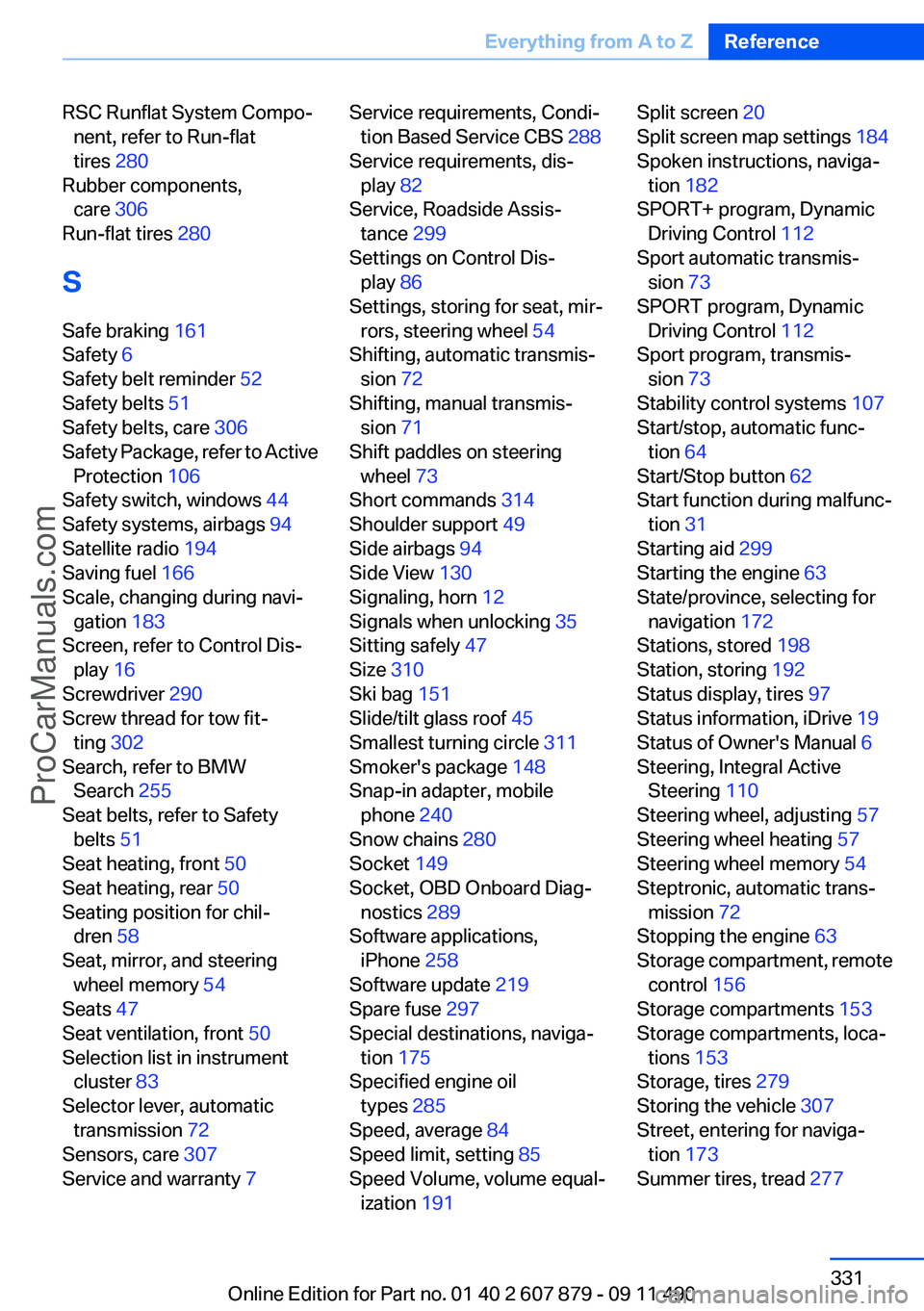
RSC Runflat System Compo‐nent, refer to Run-flat
tires 280
Rubber components, care 306
Run-flat tires 280
S
Safe braking 161
Safety 6
Safety belt reminder 52
Safety belts 51
Safety belts, care 306
Safety Package, refer to Active Protection 106
Safety switch, windows 44
Safety systems, airbags 94
Satellite radio 194
Saving fuel 166
Scale, changing during navi‐ gation 183
Screen, refer to Control Dis‐ play 16
Screwdriver 290
Screw thread for tow fit‐ ting 302
Search, refer to BMW Search 255
Seat belts, refer to Safety belts 51
Seat heating, front 50
Seat heating, rear 50
Seating position for chil‐ dren 58
Seat, mirror, and steering wheel memory 54
Seats 47
Seat ventilation, front 50
Selection list in instrument cluster 83
Selector lever, automatic transmission 72
Sensors, care 307
Service and warranty 7 Service requirements, Condi‐
tion Based Service CBS 288
Service requirements, dis‐ play 82
Service, Roadside Assis‐ tance 299
Settings on Control Dis‐ play 86
Settings, storing for seat, mir‐ rors, steering wheel 54
Shifting, automatic transmis‐ sion 72
Shifting, manual transmis‐ sion 71
Shift paddles on steering wheel 73
Short commands 314
Shoulder support 49
Side airbags 94
Side View 130
Signaling, horn 12
Signals when unlocking 35
Sitting safely 47
Size 310
Ski bag 151
Slide/tilt glass roof 45
Smallest turning circle 311
Smoker's package 148
Snap-in adapter, mobile phone 240
Snow chains 280
Socket 149
Socket, OBD Onboard Diag‐ nostics 289
Software applications, iPhone 258
Software update 219
Spare fuse 297
Special destinations, naviga‐ tion 175
Specified engine oil types 285
Speed, average 84
Speed limit, setting 85
Speed Volume, volume equal‐ ization 191 Split screen 20
Split screen map settings 184
Spoken instructions, naviga‐ tion 182
SPORT+ program, Dynamic Driving Control 112
Sport automatic transmis‐ sion 73
SPORT program, Dynamic Driving Control 112
Sport program, transmis‐ sion 73
Stability control systems 107
Start/stop, automatic func‐ tion 64
Start/Stop button 62
Start function during malfunc‐ tion 31
Starting aid 299
Starting the engine 63
State/province, selecting for navigation 172
Stations, stored 198
Station, storing 192
Status display, tires 97
Status information, iDrive 19
Status of Owner's Manual 6
Steering, Integral Active Steering 110
Steering wheel, adjusting 57
Steering wheel heating 57
Steering wheel memory 54
Steptronic, automatic trans‐ mission 72
Stopping the engine 63
Storage compartment, remote control 156
Storage compartments 153
Storage compartments, loca‐ tions 153
Storage, tires 279
Storing the vehicle 307
Street, entering for naviga‐ tion 173
Summer tires, tread 277 Seite 331Everything from A to ZReference331
Online Edition for Part no. 01 40 2 607 879 - 09 11 490
ProCarManuals.com