Windows BMW 5 SERIES 2014 F10 User Guide
[x] Cancel search | Manufacturer: BMW, Model Year: 2014, Model line: 5 SERIES, Model: BMW 5 SERIES 2014 F10Pages: 273, PDF Size: 5.73 MB
Page 170 of 273
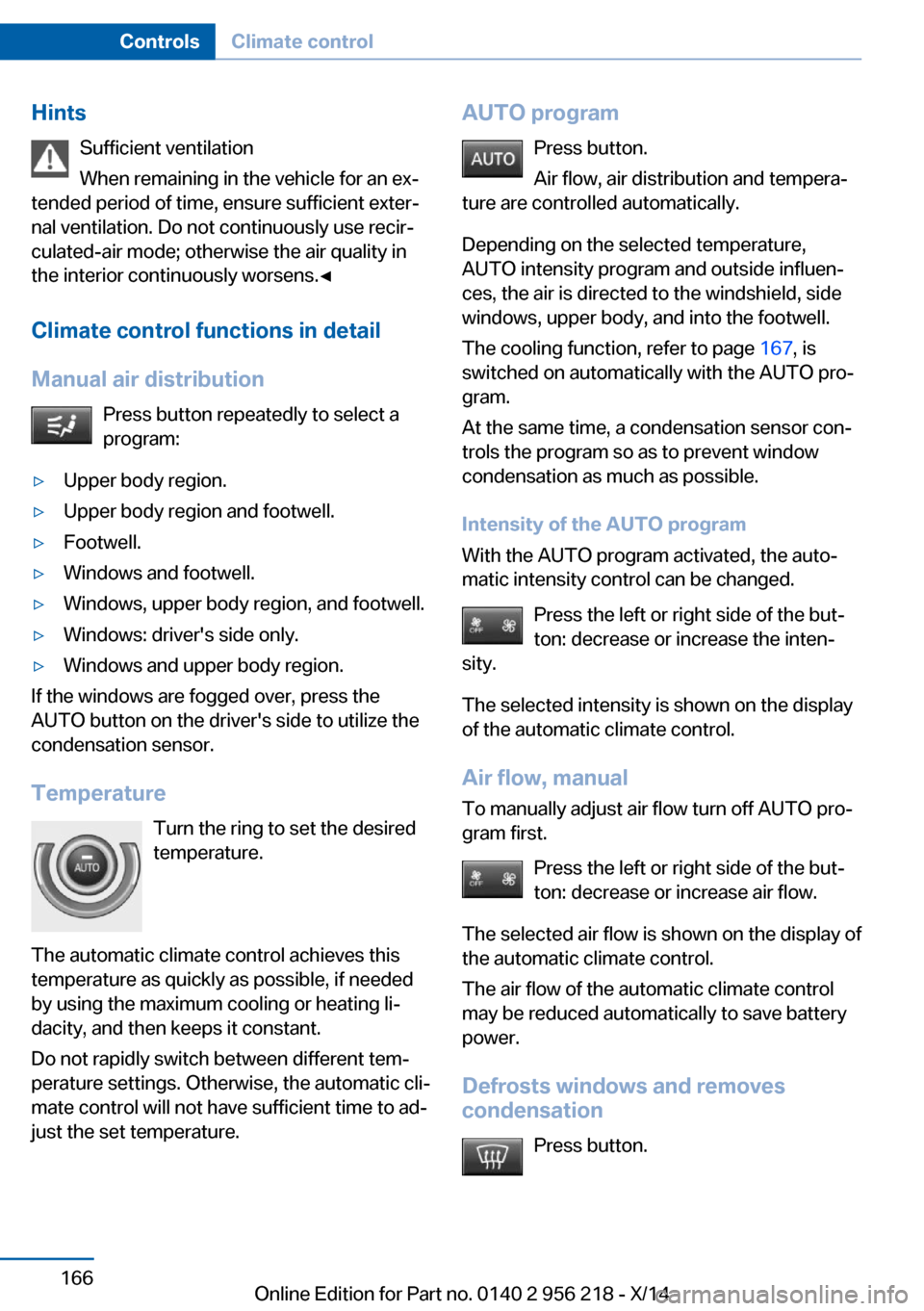
HintsSufficient ventilation
When remaining in the vehicle for an ex‐
tended period of time, ensure sufficient exter‐
nal ventilation. Do not continuously use recir‐
culated-air mode; otherwise the air quality in
the interior continuously worsens.◀
Climate control functions in detail
Manual air distribution Press button repeatedly to select a
program:▷Upper body region.▷Upper body region and footwell.▷Footwell.▷Windows and footwell.▷Windows, upper body region, and footwell.▷Windows: driver's side only.▷Windows and upper body region.
If the windows are fogged over, press the
AUTO button on the driver's side to utilize the
condensation sensor.
Temperature Turn the ring to set the desired
temperature.
The automatic climate control achieves this
temperature as quickly as possible, if needed
by using the maximum cooling or heating li‐
dacity, and then keeps it constant.
Do not rapidly switch between different tem‐
perature settings. Otherwise, the automatic cli‐
mate control will not have sufficient time to ad‐
just the set temperature.
AUTO program
Press button.
Air flow, air distribution and tempera‐
ture are controlled automatically.
Depending on the selected temperature,
AUTO intensity program and outside influen‐
ces, the air is directed to the windshield, side
windows, upper body, and into the footwell.
The cooling function, refer to page 167, is
switched on automatically with the AUTO pro‐
gram.
At the same time, a condensation sensor con‐
trols the program so as to prevent window
condensation as much as possible.
Intensity of the AUTO program
With the AUTO program activated, the auto‐
matic intensity control can be changed.
Press the left or right side of the but‐
ton: decrease or increase the inten‐
sity.
The selected intensity is shown on the display
of the automatic climate control.
Air flow, manual
To manually adjust air flow turn off AUTO pro‐
gram first.
Press the left or right side of the but‐
ton: decrease or increase air flow.
The selected air flow is shown on the display of
the automatic climate control.
The air flow of the automatic climate control
may be reduced automatically to save battery
power.
Defrosts windows and removes
condensation
Press button.Seite 166ControlsClimate control166
Online Edition for Part no. 0140 2 956 218 - X/14
Page 171 of 273
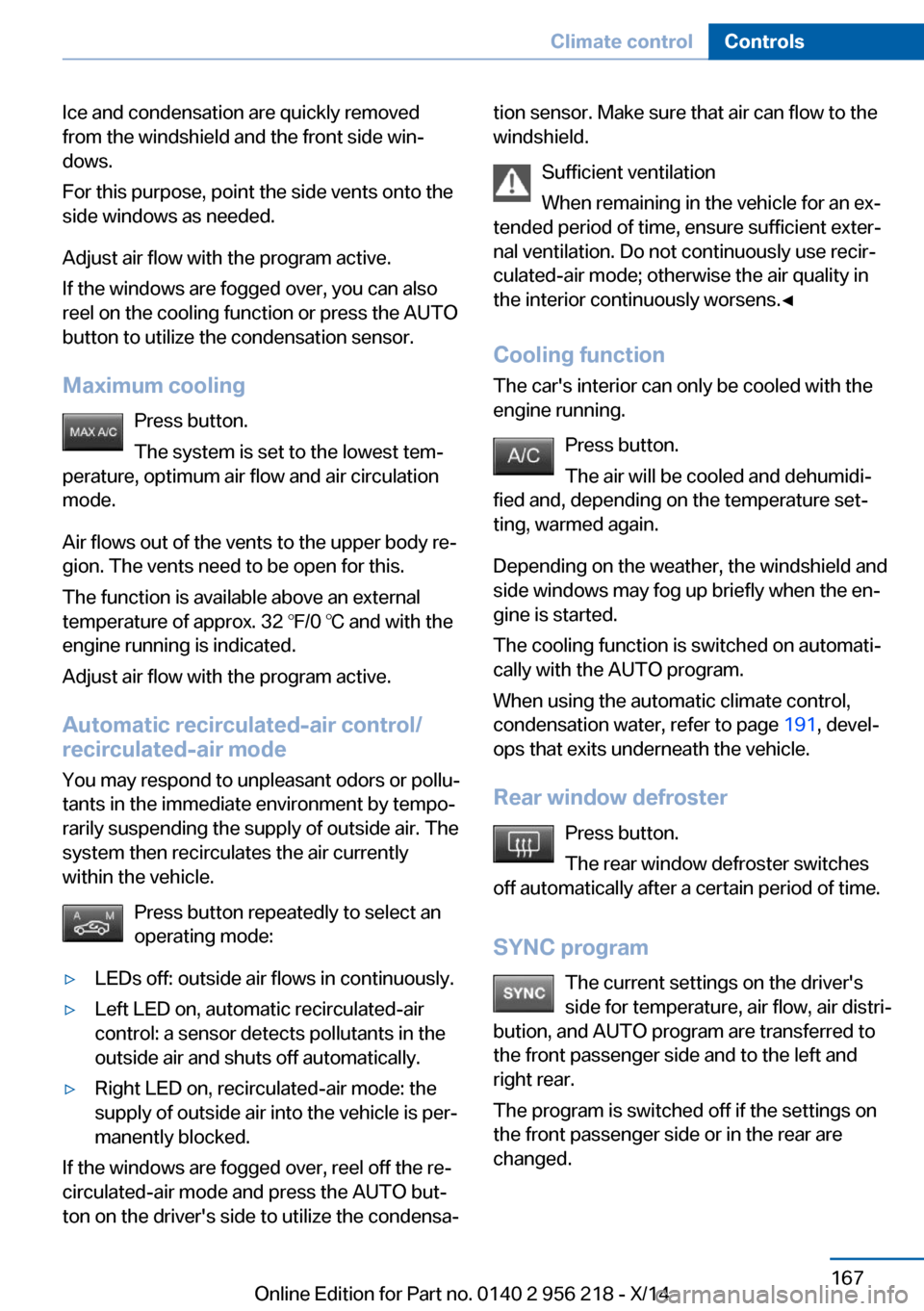
Ice and condensation are quickly removed
from the windshield and the front side win‐
dows.
For this purpose, point the side vents onto the
side windows as needed.
Adjust air flow with the program active.
If the windows are fogged over, you can also
reel on the cooling function or press the AUTO
button to utilize the condensation sensor.
Maximum cooling Press button.
The system is set to the lowest tem‐
perature, optimum air flow and air circulation
mode.
Air flows out of the vents to the upper body re‐
gion. The vents need to be open for this.
The function is available above an external
temperature of approx. 32 ℉/0 ℃ and with the
engine running is indicated.
Adjust air flow with the program active.
Automatic recirculated-air control/
recirculated-air mode
You may respond to unpleasant odors or pollu‐
tants in the immediate environment by tempo‐
rarily suspending the supply of outside air. The
system then recirculates the air currently
within the vehicle.
Press button repeatedly to select an
operating mode:▷LEDs off: outside air flows in continuously.▷Left LED on, automatic recirculated-air
control: a sensor detects pollutants in the
outside air and shuts off automatically.▷Right LED on, recirculated-air mode: the
supply of outside air into the vehicle is per‐
manently blocked.
If the windows are fogged over, reel off the re‐
circulated-air mode and press the AUTO but‐
ton on the driver's side to utilize the condensa‐
tion sensor. Make sure that air can flow to the
windshield.
Sufficient ventilation
When remaining in the vehicle for an ex‐
tended period of time, ensure sufficient exter‐
nal ventilation. Do not continuously use recir‐
culated-air mode; otherwise the air quality in
the interior continuously worsens.◀
Cooling function
The car's interior can only be cooled with the
engine running.
Press button.
The air will be cooled and dehumidi‐
fied and, depending on the temperature set‐
ting, warmed again.
Depending on the weather, the windshield and
side windows may fog up briefly when the en‐
gine is started.
The cooling function is switched on automati‐
cally with the AUTO program.
When using the automatic climate control,
condensation water, refer to page 191, devel‐
ops that exits underneath the vehicle.
Rear window defroster Press button.
The rear window defroster switches
off automatically after a certain period of time.
SYNC program The current settings on the driver'sside for temperature, air flow, air distri‐
bution, and AUTO program are transferred to the front passenger side and to the left andright rear.
The program is switched off if the settings on
the front passenger side or in the rear are
changed.Seite 167Climate controlControls167
Online Edition for Part no. 0140 2 956 218 - X/14
Page 174 of 273
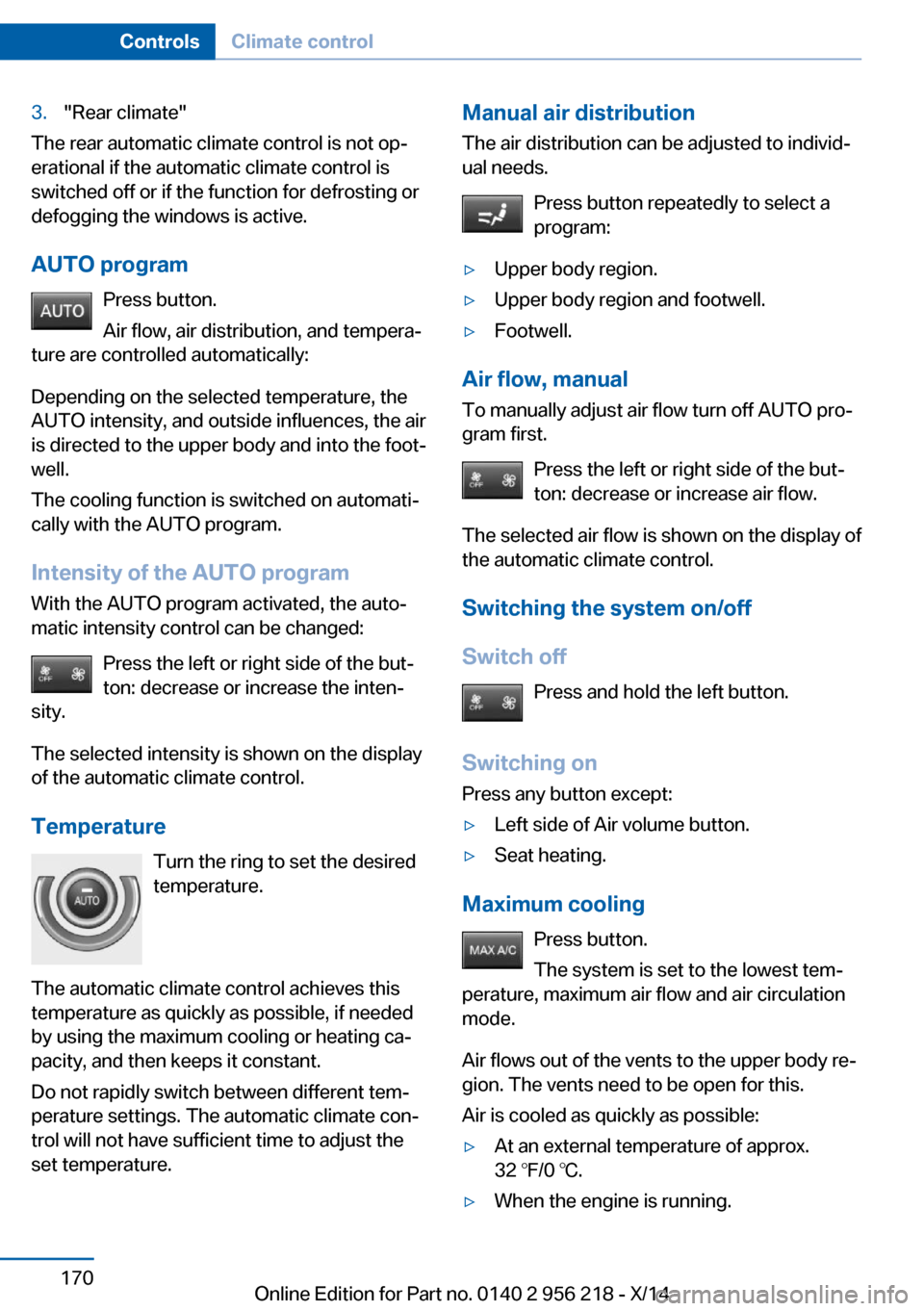
3."Rear climate"
The rear automatic climate control is not op‐
erational if the automatic climate control is
switched off or if the function for defrosting or
defogging the windows is active.
AUTO program Press button.
Air flow, air distribution, and tempera‐
ture are controlled automatically:
Depending on the selected temperature, the
AUTO intensity, and outside influences, the air
is directed to the upper body and into the foot‐
well.
The cooling function is switched on automati‐
cally with the AUTO program.
Intensity of the AUTO program With the AUTO program activated, the auto‐
matic intensity control can be changed:
Press the left or right side of the but‐
ton: decrease or increase the inten‐
sity.
The selected intensity is shown on the display
of the automatic climate control.
Temperature Turn the ring to set the desired
temperature.
The automatic climate control achieves this
temperature as quickly as possible, if needed
by using the maximum cooling or heating ca‐
pacity, and then keeps it constant.
Do not rapidly switch between different tem‐
perature settings. The automatic climate con‐
trol will not have sufficient time to adjust the
set temperature.
Manual air distribution
The air distribution can be adjusted to individ‐
ual needs.
Press button repeatedly to select a
program:▷Upper body region.▷Upper body region and footwell.▷Footwell.
Air flow, manual
To manually adjust air flow turn off AUTO pro‐
gram first.
Press the left or right side of the but‐
ton: decrease or increase air flow.
The selected air flow is shown on the display of
the automatic climate control.
Switching the system on/off
Switch off Press and hold the left button.
Switching on Press any button except:
▷Left side of Air volume button.▷Seat heating.
Maximum cooling
Press button.
The system is set to the lowest tem‐
perature, maximum air flow and air circulation
mode.
Air flows out of the vents to the upper body re‐
gion. The vents need to be open for this.
Air is cooled as quickly as possible:
▷At an external temperature of approx.
32 ℉/0 ℃.▷When the engine is running.Seite 170ControlsClimate control170
Online Edition for Part no. 0140 2 956 218 - X/14
Page 193 of 273
▷Close all windows and the glass sunroof.▷Greatly increase the air flow from the vents.▷Drive moderately.
Hot exhaust systemHot exhaust system
High temperatures are generated in the
exhaust system.
Do not remove the heat shields installed and
never apply undercoating to them. Make sure
that flammable materials, e. g. hay, leaves,
grass, etc. do not come in contact with the hot
exhaust system while driving, while in idle po‐
sition mode, or when parked. Such contact
could lead to a fire, resulting in an increased
risk of serious personal injury as well as prop‐
erty damage.
Do not touch hot exhaust pipes; otherwise,
there is a danger of getting burned.◀
Diesel particulate filter The diesel particulate filter collects soot parti‐
cles and burns them periodically at high tem‐
peratures.
During several minutes of cleaning the follow‐
ing may occur:
▷Temporarily, the engine may run less
smoothly.▷Noises and a slight amount of smoke com‐
ing from the exhaust until shortly after the
engine is shut down.▷A somewhat higher engine speed is neces‐
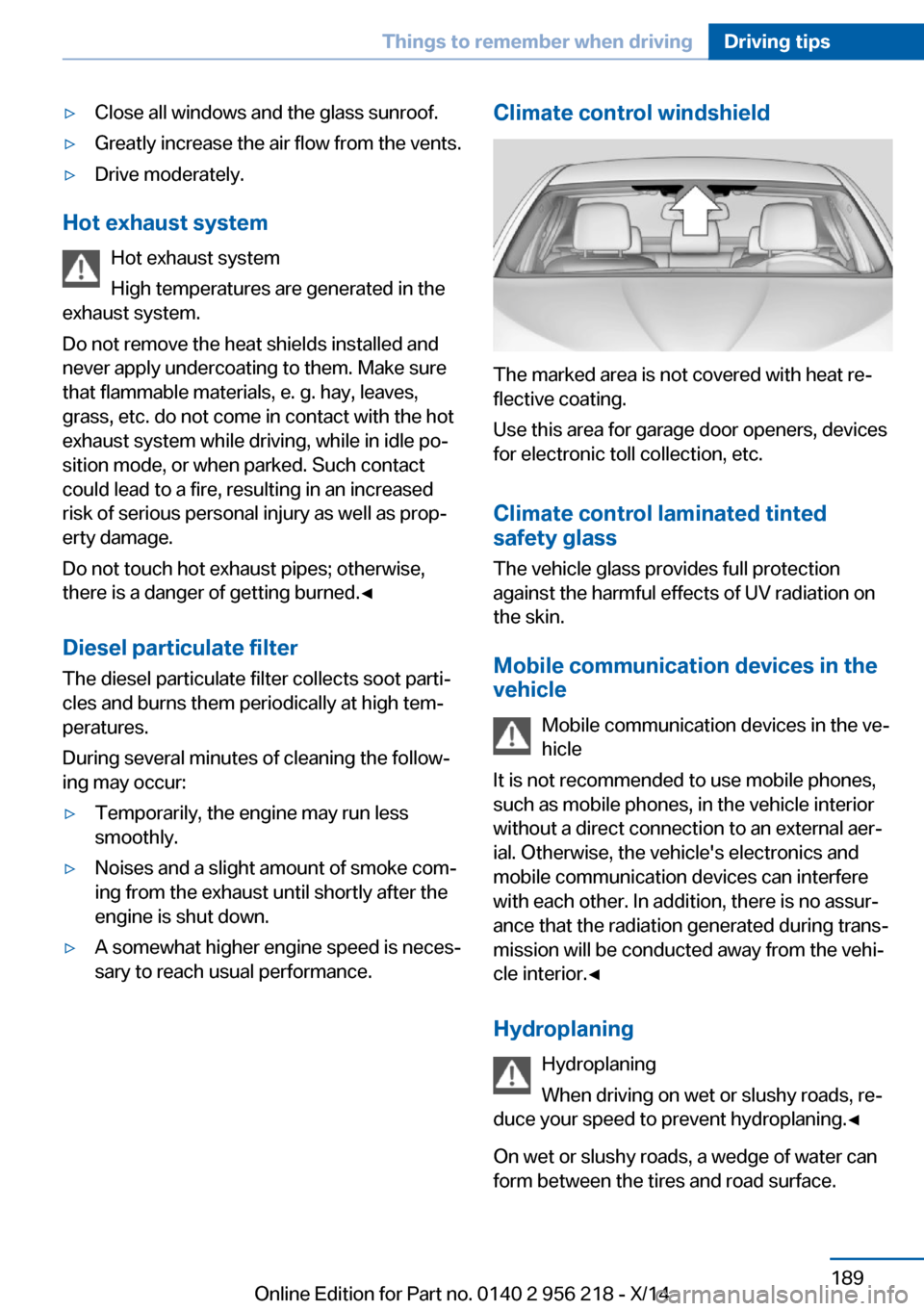
sary to reach usual performance.Climate control windshield
The marked area is not covered with heat re‐
flective coating.
Use this area for garage door openers, devices
for electronic toll collection, etc.
Climate control laminated tinted
safety glass
The vehicle glass provides full protection
against the harmful effects of UV radiation on
the skin.
Mobile communication devices in thevehicle
Mobile communication devices in the ve‐
hicle
It is not recommended to use mobile phones,
such as mobile phones, in the vehicle interior
without a direct connection to an external aer‐
ial. Otherwise, the vehicle's electronics and
mobile communication devices can interfere
with each other. In addition, there is no assur‐
ance that the radiation generated during trans‐
mission will be conducted away from the vehi‐
cle interior.◀
Hydroplaning Hydroplaning
When driving on wet or slushy roads, re‐
duce your speed to prevent hydroplaning.◀
On wet or slushy roads, a wedge of water can
form between the tires and road surface.
Seite 189Things to remember when drivingDriving tips189
Online Edition for Part no. 0140 2 956 218 - X/14
Page 199 of 273
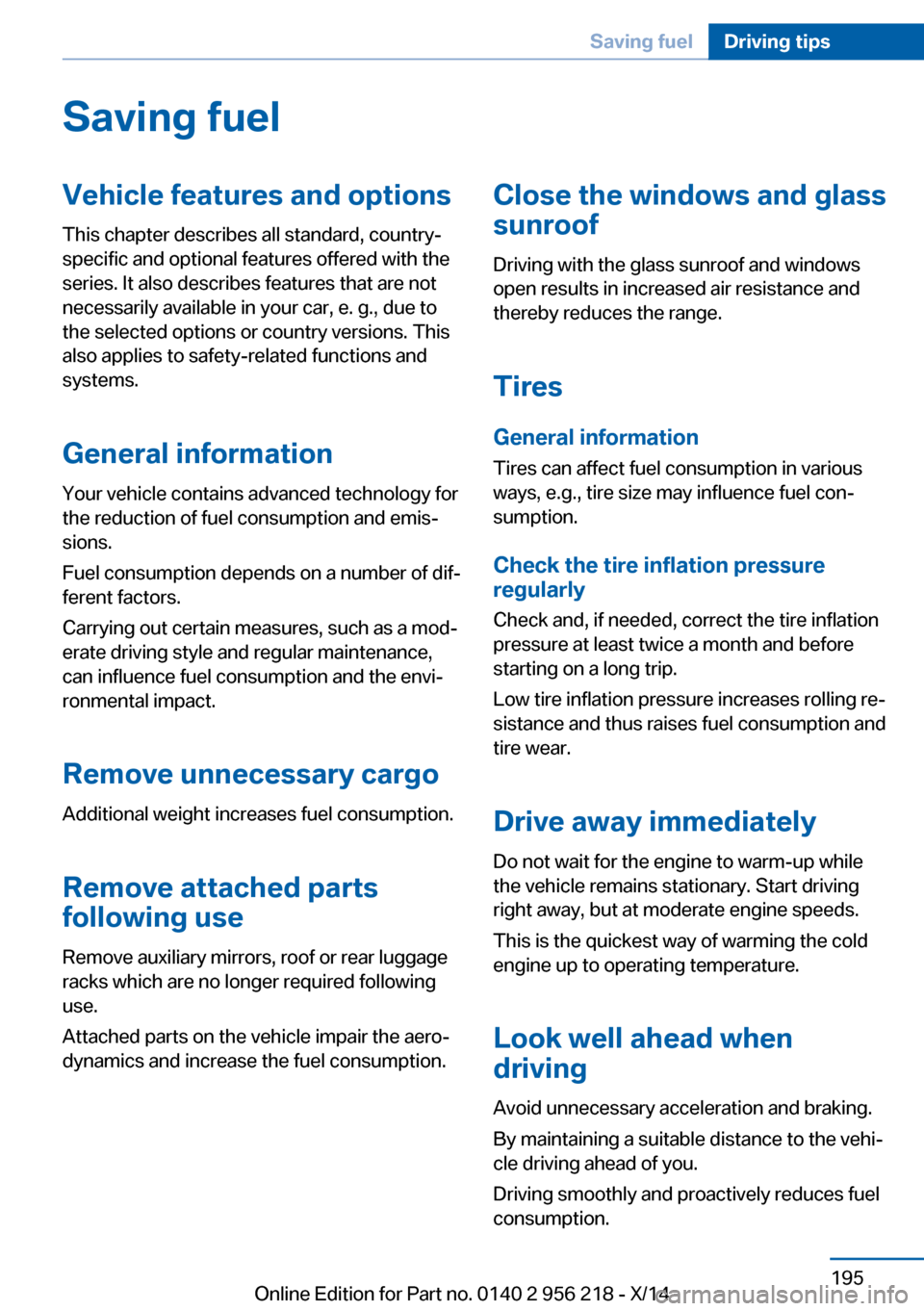
Saving fuelVehicle features and optionsThis chapter describes all standard, country-
specific and optional features offered with the
series. It also describes features that are not
necessarily available in your car, e. g., due to
the selected options or country versions. This
also applies to safety-related functions and
systems.
General information
Your vehicle contains advanced technology for
the reduction of fuel consumption and emis‐
sions.
Fuel consumption depends on a number of dif‐
ferent factors.
Carrying out certain measures, such as a mod‐
erate driving style and regular maintenance,
can influence fuel consumption and the envi‐
ronmental impact.
Remove unnecessary cargoAdditional weight increases fuel consumption.
Remove attached parts
following use
Remove auxiliary mirrors, roof or rear luggage
racks which are no longer required following
use.
Attached parts on the vehicle impair the aero‐
dynamics and increase the fuel consumption.Close the windows and glass
sunroof
Driving with the glass sunroof and windows
open results in increased air resistance and
thereby reduces the range.
Tires
General information Tires can affect fuel consumption in various
ways, e.g., tire size may influence fuel con‐
sumption.
Check the tire inflation pressure
regularly
Check and, if needed, correct the tire inflation
pressure at least twice a month and before
starting on a long trip.
Low tire inflation pressure increases rolling re‐
sistance and thus raises fuel consumption and
tire wear.
Drive away immediately
Do not wait for the engine to warm-up while
the vehicle remains stationary. Start driving
right away, but at moderate engine speeds.
This is the quickest way of warming the cold
engine up to operating temperature.
Look well ahead when
driving
Avoid unnecessary acceleration and braking.
By maintaining a suitable distance to the vehi‐
cle driving ahead of you.
Driving smoothly and proactively reduces fuel
consumption.Seite 195Saving fuelDriving tips195
Online Edition for Part no. 0140 2 956 218 - X/14
Page 253 of 273
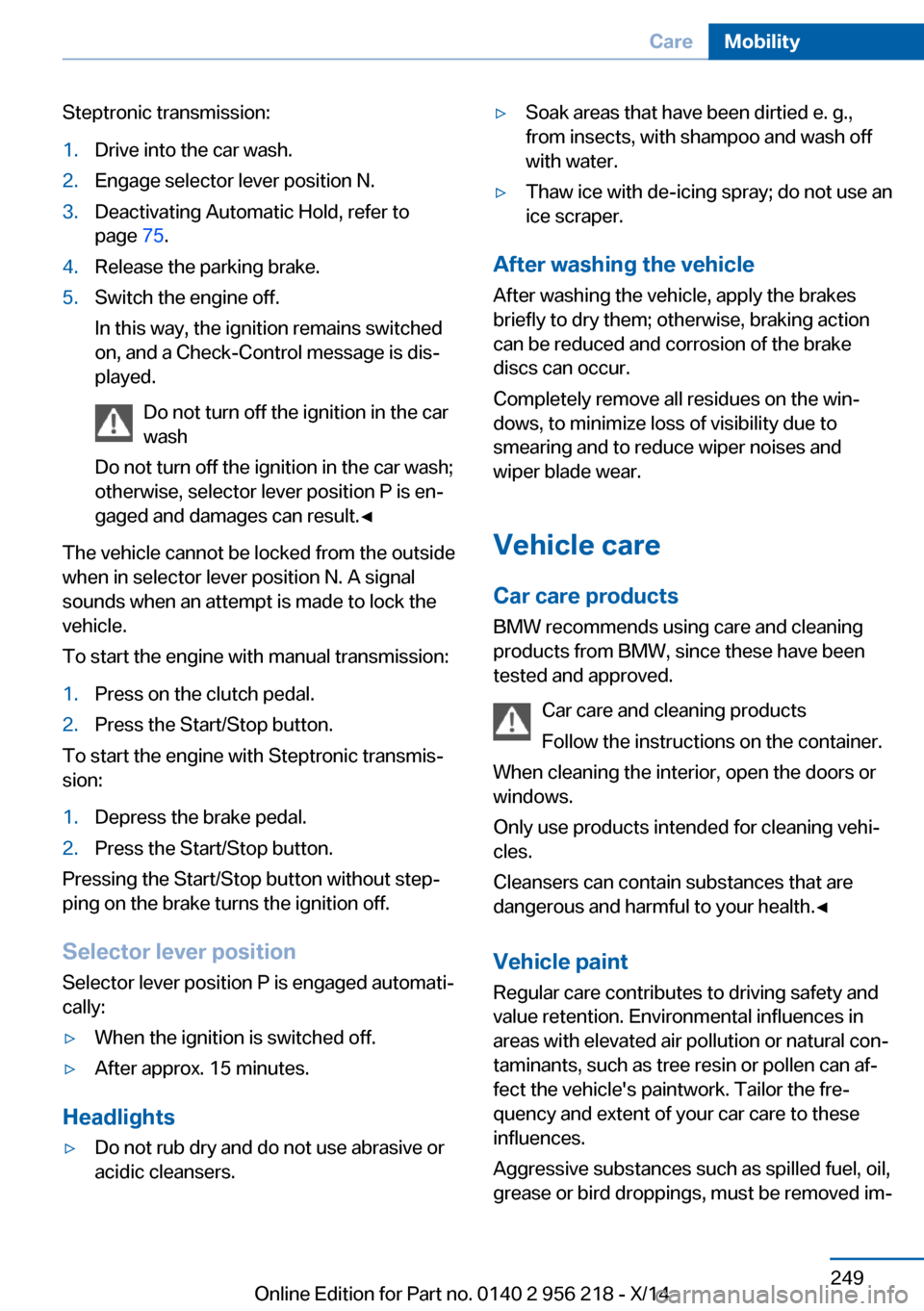
Steptronic transmission:1.Drive into the car wash.2.Engage selector lever position N.3.Deactivating Automatic Hold, refer to
page 75.4.Release the parking brake.5.Switch the engine off.
In this way, the ignition remains switched
on, and a Check-Control message is dis‐
played.
Do not turn off the ignition in the car
wash
Do not turn off the ignition in the car wash;
otherwise, selector lever position P is en‐
gaged and damages can result.◀
The vehicle cannot be locked from the outside
when in selector lever position N. A signal
sounds when an attempt is made to lock the
vehicle.
To start the engine with manual transmission:
1.Press on the clutch pedal.2.Press the Start/Stop button.
To start the engine with Steptronic transmis‐
sion:
1.Depress the brake pedal.2.Press the Start/Stop button.
Pressing the Start/Stop button without step‐
ping on the brake turns the ignition off.
Selector lever positionSelector lever position P is engaged automati‐
cally:
▷When the ignition is switched off.▷After approx. 15 minutes.
Headlights
▷Do not rub dry and do not use abrasive or
acidic cleansers.▷Soak areas that have been dirtied e. g.,
from insects, with shampoo and wash off
with water.▷Thaw ice with de-icing spray; do not use an
ice scraper.
After washing the vehicle
After washing the vehicle, apply the brakes
briefly to dry them; otherwise, braking action
can be reduced and corrosion of the brake
discs can occur.
Completely remove all residues on the win‐
dows, to minimize loss of visibility due to
smearing and to reduce wiper noises and
wiper blade wear.
Vehicle care
Car care products BMW recommends using care and cleaning
products from BMW, since these have been
tested and approved.
Car care and cleaning products
Follow the instructions on the container.
When cleaning the interior, open the doors or
windows.
Only use products intended for cleaning vehi‐
cles.
Cleansers can contain substances that are
dangerous and harmful to your health.◀
Vehicle paint
Regular care contributes to driving safety and
value retention. Environmental influences in
areas with elevated air pollution or natural con‐
taminants, such as tree resin or pollen can af‐
fect the vehicle's paintwork. Tailor the fre‐
quency and extent of your car care to these
influences.
Aggressive substances such as spilled fuel, oil,
grease or bird droppings, must be removed im‐
Seite 249CareMobility249
Online Edition for Part no. 0140 2 956 218 - X/14
Page 264 of 273
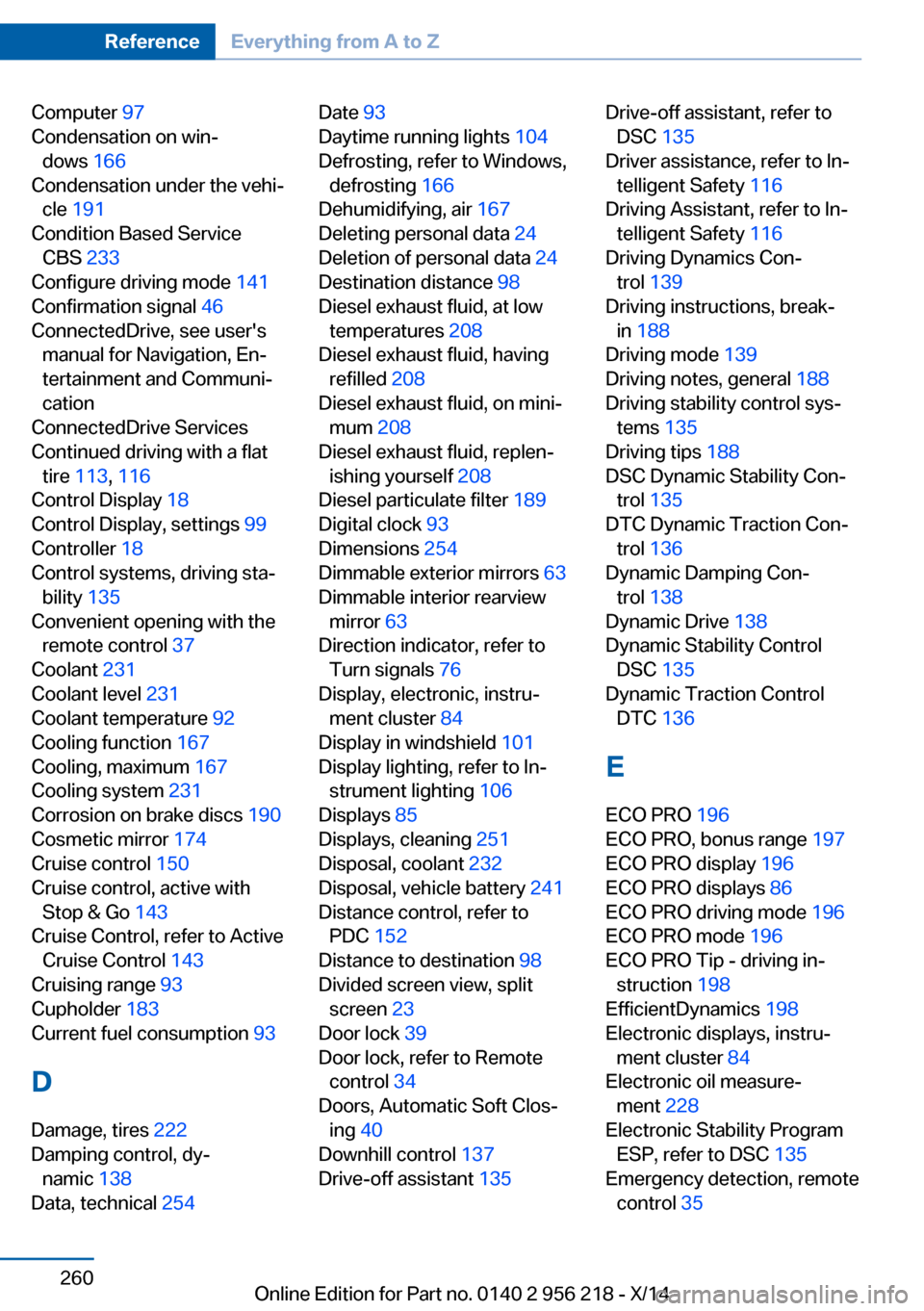
Computer 97
Condensation on win‐ dows 166
Condensation under the vehi‐ cle 191
Condition Based Service CBS 233
Configure driving mode 141
Confirmation signal 46
ConnectedDrive, see user's manual for Navigation, En‐
tertainment and Communi‐
cation
ConnectedDrive Services
Continued driving with a flat tire 113 , 116
Control Display 18
Control Display, settings 99
Controller 18
Control systems, driving sta‐ bility 135
Convenient opening with the remote control 37
Coolant 231
Coolant level 231
Coolant temperature 92
Cooling function 167
Cooling, maximum 167
Cooling system 231
Corrosion on brake discs 190
Cosmetic mirror 174
Cruise control 150
Cruise control, active with Stop & Go 143
Cruise Control, refer to Active Cruise Control 143
Cruising range 93
Cupholder 183
Current fuel consumption 93
D
Damage, tires 222
Damping control, dy‐ namic 138
Data, technical 254 Date 93
Daytime running lights 104
Defrosting, refer to Windows, defrosting 166
Dehumidifying, air 167
Deleting personal data 24
Deletion of personal data 24
Destination distance 98
Diesel exhaust fluid, at low temperatures 208
Diesel exhaust fluid, having refilled 208
Diesel exhaust fluid, on mini‐ mum 208
Diesel exhaust fluid, replen‐ ishing yourself 208
Diesel particulate filter 189
Digital clock 93
Dimensions 254
Dimmable exterior mirrors 63
Dimmable interior rearview mirror 63
Direction indicator, refer to Turn signals 76
Display, electronic, instru‐ ment cluster 84
Display in windshield 101
Display lighting, refer to In‐ strument lighting 106
Displays 85
Displays, cleaning 251
Disposal, coolant 232
Disposal, vehicle battery 241
Distance control, refer to PDC 152
Distance to destination 98
Divided screen view, split screen 23
Door lock 39
Door lock, refer to Remote control 34
Doors, Automatic Soft Clos‐ ing 40
Downhill control 137
Drive-off assistant 135 Drive-off assistant, refer to
DSC 135
Driver assistance, refer to In‐ telligent Safety 116
Driving Assistant, refer to In‐ telligent Safety 116
Driving Dynamics Con‐ trol 139
Driving instructions, break- in 188
Driving mode 139
Driving notes, general 188
Driving stability control sys‐ tems 135
Driving tips 188
DSC Dynamic Stability Con‐ trol 135
DTC Dynamic Traction Con‐ trol 136
Dynamic Damping Con‐ trol 138
Dynamic Drive 138
Dynamic Stability Control DSC 135
Dynamic Traction Control DTC 136
E
ECO PRO 196
ECO PRO, bonus range 197
ECO PRO display 196
ECO PRO displays 86
ECO PRO driving mode 196
ECO PRO mode 196
ECO PRO Tip - driving in‐ struction 198
EfficientDynamics 198
Electronic displays, instru‐ ment cluster 84
Electronic oil measure‐ ment 228
Electronic Stability Program ESP, refer to DSC 135
Emergency detection, remote control 35 Seite 260ReferenceEverything from A to Z260
Online Edition for Part no. 0140 2 956 218 - X/14
Page 268 of 273
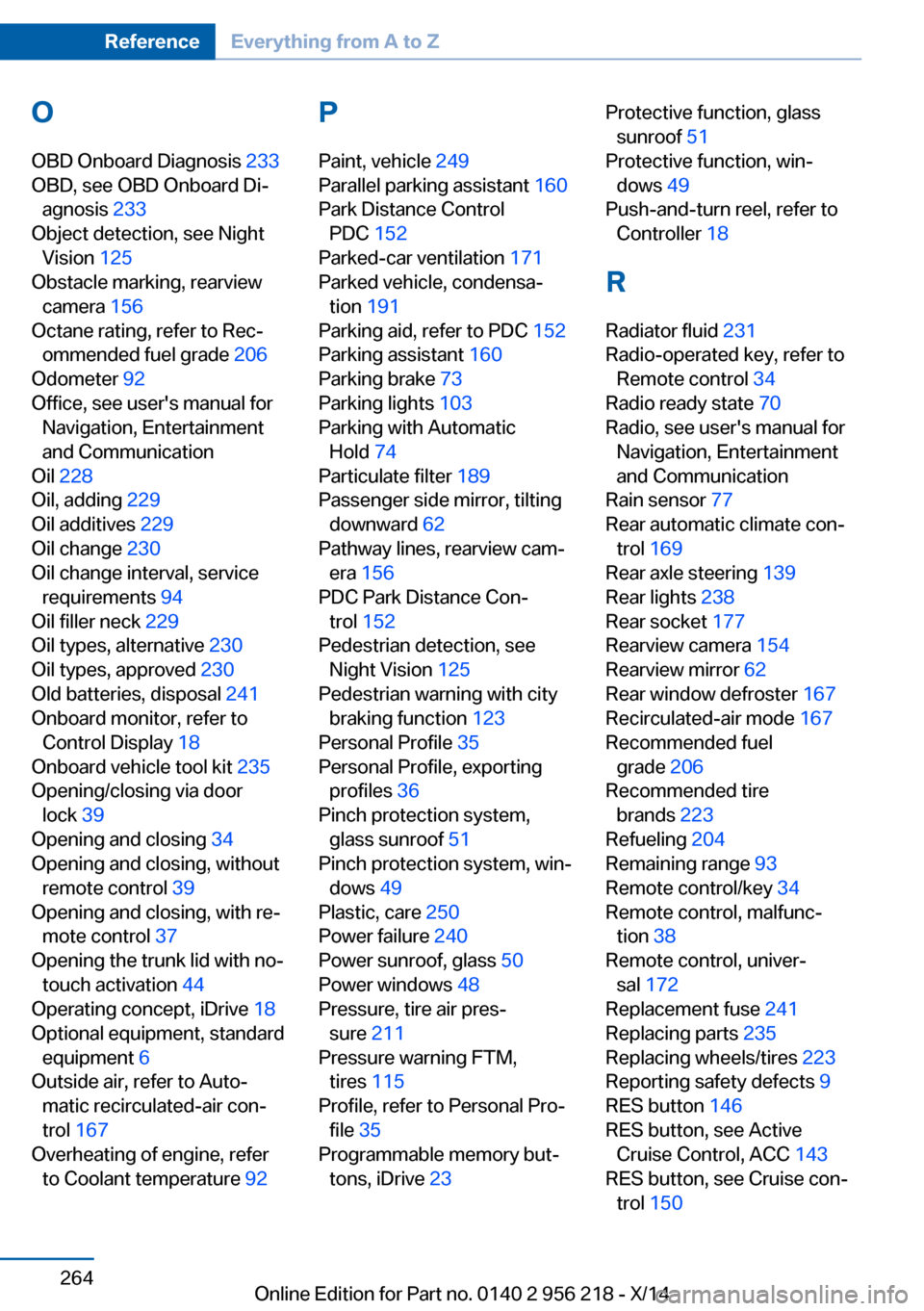
OOBD Onboard Diagnosis 233
OBD, see OBD Onboard Di‐ agnosis 233
Object detection, see Night Vision 125
Obstacle marking, rearview camera 156
Octane rating, refer to Rec‐ ommended fuel grade 206
Odometer 92
Office, see user's manual for Navigation, Entertainment
and Communication
Oil 228
Oil, adding 229
Oil additives 229
Oil change 230
Oil change interval, service requirements 94
Oil filler neck 229
Oil types, alternative 230
Oil types, approved 230
Old batteries, disposal 241
Onboard monitor, refer to Control Display 18
Onboard vehicle tool kit 235
Opening/closing via door lock 39
Opening and closing 34
Opening and closing, without remote control 39
Opening and closing, with re‐ mote control 37
Opening the trunk lid with no- touch activation 44
Operating concept, iDrive 18
Optional equipment, standard equipment 6
Outside air, refer to Auto‐ matic recirculated-air con‐
trol 167
Overheating of engine, refer to Coolant temperature 92 P
Paint, vehicle 249
Parallel parking assistant 160
Park Distance Control PDC 152
Parked-car ventilation 171
Parked vehicle, condensa‐ tion 191
Parking aid, refer to PDC 152
Parking assistant 160
Parking brake 73
Parking lights 103
Parking with Automatic Hold 74
Particulate filter 189
Passenger side mirror, tilting downward 62
Pathway lines, rearview cam‐ era 156
PDC Park Distance Con‐ trol 152
Pedestrian detection, see Night Vision 125
Pedestrian warning with city braking function 123
Personal Profile 35
Personal Profile, exporting profiles 36
Pinch protection system, glass sunroof 51
Pinch protection system, win‐ dows 49
Plastic, care 250
Power failure 240
Power sunroof, glass 50
Power windows 48
Pressure, tire air pres‐ sure 211
Pressure warning FTM, tires 115
Profile, refer to Personal Pro‐ file 35
Programmable memory but‐ tons, iDrive 23 Protective function, glass
sunroof 51
Protective function, win‐ dows 49
Push-and-turn reel, refer to Controller 18
R Radiator fluid 231
Radio-operated key, refer to Remote control 34
Radio ready state 70
Radio, see user's manual for Navigation, Entertainment
and Communication
Rain sensor 77
Rear automatic climate con‐ trol 169
Rear axle steering 139
Rear lights 238
Rear socket 177
Rearview camera 154
Rearview mirror 62
Rear window defroster 167
Recirculated-air mode 167
Recommended fuel grade 206
Recommended tire brands 223
Refueling 204
Remaining range 93
Remote control/key 34
Remote control, malfunc‐ tion 38
Remote control, univer‐ sal 172
Replacement fuse 241
Replacing parts 235
Replacing wheels/tires 223
Reporting safety defects 9
RES button 146
RES button, see Active Cruise Control, ACC 143
RES button, see Cruise con‐ trol 150 Seite 264ReferenceEverything from A to Z264
Online Edition for Part no. 0140 2 956 218 - X/14
Page 269 of 273
Reserve warning, refer toRange 93
Reset, Tire Pressure Monitor TPM 112
Residual heat, automatic cli‐ mate control 168
Retaining straps, securing cargo 193
Retreaded tires 223
Reversing lamp, bulb replace‐ ment 239
Roadside parking lights 104
Roller sunblinds 49
Roll stabilization, refer to Adaptive Drive 138
Roll stabilization, refer to Dy‐ namic Drive 138
RON recommended fuel grade 206
Roofliner 17
Roof load capacity 255
Roof-mounted luggage rack 193
Rope for tow-starting/ towing 246
RSC Run Flat System Com‐ ponent, refer to Run-flat
tires 224
Rubber components, care 250
Run-flat tires 224
S Safe braking 190
Safety 7
Safety belt reminder for driv‐ er's seat and front passen‐
ger seat 58
Safety belts 57
Safety belts, care 251
Safety Package, refer to Ac‐ tive Protection 132
Safety reel, windows 49
Safety systems, airbags 108
Saving fuel 195 Screen, refer to Control Dis‐
play 18
Screwdriver, see Onboard ve‐ hicle tool kit 235
Screw thread, see screw thread for tow fitting, screw
thread for tow fitting 247
Seat belts, refer to Safety belts 57
Seat heating, front 56
Seat heating, rear 56
Seating position for chil‐ dren 65
Seat, mirror, and steering wheel memory 61
Seats 53
Seat ventilation, front 57
Selection list in instrument cluster 96
Selector lever, Steptronic transmission 80
Sensors, care 251
Service and warranty 8
Service requirements, Condi‐ tion Based Service
CBS 233
Service requirements, dis‐ play 94
Service, Roadside Assis‐ tance 243
Services, ConnectedDrive
SET button, see Active Cruise Control, ACC 143
SET button, see Cruise con‐ trol 150
Settings, locking/unlock‐ ing 46
Settings on Control Dis‐ play 99
Settings, storing for seat, mir‐ rors, steering wheel 61
Shift Lights 87
Shift paddles on steering wheel 81
Shoulder support 56
Side airbags 108 Side View 157
Signaling, horn 14
Signals when unlocking 46
Sitting safely 53
Size 254
Ski bag 179
Slide/tilt glass roof 50
Smallest turning radius 254
Smoker's package 174
Snow chains 224
Socket 176
Socket, OBD Onboard Diag‐ nostics 233
Soot particulate filter 189
SOS button 242
Spare fuse 241
Speaker lighting 107
Specified engine oil types 230
Speed, average 98
Speed limit detection, com‐ puter 98
Speed limiter, display 95
Speed Limit Information 95
Speed warning 99
Split screen 23
SPORT+ - program, Dynamic Driving Control 140
Sport displays, torque dis‐ play, performance dis‐
play 99
SPORT program, driving dy‐ namics 140
Sport program, transmis‐ sion 81
Stability control systems 135
Start/stop, automatic func‐ tion 71
Start/Stop button 69
Start function during malfunc‐ tion 35
Starting the engine 70
Status control display, tires 112
Status information, iDrive 22
Status of Owner's Manual 6 Seite 265Everything from A to ZReference265
Online Edition for Part no. 0140 2 956 218 - X/14
Page 271 of 273
Updates made after the edito‐rial deadline 6
Upholstery care 250
USB interface 177
V
Vanity mirror 174
Variable steering, Integral Ac‐ tive Steering 139
Vehicle battery 240
Vehicle battery, replac‐ ing 240
Vehicle, break-in 188
Vehicle care 249
Vehicle features and op‐ tions 6
Vehicle identification num‐ ber 9
Vehicle jack 240
Vehicle paint 249
Vehicle storage 251
Vehicle wash 248
Ventilation 168
Ventilation, refer to Parked- car ventilation 171
Venting, see ventilation 168
Vent, see ventilation 168
VIN, see vehicle identification number 9
Voice activation system 26
W Warning and indicator lamps, see Check Control 88
Warning displays, see Check Control 88
Warning messages, see Check Control 88
Warning triangle 243
Washer fluid 78
Washer fluid reservoir, ca‐ pacity 257
Washer nozzles, wind‐ shield 78 Washer system 77
Washing, vehicle 248
Water on roads 190
Weights 255
Welcome lights 103
Wheel base, vehicle 254
Wheel cleaner 250
Wheels, changing 223
Wheels, everything on wheels and tires 211
Wheels, Flat Tire Monitor FTM 115
Wheels, Tire Pressure Moni‐ tor TPM 111
Width, vehicle 254
Window defroster, rear 167
Windows, powered 48
Windshield, climate con‐ trol 189
Windshield washer fluid 78
Windshield washer noz‐ zles 78
Windshield washer sys‐ tem 77
Windshield wiper 77
Winter diesel 207
Winter storage, care 251
Winter tires, suitable tires 224
Winter tires, tread 222
Wiper 77
Wiper blades, replacing 235
Wiper fluid 78
Wiper, fold-out position 78
Wiper system 77
Wood, care 250
Word match concept, naviga‐ tion 24
Wrench, see Onboard vehicle tool kit 235
X
xDrive 137
Xenon headlights, bulb re‐ placement 236 Seite 267Everything from A to ZReference267
Online Edition for Part no. 0140 2 956 218 - X/14