automatic transmission BMW 5 SERIES ACTIVE HYBRID 2015 User Guide
[x] Cancel search | Manufacturer: BMW, Model Year: 2015, Model line: 5 SERIES ACTIVE HYBRID, Model: BMW 5 SERIES ACTIVE HYBRID 2015Pages: 257, PDF Size: 5.26 MB
Page 155 of 257
Automatic deactivation during forward
travel
The system switches off when a certain driving
distance or speed is exceeded.
Switch the system back on if needed.
With front PDC: switching on/off
manually
Press button.▷On: the LED lights up.▷Off: the LED goes out.
The rearview camera image is displayed when
the reverse gear is engaged by pressing the
button.
Display
Signal tones When approaching an object, an intermittent
sound indicates the position of the object. E. g.
if an object is detected to the left rear of the
vehicle, a signal tone sounds from the left rear
speaker.
The shorter the distance to the object, the
shorter the intervals.
If the distance to a detected object is less than
approx. 10 in/25 cm, a continuous tone is
sounded.
With front PDC: if objects are located both in
front of and behind the vehicle, an alternating
continuous signal is sounded.
An interval tone is interrupted with the appro‐
priate equipment after about 3 seconds:
▷If the vehicle stops in front of an object that
is detected by only one of the corner sen‐
sors.▷If moving parallel to a wall.
The signal tone is switched off, when selector
lever position P is engaged on vehicles with
Steptronic transmission.
Volume
The volume of the PDC signal tone can be ad‐
justed similar to the sound and volume set‐
tings of the radio.
Settings are stored for the profile currently in
use.
Visual warning
The approach of the vehicle to an object can
be shown on the Control Display. Objects that
are farther away are already displayed on the
Control Display before a signal sounds.
A display appears as soon as Park Distance
Control (PDC) is activated.
The range of the sensors is represented in the
colors green, yellow and red.
When the image of the rearview camera is dis‐
played, the reel can be made to PDC:
"Rear view camera"
System limits
Limits of ultrasonic measurement
Ultrasonic measuring might not function under
the following circumstances:
▷For small children and animals.▷For persons with certain clothing, e.g.
coats.▷With external interference of the ultra‐
sound, e.g. from passing vehicles or loud
machines.▷When sensors are dirty, iced over, dam‐
aged or out of position.▷Under certain weather conditions such as
high relative humidity, rain, snowfall, ex‐
treme heat or strong wind.▷With tow bars and trailer couplings of other
vehicles.▷With thin or wedge-shaped objects.▷With moving objects.Seite 151Driving comfortControls151
Online Edition for Part no. 01 40 2 954 366 - II/15
Page 163 of 257
Therefore, always be alert and ready to inter‐
vene; otherwise, the wheels, tires, or the vehi‐
cle may become damaged.◀
An engine that has been switched off by the
Auto Start Stop function is restarted automati‐
cally when the parking assistant is activated.
Requirements
For measuring parking spaces▷Maximum speed while driving forward ap‐
prox. 22 mph/35 km/h.▷Maximum distance to row of parked vehi‐
cles: 5 ft/1.5 m.
Suitable parking space
▷Gap between two objects with a minimum
length of approx. 5 ft/1.5 m.▷Min. length of gap between two objects:
your vehicle's length plus approx.
4 ft/1.2 m.▷Minimum depth: approx. 5 ft/1.5 m.
Regarding the parking procedure
▷Doors and trunk lid closed.▷Parking brake released.
Steptronic transmission:
▷Driver's safety belt fastened.
Overview
Button in the vehicle
Parking assistant
Ultrasound sensors
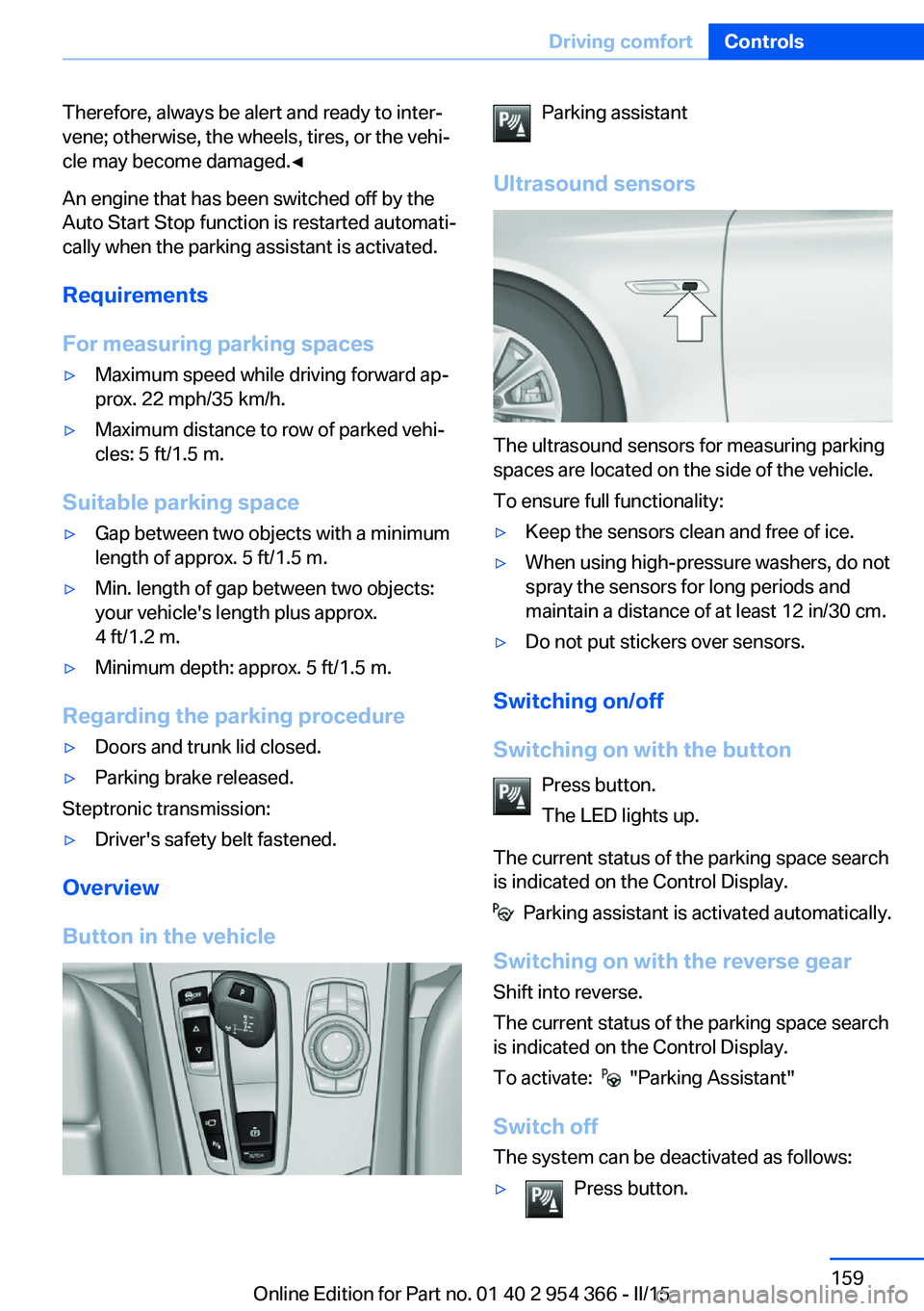
The ultrasound sensors for measuring parking
spaces are located on the side of the vehicle.
To ensure full functionality:
▷Keep the sensors clean and free of ice.▷When using high-pressure washers, do not
spray the sensors for long periods and
maintain a distance of at least 12 in/30 cm.▷Do not put stickers over sensors.
Switching on/off
Switching on with the button Press button.
The LED lights up.
The current status of the parking space search
is indicated on the Control Display.
Parking assistant is activated automatically.
Switching on with the reverse gear
Shift into reverse.
The current status of the parking space search
is indicated on the Control Display.
To activate:
"Parking Assistant"
Switch off
The system can be deactivated as follows:
▷Press button.Seite 159Driving comfortControls159
Online Edition for Part no. 01 40 2 954 366 - II/15
Page 187 of 257
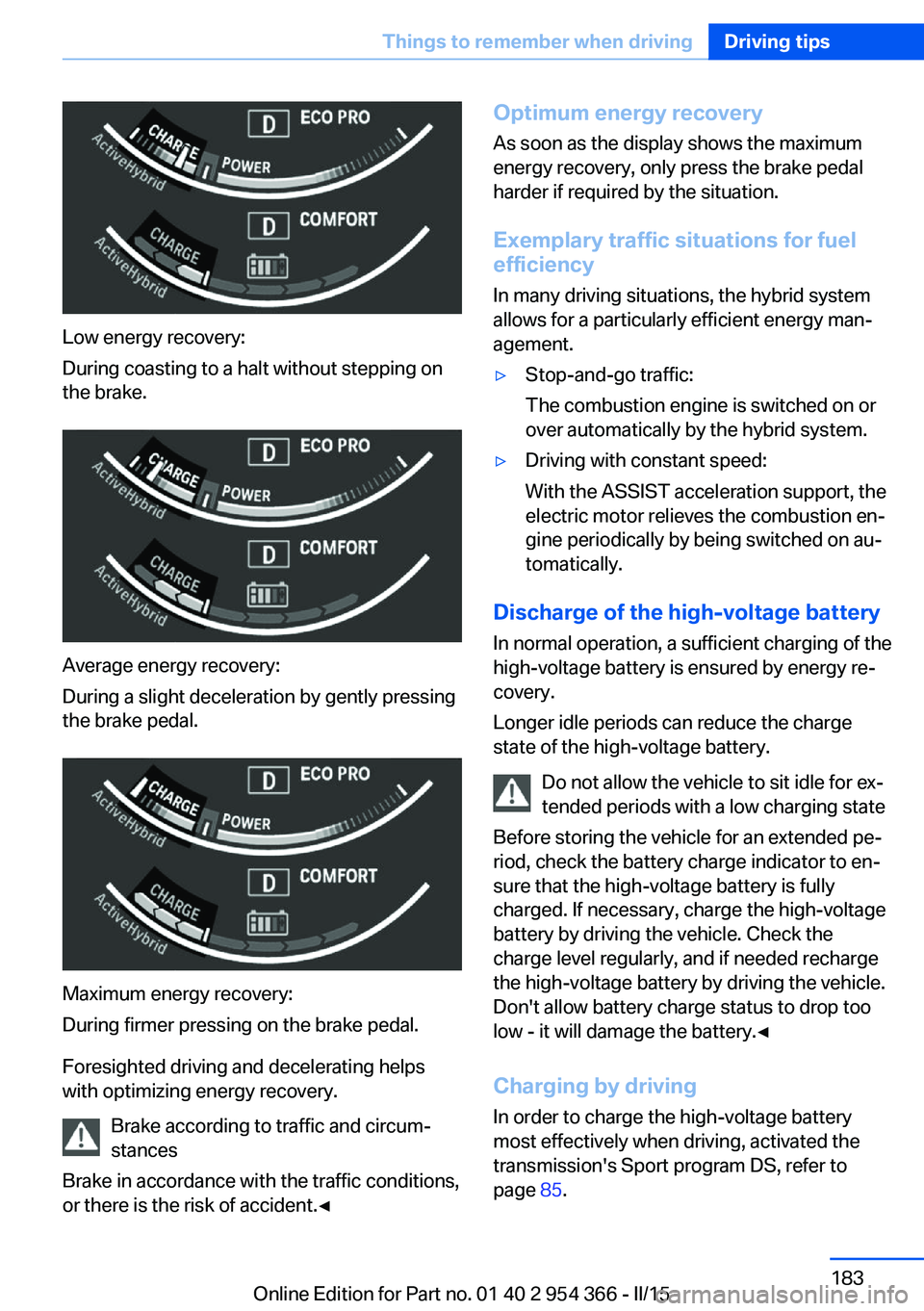
Low energy recovery:
During coasting to a halt without stepping on
the brake.
Average energy recovery:
During a slight deceleration by gently pressing
the brake pedal.
Maximum energy recovery:
During firmer pressing on the brake pedal.
Foresighted driving and decelerating helps
with optimizing energy recovery.
Brake according to traffic and circum‐
stances
Brake in accordance with the traffic conditions,
or there is the risk of accident.◀
Optimum energy recovery
As soon as the display shows the maximum
energy recovery, only press the brake pedal
harder if required by the situation.
Exemplary traffic situations for fuel
efficiency
In many driving situations, the hybrid system
allows for a particularly efficient energy man‐
agement.▷Stop-and-go traffic:
The combustion engine is switched on or
over automatically by the hybrid system.▷Driving with constant speed:
With the ASSIST acceleration support, the
electric motor relieves the combustion en‐
gine periodically by being switched on au‐
tomatically.
Discharge of the high-voltage battery
In normal operation, a sufficient charging of the
high-voltage battery is ensured by energy re‐
covery.
Longer idle periods can reduce the charge
state of the high-voltage battery.
Do not allow the vehicle to sit idle for ex‐
tended periods with a low charging state
Before storing the vehicle for an extended pe‐
riod, check the battery charge indicator to en‐
sure that the high-voltage battery is fully
charged. If necessary, charge the high-voltage
battery by driving the vehicle. Check the
charge level regularly, and if needed recharge
the high-voltage battery by driving the vehicle.
Don't allow battery charge status to drop too
low - it will damage the battery.◀
Charging by driving
In order to charge the high-voltage battery
most effectively when driving, activated the
transmission's Sport program DS, refer to
page 85.
Seite 183Things to remember when drivingDriving tips183
Online Edition for Part no. 01 40 2 954 366 - II/15
Page 246 of 257
Everything from A to Z
IndexA ABS, Antilock Brake Sys‐ tem 136
ACC, Active Cruise Control with Stop & Go 141
Accessories and parts 7
Activated-charcoal filter 165
Activate drive readiness 74
Active Blind Spot Detec‐ tion 131
Active Cruise Control with Stop & Go, ACC 141
ActiveHybrid, system 31
Active Protection 133
Active seat, front 60
Active seat ventilation, front 61
Adapting to the course of the road, hybrid system 90
Adaptive brake assistant 136
Adaptive brake lights, refer to Brake force display 133
Adaptive Light Control 105
Additives, oil 214
Adjustments, seats/head re‐ straints 57
After washing vehicle 234
Airbags 109
Airbags, indicator/warning light 110
Air circulation, refer to Recir‐ culated-air mode 164
Air, dehumidifying, refer to Cooling function 164
Air distribution, manual 163
Air flow, automatic climate control 163
Air outlets, see ventila‐ tion 165
Air pressure, tires 200 Alarm system 51
Alarm, unintentional 52
All around the center con‐ sole 16
All around the roofliner 17
All around the steering wheel 14
All-season tires, refer to Win‐ ter tires 206
Alternating-code hand-held transmitter 171
Alternative oil types 215
Ambient light 108
Animal detection, see Night Vision 127
Antifreeze, washer fluid 83
Antilock Brake System, ABS 136
Anti-slip control, refer to DSC 136
Approved axle load 241
Approved engine oils, see Suitable engine oil
types 215
Armrest, refer to Center arm‐ rest 177
Arrival time 99
Ashtray 172
Ashtray, front 172
Ashtray, rear 173
Assistance for the combus‐ tion engine, ASSIST 77
Assistance for the combus‐ tion engine, eBOOST 77
Assistance when driving off 136
ASSIST, assistance for the combustion engine 77
Attentiveness assistant 133
AUTO H button 78 AUTO H button, refer to Au‐
tomatic Hold 78
AUTO intensity 163
Automatic car wash 233
Automatic climate con‐ trol 162
Automatic Cruise Control with Stop & Go 141
Automatic Curb Monitor 66
Automatic deactivation, front- seat passenger airbags 111
Automatic deactivation of the hybrid system 34
Automatic headlight con‐ trol 105
Automatic Hold 78
Automatic locking 50
Automatic recirculated-air control 164
Automatic Soft Closing, doors 44
Automatic transmission, see Steptronic transmission 83
Automatic trunk lid 45
AUTO program, automatic cli‐ mate control 163
AUTO program, intensity 163
Auto Start/Stop function 75
Auxiliary air conditioning 169
Average fuel consumption 99
Average speed 99
Axle loads, weights 241
B Backrest curvature, refer to Lumbar support 59
Backrest, width 59
Band-aids, refer to First aid kit 228 Seite 242ReferenceEverything from A to Z242
Online Edition for Part no. 01 40 2 954 366 - II/15
Page 249 of 257
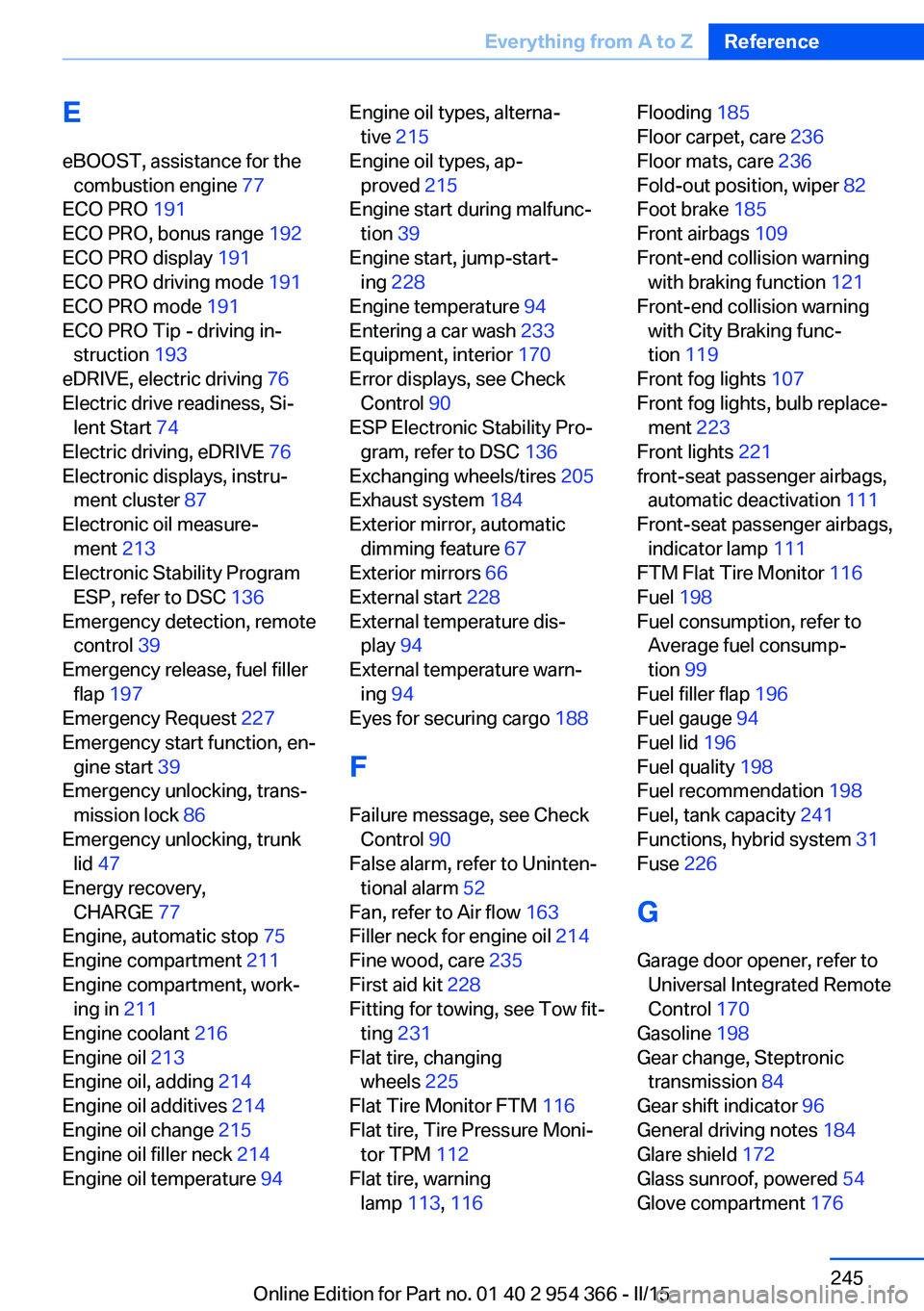
EeBOOST, assistance for the combustion engine 77
ECO PRO 191
ECO PRO, bonus range 192
ECO PRO display 191
ECO PRO driving mode 191
ECO PRO mode 191
ECO PRO Tip - driving in‐ struction 193
eDRIVE, electric driving 76
Electric drive readiness, Si‐ lent Start 74
Electric driving, eDRIVE 76
Electronic displays, instru‐ ment cluster 87
Electronic oil measure‐ ment 213
Electronic Stability Program ESP, refer to DSC 136
Emergency detection, remote control 39
Emergency release, fuel filler flap 197
Emergency Request 227
Emergency start function, en‐ gine start 39
Emergency unlocking, trans‐ mission lock 86
Emergency unlocking, trunk lid 47
Energy recovery, CHARGE 77
Engine, automatic stop 75
Engine compartment 211
Engine compartment, work‐ ing in 211
Engine coolant 216
Engine oil 213
Engine oil, adding 214
Engine oil additives 214
Engine oil change 215
Engine oil filler neck 214
Engine oil temperature 94 Engine oil types, alterna‐
tive 215
Engine oil types, ap‐ proved 215
Engine start during malfunc‐ tion 39
Engine start, jump-start‐ ing 228
Engine temperature 94
Entering a car wash 233
Equipment, interior 170
Error displays, see Check Control 90
ESP Electronic Stability Pro‐ gram, refer to DSC 136
Exchanging wheels/tires 205
Exhaust system 184
Exterior mirror, automatic dimming feature 67
Exterior mirrors 66
External start 228
External temperature dis‐ play 94
External temperature warn‐ ing 94
Eyes for securing cargo 188
F
Failure message, see Check Control 90
False alarm, refer to Uninten‐ tional alarm 52
Fan, refer to Air flow 163
Filler neck for engine oil 214
Fine wood, care 235
First aid kit 228
Fitting for towing, see Tow fit‐ ting 231
Flat tire, changing wheels 225
Flat Tire Monitor FTM 116
Flat tire, Tire Pressure Moni‐ tor TPM 112
Flat tire, warning lamp 113, 116 Flooding 185
Floor carpet, care 236
Floor mats, care 236
Fold-out position, wiper 82
Foot brake 185
Front airbags 109
Front-end collision warning with braking function 121
Front-end collision warning with City Braking func‐
tion 119
Front fog lights 107
Front fog lights, bulb replace‐ ment 223
Front lights 221
front-seat passenger airbags, automatic deactivation 111
Front-seat passenger airbags, indicator lamp 111
FTM Flat Tire Monitor 116
Fuel 198
Fuel consumption, refer to Average fuel consump‐
tion 99
Fuel filler flap 196
Fuel gauge 94
Fuel lid 196
Fuel quality 198
Fuel recommendation 198
Fuel, tank capacity 241
Functions, hybrid system 31
Fuse 226
G
Garage door opener, refer to Universal Integrated Remote
Control 170
Gasoline 198
Gear change, Steptronic transmission 84
Gear shift indicator 96
General driving notes 184
Glare shield 172
Glass sunroof, powered 54
Glove compartment 176 Seite 245Everything from A to ZReference245
Online Edition for Part no. 01 40 2 954 366 - II/15
Page 251 of 257
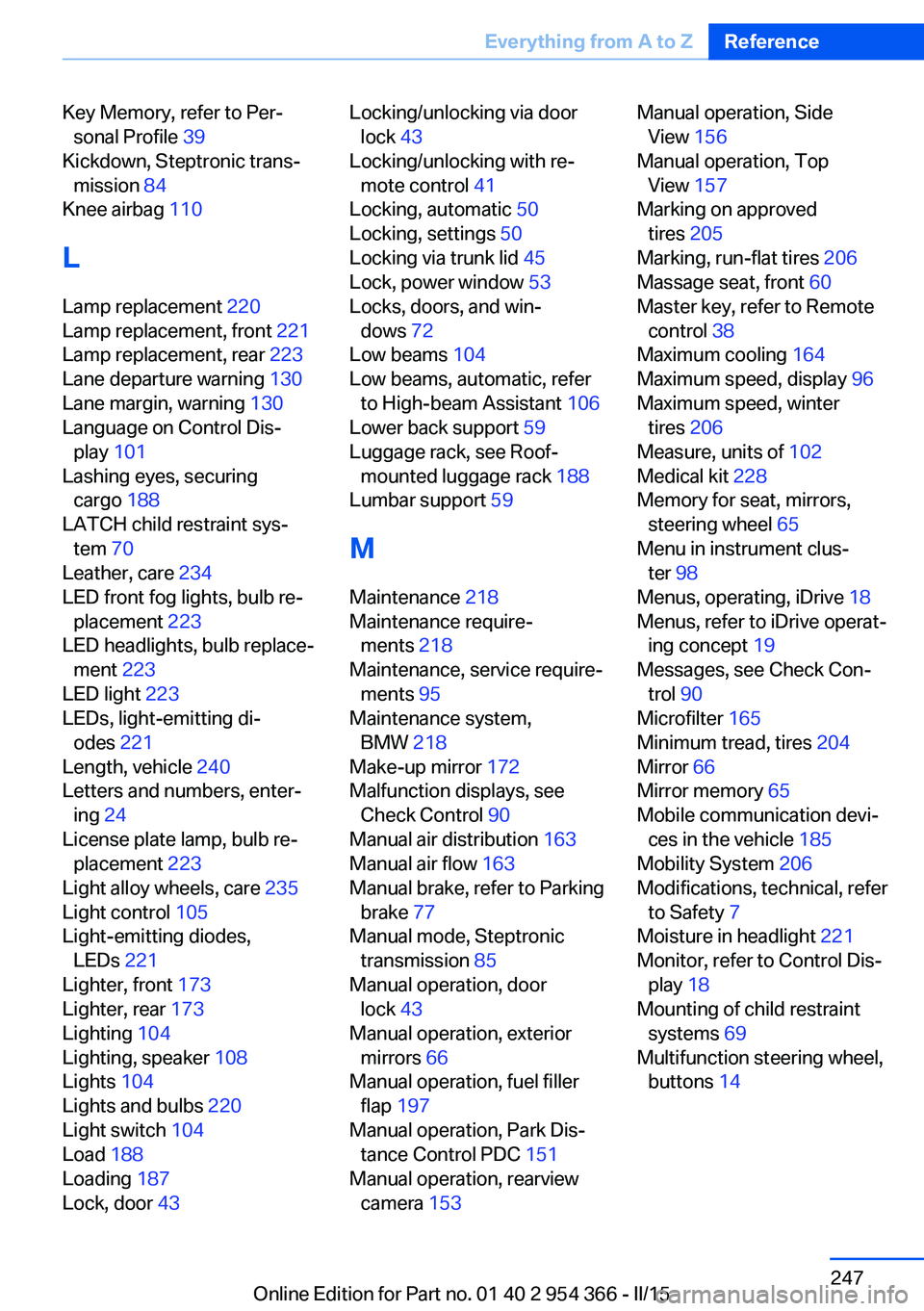
Key Memory, refer to Per‐sonal Profile 39
Kickdown, Steptronic trans‐ mission 84
Knee airbag 110
L
Lamp replacement 220
Lamp replacement, front 221
Lamp replacement, rear 223
Lane departure warning 130
Lane margin, warning 130
Language on Control Dis‐ play 101
Lashing eyes, securing cargo 188
LATCH child restraint sys‐ tem 70
Leather, care 234
LED front fog lights, bulb re‐ placement 223
LED headlights, bulb replace‐ ment 223
LED light 223
LEDs, light-emitting di‐ odes 221
Length, vehicle 240
Letters and numbers, enter‐ ing 24
License plate lamp, bulb re‐ placement 223
Light alloy wheels, care 235
Light control 105
Light-emitting diodes, LEDs 221
Lighter, front 173
Lighter, rear 173
Lighting 104
Lighting, speaker 108
Lights 104
Lights and bulbs 220
Light switch 104
Load 188
Loading 187
Lock, door 43 Locking/unlocking via door
lock 43
Locking/unlocking with re‐ mote control 41
Locking, automatic 50
Locking, settings 50
Locking via trunk lid 45
Lock, power window 53
Locks, doors, and win‐ dows 72
Low beams 104
Low beams, automatic, refer to High-beam Assistant 106
Lower back support 59
Luggage rack, see Roof- mounted luggage rack 188
Lumbar support 59
M
Maintenance 218
Maintenance require‐ ments 218
Maintenance, service require‐ ments 95
Maintenance system, BMW 218
Make-up mirror 172
Malfunction displays, see Check Control 90
Manual air distribution 163
Manual air flow 163
Manual brake, refer to Parking brake 77
Manual mode, Steptronic transmission 85
Manual operation, door lock 43
Manual operation, exterior mirrors 66
Manual operation, fuel filler flap 197
Manual operation, Park Dis‐ tance Control PDC 151
Manual operation, rearview camera 153 Manual operation, Side
View 156
Manual operation, Top View 157
Marking on approved tires 205
Marking, run-flat tires 206
Massage seat, front 60
Master key, refer to Remote control 38
Maximum cooling 164
Maximum speed, display 96
Maximum speed, winter tires 206
Measure, units of 102
Medical kit 228
Memory for seat, mirrors, steering wheel 65
Menu in instrument clus‐ ter 98
Menus, operating, iDrive 18
Menus, refer to iDrive operat‐ ing concept 19
Messages, see Check Con‐ trol 90
Microfilter 165
Minimum tread, tires 204
Mirror 66
Mirror memory 65
Mobile communication devi‐ ces in the vehicle 185
Mobility System 206
Modifications, technical, refer to Safety 7
Moisture in headlight 221
Monitor, refer to Control Dis‐ play 18
Mounting of child restraint systems 69
Multifunction steering wheel, buttons 14 Seite 247Everything from A to ZReference247
Online Edition for Part no. 01 40 2 954 366 - II/15
Page 253 of 257
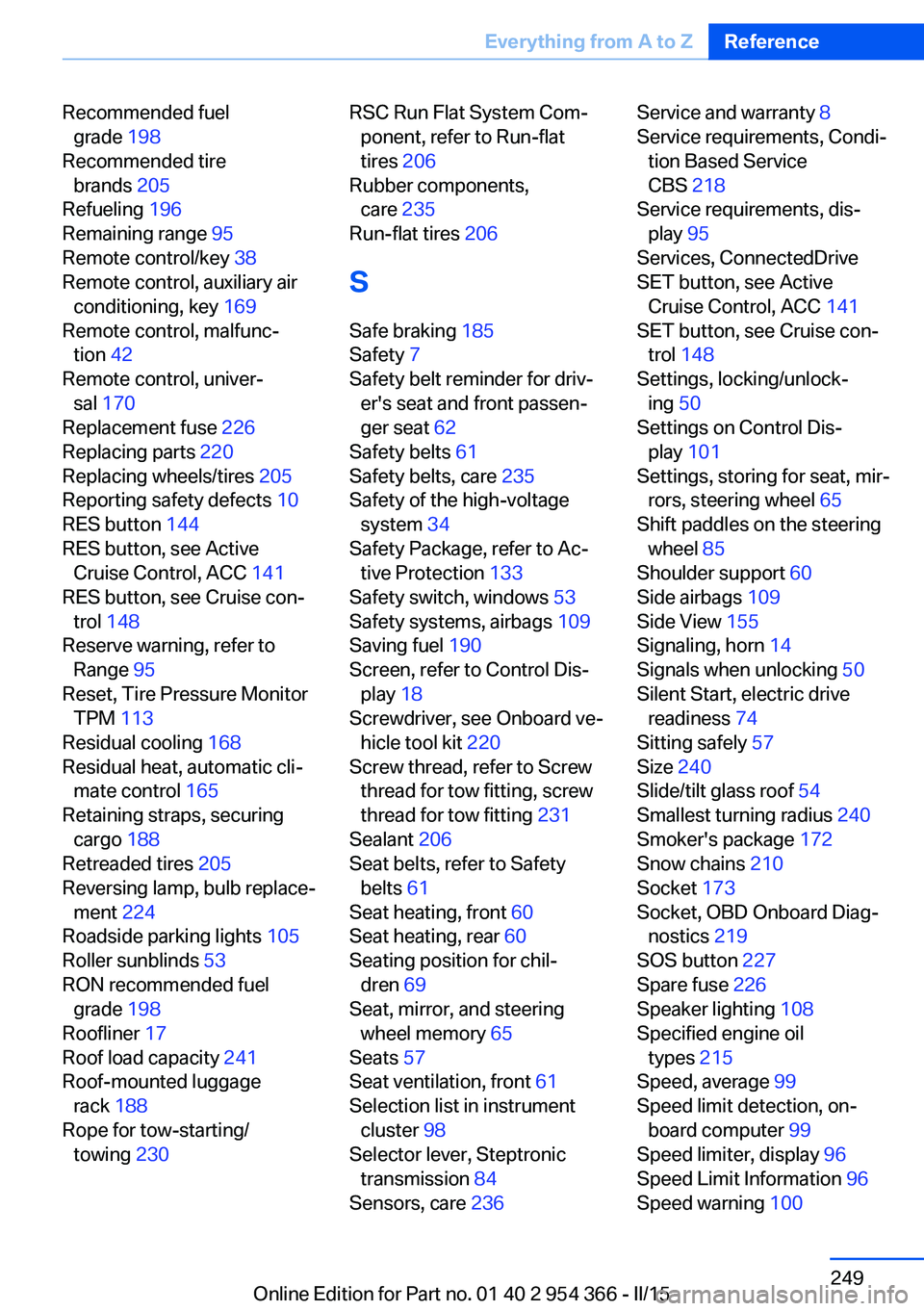
Recommended fuelgrade 198
Recommended tire brands 205
Refueling 196
Remaining range 95
Remote control/key 38
Remote control, auxiliary air conditioning, key 169
Remote control, malfunc‐ tion 42
Remote control, univer‐ sal 170
Replacement fuse 226
Replacing parts 220
Replacing wheels/tires 205
Reporting safety defects 10
RES button 144
RES button, see Active Cruise Control, ACC 141
RES button, see Cruise con‐ trol 148
Reserve warning, refer to Range 95
Reset, Tire Pressure Monitor TPM 113
Residual cooling 168
Residual heat, automatic cli‐ mate control 165
Retaining straps, securing cargo 188
Retreaded tires 205
Reversing lamp, bulb replace‐ ment 224
Roadside parking lights 105
Roller sunblinds 53
RON recommended fuel grade 198
Roofliner 17
Roof load capacity 241
Roof-mounted luggage rack 188
Rope for tow-starting/ towing 230 RSC Run Flat System Com‐
ponent, refer to Run-flat
tires 206
Rubber components, care 235
Run-flat tires 206
S Safe braking 185
Safety 7
Safety belt reminder for driv‐ er's seat and front passen‐
ger seat 62
Safety belts 61
Safety belts, care 235
Safety of the high-voltage system 34
Safety Package, refer to Ac‐ tive Protection 133
Safety switch, windows 53
Safety systems, airbags 109
Saving fuel 190
Screen, refer to Control Dis‐ play 18
Screwdriver, see Onboard ve‐ hicle tool kit 220
Screw thread, refer to Screw thread for tow fitting, screw
thread for tow fitting 231
Sealant 206
Seat belts, refer to Safety belts 61
Seat heating, front 60
Seat heating, rear 60
Seating position for chil‐ dren 69
Seat, mirror, and steering wheel memory 65
Seats 57
Seat ventilation, front 61
Selection list in instrument cluster 98
Selector lever, Steptronic transmission 84
Sensors, care 236 Service and warranty 8
Service requirements, Condi‐ tion Based Service
CBS 218
Service requirements, dis‐ play 95
Services, ConnectedDrive
SET button, see Active Cruise Control, ACC 141
SET button, see Cruise con‐ trol 148
Settings, locking/unlock‐ ing 50
Settings on Control Dis‐ play 101
Settings, storing for seat, mir‐ rors, steering wheel 65
Shift paddles on the steering wheel 85
Shoulder support 60
Side airbags 109
Side View 155
Signaling, horn 14
Signals when unlocking 50
Silent Start, electric drive readiness 74
Sitting safely 57
Size 240
Slide/tilt glass roof 54
Smallest turning radius 240
Smoker's package 172
Snow chains 210
Socket 173
Socket, OBD Onboard Diag‐ nostics 219
SOS button 227
Spare fuse 226
Speaker lighting 108
Specified engine oil types 215
Speed, average 99
Speed limit detection, on- board computer 99
Speed limiter, display 96
Speed Limit Information 96
Speed warning 100 Seite 249Everything from A to ZReference249
Online Edition for Part no. 01 40 2 954 366 - II/15
Page 254 of 257
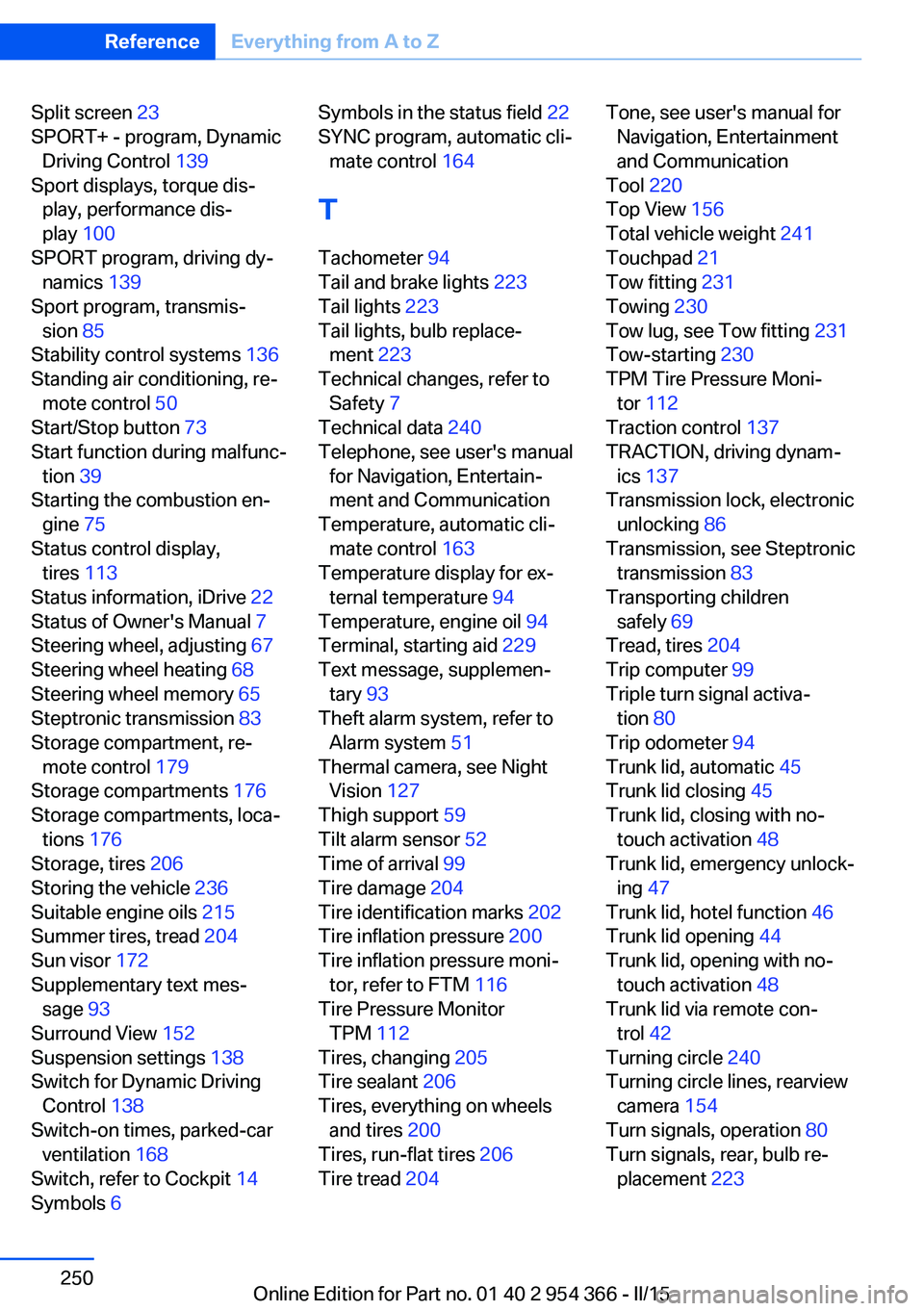
Split screen 23
SPORT+ - program, Dynamic Driving Control 139
Sport displays, torque dis‐ play, performance dis‐
play 100
SPORT program, driving dy‐ namics 139
Sport program, transmis‐ sion 85
Stability control systems 136
Standing air conditioning, re‐ mote control 50
Start/Stop button 73
Start function during malfunc‐ tion 39
Starting the combustion en‐ gine 75
Status control display, tires 113
Status information, iDrive 22
Status of Owner's Manual 7
Steering wheel, adjusting 67
Steering wheel heating 68
Steering wheel memory 65
Steptronic transmission 83
Storage compartment, re‐ mote control 179
Storage compartments 176
Storage compartments, loca‐ tions 176
Storage, tires 206
Storing the vehicle 236
Suitable engine oils 215
Summer tires, tread 204
Sun visor 172
Supplementary text mes‐ sage 93
Surround View 152
Suspension settings 138
Switch for Dynamic Driving Control 138
Switch-on times, parked-car ventilation 168
Switch, refer to Cockpit 14
Symbols 6 Symbols in the status field 22
SYNC program, automatic cli‐ mate control 164
T Tachometer 94
Tail and brake lights 223
Tail lights 223
Tail lights, bulb replace‐ ment 223
Technical changes, refer to Safety 7
Technical data 240
Telephone, see user's manual for Navigation, Entertain‐
ment and Communication
Temperature, automatic cli‐ mate control 163
Temperature display for ex‐ ternal temperature 94
Temperature, engine oil 94
Terminal, starting aid 229
Text message, supplemen‐ tary 93
Theft alarm system, refer to Alarm system 51
Thermal camera, see Night Vision 127
Thigh support 59
Tilt alarm sensor 52
Time of arrival 99
Tire damage 204
Tire identification marks 202
Tire inflation pressure 200
Tire inflation pressure moni‐ tor, refer to FTM 116
Tire Pressure Monitor TPM 112
Tires, changing 205
Tire sealant 206
Tires, everything on wheels and tires 200
Tires, run-flat tires 206
Tire tread 204 Tone, see user's manual for
Navigation, Entertainment
and Communication
Tool 220
Top View 156
Total vehicle weight 241
Touchpad 21
Tow fitting 231
Towing 230
Tow lug, see Tow fitting 231
Tow-starting 230
TPM Tire Pressure Moni‐ tor 112
Traction control 137
TRACTION, driving dynam‐ ics 137
Transmission lock, electronic unlocking 86
Transmission, see Steptronic transmission 83
Transporting children safely 69
Tread, tires 204
Trip computer 99
Triple turn signal activa‐ tion 80
Trip odometer 94
Trunk lid, automatic 45
Trunk lid closing 45
Trunk lid, closing with no- touch activation 48
Trunk lid, emergency unlock‐ ing 47
Trunk lid, hotel function 46
Trunk lid opening 44
Trunk lid, opening with no- touch activation 48
Trunk lid via remote con‐ trol 42
Turning circle 240
Turning circle lines, rearview camera 154
Turn signals, operation 80
Turn signals, rear, bulb re‐ placement 223 Seite 250ReferenceEverything from A to Z250
Online Edition for Part no. 01 40 2 954 366 - II/15