trunk BMW 5 SERIES ACTIVE HYBRID 2015 Owners Manual
[x] Cancel search | Manufacturer: BMW, Model Year: 2015, Model line: 5 SERIES ACTIVE HYBRID, Model: BMW 5 SERIES ACTIVE HYBRID 2015Pages: 257, PDF Size: 5.26 MB
Page 20 of 257
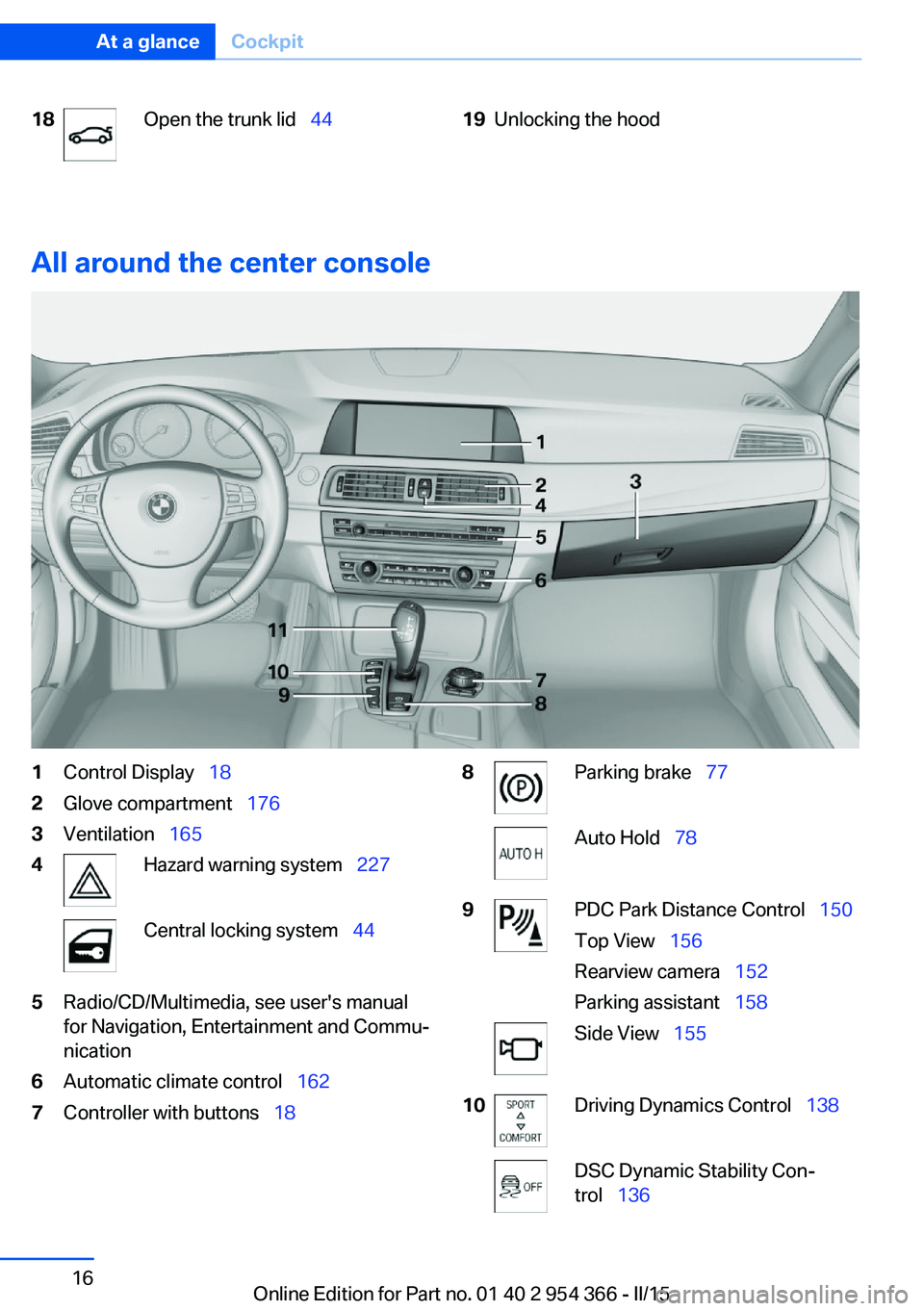
18Open the trunk lid 4419Unlocking the hood
All around the center console
1Control Display 182Glove compartment 1763Ventilation 1654Hazard warning system 227Central locking system 445Radio/CD/Multimedia, see user's manual
for Navigation, Entertainment and Commu‐
nication6Automatic climate control 1627Controller with buttons 188Parking brake 77Auto Hold 789PDC Park Distance Control 150
Top View 156
Rearview camera 152
Parking assistant 158Side View 15510Driving Dynamics Control 138DSC Dynamic Stability Con‐
trol 136Seite 16At a glanceCockpit16
Online Edition for Part no. 01 40 2 954 366 - II/15
Page 38 of 257
Safety of the high-voltage systemHybrid system work
Your vehicle's hybrid system is a self-con‐
tained system. Safety is ensured as long as no
work is performed on the technical compo‐
nents.
Thus, have work on the vehicle, for instance retrofitting accessories, performed by the
service center or a workshop that works ac‐
cording to BMW specifications with appropri‐
ately trained personnel.
Maintenance and repairs
Have maintenance and repair work per‐
formed only by a service center or a workshop
that works according to BMW specifications
with appropriately trained personnel. Other‐
wise, there is the risk of fatal injury from elec‐
trocution due to the high-voltage system's
high voltage.◀
Hybrid system: contact with
water
The hybrid system is typically safe even in the
following example situations:▷Water in the footwell, for instance after a
rainstorm when sunroof was kept open.▷Vehicle is in water but only up to the al‐
lowed height.▷Liquid escapes in the trunk.
In these cases there is no risk of injury from
electrocution. Other damage to the vehicle is
possible.
Hybrid system: automatic
deactivation
If an accident occurs, the hybrid system is
switched off automatically to prevent risk of
danger to occupants and other traffic.
Read the information on What to do after an
accident, refer to page 231.Seite 34At a glanceSafety of the high-voltage system34
Online Edition for Part no. 01 40 2 954 366 - II/15
Page 42 of 257
Opening and closingVehicle features and options
This chapter describes all standard, country-
specific and optional features offered with the
series. It also describes features that are not
necessarily available in your car, e. g., due to
the selected options or country versions. This
also applies to safety-related functions and
systems. The respectively applicable country
provisions must be observed when using the
respective features and systems.
Remote control/key General information
The vehicle is supplied with two remote con‐
trols with integrated key.
Every remote control holds a replaceable bat‐
tery.
You may set the key functions depending on
the optional features and country-specific ver‐
sion. For Settings, refer to page 50.
The vehicle stores personal settings for every
remote control. Personal Profile, refer to
page 39.
The remote controls hold information on re‐
quired maintenance. Service data in the re‐
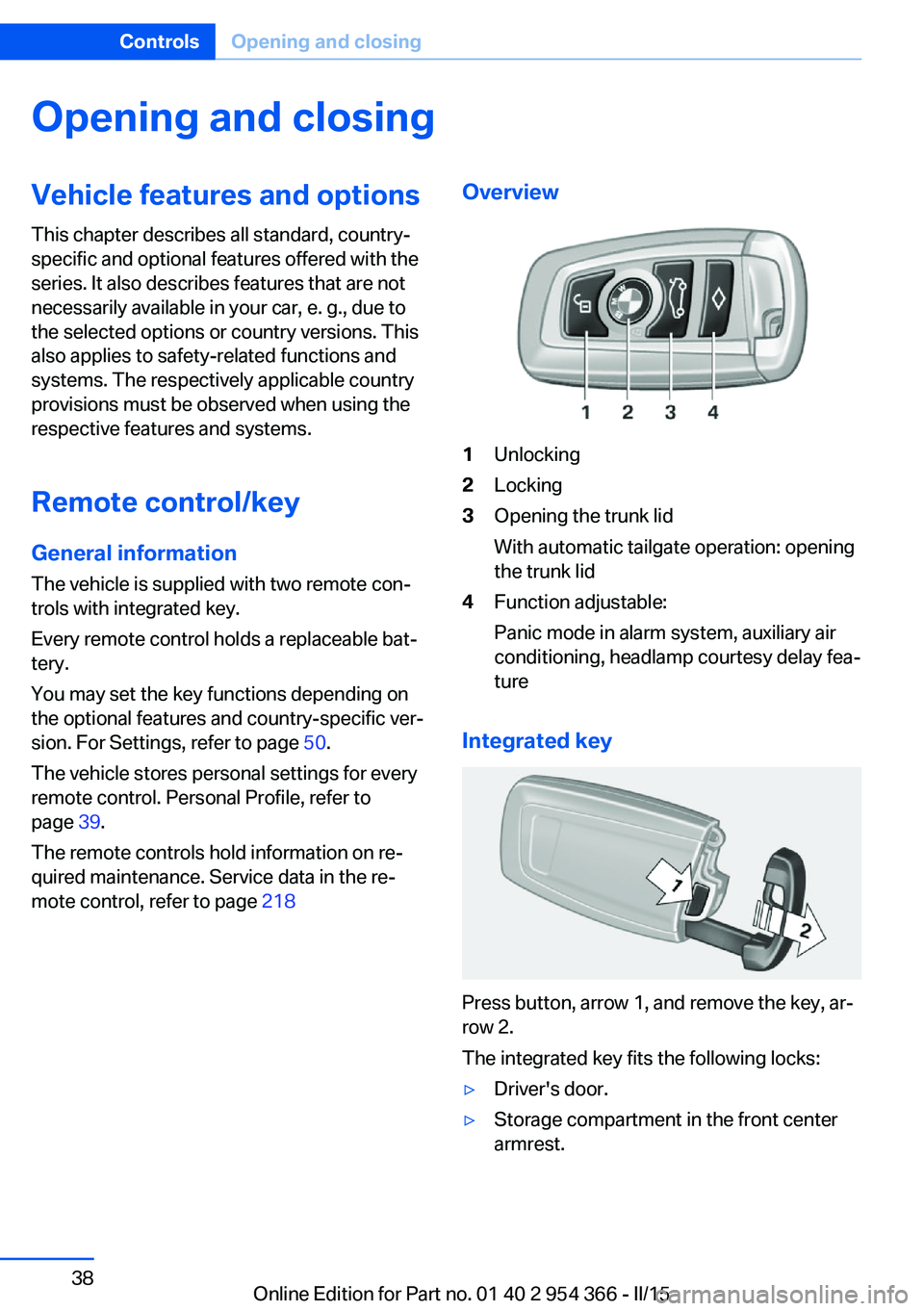
mote control, refer to page 218Overview1Unlocking2Locking3Opening the trunk lid
With automatic tailgate operation: opening
the trunk lid4Function adjustable:
Panic mode in alarm system, auxiliary air
conditioning, headlamp courtesy delay fea‐
ture
Integrated key
Press button, arrow 1, and remove the key, ar‐
row 2.
The integrated key fits the following locks:
▷Driver's door.▷Storage compartment in the front center
armrest.Seite 38ControlsOpening and closing38
Online Edition for Part no. 01 40 2 954 366 - II/15
Page 43 of 257
The storage compartment contains a switch
for separately securing the trunk lid, refer to
page 46.
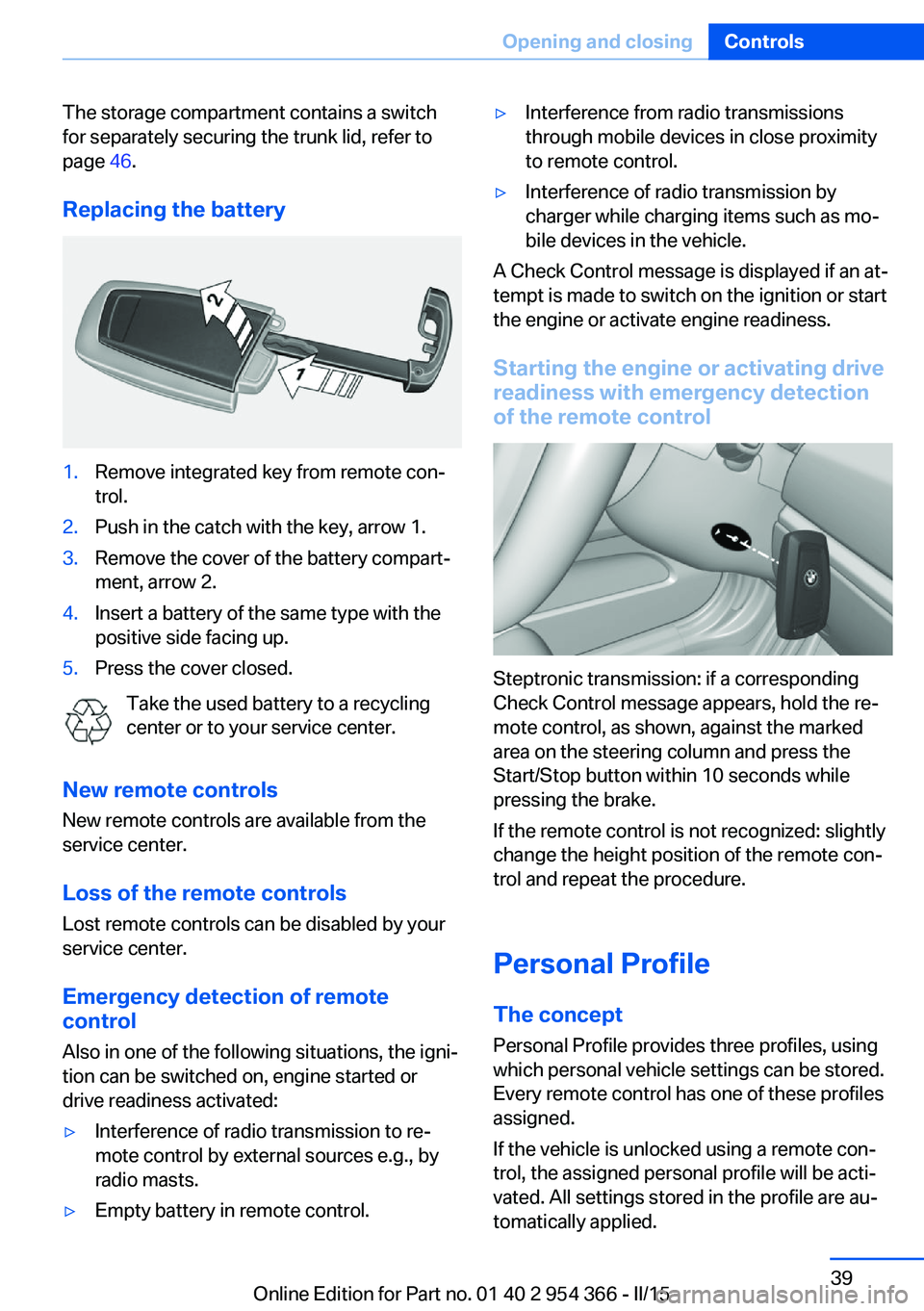
Replacing the battery1.Remove integrated key from remote con‐
trol.2.Push in the catch with the key, arrow 1.3.Remove the cover of the battery compart‐
ment, arrow 2.4.Insert a battery of the same type with the
positive side facing up.5.Press the cover closed.
Take the used battery to a recycling
center or to your service center.
New remote controls New remote controls are available from the
service center.
Loss of the remote controls Lost remote controls can be disabled by your
service center.
Emergency detection of remote
control
Also in one of the following situations, the igni‐
tion can be switched on, engine started or
drive readiness activated:
▷Interference of radio transmission to re‐
mote control by external sources e.g., by
radio masts.▷Empty battery in remote control.▷Interference from radio transmissions
through mobile devices in close proximity
to remote control.▷Interference of radio transmission by
charger while charging items such as mo‐
bile devices in the vehicle.
A Check Control message is displayed if an at‐
tempt is made to switch on the ignition or start
the engine or activate engine readiness.
Starting the engine or activating drive
readiness with emergency detection
of the remote control
Steptronic transmission: if a corresponding
Check Control message appears, hold the re‐
mote control, as shown, against the marked
area on the steering column and press the
Start/Stop button within 10 seconds while
pressing the brake.
If the remote control is not recognized: slightly
change the height position of the remote con‐
trol and repeat the procedure.
Personal Profile
The concept Personal Profile provides three profiles, using
which personal vehicle settings can be stored.
Every remote control has one of these profiles
assigned.
If the vehicle is unlocked using a remote con‐
trol, the assigned personal profile will be acti‐
vated. All settings stored in the profile are au‐
tomatically applied.
Seite 39Opening and closingControls39
Online Edition for Part no. 01 40 2 954 366 - II/15
Page 46 of 257
The windows and the glass sunroof are
opened, as long as the button on the remote
control is pressed.
Locking Locking from the outside
Do not lock the vehicle from the outside
with people inside the car, as the vehicle can‐
not be unlocked from inside without special knowledge.◀
The driver's door must be closed. Press button on the remote control.
All doors, the tailgate, and the fuel filler flap are
being locked.
Anti-theft protection is switched on. It pre‐
vents the doors from being unlocked using the
lock buttons or the door openers.
The alarm system, refer to page 51, is armed.
Switching on interior lights and
courtesy lights
Press button on the remote control with
the vehicle locked.
This function is not available, if the interior
lamps were switched off manually.
If the button is pressed again within 10 sec‐
onds after vehicle was locked, the interior mo‐
tion sensor and tilt alarm sensor of the anti-
theft warning system, refer to page 52, are
turned off. After locking, wait 10 seconds be‐
fore pressing the button again.
Panic mode
You can trigger the alarm system if you find
yourself in a dangerous situation.
Press button on the remote control for
at least 3 seconds.
To reel off the alarm: press any button.Opening the trunk lid Press button on the remote control for
approx. 1 second.
The trunk lid opens, regardless of whether the
vehicle was previously locked or unlocked.
During opening, the trunk lid pivots back and
up. Ensure that adequate clearance is available
before opening.
Depending on the features and the country
version, it is also possible to have door un‐
locked. Create the settings, refer to page 50.
If the doors were not unlocked, the trunk lid is
locked again as soon as it closes.
Do not place the remote control in the
cargo area
Take the remote control with you and do not
leave it in the cargo area; otherwise, the re‐
mote control is locked inside the vehicle when
the trunk lid is closed.◀
Switching on the headlight courtesy
delay feature
The headlight courtesy delay feature function
must be set for the remote control button. For
Settings, refer to page 50.
Briefly press the button on the remote
control.
The duration can be set in the Control Display. Malfunction
Remote control detection by the vehicle can
among others be malfunctioning under the fol‐
lowing circumstances:▷The battery of the remote control is dis‐
charged. Replace the battery, refer to
page 39.▷Interference of the radio connection from
transmission towers or other equipment
with high transmit power.Seite 42ControlsOpening and closing42
Online Edition for Part no. 01 40 2 954 366 - II/15
Page 48 of 257
From the inside
Unlocking and locking
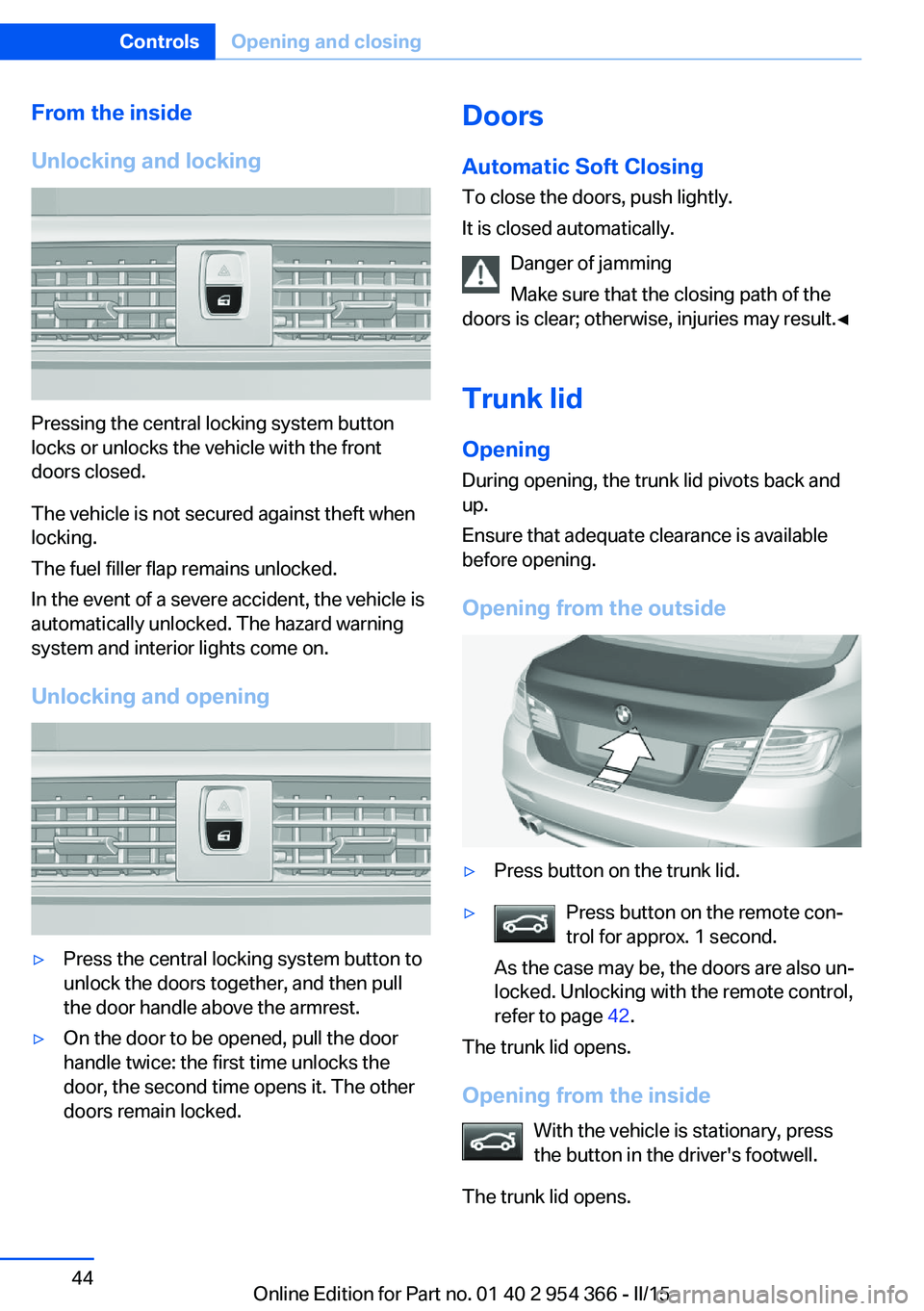
Pressing the central locking system button
locks or unlocks the vehicle with the front
doors closed.
The vehicle is not secured against theft when
locking.
The fuel filler flap remains unlocked.
In the event of a severe accident, the vehicle is
automatically unlocked. The hazard warning
system and interior lights come on.
Unlocking and opening
▷Press the central locking system button to
unlock the doors together, and then pull
the door handle above the armrest.▷On the door to be opened, pull the door
handle twice: the first time unlocks the
door, the second time opens it. The other
doors remain locked.Doors
Automatic Soft Closing
To close the doors, push lightly.
It is closed automatically.
Danger of jamming
Make sure that the closing path of the
doors is clear; otherwise, injuries may result.◀
Trunk lidOpening
During opening, the trunk lid pivots back and
up.
Ensure that adequate clearance is available
before opening.
Opening from the outside▷Press button on the trunk lid.▷Press button on the remote con‐
trol for approx. 1 second.
As the case may be, the doors are also un‐
locked. Unlocking with the remote control,
refer to page 42.
The trunk lid opens.
Opening from the inside With the vehicle is stationary, press
the button in the driver's footwell.
The trunk lid opens.
Seite 44ControlsOpening and closing44
Online Edition for Part no. 01 40 2 954 366 - II/15
Page 49 of 257
Locking and closing
Hints Keep the closing path clear
Make sure that the closing path of the
trunk lid is clear; otherwise, injuries may re‐
sult.◀
Do not place the remote control in the
cargo area
Take the remote control with you and do not
leave it in the cargo area; otherwise, the re‐
mote control is locked inside the vehicle when
the trunk lid is closed.◀
Locking
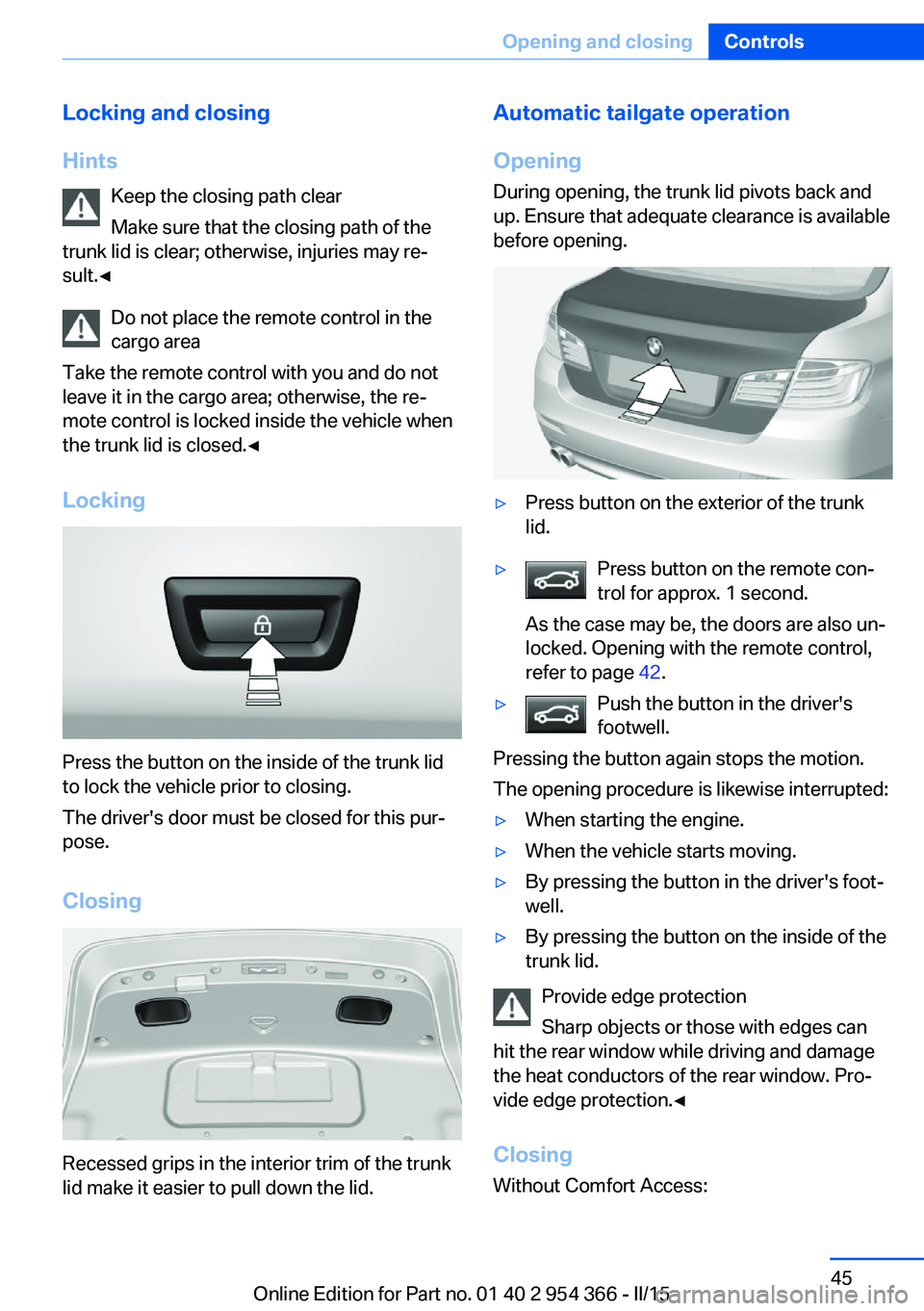
Press the button on the inside of the trunk lid
to lock the vehicle prior to closing.
The driver's door must be closed for this pur‐
pose.
Closing
Recessed grips in the interior trim of the trunk
lid make it easier to pull down the lid.
Automatic tailgate operation
Opening
During opening, the trunk lid pivots back and
up. Ensure that adequate clearance is available
before opening.▷Press button on the exterior of the trunk
lid.▷Press button on the remote con‐
trol for approx. 1 second.
As the case may be, the doors are also un‐
locked. Opening with the remote control,
refer to page 42.▷Push the button in the driver's
footwell.
Pressing the button again stops the motion.
The opening procedure is likewise interrupted:
▷When starting the engine.▷When the vehicle starts moving.▷By pressing the button in the driver's foot‐
well.▷By pressing the button on the inside of the
trunk lid.
Provide edge protection
Sharp objects or those with edges can
hit the rear window while driving and damage
the heat conductors of the rear window. Pro‐
vide edge protection.◀
Closing Without Comfort Access:
Seite 45Opening and closingControls45
Online Edition for Part no. 01 40 2 954 366 - II/15
Page 50 of 257
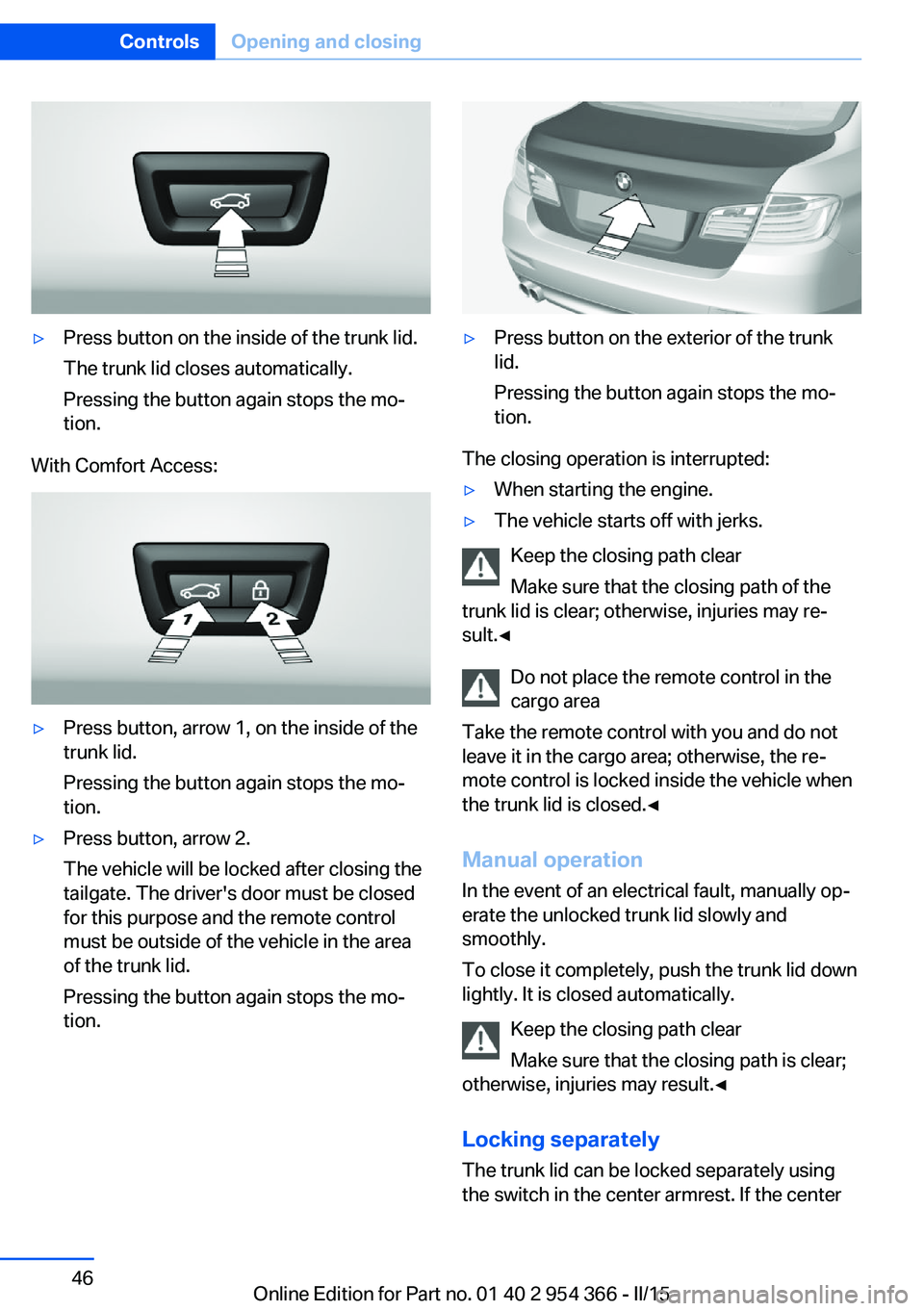
▷Press button on the inside of the trunk lid.
The trunk lid closes automatically.
Pressing the button again stops the mo‐
tion.
With Comfort Access:
▷Press button, arrow 1, on the inside of the
trunk lid.
Pressing the button again stops the mo‐
tion.▷Press button, arrow 2.
The vehicle will be locked after closing the
tailgate. The driver's door must be closed
for this purpose and the remote control
must be outside of the vehicle in the area
of the trunk lid.
Pressing the button again stops the mo‐
tion.▷Press button on the exterior of the trunk
lid.
Pressing the button again stops the mo‐
tion.
The closing operation is interrupted:
▷When starting the engine.▷The vehicle starts off with jerks.
Keep the closing path clear
Make sure that the closing path of the
trunk lid is clear; otherwise, injuries may re‐
sult.◀
Do not place the remote control in the
cargo area
Take the remote control with you and do not
leave it in the cargo area; otherwise, the re‐
mote control is locked inside the vehicle when
the trunk lid is closed.◀
Manual operation In the event of an electrical fault, manually op‐
erate the unlocked trunk lid slowly and
smoothly.
To close it completely, push the trunk lid down
lightly. It is closed automatically.
Keep the closing path clear
Make sure that the closing path is clear;
otherwise, injuries may result.◀
Locking separatelyThe trunk lid can be locked separately using
the switch in the center armrest. If the center
Seite 46ControlsOpening and closing46
Online Edition for Part no. 01 40 2 954 366 - II/15
Page 51 of 257
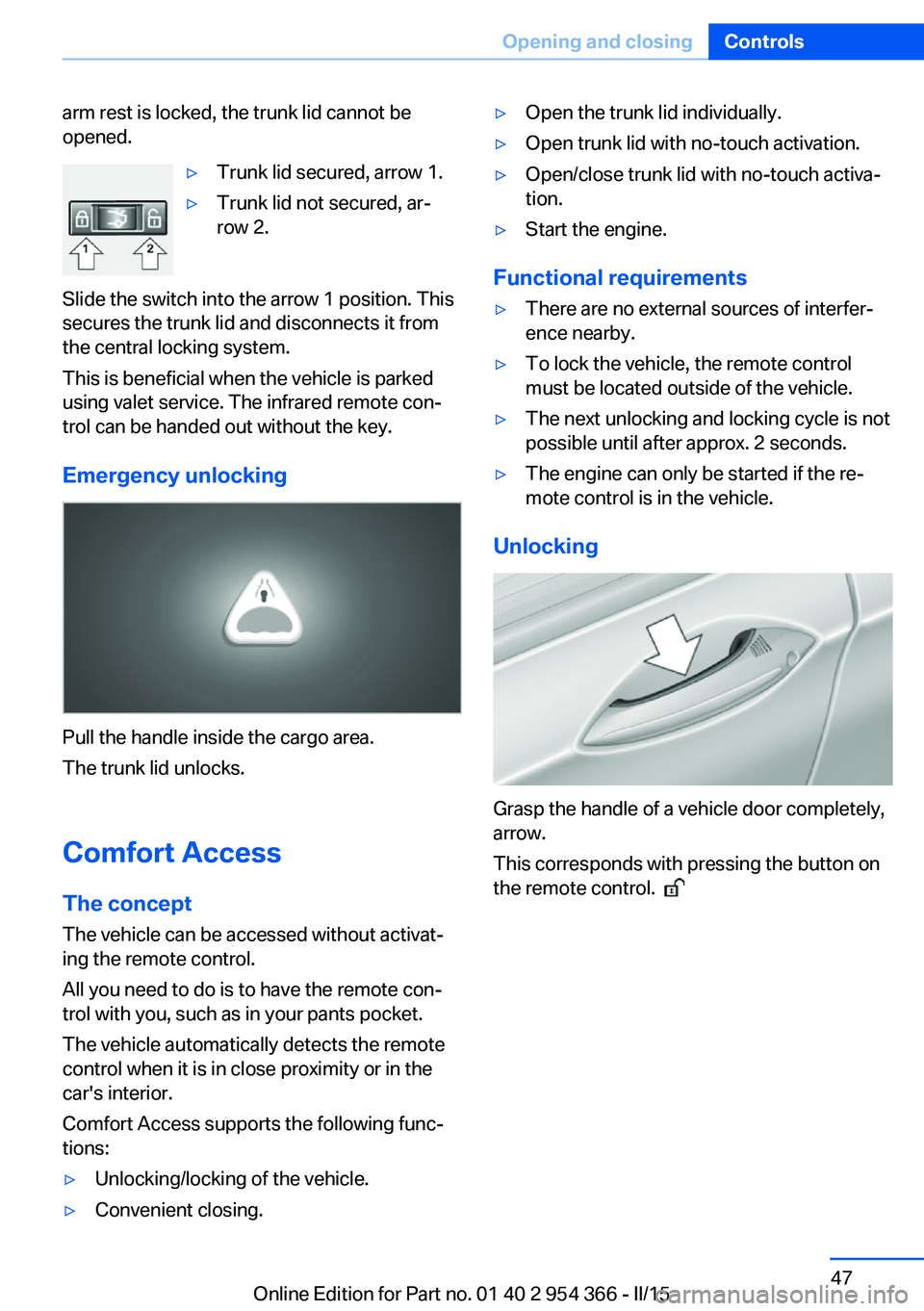
arm rest is locked, the trunk lid cannot be
opened.▷Trunk lid secured, arrow 1.▷Trunk lid not secured, ar‐
row 2.
Slide the switch into the arrow 1 position. This
secures the trunk lid and disconnects it from
the central locking system.
This is beneficial when the vehicle is parked
using valet service. The infrared remote con‐
trol can be handed out without the key.
Emergency unlocking
Pull the handle inside the cargo area.
The trunk lid unlocks.
Comfort Access
The concept The vehicle can be accessed without activat‐
ing the remote control.
All you need to do is to have the remote con‐ trol with you, such as in your pants pocket.
The vehicle automatically detects the remote
control when it is in close proximity or in the
car's interior.
Comfort Access supports the following func‐
tions:
▷Unlocking/locking of the vehicle.▷Convenient closing.▷Open the trunk lid individually.▷Open trunk lid with no-touch activation.▷Open/close trunk lid with no-touch activa‐
tion.▷Start the engine.
Functional requirements
▷There are no external sources of interfer‐
ence nearby.▷To lock the vehicle, the remote control
must be located outside of the vehicle.▷The next unlocking and locking cycle is not
possible until after approx. 2 seconds.▷The engine can only be started if the re‐
mote control is in the vehicle.
Unlocking
Grasp the handle of a vehicle door completely,
arrow.
This corresponds with pressing the button on
the remote control.
Seite 47Opening and closingControls47
Online Edition for Part no. 01 40 2 954 366 - II/15
Page 52 of 257
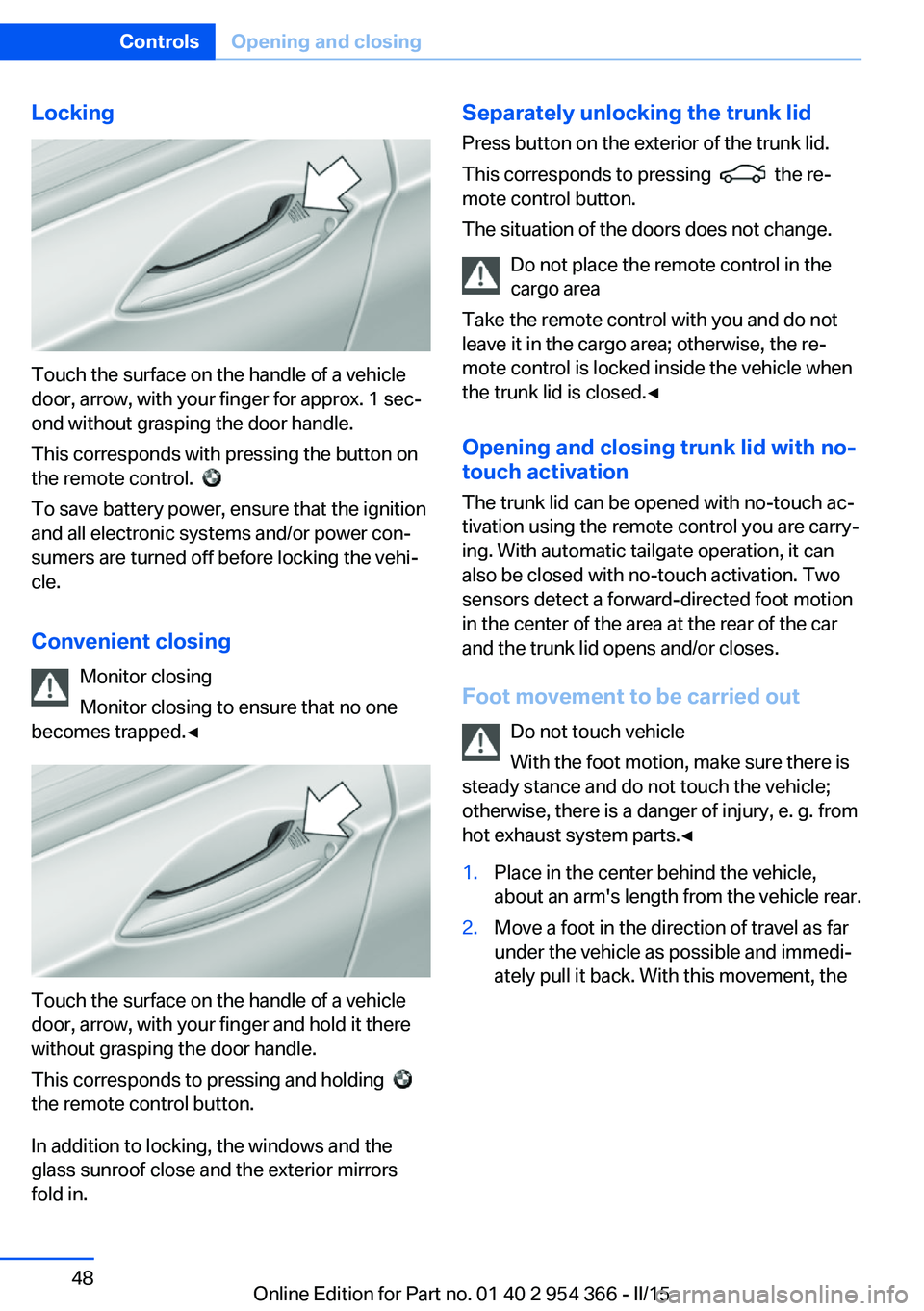
Locking
Touch the surface on the handle of a vehicle
door, arrow, with your finger for approx. 1 sec‐
ond without grasping the door handle.
This corresponds with pressing the button on
the remote control.
To save battery power, ensure that the ignition
and all electronic systems and/or power con‐
sumers are turned off before locking the vehi‐
cle.
Convenient closing Monitor closing
Monitor closing to ensure that no one
becomes trapped.◀
Touch the surface on the handle of a vehicle
door, arrow, with your finger and hold it there
without grasping the door handle.
This corresponds to pressing and holding
the remote control button.
In addition to locking, the windows and the
glass sunroof close and the exterior mirrors
fold in.
Separately unlocking the trunk lid
Press button on the exterior of the trunk lid.
This corresponds to pressing
the re‐
mote control button.
The situation of the doors does not change.
Do not place the remote control in the
cargo area
Take the remote control with you and do not
leave it in the cargo area; otherwise, the re‐
mote control is locked inside the vehicle when
the trunk lid is closed.◀
Opening and closing trunk lid with no-
touch activation
The trunk lid can be opened with no-touch ac‐
tivation using the remote control you are carry‐
ing. With automatic tailgate operation, it can also be closed with no-touch activation. Two
sensors detect a forward-directed foot motion
in the center of the area at the rear of the car
and the trunk lid opens and/or closes.
Foot movement to be carried out Do not touch vehicle
With the foot motion, make sure there is
steady stance and do not touch the vehicle;
otherwise, there is a danger of injury, e. g. from
hot exhaust system parts.◀
1.Place in the center behind the vehicle,
about an arm's length from the vehicle rear.2.Move a foot in the direction of travel as far
under the vehicle as possible and immedi‐
ately pull it back. With this movement, theSeite 48ControlsOpening and closing48
Online Edition for Part no. 01 40 2 954 366 - II/15