stop start BMW 525I 2004 User Guide
[x] Cancel search | Manufacturer: BMW, Model Year: 2004, Model line: 525I, Model: BMW 525I 2004Pages: 220, PDF Size: 7.12 MB
Page 129 of 220
Navigation
Driving tips
127Reference
At a glance
Controls
Communications
Entertainment
Mobility
What to do if É
What to do if É
>you request the current position of your
vehicle, but do not receive a precise
display?
The system is unable to receive enough
GPS signals at your current position
owing to obstructions, your position is
not yet available on your navigation CD/
DVD, or the system is in the process of
calculating your position. As a rule, por-
table communications GSM / GPS
reception is guaranteed under a clear
sky
>the destination guidance does not
adopt a destination?
The data of the destination is not stored
on the navigation CD/DVD that is
loaded. Select a destination that is as
close as possible to the original
>the destination guidance does not
adopt an address without the street
name?
On the navigation CD/DVD, no down-
town area can be determined for the
city or town entered. Enter any street,
or a destination such as the railway sta-
tion etc., then start the destination guid-
ance
>you want to enter a destination for the
destination guidance system, but it is
not possible to select the letters for
your desired entry?
The destination data is not recorded on
the navigation CD/DVD that is loaded.
In this case, the system will not offer
you any letters to choose from. Select a
destination that is as close as possible
to the original
>the system stops furnishing directions
on which way to turn as you approach
intersections?
You are driving in an area that has not
yet been completely recorded on the
navigation CD/DVD. Instead of an arrow
indicating a turn, you will see an arrow
which indicates the general direction of your planned route. Or you have left the
recommended route and the system
requires a few seconds to calculate a
new recommended route
>the battery has been disconnected?
It will take approx. 15 minutes for the
system to resume operation.
Page 138 of 220
Radio
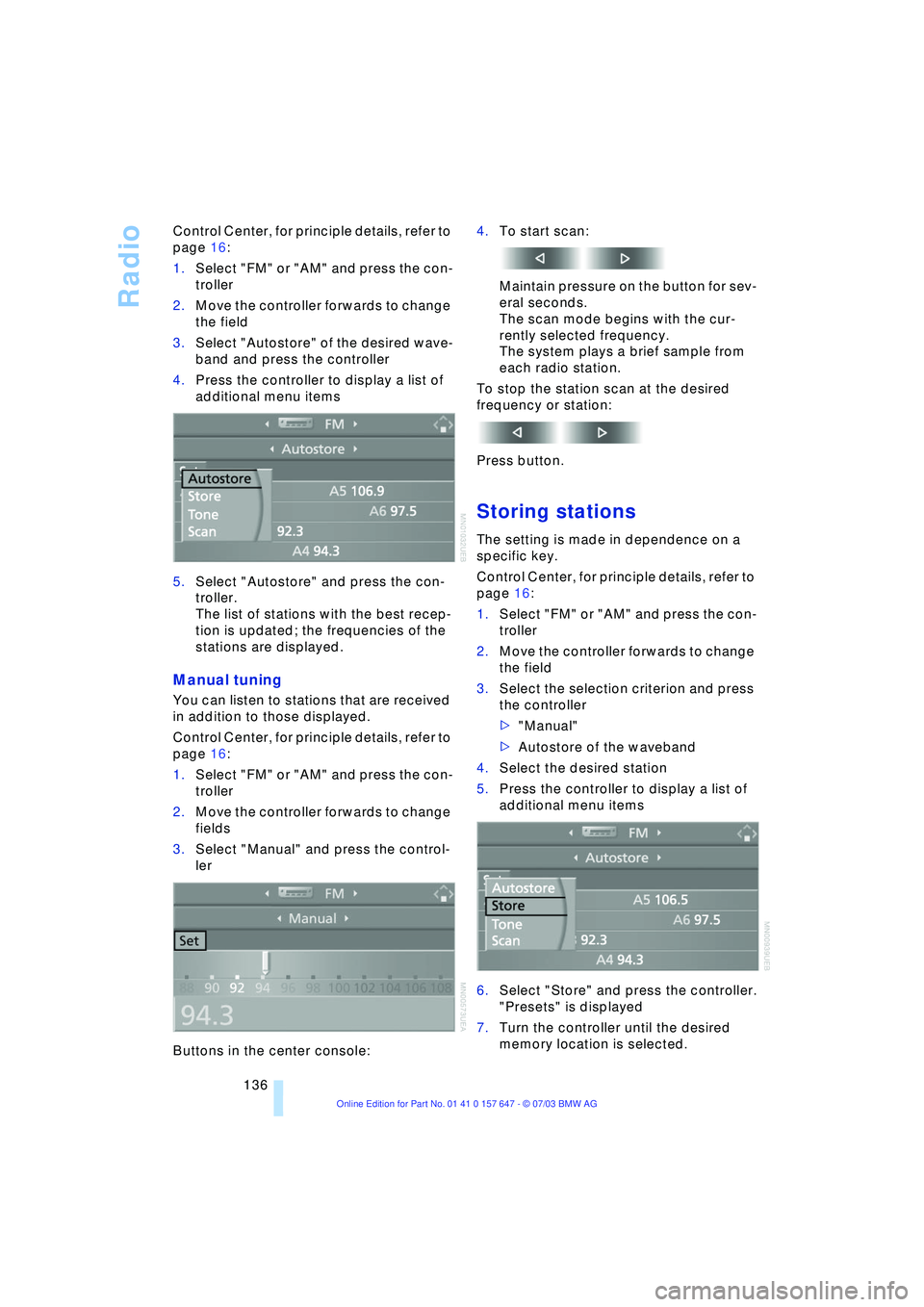
136 Control Center, for principle details, refer to
page 16:
1.Select "FM" or "AM" and press the con-
troller
2.Move the controller forwards to change
the field
3.Select "Autostore" of the desired wave-
band and press the controller
4.Press the controller to display a list of
additional menu items
5.Select "Autostore" and press the con-
troller.
The list of stations with the best recep-
tion is updated; the frequencies of the
stations are displayed.
Manual tuning
You can listen to stations that are received
in addition to those displayed.
Control Center, for principle details, refer to
page 16:
1.Select "FM" or "AM" and press the con-
troller
2.Move the controller forwards to change
fields
3.Select "Manual" and press the control-
ler
Buttons in the center console:4.To start scan:
Maintain pressure on the button for sev-
eral seconds.
The scan mode begins with the cur-
rently selected frequency.
The system plays a brief sample from
each radio station.
To stop the station scan at the desired
frequency or station:
Press button.
Storing stations
The setting is made in dependence on a
specific key.
Control Center, for principle details, refer to
page 16:
1.Select "FM" or "AM" and press the con-
troller
2.Move the controller forwards to change
the field
3.Select the selection criterion and press
the controller
>"Manual"
>Autostore of the waveband
4.Select the desired station
5.Press the controller to display a list of
additional menu items
6.Select "Store" and press the controller.
"Presets" is displayed
7.Turn the controller until the desired
memory location is selected.
Page 210 of 220
Everything from A to Z
208 Heating 90
Ð mirrors 43
Ð steering wheel 44
Heating while stopped 92
Heavy cargo, refer to
Stowing cargo 109
Height, refer to
Dimensions 199
Height adjustment
Ð head restraints 39
Ð seats 37
Ð steering wheel 43
High beams 88
Ð headlight flasher 88
Ð indicator lamp 13
Ð replacing the bulbs 185
Hills 107
Holder for beverages 99
"Horn" 44
Horn 10
"Hour memo" 75
"House number" for
destination entry 117
Hydraulic brake assistant,
refer to DBC 79
Hydroplaning 106, 174
I
Ice warning 65
iDrive, refer to Control
Center 16
Ignition key 26
Ignition key positions, refer
to Ignition lock 49
Ignition lock 49
Independent ventilation
Ð switching on and off
directly 94
Independent ventilation/
heating
Ð entering switch-on
times 95
Ð preselecting switch-on
times 95Indicator/warning lamp
Ð active steering 82
Ð airbags 84
Ð Flat Tire Monitor 81
Ð front fog lamps 11
Ð overview 13
Ð safety belt warning 40
Individual air distribution 93
Individual button
assignment options on
steering wheel 44
Individual settings, refer to
Key Memory 26
Inflation pressure, refer to
Tire inflation
pressure 170
"Information" for
navigation 118
Information for navigation
Ð on a different city 118
Ð on city of destination 118
Ð on current position 118
"Information on
destination" 119
"Input map" 118
Installation location
Ð CD changer 144
Ð navigation computer 114
Ð portable phone 151
Instructions for navigation
system, refer to Voice
instructions 124
Instrument cluster 12
Instrument combination,
refer to Instrument
cluster 12
Instrument lighting 88
Instrument panel, refer to
Instrument cluster 10
Integrated universal remote
control 96
Interesting destination 118
"Interim time" 73
Interior lamps 89
Ð remote control 28
Interior mirror, refer to
Interior rearview mirror 43
Interior motion sensor 33
Ð switching off 28Interior rearview mirror 43
Ð automatic dimming
feature 43
Interlock, refer to Steering
locked 49
Intermittent mode of the
wipers 57
J
Jacking points 188
Joystick, refer to Control
Center 16
Jump-starting 192
K
Key Memory 26
"Keypad" 156
Keys 26
Key set, refer Central keys
with remote control 26
Kickdown 55
Knock control 169
L
Lamps and bulbs 184
"Languages" 74
"Languages" for
navigation 124
Lashing eyes, refer to
Securing the load 109
"Last seat position" 38
LATCH child-restraint
fixing 47
LEDs light-emitting
diodes 89
Length, refer to
Dimensions 199
Letter symbol on portable
phone 156
License plate light
Ð replacing the bulbs 186
Light-emitting diodes
LEDs 89
Lighter 100
Ð socket 100
"Lighting" 56, 87
Page 213 of 220
Reference 211
At a glance
Controls
Driving tips
Communications
Navigation
Entertainment
Mobility
Pathway lighting 87
"PDC" 77
PDC Park Distance
Control 76
"Phone" 152
Phone book 152
Phone numbers
Ð deleting in the phone
book 155
Ð dialing 153
Ð most recent numbers 154
Ð selecting in the phone
book 154
Ð Top-8 154
Please fasten safety belt
warning lamp 41
Portable phone
Ð accepted calls 154
Ð adjusting volume 152
Ð calling 153
Ð call termination 154
Ð controlling with the
buttons on the steering
wheel 11
Ð entering unlock code 152
Ð hands-free system 151
Ð installation location, refer
to Center armrest 98
Ð missed calls 154
Ð phone book 154
Ð redialing 154
Ð refer to separate Owner's
Manual
Ð SMS 156
Ð Top-8 154
Ð touch tone redialing 156
Portable phone, refer to
separate Owner's Manual
Portable phone battery 151
Portable phone codes 152
Portable phone in
vehicle 108
Portable phones, use in the
interior, refer to Mobile
communications in the
vehicle 108
Position
Ð displaying 115
"Presets" on the
radio 134, 138
Pressure, tires 170Pressure monitoring,
tires 80
"Profile" 165
Programming button
function 44
Programming buttons on
steering wheel 44
R
Radio
Ð adjusting the tone 131
Ð autostore 135
Ð controls 130
Ð play station 135
Ð satellite radio 138
Ð selecting the
waveband 130, 134
Ð station search 136
Ð station selection 134
Ð station with the best
reception 135
Ð store station 136
Ð switching on/off 130
Ð volume 131
Ð Weather Band 137
Radio-control key, refer to
Central key with remote
control 26
Rain sensor 57
"RandomÒ, random
sequence
generator 142, 146
Random play
Ð CD changer 146
Ð CD player 142
Reading lamps 89
Rear armrest 101
Rear center armrest 101
Rear head restraints 40
Rear lamps
Ð replacing the bulbs 186
Rear seat back, folding 101
Rear seats
Ð folding backrests 101
Ð head restraint
adjustment 40
Ð heating 41
Rear ventilation 94
Rearview mirror 42Rear window blind, refer to
Roller sun blinds 97
Rear window safety
switch 34
"Received calls" 155
Receiving level of portable
phone, refer to Status
information 18
Recent destinations 119
Recent portable phone
numbers 154
Reception
Ð quality 137
Ð radio stations 137
Ð regional
program 135
Recirculated air 91
Reclining seat, refer to
Backrest 37
Recording times, refer to
Stopwatch 73
"Redial" for portable
phone 155
Redialing with portable
phone 154
Refueling 168
"Relock door if not
opened" 30
Remaining distance 71
Remote control 26
Ð garage-door opener 96
Ð luggage compartment
lid 28
Ð malfunctions 29
"Repeat" on the
radio 142, 145
Replacement fuses 189
Replacement keys 29
Replacement of
wheels 174
Replacing bulbs, refer to
Lamps and bulbs 184
Replacing wheels/tires 174
Reporting an accident,
refer to Starting an
emergency call 190
Reporting safety defects 7
Reserve warning, refer to
Fuel gauge 66
"Reset" for stopwatch 73
Residual heat 92
Page 215 of 220
Reference 213
At a glance
Controls
Driving tips
Communications
Navigation
Entertainment
Mobility
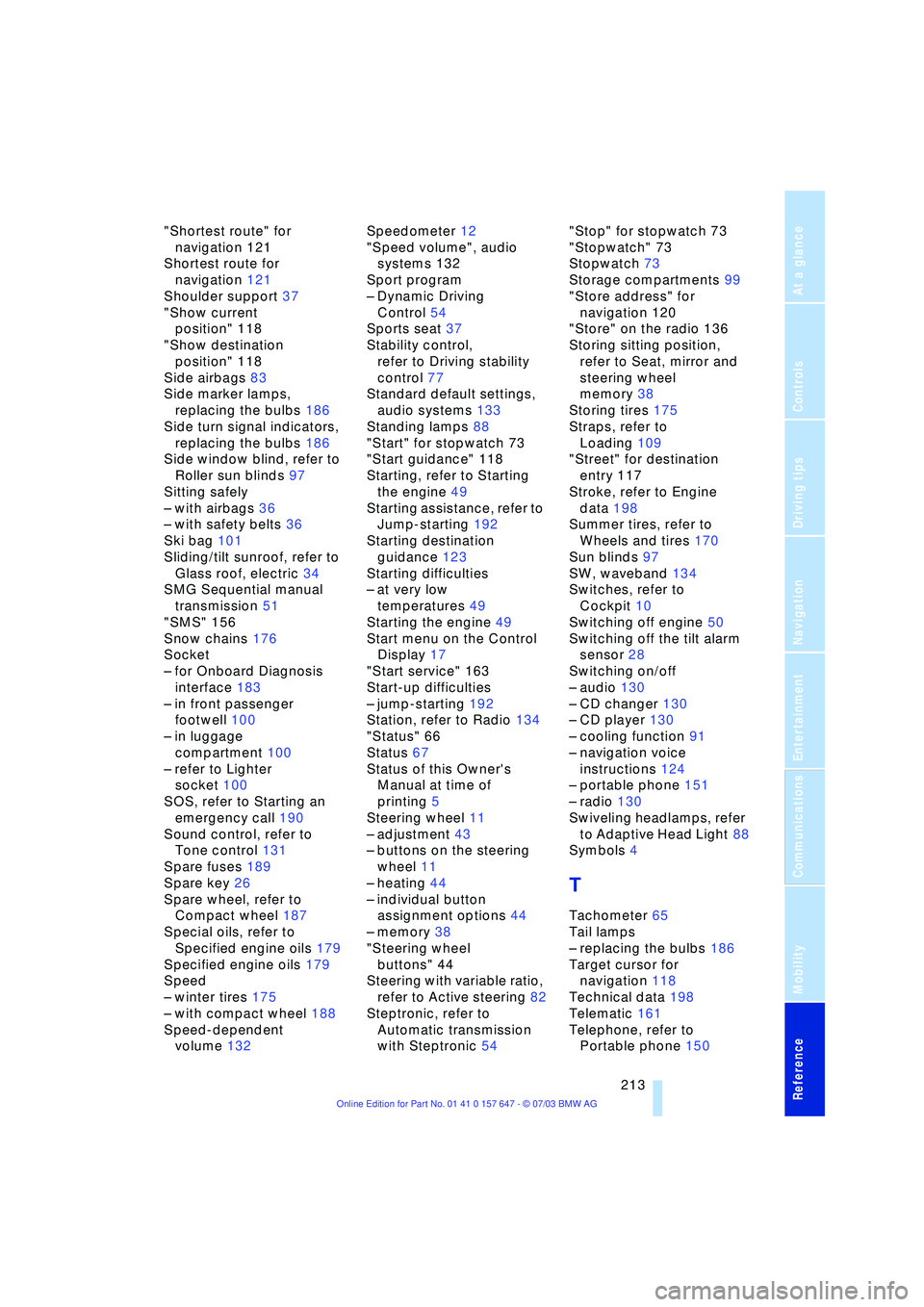
"Shortest route" for
navigation 121
Shortest route for
navigation 121
Shoulder support 37
"Show current
position" 118
"Show destination
position" 118
Side airbags 83
Side marker lamps,
replacing the bulbs 186
Side turn signal indicators,
replacing the bulbs 186
Side window blind, refer to
Roller sun blinds 97
Sitting safely
Ð with airbags 36
Ð with safety belts 36
Ski bag 101
Sliding/tilt sunroof, refer to
Glass roof, electric 34
SMG Sequential manual
transmission 51
"SMS" 156
Snow chains 176
Socket
Ð for Onboard Diagnosis
interface 183
Ð in front passenger
footwell 100
Ð in luggage
compartment 100
Ð refer to Lighter
socket 100
SOS, refer to Starting an
emergency call 190
Sound control, refer to
Tone control 131
Spare fuses 189
Spare key 26
Spare wheel, refer to
Compact wheel 187
Special oils, refer to
Specified engine oils 179
Specified engine oils 179
Speed
Ð winter tires 175
Ð with compact wheel 188
Speed-dependent
volume 132Speedometer 12
"Speed volume", audio
systems 132
Sport program
Ð Dynamic Driving
Control 54
Sports seat 37
Stability control,
refer to Driving stability
control 77
Standard default settings,
audio systems 133
Standing lamps 88
"Start" for stopwatch 73
"Start guidance" 118
Starting, refer to Starting
the engine 49
Starting assistance, refer to
Jump-starting 192
Starting destination
guidance 123
Starting difficulties
Ð at very low
temperatures 49
Starting the engine 49
Start menu on the Control
Display 17
"Start service" 163
Start-up difficulties
Ð jump-starting 192
Station, refer to Radio 134
"Status" 66
Status 67
Status of this Owner's
Manual at time of
printing 5
Steering wheel 11
Ð adjustment 43
Ð buttons on the steering
wheel 11
Ð heating 44
Ð individual button
assignment options 44
Ð memory 38
"Steering wheel
buttons" 44
Steering with variable ratio,
refer to Active steering 82
Steptronic, refer to
Automatic transmission
with Steptronic 54"Stop" for stopwatch 73
"Stopwatch" 73
Stopwatch 73
Storage compartments 99
"Store address" for
navigation 120
"Store" on the radio 136
Storing sitting position,
refer to Seat, mirror and
steering wheel
memory 38
Storing tires 175
Straps, refer to
Loading 109
"Street" for destination
entry 117
Stroke, refer to Engine
data 198
Summer tires, refer to
Wheels and tires 170
Sun blinds 97
SW, waveband 134
Switches, refer to
Cockpit 10
Switching off engine 50
Switching off the tilt alarm
sensor 28
Switching on/off
Ð audio 130
Ð CD changer 130
Ð CD player 130
Ð cooling function 91
Ð navigation voice
instructions 124
Ð portable phone 151
Ð radio 130
Swiveling headlamps, refer
to Adaptive Head Light 88
Symbols 4
T
Tachometer 65
Tail lamps
Ð replacing the bulbs 186
Target cursor for
navigation 118
Technical data 198
Telematic 161
Telephone, refer to
Portable phone 150